

The newest viral effects
I Love The Smiths AI Trend
Turn your photo into the trends everyone is making, no prompt needed. Want full control? Create with the top AI image and video models right below.
Candy cane portraits, Santa in your living room, your elf doll on video: this year's Christmas AI trends, from one photo.
A Christmas portrait from one selfie, your face unchanged
Try itSanta's visit, filmed in your own room
Try it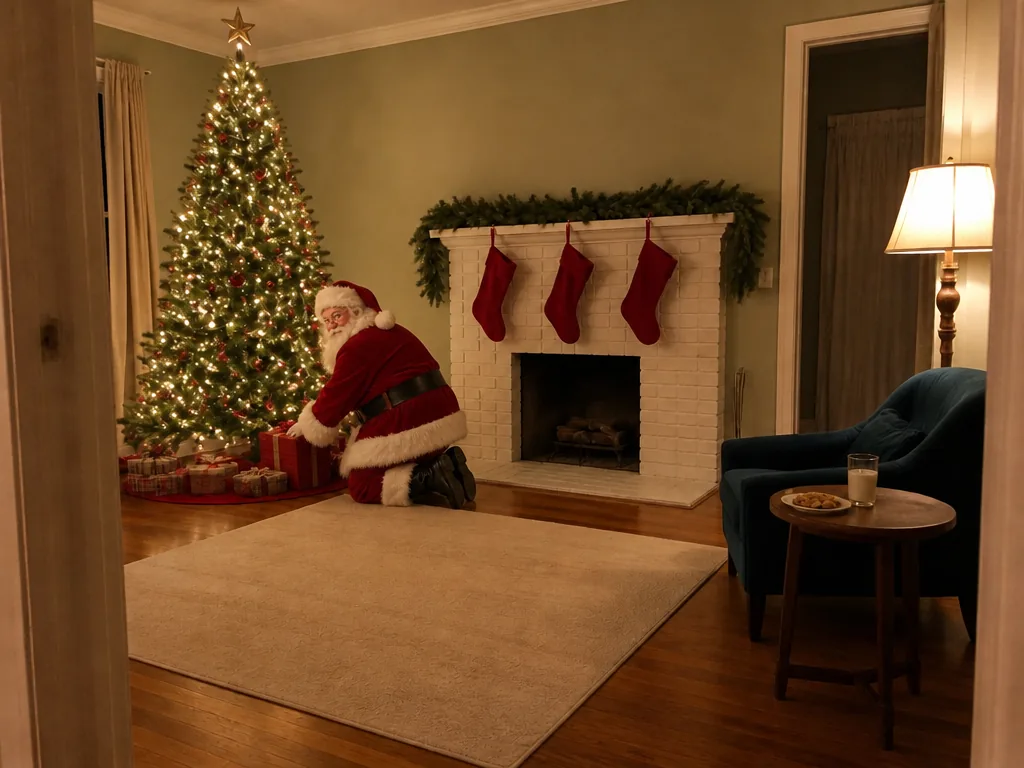
Santa in your own room, porch or family photo
Try itYour elf doll comes alive on video
Try it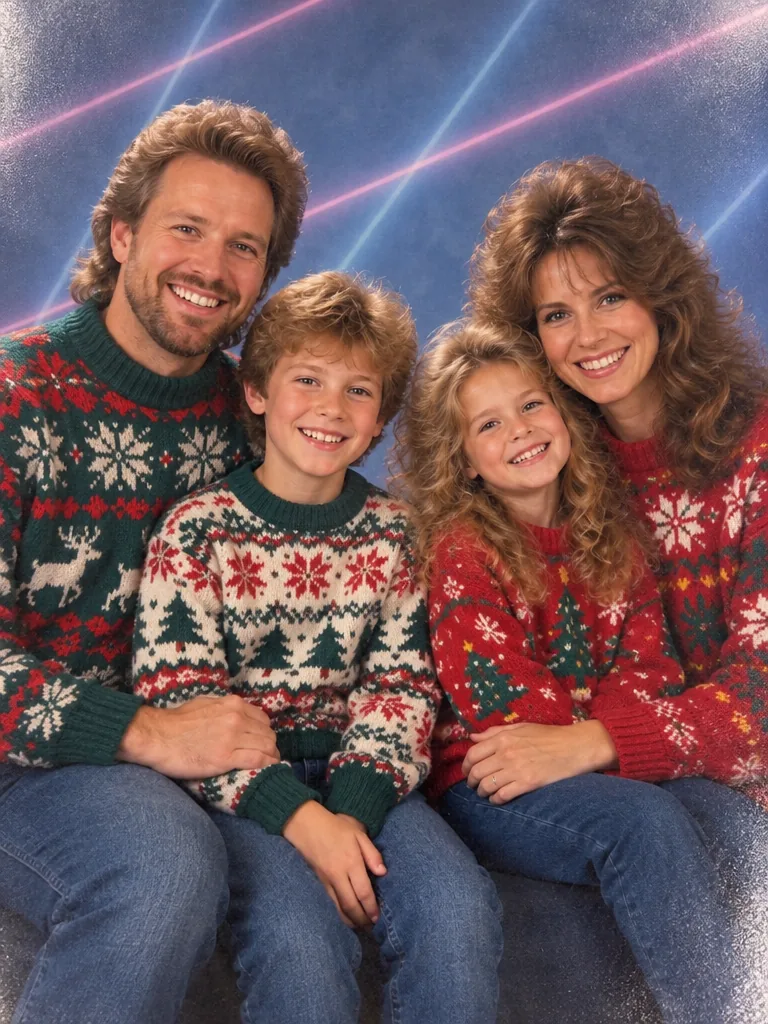
A Christmas photo that looks shot in the 80s
Try itWatch yourself turn into Santa or an elf
Try it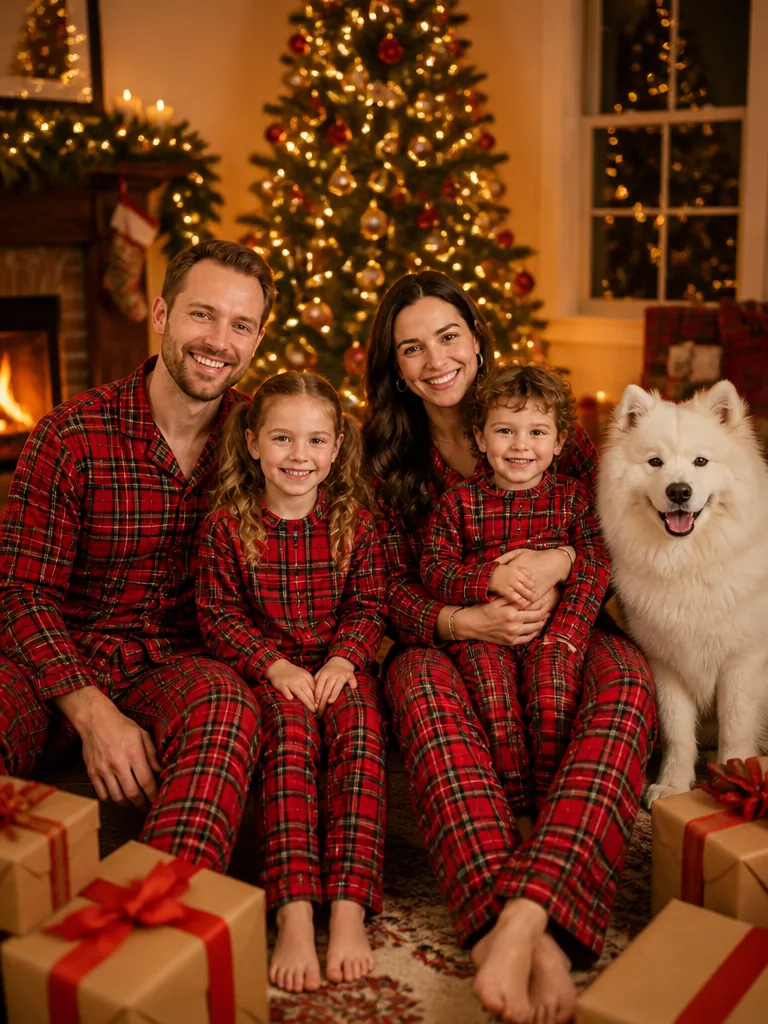
Your group photo, dressed for Christmas
Try itDance as an elf with your own face
Try it
A hat, antlers or elf ears on every head
Try it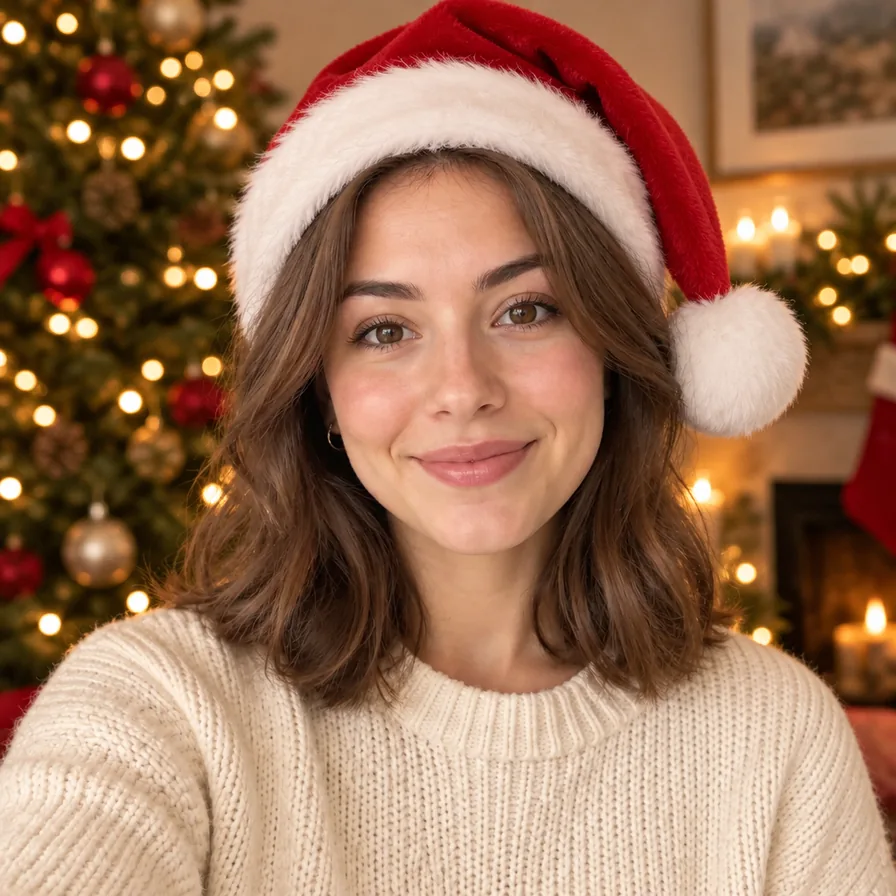
A festive avatar that survives the crop.
Try it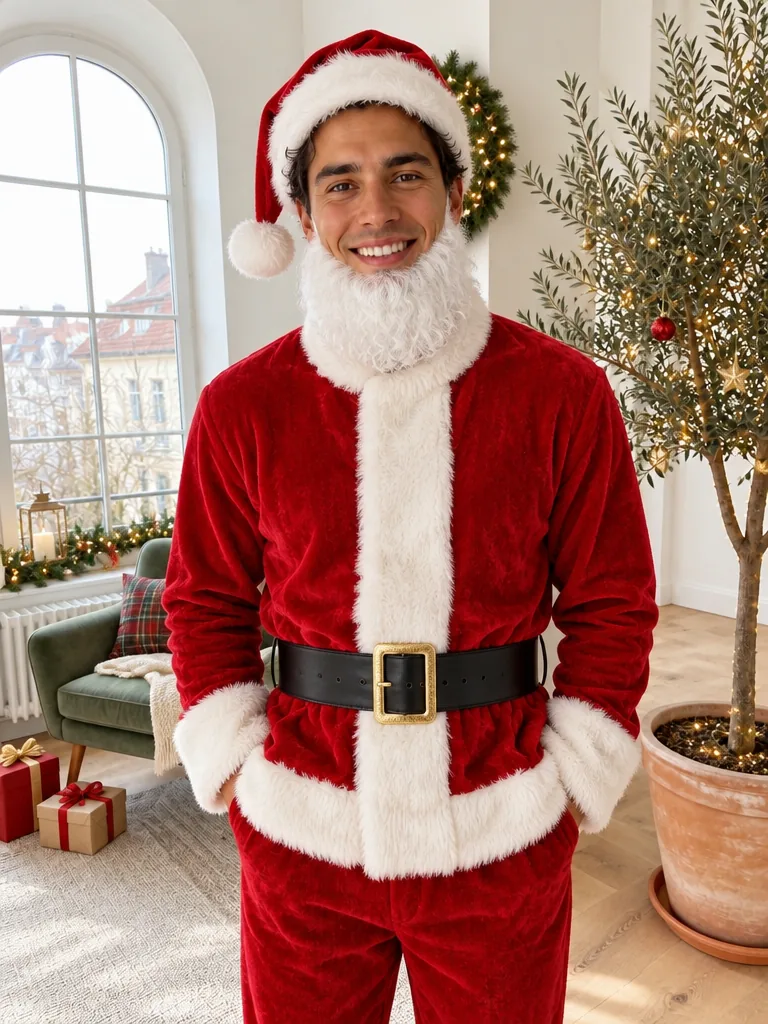
Be Santa, an elf or a snowman in one photo
Try it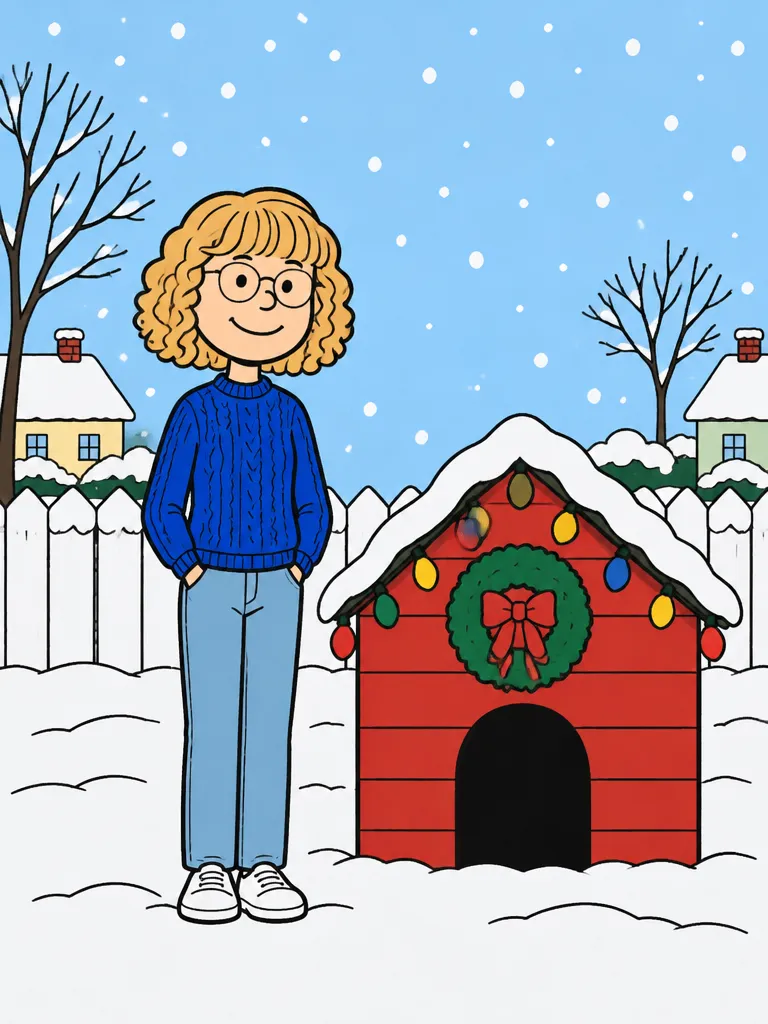
You as a 1960s Christmas cartoon
Try it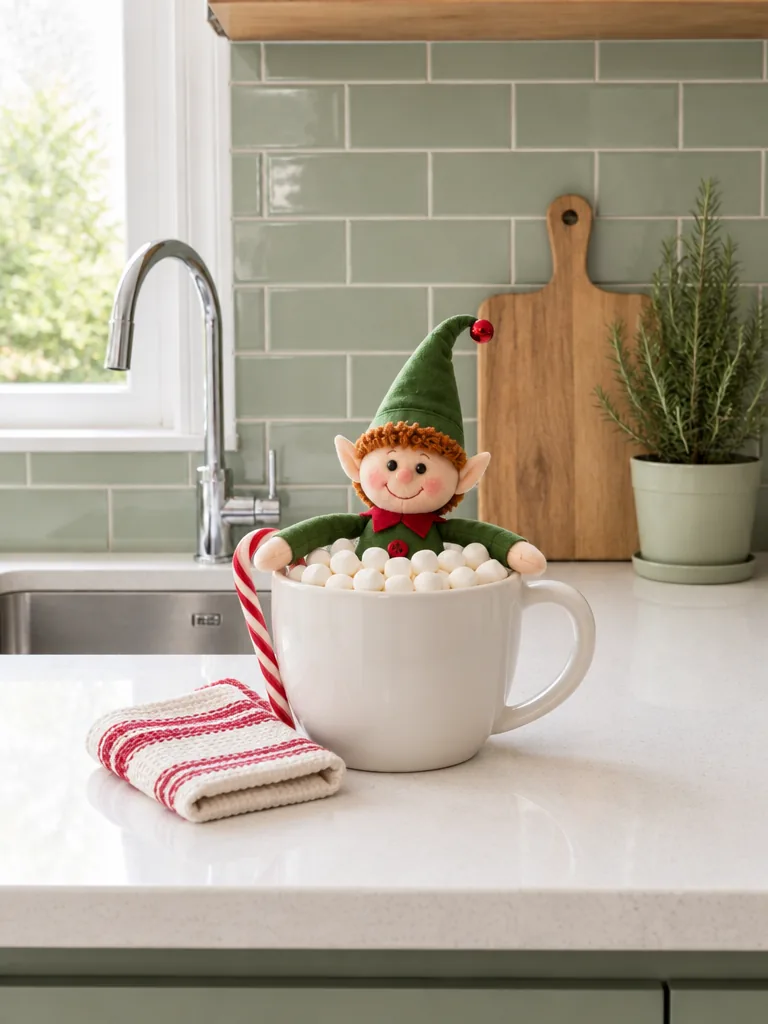
Your elf doll in tonight's prank scene, from one photo
Try it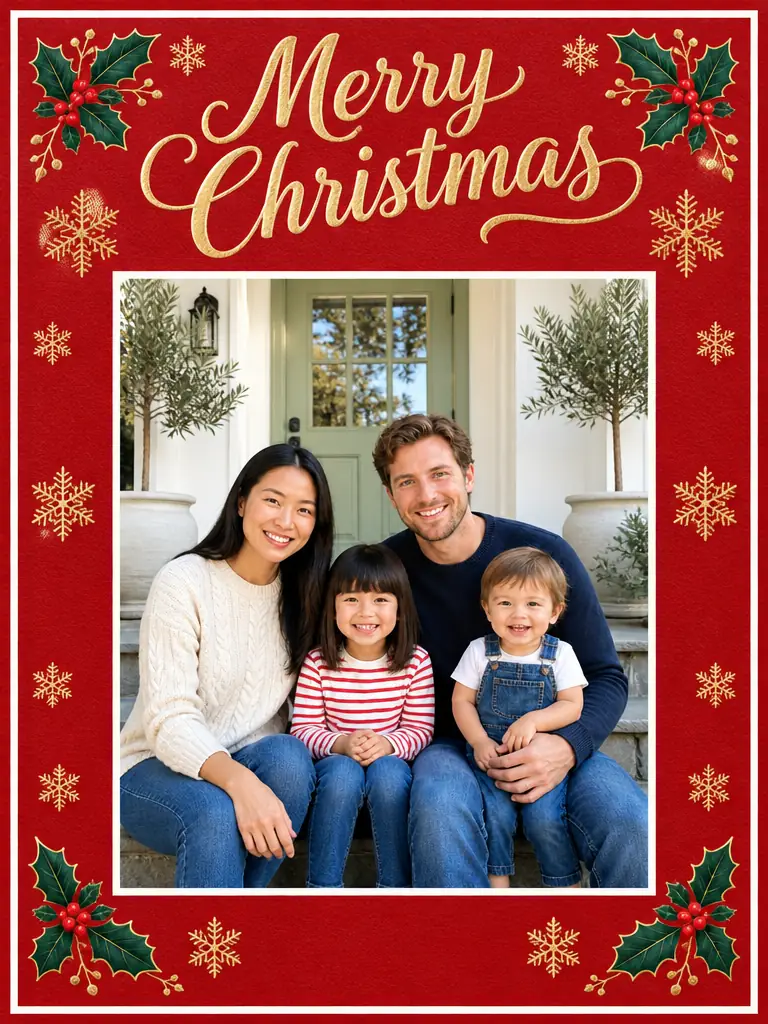
Turn your photo into a Christmas card
Try it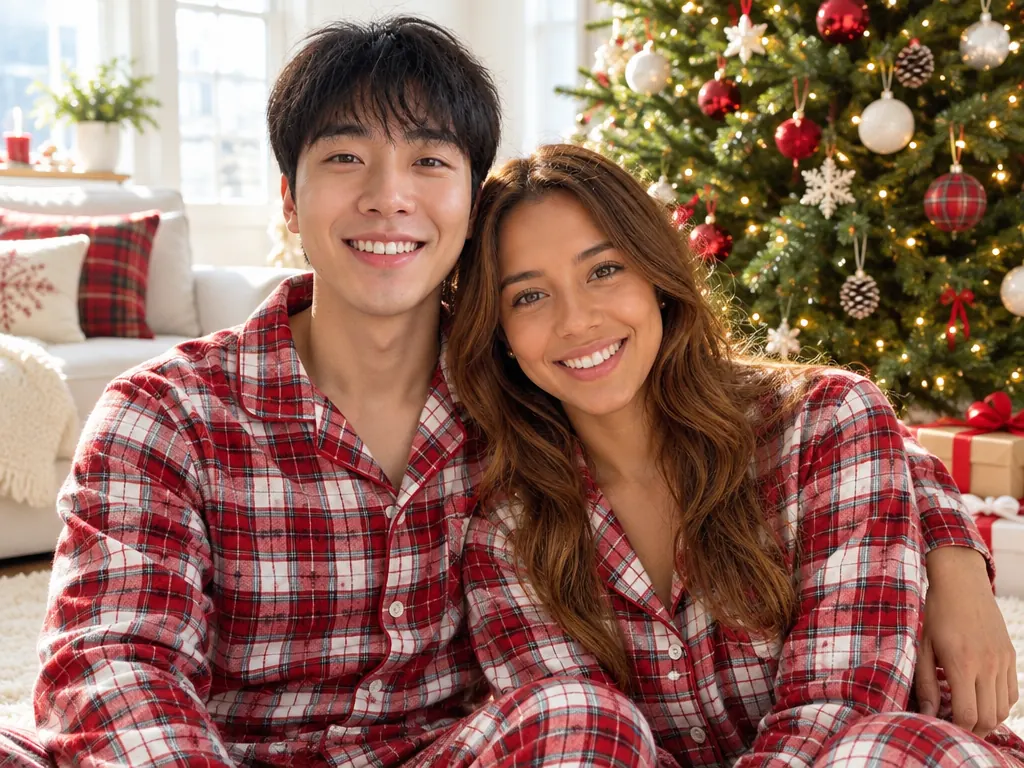
Two solo photos become one Christmas couple shot
Try it
Your dog or cat in a Christmas outfit or scene
Try it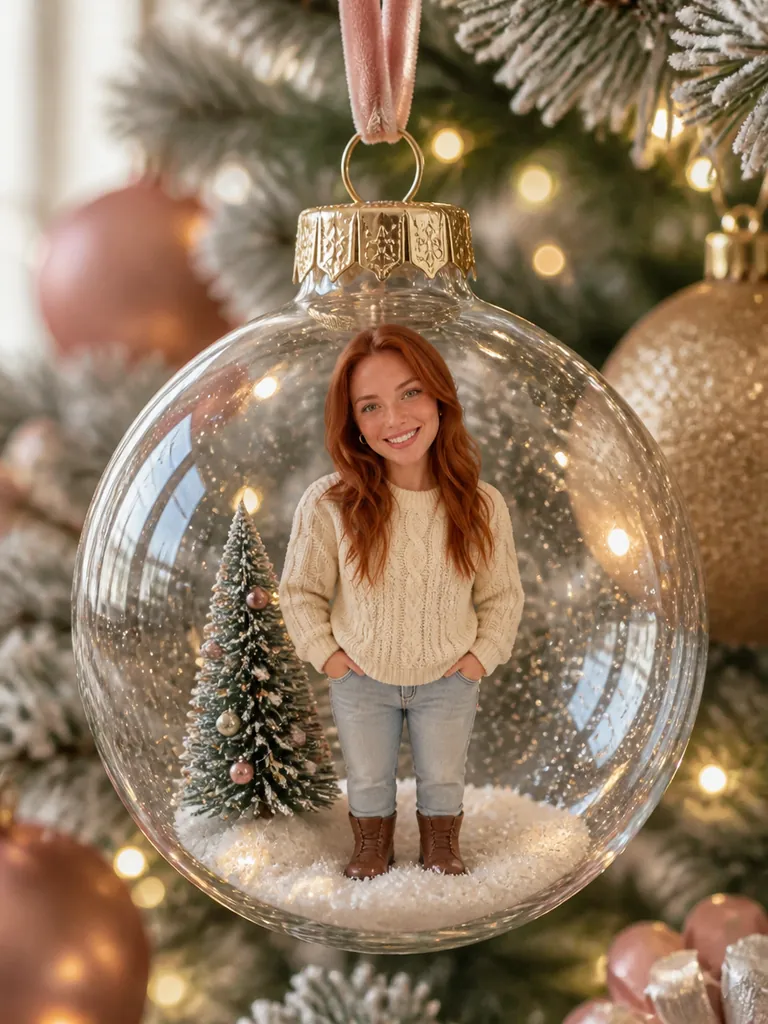
You or your pet as an ornament on the tree
Try it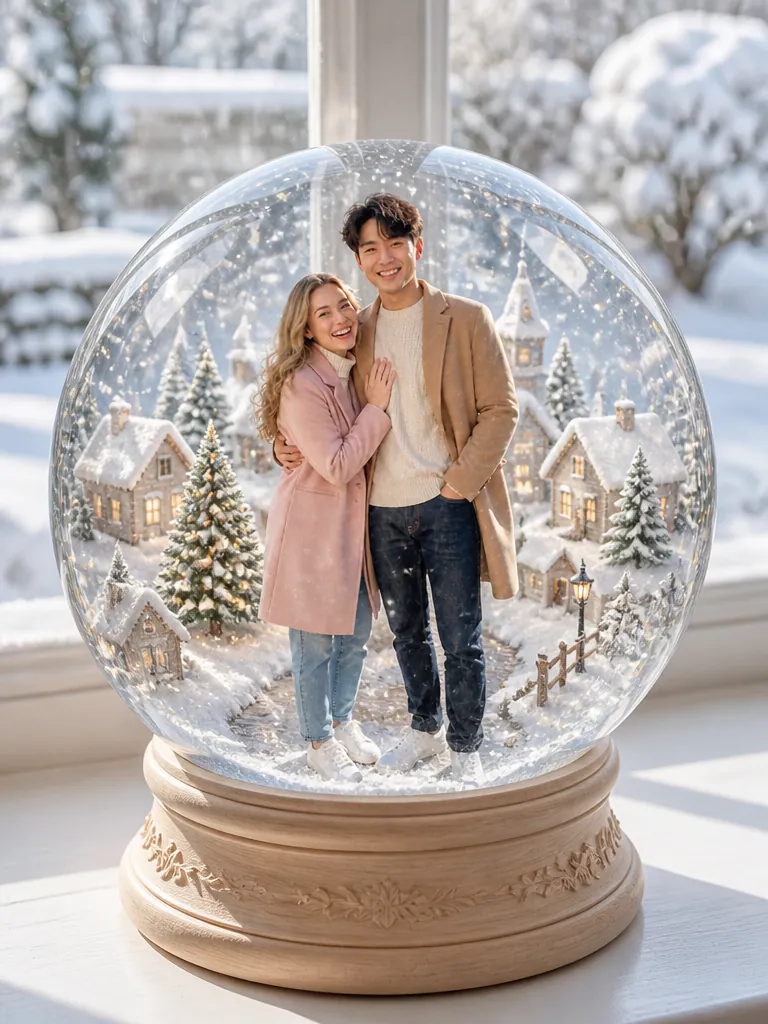
You, your family or your pet inside a snow globe
Try it
See your house lit before you hang a strand
Try it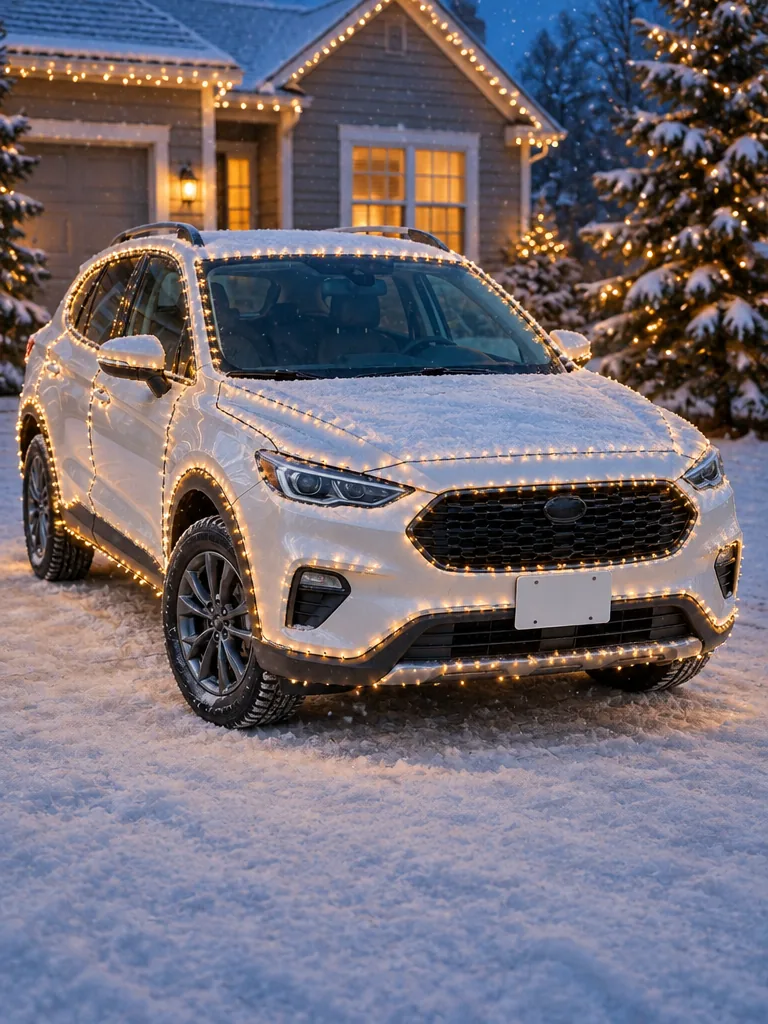
One car photo, lit up for Christmas.
Try itSnow, lights or a wave on any Christmas photo
Try itOne photo rides a fawn down a snow-lit street.
Try itA reindeer sleigh lands behind you.
Try itDo the Deck the Halls pajama dance with your bestie, mom or a trio
Try itDo the Christian Dior dance in Christmas sweaters and Santa hats
Try itMake your photos dance: solo styles, couple and crew dances, babies, pets and the newest AI dance trends.
Put yourself in the viral clips everyone is remaking. Upload a photo, no prompt needed.
Write your own prompt for images and videos, then remove backgrounds, upscale or extend clips, all on the same credits as your effects.
Turn ideas into images and videos.
Prepare product photos, larger images and scalable SVG artwork with background removal, upscaling, denoising and vectorization.
Use video upscaling, extension, background removal and motion control on uploaded clips or supported generation results.
Use cases
People stop scrolling for a format they already know. Creators, marketers, online shops and families use the same trends for very different jobs.
Creators and personal brands
TikTok, Reels and Shorts reward speed. Pick a trending effect, upload a selfie and post the result the same day, with no filming, editing or prompt writing. The effect library grows as new trends appear, so there is always a fresh format to try.
Browse trending effectsMarketing and UGC-style ads
A trend starring your founder, your team or a creator you work with plays like native content instead of an ad. For product spots, turn a product photo into a short clip with Image to Video or describe the scene for Veo, Kling or Seedance, then try several hooks and ratios on one credit balance.
Make a product videoE-commerce and fashion
Outfit change trends turn one lookbook photo into a reveal that shows how clothes look on a person. Clean up listing photos with the background remover and image upscaler, then animate the hero shot for ads, product pages and social posts.
Try the outfit change effectHolidays and special days
Seasonal collections such as Christmas AI turn your own pictures into costume photos, themed portraits and short videos. Templates made for family and couple photos always keep their results private.
Open Christmas AIModel selection
Explore GPT Image, Nano Banana, FLUX, Kling, Seedance and more in one workspace. Compare models for readable text, product photos or moving scenes, with a shared credit balance.
Start here
More models in the same prompt box
Choose MiniMax, Kling, Seedance, Vidu and more for text to video, image to video or reference-led scenes. Compare supported tasks and audio options before starting a clip.
Why Oeneo AI
New effects keep landing, every price shows before you generate, and one credit balance covers effects, models and tools.
137 new effects went live in the last 30 days, from viral dances to photo makeovers.
Every effect, model and tool shows its credit cost before you generate. If a task fails, the credits come back automatically.
Effects, image and video models and editing tools all use the same credits, with no subscription per model.
Start with signup credits, then choose a subscription or a one-time credit pack. The same balance covers effects, AI image and video generation and editing tools.
FAQ
How effects work, what they cost, which photos work best and who can see your results.
Oeneo AI is a trending AI effects platform. Pick an effect, upload your photo and get a viral-style AI video or photo, no prompt needed. When you want full control, the same workspace has the top AI image and video models plus image and video editing tools, all on one credit balance.
Open a video effect, upload the photo it asks for (effects with two roles take one photo per person), pick a length or ratio if the effect offers them and click Generate. You never write a prompt. The credit cost shows before you start, a video usually takes a few minutes, and the result is saved to your creations.
Signing up is free and gives you 10 credits, valid for 365 days, to use on any effect, model or tool. Every task shows its credit cost before you start, and credit packs or a subscription add more whenever you need them. Failed tasks return their credits automatically.
A clear, well-lit photo where each face is easy to see: facing the camera and not covered by sunglasses, a mask or heavy filters. Use a photo of just that person for one-person effects, and one photo per person when an effect has several roles. Each effect page lists its own photo tips.
Yes. When a photo effect has a matching video effect, its result shows an Animate it button that passes the photo straight to it. You can also upload any photo to Image to Video in the AI video generator and describe the motion yourself.
Yes. The workbench at the top of this page takes your own prompt and lets you choose from the top AI image and video models, such as GPT Image 2.5, Nano Banana, Seedance, Veo and Kling. Then refine the result with upscaling, background removal and the other editing tools.
Yes. Downloads have no visible watermark, so you can post them on TikTok, Instagram Reels or YouTube Shorts. We do not claim ownership of what you make. Only upload photos you have the right to use, ask anyone else in them first, and follow each platform's rules on AI content.
Results from free accounts are public, and paid plans can keep results private. Some templates, such as family and couple photos, always keep their results private. See the privacy policy for how uploads are stored and handled.
Start with 10 free credits
Pick an effect, upload your photo and post the result today. Or write your own prompt with the top AI image and video models.