




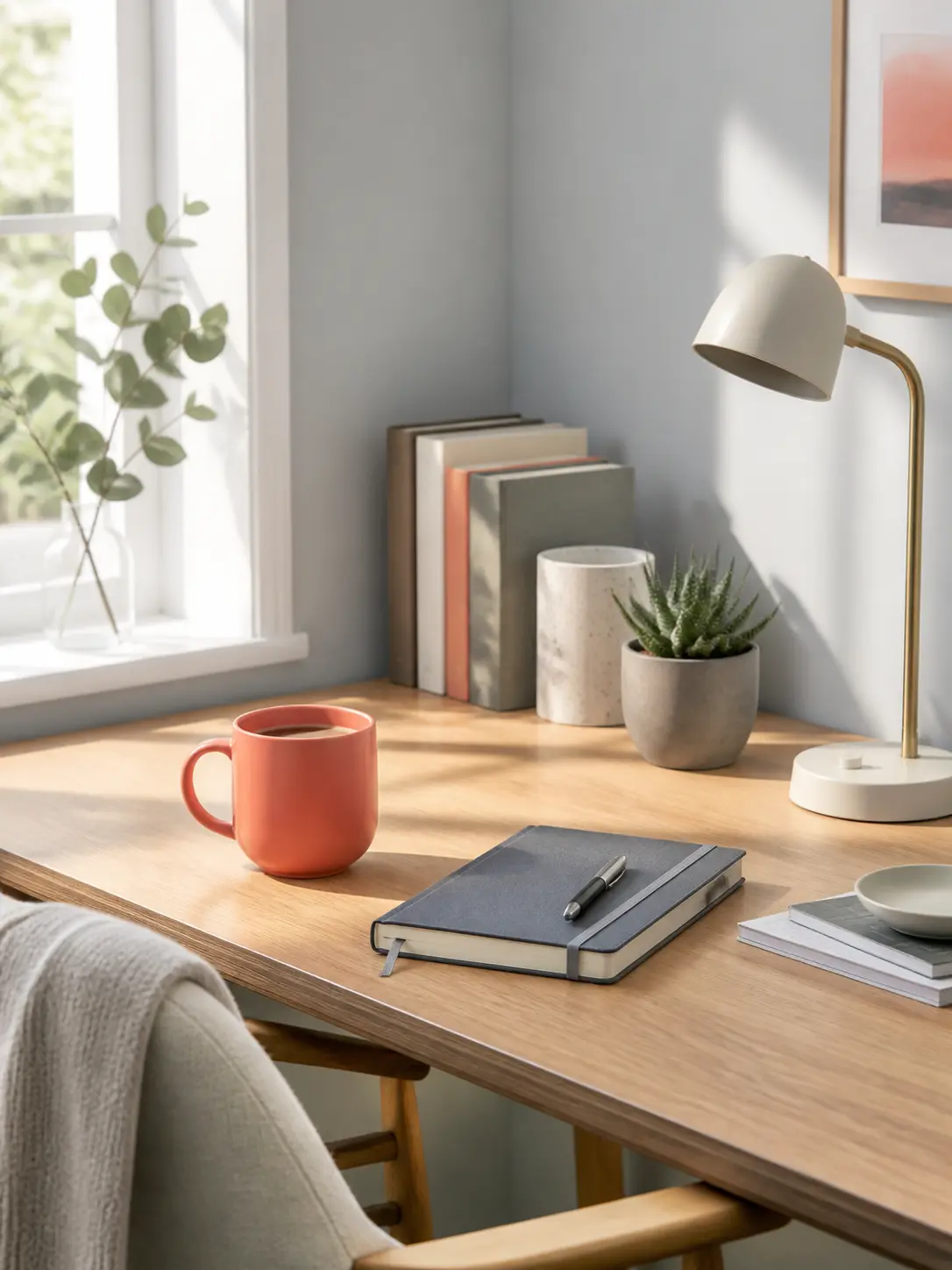



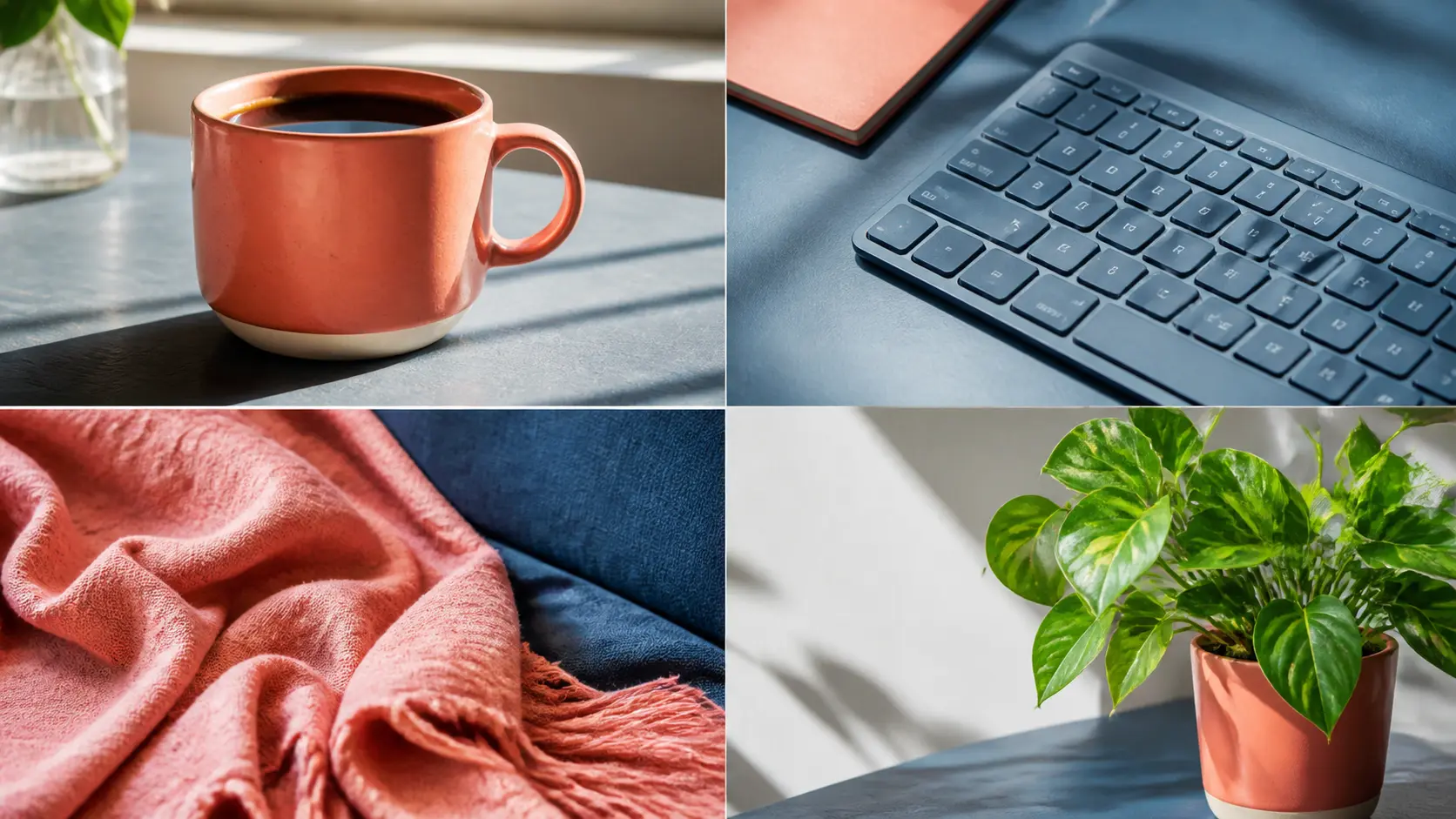
Everyday scenes
Make useful content without a photo shoot
Create clean product and lifestyle directions for routine publishing needs.
Create practical product, portrait, and social assets from a concise prompt, then make focused changes to copy, lighting, or layout without rebuilding the entire image.
Practical content edits
Generate the first usable visual, then change the object, copy, lighting, or layout that needs attention without rebuilding the whole scene.
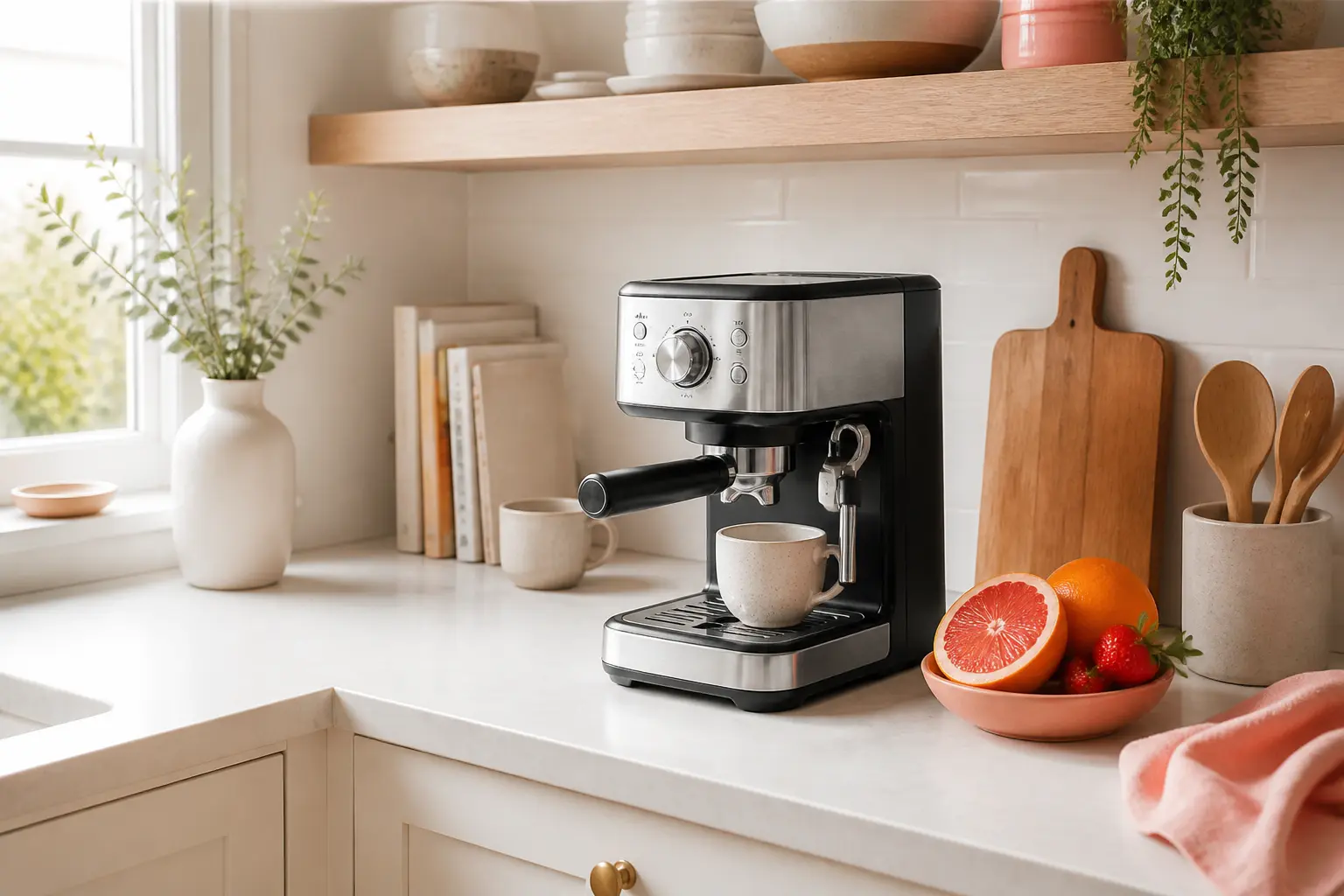
Content direction: Unbranded coffee maker in a bright cream kitchen with a coral fruit accent.

Content direction: Person reading by a window, quiet expression, coral and slate color grade.
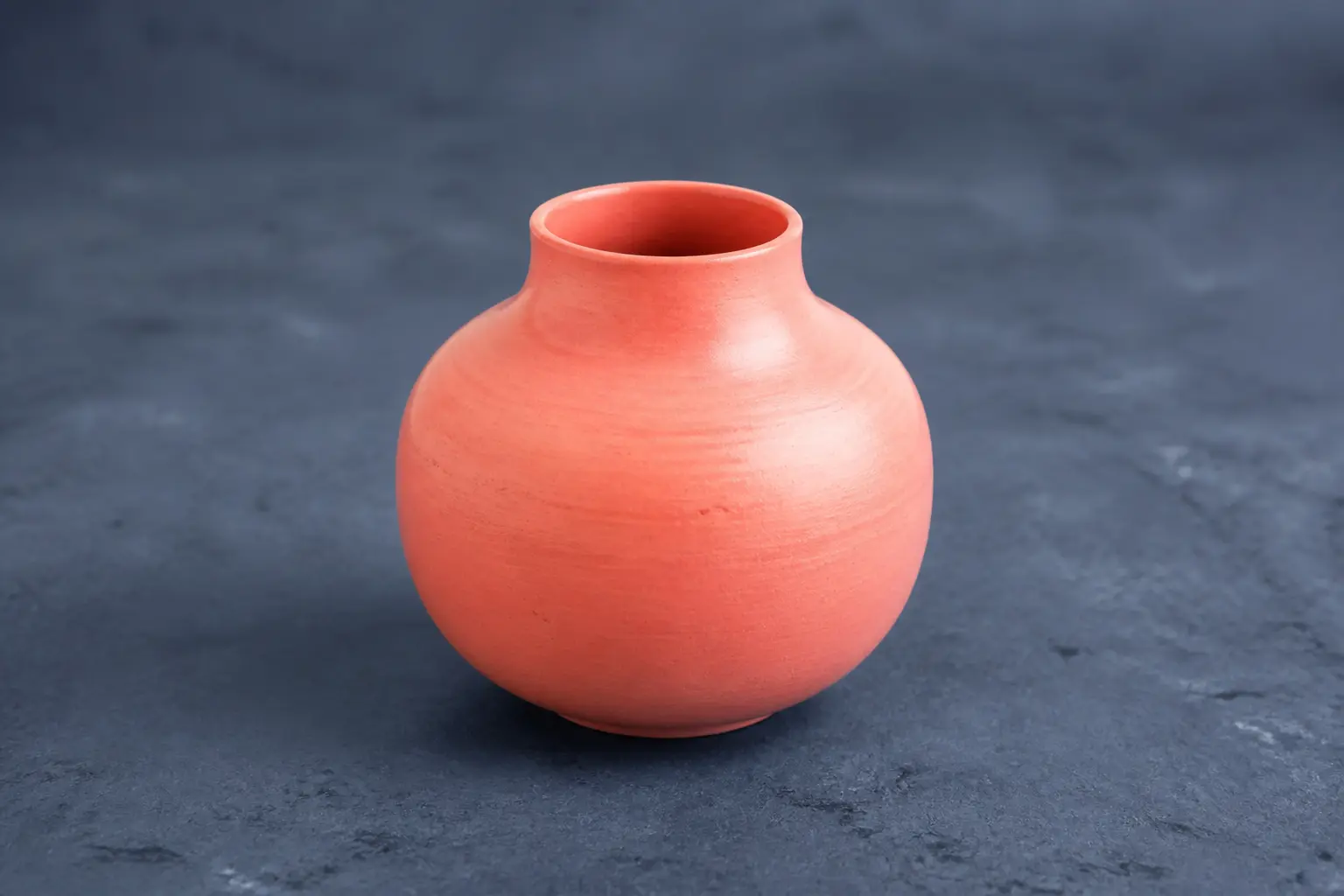
Content direction: One coral ceramic object on a slate background with safe negative space.
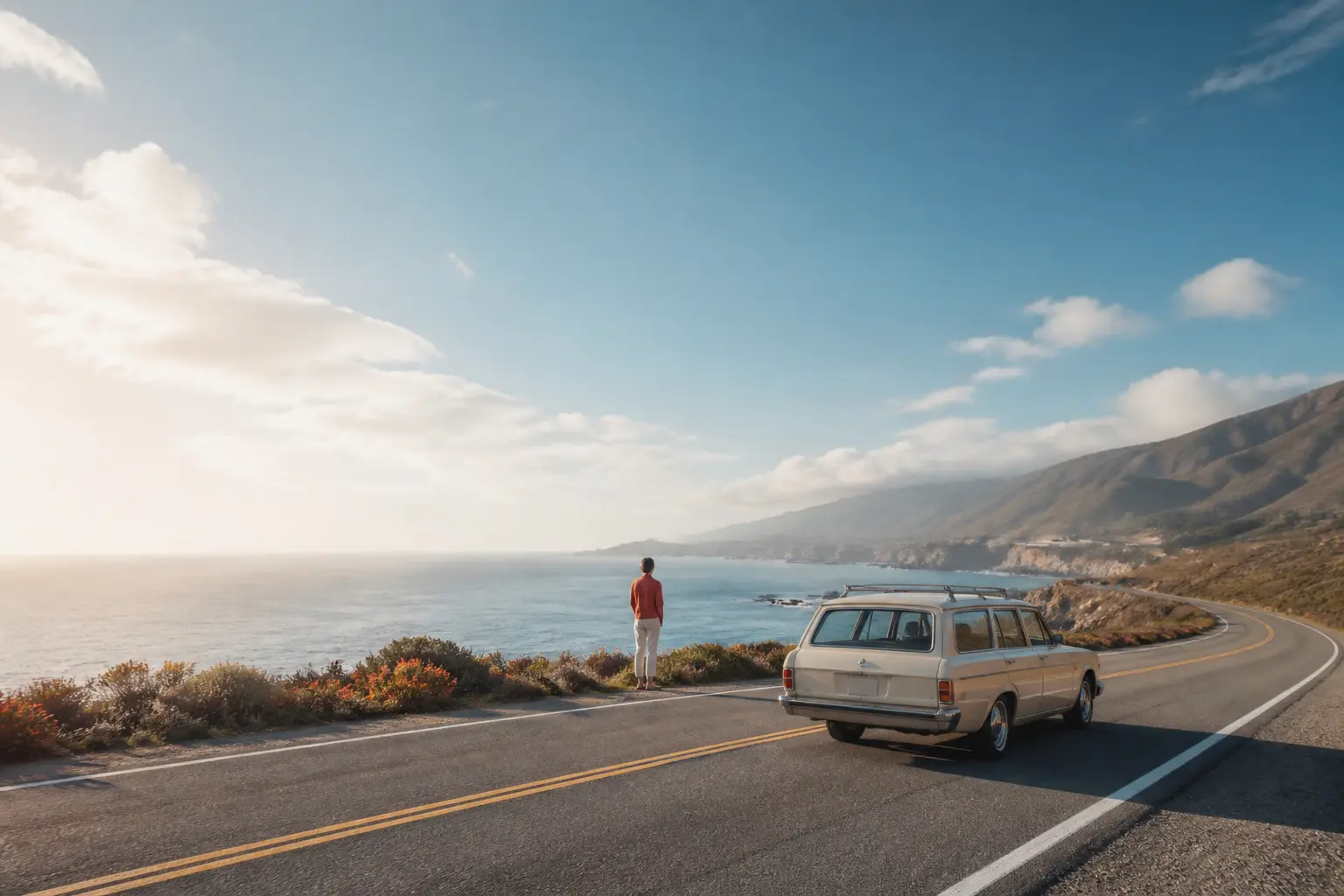
Content direction: Coastal road, cream travel car, small traveler, warm late afternoon light.
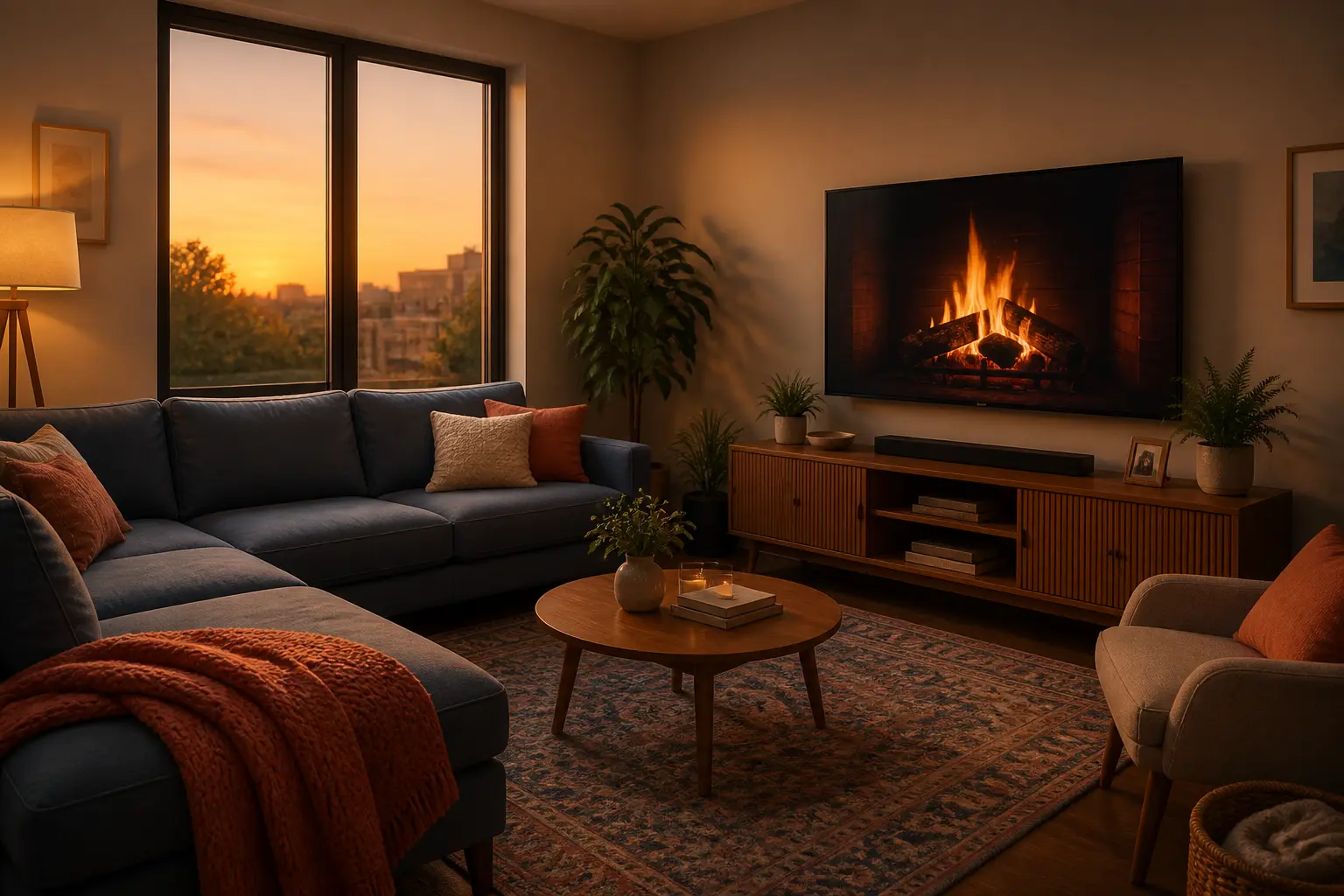
Content direction: Keep furniture layout; change morning light to warm evening light.
Where MAI Image 2.5 fits
Use it when most of an image is already right and the next step is a focused correction for daily content production.
Everyday scenes
Create clean product and lifestyle directions for routine publishing needs.
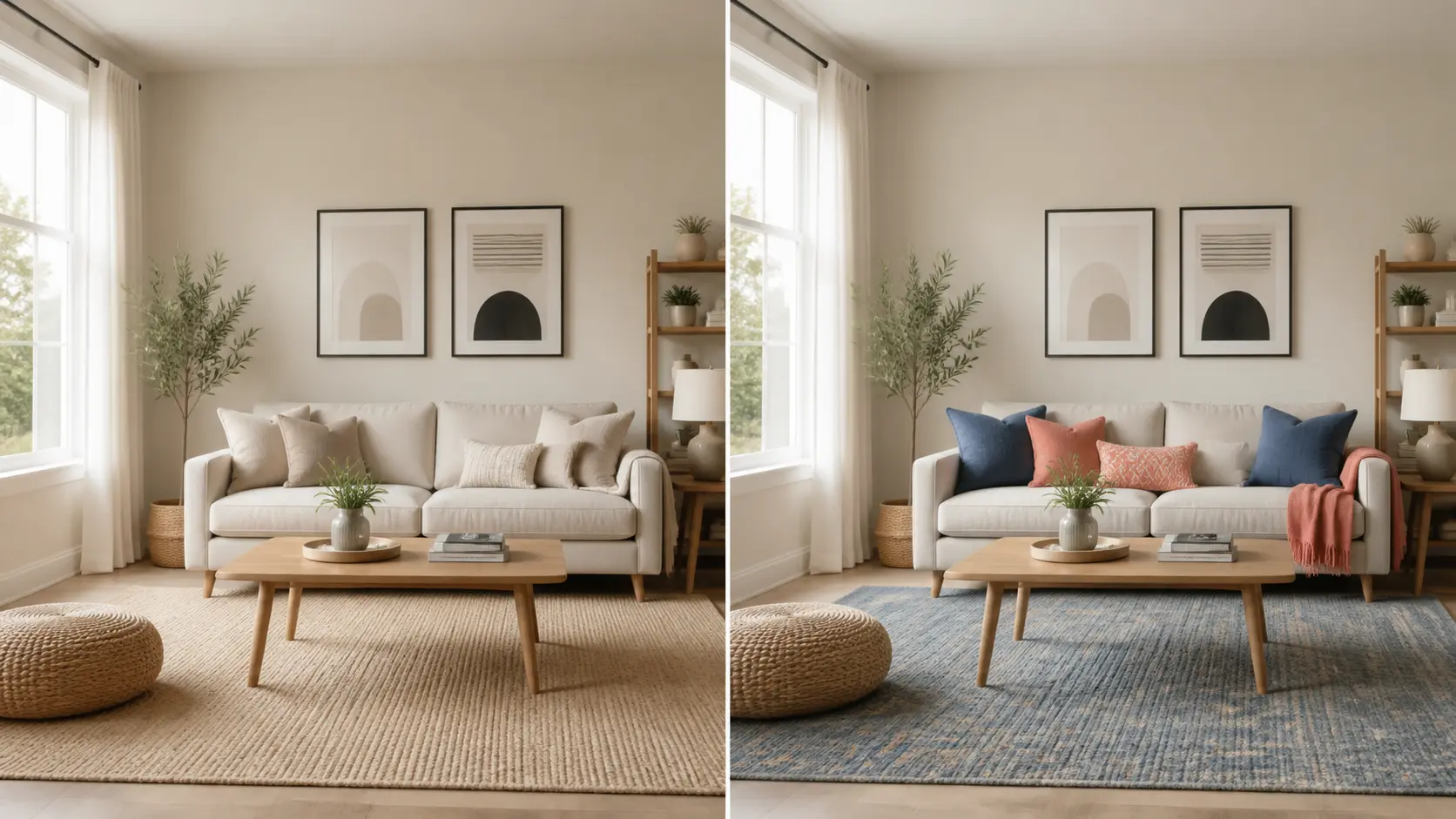
Channel ready
Keep one object or story consistent while adapting the surrounding frame.
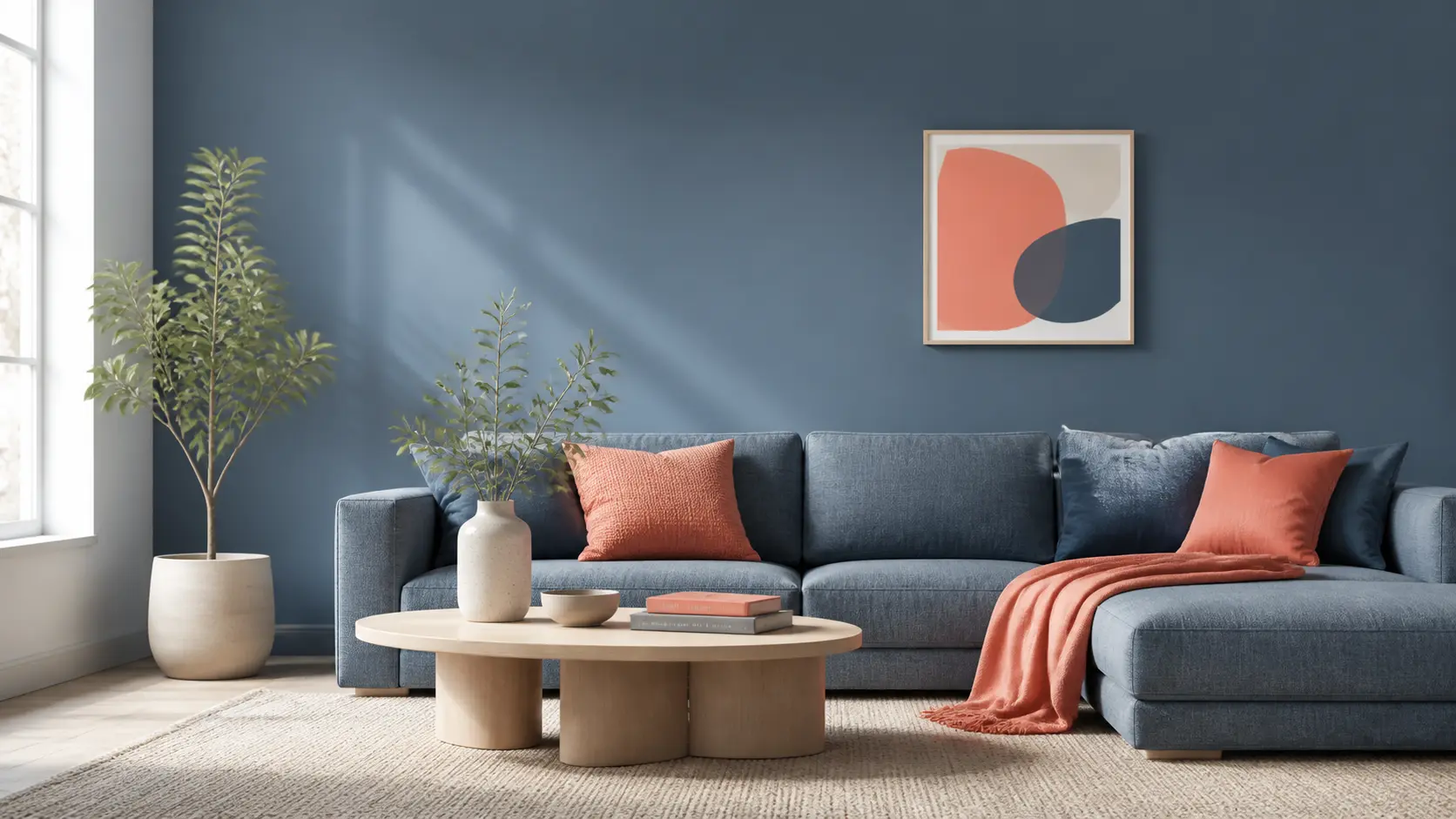
One reference
Preserve the approved room, product, or person while changing a single variable.
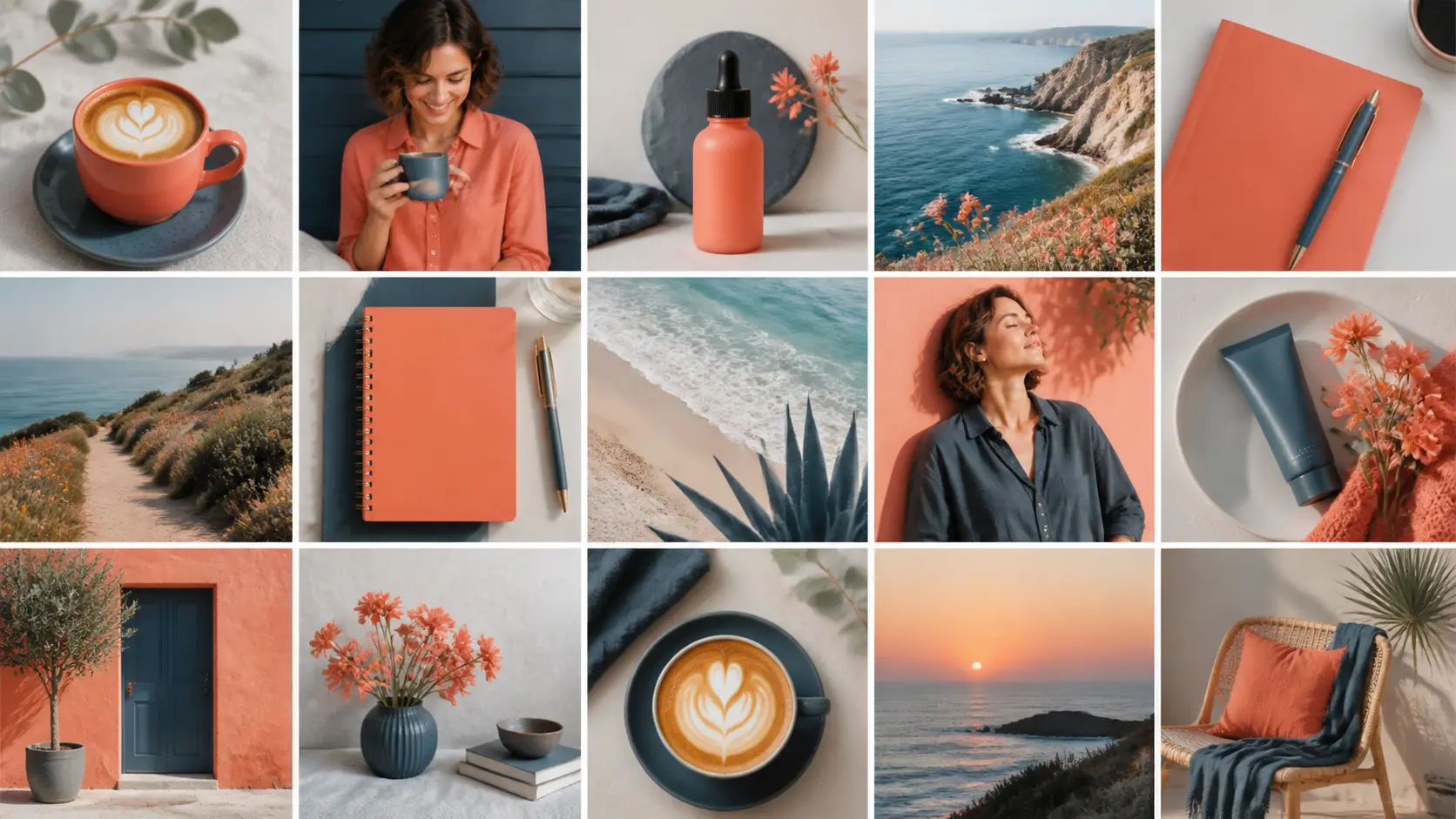
Weekly content
Plan product, portrait, and lifestyle images that share a recognizable visual tone.
Choose it for targeted changes that preserve identity, context, and the visual work already approved.
Create quick feed and story directions.
Example: A square object tile with copy-safe space.
Prototype clean scenes for catalog and commerce.
Example: Coffee maker in a bright kitchen.
Build portraits for newsletters and articles.
Example: Window-lit reader with a calm palette.
Change one visual variable at a time.
Example: Morning room changed to evening.
It is a versatile model for everyday product, portrait, social, and editorial content.
Yes. The current configuration supports one reference image.
Name the scene details that must stay, then request one focused change.
Use it for focused changes such as replacing an object, updating text, adjusting a scene, cleaning motion blur, or changing color while preserving the surrounding context.
Name the exact element to change and explicitly list what must stay: subject identity, pose, framing, lighting, background, or product geometry. Smaller edits are easier to review and refine.
Correct the product, portrait, copy, or lighting that is off while preserving the parts that already work.