


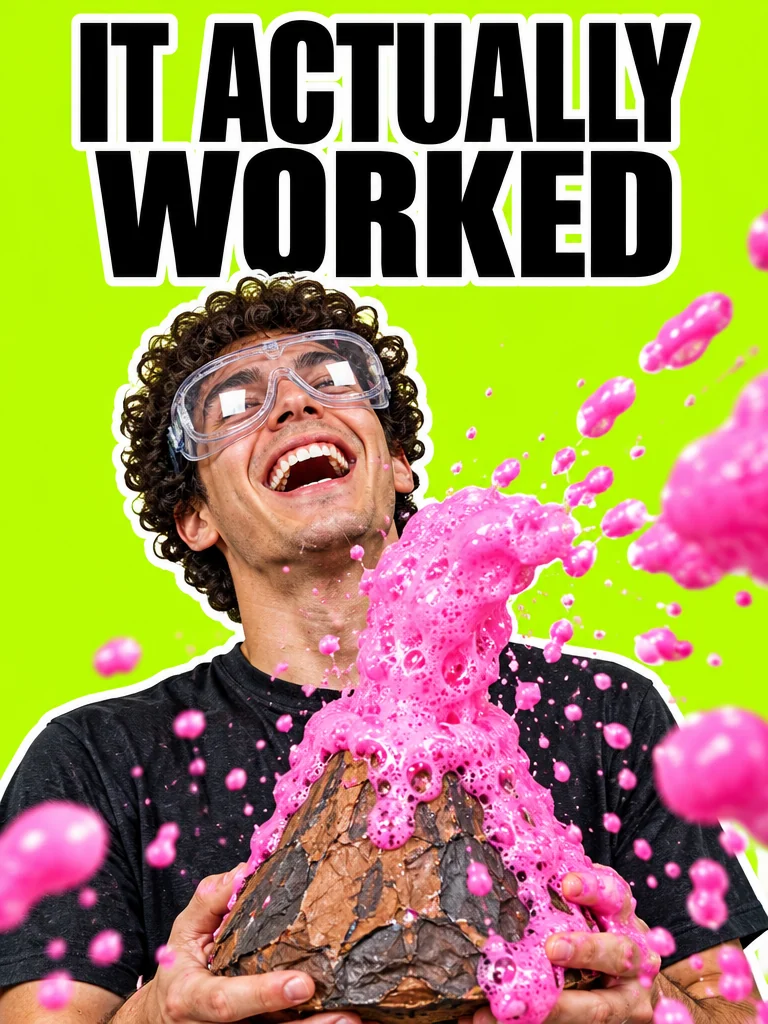
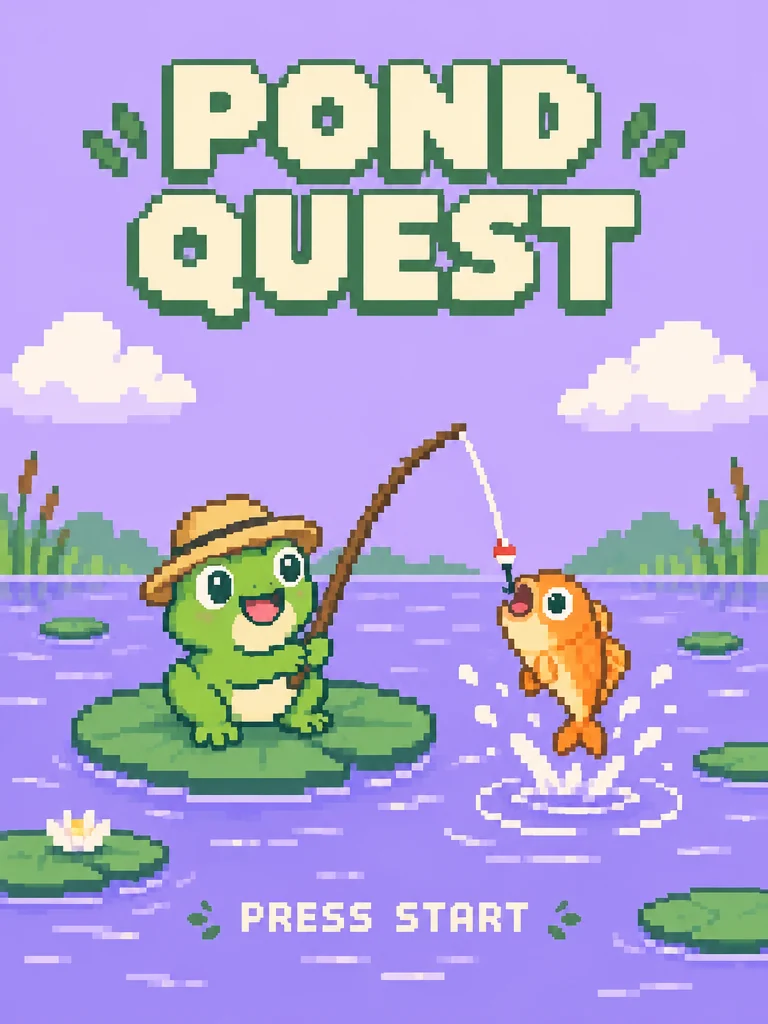

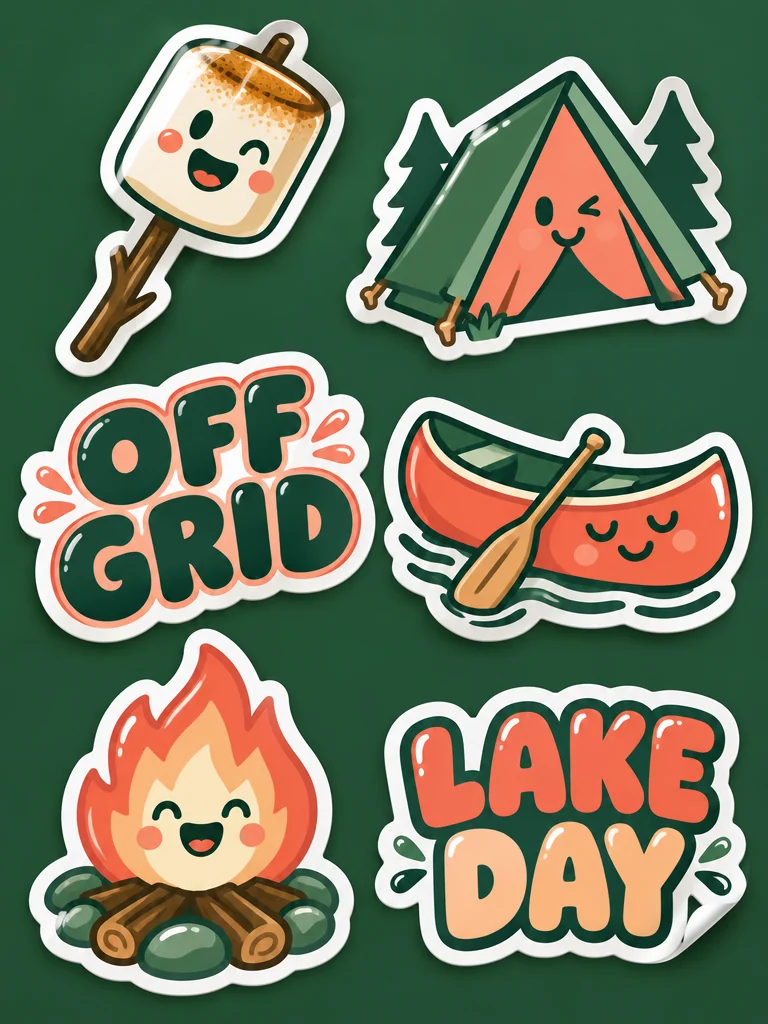
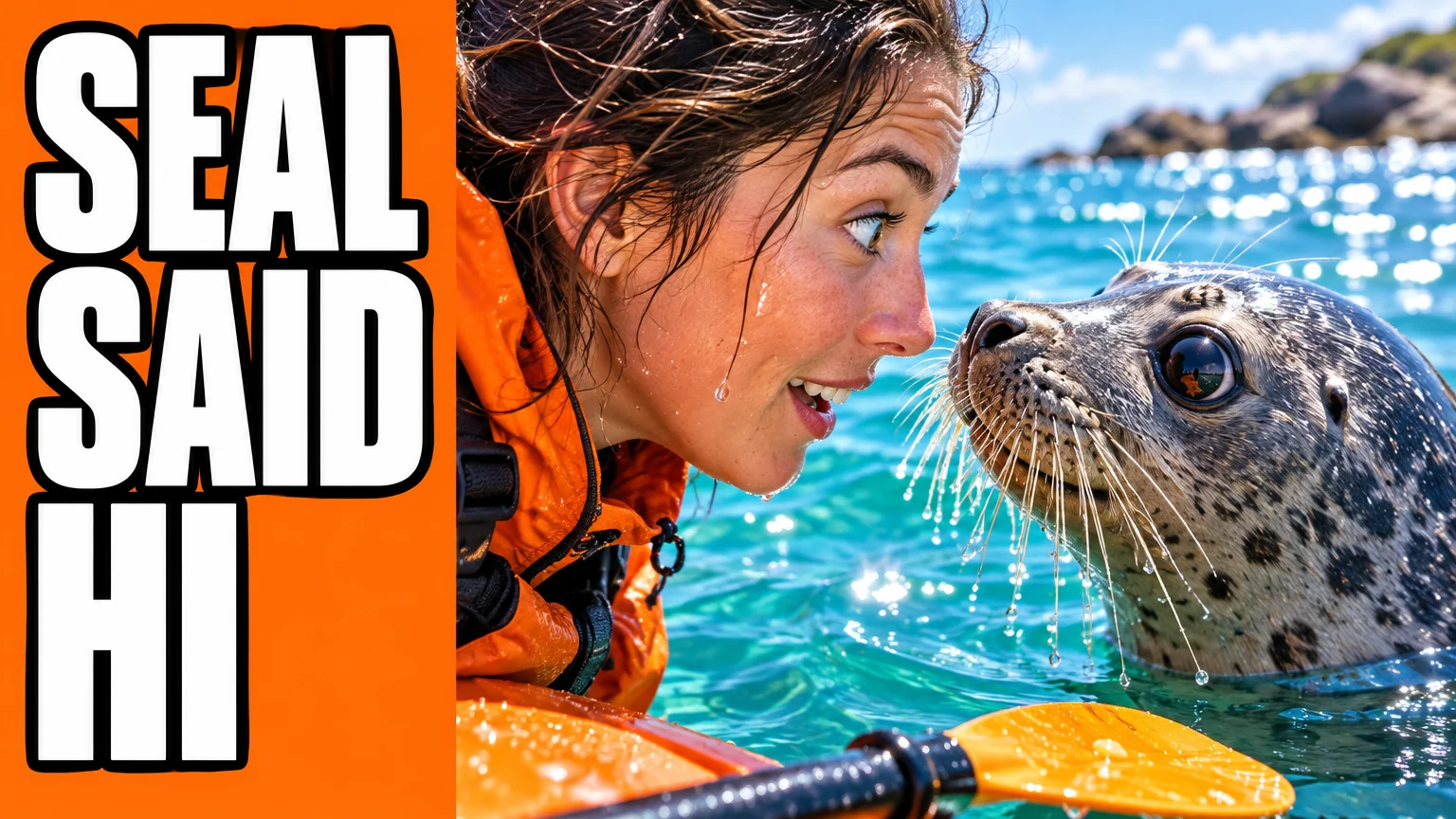
Video thumbnails with a short headline
Put three or four big words on one side and the subject on the other. Lite keeps short, large lettering readable; proofread every headline before it goes live.
Google · Gemini 3.1 Flash-Lite Image
Google's fastest Nano Banana turns a written prompt into a 1K image with a short, readable headline. Use it for quick rounds of thumbnails, ad versions and storyboard frames.
Google built Lite for quick ideas, ad tests and storyboards: images that live on a screen, carry a few words and get compared before one is kept.
Put three or four big words on one side and the subject on the other. Lite keeps short, large lettering readable; proofread every headline before it goes live.
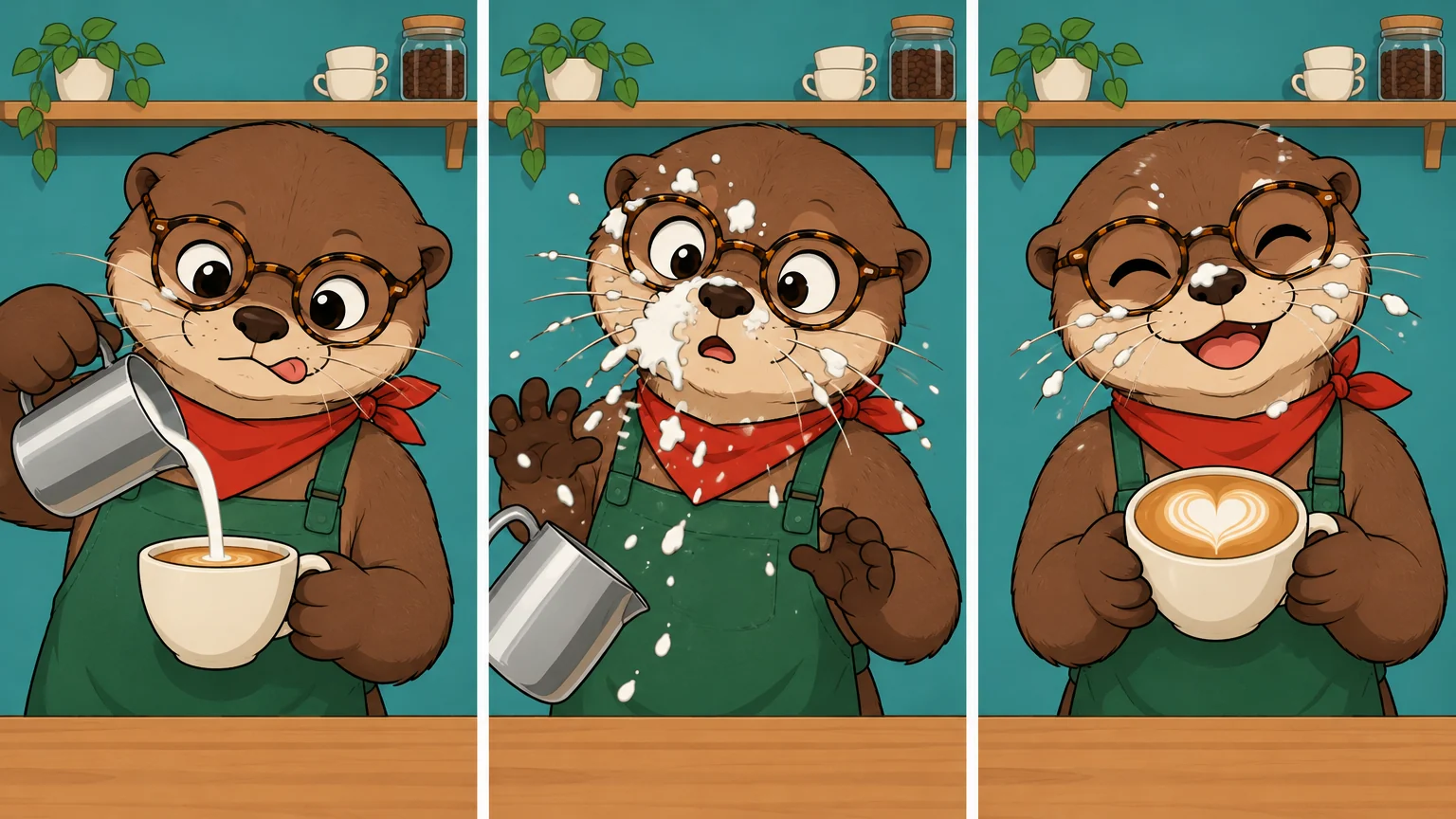
Sketch three beats of a short ad or animation with the same character, then pick the frame to develop or to use as the first frame of a video.
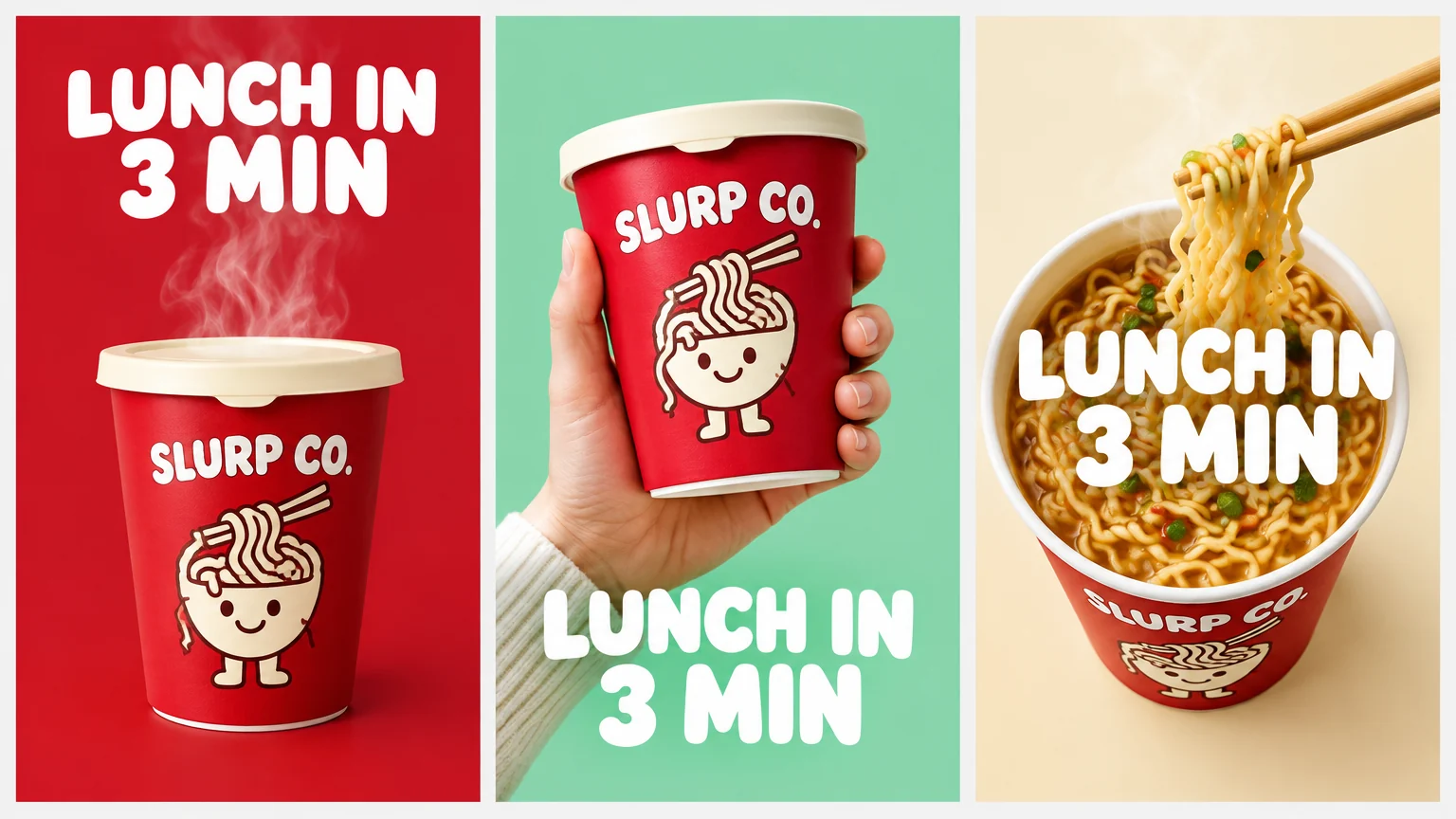
Keep the product and the headline fixed and compare layouts side by side. Lite turns results around fast enough to run another round once one version leads.
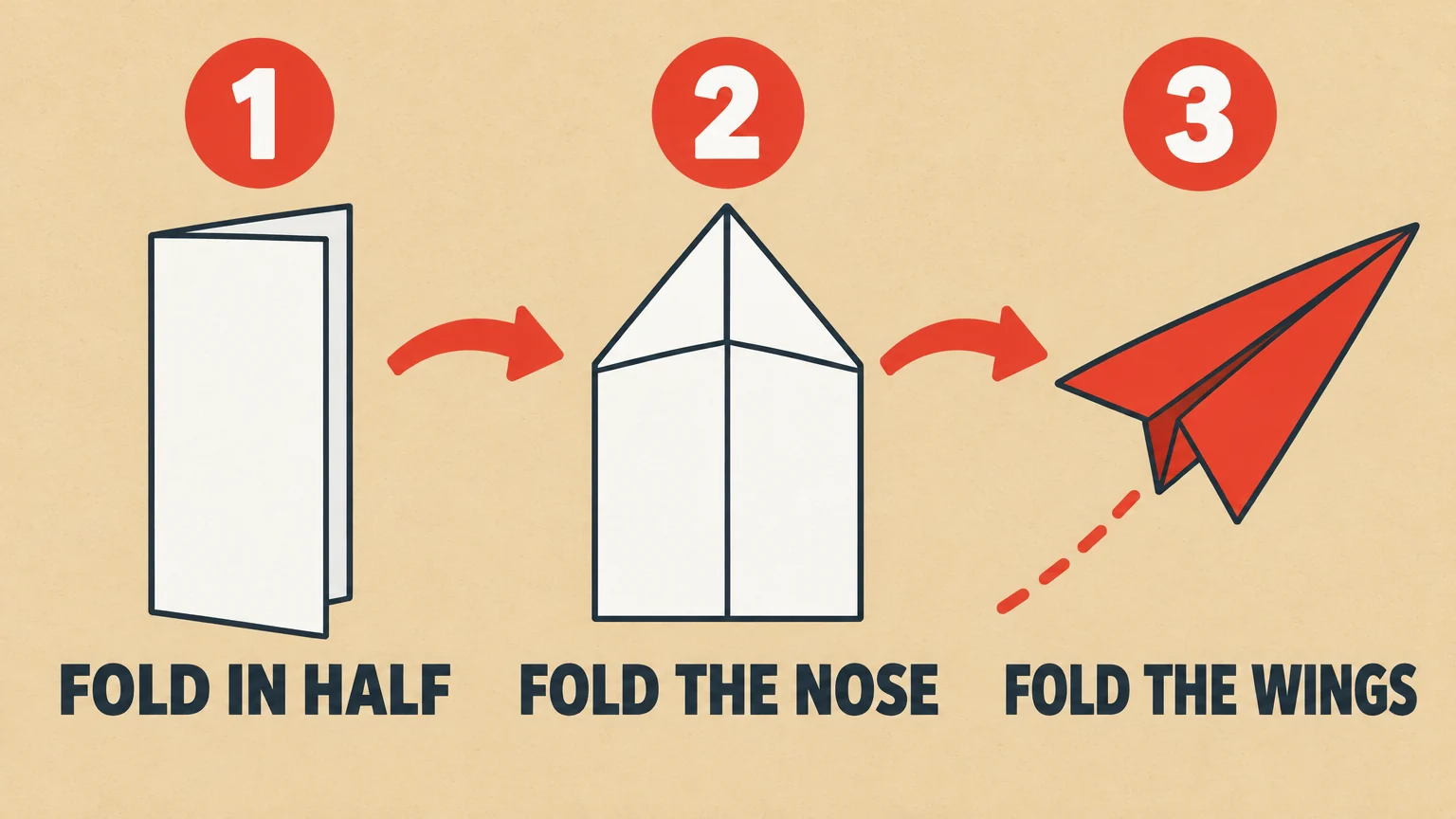
Step-by-step cards for a blog post, slide or social carousel, with one short label per step. Write the steps into the prompt yourself instead of asking Lite to work them out.
On Oeneo AI, Lite and Nano Banana 2.1 cost the same per 1K image. Lite works from text alone; move up when the image needs one of the things below.
| When the image needs… | Use | Credits per image |
|---|---|---|
| The quickest result from text alone | Nano Banana 2 LiteYou are here | 81K |
| More text or a busier layout | Nano Banana 2.1Newer model that reasons first | 81K |
| Your own photo or product as a reference | Nano Banana 2.1Up to 14 reference images | 91K · one reference image |
| A bigger file than Lite can make | Nano Banana 2.1Or upscale a Lite image instead | 12 · 272K · 4K |
| Continuing a Nano Banana 2 series | Nano Banana 2Keeps prompts you tuned for it | 16 · 24 · 321K · 2K · 4K |
| Five-person shots or a logo on a product | Nano Banana ProOr continuing existing Pro work | 30 · 30 · 601K · 2K · 4K |
Google recommends detailed, descriptive prompts. These habits also steer around the few places where Lite slips.
Describe the scene in full sentences
Cover the subject, setting, light, framing and what the image is for, such as “a thumbnail for an outdoor travel channel”.
Quote the headline and say where it goes
Keep it to a few large words, for example: a headline on the left third that reads "SEAL SAID HI".
Paste the same character description every time
Name, age, outfit and one detail that stands out, copied word for word into each prompt.
Use the image count for versions
Pick up to 4 images per run, then change one thing for the next round: layout, background or headline.
Asking for “four versions” in the prompt
The image count setting decides how many you get; numbers written in the prompt are ignored.
Small print or whole paragraphs
Fine text often blurs at 1K. Give text-heavy layouts to Nano Banana 2.1.
Trusting the figures in a chart
Lite can draw a convincing chart or diagram, but check every number and claim in it.
Relying on left and right
Lite sometimes swaps sides. State positions plainly and check them in the result.
Example prompt: “A YouTube thumbnail for an outdoor travel channel. On the right, a woman in a tangerine kayak jacket is nose to nose with a curious harbor seal in bright turquoise water. On the left third, a huge white headline with a thick black outline reads "SEAL SAID HI". Bright midday sun. No other text in the image.”
Each model has its own page and runs in the same workbench on one credit balance.
 New
New Google
Consistent characters, product placement, exact short text
View model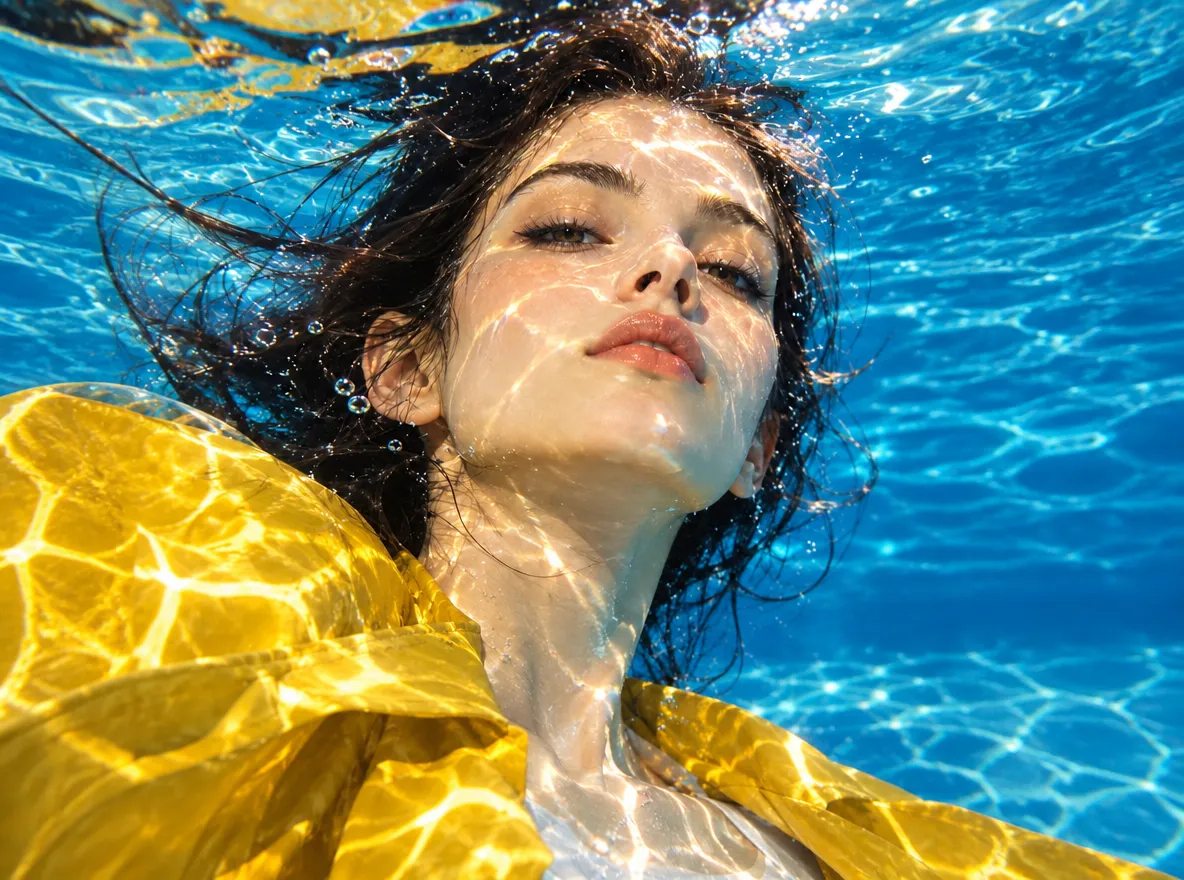 Google
Sentence-based edits, multi-image composites, in-image translation
View model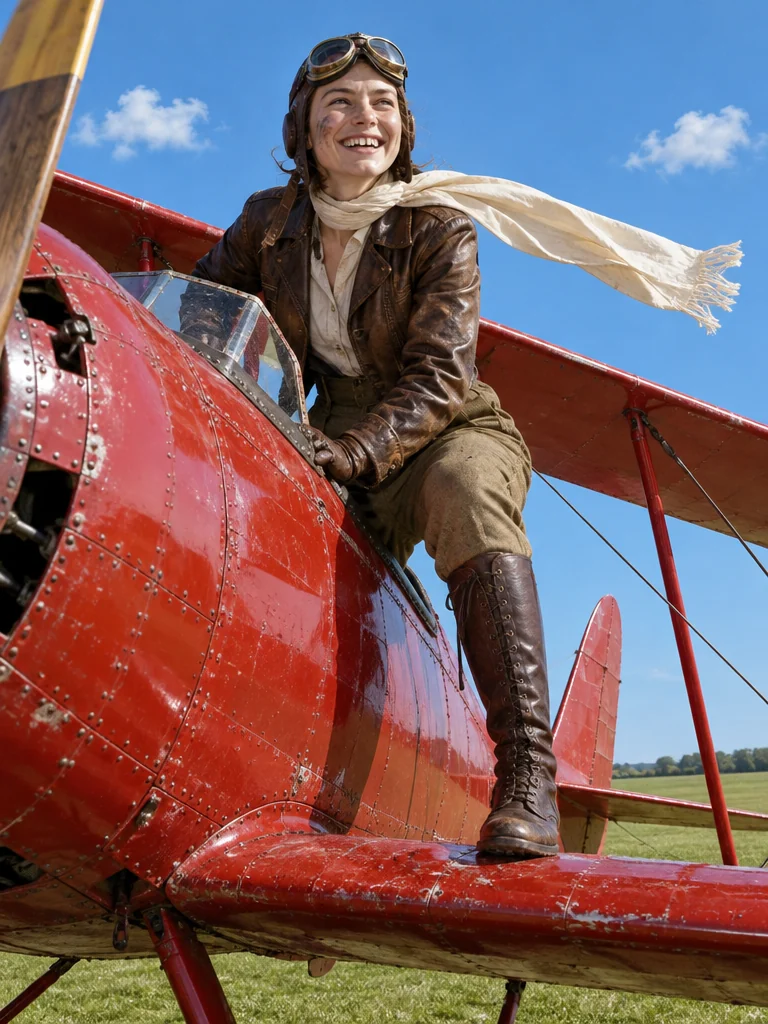 Google
Labeled diagrams, five-person shots, logos on products
View model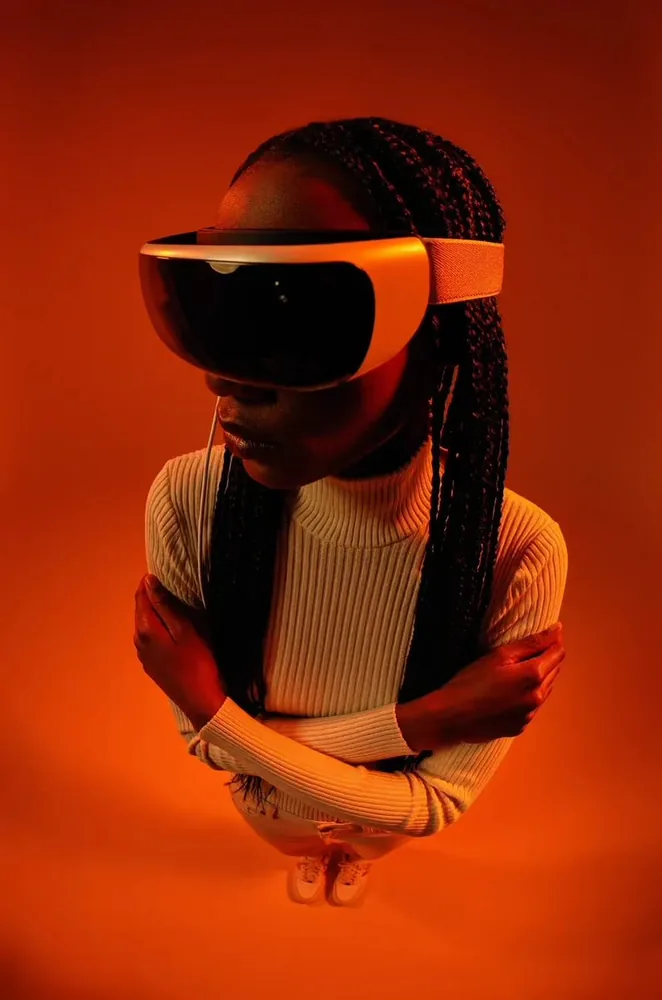 New
New Black Forest Labs
Composed scenes from a prompt or references
View modelRemove the background, upscale, vectorize or denoise any result, all on the same credit balance.
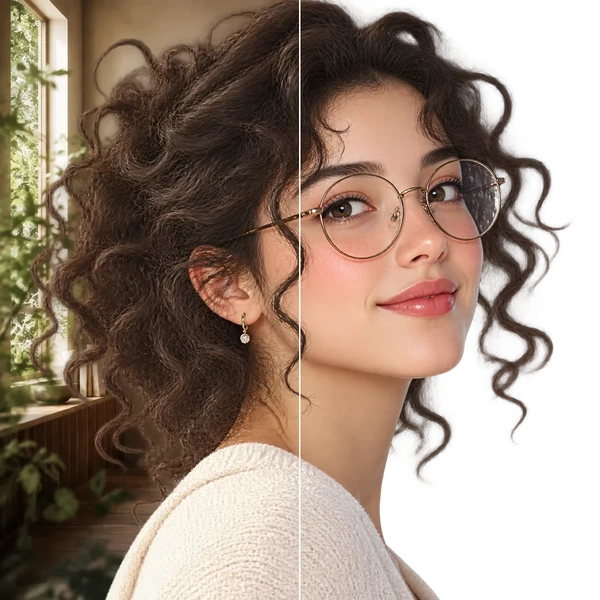
Transparent PNG or WebP with clean hair and product edges, ready for a listing or a new composition.
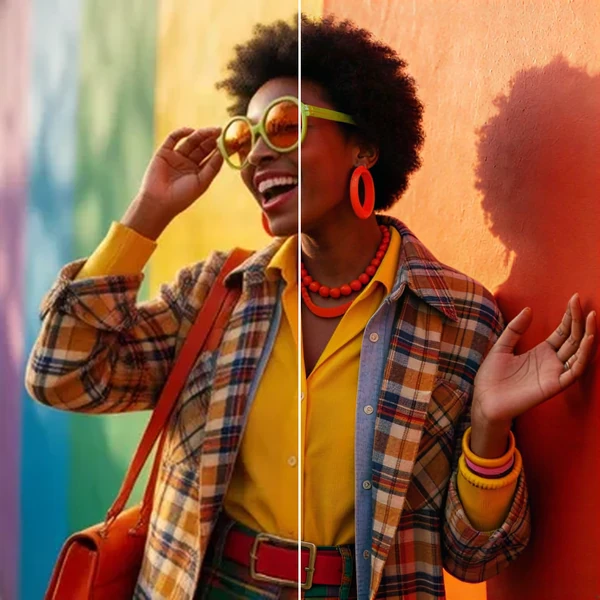
2× / 4× / 8× with recovered texture instead of smeared pixels, so a 1K draft can become a print.
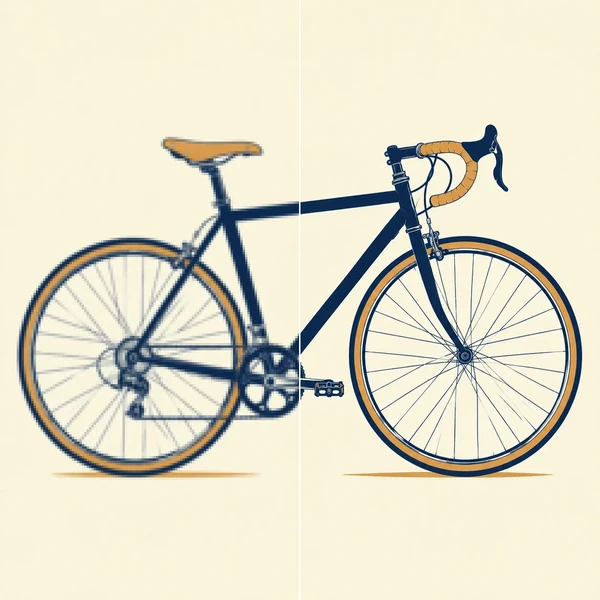
Logos, icons and flat illustrations become editable SVG that scales to any size.
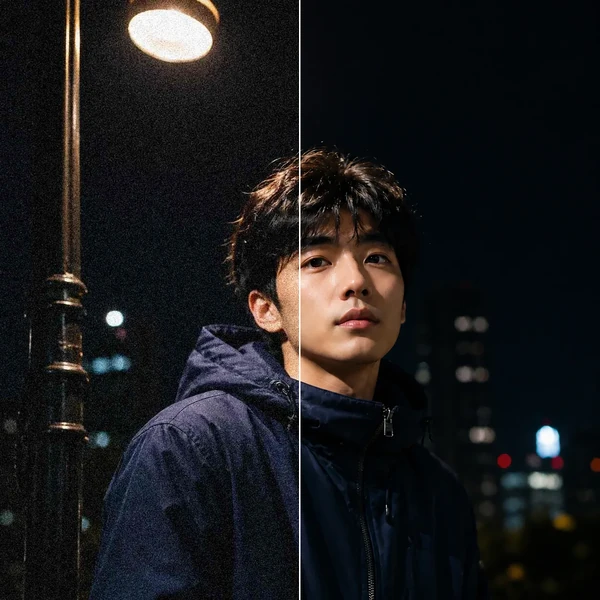
Remove grain and compression artifacts from low-light photos and scans while keeping real detail.
Nano Banana 2 Lite is the Lite tier of Google DeepMind's Nano Banana image family. Its technical name is Gemini 3.1 Flash-Lite Image, and it was released on June 30, 2026. It is built on Gemini 3.1 Flash-Lite, Google's text model, and outputs 1K images. Google also lists it as the recommended replacement for the original Nano Banana (Gemini 2.5 Flash Image).
Switch to Nano Banana 2.1 when the image needs something Lite can't give: a photo or product as a reference (up to 14 images), a bigger file (1K, 2K, 4K) or a text-heavy layout. Nano Banana 2.1, released on October 6, 2026, is Google's newer model and reasons before it draws. For text-only rounds of thumbnails, ad versions and storyboards, Lite is enough; the table above lists the credits for each step.
In Google's own evaluations, Lite is close to Nano Banana 2 for text-to-image but behind on editing, changing text and scenes with several characters. On Oeneo AI, Nano Banana 2 costs more per image and suits continuing a series you started with it. Nano Banana Pro is for five-person shots, logos placed on products and continuing existing Pro work.
It isn't free, but the 10 credits every new account gets, valid for 365 days, are enough for at least one image. After that, each 1K image costs 8 credits, and the Workbench shows the total before you generate; the table above compares every Nano Banana model, and some other models cost less, such as Z-Image Turbo at 1 credits. Images made on the free plan are public, paid plans keep them private, and failed generations are refunded automatically.
No. Lite outputs 1K only. For a larger file, enlarge the result with Image Upscaler, or run the prompt in Nano Banana 2.1, which outputs 1K, 2K, 4K.
Not with Lite on Oeneo AI. Google's model can edit images, but here Lite works from text only. To edit a photo or keep a real product or face, use Nano Banana 2.1, which accepts up to 14 reference images.
Lite handles short, large text best: a headline, a sticker word, a label. Google notes that small text is often blurry at 1K and long paragraphs are unreliable. Put the exact words in quotes, keep them to a few words and say where they go. If stray lettering appears, add "no other text in the image". Proofread before publishing.
It is the fastest model in Google's Nano Banana family; Google reports text-to-image results in about 4 seconds on its own API. On Oeneo AI the total also includes queueing and saving your images, so it varies. Nano Banana 2.1 reasons before it draws, which takes longer.
Yes, on a paid plan: paid Oeneo AI plans include a commercial license, and the Lifetime plan covers personal commercial use (see Pricing). Google embeds an invisible SynthID watermark in every image so it can be identified as AI-generated; there is no visible mark. Whether a specific image is safe to publish still depends on what it shows, such as real people, brands or artwork.
Write the scene, quote the headline and compare a few versions. When the one you keep needs more, move it up.