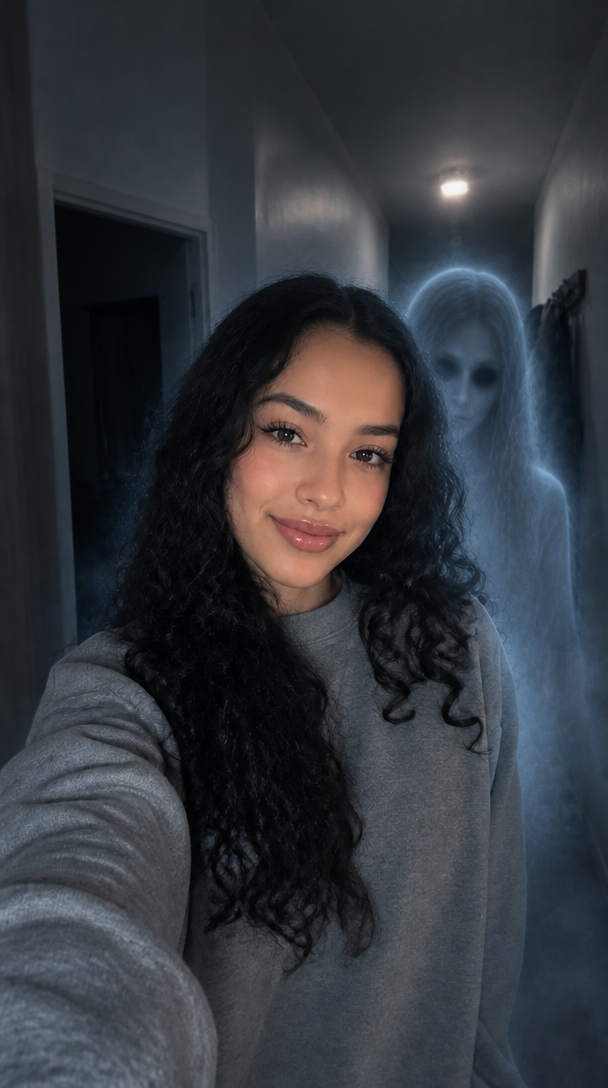
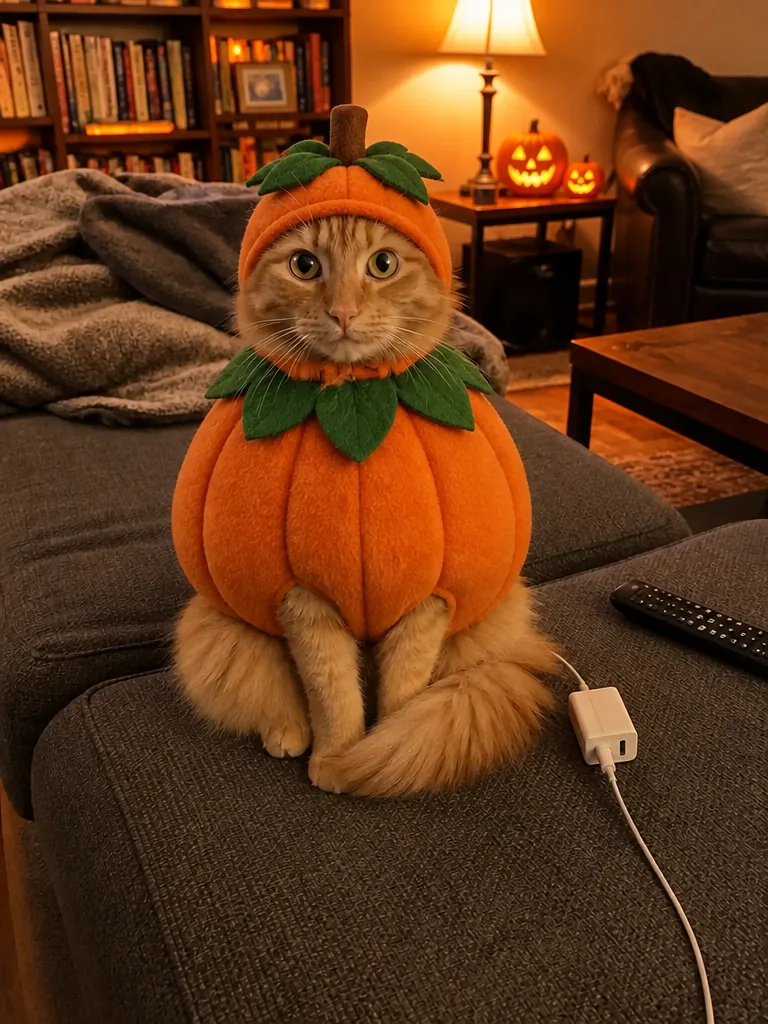
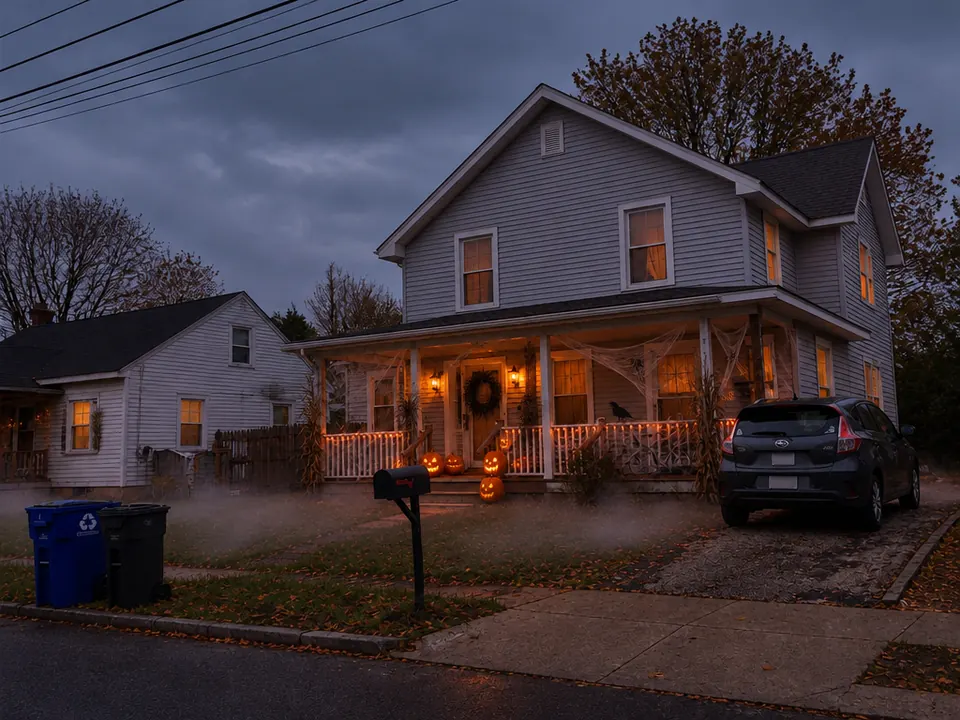
Halloween 2026 · 12 templates

Halloween AI for costumes, horror photos and spooky videos

Pick an AI Halloween template, upload one photo and get a costume portrait, a Y2K horror still or a werewolf transformation video, with no prompt to write.

  • Photo and video templates
  • Your face stays recognizable
  • Original looks, no gore
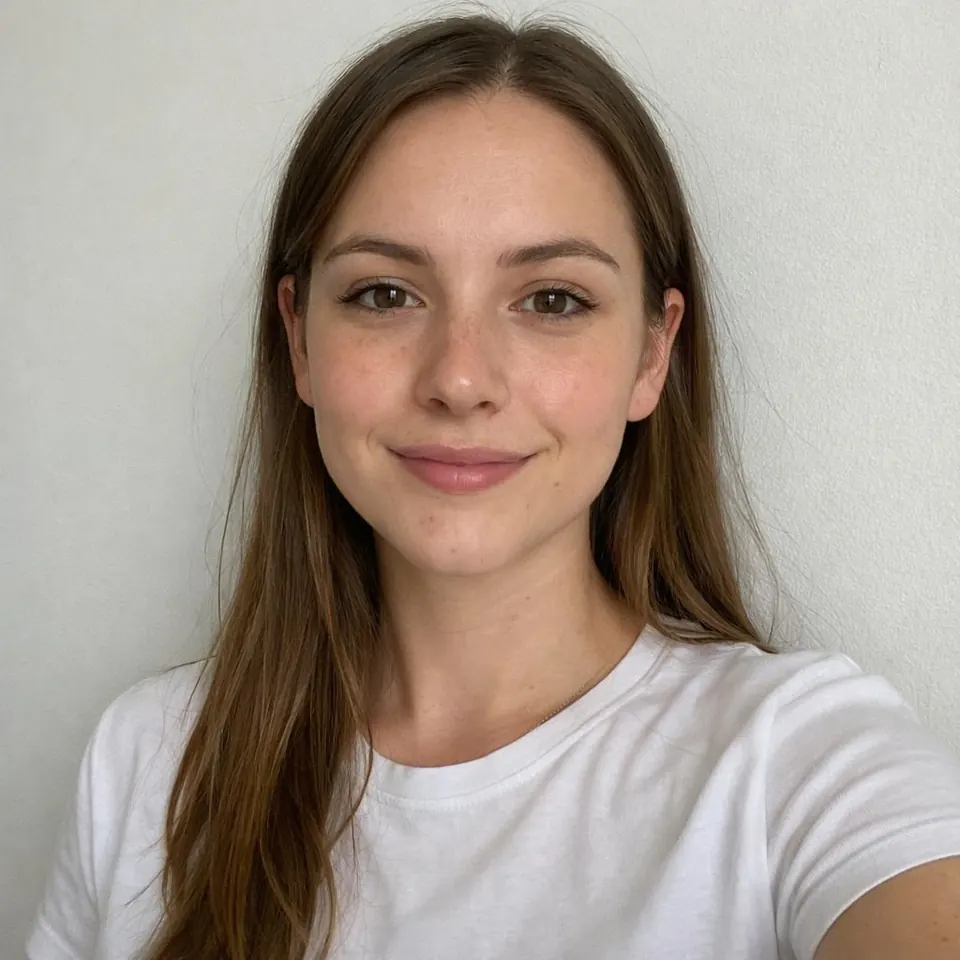
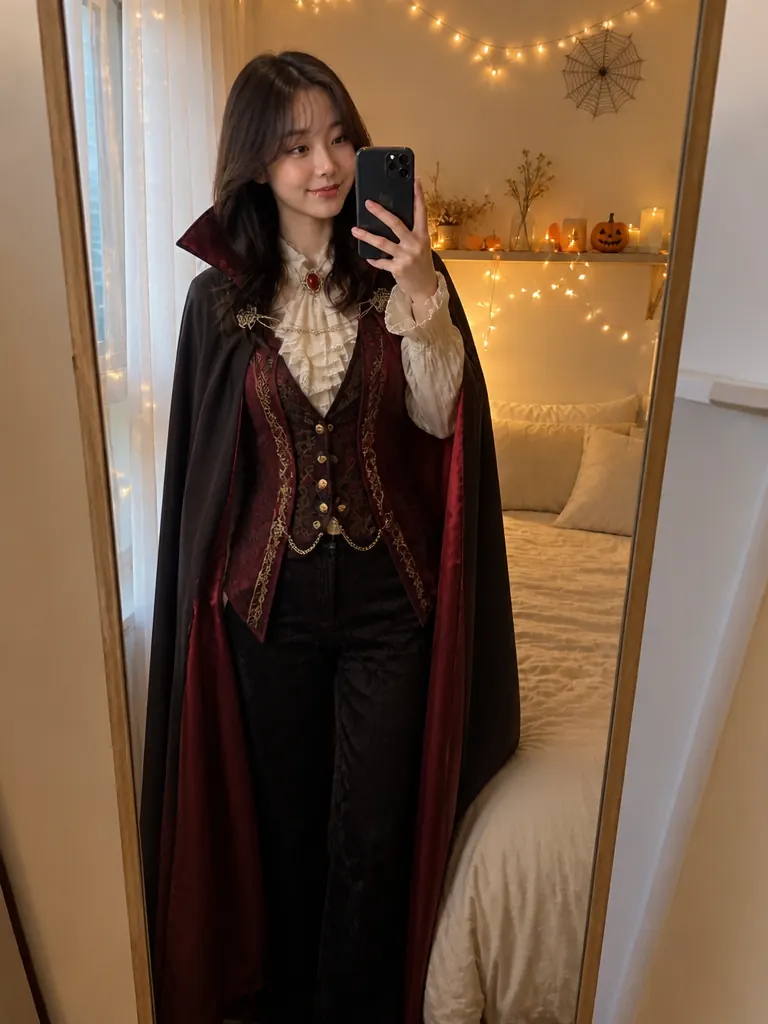
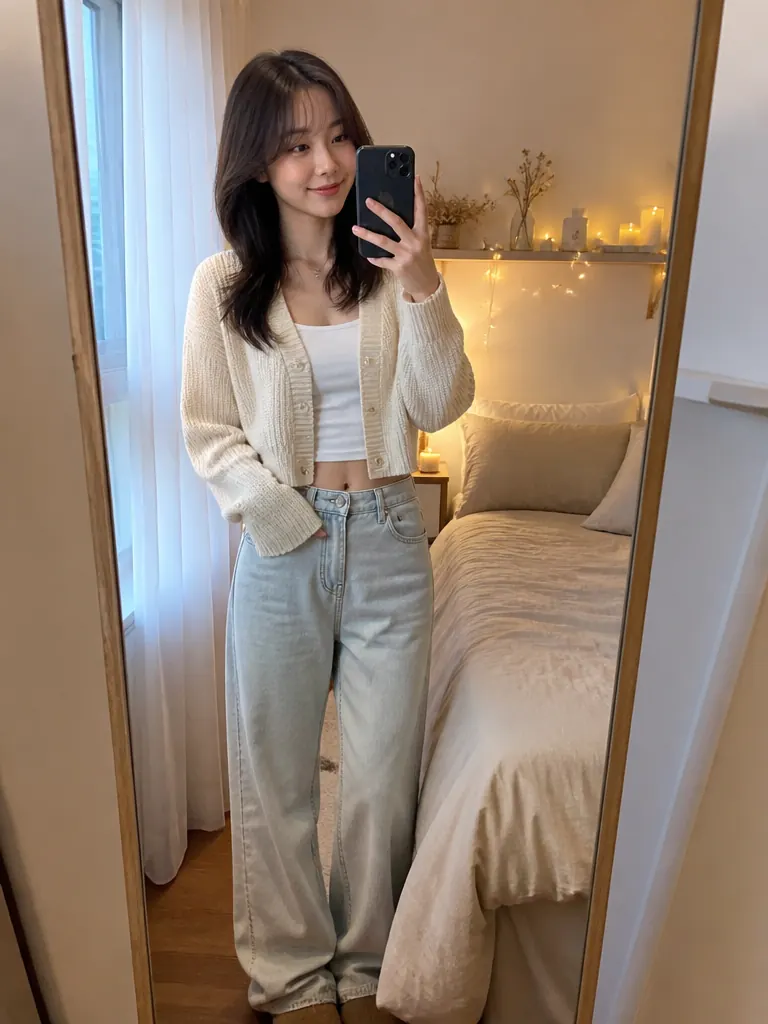
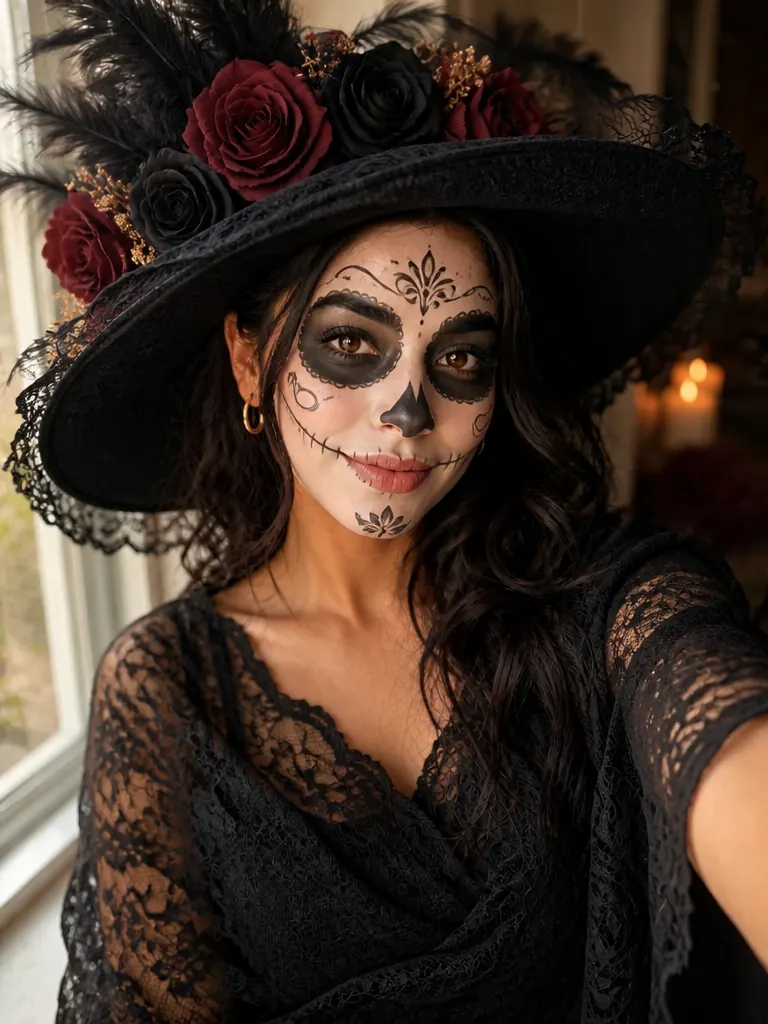
AI costume try-on example: the same woman before and in a Halloween costume
Photo in
Example · Vampire

Featured · Costume Try-On

Open the full template
Choose an effect

PNG / JPG / WebP · up to 10 MB · at least 512px on the short side

0/1 photos

One person, half or full body, face clear and front-on.

Photo settings

No prompt needed. Only upload photos of yourself or people who agreed to be featured; celebrity photos and film stills aren't allowed.

Templates

Which Halloween AI template fits your photo?

Start from the photo you have. Photo templates give you stills to post or print; video templates change on camera. Each card shows what it makes and how many photos it needs.

October 2026

What is the AI Halloween trend in 2026?

It's people turning their own photos into Halloween looks and posting them. In the HalloweenCostumes.com 2026 survey (August 19), 43% said they start planning Halloween on a search engine and 37% already use generative AI for costume or decoration ideas. These four formats led this October.

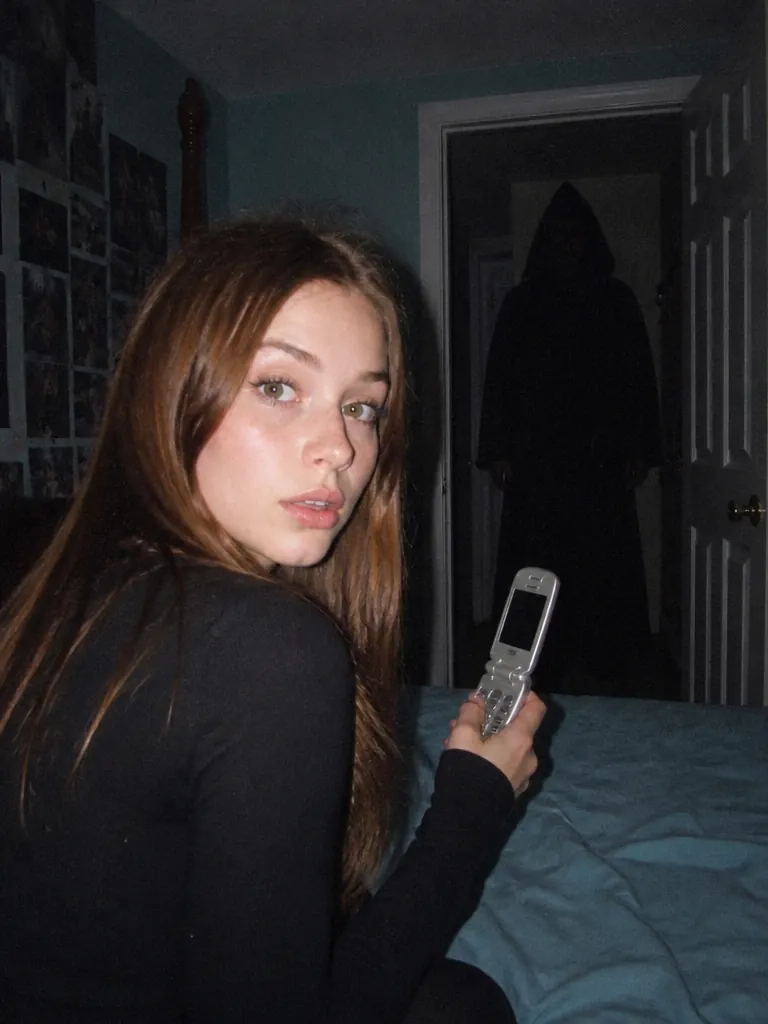
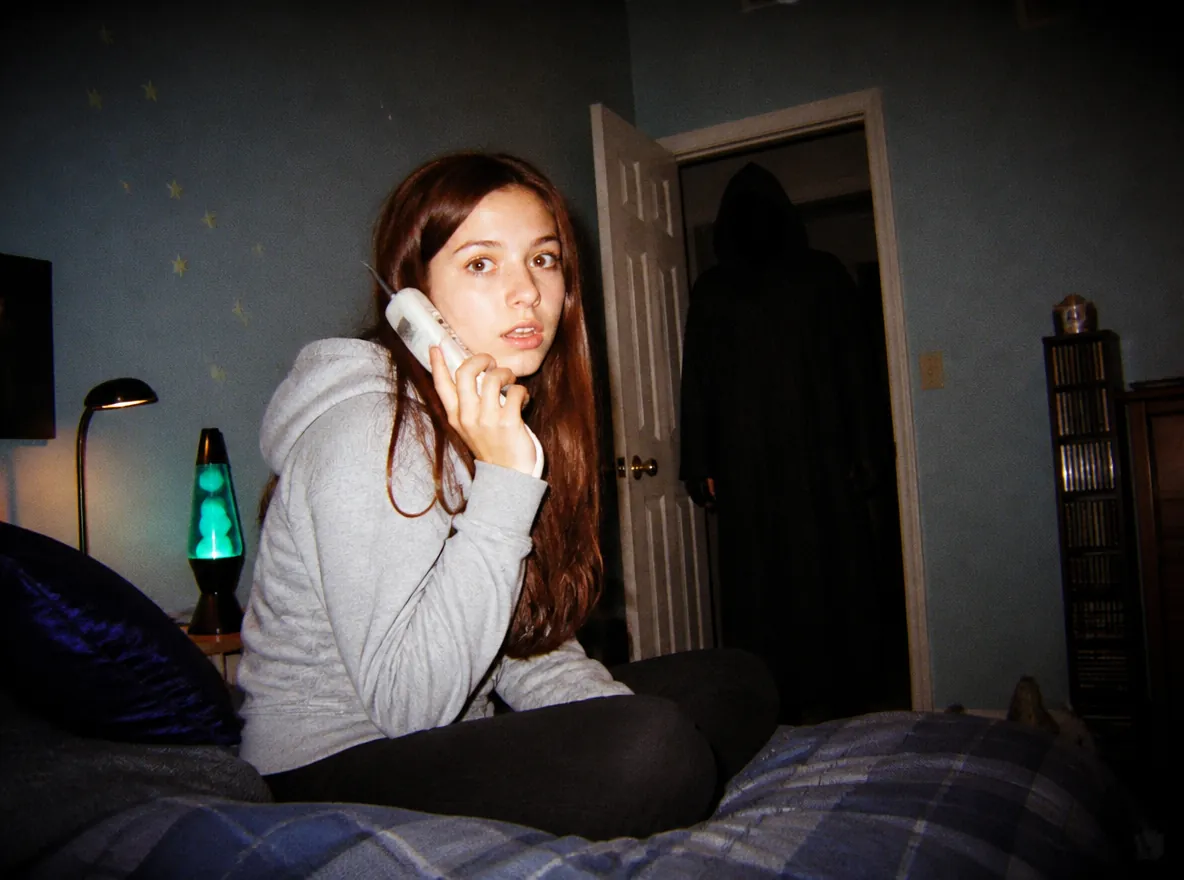
A young woman on a bed lit by camera flash, a hooded figure in the dark doorway behind her

TikTok tutorials · Oct 4–7, 2026

“Her favorite horror movie is probably…” photos

How-to posts for this slideshow piled up between October 4 and 7: a flash-lit 2000s bedroom, a figure in the doorway, four stills in a row. Most versions paste in famous film villains; the Horror Movie Photo template keeps the mood with faceless, original figures, one still per look to line up as a slideshow.

Make horror movie stills
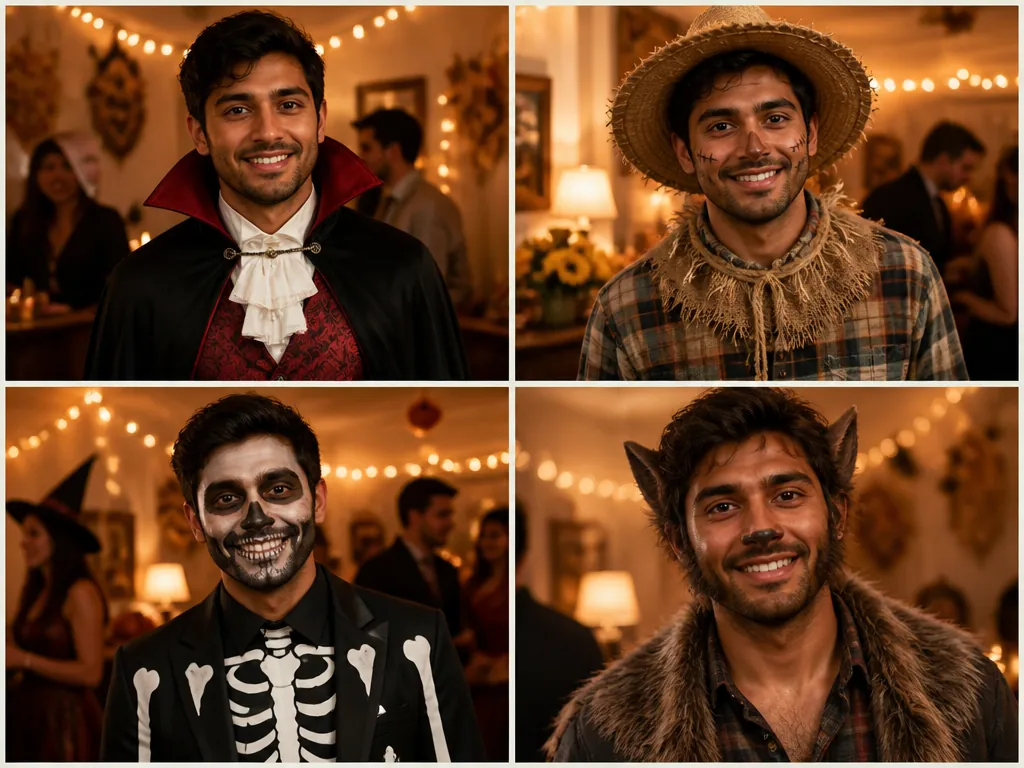
The same man in four costumes: vampire, scarecrow, skeleton suit and werewolf

TikTok posts · Oct 1–11, 2026

Letting AI pick the costume

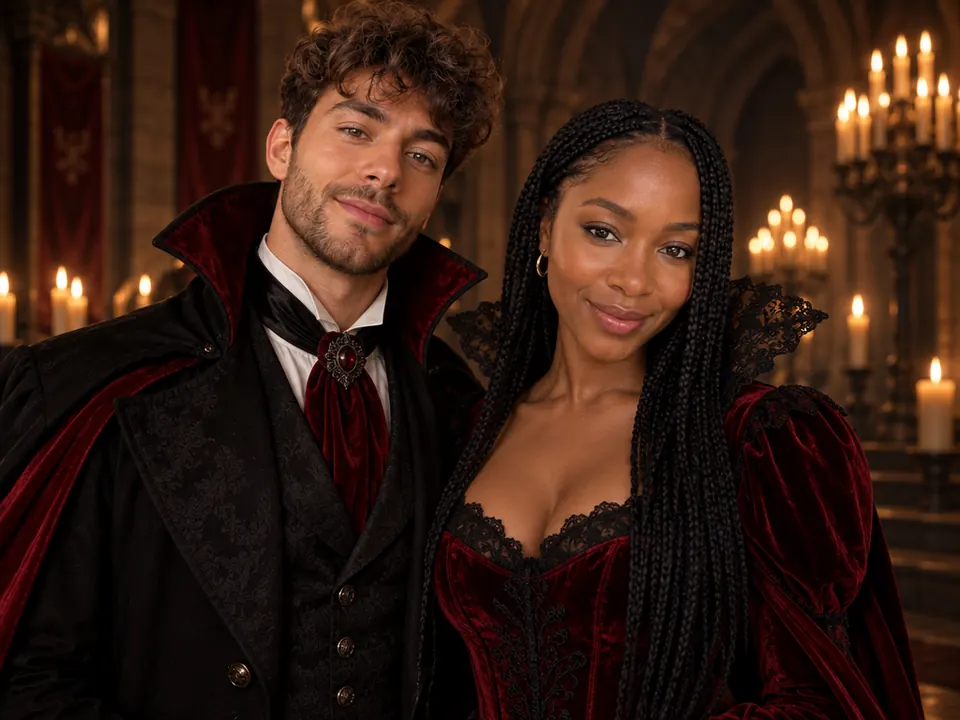
“AI chose our Halloween costumes” posts ran through early October, couples included, and people now type “what should I be for Halloween AI” into search. Costume Try-On dresses your own photo in a full look with matching makeup, and Surprise me lets the model choose.

Try on a costume
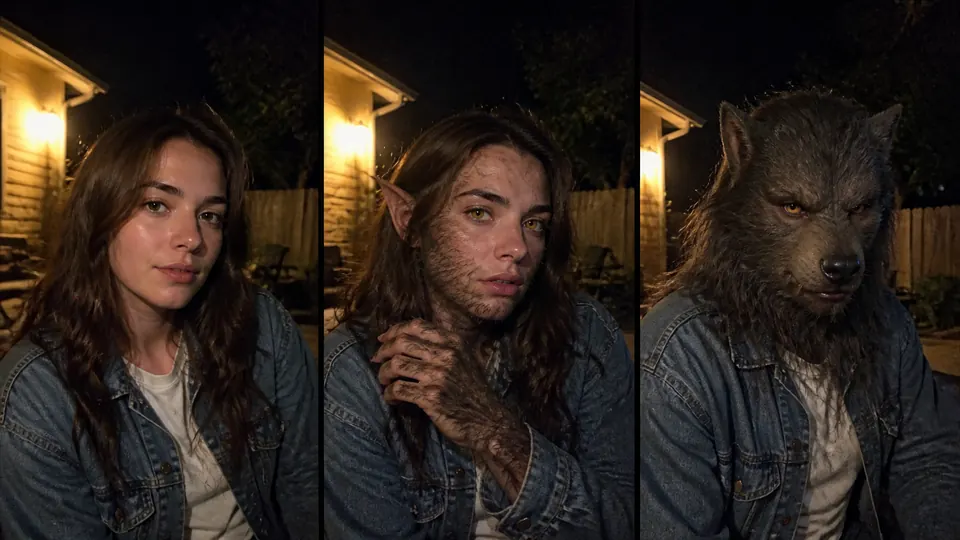
Three frames of a woman turning into a werewolf under moonlight

TikTok tutorial · Oct 9, 2026

Werewolf transformations

A how-to for the werewolf transformation trend arrived on October 9, next to the yearly vampire and zombie filters. The Transformation template turns one selfie into a short video where fur, pointed ears and amber eyes appear while your face stays yours.

Make a transformation video
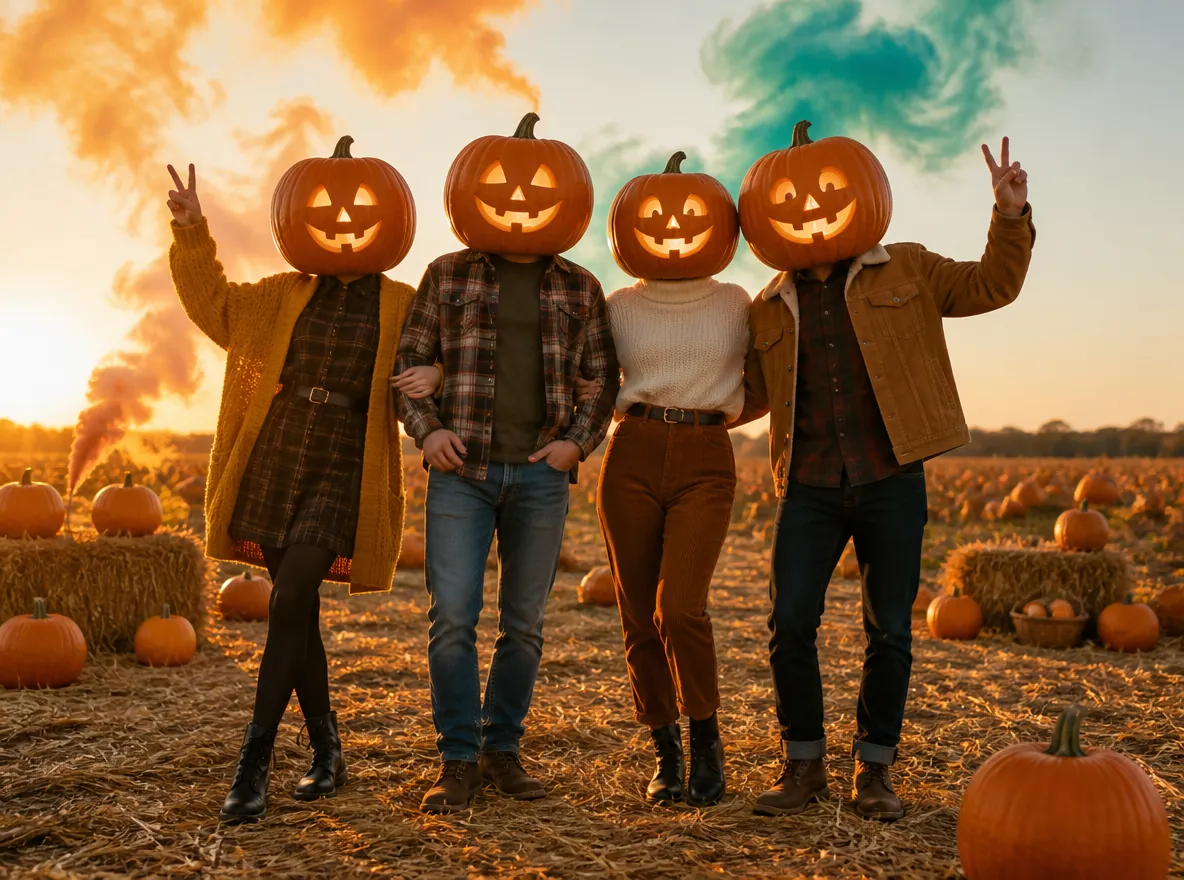
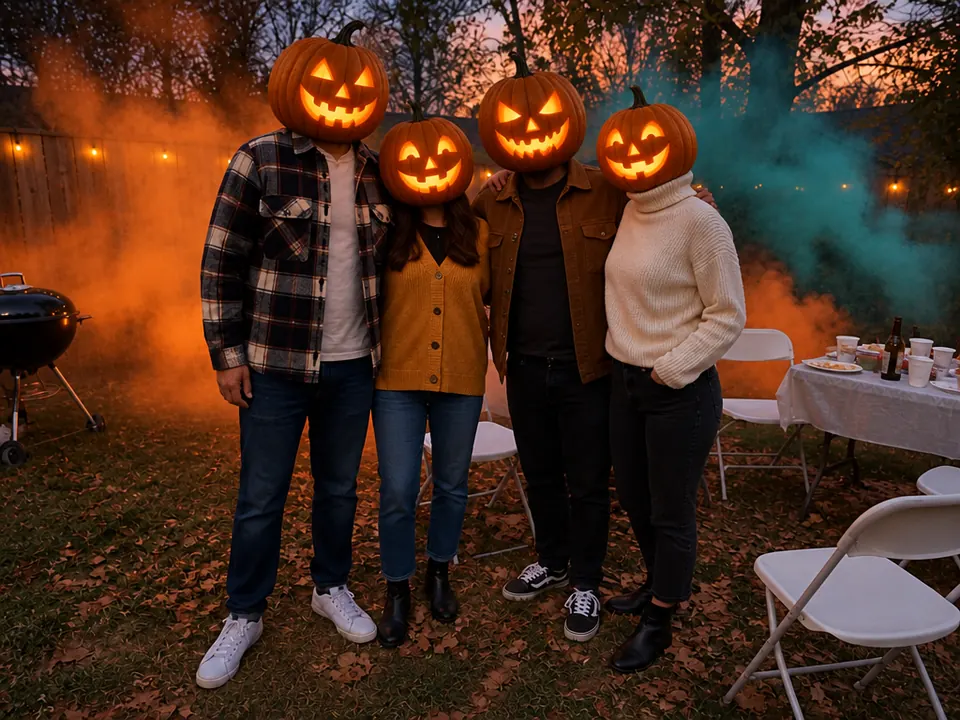
Four friends in a pumpkin patch with glowing jack-o'-lanterns for heads

TikTok family post · Sep 24, 2026

The pumpkin head photoshoot

Friends, couples and families have worn carved pumpkins over their heads for fall photos since at least 2020 (Daily Dot), and a family pumpkin head video opened this season on TikTok on September 24. The template does it from one group photo, with no carving or smoke bombs, and keeps the result private.

Make a pumpkin head photo
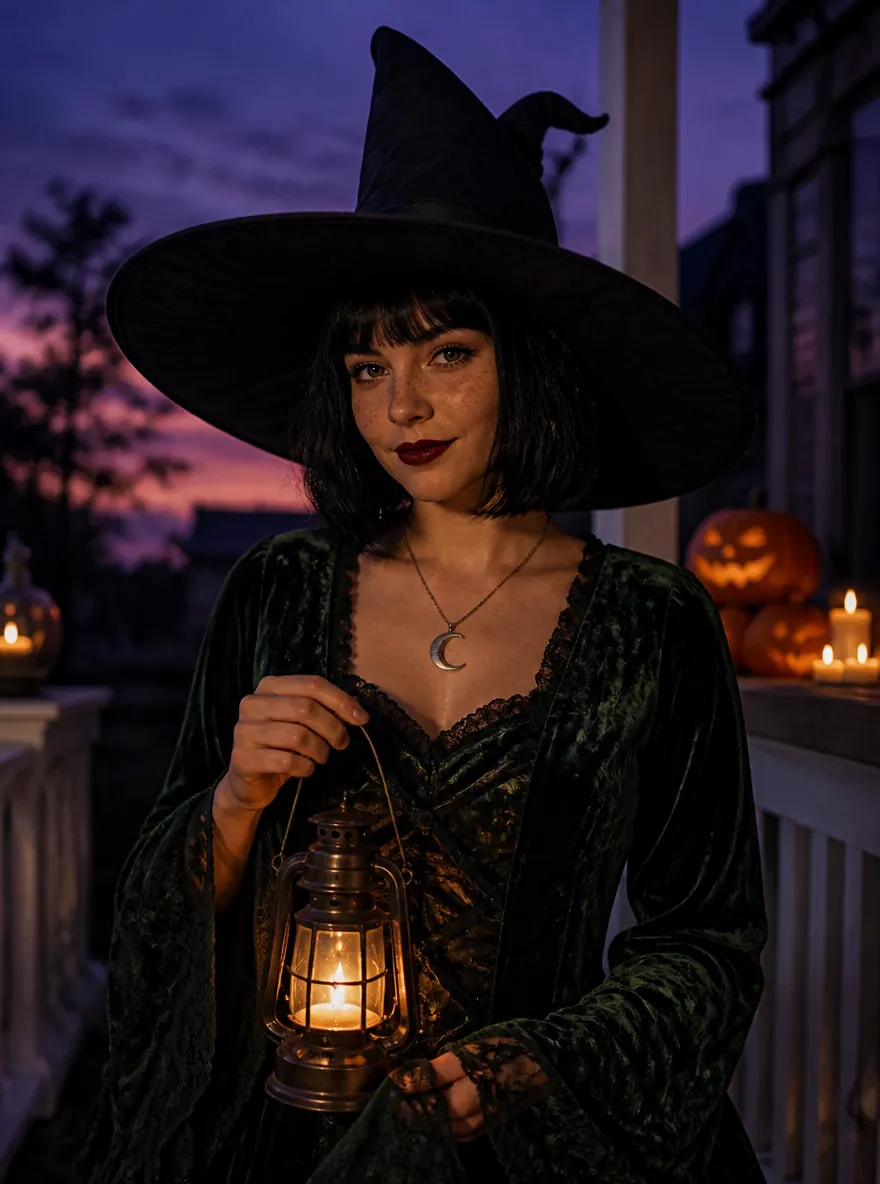
A woman in a witch costume on a candlelit porch at dusk
Photo
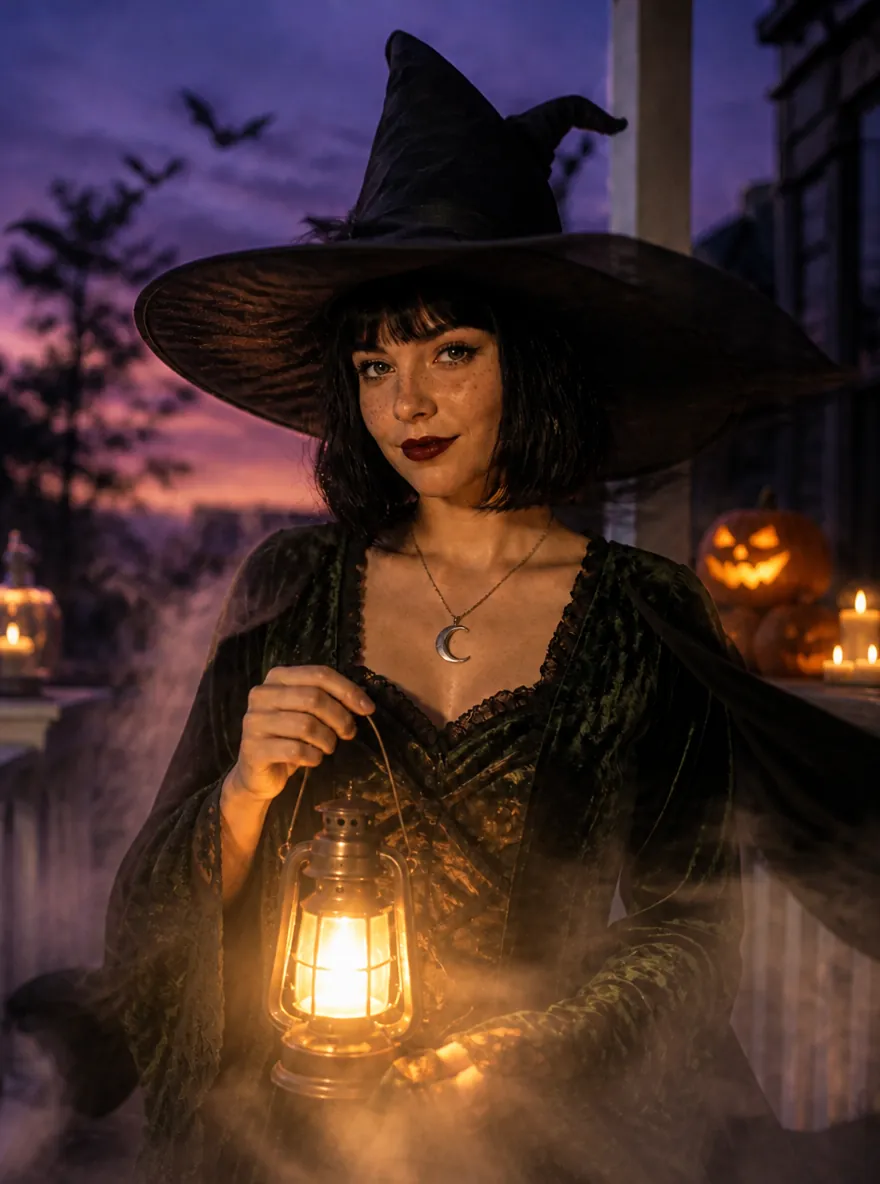
The same witch photo animated, with fog, a glowing lantern and bats in the sky
Video frame

Photo to video

How do you turn a Halloween photo into a video?

Make the photo first, then animate the one you like. Photos are quicker and cost less, so you can settle the look before spending credits on a video.

  1. 1

    Make the photo

    Use Costume Try-On, Horror Movie Photo or another photo template. A photo costs from 3 credits.

  2. 2

    Tap Animate it

    Every photo result has an Animate it button that takes the image straight to the video template, with nothing to download or upload again.

  3. 3

    Pick the motion

    Choose spooky ambience or a jump scare and generate a 5-second video, 60 credits by default.

Animate a Halloween photo

Halloween AI template, filter or prompt: what's the difference?

A filter lays an effect over your photo; a template redraws the costume, scene and light around you; a prompt makes whatever you can describe.

At a glanceHalloween AI templateHalloween photo filterYour own prompt
You giveOne photo (two for couples)A photo or the live cameraA photo and written prompt
What changesCostume, scene and lightAn overlay on topWhatever you describe
Your faceKept recognizableKept, often smoothedDepends on the prompt
VideoPhoto and video templatesLive effects onlyA separate tool
Characters and goreOriginal looks, no goreVaries by appOften blocked or garbled
On Oeneo AIThis page, from 3 creditsNot offeredAI Image Generator

What photo works best for Halloween AI?

A template can only keep what it can see. A clear photo of the right person matters more than any setting.

Use

  1. Front-facing portrait of a woman on a white background

    One face, clear and front-on

    Even light, eyes visible, nothing covering the face. Best for costumes, horror stills and transformations.

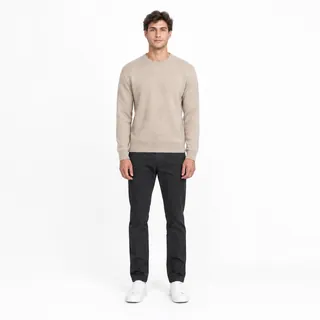
  2. Full-body photo of a man standing on a white background

    Head to toe for full looks

    Costumes and the costume walk look better with shoes and hands in the frame.

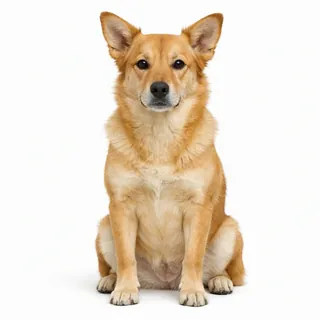
  3. A dog sitting and facing the camera on a white background

    Pets facing the camera

    Eyes and the whole body visible, sitting still, in daylight.

Avoid

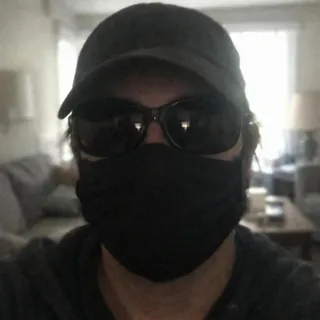
  1. A person in sunglasses, a face mask and a cap against a bright window

    Sunglasses, masks and caps

    A hidden face can't be kept, so the result drifts toward a stranger.

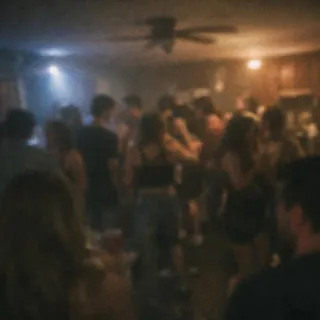
  2. A dark, blurry party photo with tiny faces

    Tiny or dark faces

    Distant party shots give the model almost nothing to work with. Crop closer or pick another photo.

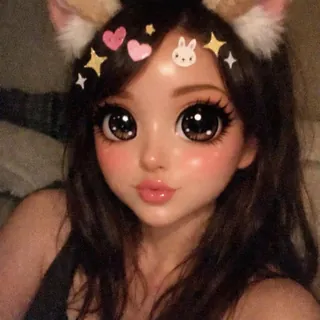
  3. A selfie with a heavy cartoon beauty filter and stickers

    Beauty filters and stickers

    Big-eye filters and stickers end up baked into the costume. Use the original photo.

Before you postScary templates: adults onlyAsk before using a friend's photoNo fake-intruder pranksMark it as AI when you share

Family photo? Pumpkin Head hides every face, and its results, like couple photos, never appear in the public gallery.

FAQ

Halloween AI questions

Is Halloween AI free?+

You can try it free: new accounts get 10 credits, enough for 3 costume photos at 1K (3 credits each). After that, photos start at 3 credits each and videos cost 60 credits by default. The exact price is on the Generate button before you start, and failed runs are refunded. Everything runs in the browser, so there's no app to install.

How do you do the AI Halloween trend?+

Pick a template on this page, upload one clear photo, choose a look and press Generate. Download the photo or video when it's ready and post it to TikTok, Instagram or Facebook like any other picture; for the horror-movie slideshow, make a few looks and post them in order.

Do I need to write a prompt?+

No. Each template carries its own instructions for the costume, scene, lighting and safety rules, so you only choose a look. If you'd rather describe everything yourself, the AI Image Generator takes your own prompt.

How long does it take?+

Photos usually arrive in under a minute; videos take a few minutes. The result appears where the example was, and you can find it later in My Creations.

Can I use photos of my kids or my pet?+

Use adults' photos for the scary templates: transformations, Ghost Behind You and horror stills. Pumpkin Head suits family photos because every face becomes a pumpkin, and its results stay private. Pets have their own costume template; a clear, front-facing photo works best.

Can it make Ghostface, Michael Myers or other movie characters?+

No. The templates use original looks and faceless figures instead of trademarked characters, which image models usually refuse or garble anyway. Describing the mood, such as a hooded figure in a flash-lit doorway, gives you the same feel.

Why doesn't the result look like me?+

Most misses come from the photo: a side angle, sunglasses, dim light or a beauty filter. Use a sharp, front-facing photo with even light, then run it again or pick another look. Each run is charged when it finishes, and failed runs are refunded.

Are my photos and results public?+

Results from free accounts can appear in the public gallery; paid plans can keep them private. Pumpkin Head and couple photos are always private because they include other people's faces.

Halloween AI

Pick a look and make your Halloween photo

One photo and a few credits, no prompt. Start with a costume, then animate it if you like the result.