


Slide 1 · Y2K flash
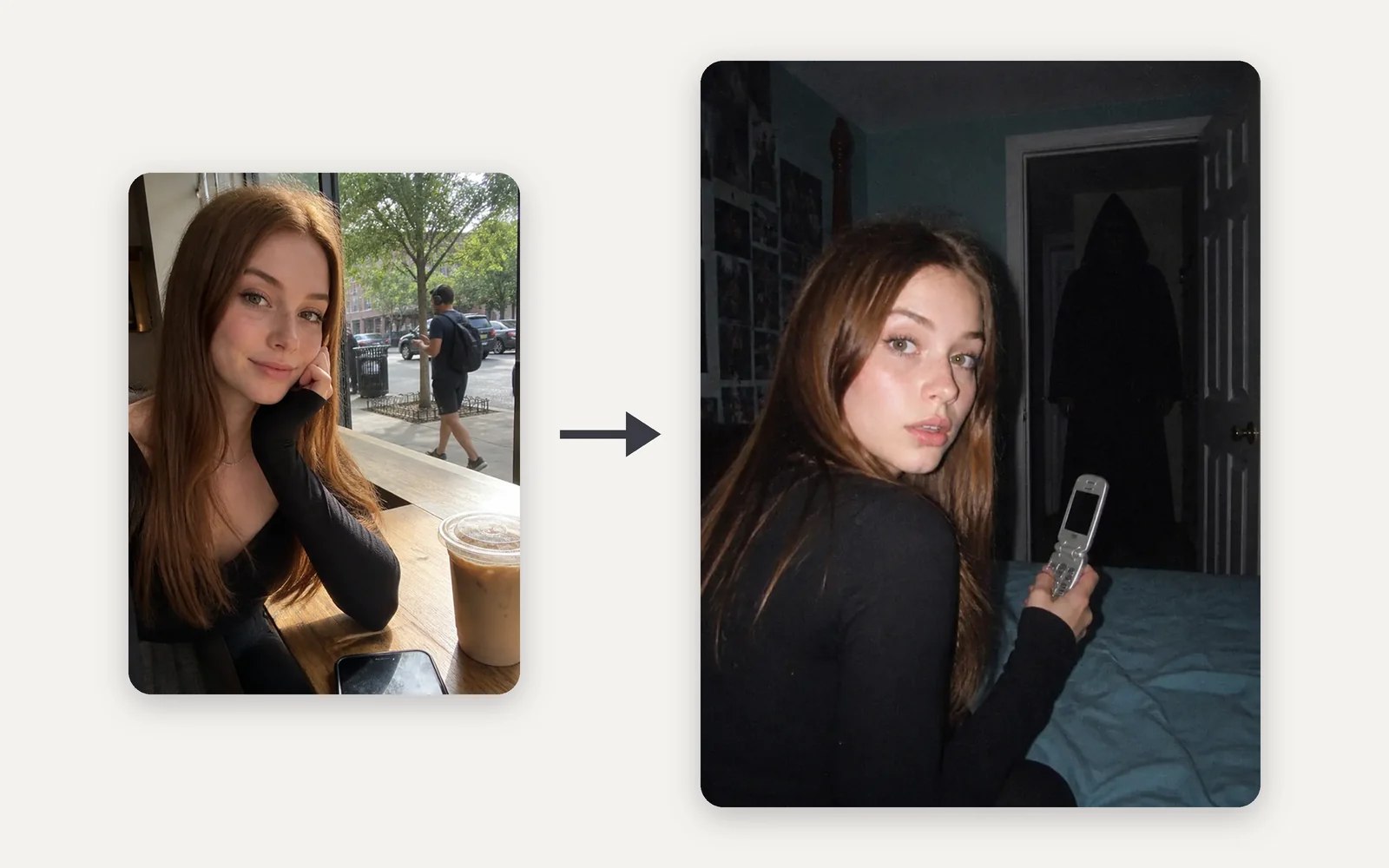
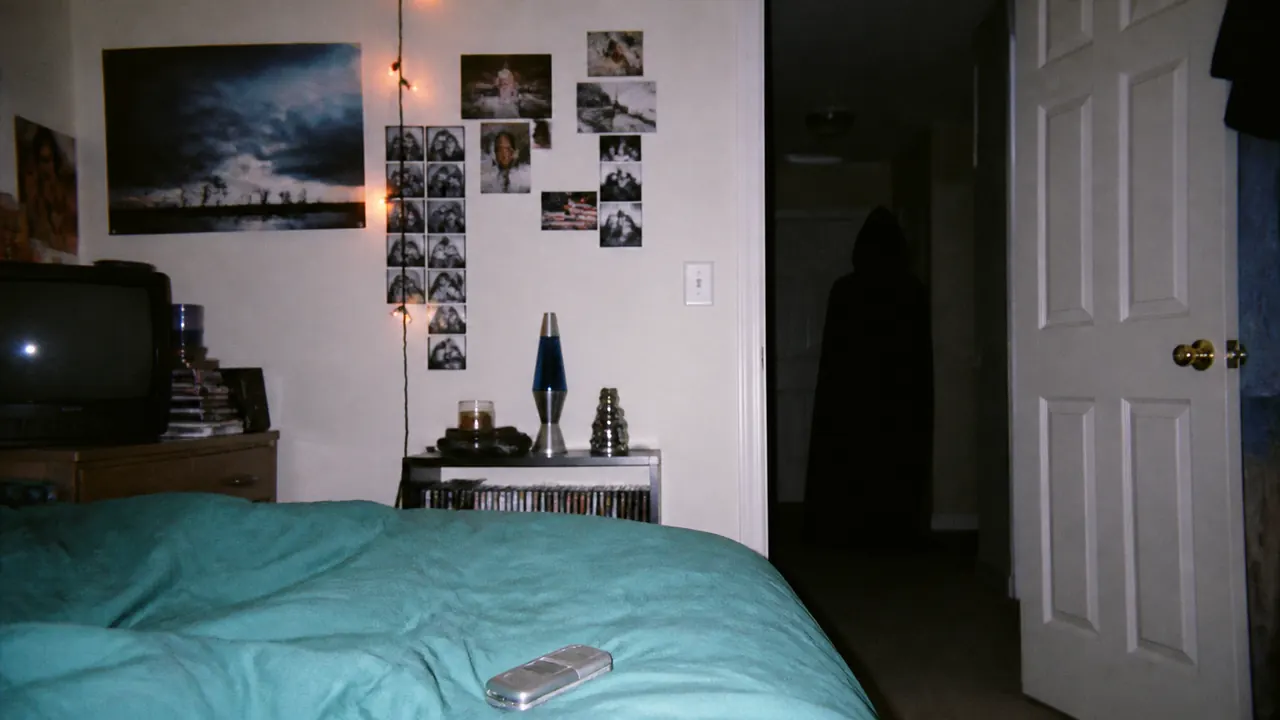
The flash-lit 2003 bedroom opens the set
A harsh on-camera flash, a flip phone in your hand and a hooded figure in the dark doorway behind you. It's the frame people already know from the trend, so it goes first.
Upload a selfie and become the lead of a flash-lit 2003 bedroom, a rainy 90s window or a foggy forest. Make a few looks and post them as a slideshow.
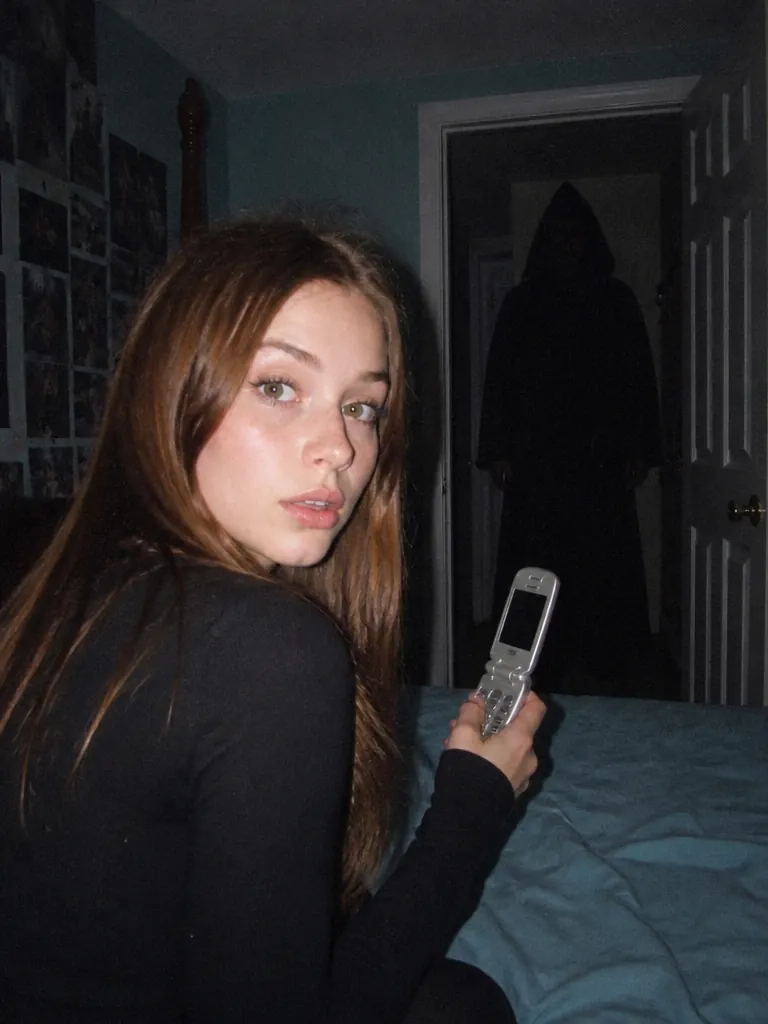
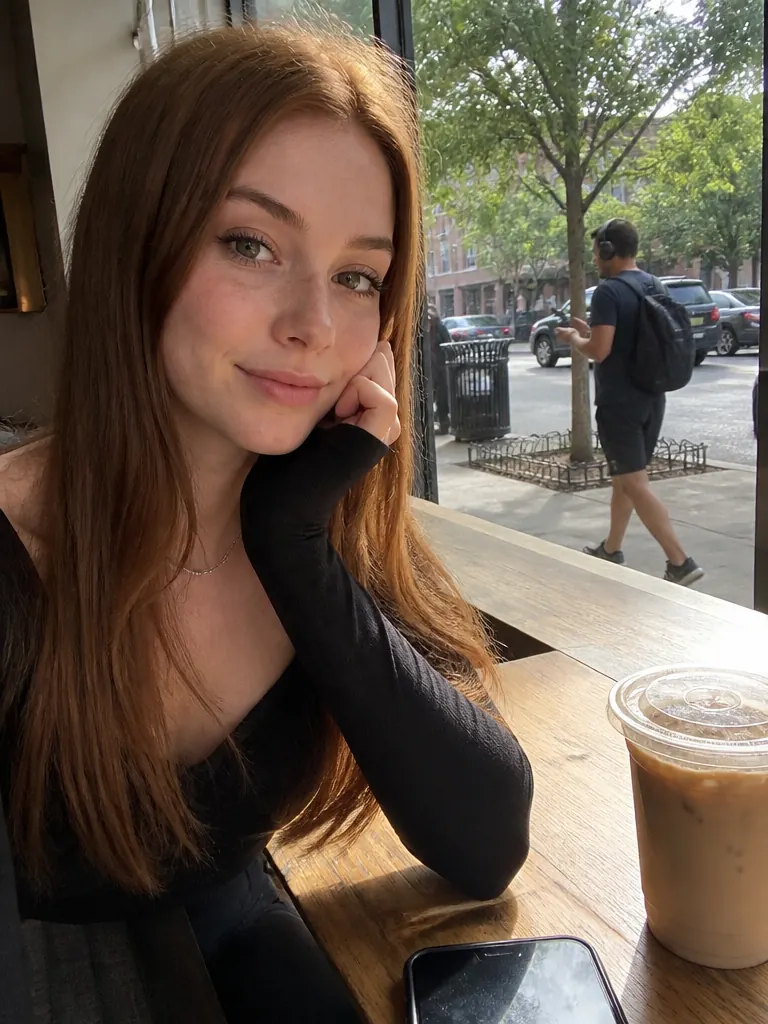
PNG / JPG / WebP · up to 10 MB · at least 512px on the short side
0/1 photos
One adult, face clear and front-on, shoulders up or half body.
Photo settings
No prompt needed. Only upload photos of yourself or people who agreed to be featured; celebrity photos and film stills aren't allowed.
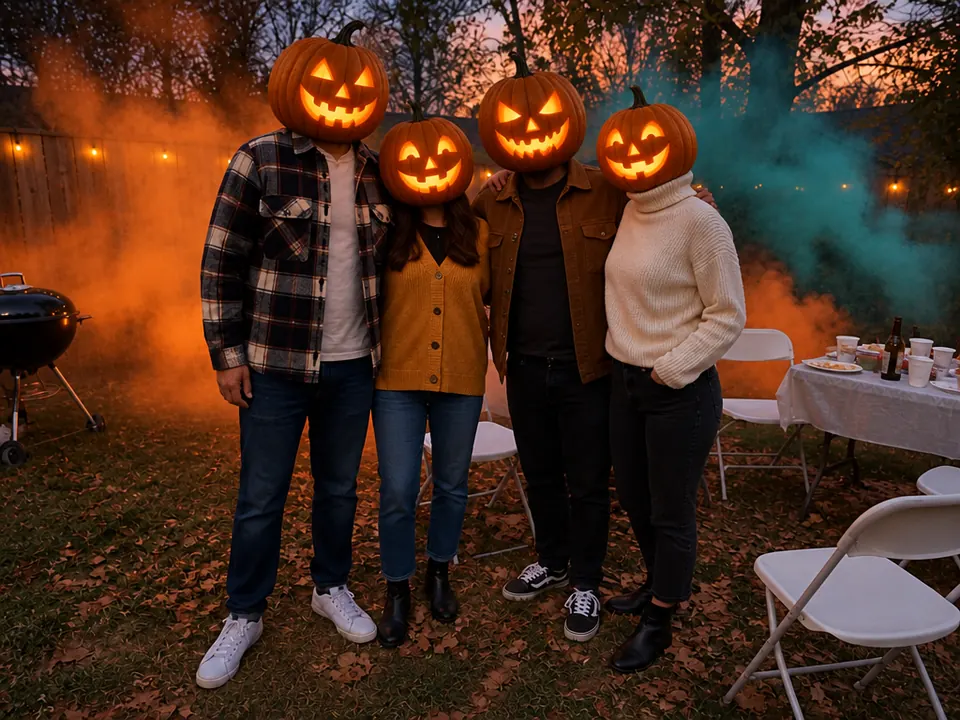
Turn everyone's head into a glowing jack-o'-lantern
Try it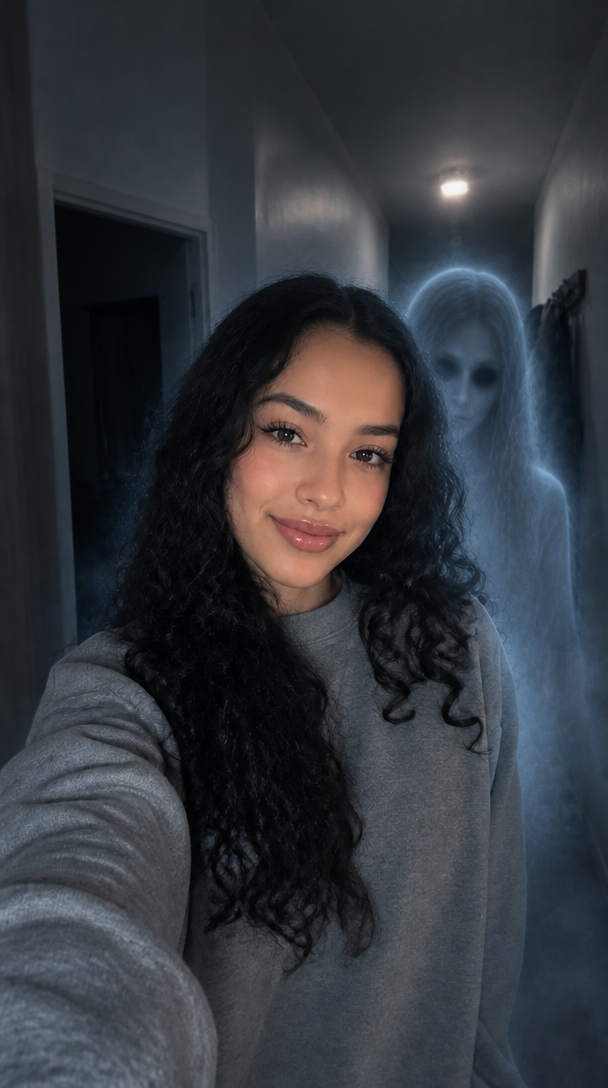
Add a ghost behind you in your selfie
Try it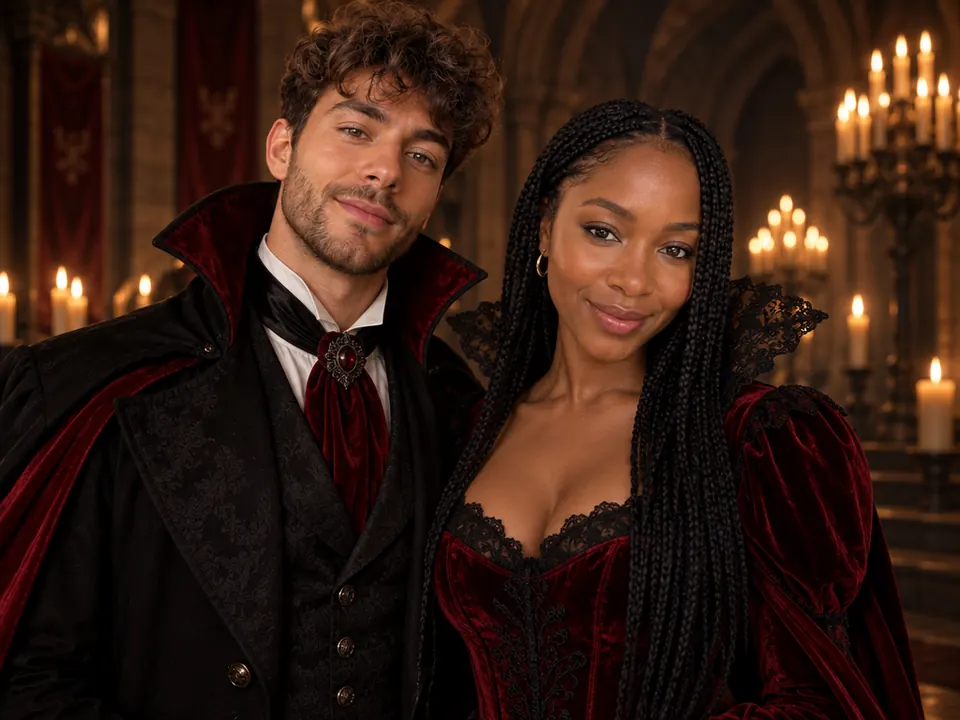
Two photos, one matching Halloween couple shot
Try it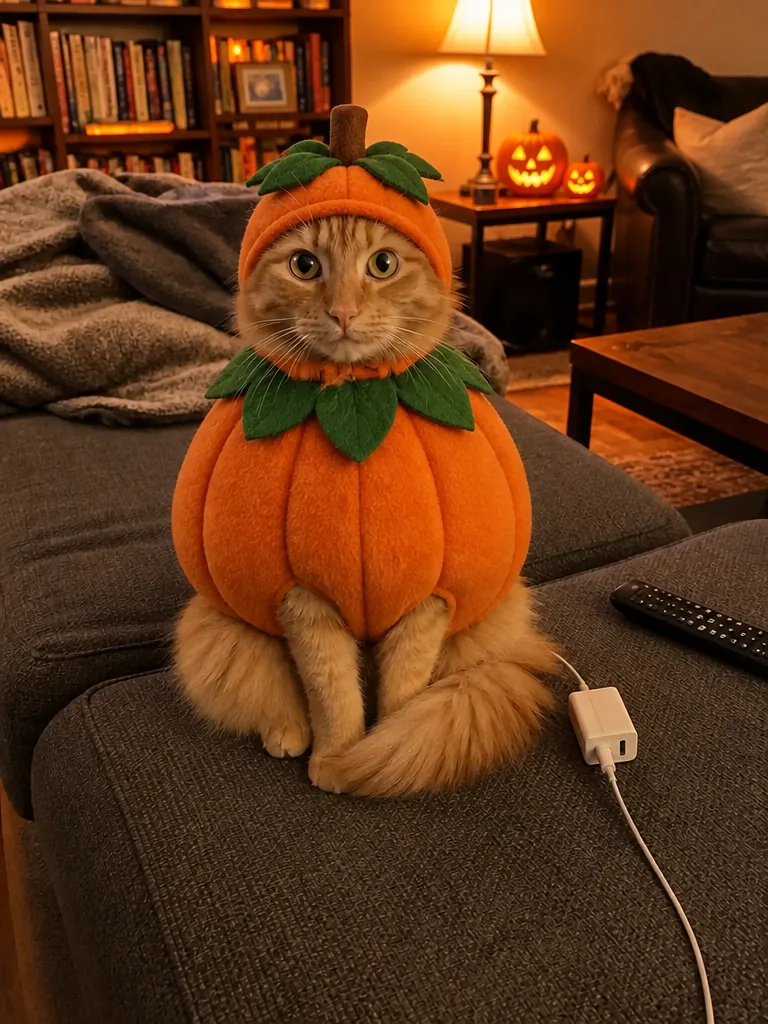
Your cat or dog in a Halloween costume, no dressing up
Try it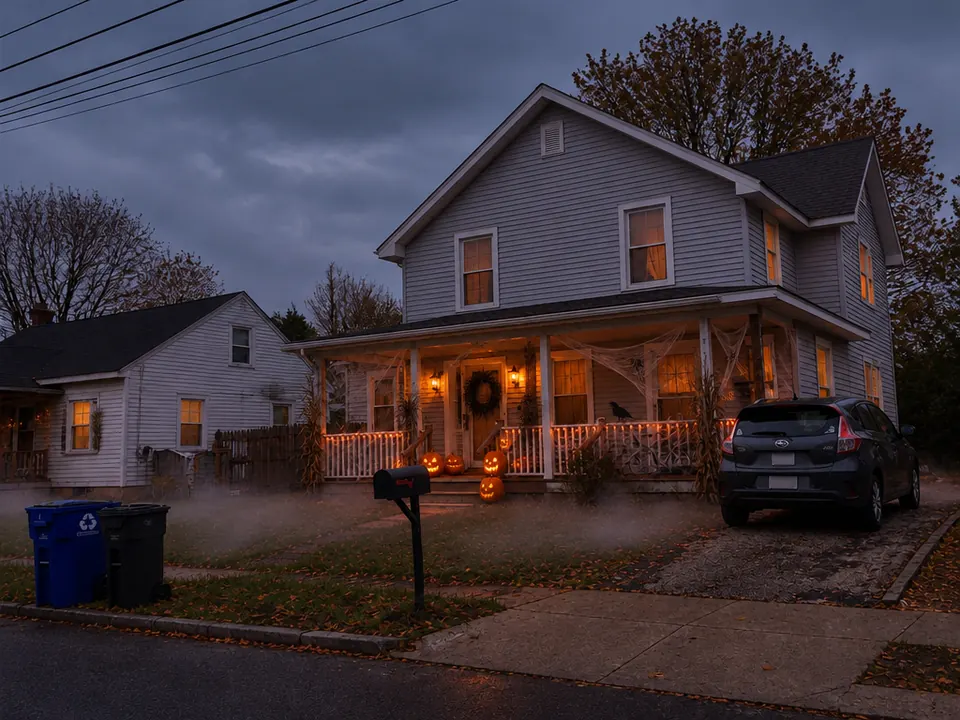
See your house decorated for Halloween first
Try itThe horror movie AI trend is usually posted as a slideshow: you, then the same you in three more scenes. Each run makes one still, so pick a look, generate, then switch looks for the next slide.
Slide 1 · Y2K flash
A harsh on-camera flash, a flip phone in your hand and a hooded figure in the dark doorway behind you. It's the frame people already know from the trend, so it goes first.
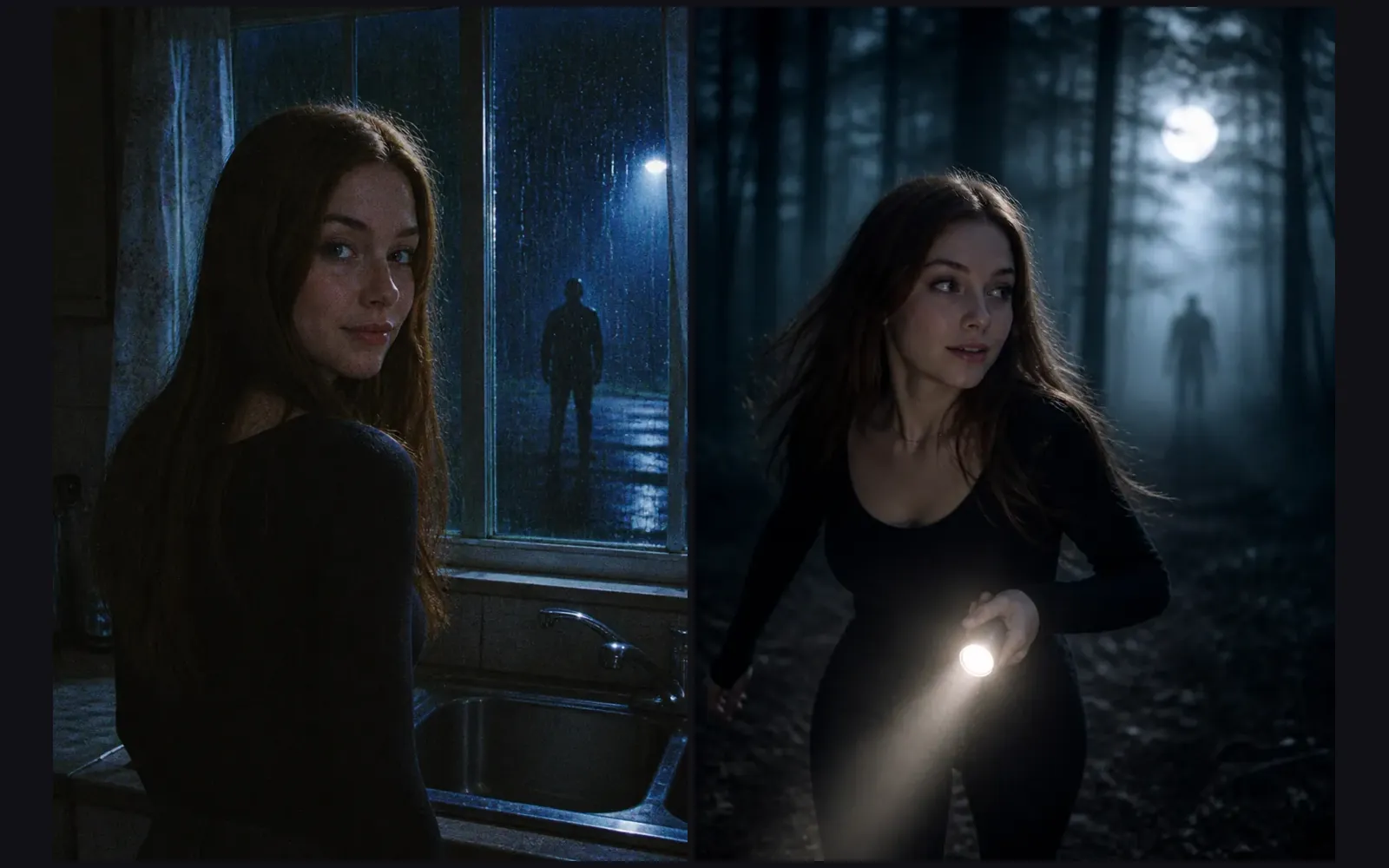
Slides 2–3 · 90s slasher and final girl
The middle slides build the chase: a kitchen window at night under a cold streetlight with someone out in the rain, then a flashlight run through a misty forest, glancing back. Same face, two very different nights.
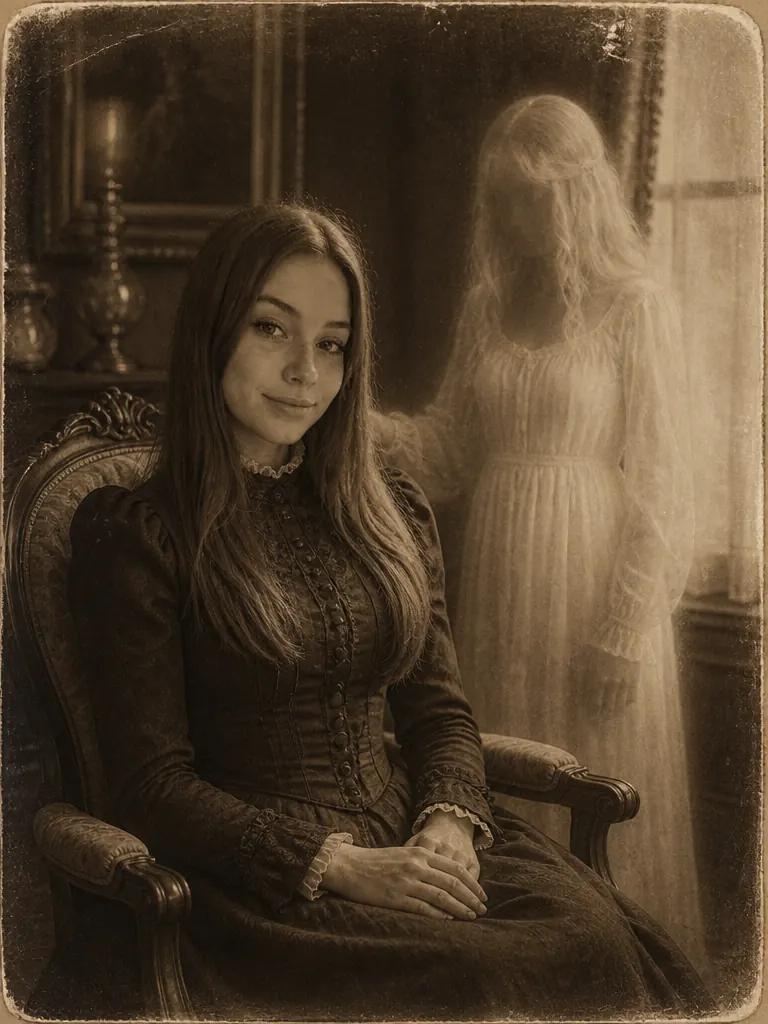
Slide 4 · Haunted portrait
End on an 1890s parlor portrait: you seated upright in period clothes while a pale, see-through figure stands beside the chair, like a Victorian spirit photograph. It gives the set its twist.
Four things each look handles, so the slideshow reads like one film.
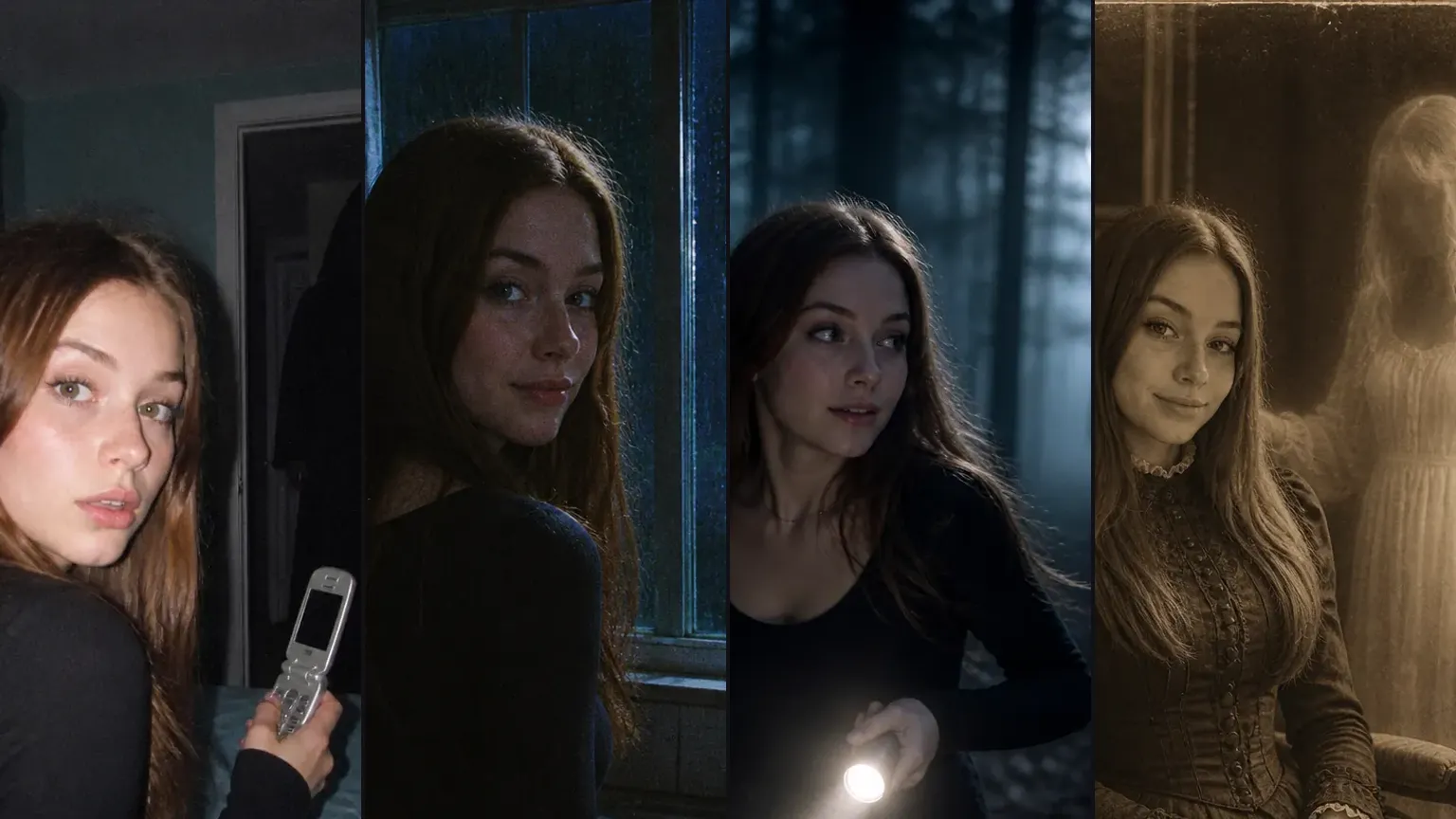
Each look keeps your face, age, skin tone and hairstyle, so the four slides read as one lead in four films, not four strangers.
The threat stays in the back: a hooded shape in a doorway, someone standing in the rain, a silhouette in the fog, a pale ghost. Every figure is original and faceless, with no masks from real films and no blood.
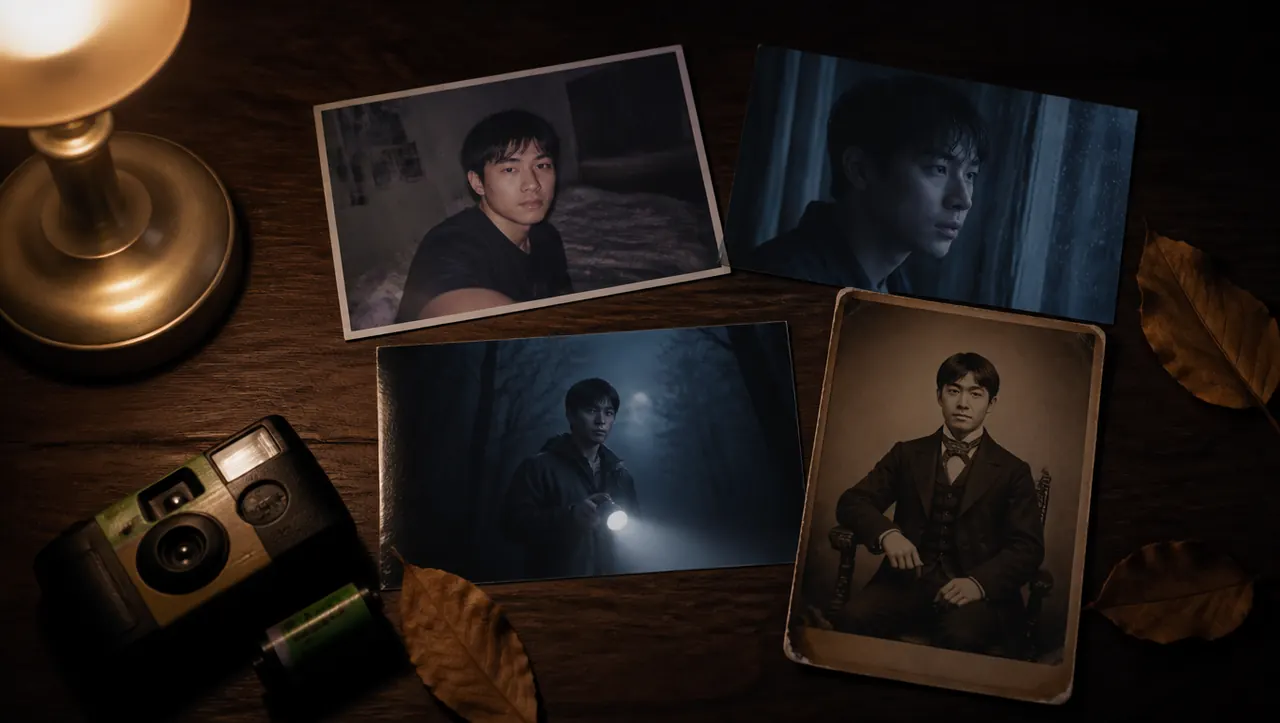
Disposable-camera flash and grain, VHS color bleed, moonlit fog, aged paper with scratches. The texture changes with the era, which is what keeps a horror still from looking like a clean AI render.
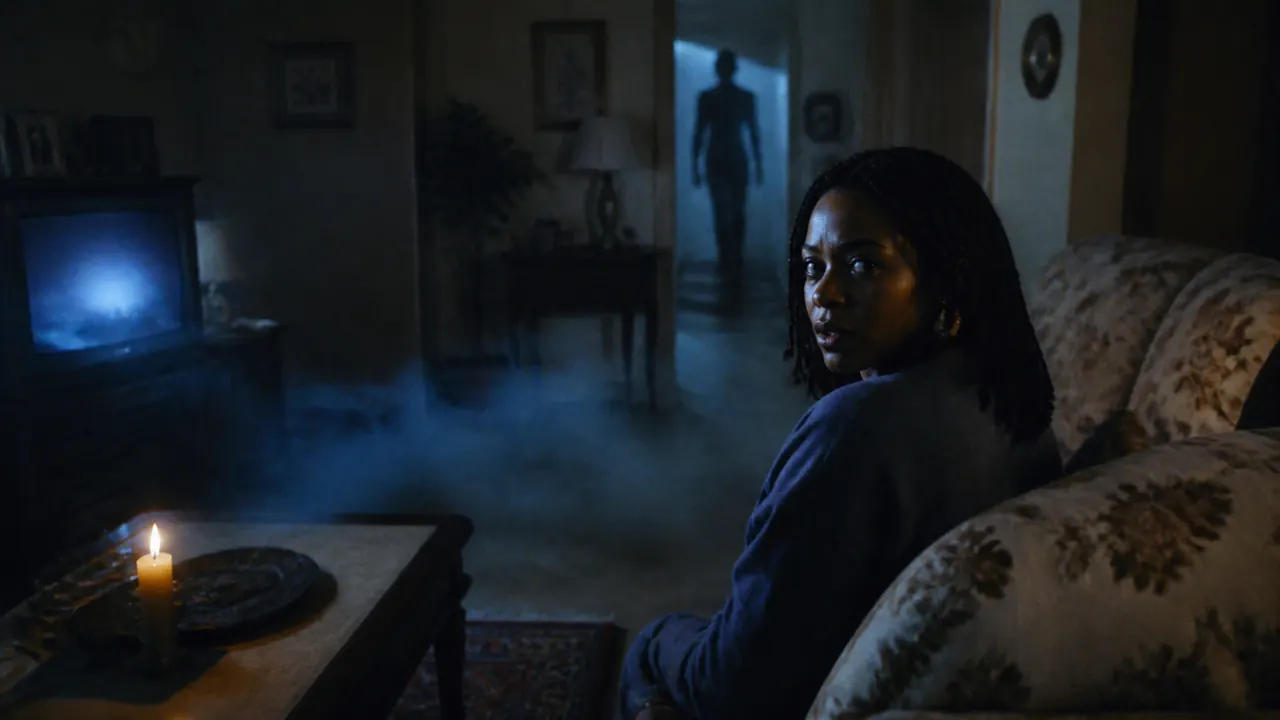
Every result has an Animate it button. It takes the still to the Halloween Animate template, where fog drifts and candles flicker, or a shadow sweeps past for a jump scare.
One clear selfie is enough for all four looks.

One adult, face clear and front-on
Eyes visible and nothing over your face, so every era keeps your features.
Shoulders up or half body
Leave a little room around your head and shoulders for the scene to build on.

Soft, even light
Window daylight beats a ring-light glare or a dark room; the look adds the darkness itself.
Kids or teens
The horror looks are for adults' photos.
Two or more people
Each look casts one lead, so use a photo of just you.
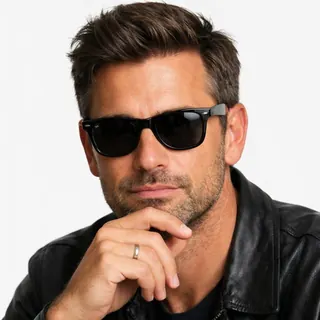
Sunglasses, masks or a hand on the face
Anything covering your eyes or jaw makes the face harder to keep.
Someone else's selfie without asking
It's their face in a horror scene, so get a yes first.
It's AI putting you in a horror movie: a selfie turned into a film still with you as the lead and something lurking behind you, usually posted as a TikTok or Instagram slideshow. It's also called the scary movie AI trend, and how-to posts for it spread on TikTok again in early October 2026.
You don't need one here. Each look already holds its scene, light and film texture, so you upload a selfie, pick a look and press Generate. If you'd rather write your own horror scene, the AI Image Generator takes a prompt with your photo as a reference.
Make one still per look, download them, then select them in order in TikTok's photo mode: Y2K flash, 90s slasher, final girl, haunted portrait. Pick 9:16 before generating if you want every slide to fill the screen; 3:4 suits an Instagram carousel, and the default Auto keeps your selfie's shape.
The trend's caption is "Her favorite horror movie is probably…", or "his favorite thriller…", with the slides as the answer. A line that names the era, like "my 2003 horror movie", works too.
12 credits for all 4 looks at 1K, since each still costs 3 credits (4 at 2K, 5 at 4K). New accounts get 10 credits, enough for the first 3 stills at 1K. It all runs in the browser with no app to install; the price shows on the Generate button and failed runs are refunded.
Famous villains are trademarked film characters, and image models often refuse them or draw a garbled copy. A shape you can't quite make out also reads as scarier in a grainy still.
The 90s slasher and final girl looks are dark on purpose, and low light, grain and a turned head make any face harder to read. A sharp, front-on selfie in even light helps most, and the Y2K flash and haunted portrait looks show your face most clearly.
One selfie and a few credits per still. Start with the Y2K flash, then make the next slide.