



2x · 4x · 8x
Pick the factor from the destination
Use 2x for web heroes, 4x for high-DPI screens and medium print, or 8x when a large-format layout needs more pixels.
Turn a small or soft source into a larger image for a product hero, poster, presentation, or campaign crop while keeping edges and existing texture believable.


Compare each source with its enlarged result at the size you plan to use. Look at skin, product texture, foliage, edges, and small details—not just the dimensions.
 Original
 Upscaled
4x enlargement for a high-resolution screen
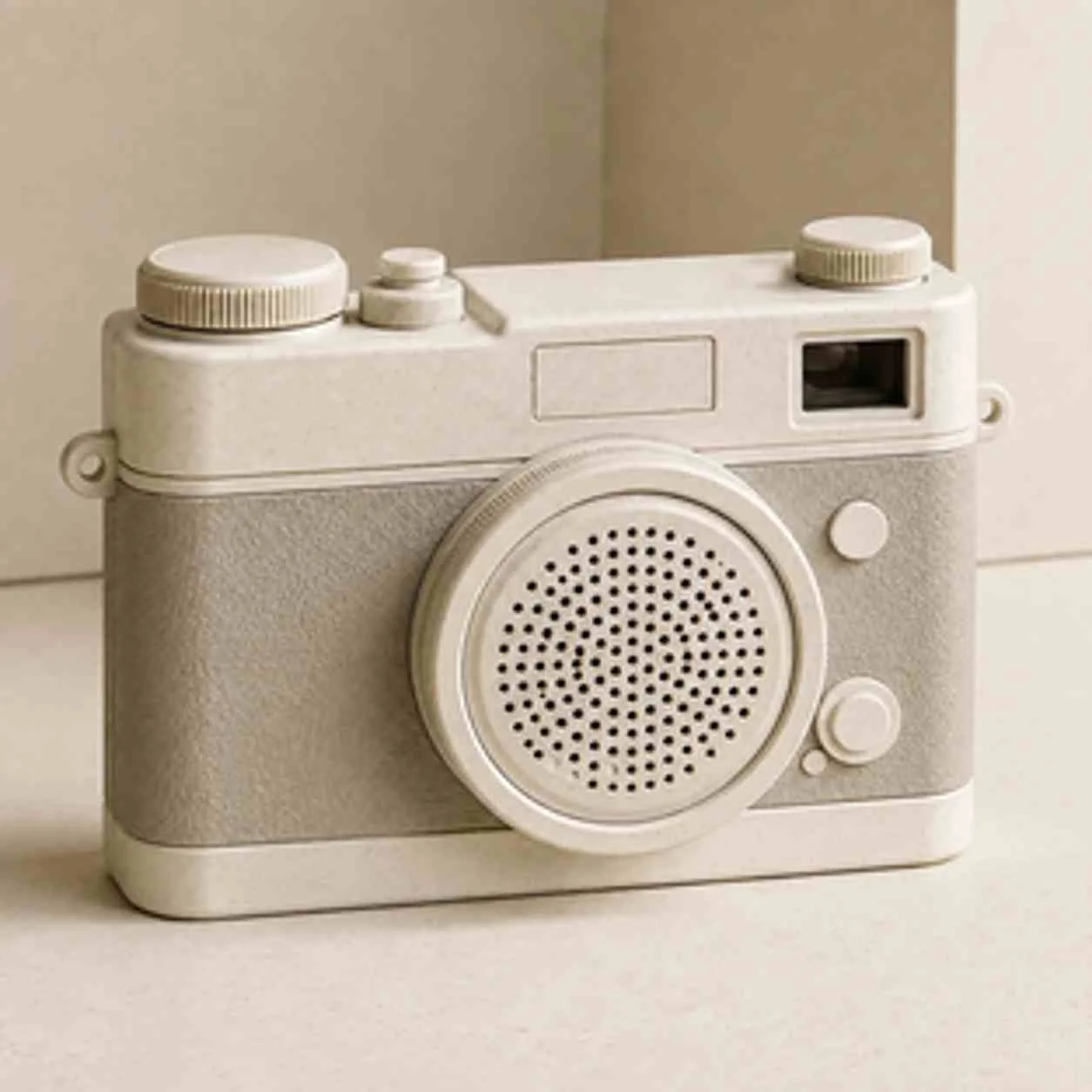 Original
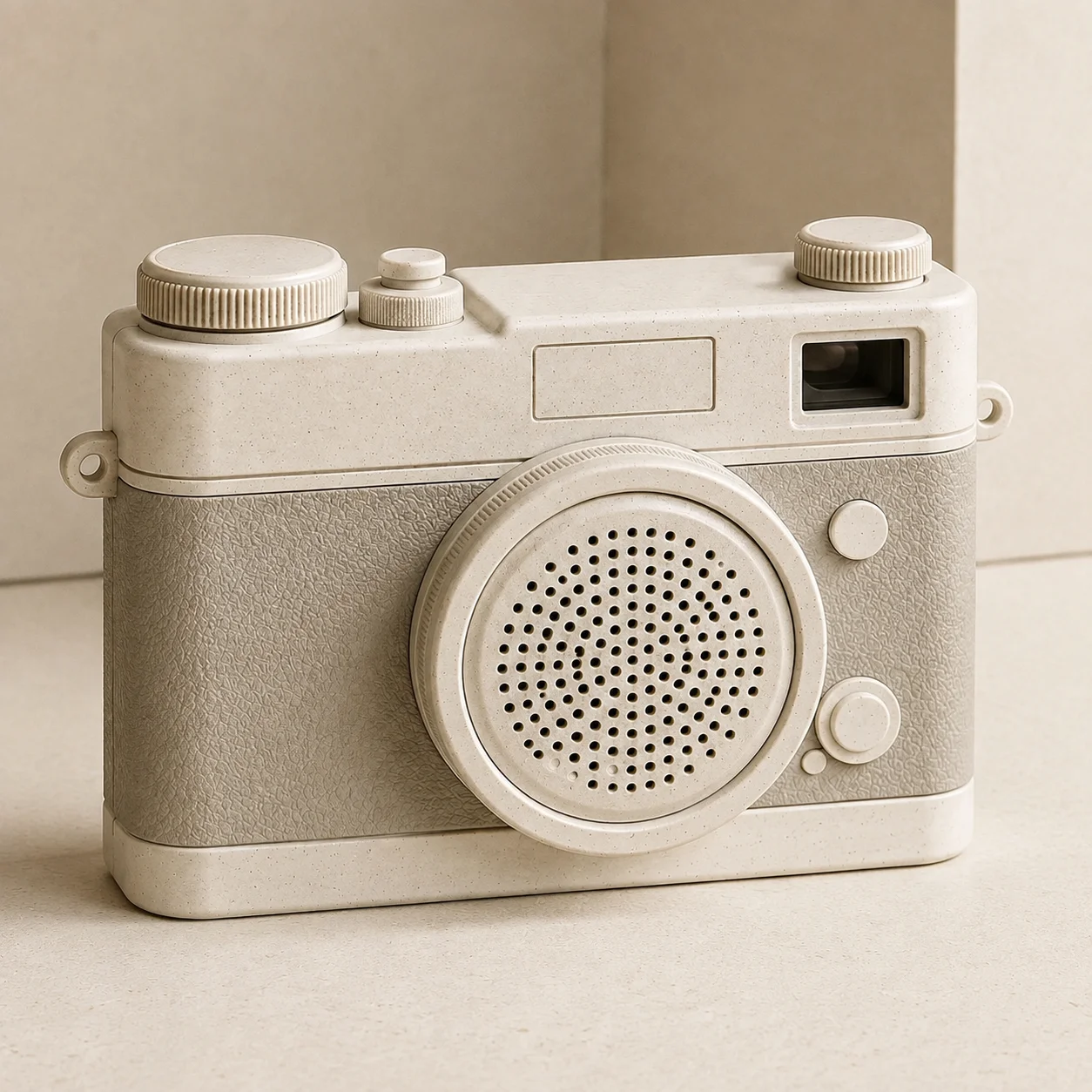 Upscaled
2x enlargement for an e-commerce product page
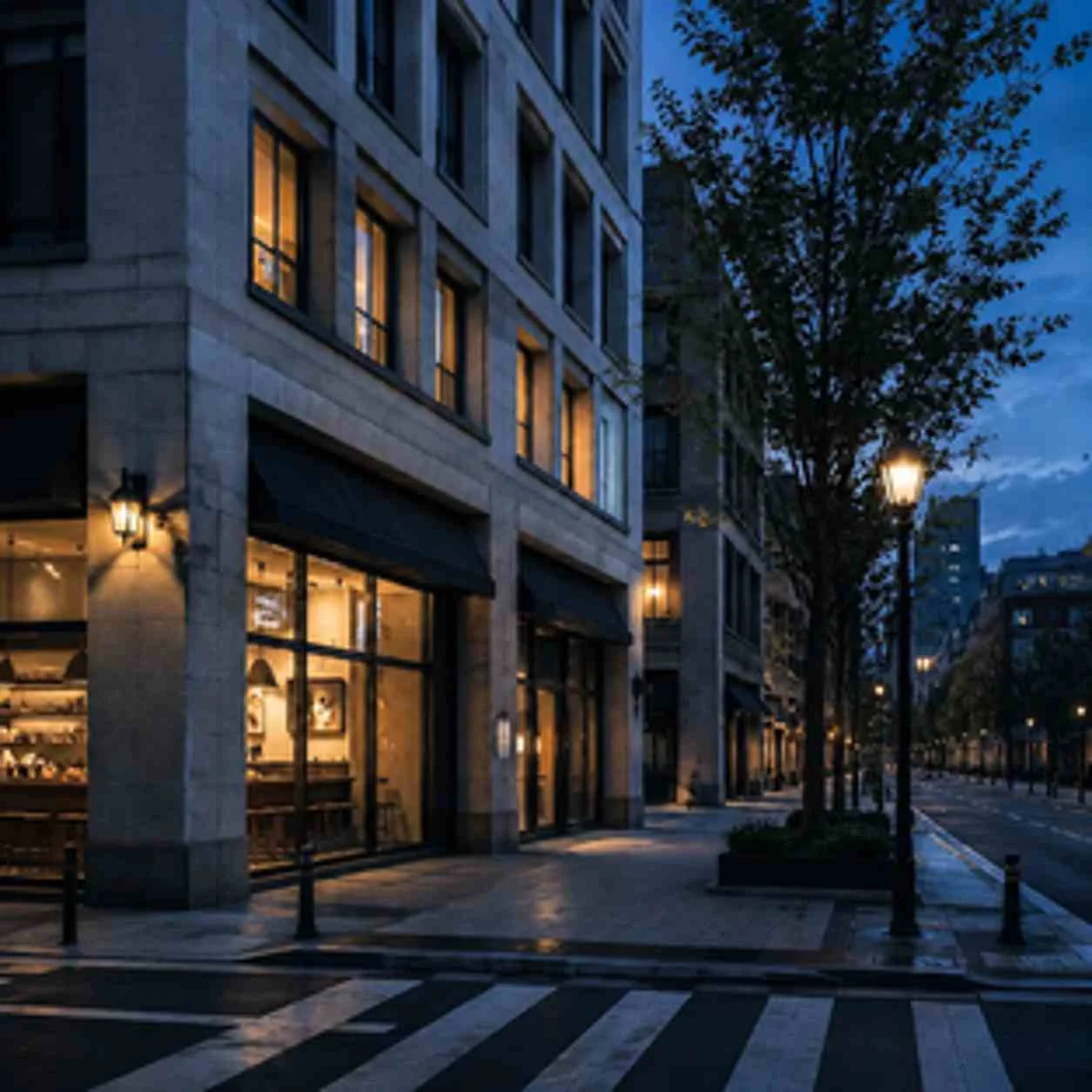 Original
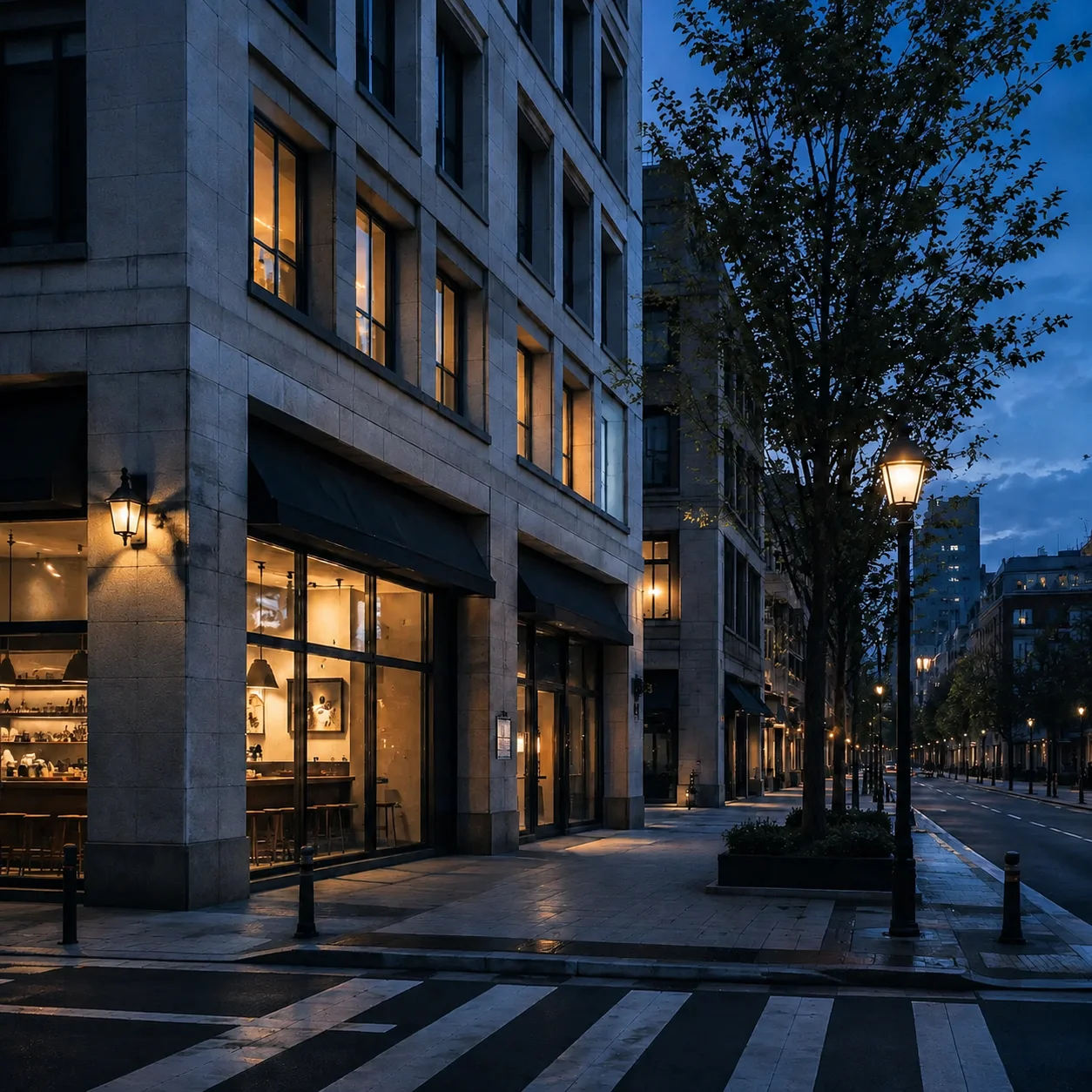 Upscaled
8x enlargement for large-format output
How it works
Start with the source, choose the delivery size, confirm the quote, and inspect the result before you publish or print it.
Choose a PNG, JPG, or WebP and check that the subject, texture, and edges are visible enough to recover.
Select 2x, 4x, or 8x from the final placement rather than choosing the largest number by default.
Check projected dimensions, the output cap, and the credit quote before submitting the task.
Compare the enlarged result at its intended size, then download it in PNG, JPG, or WebP.
What the upscaler is for
Recover useful texture from a small source for print, display, and marketing without pretending the tool can recreate detail that was never captured.
2x · 4x · 8x
Use 2x for web heroes, 4x for high-DPI screens and medium print, or 8x when a large-format layout needs more pixels.

Enhanced
Enlarge the existing image and enhance useful texture while preserving its original composition. This makes a source larger; it does not add new creative content.
Print-ready
Create larger files for posters, banners, presentation screens, and campaign surfaces, with output capped at 100 megapixels.

Natural edges
Balance sharper edges with believable gradients, skin tones, and product surfaces so the result does not look aggressively sharpened or over-processed.
Choose the scale from the destination and the detail already present in the source; larger output is not automatically a better result.
Start with the cleanest source
A sharp, lightly compressed source gives the model real texture to recover. Avoid thumbnails with heavy JPEG damage or blur.
Choose from the final use
Use 2x for web, 4x for high-DPI screens or medium print, and 8x for large-format output when the source has enough detail.
Check the output ceiling
Output is capped at 100MP. If the source multiplied by your factor exceeds that limit, the delivered image is scaled down.
Severe artifacts may remain
Heavy JPEG compression, strong noise, or block artifacts can survive enlargement. Clean the source first when possible.
It cannot invent missing content
The tool enlarges and enhances the source; it does not add a new subject, fix a wrong product, or redesign the scene.
The 100MP cap still applies
When requested dimensions exceed 100MP, the result is scaled to fit. Factor selection affects both final size and cost.
Output is capped at 100MP, and credits are calculated from final output megapixels after scaling.
The current workflow's supported formats, input limits, scale factors, output ceiling, and credit calculation.
Where upscaling helps
Prepare a small source for a storefront hero, print layout, presentation, or campaign crop when a reshoot is not practical.
Prepare existing photography for posters, banners, packaging mockups, and large-format displays when a reshoot is not practical.
Example: Upscale a 2MP photo to 8x for a 24×36" poster.
Give a small product or editorial image enough resolution for a landing-page hero without stretching soft pixels across the layout.
Example: 2x upscale a product shot for a 4K display hero section.
Enlarge family photos, scans, and historical images for digital preservation or a new print while keeping expectations realistic about missing detail.
Example: Upscale a scanned family photo 4x for digital preservation.
Prepare product images for zoom views, retina screens, and detail modules where shoppers need to inspect texture and finish.
Example: 4x upscale a product texture shot for interactive zoom.
Image upscaler FAQ
Answers about scale factors, detail recovery, the 100MP limit, credit cost, and when upscaling cannot replace a higher-quality source.
AI upscaling analyzes the source's edges, textures, and structures, then enlarges the image while enhancing detail that is already present. It can make a file more usable at a larger size, but it cannot recover information the camera never captured.
Simple resizing stretches or interpolates existing pixels, which often looks soft or blocky. AI upscaling uses learned patterns to enhance edges and texture while enlarging, so the result can hold up better at the target size.
Use 2x for web heroes, 4x for high-DPI screens or medium print, and 8x for large-format work. Larger factors work best when the source has real detail to recover, and every result remains subject to the 100MP cap.
Output resolution is capped at 100 megapixels (e.g., 10,000 × 10,000 pixels). If your input × scale factor exceeds this, the result is automatically scaled down to fit. For example, a 25MP input upscaled 8x would theoretically be 200MP, but is delivered at 100MP.
Upscaling can improve a decent source, but it cannot invent missing information. Heavy JPEG artifacts, severe noise, or extreme blur may remain. Start with the largest, cleanest original you have and inspect the final result at delivery size.
PNG, JPG, and WebP. PNG is recommended for images requiring transparency or lossless quality. JPG is ideal for photographs where smaller file size is acceptable.
Pricing is 0.25 credit per output megapixel, with a minimum of 1 credits. A 2x upscale of a 5MP image produces about 20MP of output. New users receive 10 free credits valid for 365 days.
The current workbench processes one image per run. If you need a catalog-scale batch workflow, contact us about future or enterprise options.
Ready to make the source larger
Upload a small source, choose the delivery size, and start with 10 free credits. No credit card required.