

Grok Imagine 2

Turn an unusual premise into a shareable visual, then reshape the scene with plain-language edits when the first idea needs a sharper hook, character, or setting.

  • Social hooks
  • Surreal concepts
  • Meme-ready scenes
  • Quick variations

Reference images (Optional)

0/3
0/5000

Model

Aspect ratio

Number of images

Resolution

Quality

Output format

Shareable visual hooks

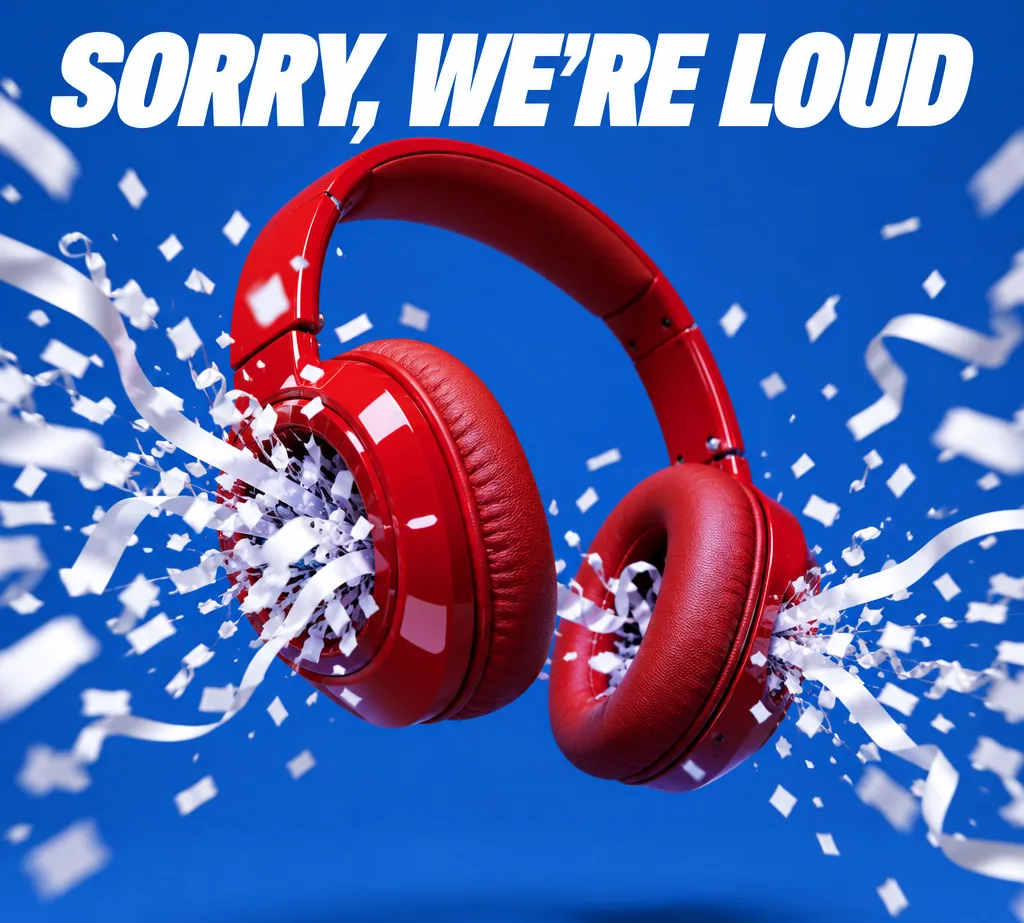
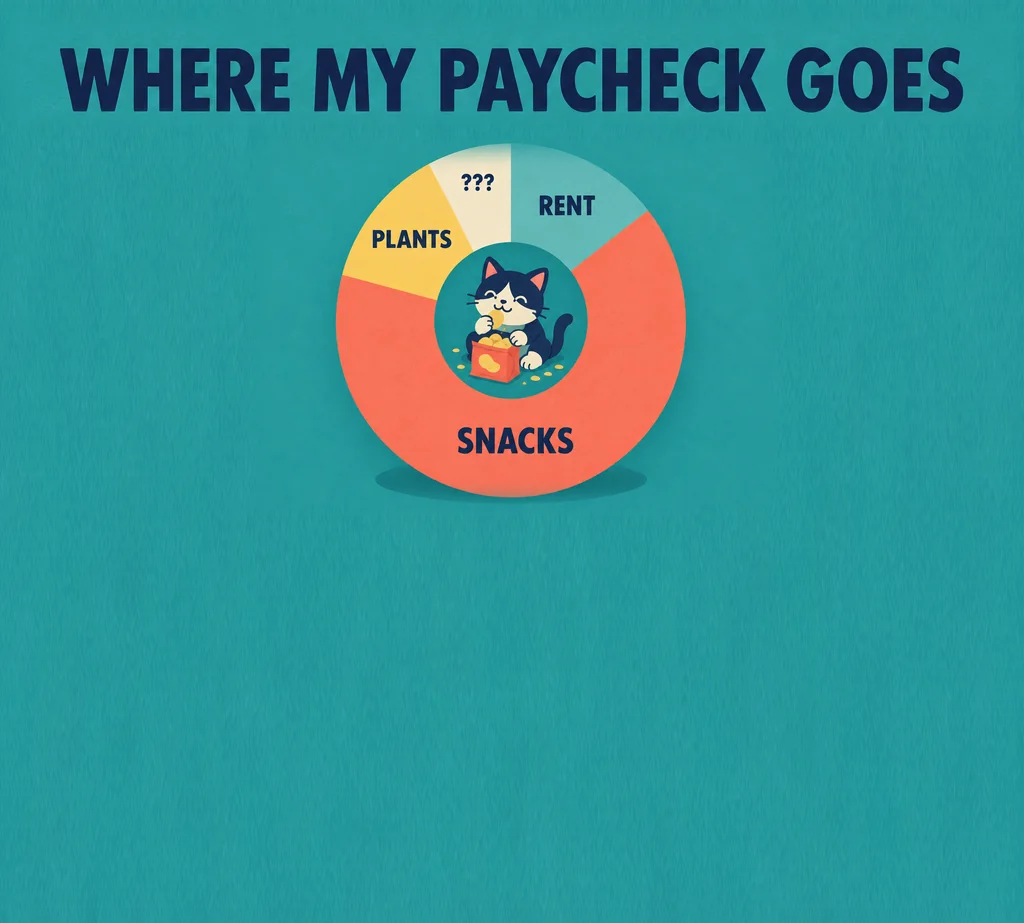
Grok Imagine 2 examples with bold visual hooks

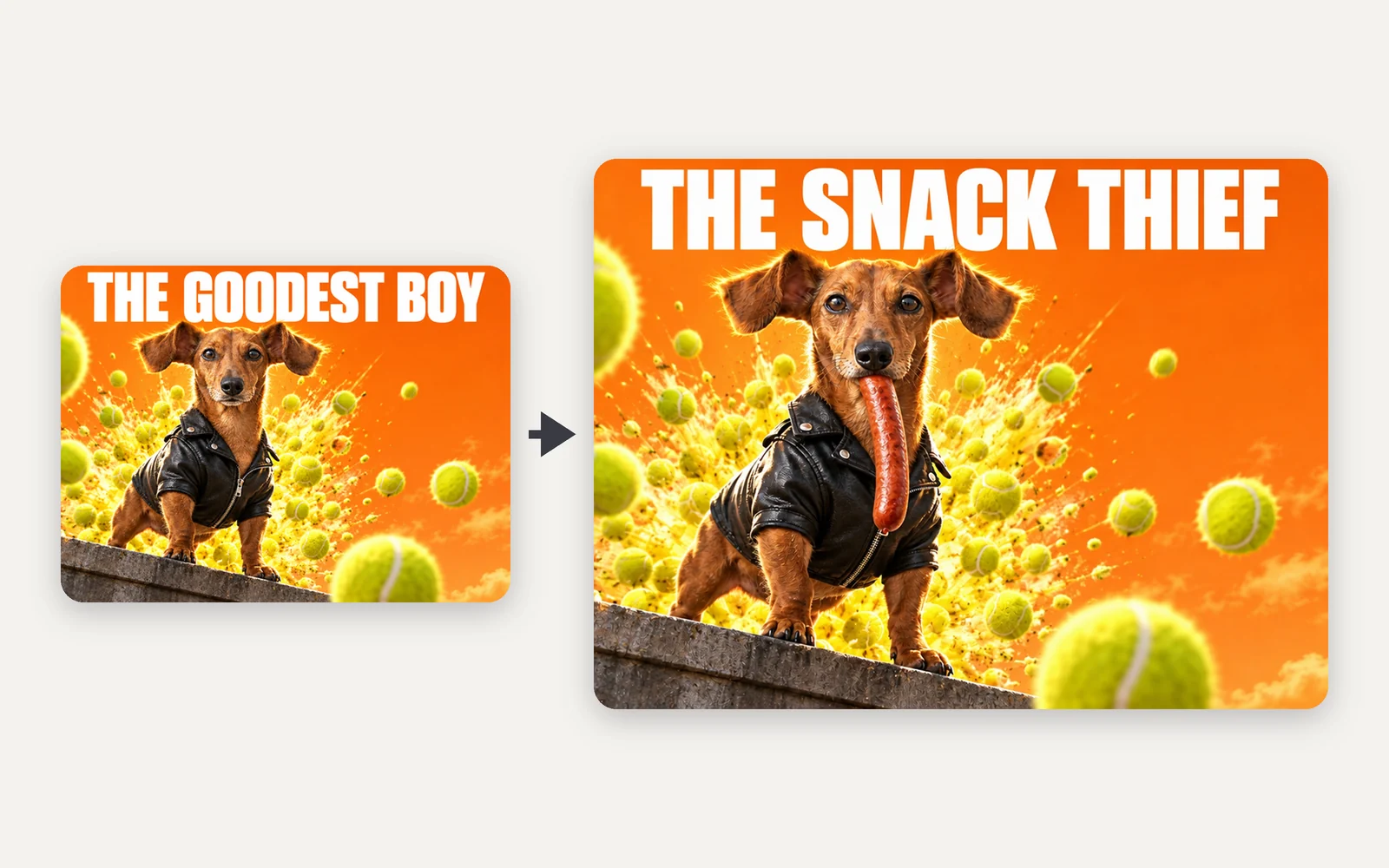
Start with the strange premise, add the words that belong in the frame, and use a plain-language edit to sharpen the version you want to share.

Unexpected surreal portal scene
Surreal concept

Ordinary place, impossible event

Visual premise: A laundromat drum opening into a midnight forest, with one person in a yellow raincoat.

Bold fox character in a graphic setting
Social visual

Shareable character hook

Visual premise: An orange fox in silver rain boots riding a floating city elevator.

Bold fashion composition
Editorial

Exaggerated fashion frame

Visual premise: Cobalt oversized coat, square amber sun, tilted city staircase, hard graphic shadows.

Train looping through a surreal sky
Worldbuilding

Impossible infrastructure

Visual premise: A red commuter train looping through the midnight sky above a quiet city.

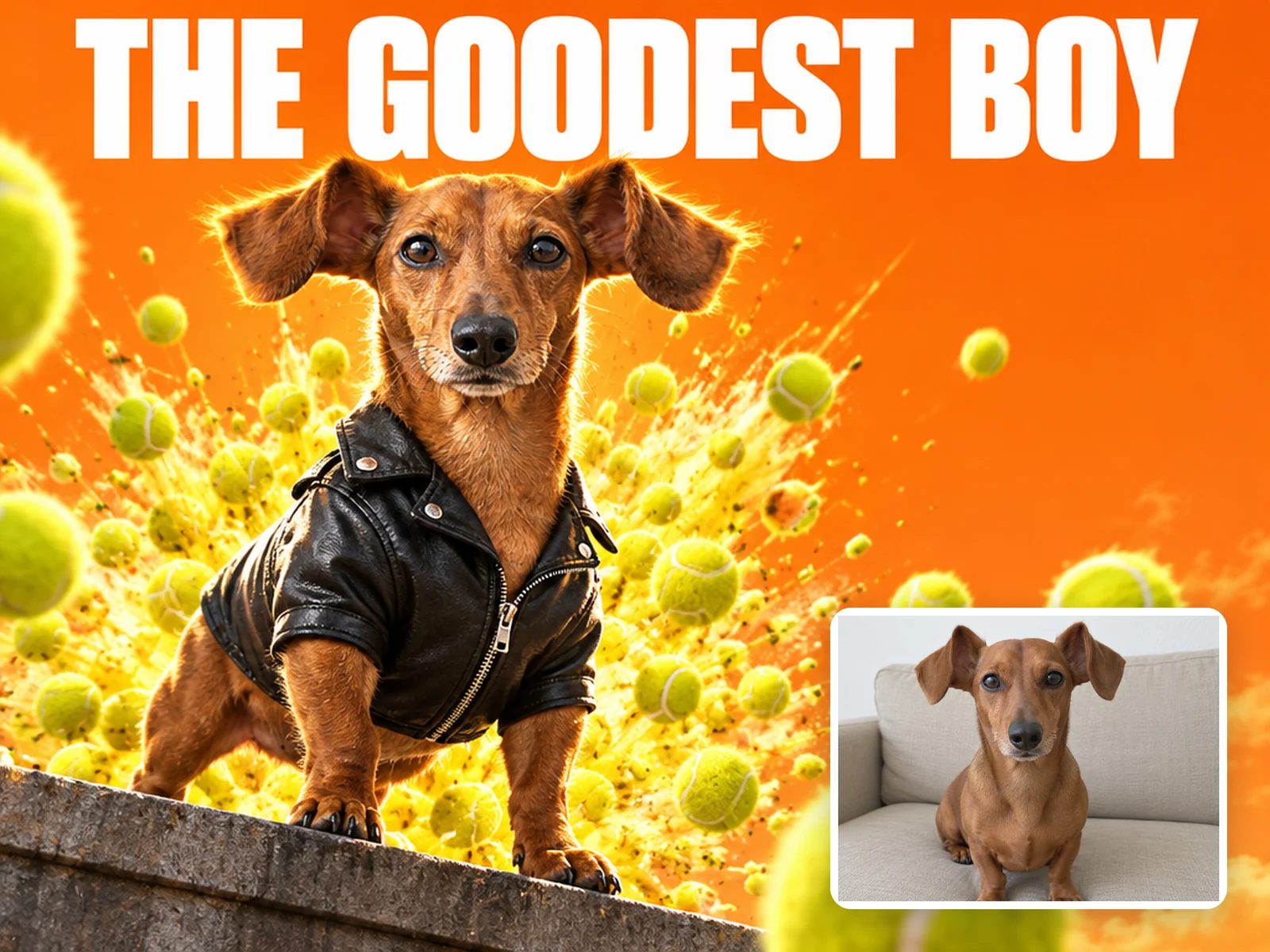
Reference-guided visual hook remix
Reference remix

One hook, three worlds

Visual premise: Keep the defining orange fox silhouette and framing from the reference; reinterpret it in three unexpected worlds while changing only weather, palette, and context.

Where Grok Imagine 2 fits

Grok Imagine 2 for fast, shareable visual ideas

Use it when the first job is to make an idea instantly readable, distinctive, and ready to post before you polish a full campaign system.

Fast surreal concept direction

Fast exploration

Test several visual hooks quickly

Change scale, setting, or one impossible object while keeping the core idea readable.

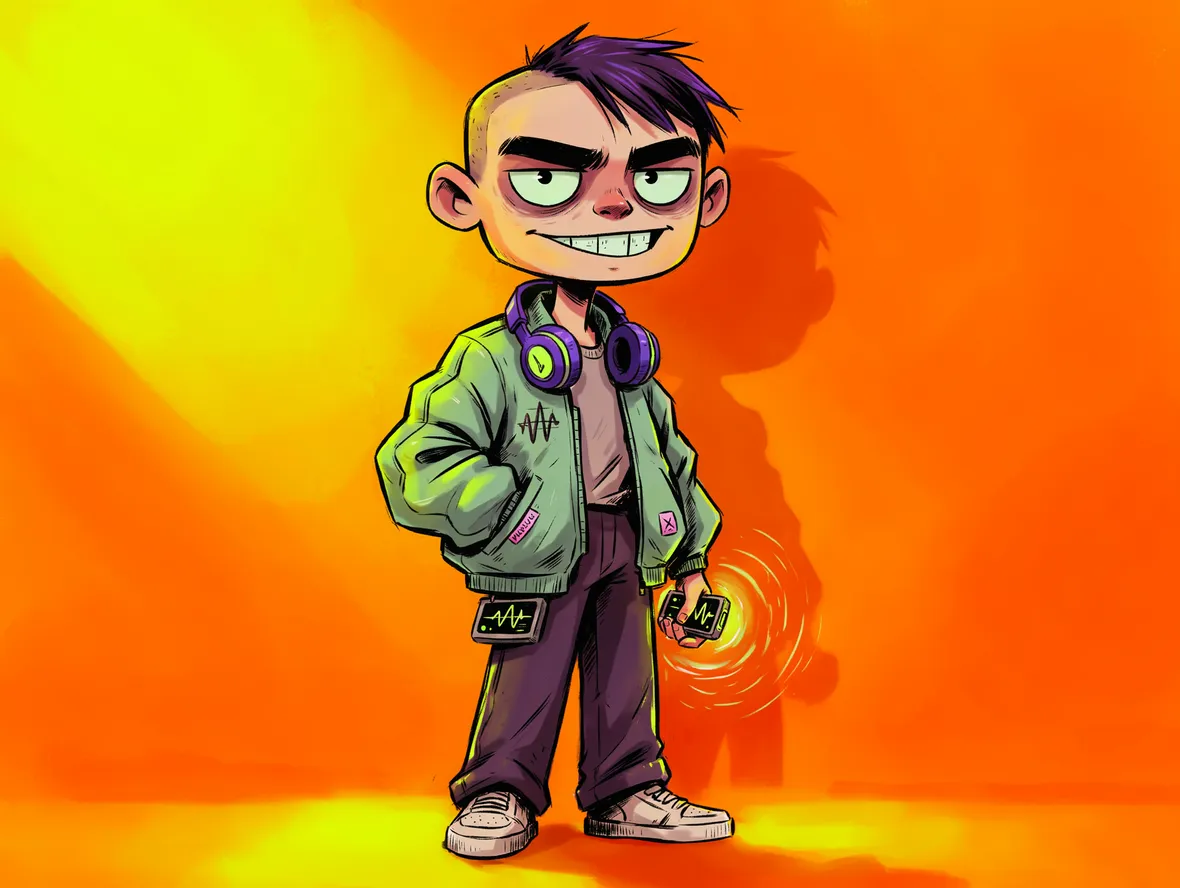
Expressive fox concept

Expressive concepts

Use humor without losing composition

Make the strange element obvious, then use clean lighting and hierarchy to keep it usable.

Controlled visual variation

Focused revisions

Keep the hook while changing its context

Preserve the defining object and framing while revising weather, palette, or location.

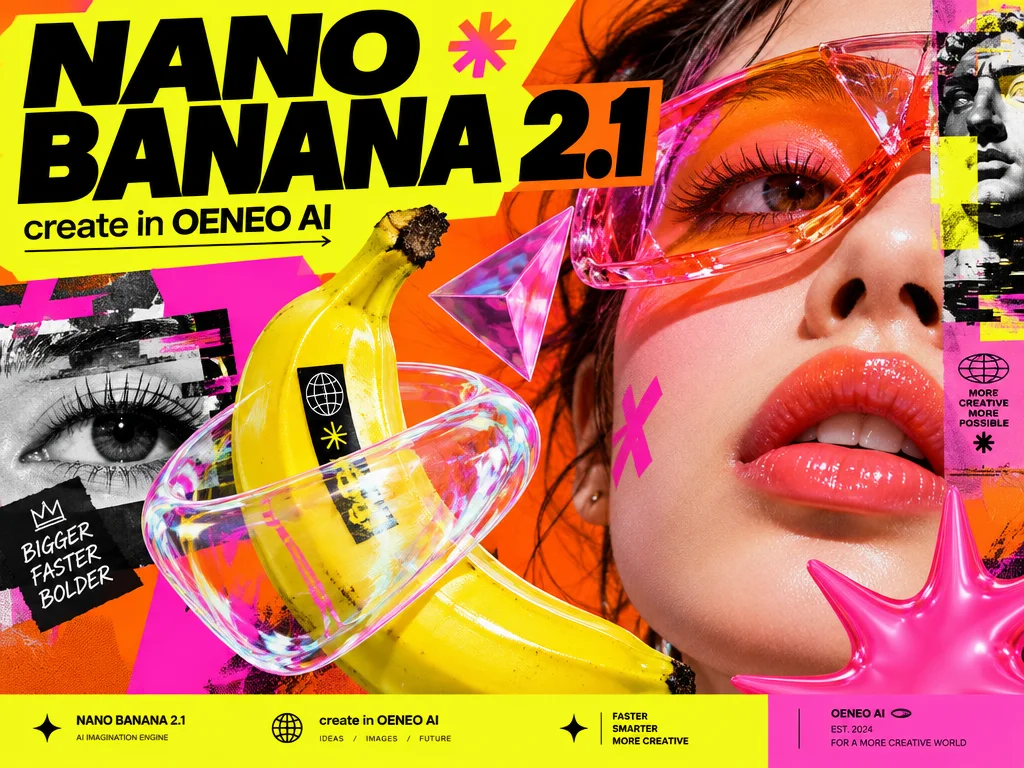
Feed-first composition with a strong visual focal point

Feed-first composition

Make the idea readable at thumbnail size

Build one focal point, strong contrast, and generous breathing room so an unexpected concept lands before the viewer scrolls.

Best for visual hooks

Grok Imagine 2 use cases for social and concept art

Choose it for social concepts, scene-based typography, surreal prompts, and quick image-to-image revisions.

Social concepts

Create a bold image that reads at thumbnail size.

Example: A giant cat walking through a business district.

Creative pitches

Explore several unexpected visual territories.

Example: Three impossible versions of an everyday product.

Playful campaigns

Use surreal scale or humor as the campaign hook.

Example: A floating diner above a desert highway.

Rapid remixes

Keep the subject and change the cultural or seasonal context.

Example: Move one character through three launch worlds.

Grok Imagine 2 questions, answered

What is Grok Imagine 2 best at?+

Use it for fast ideation, expressive scenes, social hooks, surreal scale, and quick contextual revisions.

Can it edit images?+

Yes. The configured edit endpoint accepts up to three references in this workspace.

What makes a strong prompt?+

Lead with one visual contradiction, identify the focal point, and keep the surrounding scene deliberately simple.

Which quality settings are available?+

The workbench currently exposes low and medium quality options where supported by the configured endpoint.

What makes Grok Imagine 2 useful for social content?+

It is a good fit for concepts that need an immediate visual hook, scene-based text, or a quick natural-language revision. Review every name, number, and brand element before publishing.

Make the next idea hard to miss

Build a bold social concept, put the headline inside the scene, and revise the hook without restarting the image.