


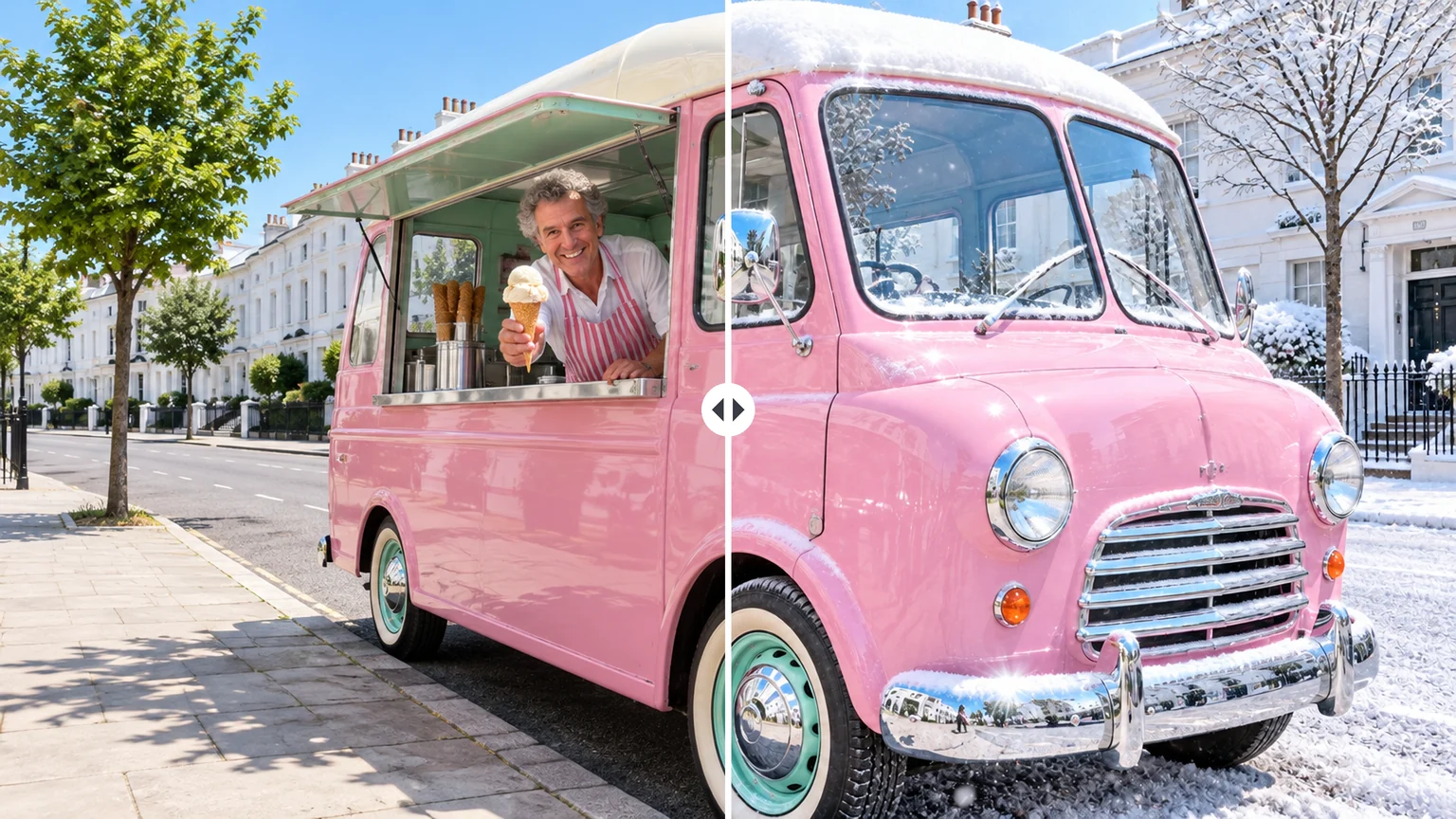
Rewrite one thing in a photo with a sentence
Upload the photo, change one thing — the season, a color, an object — and list what stays. Example: "Make it a snowy winter morning; keep the truck, the vendor and the camera angle unchanged."
Google · Gemini 3.1 Flash Image
Describe a scene or one change to a photo, add up to 14 reference images, keep a character the same across a series, or translate the words inside a picture, from 1K drafts to 4K finals. The newer Nano Banana 2.1 sits in the same model menu.
The positioning row quotes Google's Gemini API documentation (October 2026), which lists no shutdown date for Nano Banana 2. All four models sit in the same model menu in the workbench.
| Compare | Nano Banana 2 | Nano Banana 2.1 | Nano Banana Pro | Nano Banana 2 Lite |
|---|---|---|---|---|
| Released | February 26, 2026 | October 6, 2026 | November 20, 2025 | June 30, 2026 |
| Google's positioning | Previous Flash, still supported | Recommended for new projects | Premium, for complex work | Google's fastest |
| Credits per image | 1K 16 · 2K 24 · 4K 32Edits cost the same | 1K 8 · 2K 12 · 4K 27References add a little | 1K 30 · 2K 30 · 4K 60Edits cost the same | 1K 8Text-to-image only |
| Resolution | 1K–4K | 1K–4K | 1K–4K | 1K |
| Reference images | Up to 14 | Up to 14 | Up to 14 | Not supported |
| Choose it for | Matching earlier work | Most new images and edits | 5-person shots, logos, past Pro work | Quick text-only drafts |
Four everyday jobs
Each card comes with the kind of instruction that works. Say what should change and what must stay; the model redraws the whole image, so compare the result with your original.
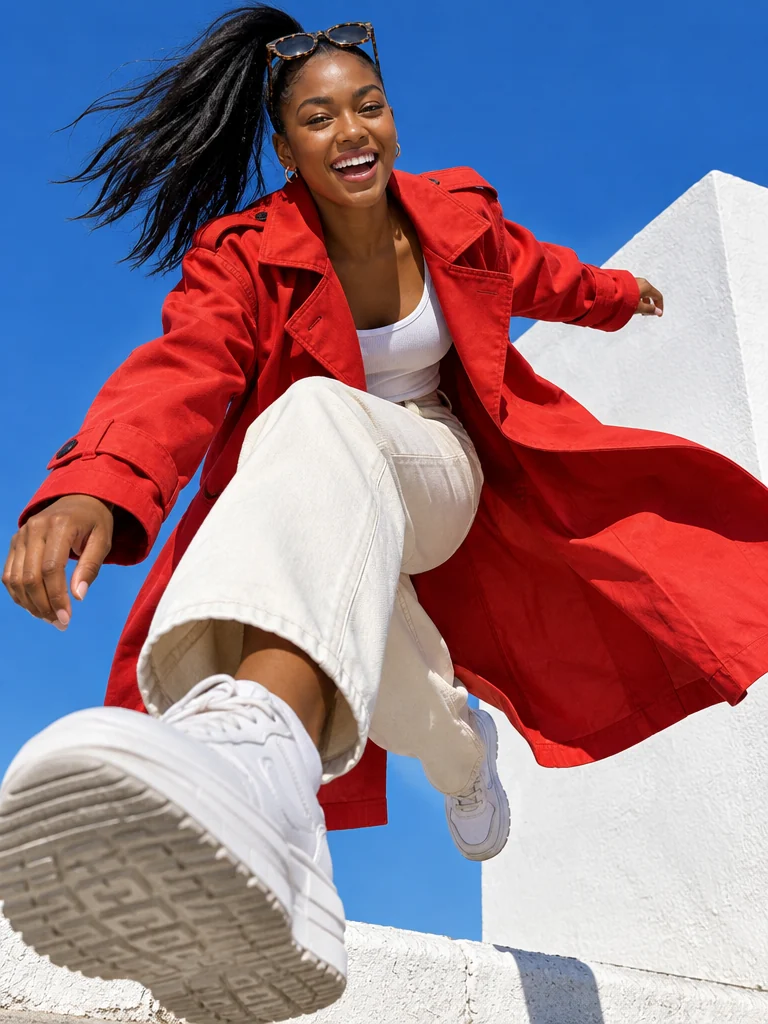
Upload the photo, change one thing — the season, a color, an object — and list what stays. Example: "Make it a snowy winter morning; keep the truck, the vendor and the camera angle unchanged."
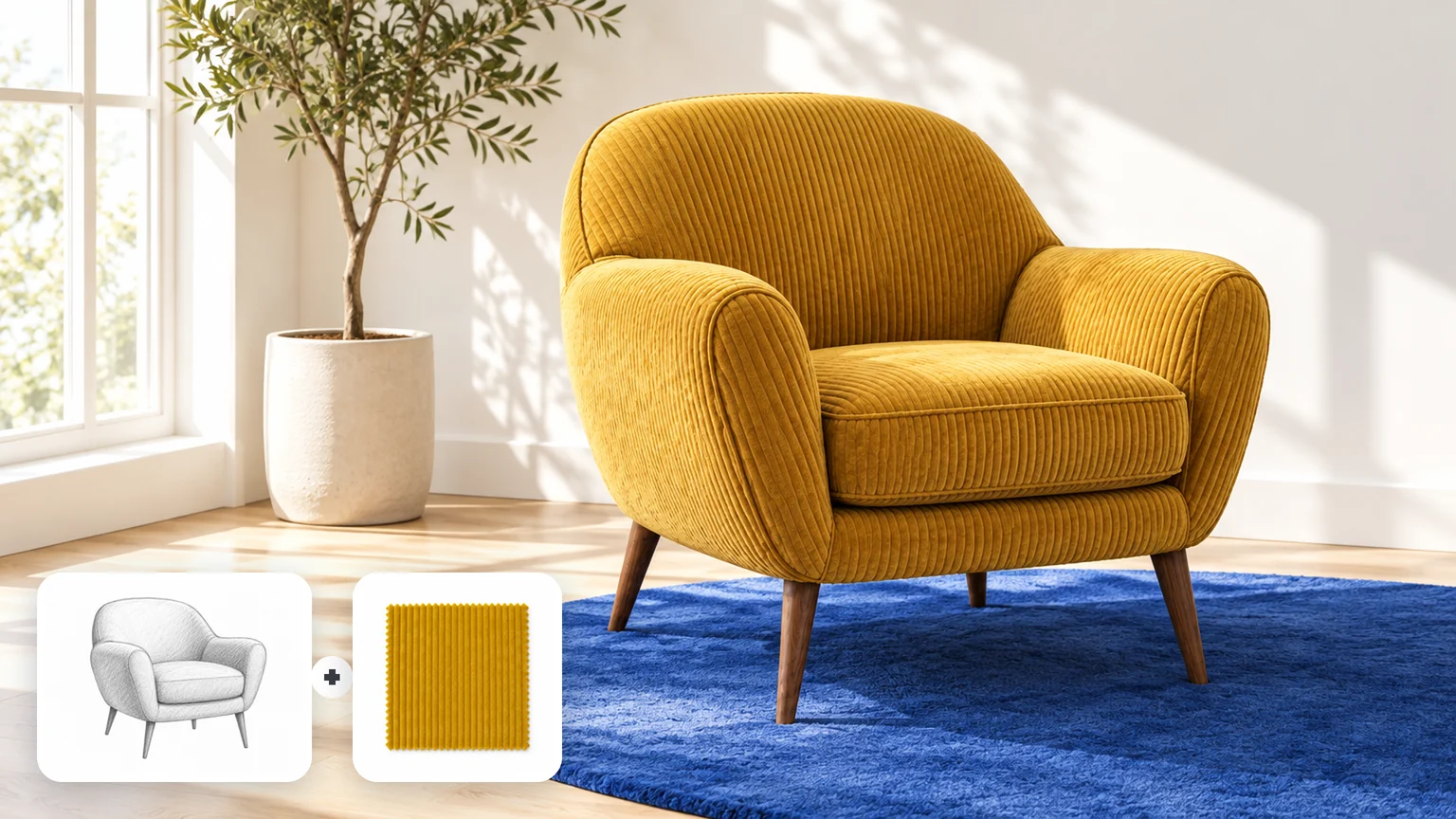
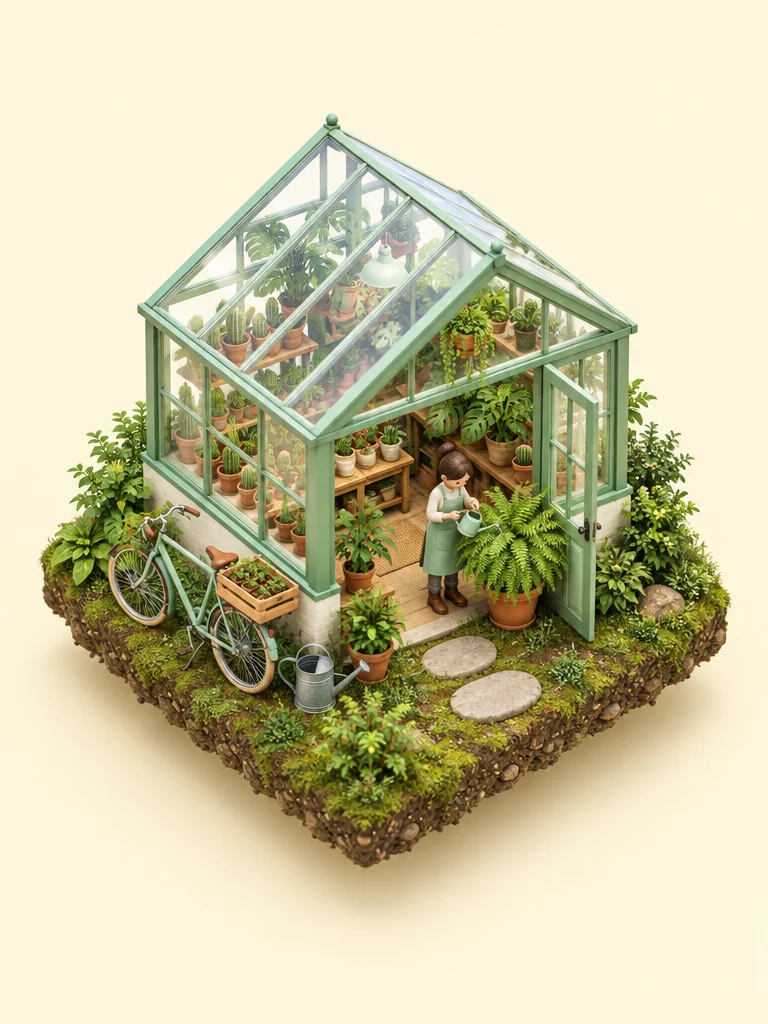
Add a rough sketch and a photo of the fabric or material, then say which image sets the shape and which sets the surface. The same pattern works for a product photo plus a setting.
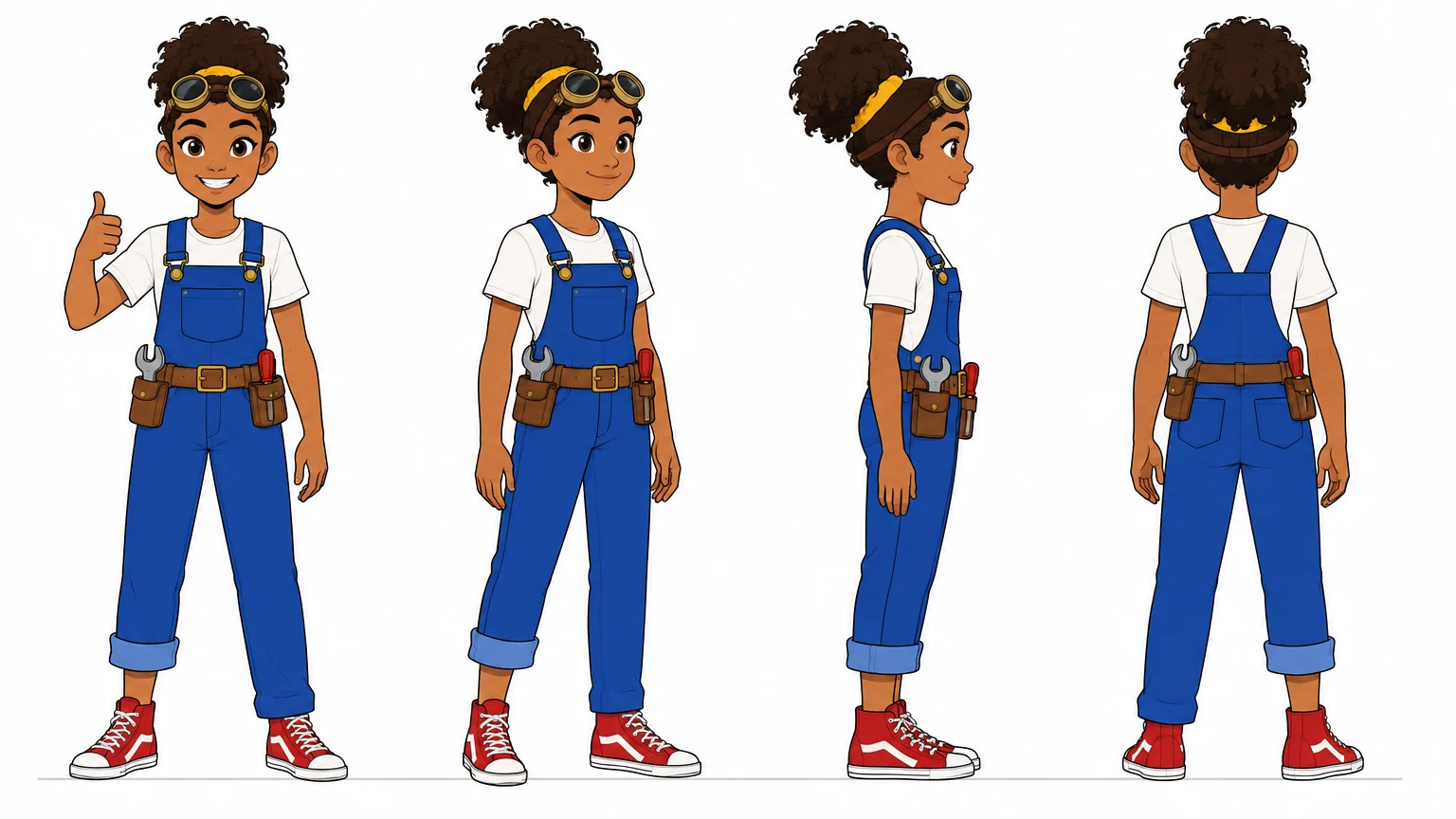
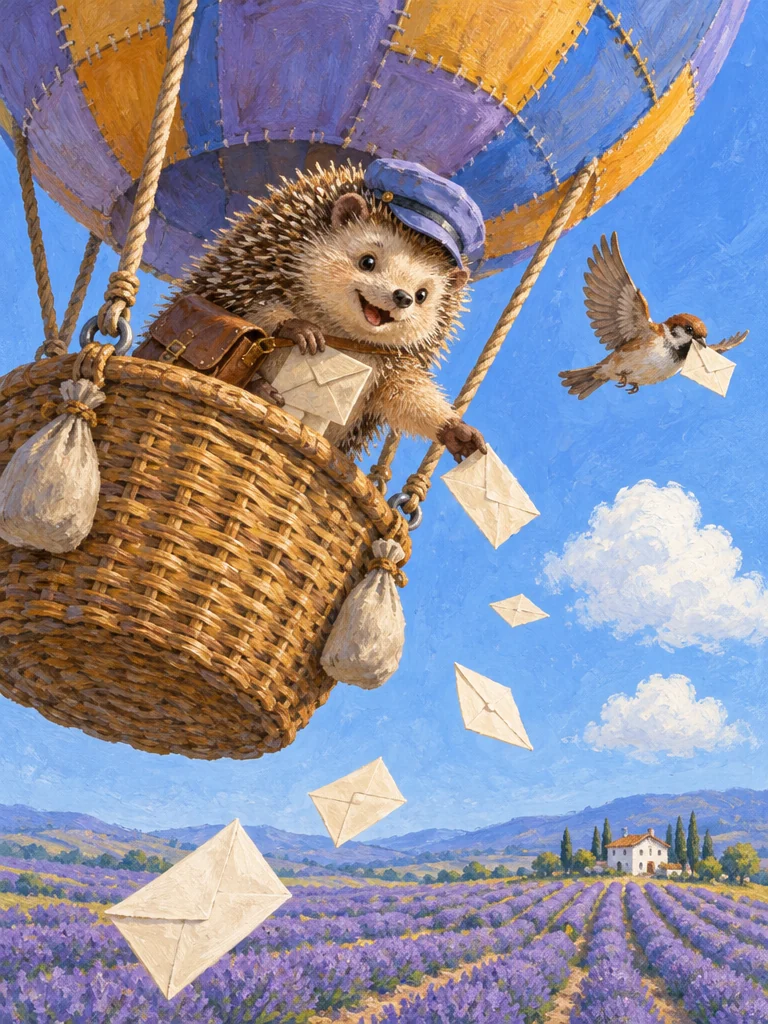
Describe the character once, in detail, then ask for front, three-quarter, side and back views on white. Reuse the sheet as a reference for later scenes. Example: "Character model sheet of the same girl in four full-body views, identical outfit in every view."
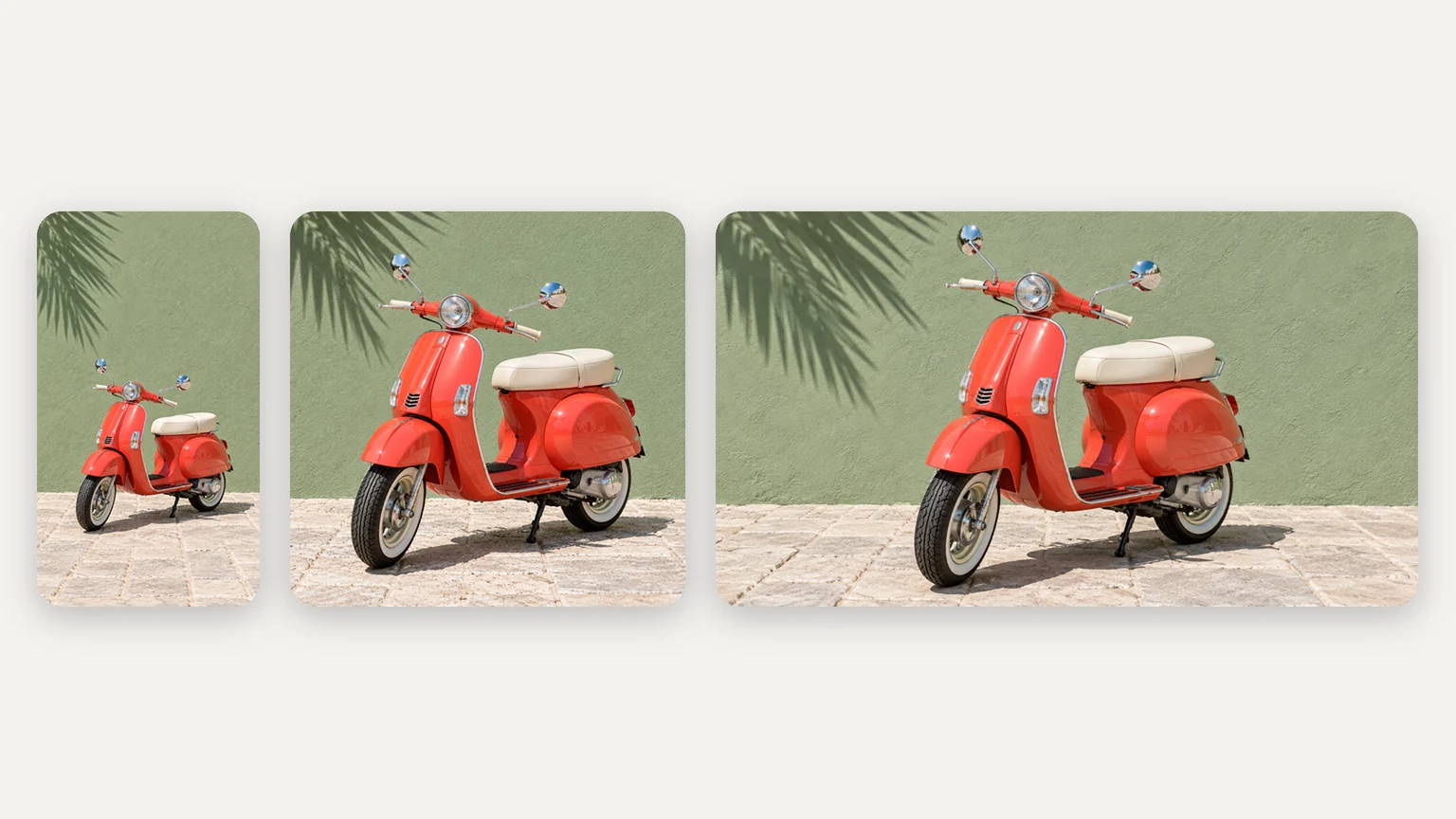
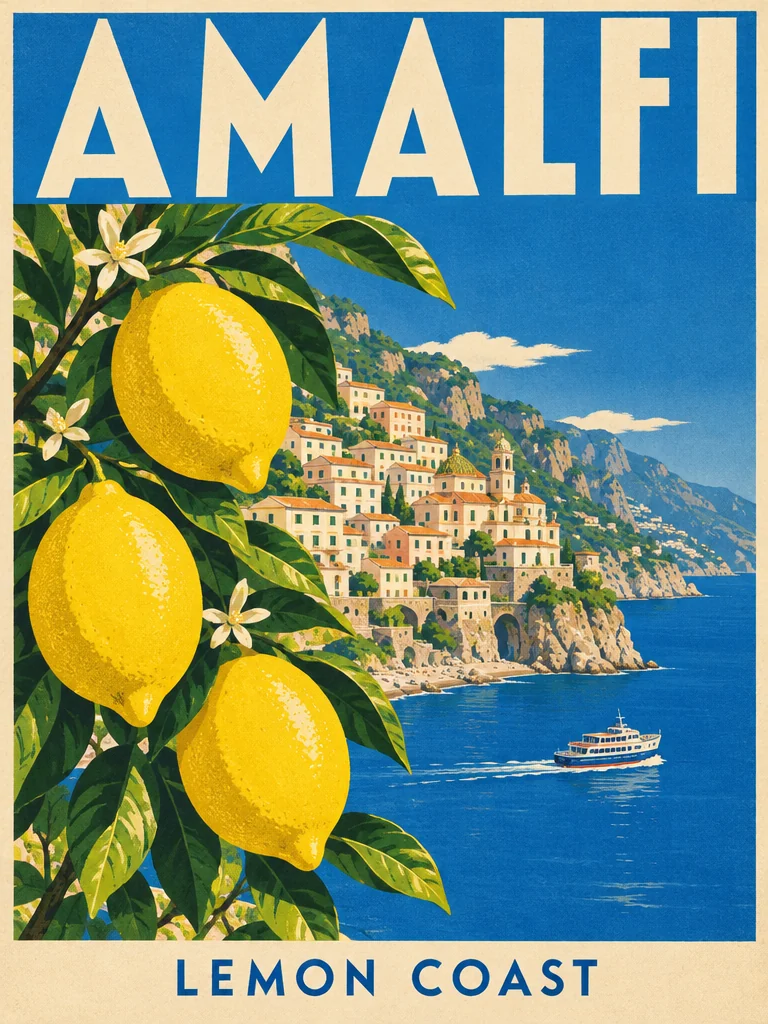
Upload a finished image, choose a tall, square or wide ratio, and ask for the same scene rearranged for that frame. The subject and light carry over; check the edges and anything the new frame had to fill in.
Google's prompting guide for the Nano Banana family comes down to full sentences: the job, the scene, what to keep and the exact words. Here Nano Banana 2 runs without the thinking step that plans a composition first, so the plan has to be in your prompt.
The job before the scene
Say what the image is for, then the subject, action, setting, framing and style: "A launch banner for a surf shop: …"
What must not change
For edits, name what stays as clearly as what changes: "Make the jacket red; keep her face, pose and the background."
Which image does what
With several references, say which one sets the subject, the shape, the material or the light: "Image 1 is the chair; use image 2 only for the fabric."
Where everything goes
Decide where the subject sits, where any text goes and how much background to leave, and write it down instead of leaving the layout to chance.
Edits stacked on the last result
Quality can drift with each pass. Go back to the original and put every change into one instruction.
A list of what you don't want
There is no negative prompt field. Describe the scene positively: "an empty street", not "no cars".
Long lines and tiny lettering
Small text is a known weak spot. Keep the words short and large, and proofread every character.
Transparency or live web facts
The model can't output a transparent background, and web search is off here. Use Background Remover afterwards, and supply real facts or a reference photo yourself.
Example prompt: "Image 1 is a pencil sketch of an armchair; image 2 is a fabric swatch. Keep the exact shape, backrest, arms and tapered legs from image 1, upholster the chair in the corduroy from image 2, and photograph it in a bright living room with a round blue rug."
In-image translation
Upload the original, quote the words to replace with their translation, and ask for everything else to stay. Google calls this localization. Each example shows the original on the left and the translated version on the right.
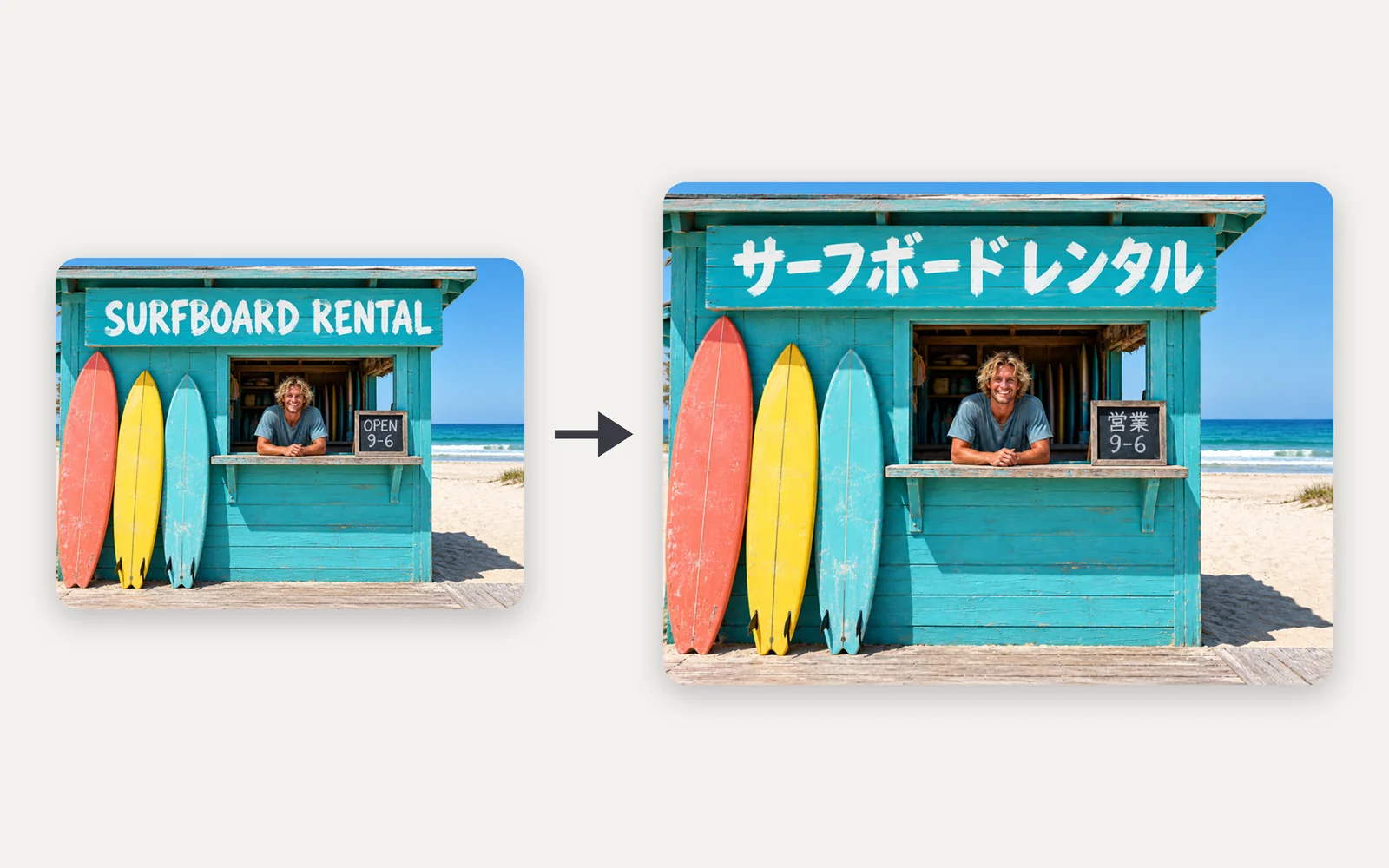
Sign · English to Japanese
Quote each line with its translation and ask for the same lettering, size and position, so the result looks like a sign made in that language rather than a caption pasted on top. Afterwards, compare hours, prices and other numbers with the original.
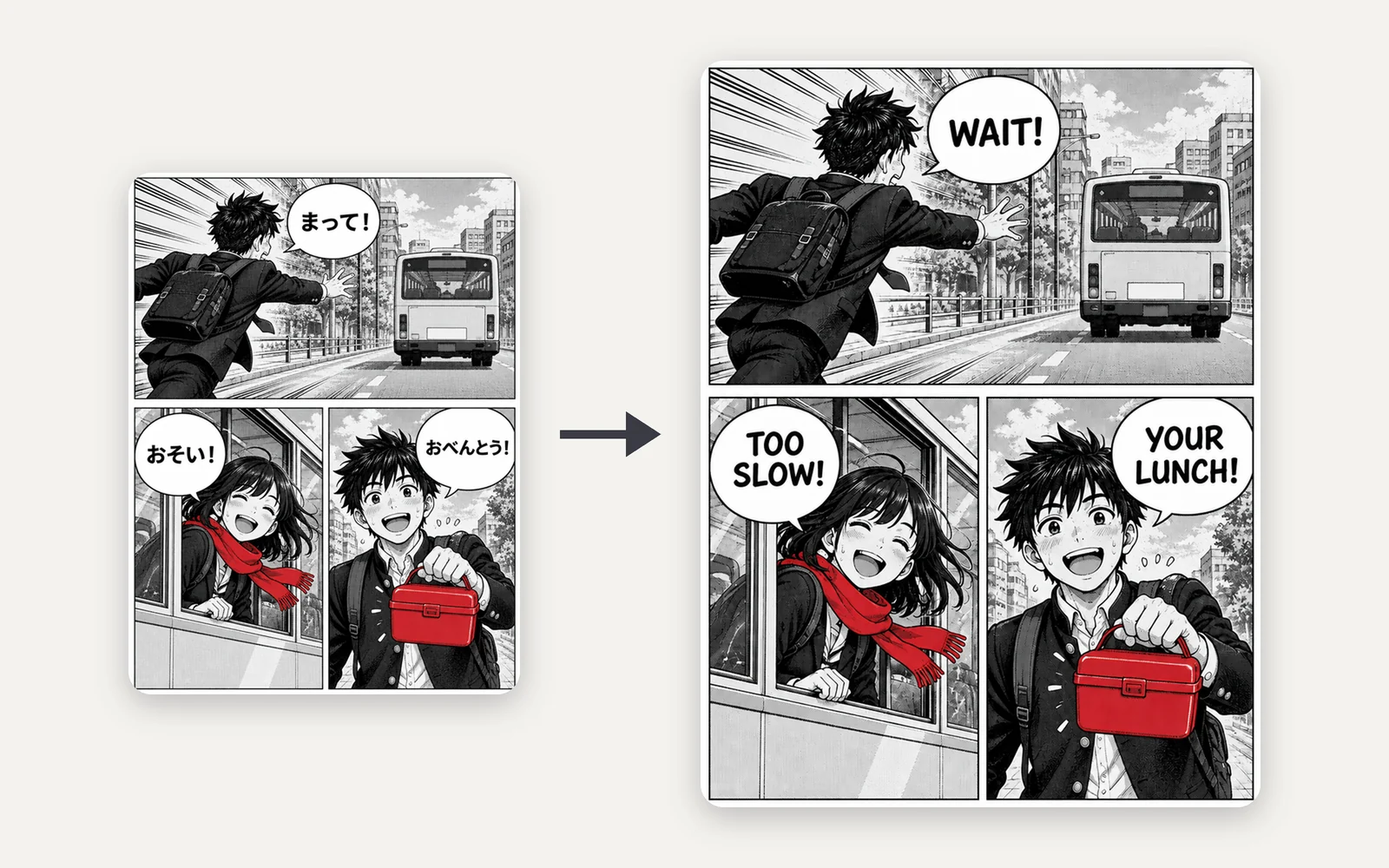
Manga · Japanese to English
List each bubble's line and its translation in reading order so every line lands in the right bubble. When the target language runs longer, shorten the translation until it fits, then check that faces and screentones did not change.
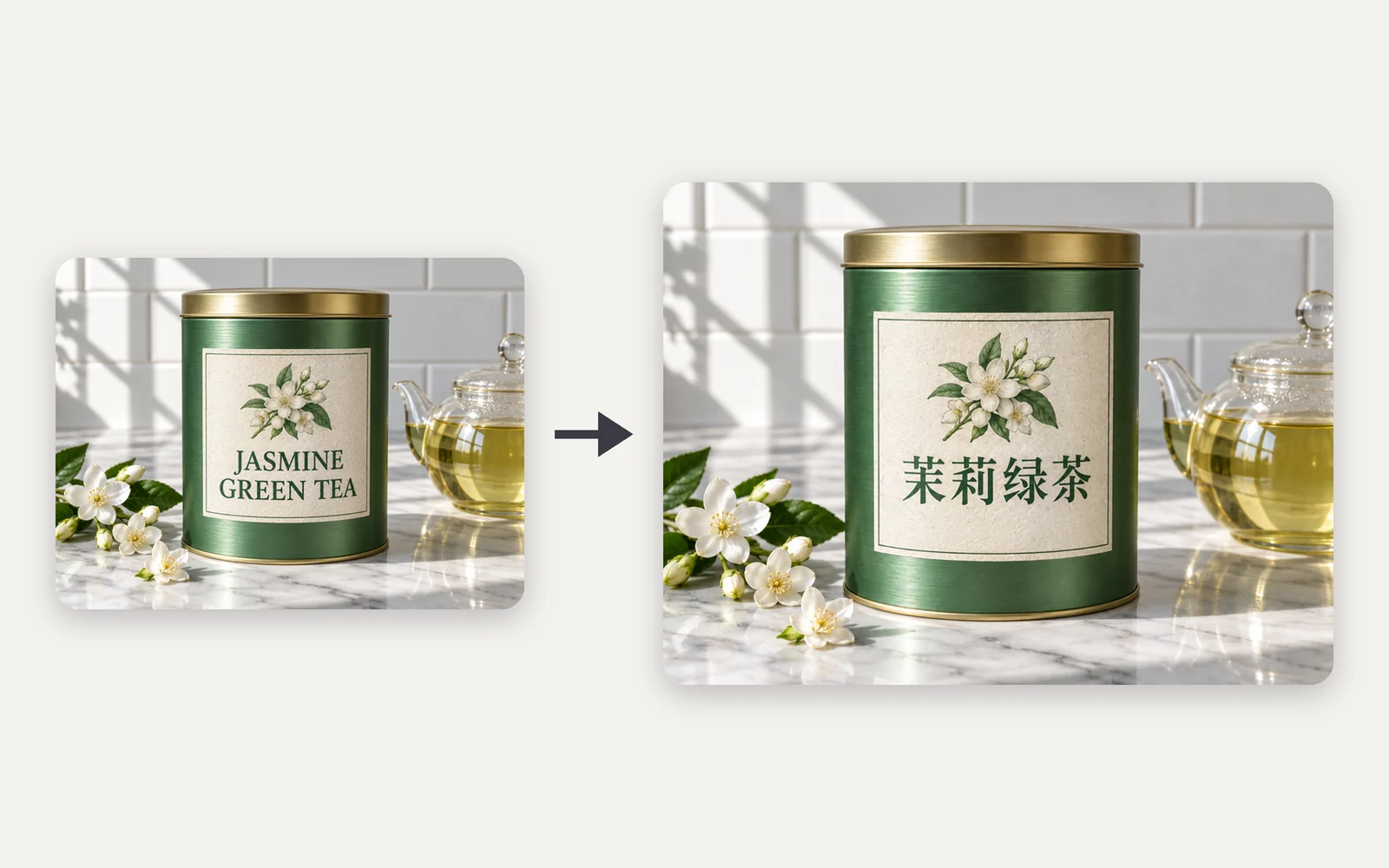
Packaging · English to Chinese
When the translation uses a different script, name the script and the type style you want, for example a Song-style typeface for Chinese. Check every character at the size you will print.
Each model has its own page and runs in the same workbench on one credit balance.
 New
New Google
The newer Flash version, at lower credits per image.
View model Google
Google's Gemini 3 Pro Image, for five-person shots, logos on products and existing Pro work.
View model Google
The faster version for text-to-image drafts only.
View model New
New Black Forest Labs
Composed scenes from a prompt or references
View modelRemove the background, upscale, vectorize or denoise any result, all on the same credit balance.
Transparent PNG or WebP with clean hair and product edges, ready for a listing or a new composition.
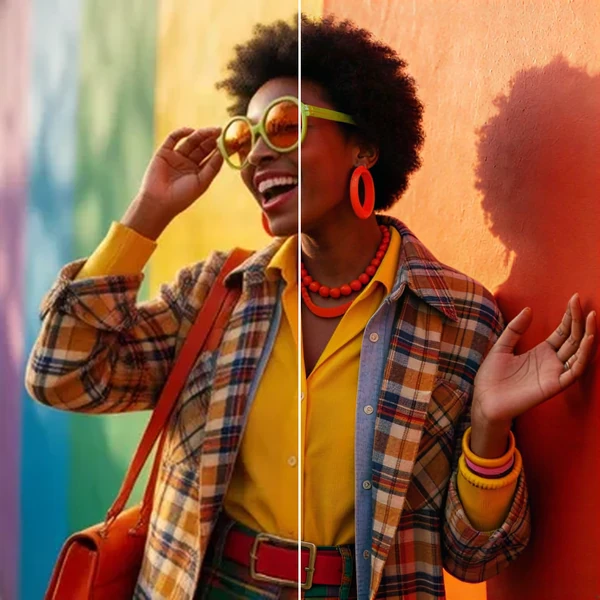
2× / 4× / 8× with recovered texture instead of smeared pixels, so a 1K draft can become a print.
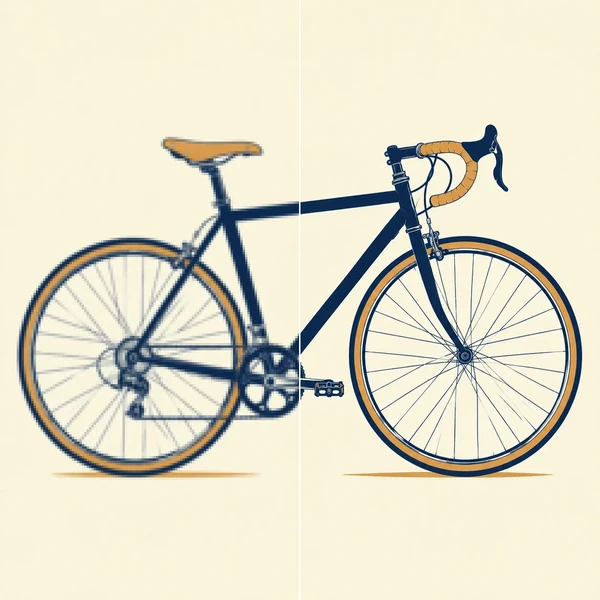
Logos, icons and flat illustrations become editable SVG that scales to any size.
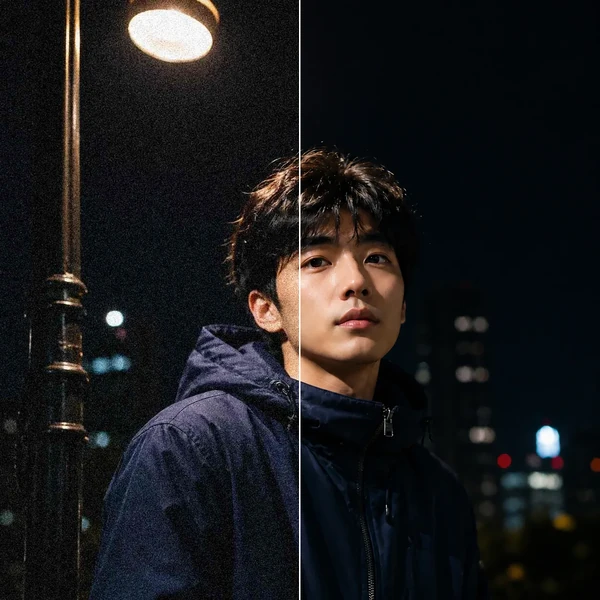
Remove grain and compression artifacts from low-light photos and scans while keeping real detail.
Nano Banana 2 is Google's name for Gemini 3.1 Flash Image, an image generation and editing model released on February 26, 2026. It was Google's main Flash image model until Nano Banana 2.1 took over that role; Nano Banana Pro is the premium model and Nano Banana 2 Lite the fastest. Oeneo AI offers it in the browser for credits and is not affiliated with Google.
For new work, start with Nano Banana 2.1: Google now recommends it for new projects, and here it costs 8 credits per 1K image versus 16 for Nano Banana 2. Stay on Nano Banana 2 to match a series, character or campaign you already made with it, or to reuse a prompt you tuned for it, because a newer model renders the same prompt differently. Google has not announced a shutdown date for Nano Banana 2.
Not with Nano Banana 2: new accounts get 10 free credits, and a 1K Nano Banana 2 image costs 16. Nano Banana 2.1 and Nano Banana 2 Lite start at 8 credits per image. Nano Banana 2 credits per image: 1K 16 · 2K 24 · 4K 32; edits cost the same however many reference images you add. The workbench shows the exact total before you generate, failed generations are refunded automatically, and free-plan images are public while paid plans keep them private.
Google positions Pro as its premium model for professional asset production. Here it costs 1K 30 · 2K 30 · 4K 60 credits per image against 1K 16 · 2K 24 · 4K 32 for Nano Banana 2, and both take up to 14 references and output up to 4K. Pick Pro for group shots of up to five people, logos placed onto products, or to continue work already made with Pro. For text, infographics, 4K finals and many references, Nano Banana 2.1 costs less and scores higher in Google's model card.
Up to 14 per request, as PNG, JPG/JPEG, WebP files up to 10 MB each. Google's API documentation counts up to 4 characters and 10 objects among those references for Nano Banana 2, and its model card notes that consistency between input and output is not perfect. Use one clear, well-lit image per person, say which image is which, and generate a few options to pick from.
Google's model card lists small text as a weak spot, so errors, including broken Chinese strokes, show up most in long lines and small sizes. Put the exact words in quotes, name the language, keep lines short and large, and proofread before publishing. For text-heavy layouts, compare Nano Banana 2.1 or GPT Image 2.
Resolution: 1K, 2K, 4K. Aspect ratios: Auto, 1:1, 4:3, 3:4, 16:9, 9:16, 21:9. Output: PNG, JPEG, WEBP, 1 to 4 images per request. Settle the composition at 1K first, because a 4K render will not fix a weak layout; if you only need a bigger file, Image Upscaler is another option. Google's 512px setting and extra-wide ratios such as 4:1 or 8:1 are not offered here.
Each edit redraws the whole image, and developers report that sharpness and color drift after several rounds of editing a previous result. Go back to your original and put all the changes into one instruction instead of stacking small edits.
No. Web search is off, each request is a separate generation without chat memory, and the model cannot output a transparent background. To continue from a result, upload it as a new reference; for a cutout, run Background Remover on the finished image.
Oeneo AI adds no visible watermark, but Google embeds an invisible SynthID watermark in every Nano Banana 2 image to mark it as AI-generated. Images made on a paid plan can be used commercially, and the Lifetime plan covers personal commercial use. Oeneo AI does not claim ownership of your images; you still need the rights to any people, brands or artwork you upload or depict.
Start at 1K with a photo or a prompt, then render the image you keep at up to 4K.