

Nano Banana Pro

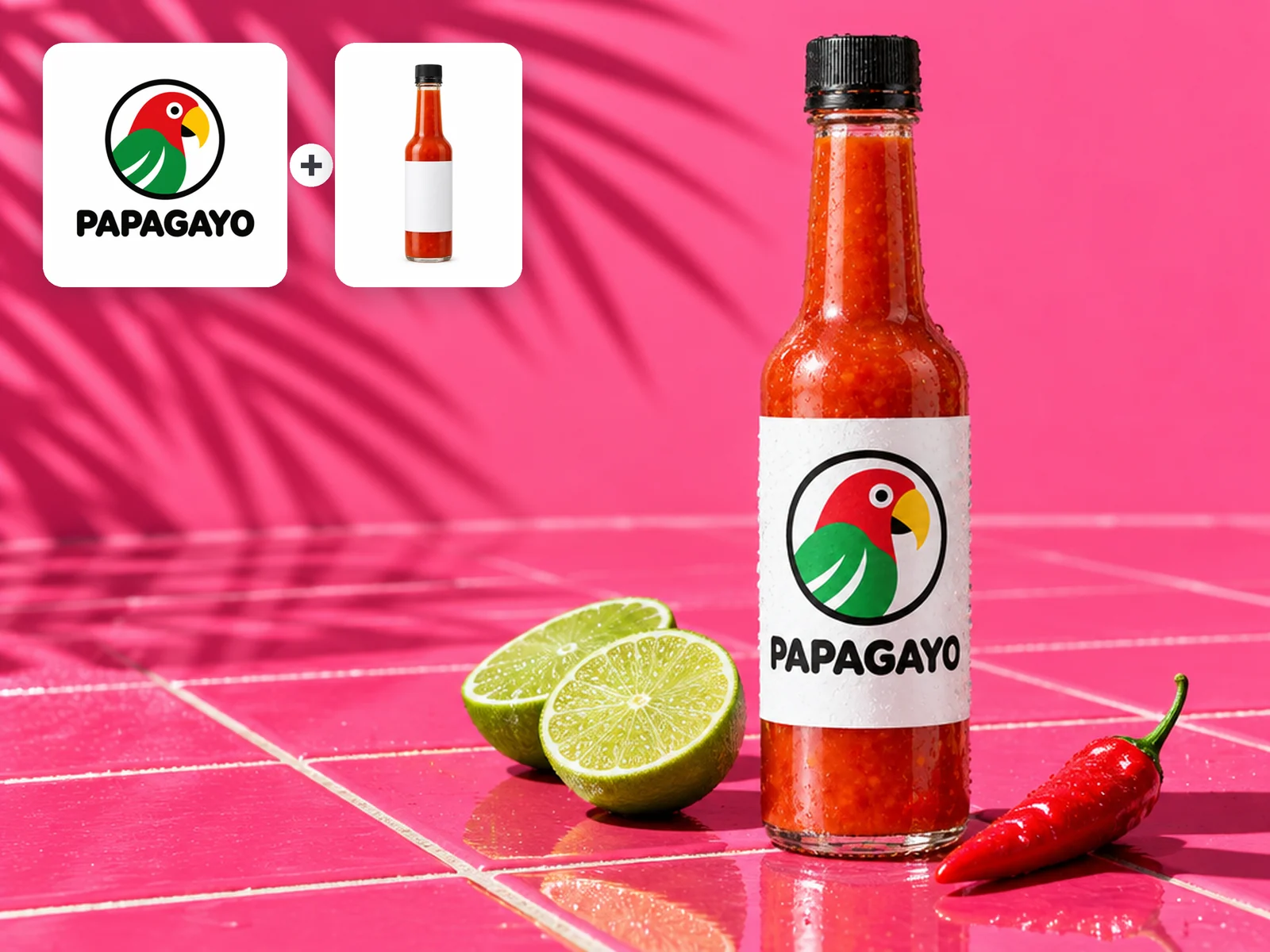
Assemble premium campaign visuals from several references, keeping products, characters, and materials coherent while you explore art direction, packaging, and editorial layouts.

  • Launch campaigns
  • Packaging studies
  • Editorial layouts
  • Product families

Reference images (Optional)

0/14
0/5000

Model

Aspect ratio

Number of images

Resolution

Output format

High-control image making

Nano Banana Pro examples with multi-reference control

Assign each reference a role, then build consistent products, characters, materials, and layouts for a demanding creative review.

Premium product campaign
High detail

Material-rich product hero

Creative direction: Dark glass perfume, volcanic stone, amber resin, indigo silk, controlled macro lighting.

Art-directed cobalt fashion scene
Editorial

Complex fashion direction

Creative direction: Full-length cobalt fashion scene beneath a geometric concrete arcade, accurate fabric and skin detail.

Structured exhibition poster
Typography

Type and composition

Creative direction: Exhibition poster with the exact title MATTER / MEMORY, strict grid, metal and glass sculpture.

Composition combining several references
Reference system

Multi-reference synthesis

Creative direction: Combine a ceramic bird silhouette, glass refraction, and indigo-amber palette into one lakeside installation.

Controlled wardrobe revision
Edit

Identity-safe revision

Creative direction: Preserve face, hair, pose, and camera; change only wardrobe and architectural background.

Where Nano Banana Pro fits

Multi-reference image generation for demanding creative work

Use it when one prompt cannot define the subject, materials, composition, and visual system well enough for a production review.

Close material detail study

Fine detail

Resolve material and surface differences

Separate glass, metal, textile, skin, stone, and liquid through deliberate lighting and texture.

Multiple references forming one scene

Up to 14 references

Unify several sources into one scene

Assign identity, material, palette, and composition roles to different references instead of making a collage.

Structured poster with readable type

Structured layouts

Direct type, image, and negative space together

Treat readable text and layout hierarchy as first-class parts of the image, not details to add after generation.

High-fidelity reference edit

Focused edits

Change one production variable at a time

Protect identity and framing while revising wardrobe, environment, color, or material.

Nano Banana Pro workspace specifications

Nano Banana Pro workspace specifications
Creation modes
Text-to-image and multi-reference image editing
Reference inputs
Up to 14 reference images
Output resolutions
1K, 2K, 4K
Aspect ratios
1:1, 4:3, 3:4, 16:9, 9:16, 21:9
File formats
PNG, JPEG, WEBP

A controlled art-direction workflow

How to use Nano Banana Pro with reference images

  1. Separate the requirements

    List identity, composition, copy, material, and delivery requirements before describing the scene.

  2. Assign a role to each reference

    Choose it when high detail and consistency across people, products, and several references matter more than a quick draft.

  3. Review at final size

    Inspect text, small details, hands, product geometry, and continuity before selecting the final output.

FAQ

Nano Banana Pro questions, answered

When should I choose Nano Banana Pro?+

Choose it when a demanding visual direction needs high detail, several references, complex layout, or production-focused iteration.

How is it different from Nano Banana 2?+

The Pro page focuses on more demanding professional compositions and detail. Nano Banana 2 is positioned as the more balanced everyday option.

Does it support 4K output?+

Yes. The current workspace exposes 1K, 2K, and 4K options.

How should I use multiple references?+

Give each reference one clear responsibility and explicitly describe what can be reinterpreted.

How many reference images should I use with Nano Banana Pro?+

Add only references that control the result: a product, character, material, palette, or layout. More references help complex art direction, but irrelevant images make the prompt harder to follow.

Give a complex visual direction more control

Combine references, direct the scene, and produce high-detail campaign imagery without stitching separate tools together.