FLUX 3 Image

Create composed images from a prompt or references, refine details in Oeneo AI workspace.

Reference images (Optional)

0/10
0/5000

Model

Aspect ratio

Resolution

Output format

BFL official examples

What can FLUX 3 Image generate and edit?

Explore targeted photo edits, multi-reference composition and native 4K image generation. These BFL official examples show the input, the intended change and the details to inspect in the result.

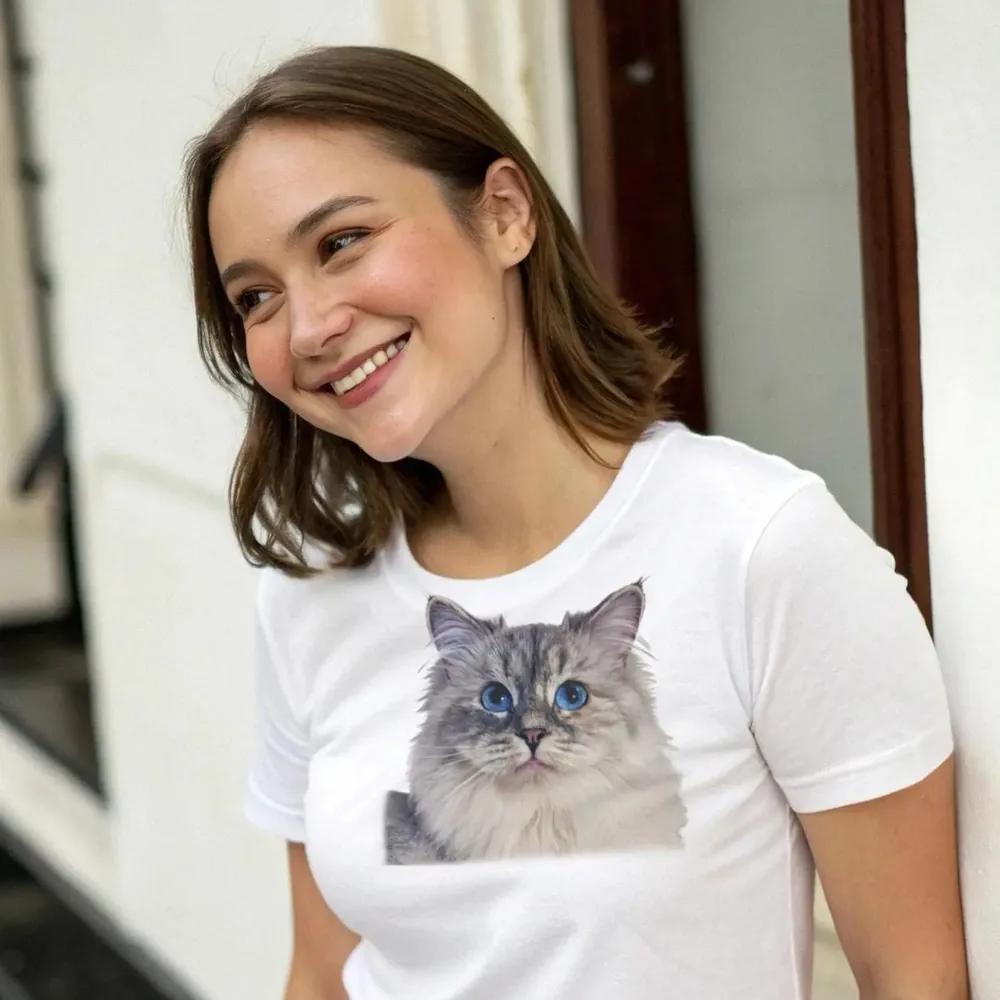
The same portrait with a cat graphic added to the white T-shirt.
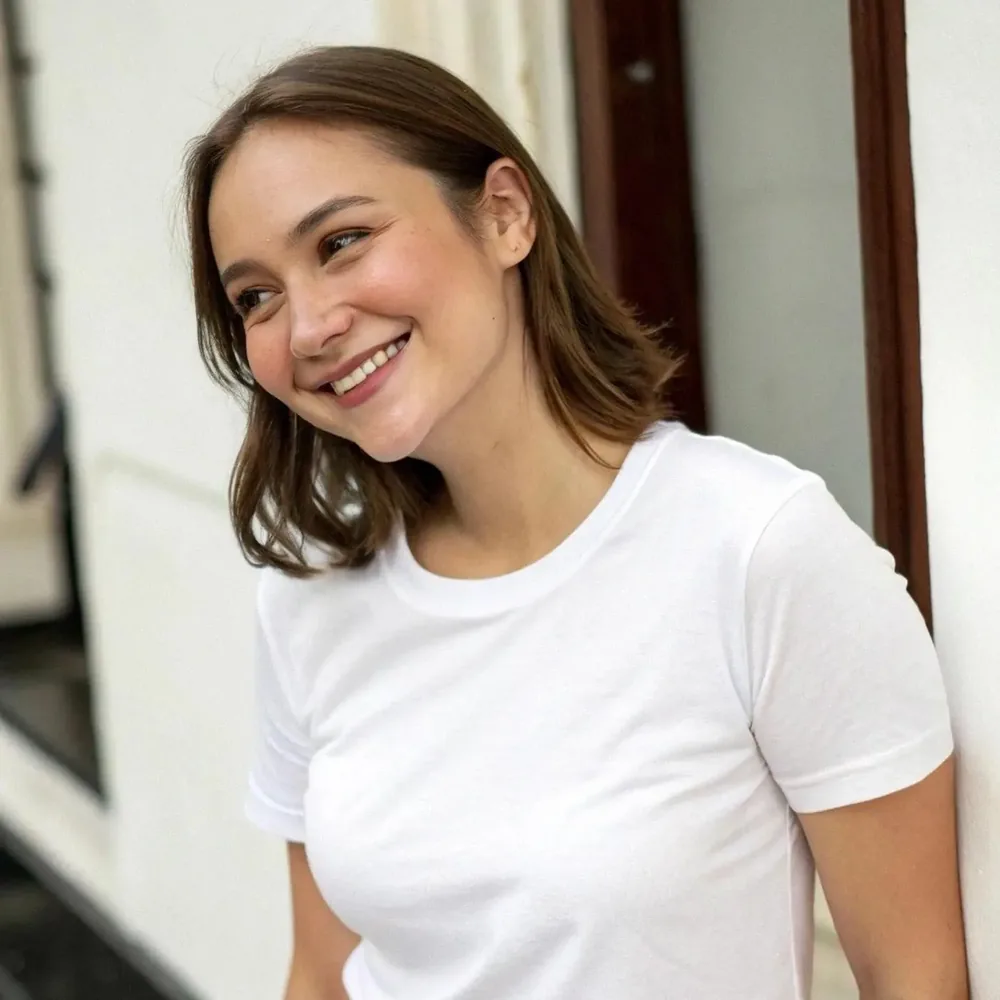
Original portrait of a smiling woman wearing a plain white T-shirt.
Original
Edited

Targeted image editing

Add a shirt graphic, keep the portrait

Add a print to an existing portrait with an image-editing instruction. In this official example, the cat graphic appears on the white T-shirt while the face, pose and background remain recognizable. Inspect those details after each edit.
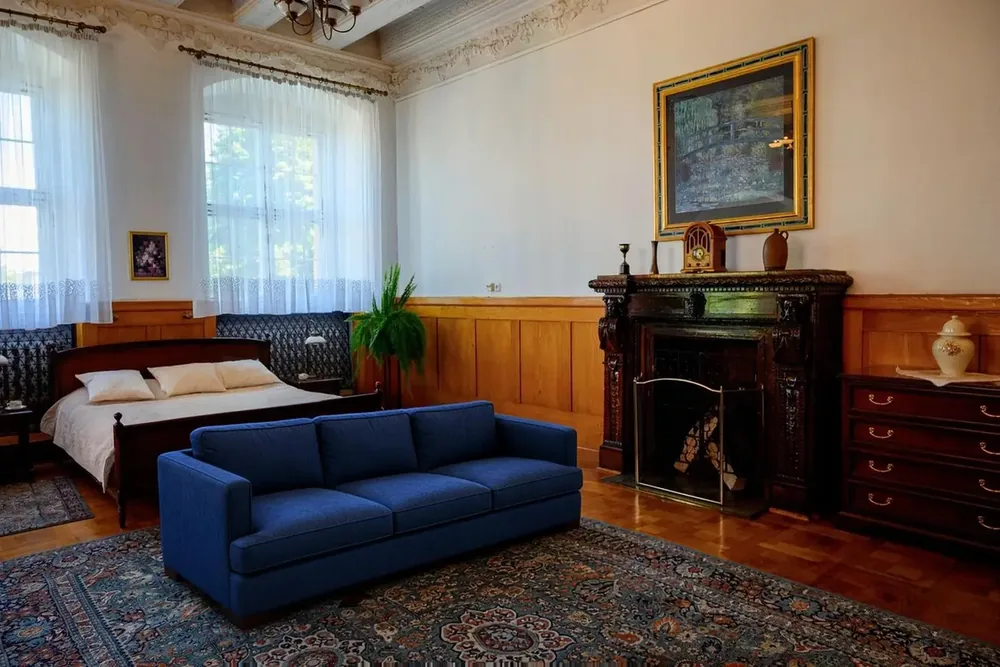
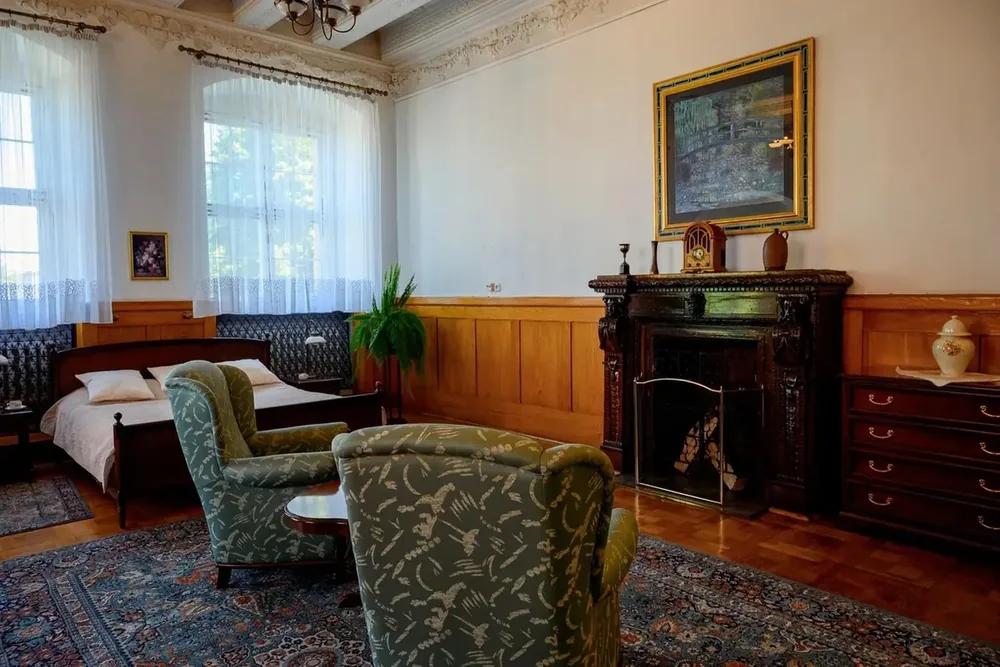
The living room with a blue sofa replacing the foreground armchairs.
Original living room with patterned armchairs, a rug and wood-paneled walls.
Original
Edited

Interior design variations

Try a new sofa in an existing room

Turn a room photo into an interior-design variation by describing only the furniture change. The foreground chairs become a blue sofa; windows, wall panels and the rug give you a clear before-and-after comparison.

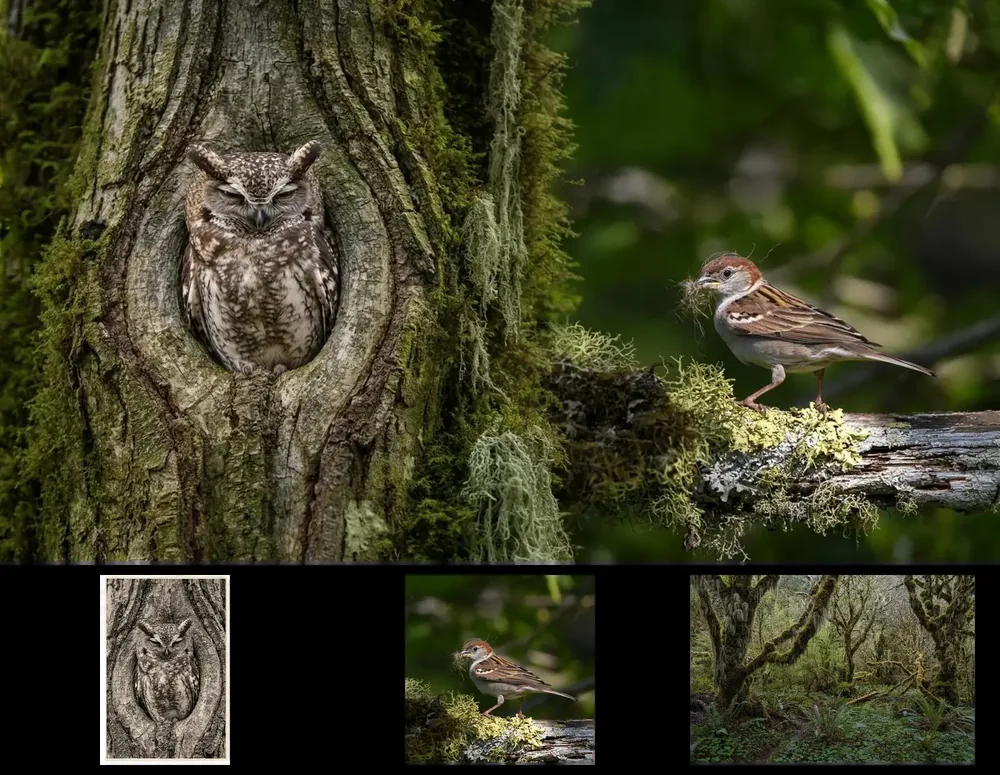
Official FLUX 3 Image forest composition with an owl and a sparrow; the three original owl, sparrow and forest references appear as smaller images below the result.

Multi-reference composition

Combine three reference images into one scene

Give each reference a role: the owl, the sparrow and the forest. FLUX 3 Image brings them into one composition with shared lighting and scale. The three source images appear below the official result. You can upload up to 10 references; describe each image's role and check which details carry through.

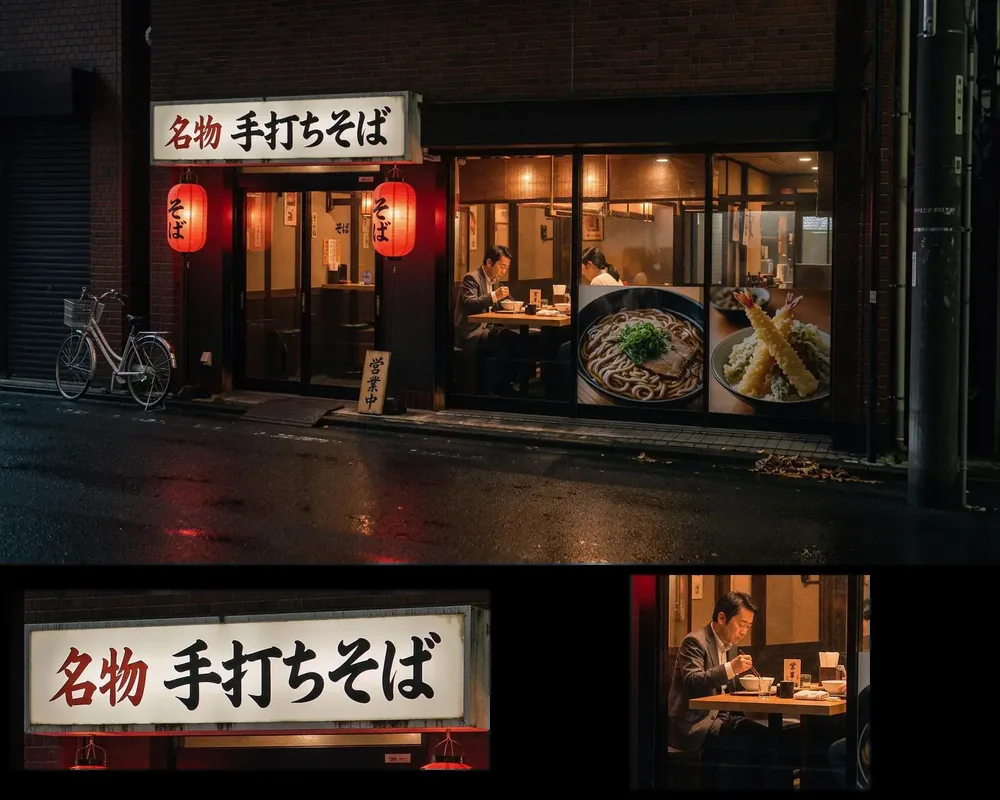
Official native 4K soba-shop image above two detail crops showing the Japanese shop lettering and a diner behind glass.

Native 4K image generation

Inspect lettering and textures in a native 4K image

Generate a storefront scene where signs, materials and small figures matter. BFL's original 5,456 × 3,072 soba-shop image is shown with sign and diner crops underneath. Those are details from the same file, not extra input images or upscaled results. Open the original to inspect the full resolution.

BFL official examples

What are FLUX 3 Image's core strengths?

Choose FLUX 3 Image when the image needs more than a subject: a deliberate layout, a focused edit, readable type or several visual references working together. These are model characteristics, not guarantees of unchanged pixels or perfect spelling.

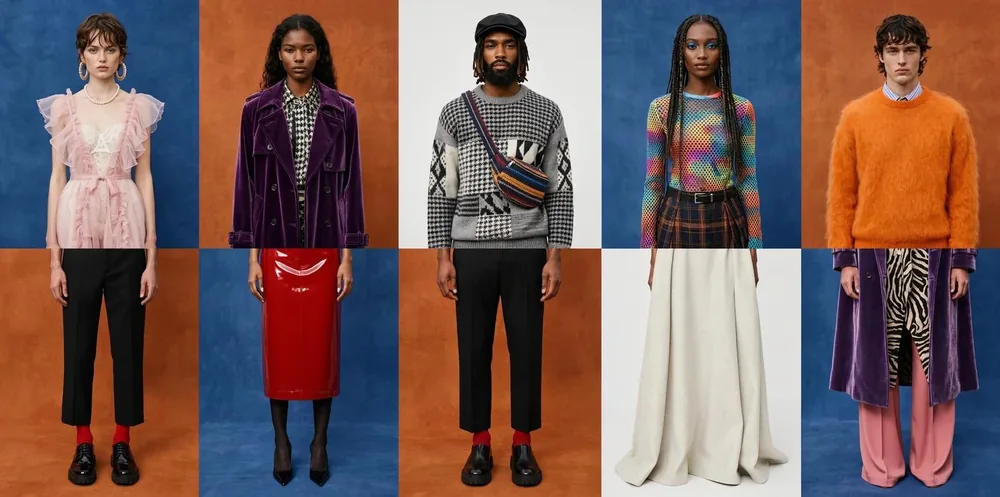
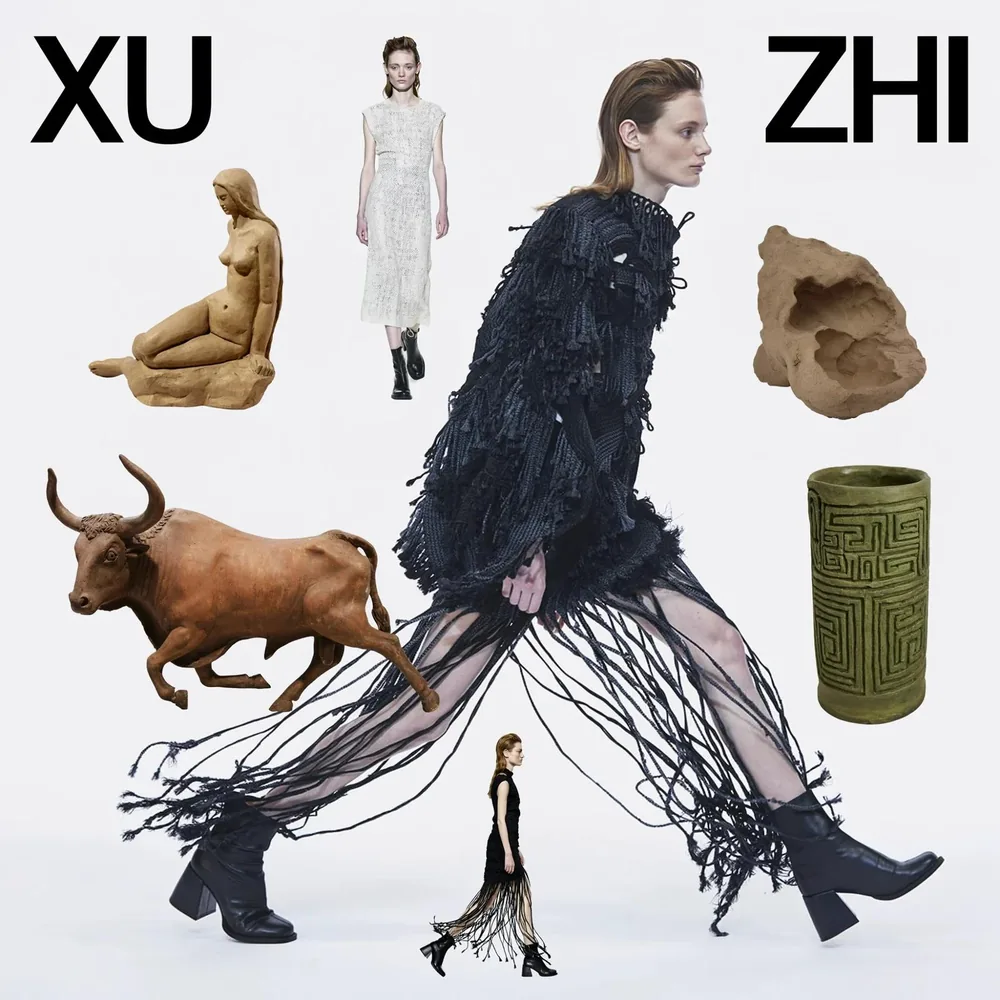
Official FLUX 3 Image layout study showing multiple graphic panels and structured page composition.

Composition-aware generation

Describe placement, hierarchy and negative space as part of the prompt. FLUX 3 Image is designed to reason about how elements share a frame, which helps when a poster or editorial layout needs structure before polish.

Official FLUX 3 Image portrait edit showing a hair color change while the subject and framing remain recognizable.

Precise local edits

Name one change and the parts that matter around it. This focused editing approach is useful when an approved subject, pose or room should remain recognizable while one variable changes. Review every round for drift.

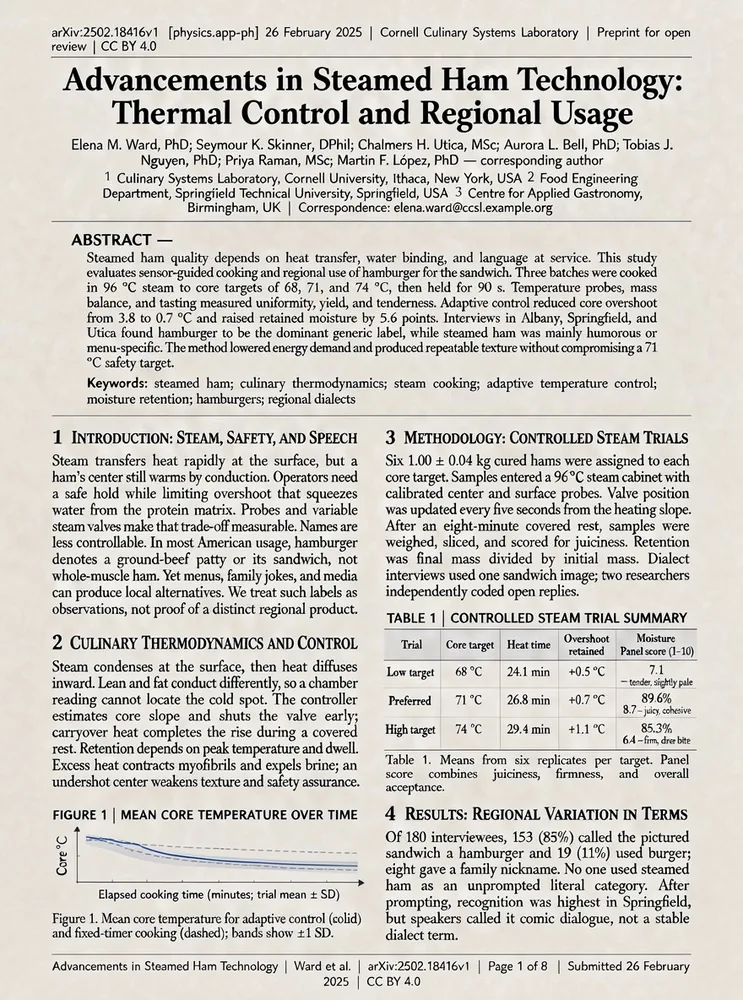
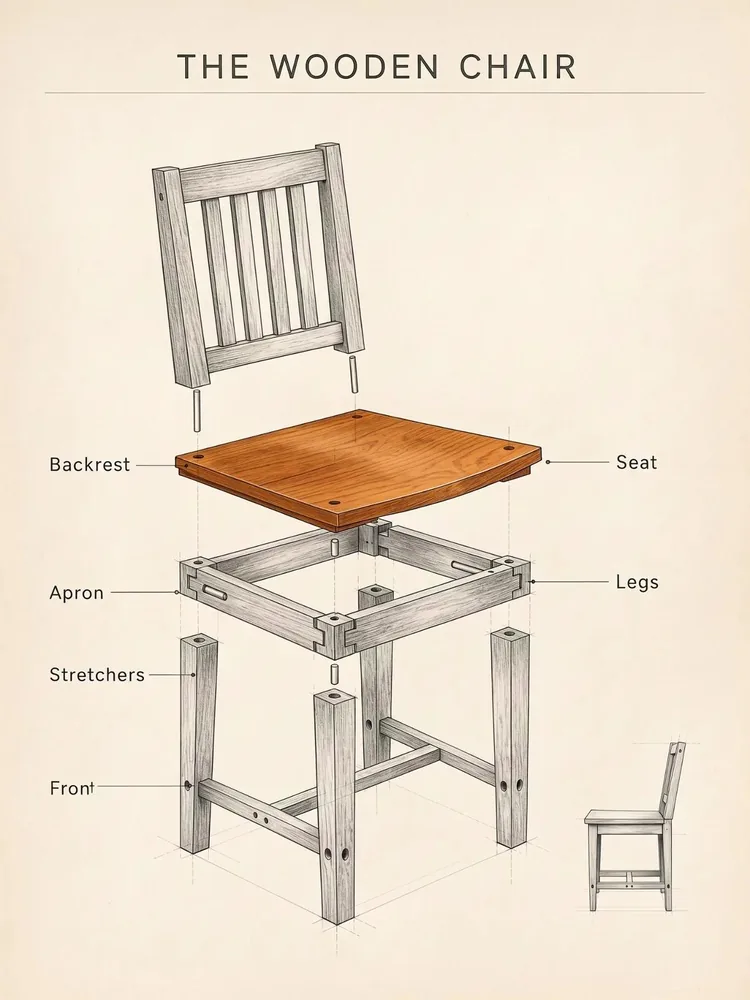
Official FLUX 3 Image magazine-style composition with visible typeset text and graphic hierarchy.

Multilingual text rendering

Put exact short copy in quotation marks and describe its style and position. The model is promoted for text inside images and multiple languages; proofread names, dates and characters before publication.

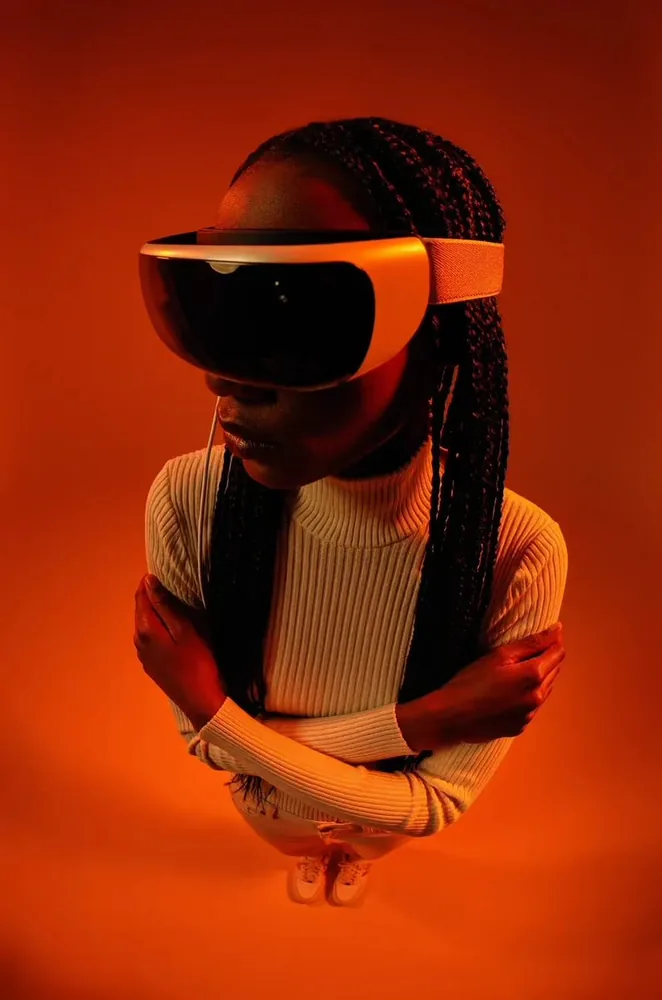
Official FLUX 3 Image scene composition combining multiple visual references into an atmospheric landscape.

Reference-guided consistency

Use several references when the result needs a particular subject, material or setting. Assign each input a role, keep the order clear, and treat the result as a new composition rather than an exact product or identity copy.

How do you prompt FLUX 3 Image?

Describe the result in plain language. For an edit, focus on the change; for a composition, explain how the elements relate.

Make the brief specific

  1. Place the subject and the text

    Specify left or right, foreground or background, and where the title needs clear space. Put exact short text in quotation marks.

  2. Name the change and the parts to preserve

    For example: add a blue print to the shirt; keep the face, pose, lighting and background. Avoid redescribing the entire image.

  3. Assign a role to every reference

    Identify the subject, clothing, material or setting from each image. Keep upload order consistent with the brief.

Leave room to verify

  1. Proofread lettering and product details

    Readable text and reference guidance are capabilities, not guarantees. Inspect names, dates, faces and packaging before use.

  2. Check references before editing

    fal accepts 1–10 images, each at least 256 pixels wide and tall and at most 4 MP. Large generated images may need resizing before another edit.

  3. Bounding boxes are a separate workflow

    BFL demonstrates a visual layout canvas. This Oeneo AI page does not offer a bounding-box or mask editor.

How does FLUX 3 Image compare with Ideogram 4.5 and GPT Image 2.5?

Compare the current Oeneo AI input capacity, output choices and credit costs. The prices use each model's default quality, one output and one reference for editing. Changing quality or adding references can change the quote.

SpecificationFLUX 3 ImageIdeogram 4.5GPT Image 2.5 FlareGPT Image 2.5 Sunburst
Output resolution tiers1K, 2K, 4K1K, 2K1K, 2K, 4K1K, 2K, 4K
Primary strengthMulti-reference scenes, native 4KTypography, precise editsFast generation, everyday editsPrecision edits preserving approved parts
Choose it whenMulti-reference scenes, 4K finishPosters and typography-heavy editsFast exploration, high volumeHigh-stakes single edits
Total input imagesUp to 10Up to 51 source + 4 guide referencesUp to 16Up to 16
Images per requestUp to 1Up to 4Up to 4Up to 4
Output formatsPNG, JPEGProvider defaultPNG, JPEG, WEBPPNG, JPEG, WEBP
Selectable qualityNo quality selectorlow, medium, highlow, medium, high, xhigh, maxlow, medium, high, xhigh, max
1K generation / editing10 / 10 creditsQuality: provider controlled12 / 12 creditsQuality: medium2 / 3 creditsQuality: low2 / 3 creditsQuality: low
Extra reference costIncluded in the quoteIncluded in the quote1 included; +2 cr per extra image1 included; +2 cr per extra image
Explore the modelFLUX 3 ImageIdeogram 4.5GPT Image 2.5 FlareGPT Image 2.5 Sunburst

What inputs and outputs does FLUX 3 Image support?

Generate from text or upload references to edit. Your selected resolution determines the credit quote; the reference-input limit is separate from output resolution.

What inputs and outputs does FLUX 3 Image support?
Image tasks
Text-to-image generation and reference-based image editing
Editing references
1–10 images. fal requires each side to be at least 256 px and each image to be at most 4 MP.
fal output tiers
1K, 2K, 4K
Output formats
PNG, JPEG. PNG does not imply a transparent background.
Credits per image
1K: 10, 2K: 20, 4K: 122. Generation and editing share these rates; reference images have no additional charge.
Oeneo AI access
FLUX 3 Image, one image per request. The workspace shows your current credit quote before generation.

FLUX 3 Image FAQ

Is FLUX 3 an image model or a video model?+

FLUX 3 is Black Forest Labs' multimodal model family. FLUX 3 Image handles still-image generation and editing. Earlier FLUX 3 releases and guides also cover video; creating a clip requires a separate video workflow.

Can I use FLUX 3 Image on Oeneo AI now?+

Yes. The workspace on this page starts with FLUX 3 Image. Write a prompt to generate a new image, or upload references and describe an edit. The displayed examples are official BFL examples, not Oeneo AI test results.

How many reference images can I use, and does their order matter?+

You can provide up to 10 images in one FLUX 3 Image editing request. Describe which image supplies each subject, product or setting. With Auto aspect ratio, the first reference determines the output shape, so keep upload order consistent with your instructions.

Can I make several edits to the same image?+

You can download a result and upload it for the next edit. State only the new change and inspect the parts you want to preserve after each round. This is not an automatic editing session; the fal reference-size limit also applies to every re-upload.

Can I draw bounding boxes to control the layout?+

BFL's official Playground demonstrates bounding-box composition and editing. This page does not include that canvas or a mask editor. You can describe positions and relationships in a prompt, but that is different from direct visual layout control.

Can I keep editing a 4K image at its original resolution?+

Not through the current fal endpoint if the image exceeds 4 MP. Output resolution and reference-input limits are separate. Resizing a large image also changes its pixels, so original-resolution, pixel-identical editing should not be assumed.

Can FLUX 3 Image generate Chinese or multilingual text?+

BFL describes multilingual text generation, and its official examples include lettering inside images. Chinese text quality has not been verified in Oeneo AI. Keep copy short and proofread every character, name and date.

Is FLUX 3 Image free on Oeneo AI?+

FLUX 3 Image uses credits based on the resolution you select. The current rates are shown in the specifications and the workspace quote. Registration credits are limited, and free-user generation results are public. Paid accounts can keep results private.

Are FLUX 3 Image open weights available?+

In the October 1, 2026 launch announcement, BFL described open weights as a future release and commercial weights as available by arrangement. Check BFL for the latest licensing status. Hosted image creation and licensing weights for deployment are separate decisions.

Create a FLUX 3 Image from your brief

Use the FLUX 3 image generator for a new composition, or upload references for a focused FLUX 3 image edit in Oeneo AI.