


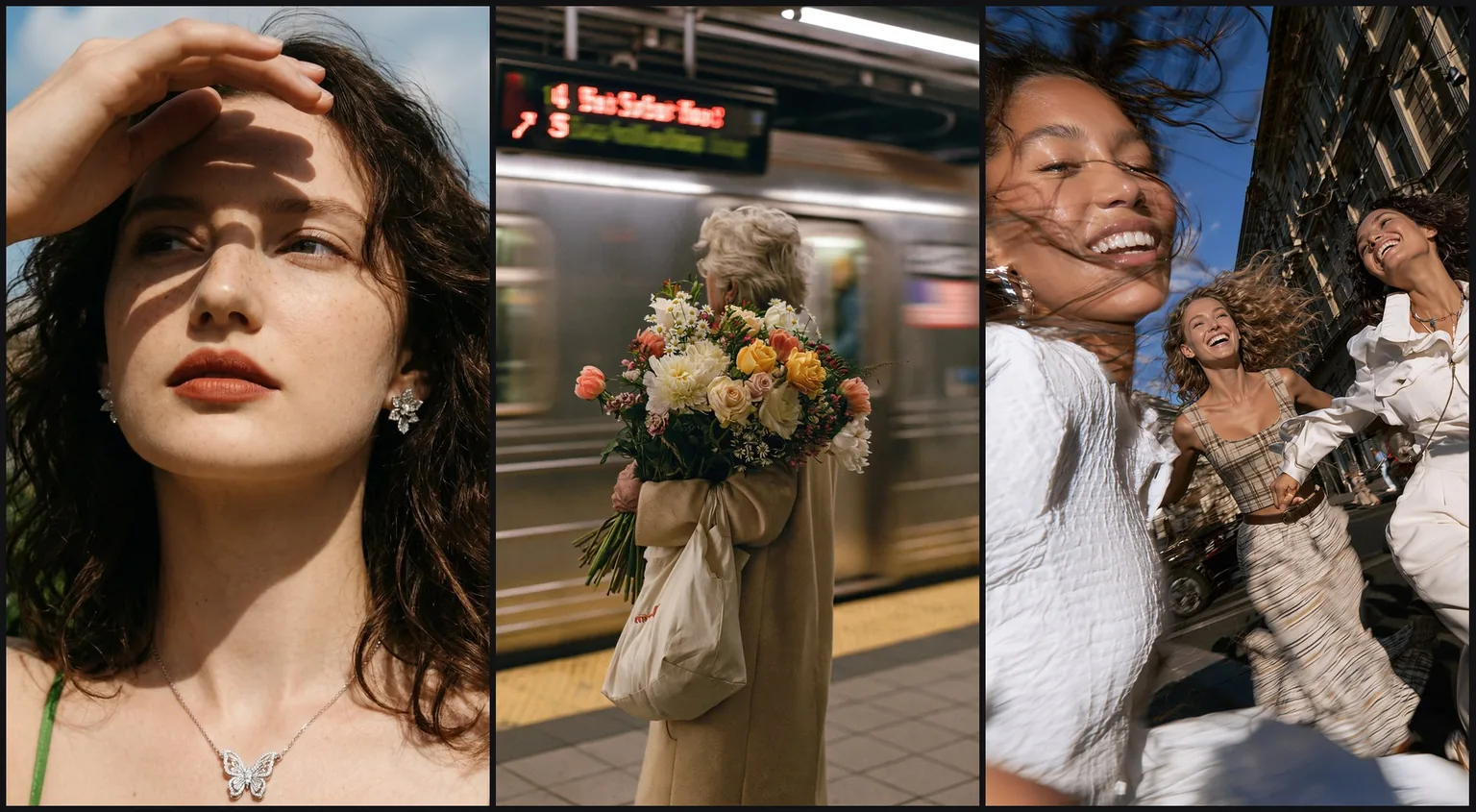
Portraits
Skin, fabric and light that read as a photograph
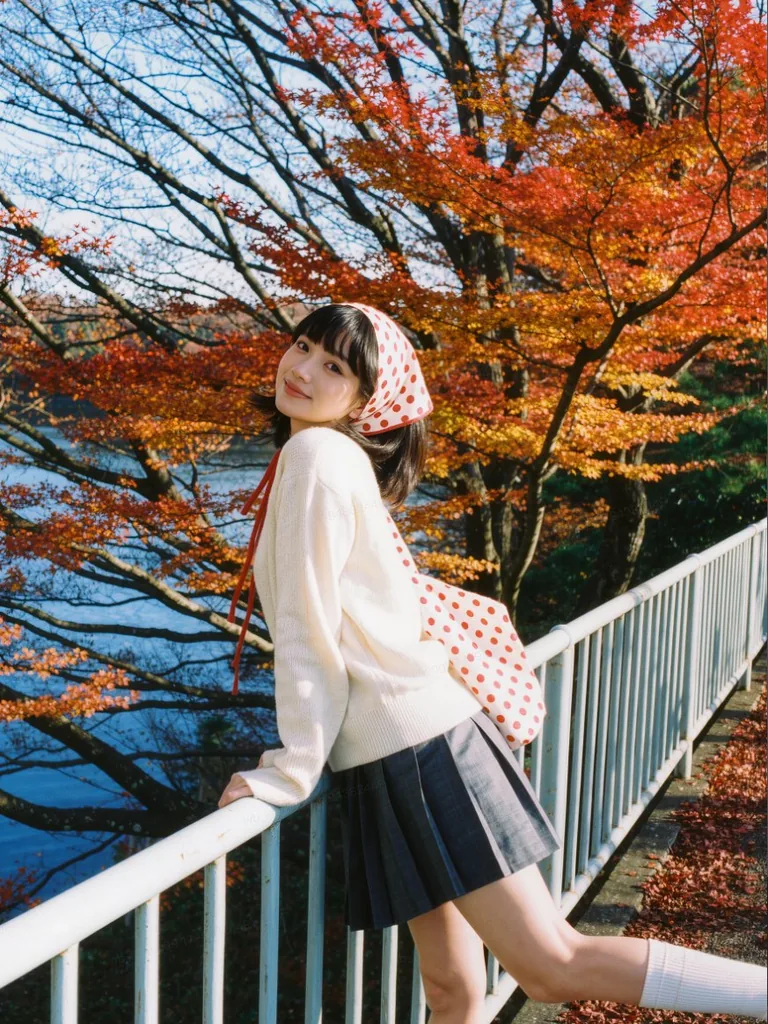
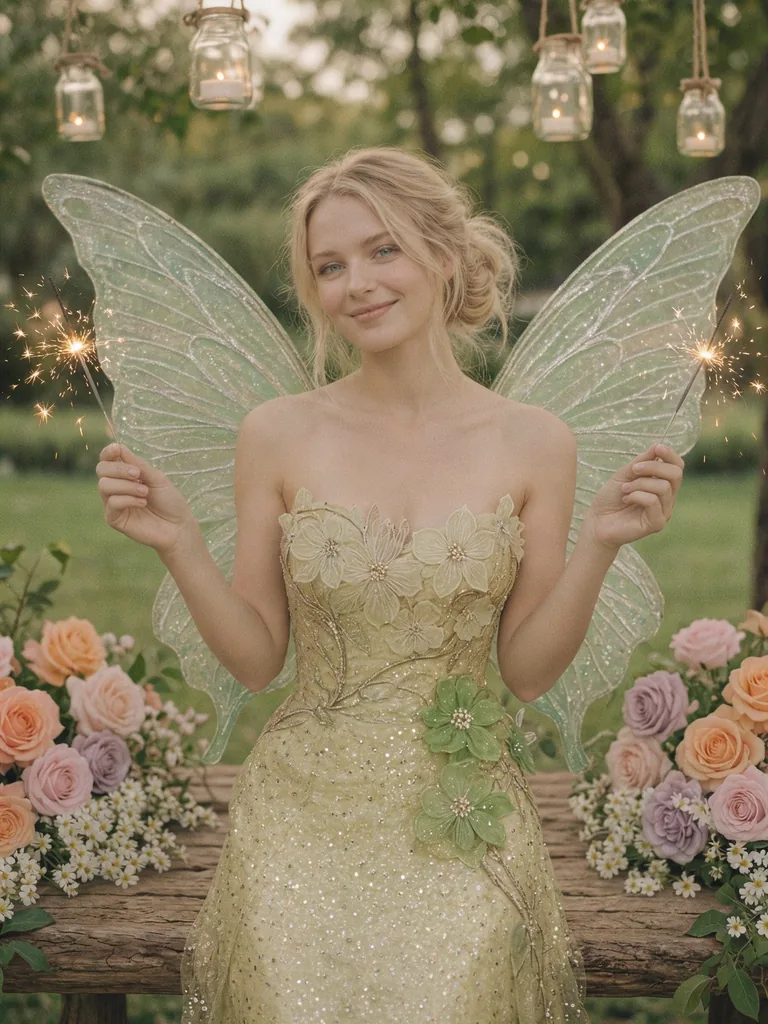
Name the light source, the lens and the finish, and faces keep natural texture with soft transitions from highlight to shadow instead of a plastic sheen.
Kling AI's image model for lifelike photos, text-led posters and product scenes. Generate at 2K or 4K, or edit with up to 10 reference images and see the credits before you start.
Text to image
Describe the light, the lens and the material, and the frame is built around them: natural portraits, group shots and commercial stills, without a camera or a set.
Portraits
Name the light source, the lens and the finish, and faces keep natural texture with soft transitions from highlight to shadow instead of a plastic sheen.
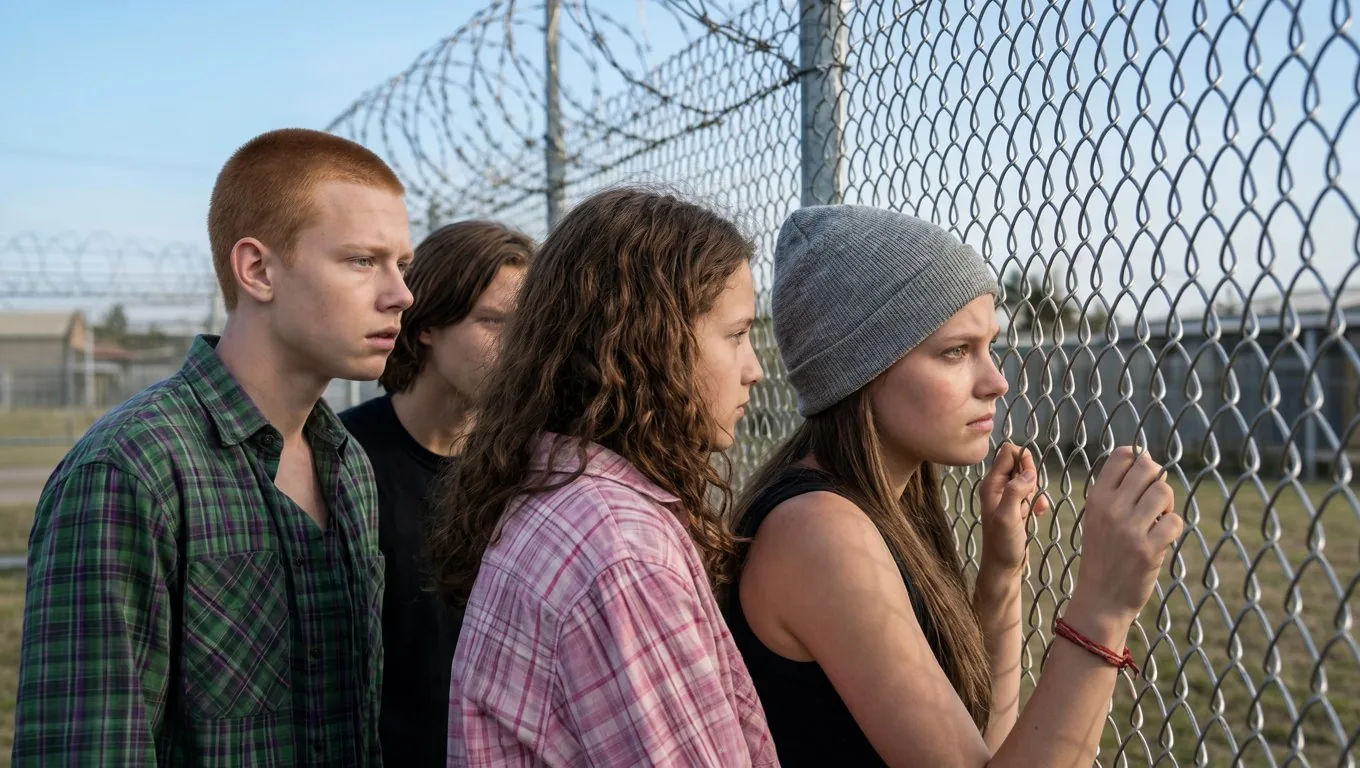
Group shots
Describe who stands where, how close they are and where they look, and each person keeps their own age, build and expression instead of turning into a row of look-alikes.
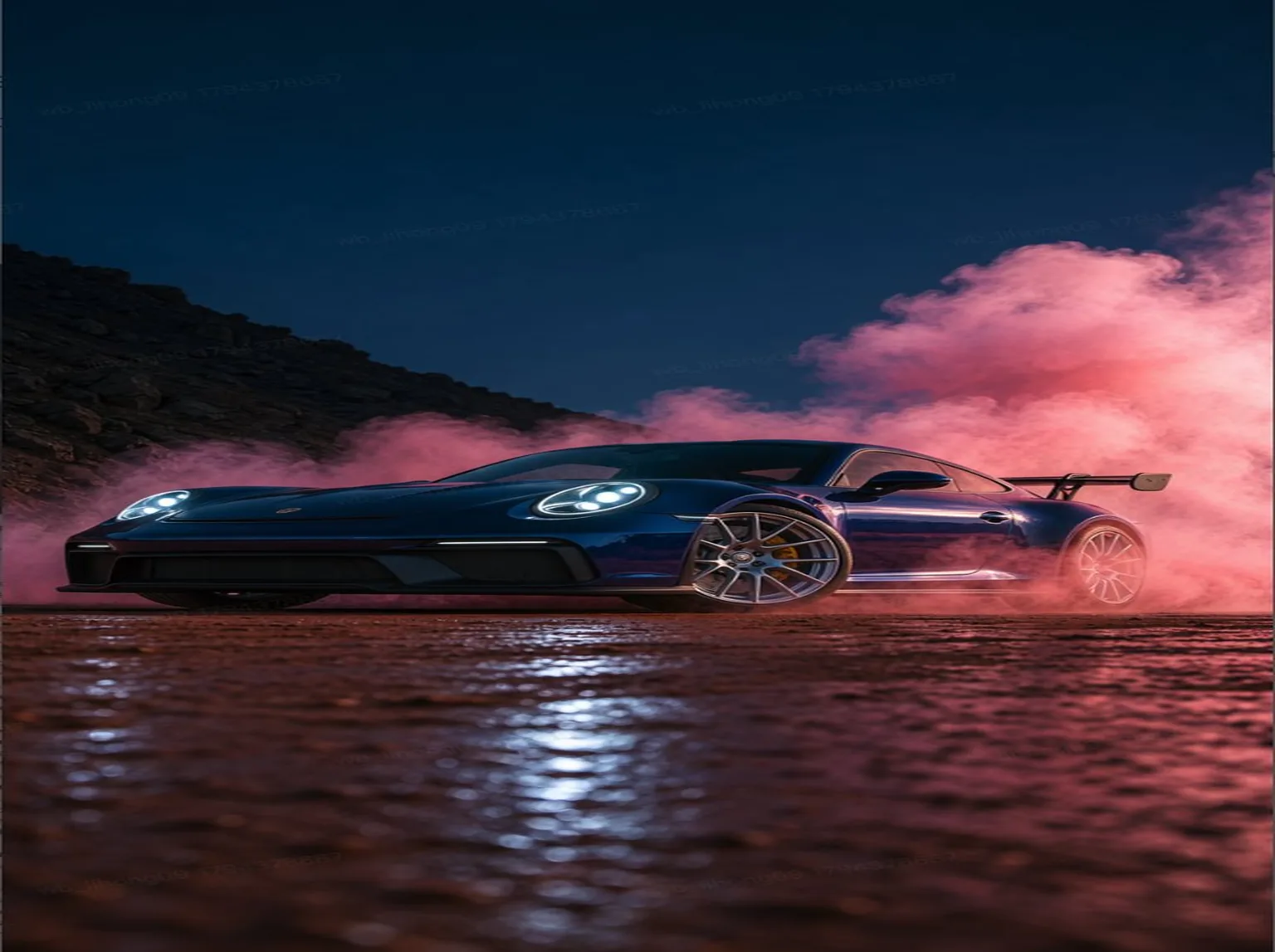
Commercial
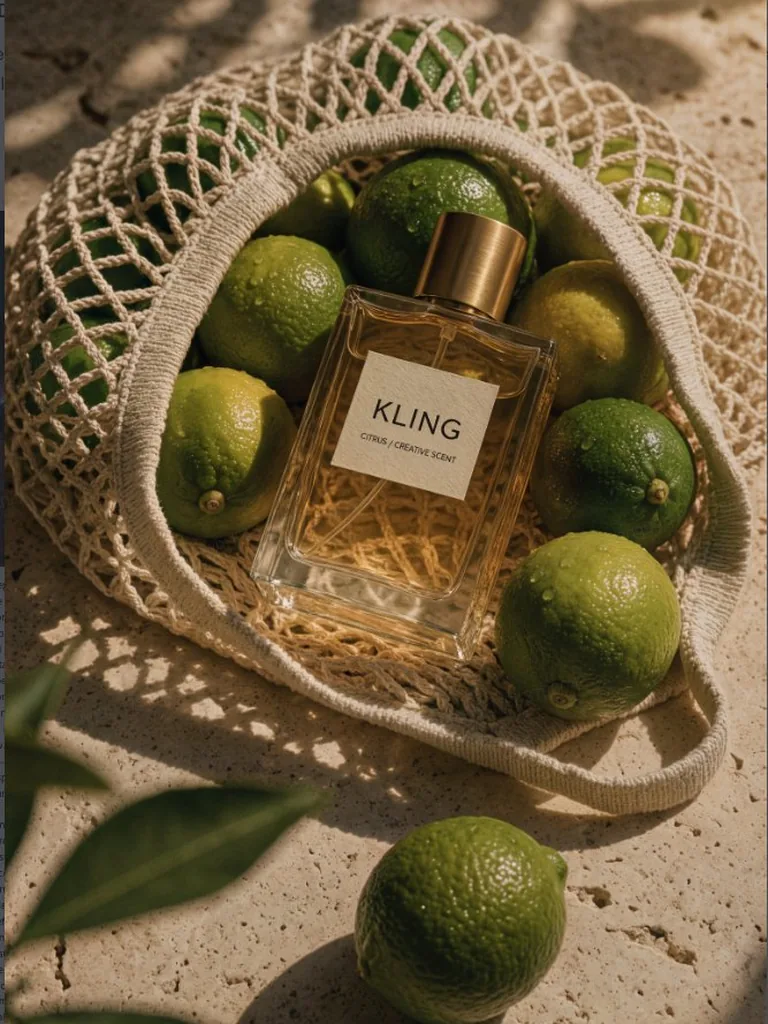
Spell out the placement, the light direction and the finish, and the set, the reflections and the shadows are built around the product.
Text in the image
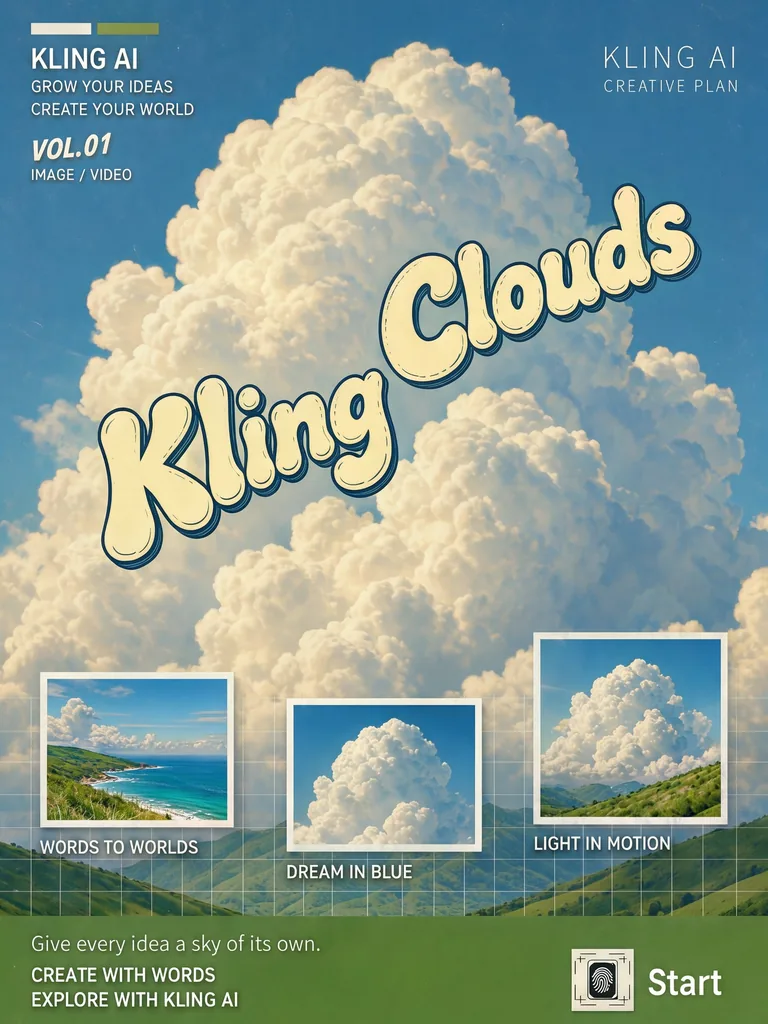
Put every word in quotation marks, say where it sits and describe the lettering, and headlines, menus and full layouts come back as one designed image.
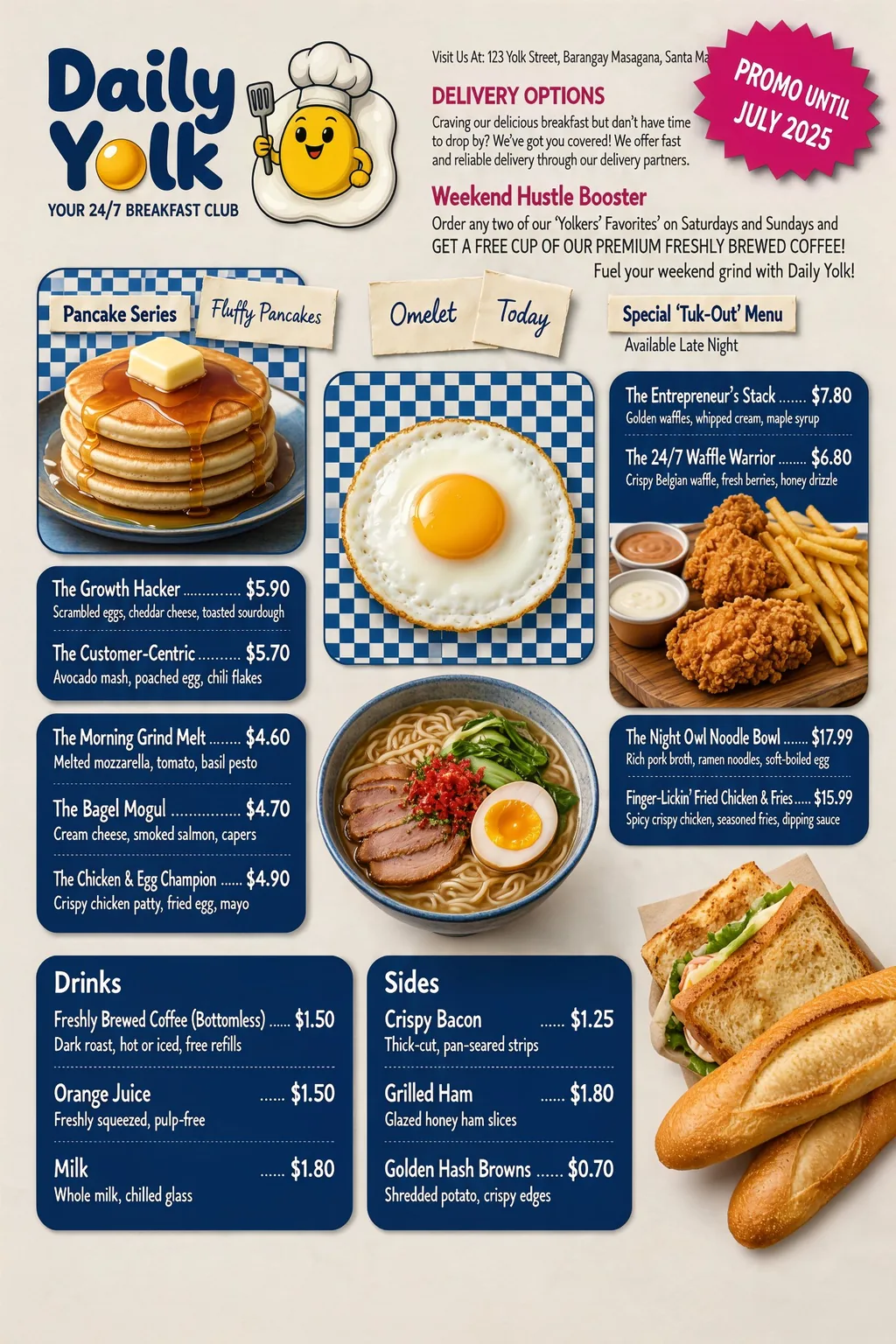
Menus
Outline the sections, then list the items and prices line by line: small print stays readable across a full page. Check every figure before you publish.
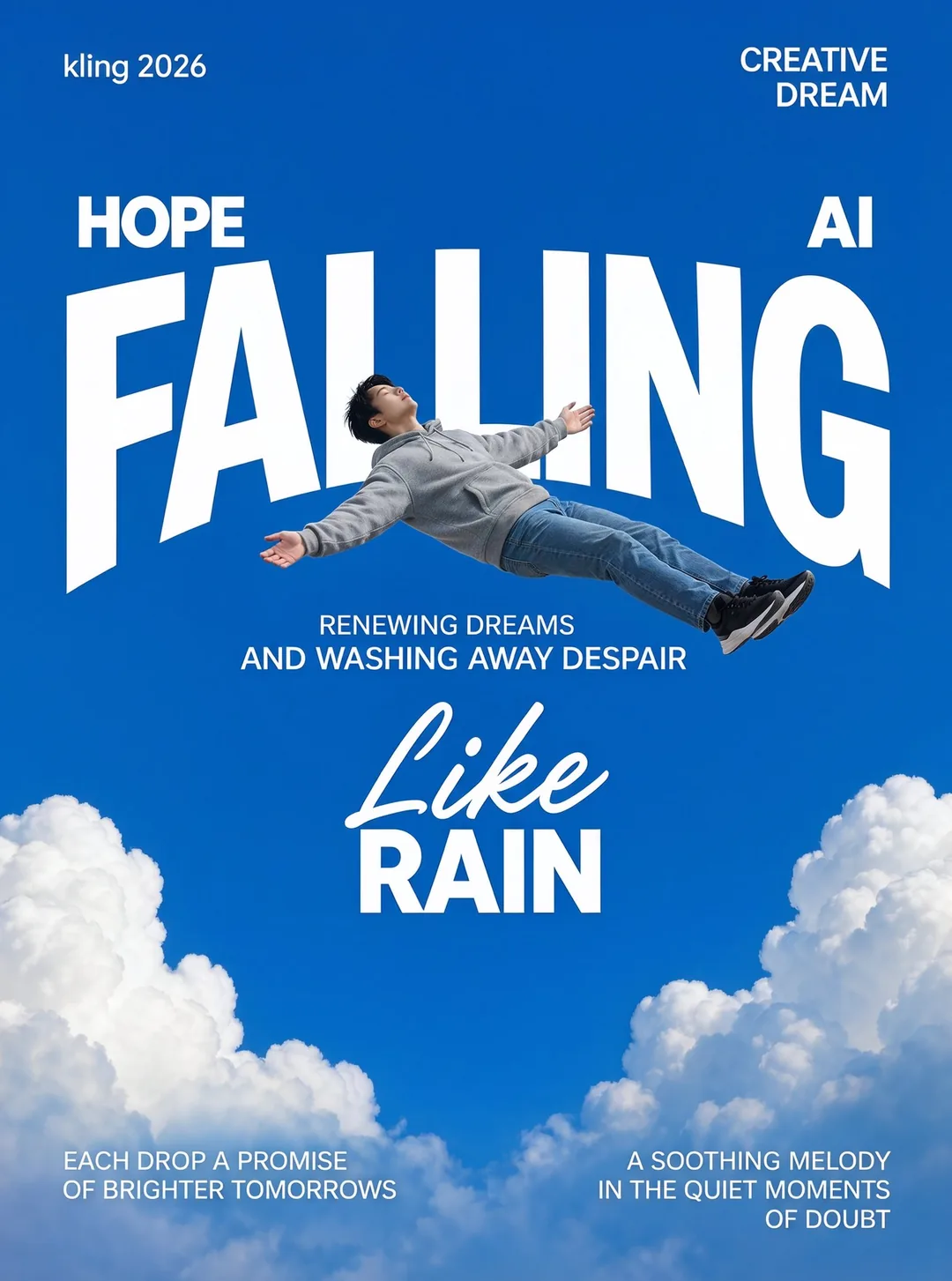
Display type
Give the title, the weight and the position, and the poster keeps a clear order from the headline down to the last caption line.
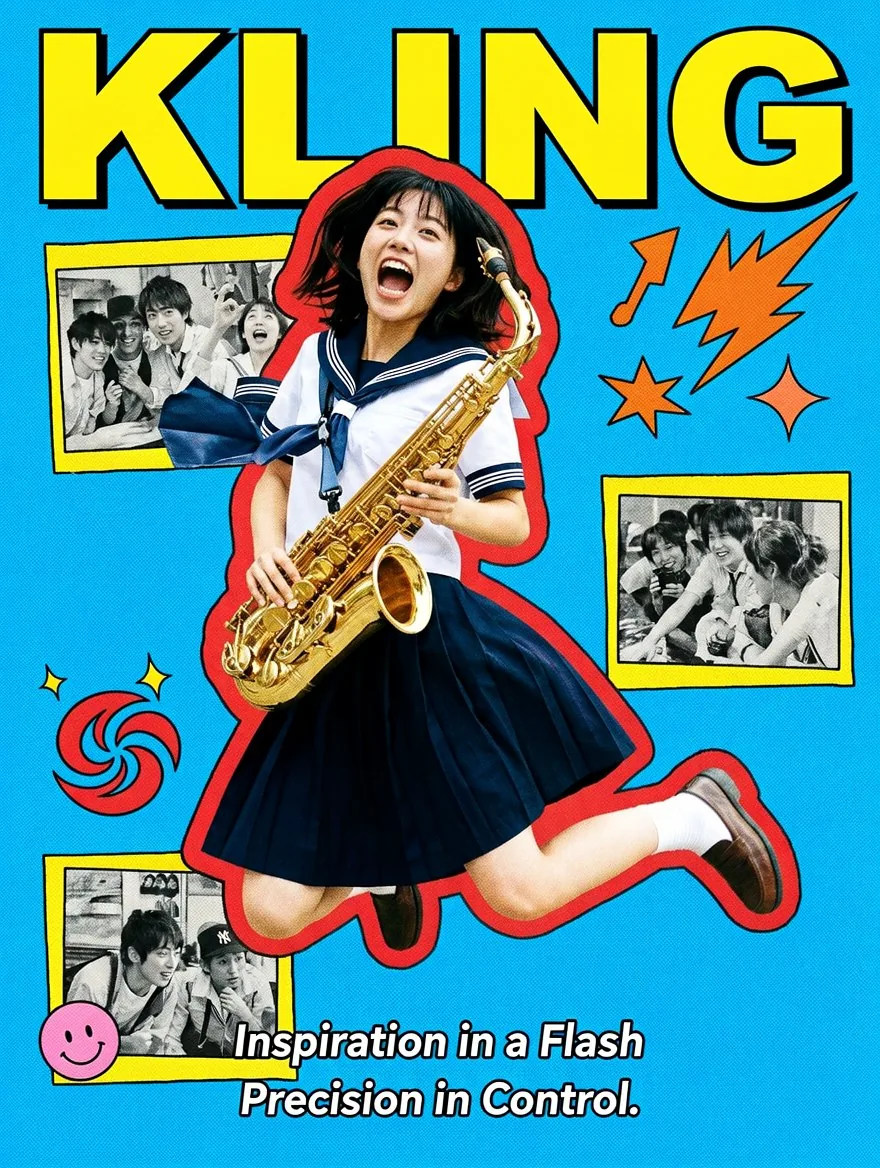
Mixed styles
Describe the era, the print texture and the graphic elements, and the lettering, the cut-out photos and the halftone dots hold together instead of fighting each other.
Image to image
Upload up to 10 images and name them as @Image1, @Image2 and so on in your prompt. Give each reference one job — the product, the person, the room, the palette — and say what must not change.
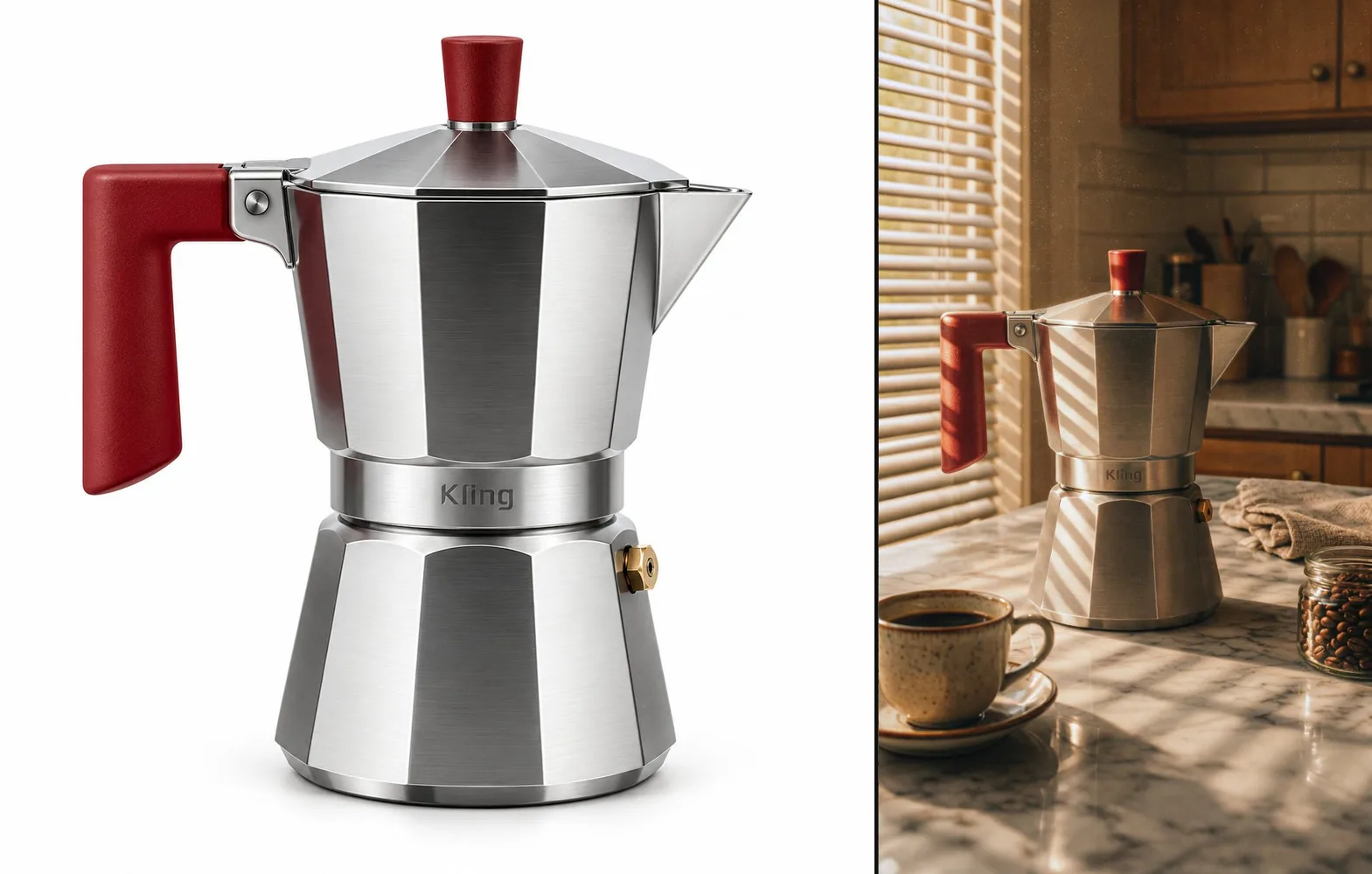
Product placement
The clean catalogue shot supplies the shape, the handle and the proportions; the prompt adds the counter, the blinds and the window light, so the result reads as photographed on site.
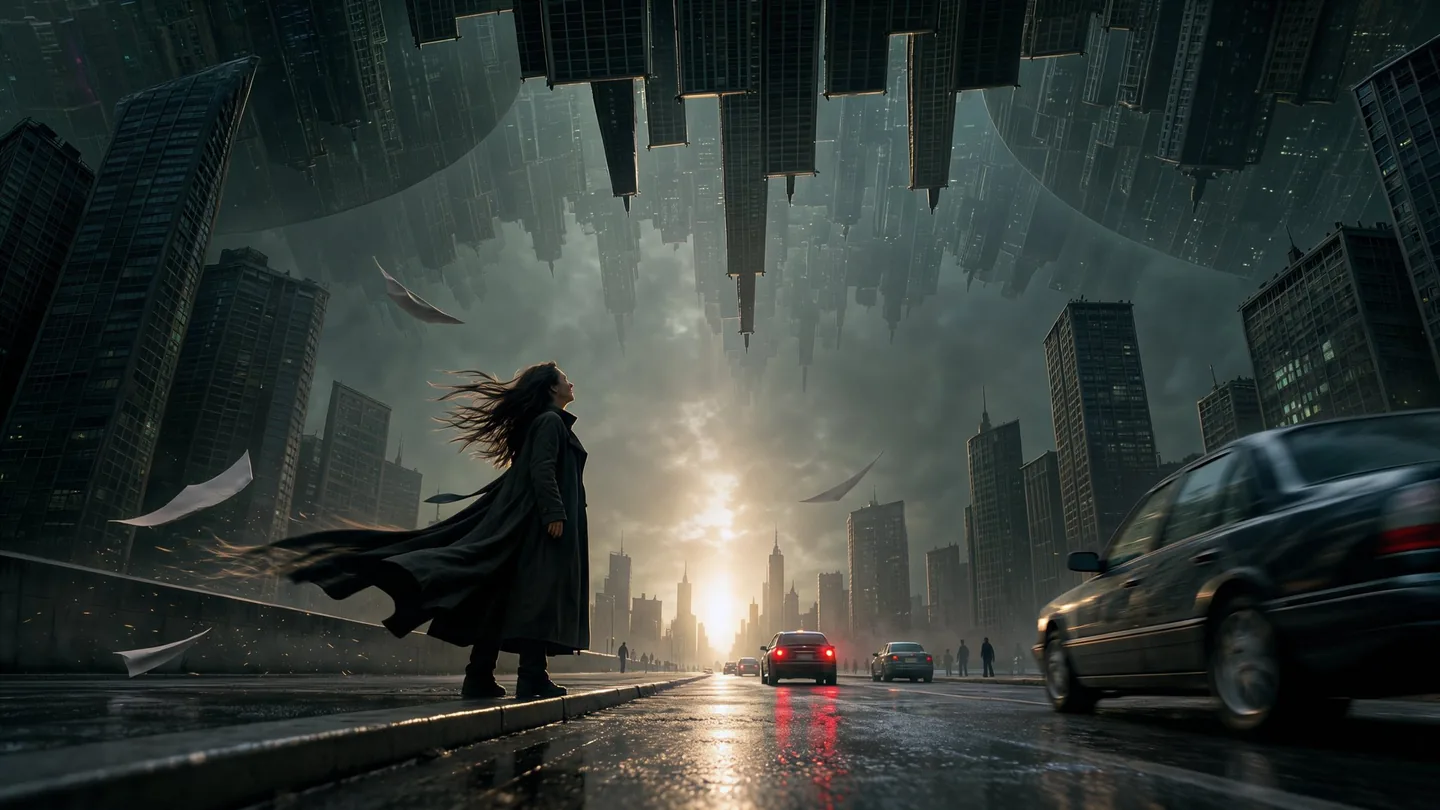
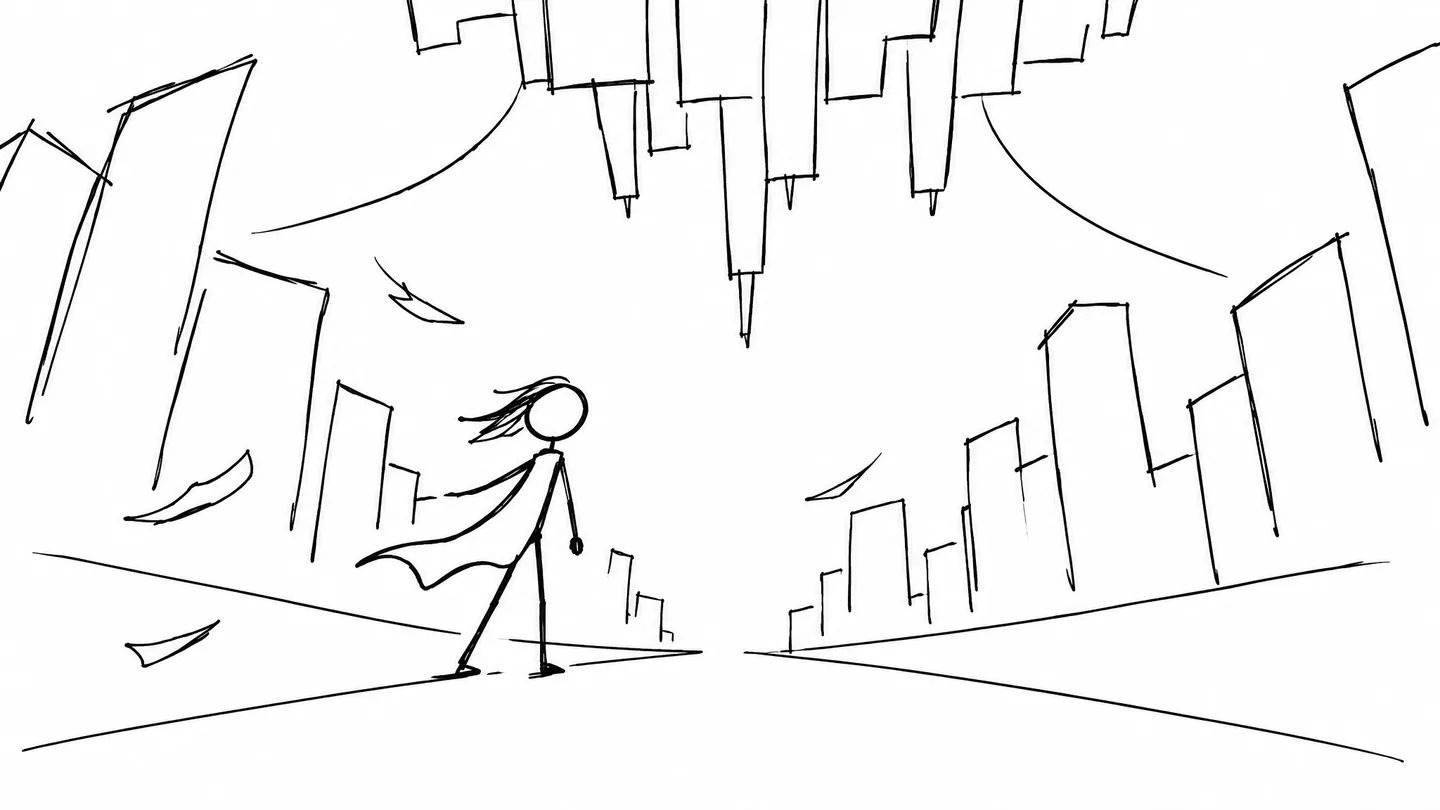
Sketches and previs
The sketch sets the composition and the prompt sets the subject, the light and the effects; no sketch lines survive into the frame.
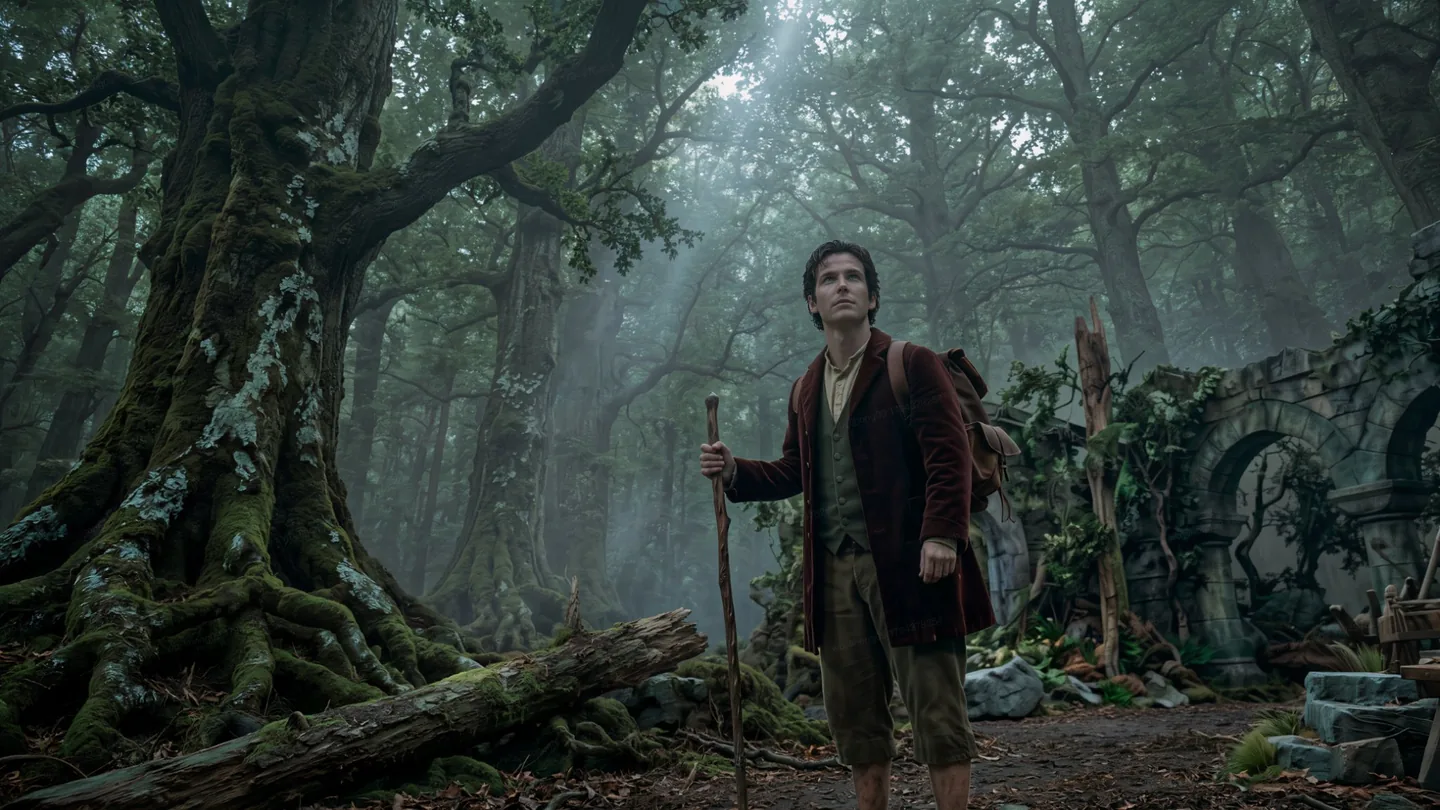
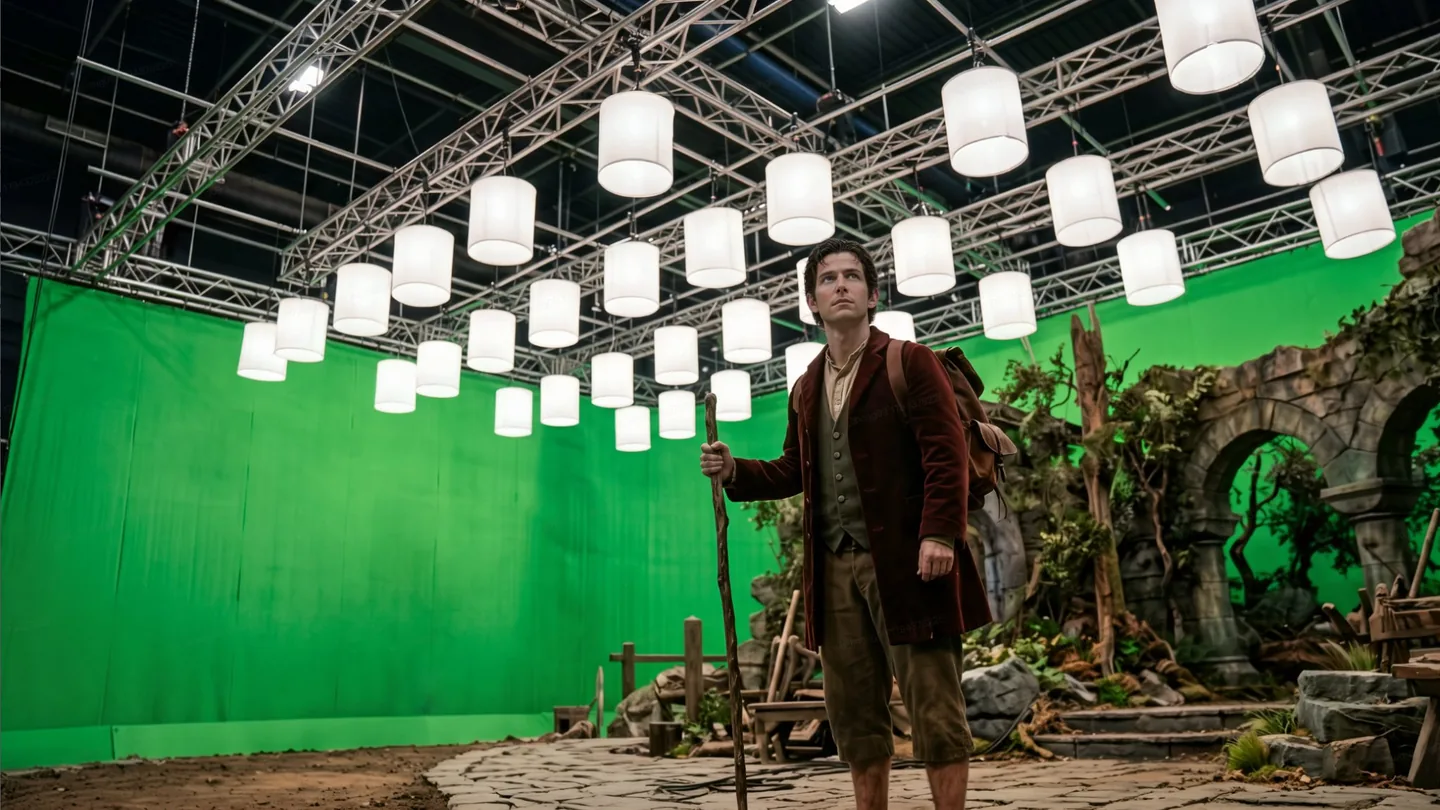
Backdrops
Name what the backdrop becomes and how the light changes, and the subject keeps its pose and clothing under the new light.
Say what you want, what it is made of and what must stay. These habits matter most when several references share one prompt.
Number each reference by job
With 10 images, write @Image1 for the person, @Image2 for the jacket and @Image3 for the room, in the order you uploaded them.
Quote the exact words
Put every visible word in quotation marks, add use only this text, and list the items and prices in reading order.
Name the change and what stays
Make the jacket cream linen; keep the face, pose, background and framing. The list of what stays is half the prompt.
Give a HEX code per object
Replace the lid with #2E5E34, the notebook with #6F7C6B: name the object each code belongs to.
Relying on photorealistic alone
Name the light source, the material and the lens instead; those are what make a frame look photographed.
Rewriting the whole scene every round
Edit the newest result and describe only the change, so the fixes you already made carry forward.
Publishing text nobody checked
Small print, names and figures can still come out wrong; proofread every word before you use the image.
Expecting series, 8K or long pages
This page returns independent images at 2K or 4K. Series mode, 8K output and long product pages are not offered here.
Example prompt: Use @Image1 as the coffee pot. Place it on a marble counter in a sunlit kitchen; keep its shape, handle color and proportions. Warm tones, window light from the left, soft shadows, fine film grain.
Each model has its own page and runs in the same workbench on one credit balance.
 New
 MiniMax
Generate, edit, and combine many references
View model
 ByteDance
Multi-round edits, transparent assets, clearer text
View model
 OpenAI
Precision-first detail, premium visual fidelity
View model
 Black Forest Labs
Composed scenes from a prompt or references
View modelRemove the background, upscale, vectorize or denoise any result, all on the same credit balance.
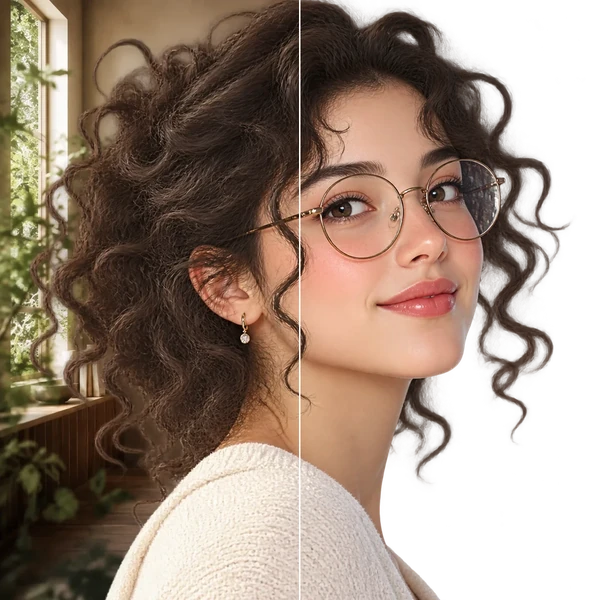
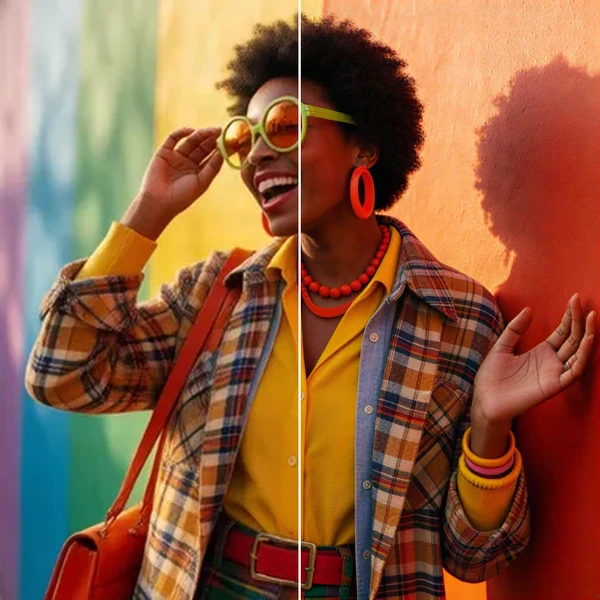
Transparent PNG or WebP with clean hair and product edges, ready for a listing or a new composition.
2× / 4× / 8× with recovered texture instead of smeared pixels, so a 1K draft can become a print.
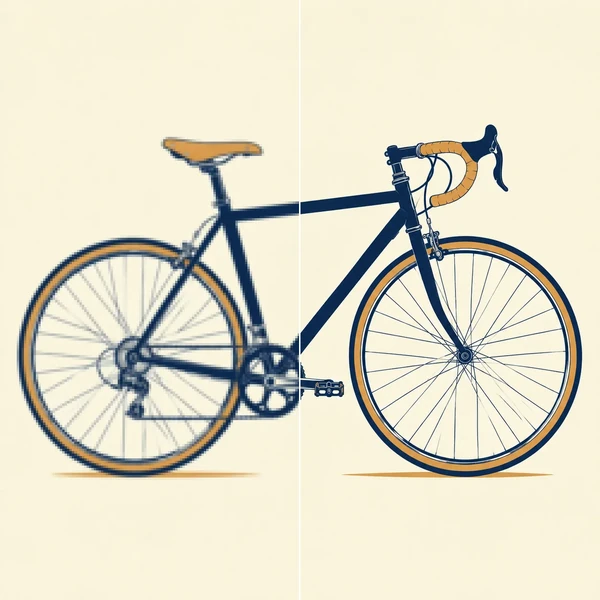
Logos, icons and flat illustrations become editable SVG that scales to any size.
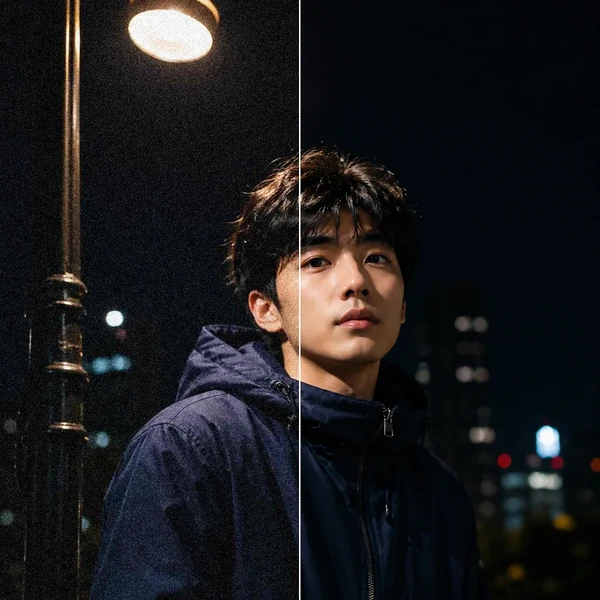
Remove grain and compression artifacts from low-light photos and scans while keeping real detail.
Kling Image 4.0 is Kling AI's image generation and editing model, released November 17, 2026. It renders photographs, text-led layouts and product scenes, and edits an image from up to ten visual references. It is an image model, not the Kling 4.0 video model.
No. Kling Image 4.0 produces still images, while the Kling 4.0 video model on this site turns a prompt or a photo into a clip and has its own page. They share a name, not an output.
Up to 10 per request, and the prompt refers to them as @Image1 to @Image10 in upload order. Each file can be up to 10 MB as PNG, JPEG or WebP. Very tall, very wide or tiny images can still be rejected by the model itself.
2K / 4K output, with Auto, 1:1, 4:3, 3:4, 16:9, 9:16 and 21:9. Auto follows the content, so the exact pixel size is set by the model rather than by you.
No. Kling and the provider list an 8K tier, but this page generates at 2K or 4K only. A 1K or 8K request is rejected instead of being quietly rounded to another tier.
No. Asking for 4 images returns 4 independent pictures. Kling's series mode, which plans a consistent set from one prompt, is not offered on this page.
There is no mask or brush canvas for this model. Describe the area and the relationship you want to keep — change the jacket, keep the face and framing — then check the result at full size.
Kling lists Simplified Chinese, Traditional Chinese, English, Japanese, Korean, Spanish and Portuguese for in-image text. Give the exact wording in quotes and proofread the result: the model lays out what you wrote but does not check it.
No, each image costs credits, and new accounts start with 10 free credits. The price depends on the resolution and the number of reference images, and the Generate button shows the exact cost before you start.
Yes. Send the result to the image-to-video workflow and pick a video model; the clip is priced separately from the image.
Write a prompt or add up to 10 reference images, choose 2K or 4K, and the credits show on the button before you start.