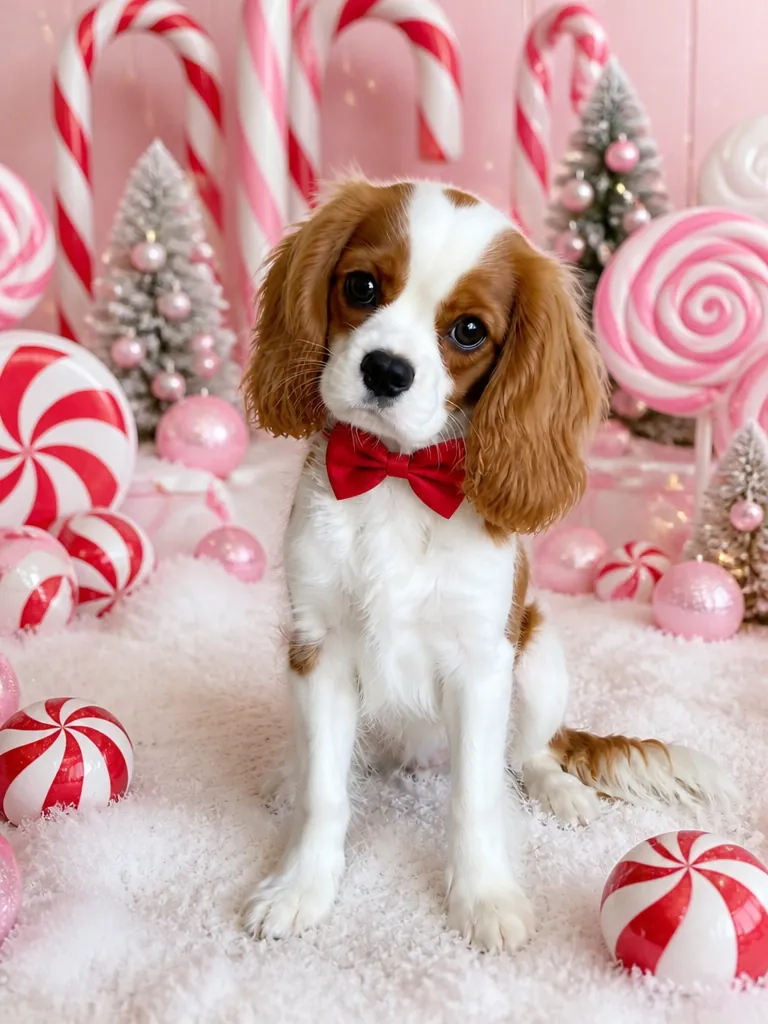
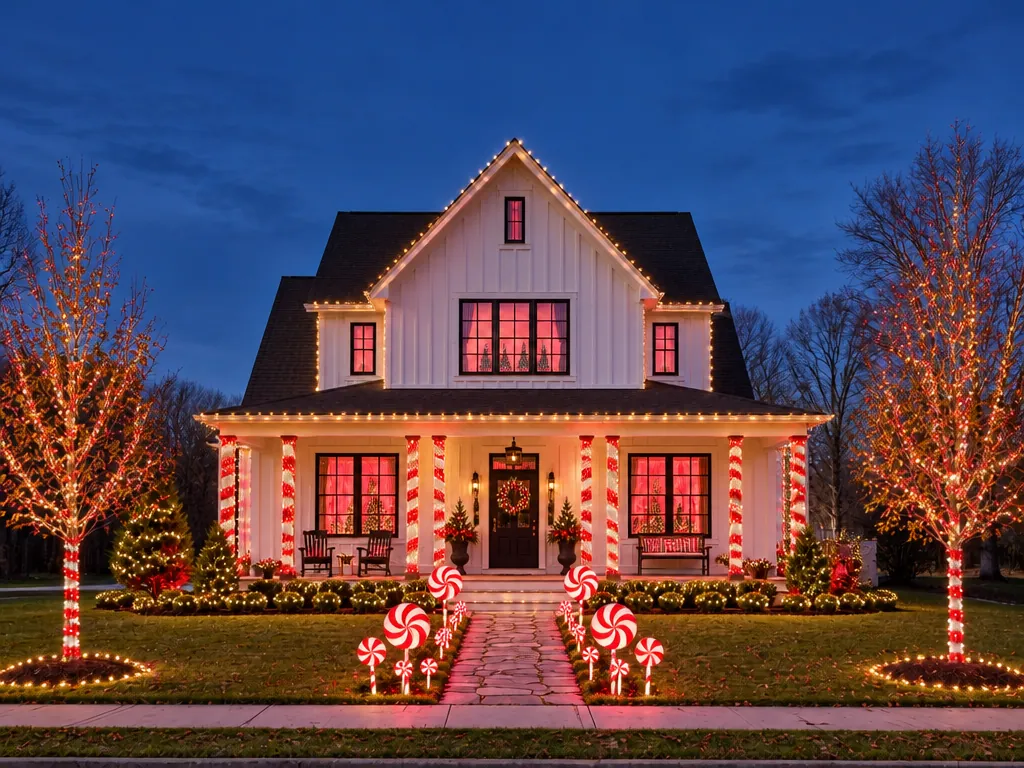
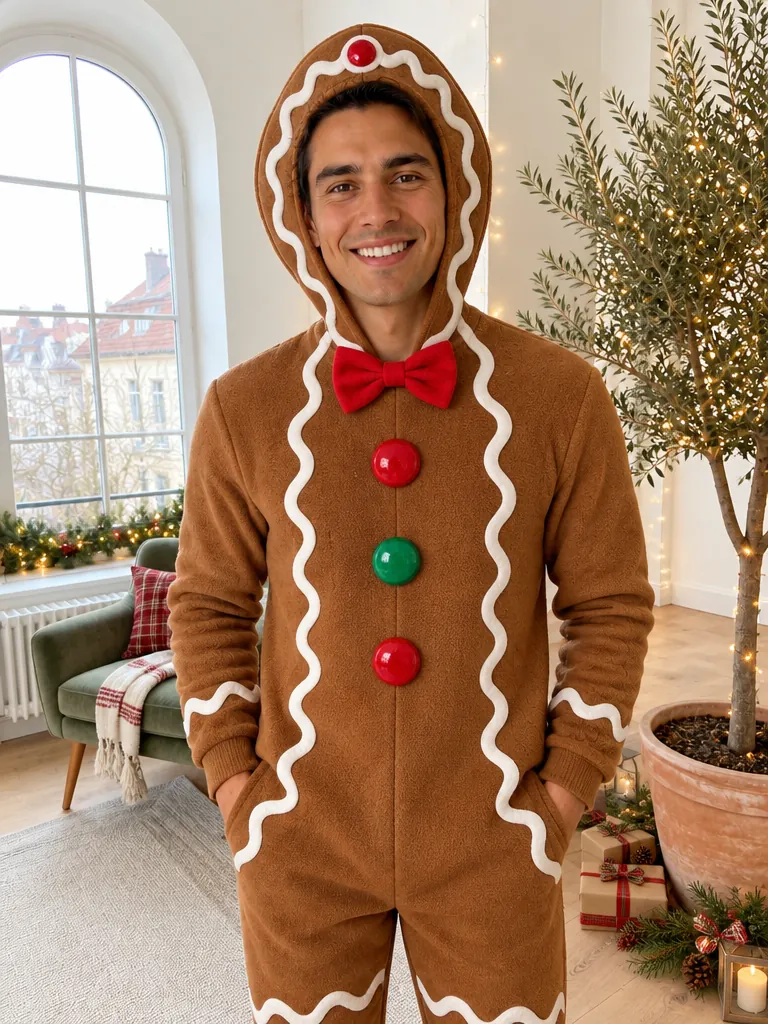
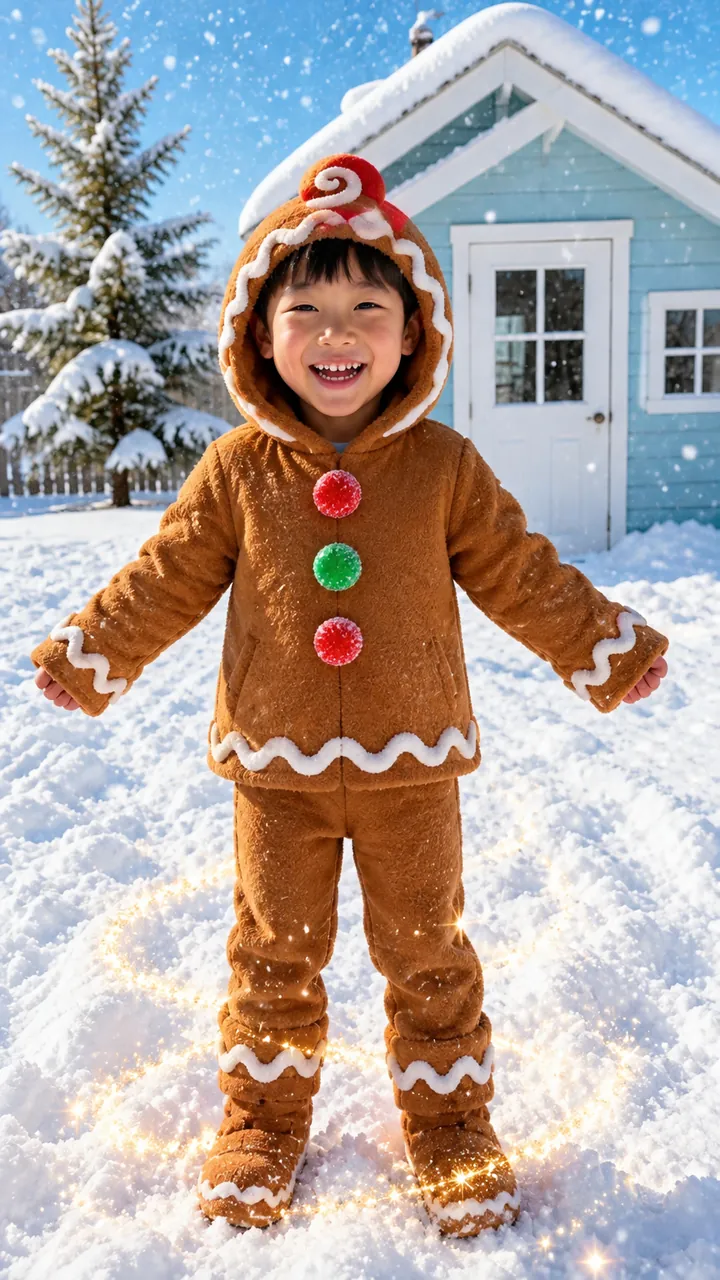
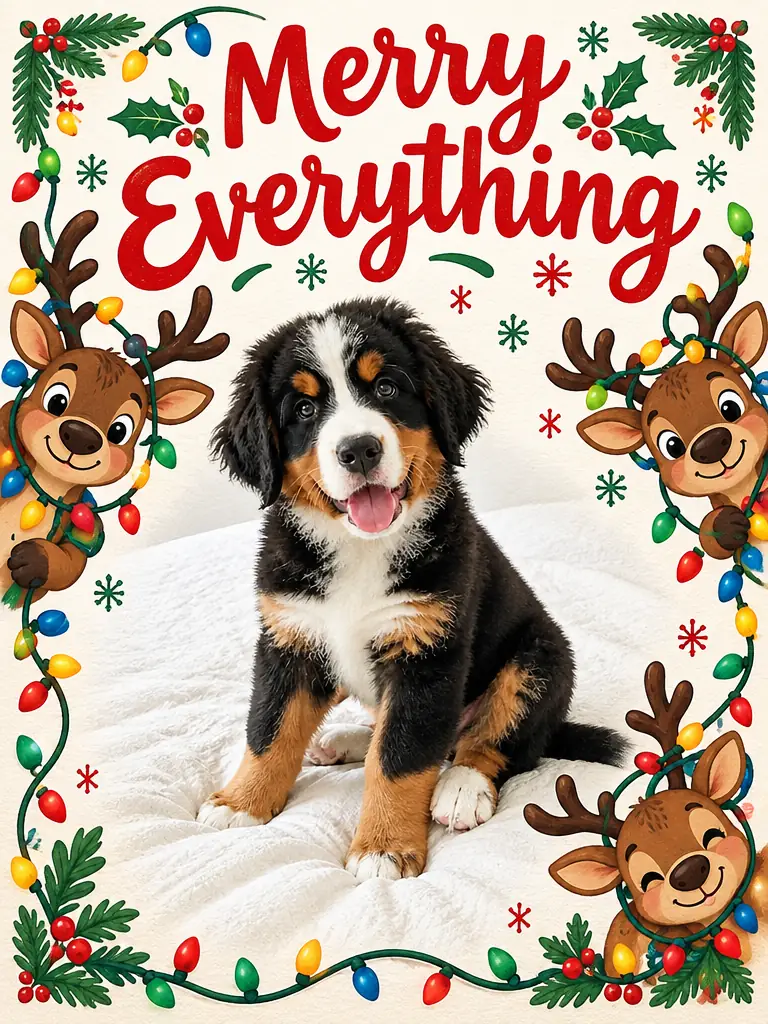
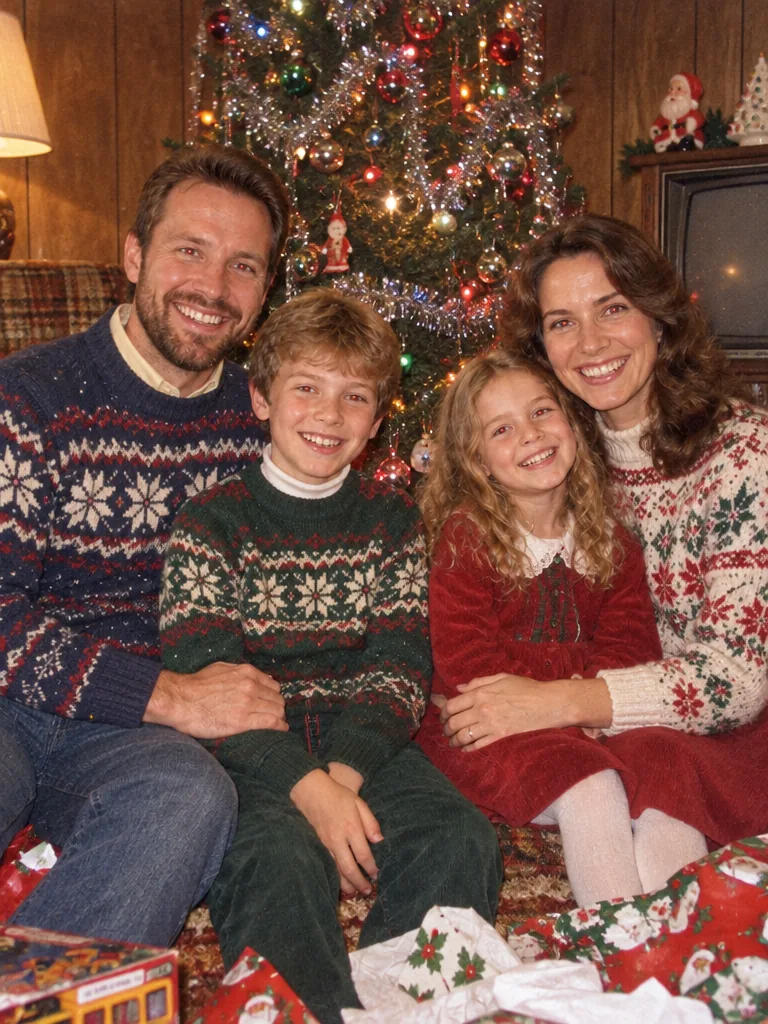
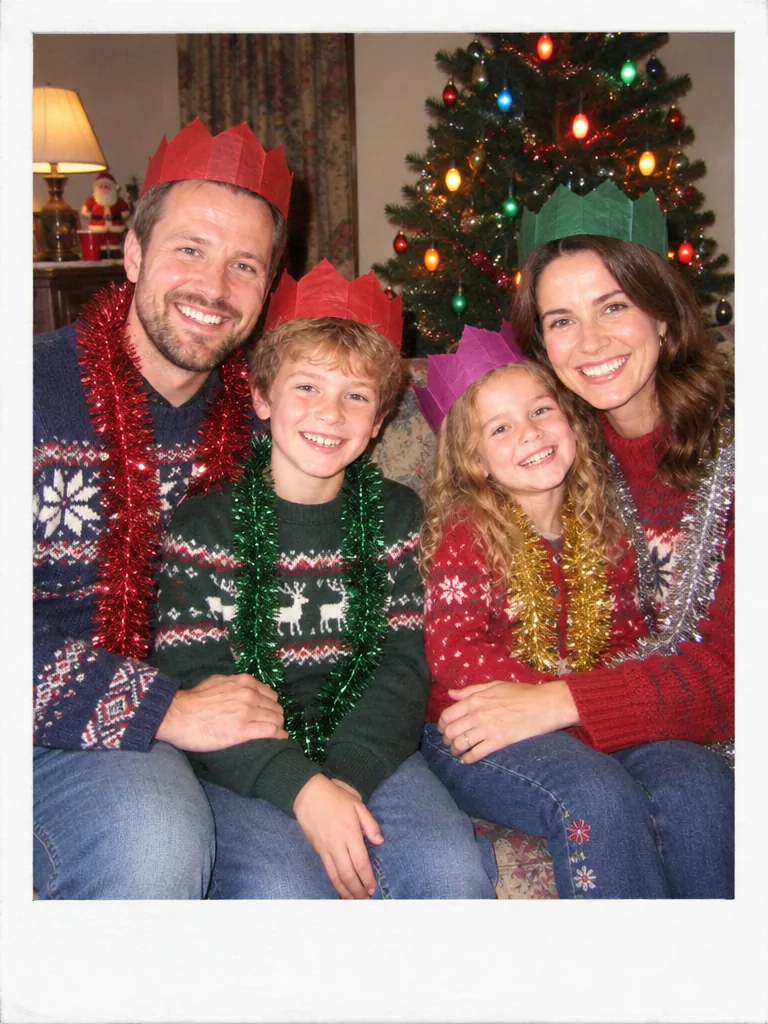
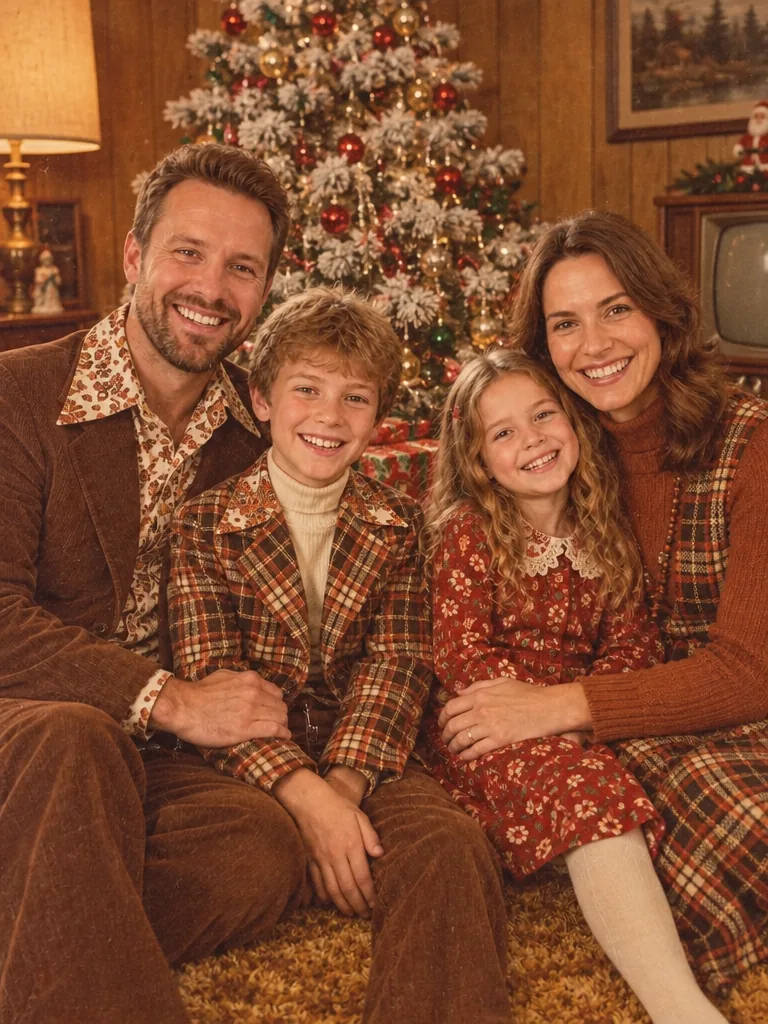
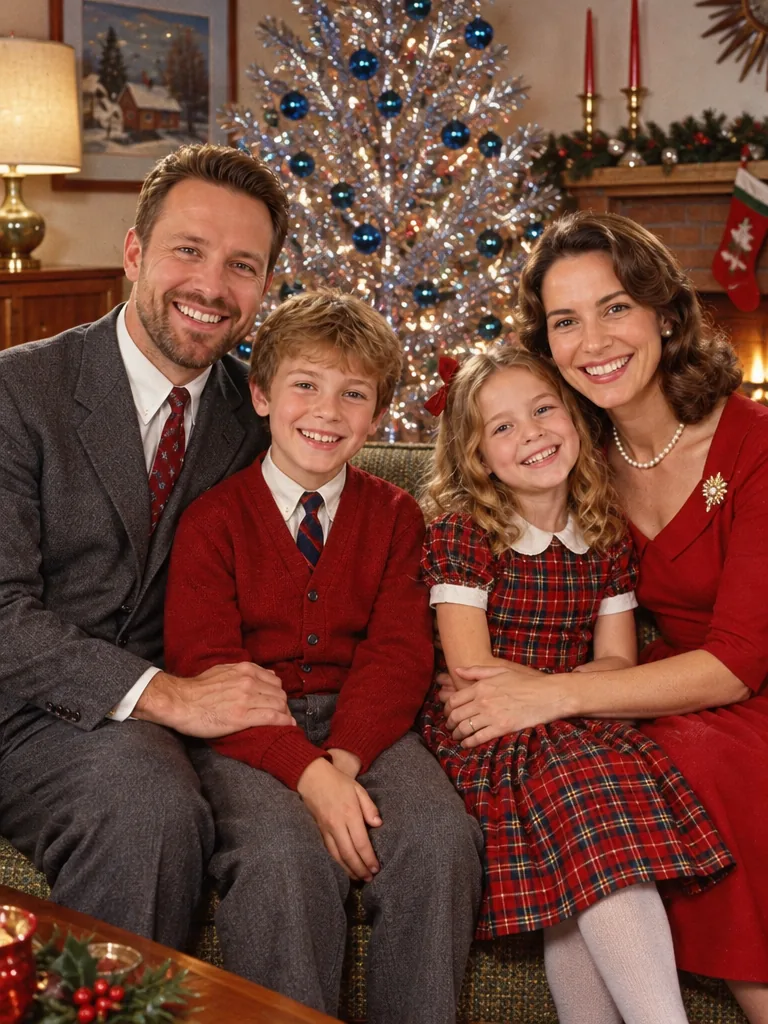
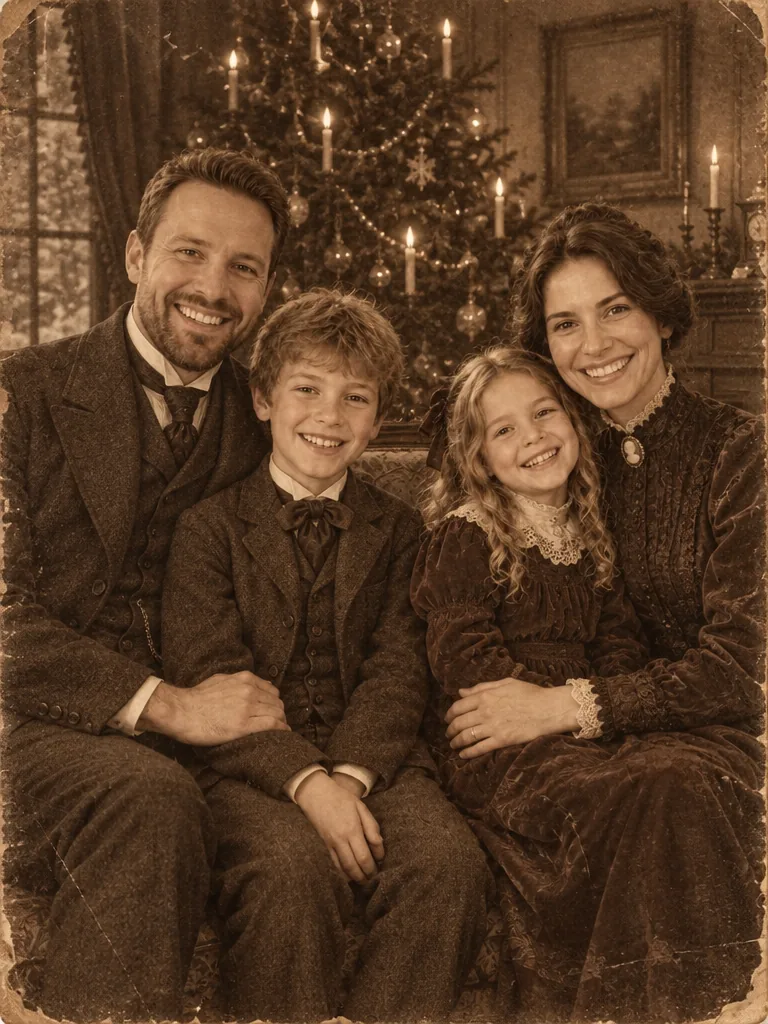
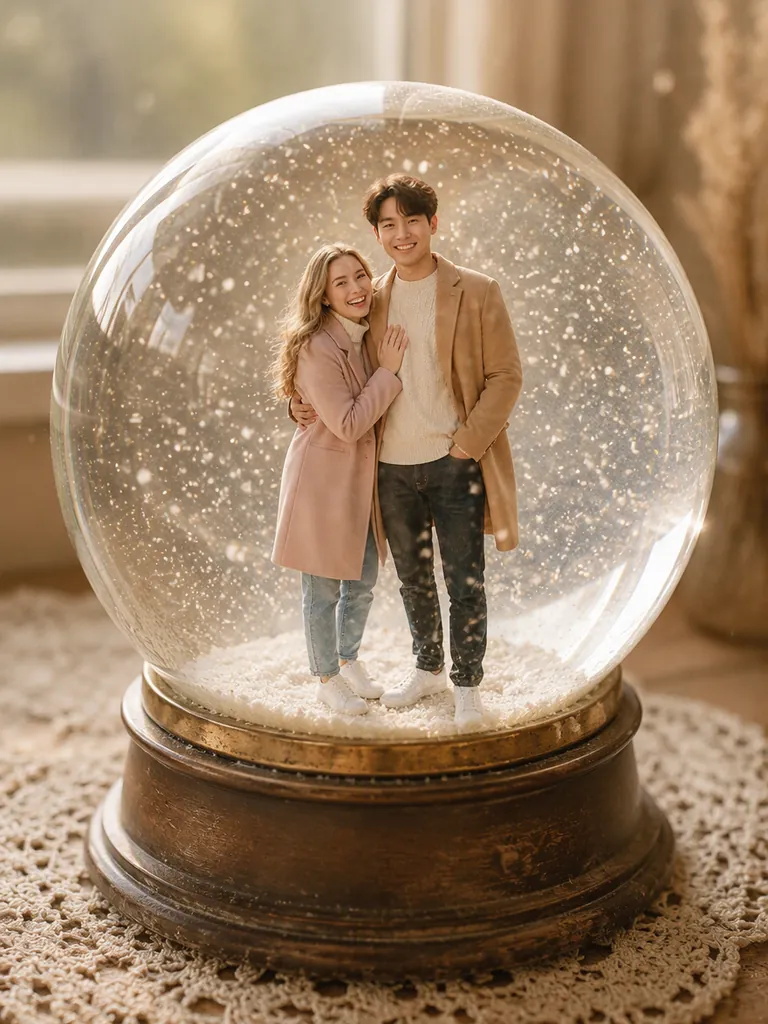
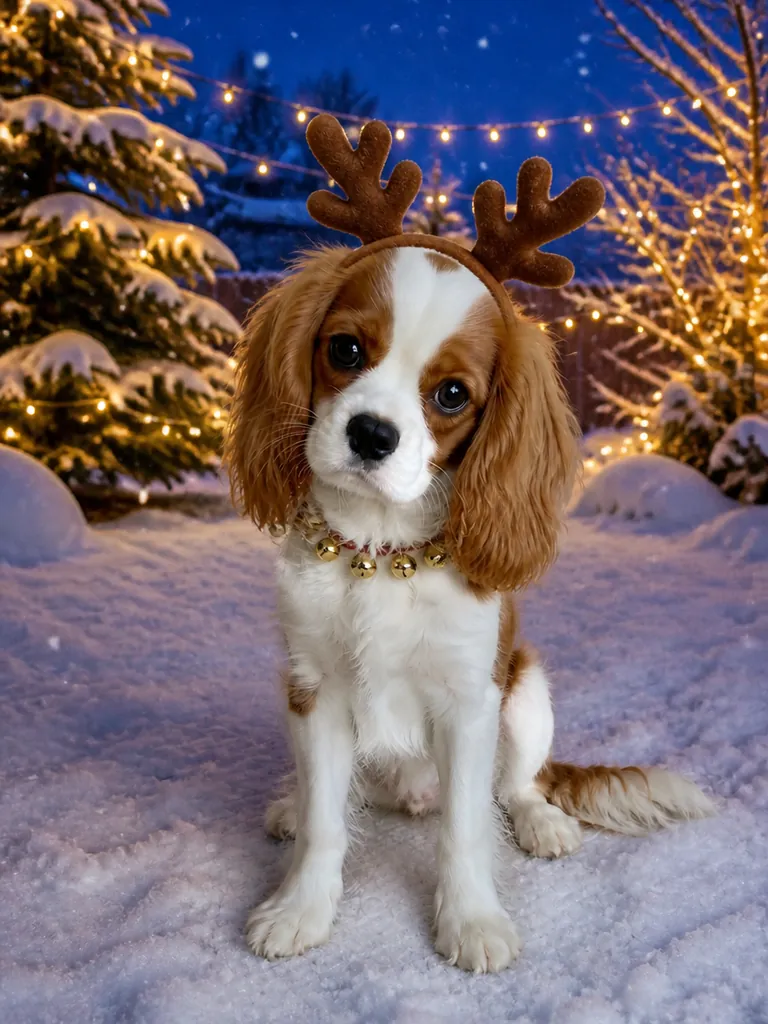
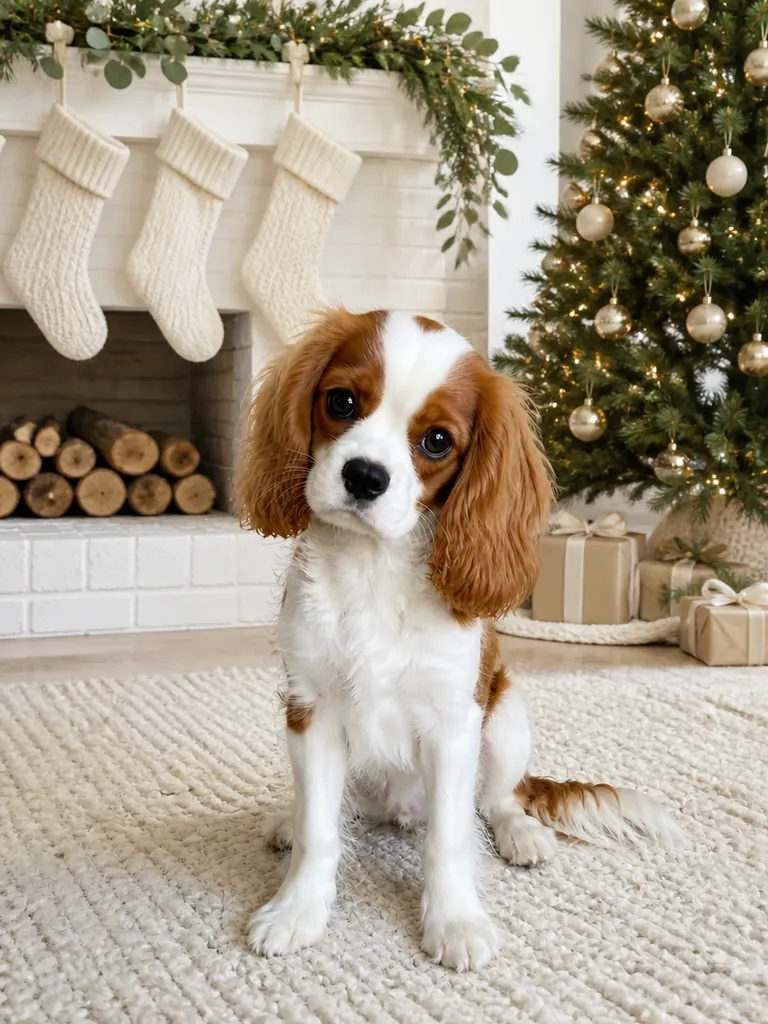
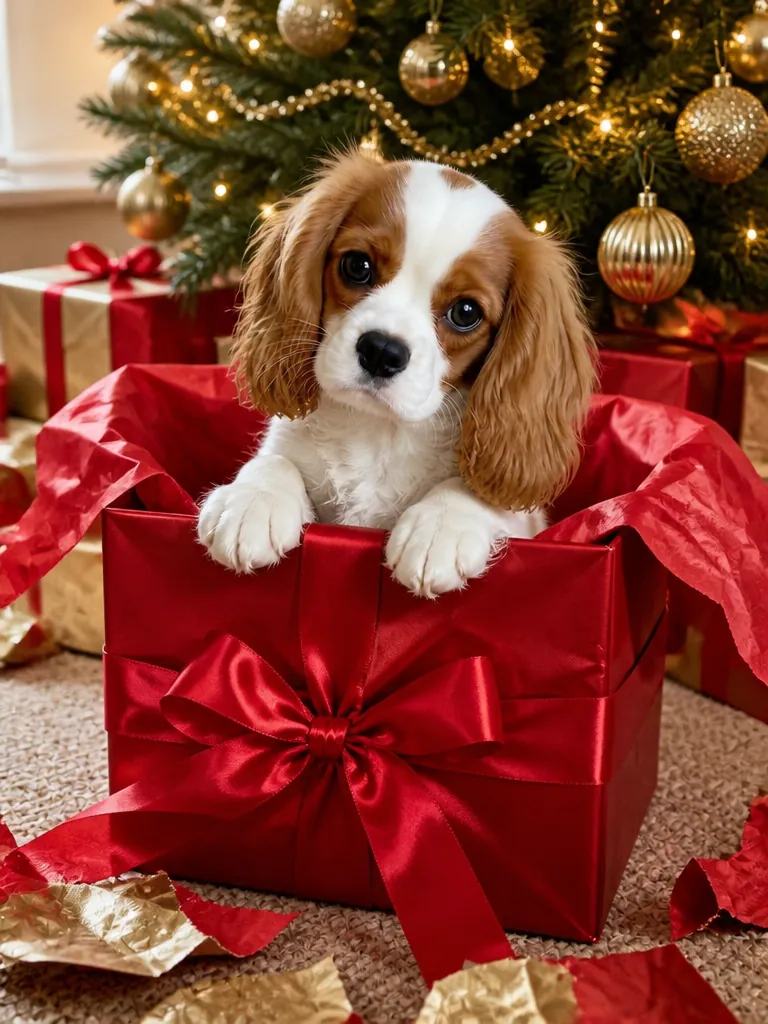
Christmas cards and prints
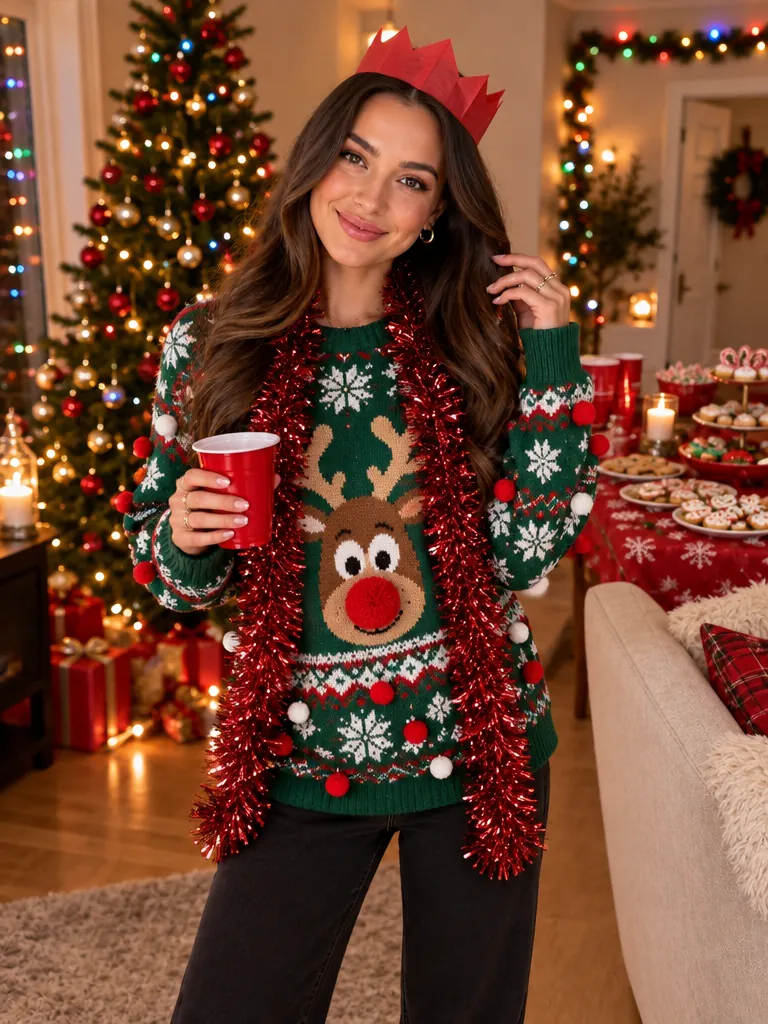
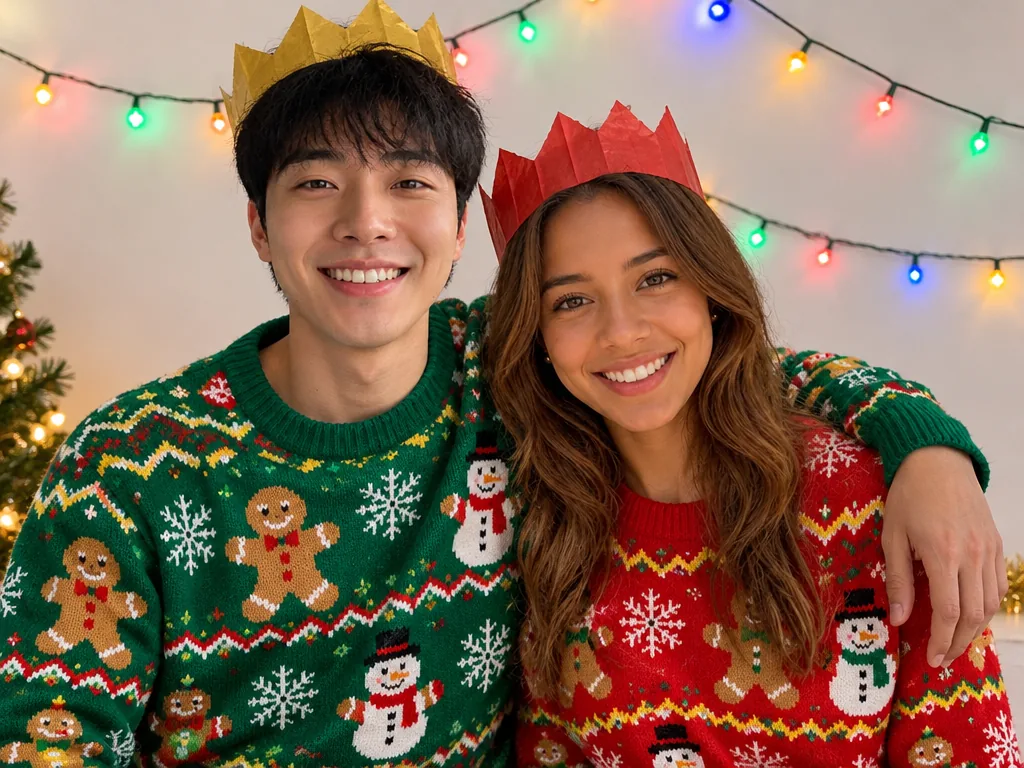
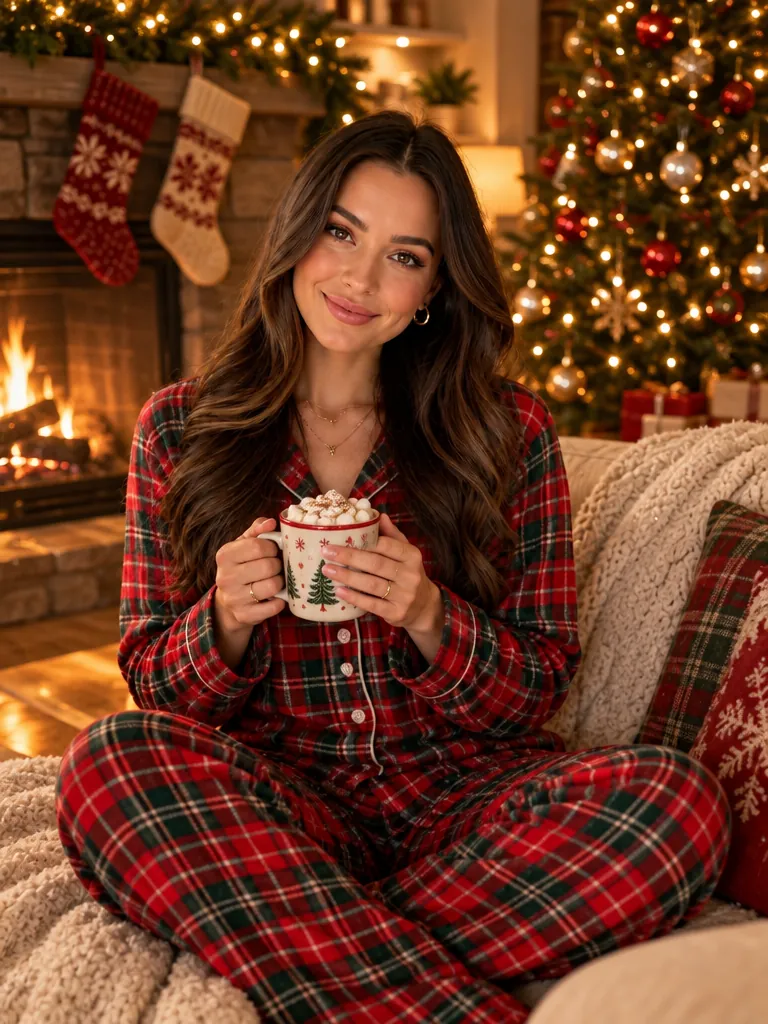
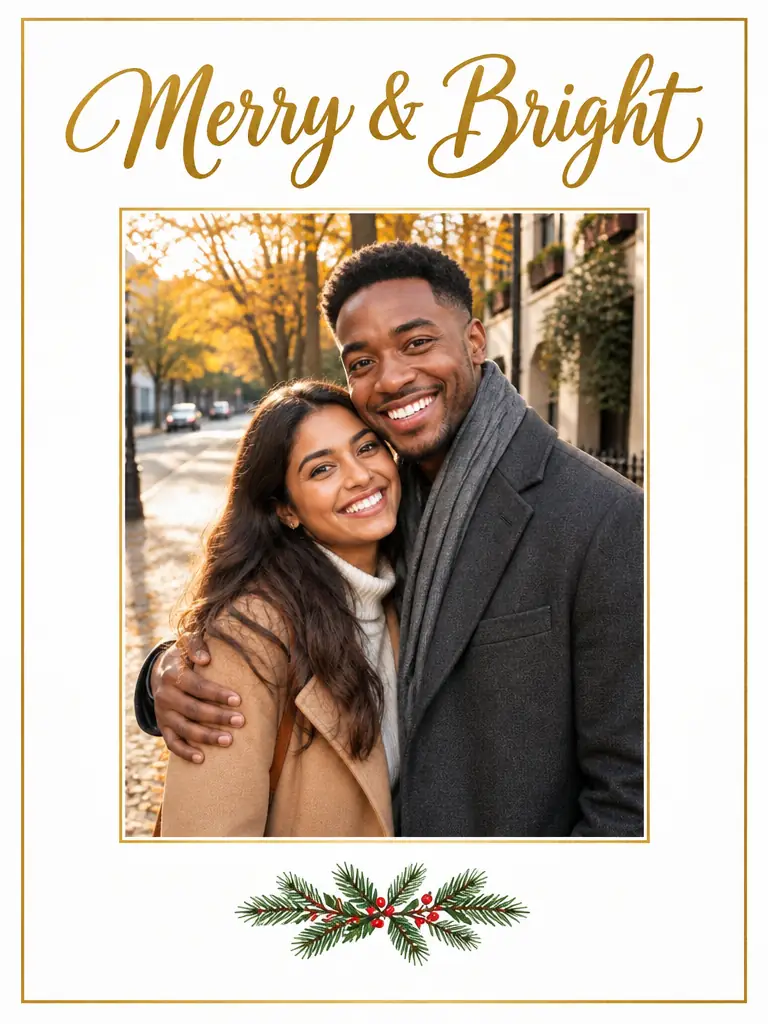
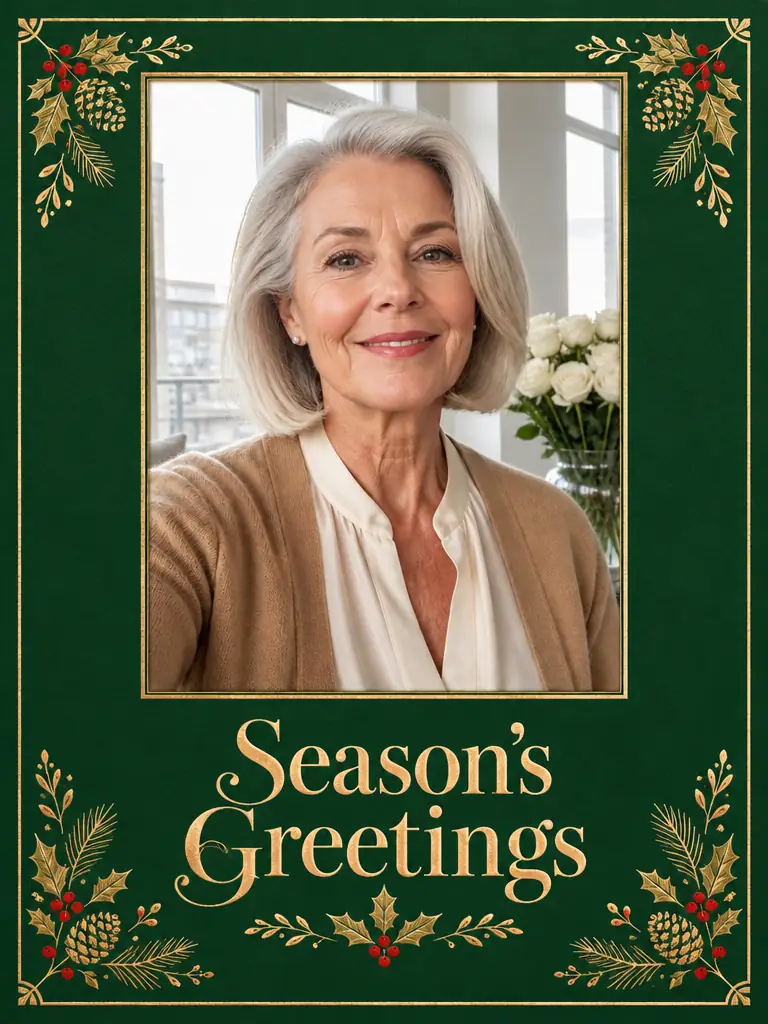
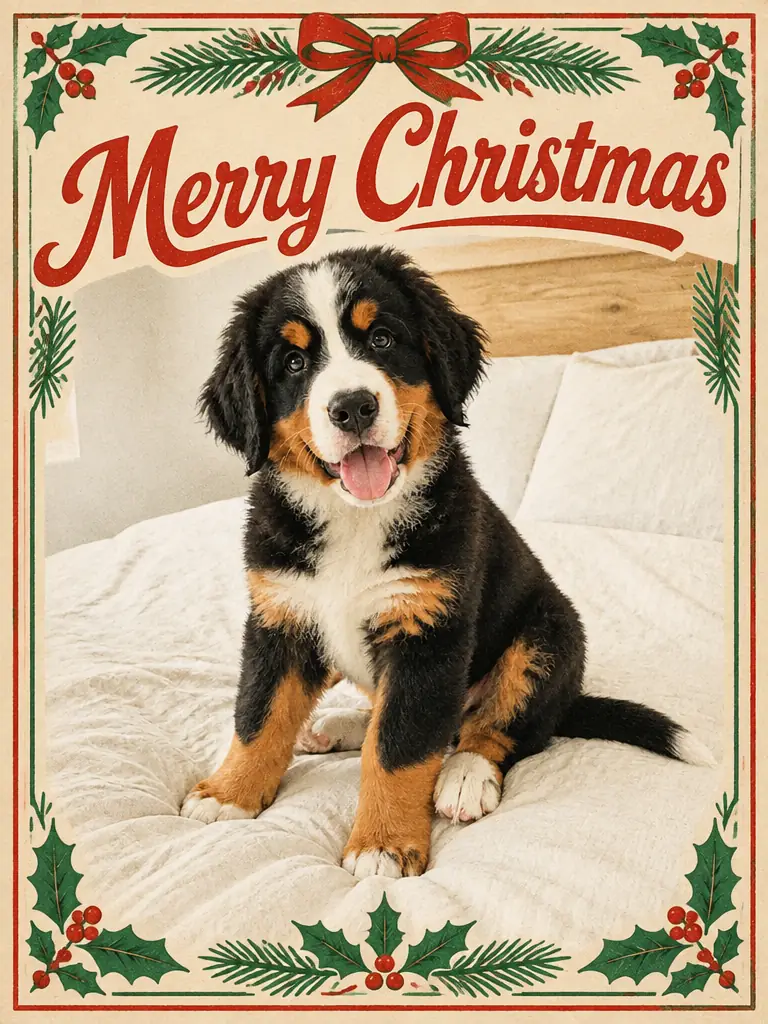
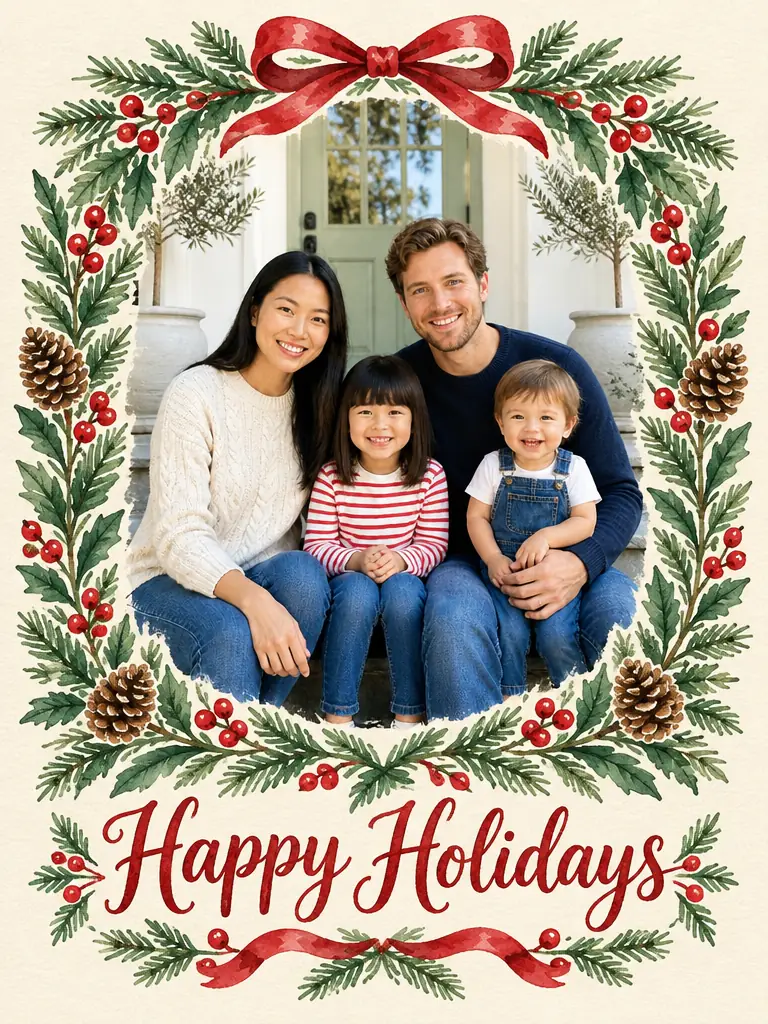
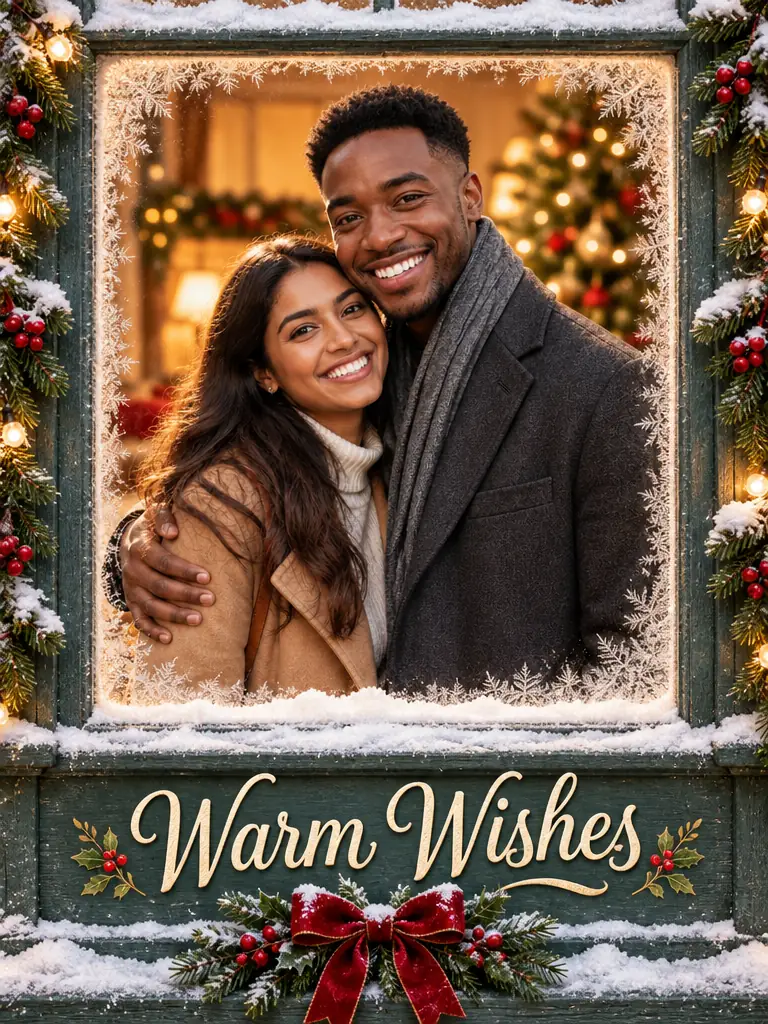
Pick a card design for a family, couple or pet photo, or make the family portrait first. For prints, choose 4K before you generate.
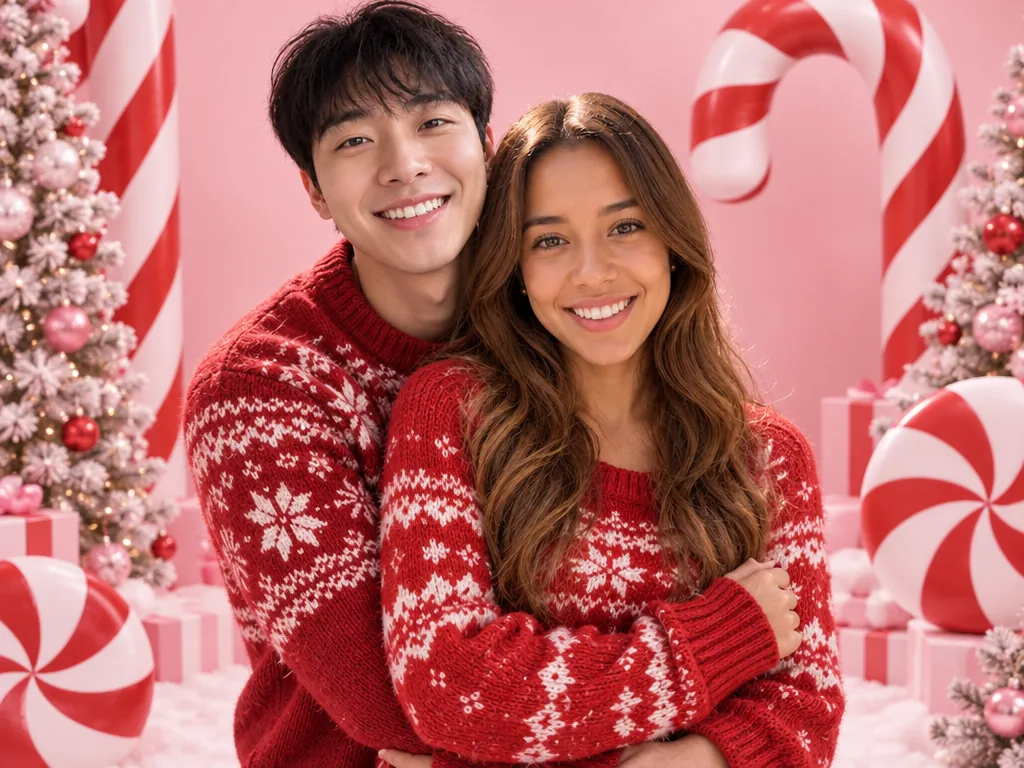
Example: a matching-pajamas family photo on a red card for the grandparents.
Christmas 2026 · 18 templates · 129 looks
Upload one photo and pick a template to make this year's AI Christmas photos and videos, from candy cane portraits to Santa caught in your living room.
Featured · AI Christmas Photoshoot
See all looksPNG / JPG / WebP · up to 10 MB · at least 512px on the short side
0/1 photos
Made for adults' photos: one person, half or full body, face clear.
Photo settings
No prompt needed. Only upload photos of yourself or people who agreed to be featured; celebrity photos and film stills aren't allowed.
By the photo you have
Got a selfie, a family shot, the living room, the elf doll or the dog? Pick what you have and the grid keeps the templates that take it. Photo templates give you AI Christmas pictures to post or print; video templates turn one photo into a short clip.
A Christmas portrait from one selfie, your face unchanged
Try it
A hat, antlers or elf ears on every head
Try it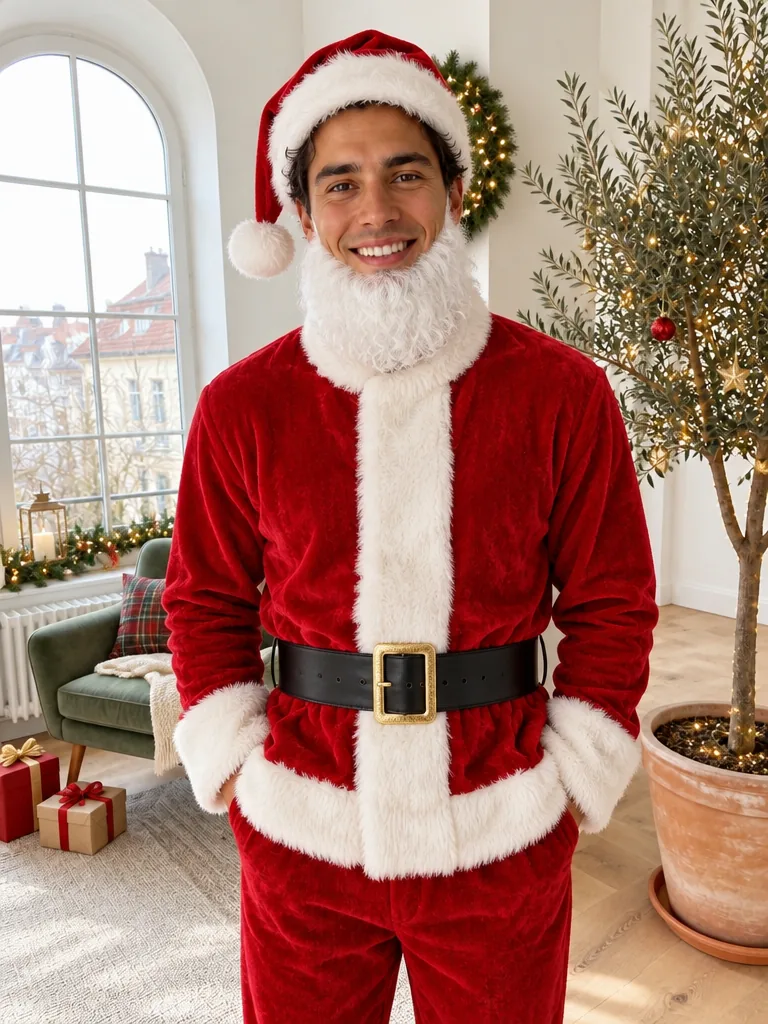
Be Santa, an elf or a snowman in one photo
Try it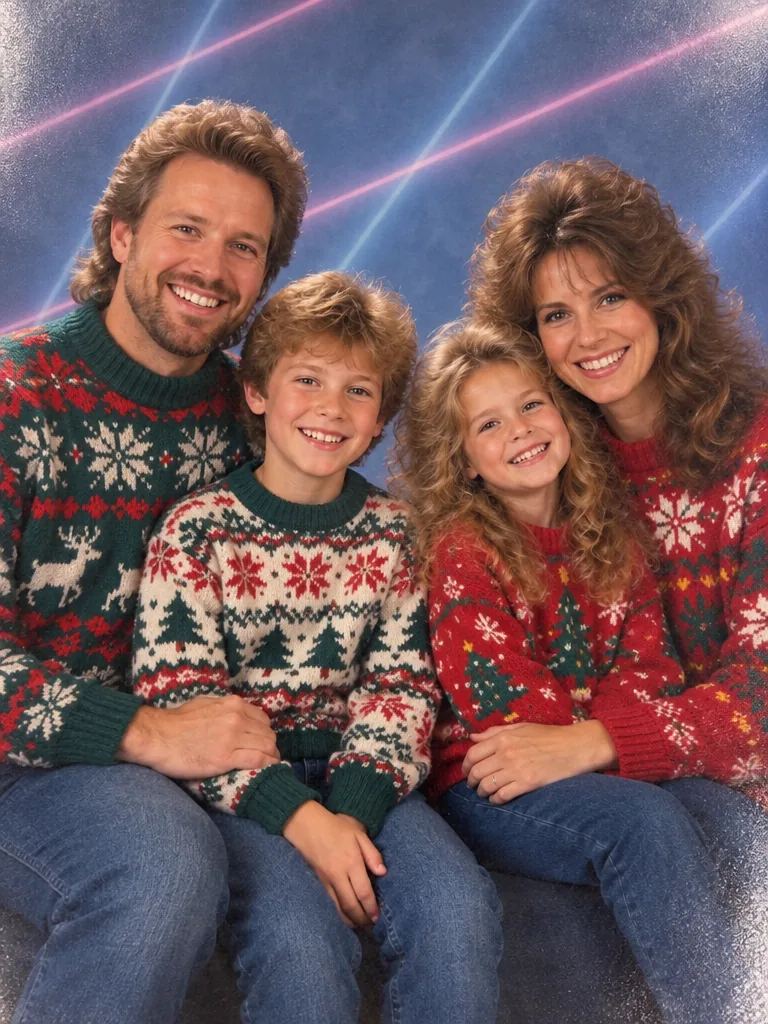
A Christmas photo that looks shot in the 80s
Try it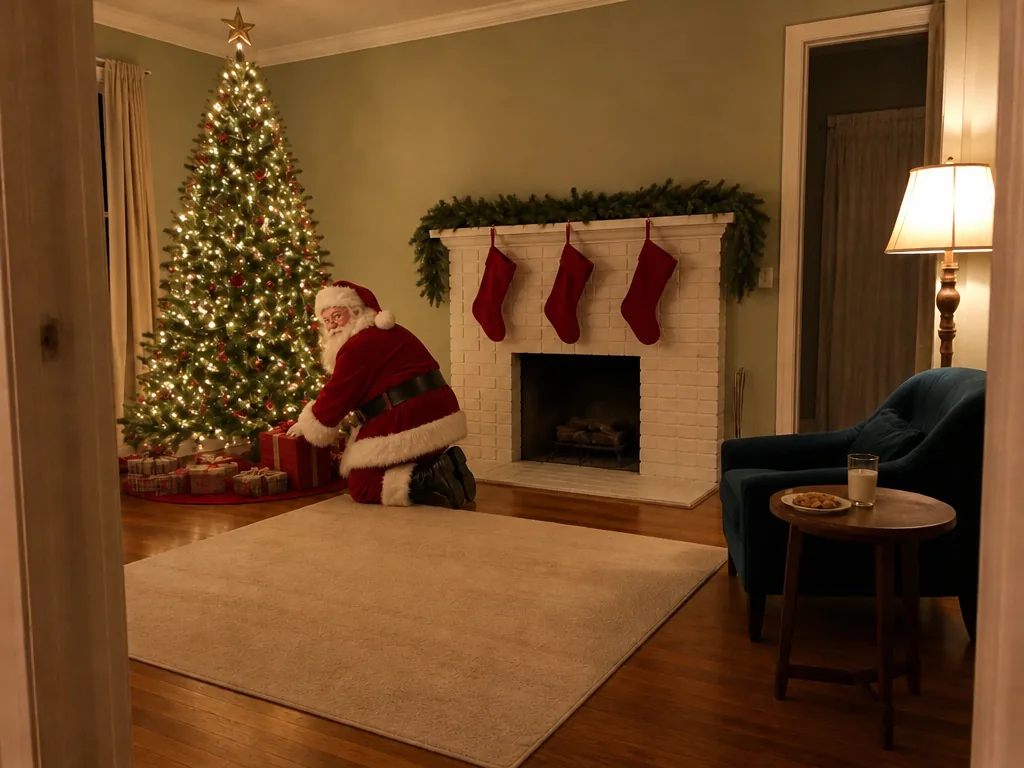
Santa in your own room, porch or family photo
Try itSanta's visit, filmed in your own room
Try it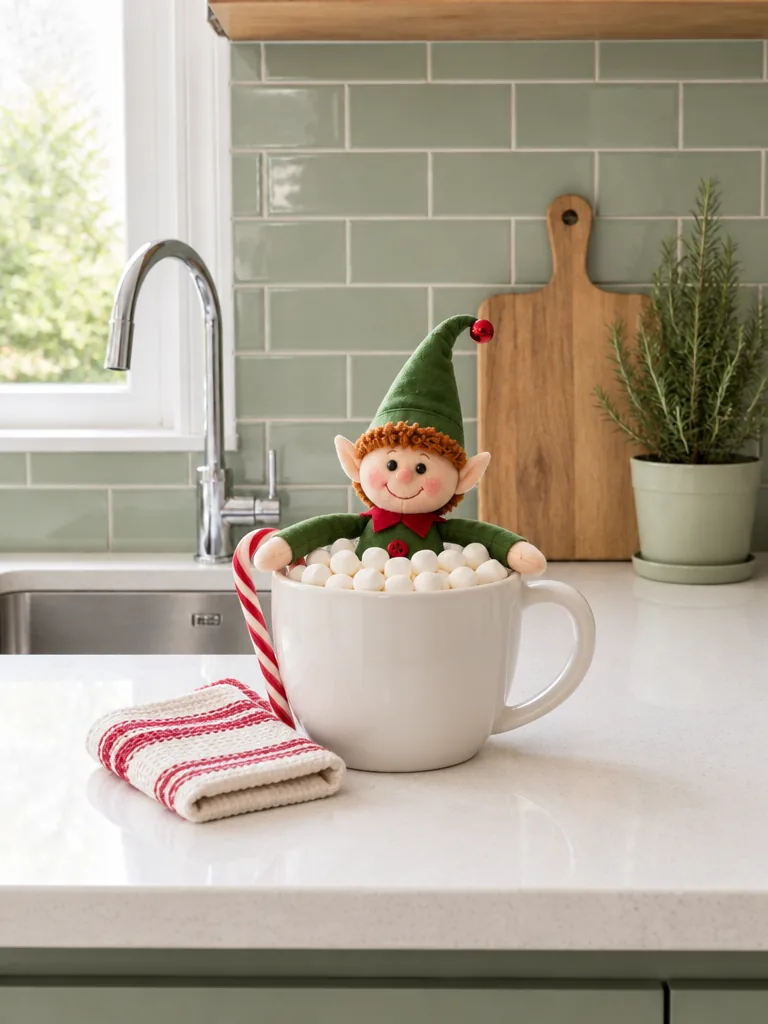
Your elf doll in tonight's prank scene, from one photo
Try itYour elf doll comes alive on video
Try it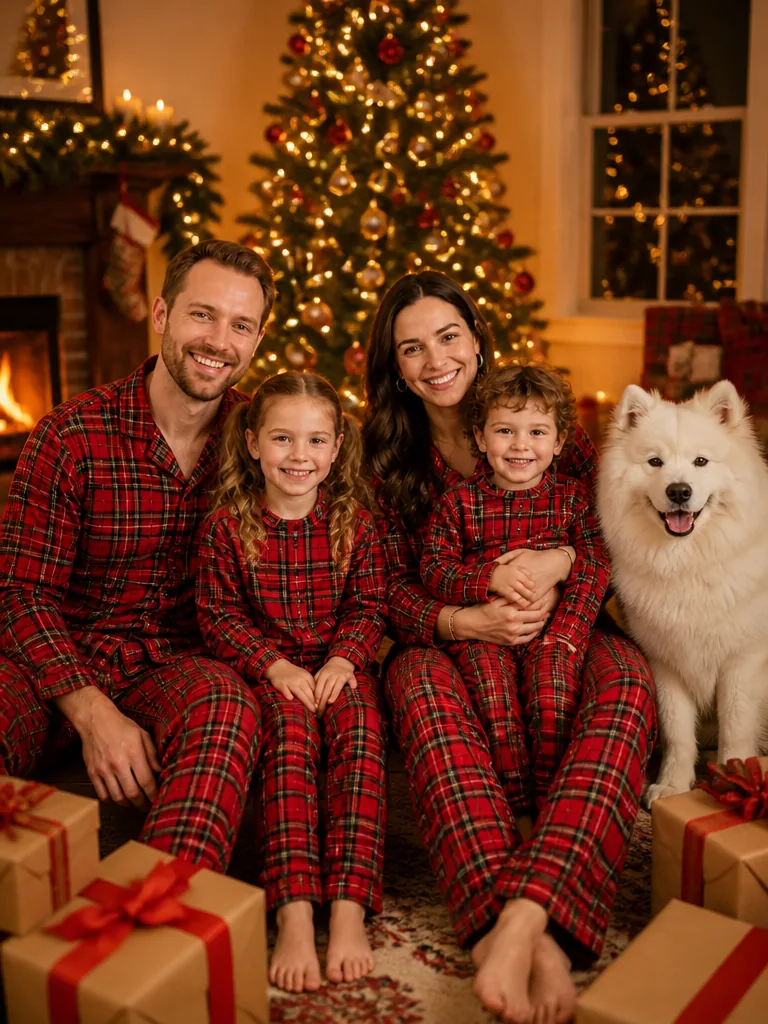
Your group photo, dressed for Christmas
Try it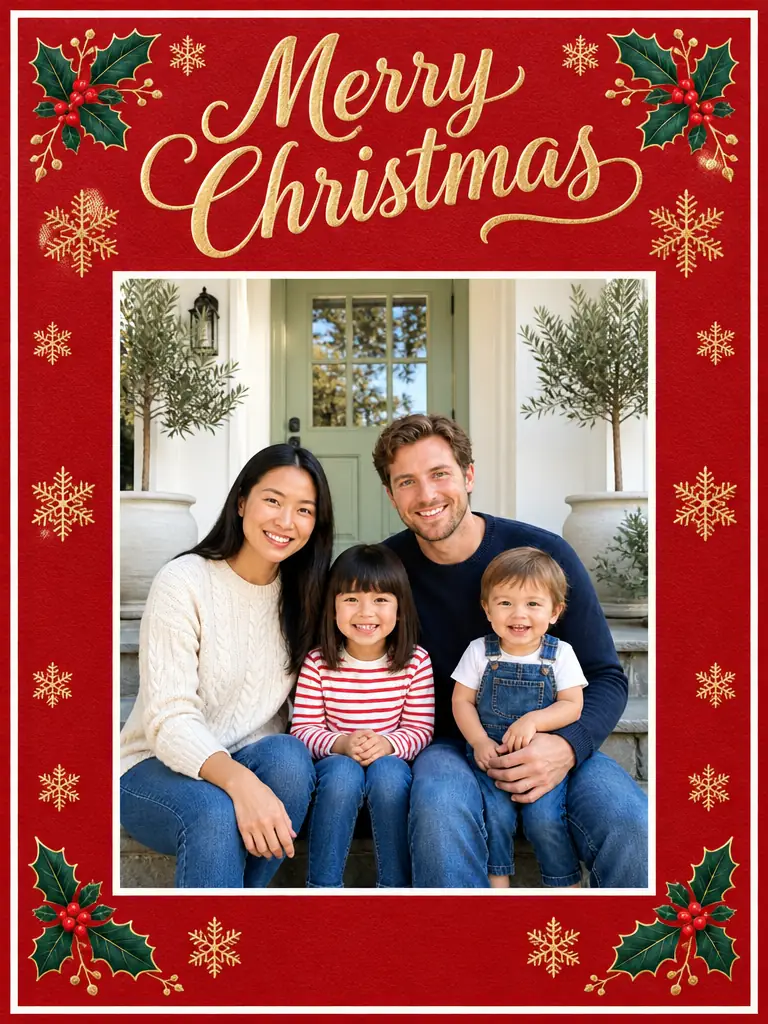
Turn your photo into a Christmas card
Try it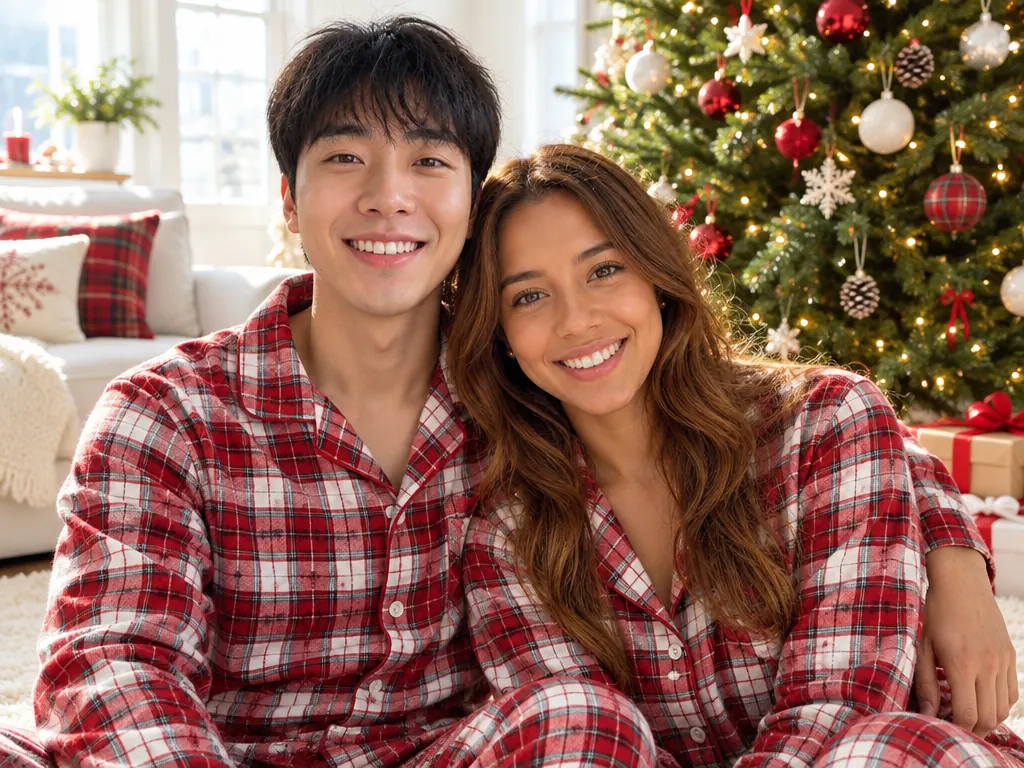
Two solo photos become one Christmas couple shot
Try it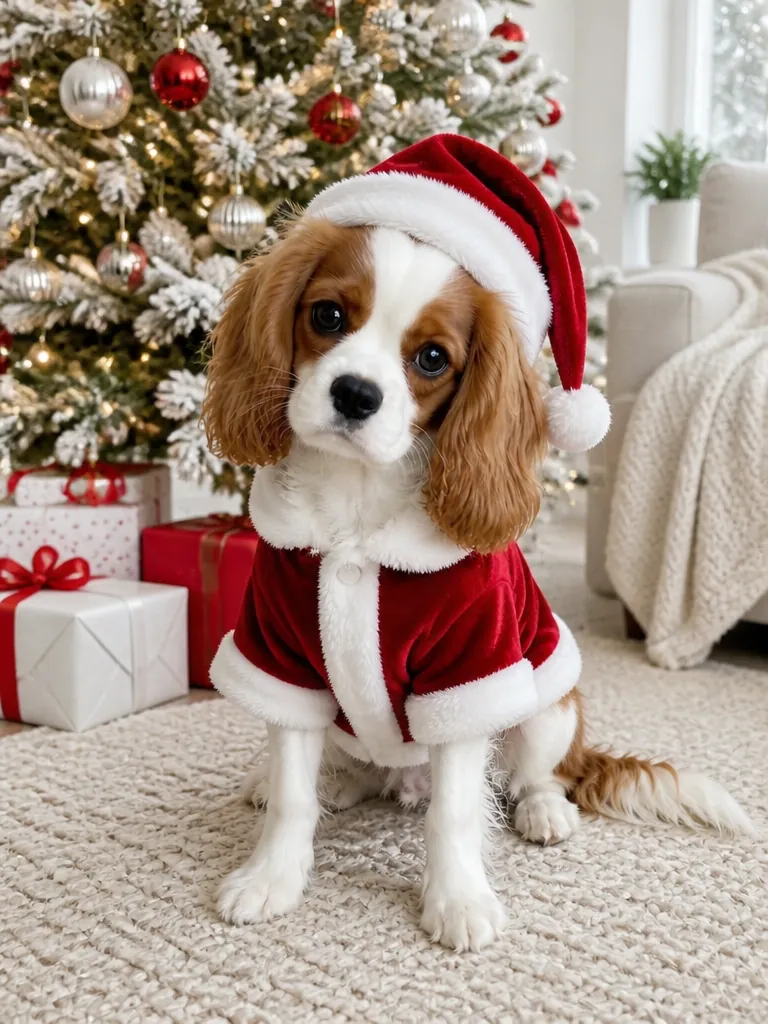
Your dog or cat in a Christmas outfit or scene
Try it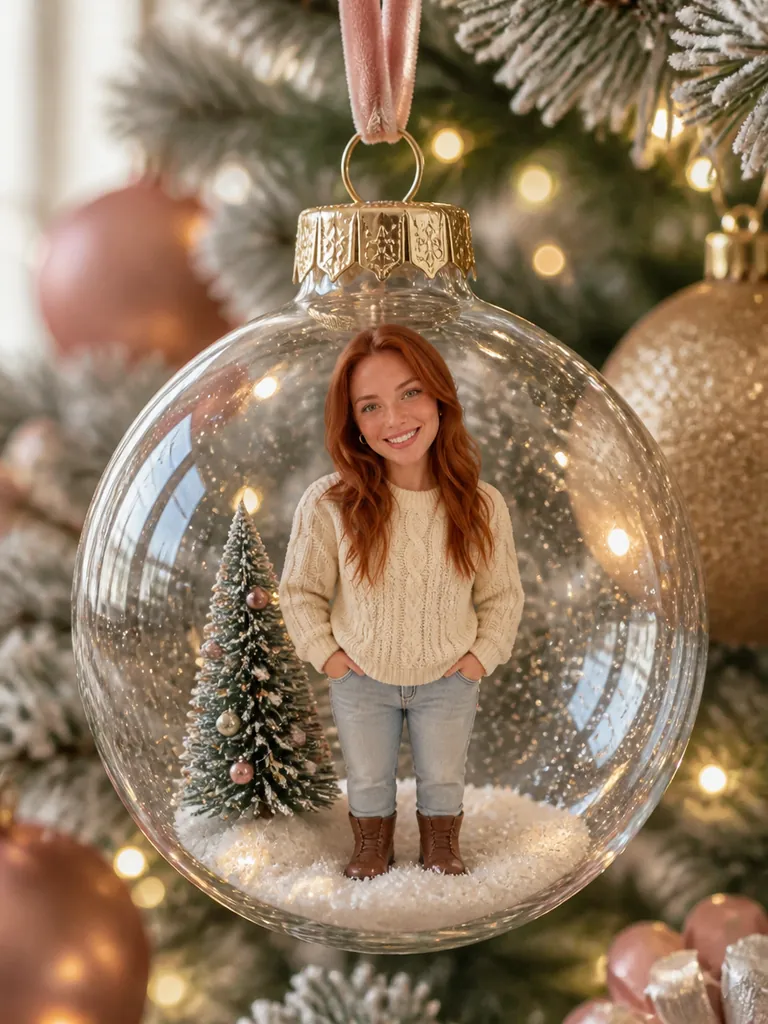
You or your pet as an ornament on the tree
Try it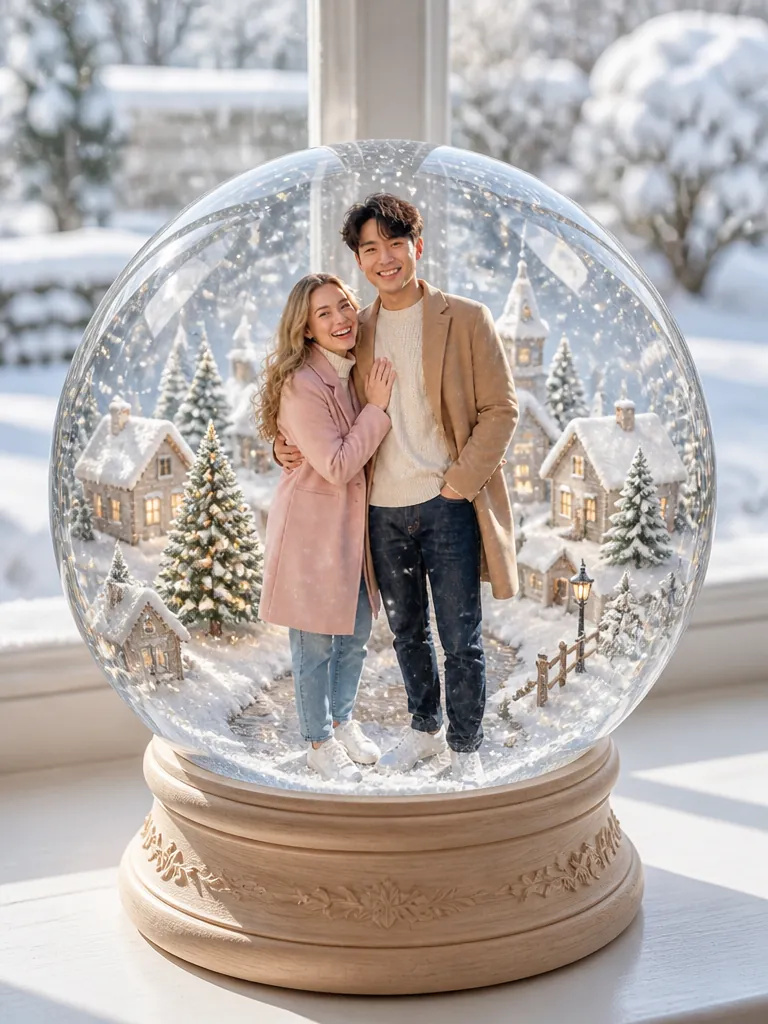
You, your family or your pet inside a snow globe
Try it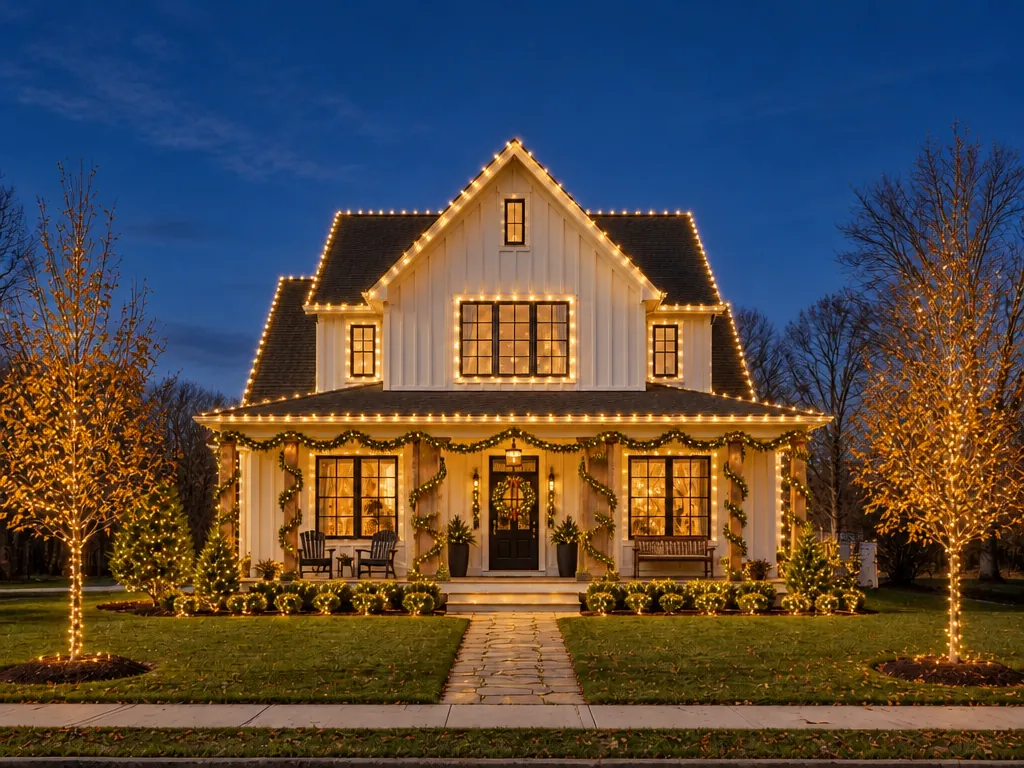
See your house lit before you hang a strand
Try itSnow, lights or a wave on any Christmas photo
Try itWatch yourself turn into Santa or an elf
Try itDance as an elf with your own face
Try itChristmas AI trend
The AI Christmas photo trend is turning an everyday selfie or family photo into a festive portrait, card or short video with AI, then posting it for the holidays. It started with avatar packs in late 2022; by 2025 one photo and a copied prompt were enough. For 2026, last year's looks are coming back and 80s-style photos are the newest addition. Here a template does the prompt's job.
Updated October 24, 2026
Every December since 2022
Each season parents share clips of Santa in their own living room or on the doorbell camera, made for the kids to find on Christmas morning. Upload a photo of your empty room or porch and the Santa Caught on Camera AI template makes a 6-second visit: he leaves a present by the tree and vanishes in a warm glow.
Make a Santa visit videoDecember 2024 to 2025
Since December 2024, parents have been animating the family's elf doll so the kids find a "caught moving" clip in the morning. Photograph your doll where it sits tonight and the AI Elf Video template brings that same doll to life for 6 seconds. Out of ideas for the scene? Set one up with AI Elf Picture Ideas first.
Make my elf moveNovember 18 to December 4, 2025
Snow globe filters spread on TikTok from mid-November 2025: a tiny you, standing in a glass globe with snow and a little village. The AI Snow Globe template does it from one photo of you, a couple, the family or the dog, set on a music box, a windowsill or under the tree.
Make a snow globe photoDecember 2025
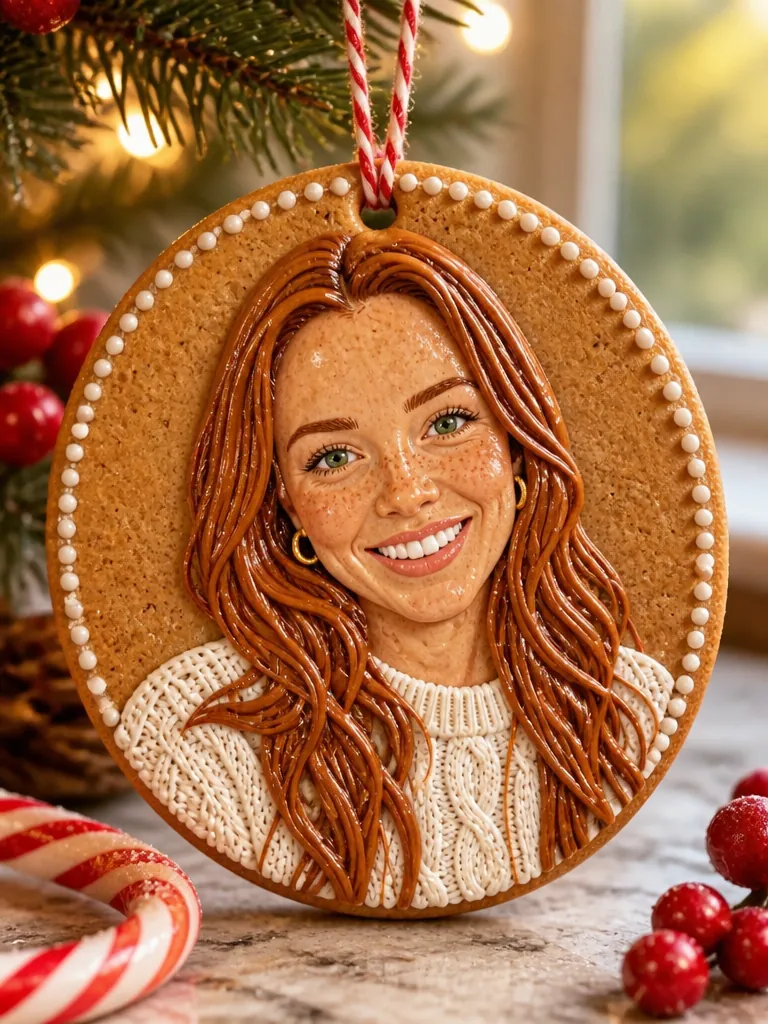
In December 2025 people turned themselves, their pets and their partners into realistic ornaments and posted them like a gift just unwrapped. The AI Christmas Ornament template makes a glass bauble, a painted bauble, a felt ornament or a porcelain figure of the people or pets in your photo, hanging on the tree.
Make an ornament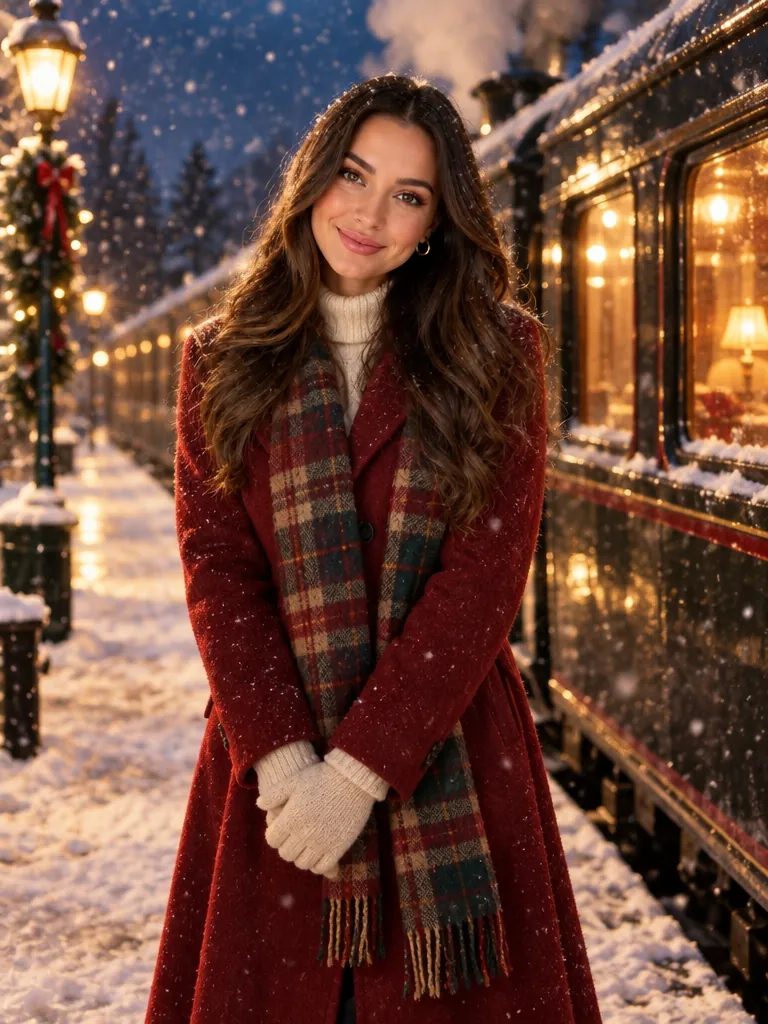
December 9, 2025
Parents turned photos taken by the tree into snowy, lamp-lit scenes that look like a frame from a classic holiday film. The Night train look gives you the snow, the station lights and an old steam train, with no film characters in the picture.
Try the Night train look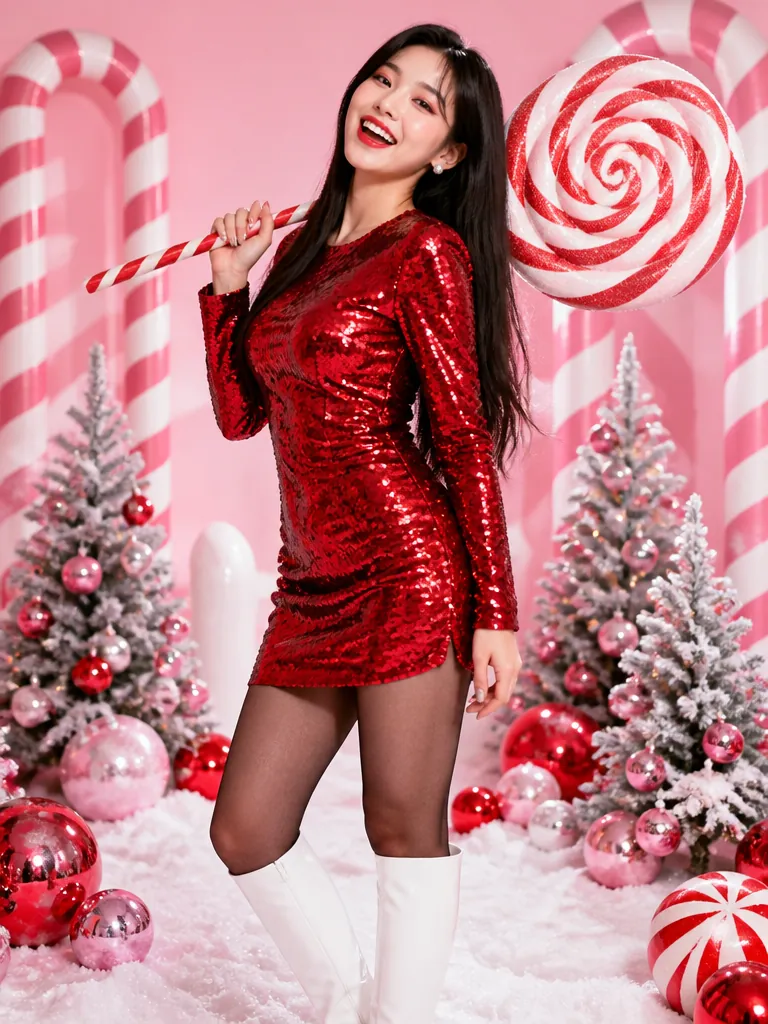
December 18–22, 2025
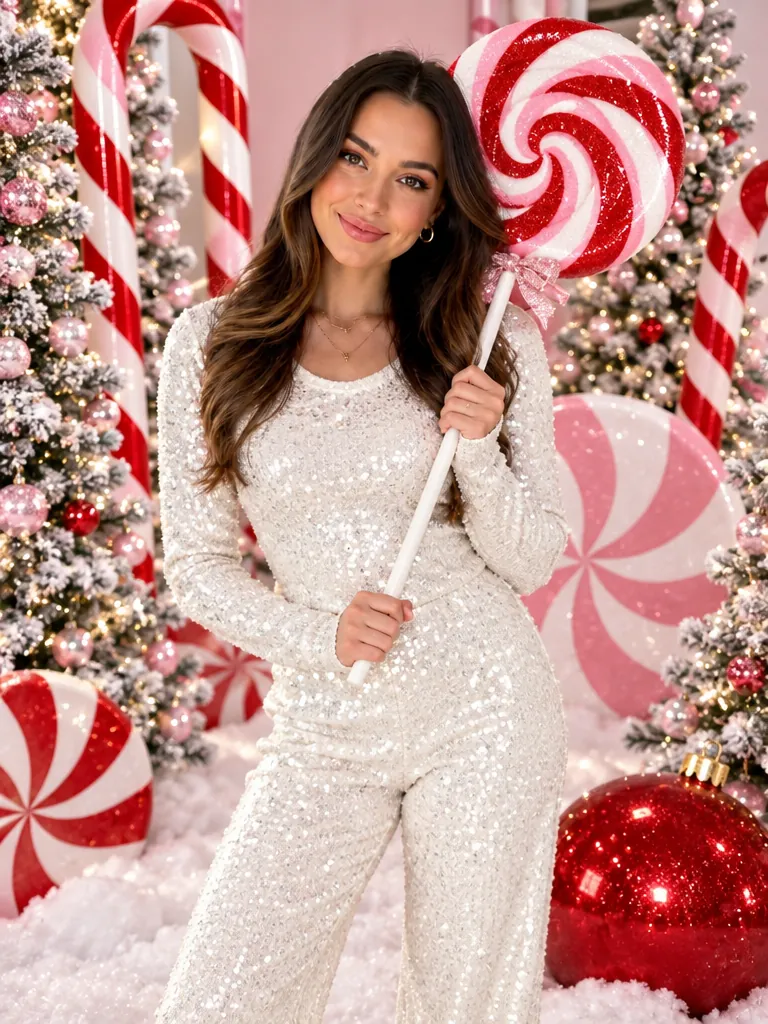
A sparkly outfit, a giant swirl lollipop and a pink-and-white candy cane set: the look that filled feeds in the last week before Christmas 2025, until people joked about seeing it everywhere. The AI Christmas Photoshoot template makes it from one photo of you, with quieter looks next to it.
Make a candy cane portraitSince September 2026
The newest signal for the 2026 season: 80s-style AI photos took off in September 2026, led by portraits in front of a laser backdrop. The 80s Christmas Photo template puts you, a couple or the whole family in that studio, or back in the 50s, 70s, 90s, 2000s or Victorian times.
Make an 80s Christmas photoBefore and after
Each result starts from the ordinary phone photo in its corner. Faces, ages, hair and pets stay the same; the outfit, scene and light change. Open one and the template has that look picked, ready for your photo.
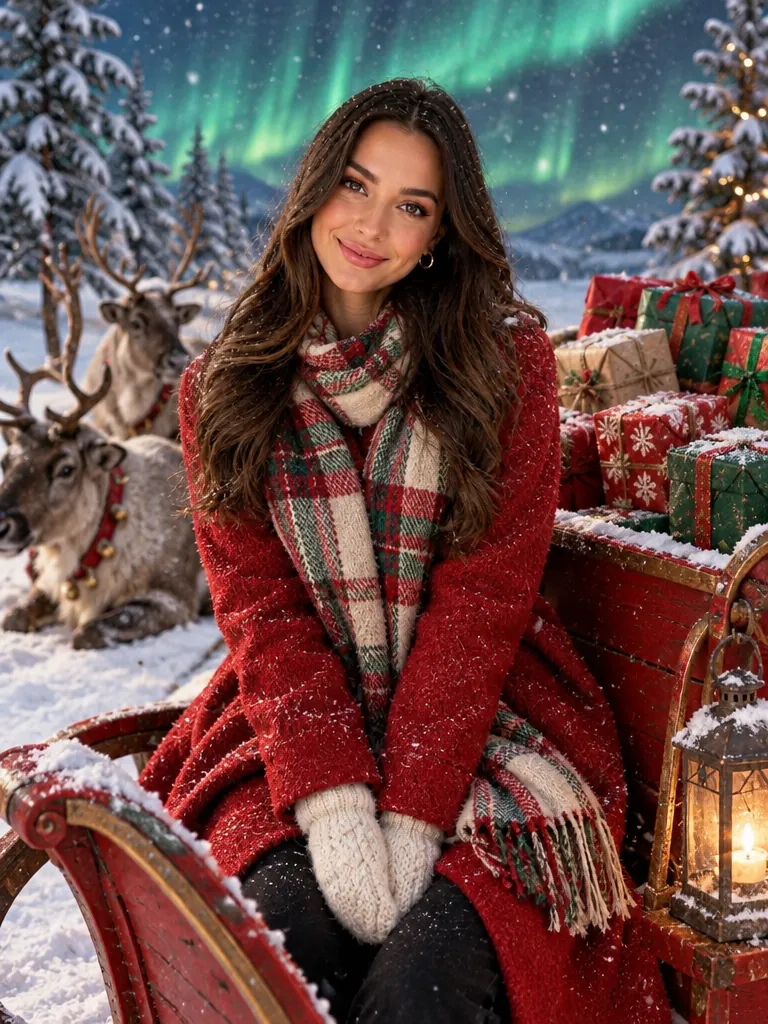
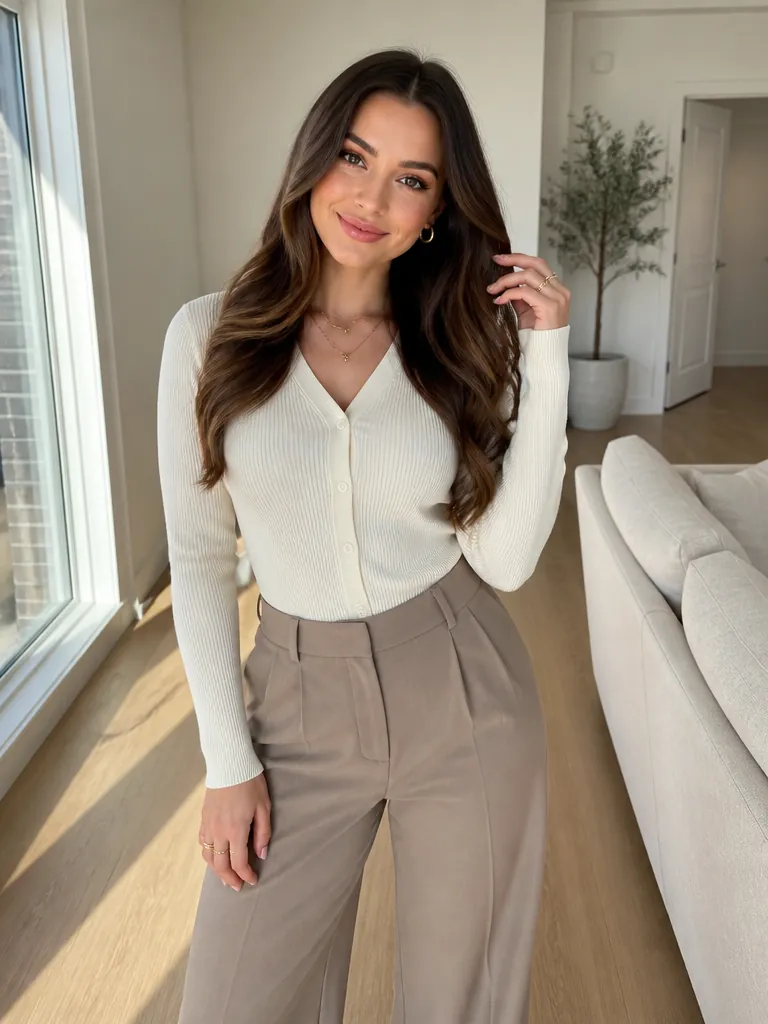
Same face and hair, now in a North Pole sleigh under the northern lights.

Same smile and same room; the Santa suit and beard are new.
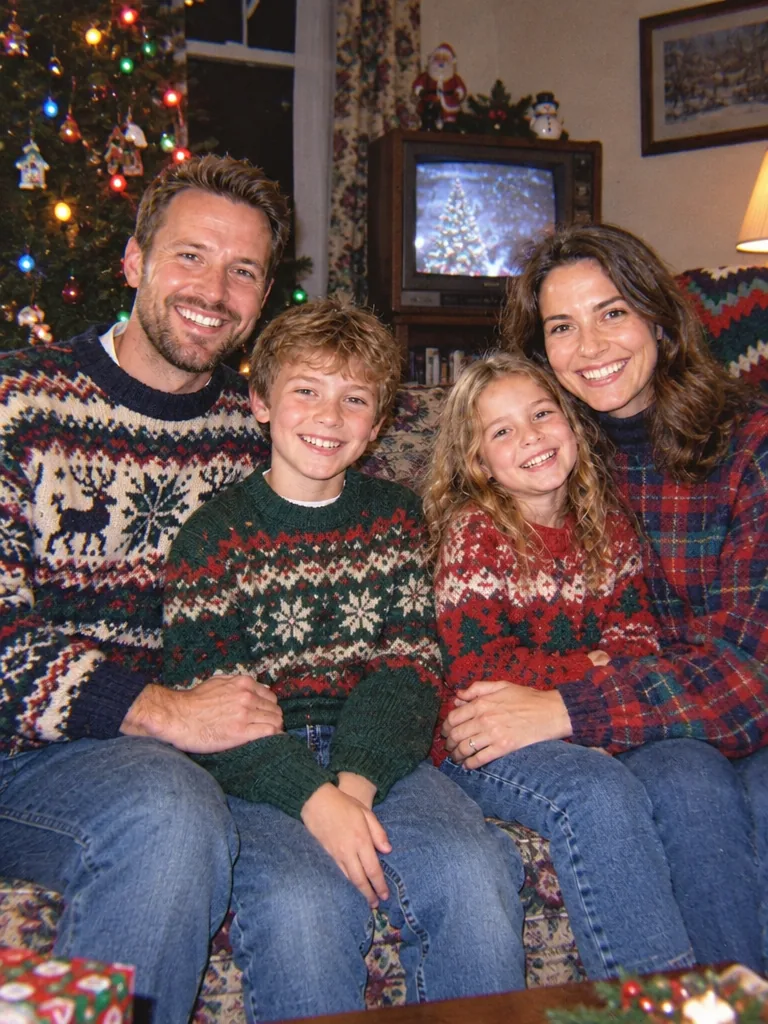
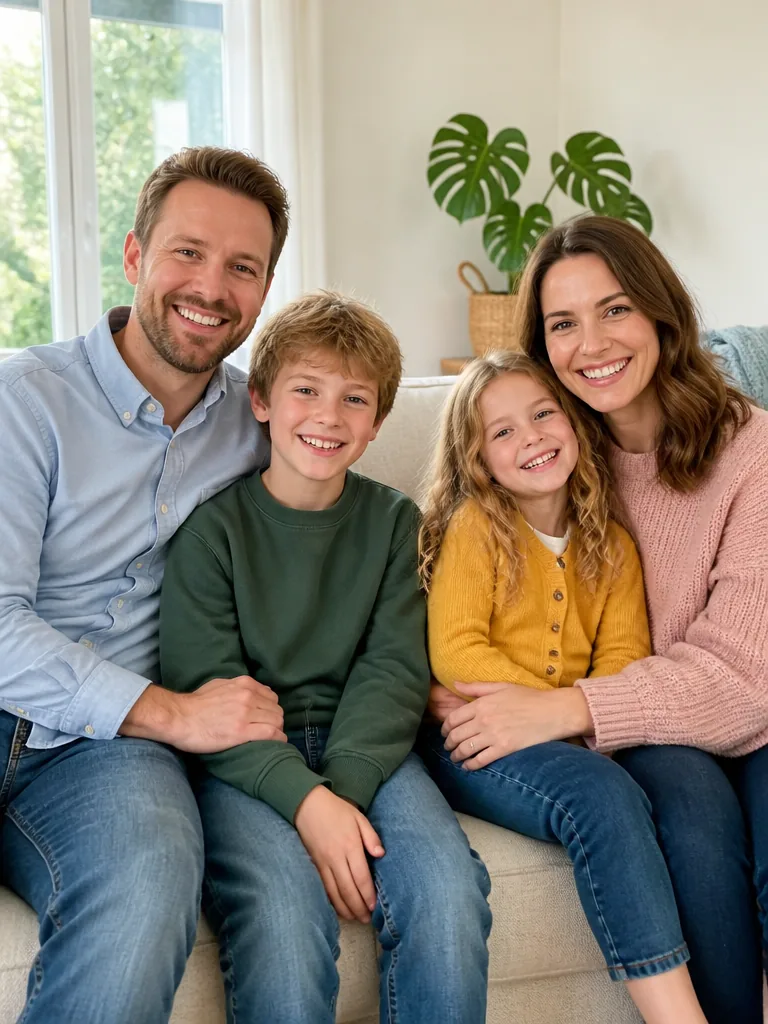
Every face kept; the room, sweaters and film look go back to the 90s.
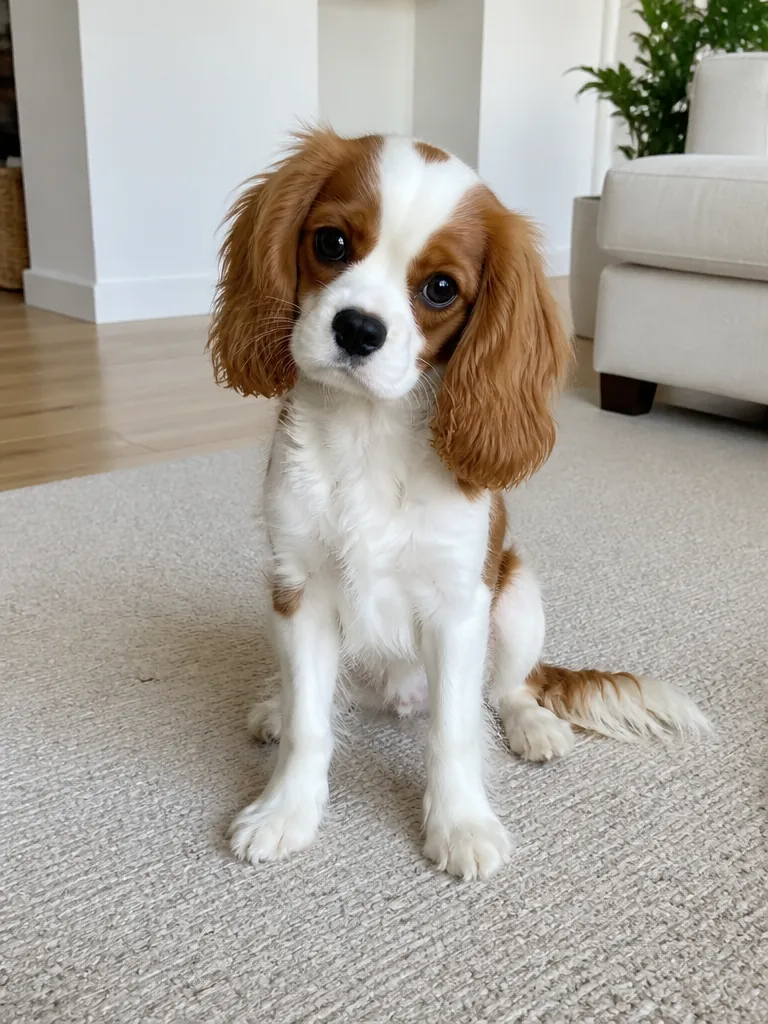
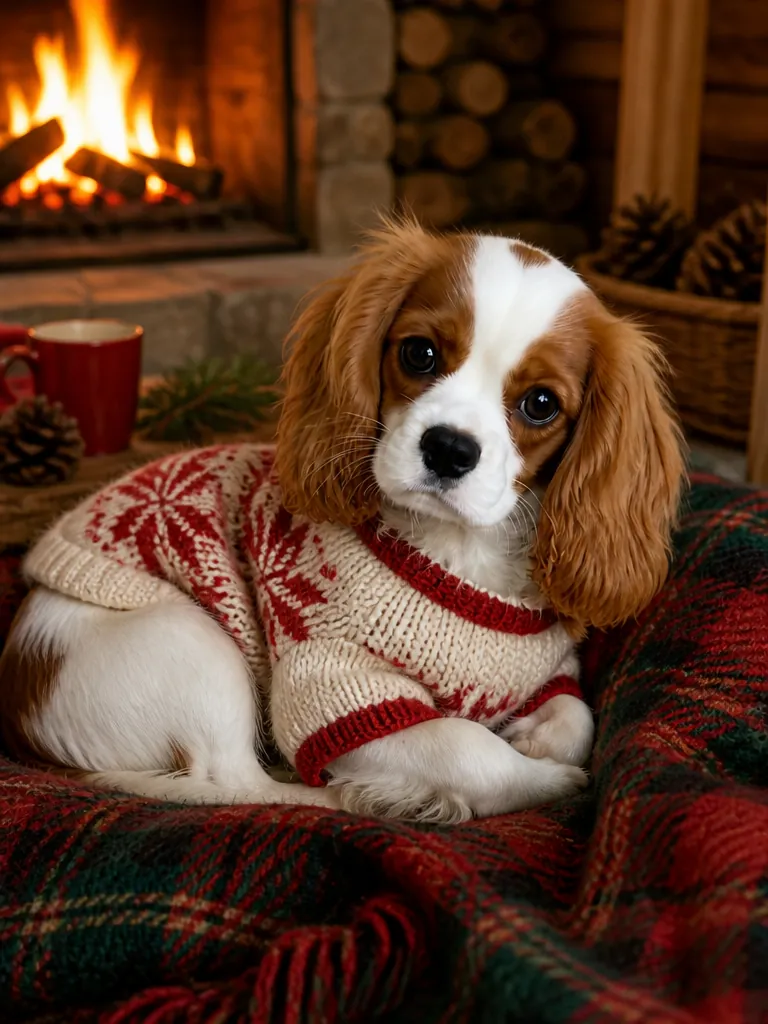
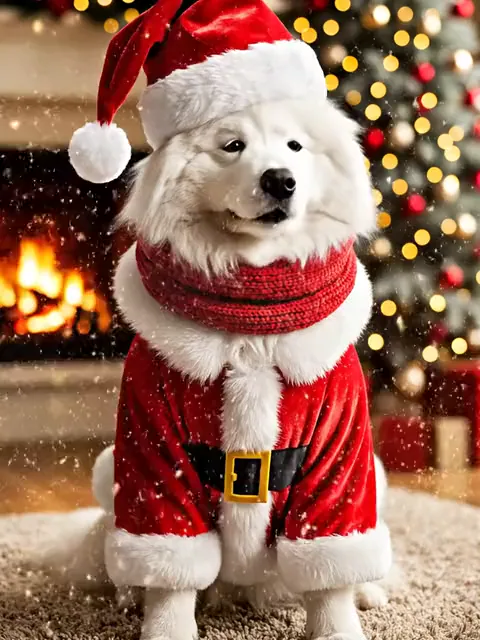
Same markings and pose, now in a Santa suit by the tree.
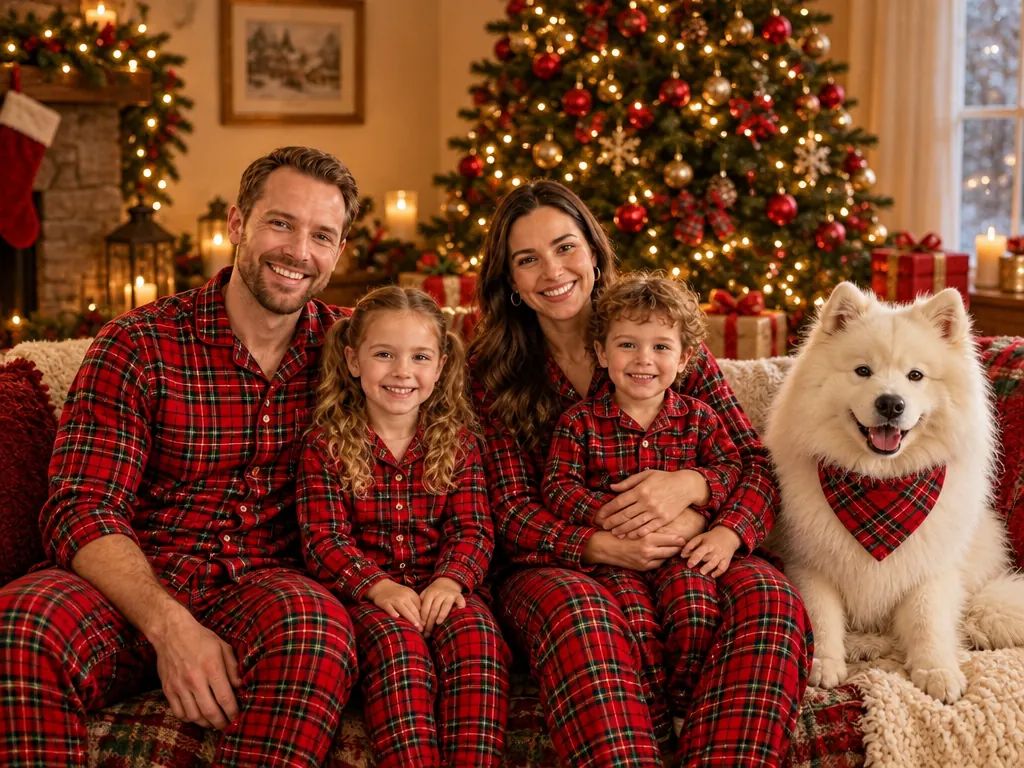
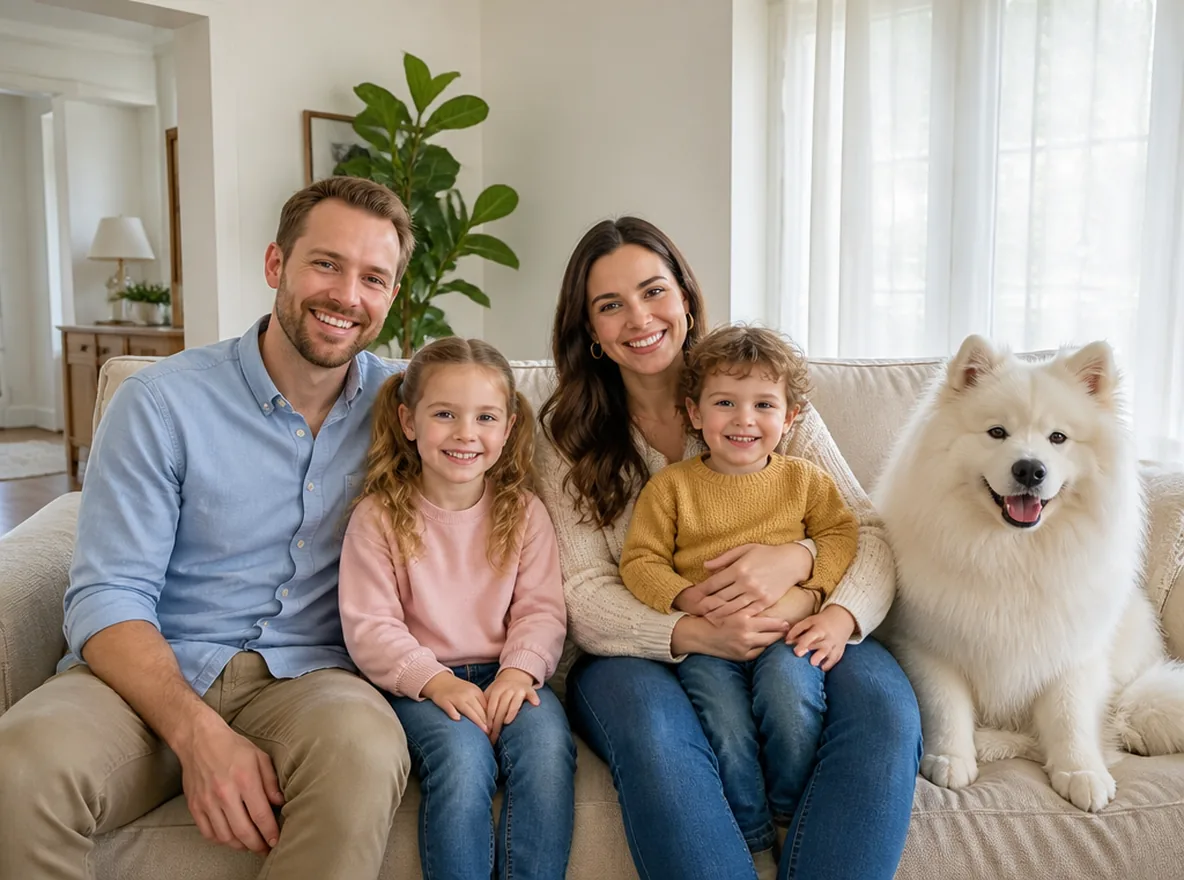
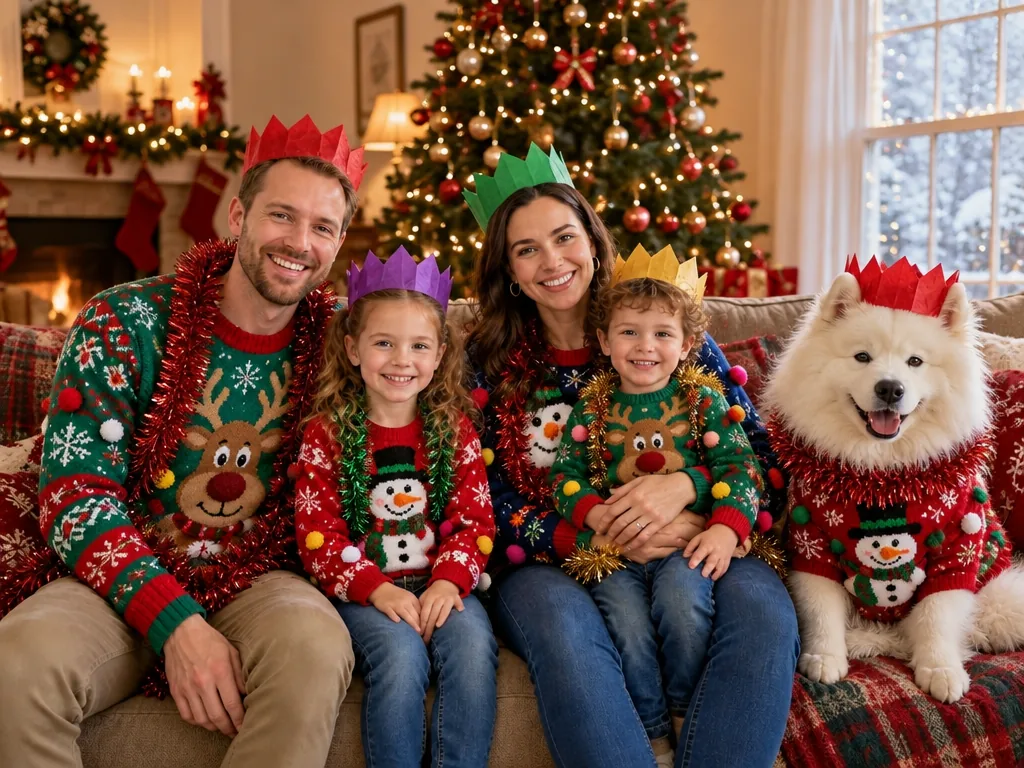
One group shot: everyone, the dog included, in matching pajamas by the tree.
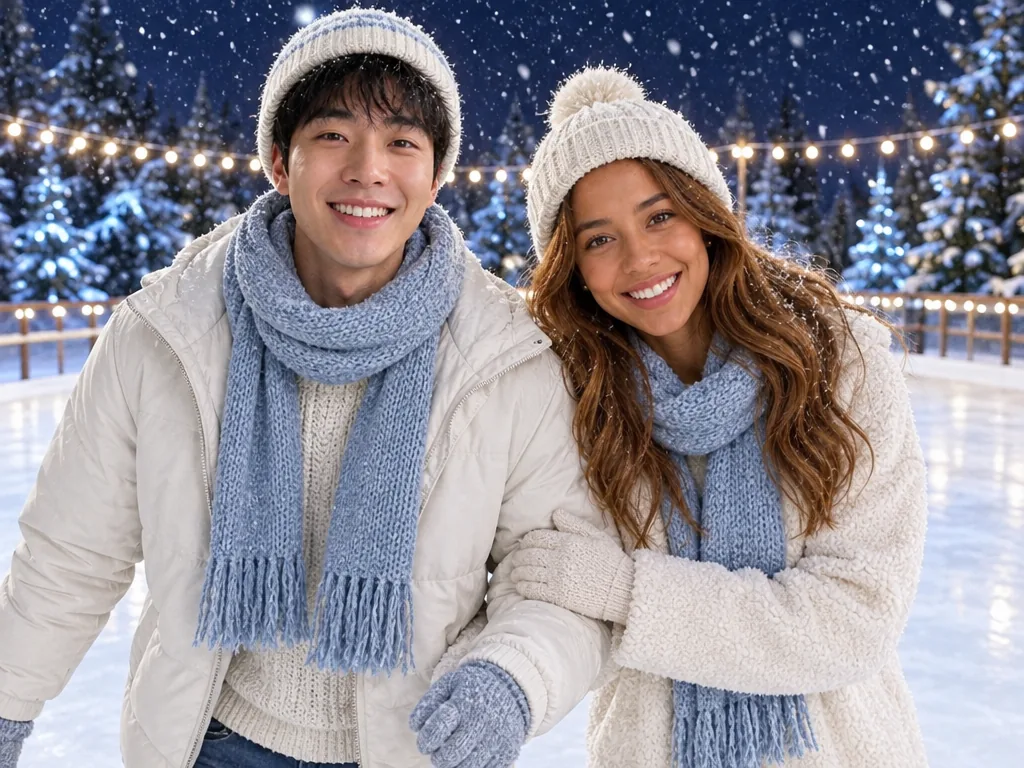

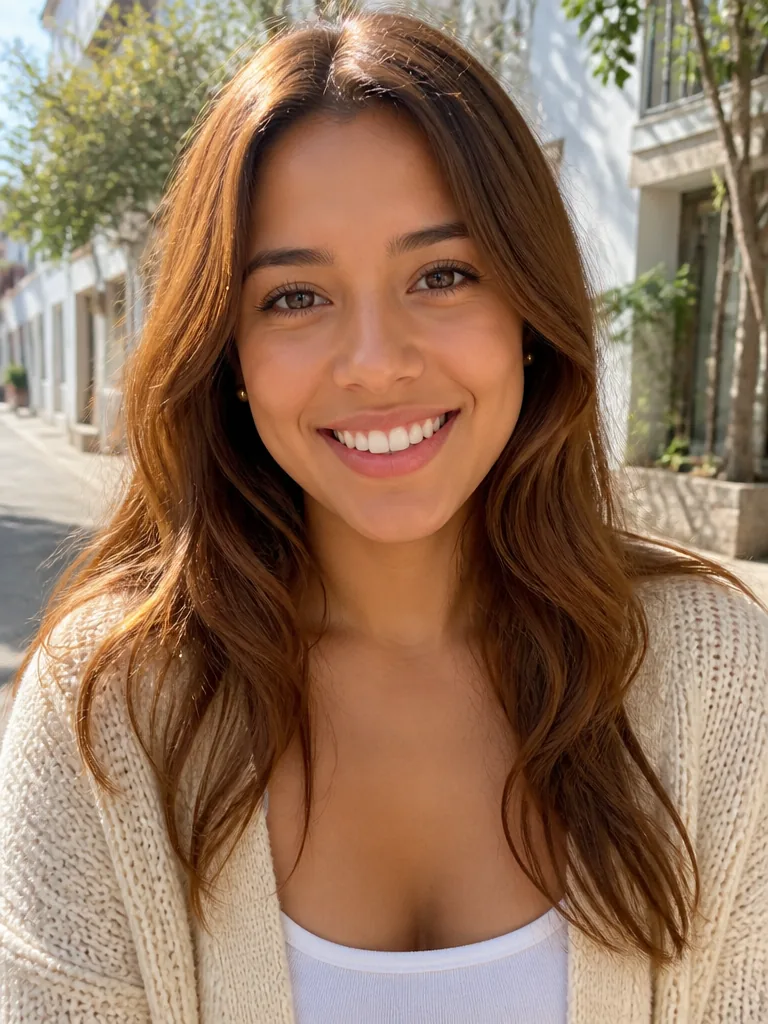
Two solo selfies become one couple photo at a night ice rink.
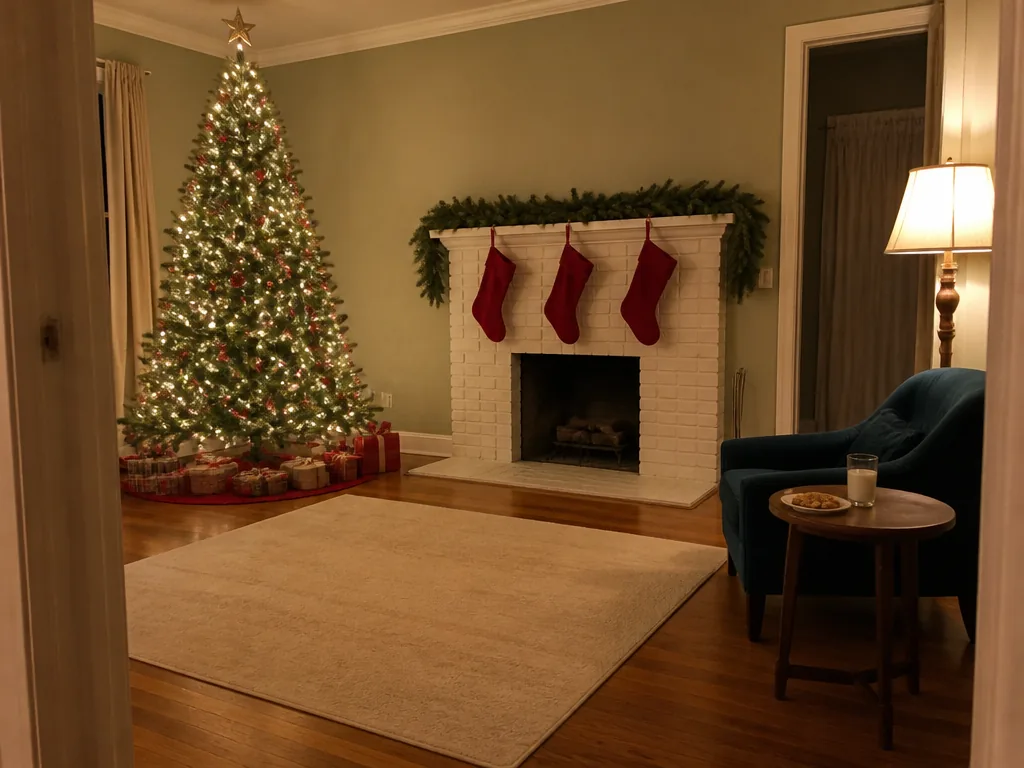
Your own living room, with Santa kneeling by the tree.
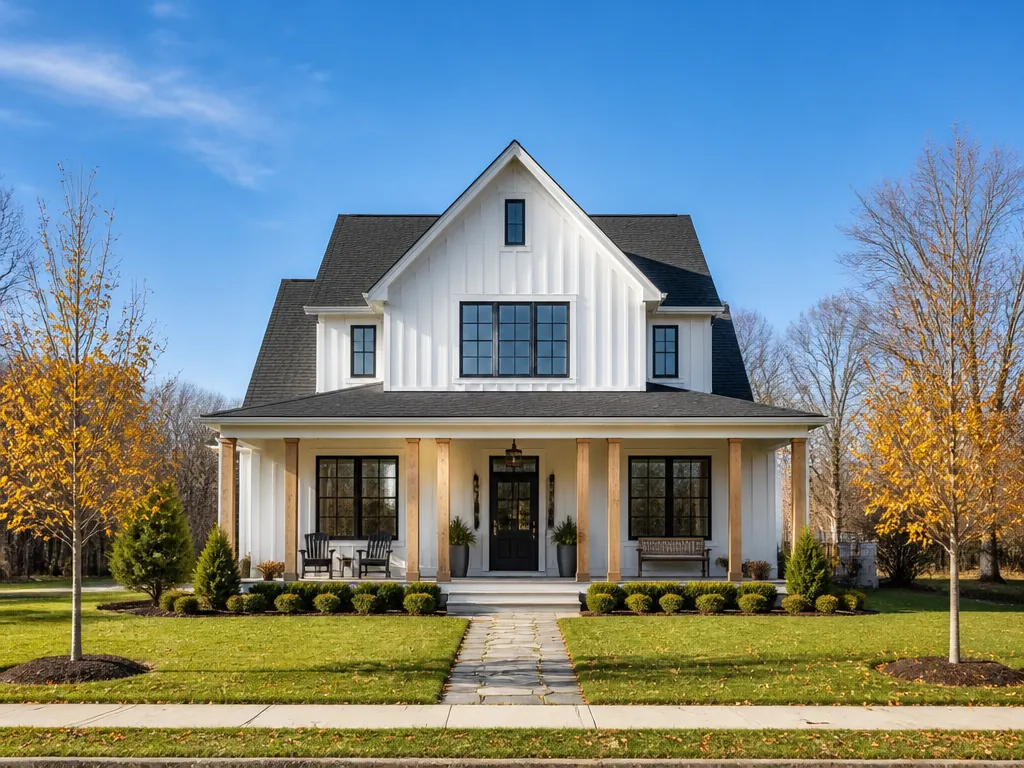
Your house at dusk, lit up before you hang a single strand.
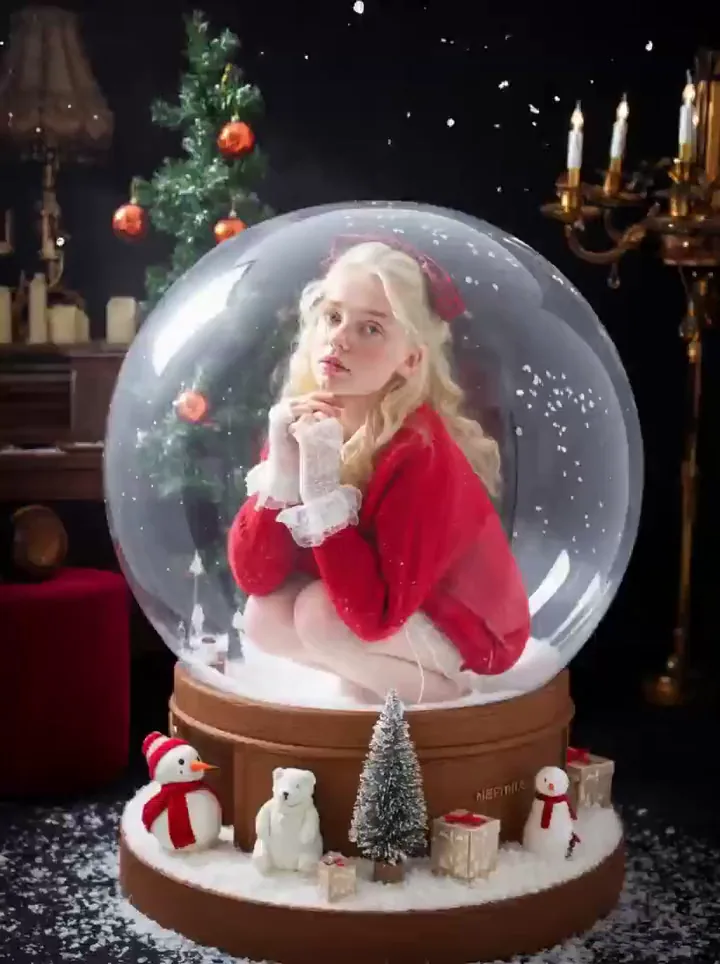
Photo to video
Make the photo first, then click Animate it under the result. The photo opens in the Animate Christmas Photo template as the first frame of a short AI Christmas video, so you only spend video credits once the picture is right.
Run any photo template; a photo costs 3 credits at the default size. If the still is all you need, download it and stop here.
It opens the Animate Christmas Photo template with your photo already loaded. Elf doll photos go to AI Elf Video instead, so the same doll is the one that moves.
Falling snow, twinkling lights, a wave, a snow globe shake and more: 5 seconds for 60 credits by default, longer if you choose.
Browse by look
Every template comes with several looks. Here they are by theme; open one and the template already has it selected, ready for your photo.
Santa
Make Me Santa
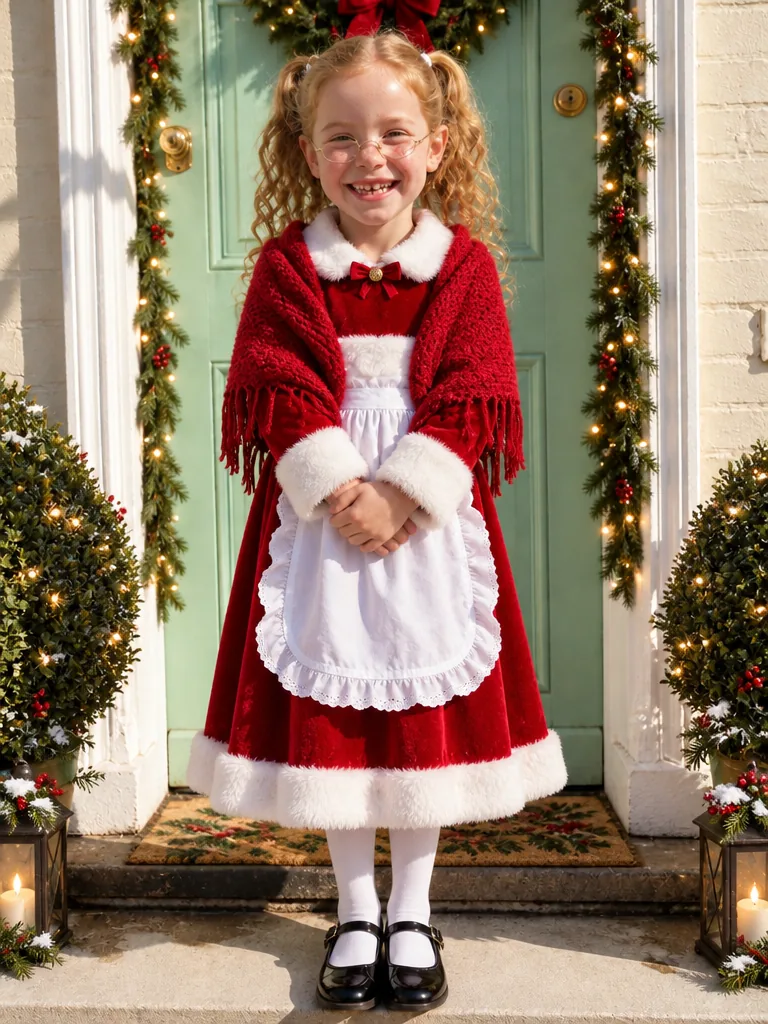
Mrs. Claus
Make Me Santa
By the tree
Add Santa to Photo
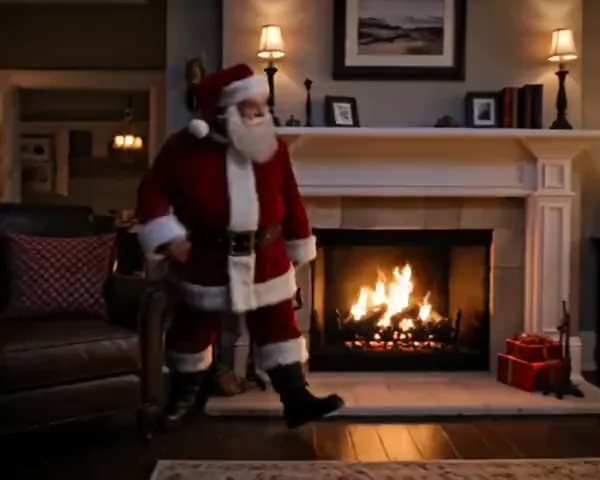
Gift drop
Santa Caught on Camera AI
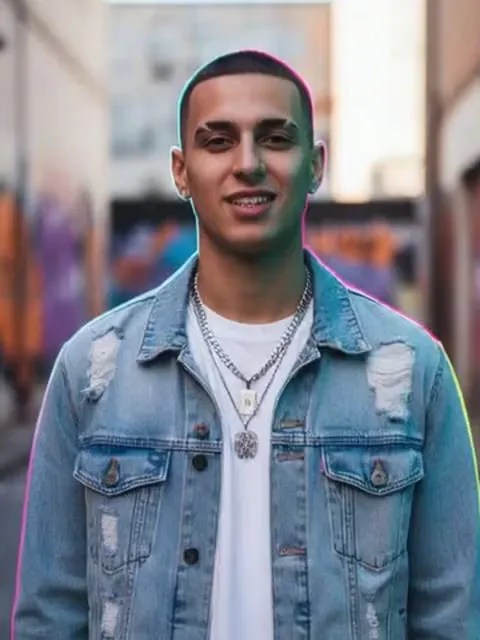
Santa
Santa Transformation

Santa beard
Add Santa Hat to Photo
Santa suit
AI Christmas Pet Photo
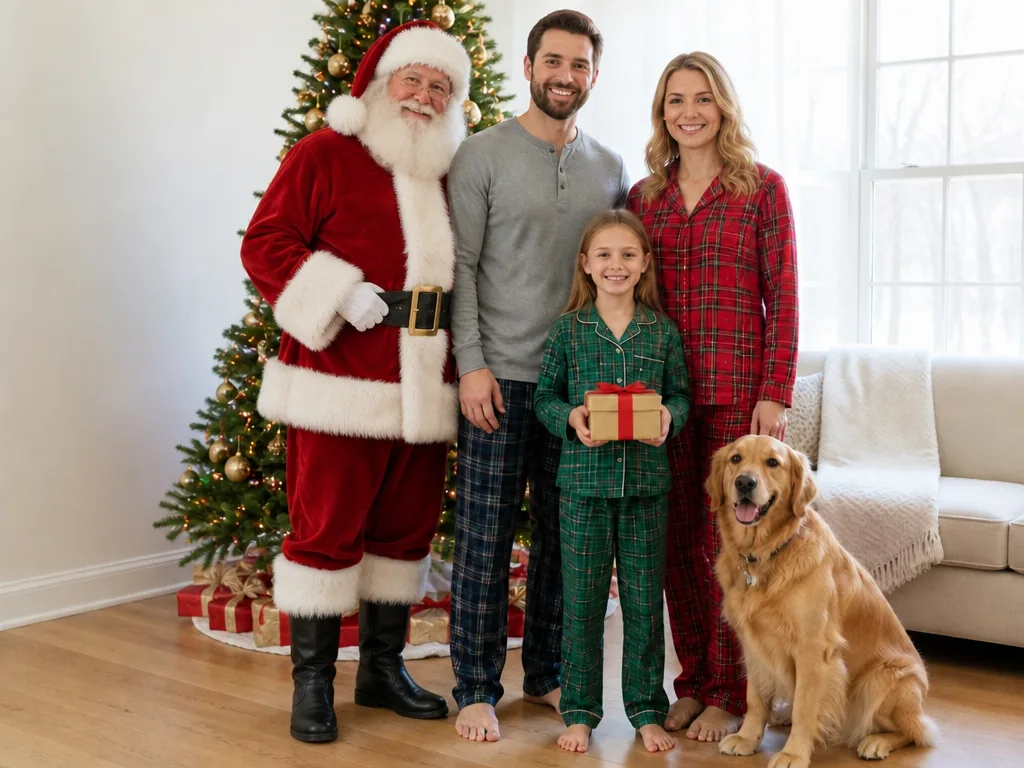
Photo with Santa
Add Santa to Photo
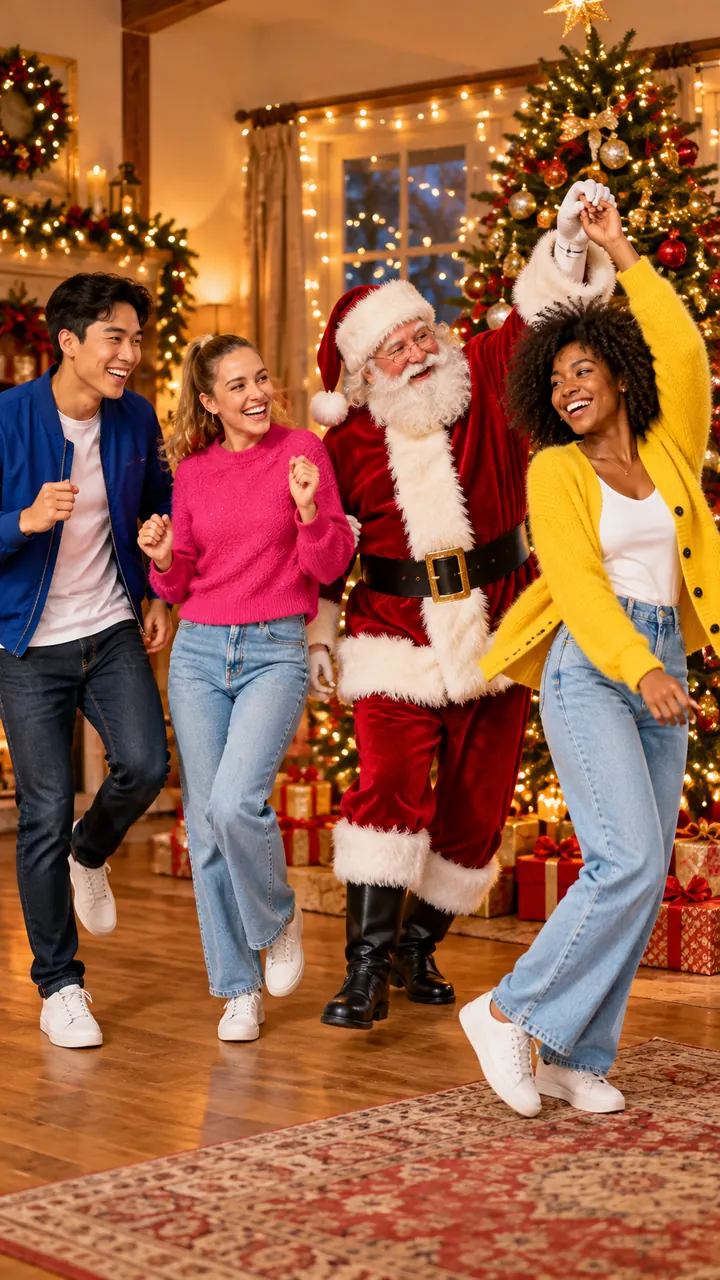
Dance with Santa
AI Elf Dance
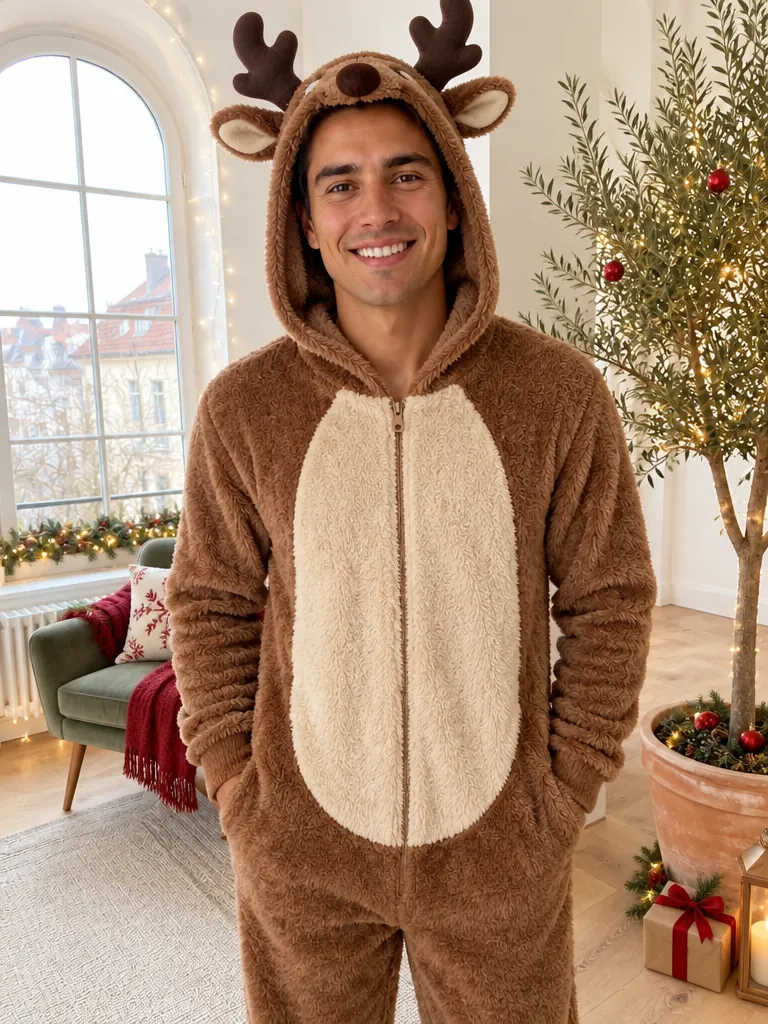
Reindeer
Make Me Santa
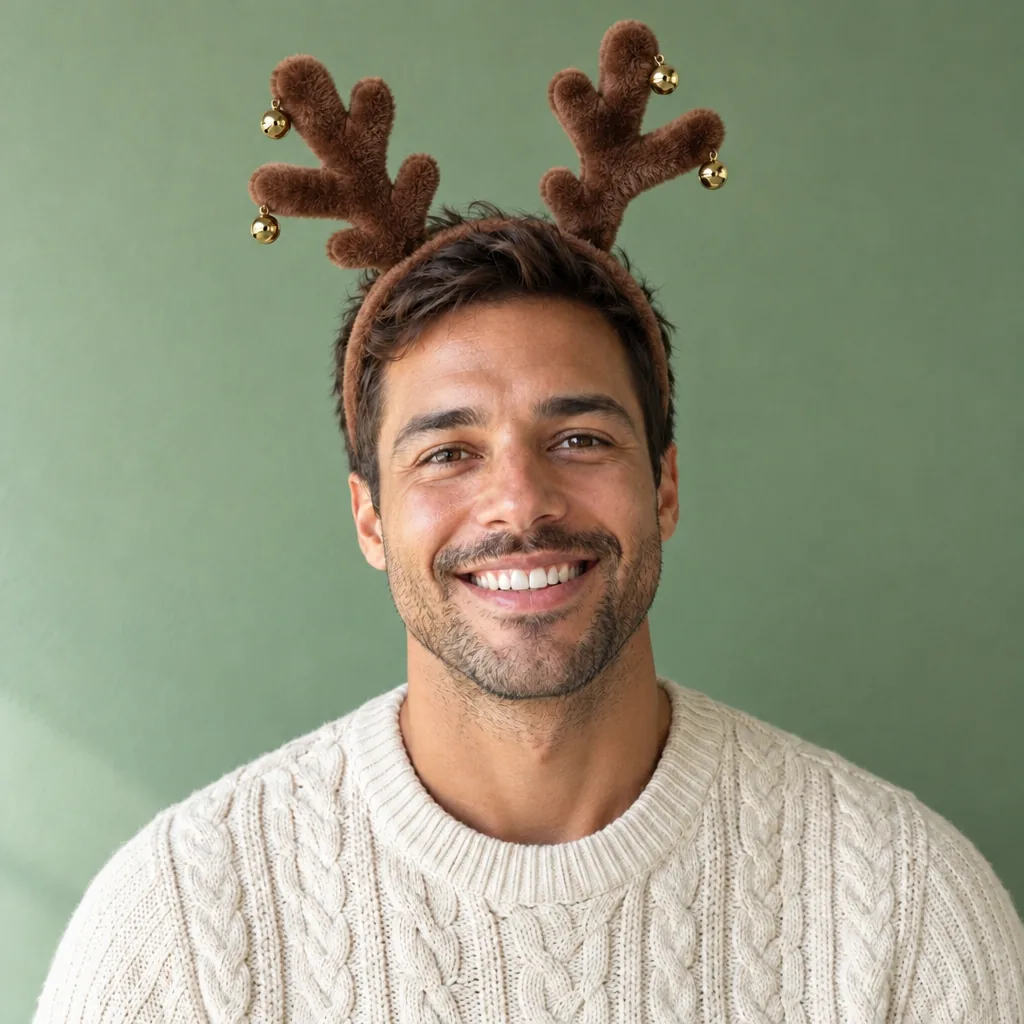
Antlers
Add Santa Hat to Photo
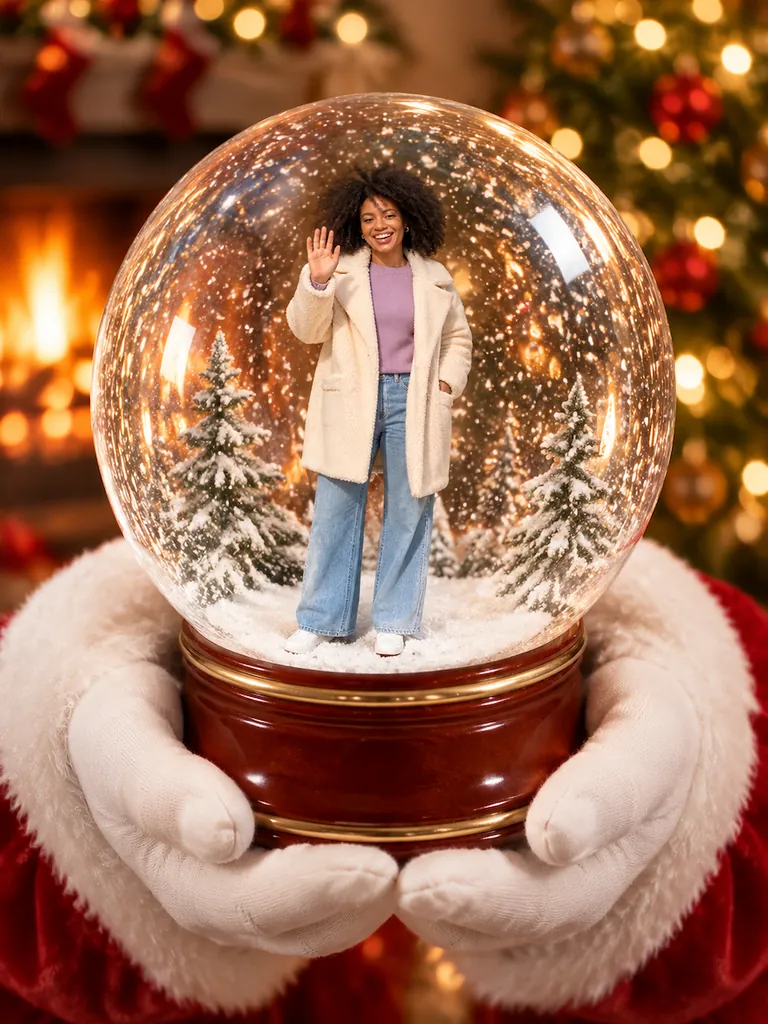
Santa's hands
AI Snow Globe
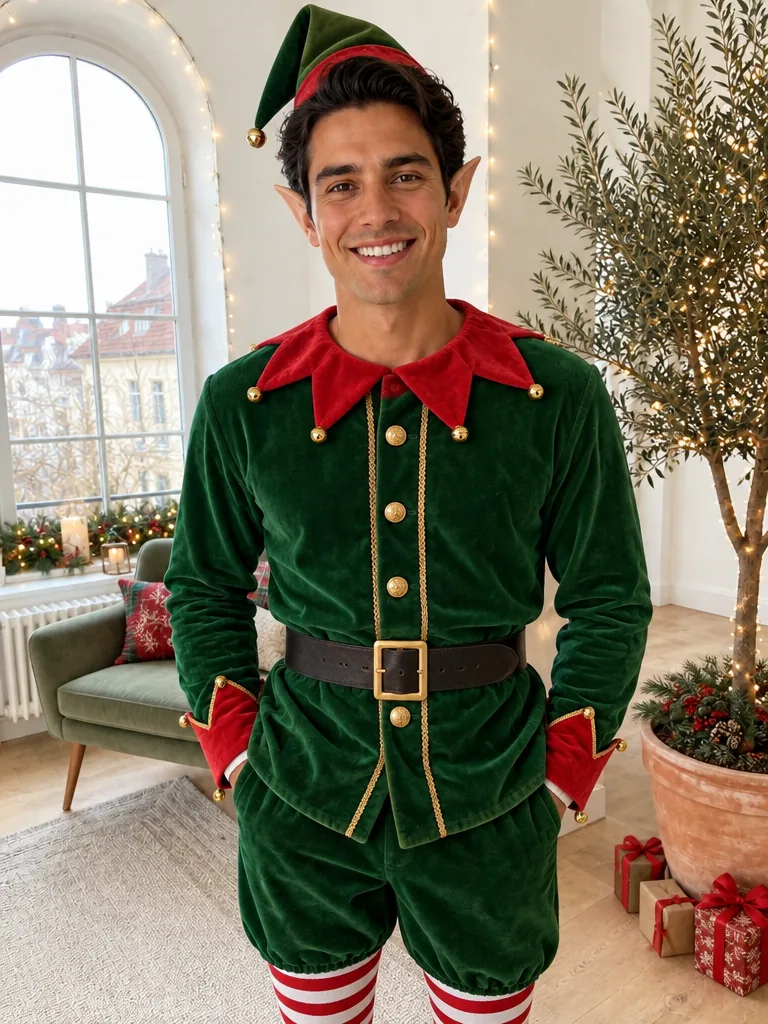
Elf
Make Me Santa
Mallow bath
AI Elf Picture Ideas
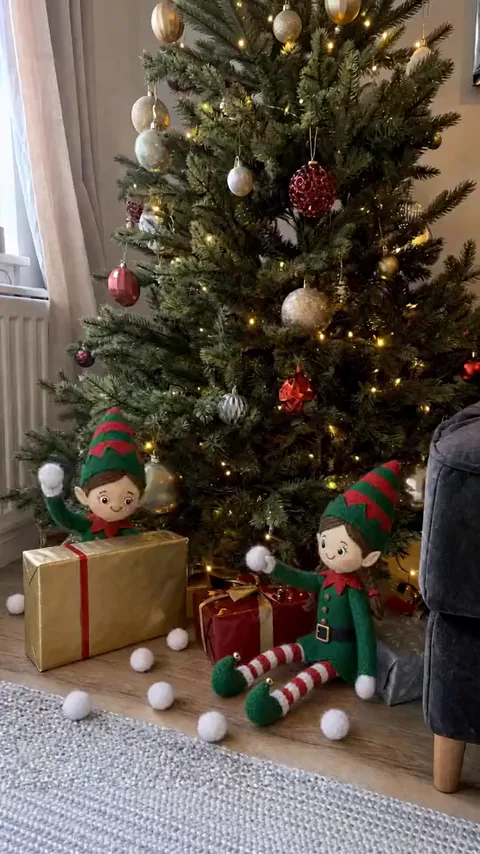
Snowball fight
AI Elf Video
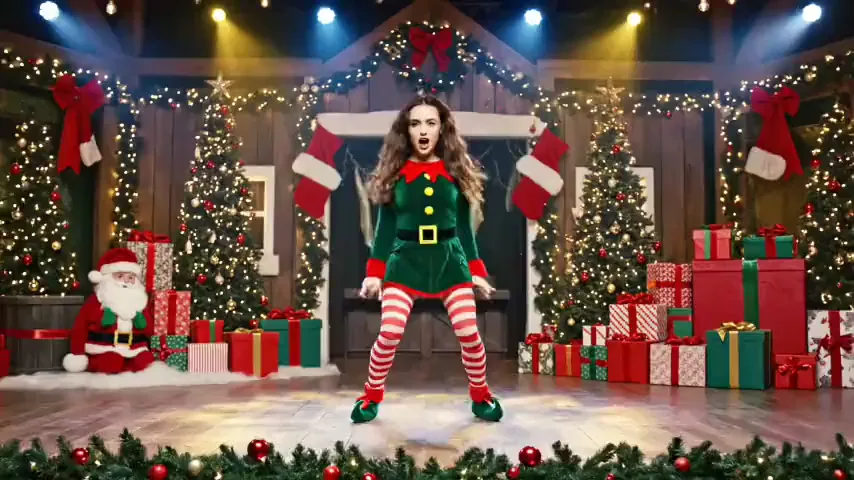
Workshop boogie
AI Elf Dance
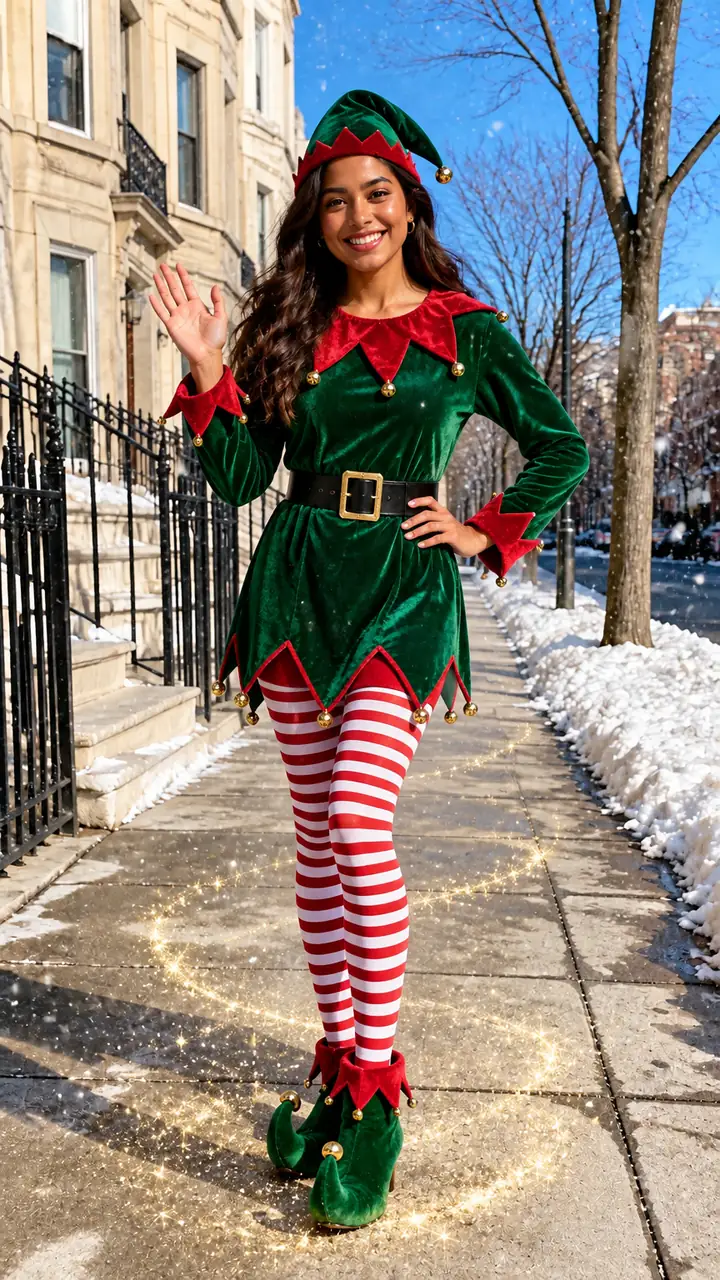
Elf
Santa Transformation
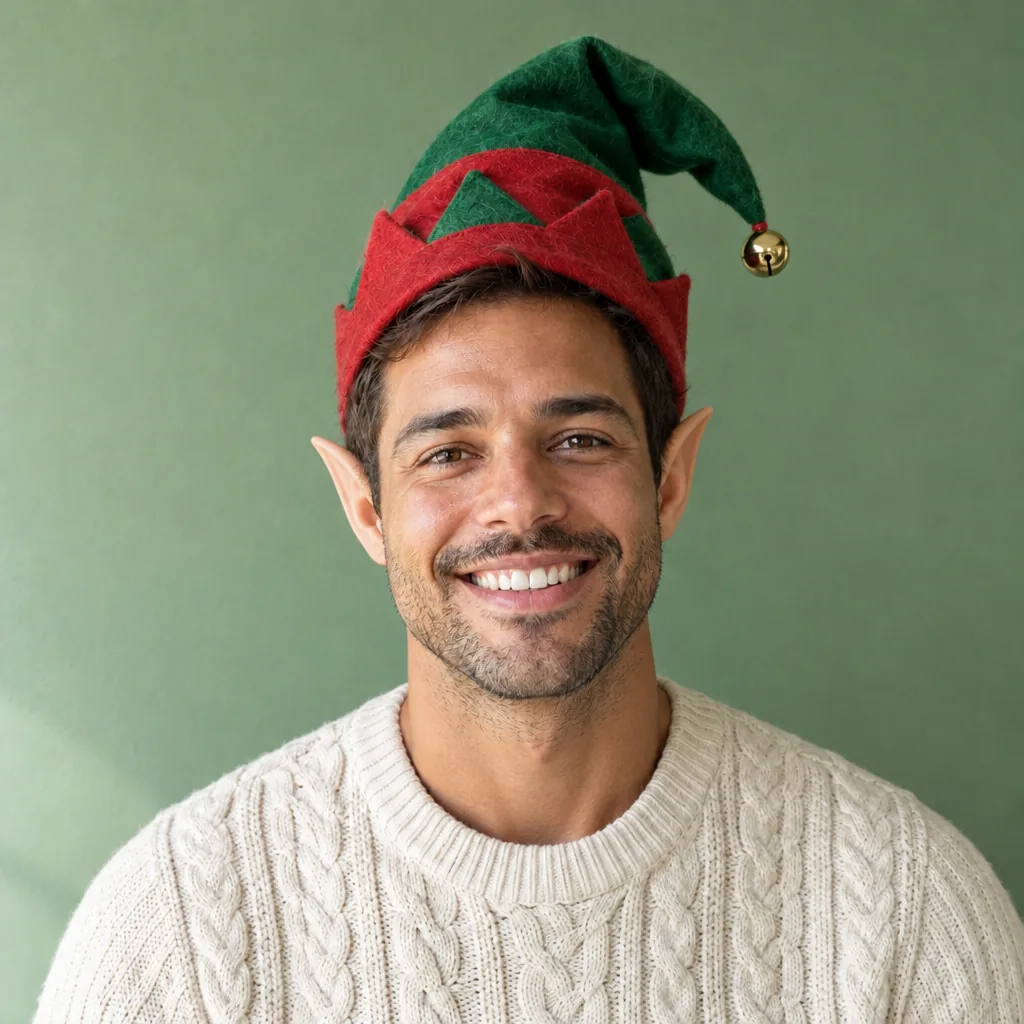
Elf hat+ears
Add Santa Hat to Photo
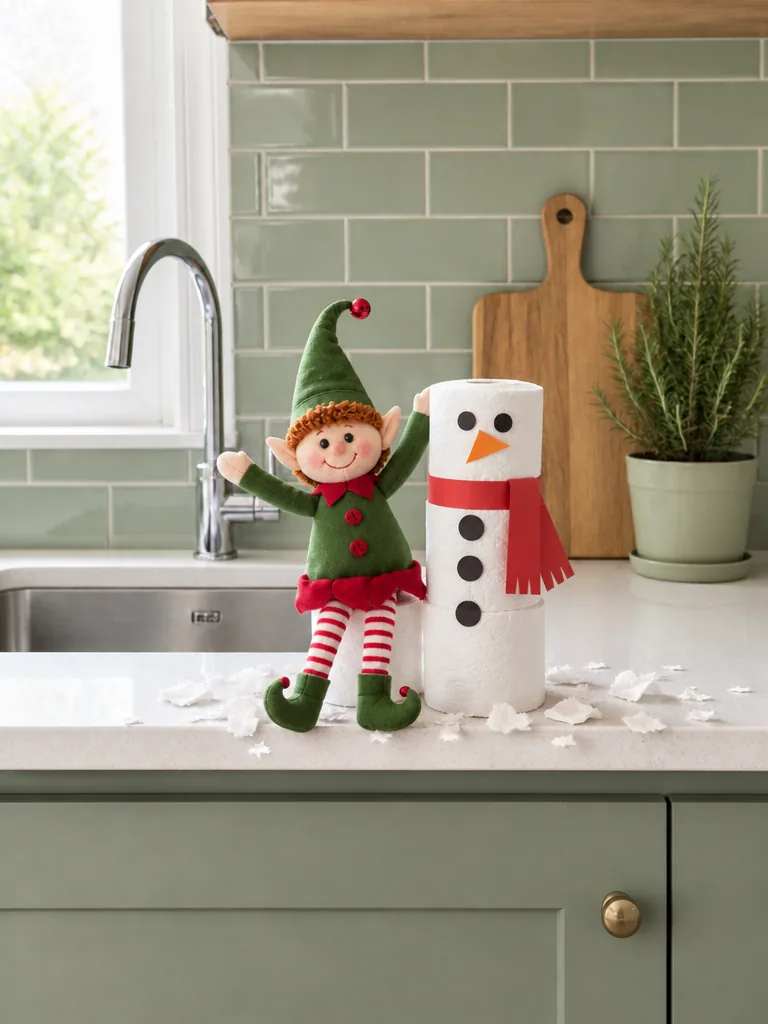
Snowman
AI Elf Picture Ideas
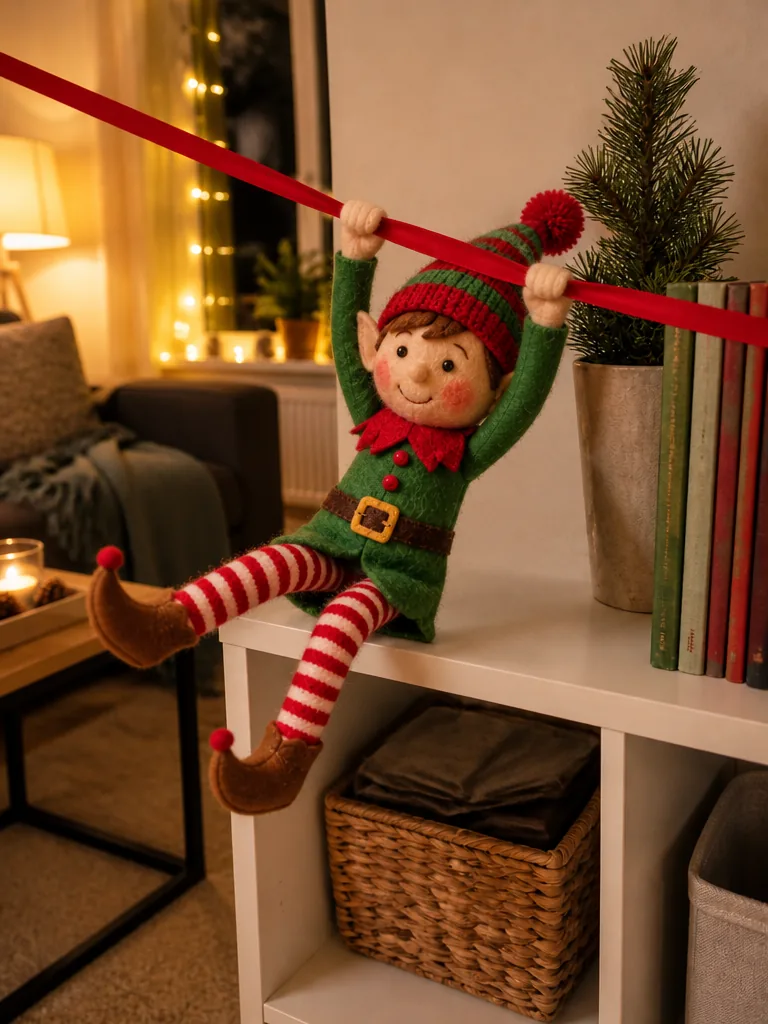
Zipline
AI Elf Video
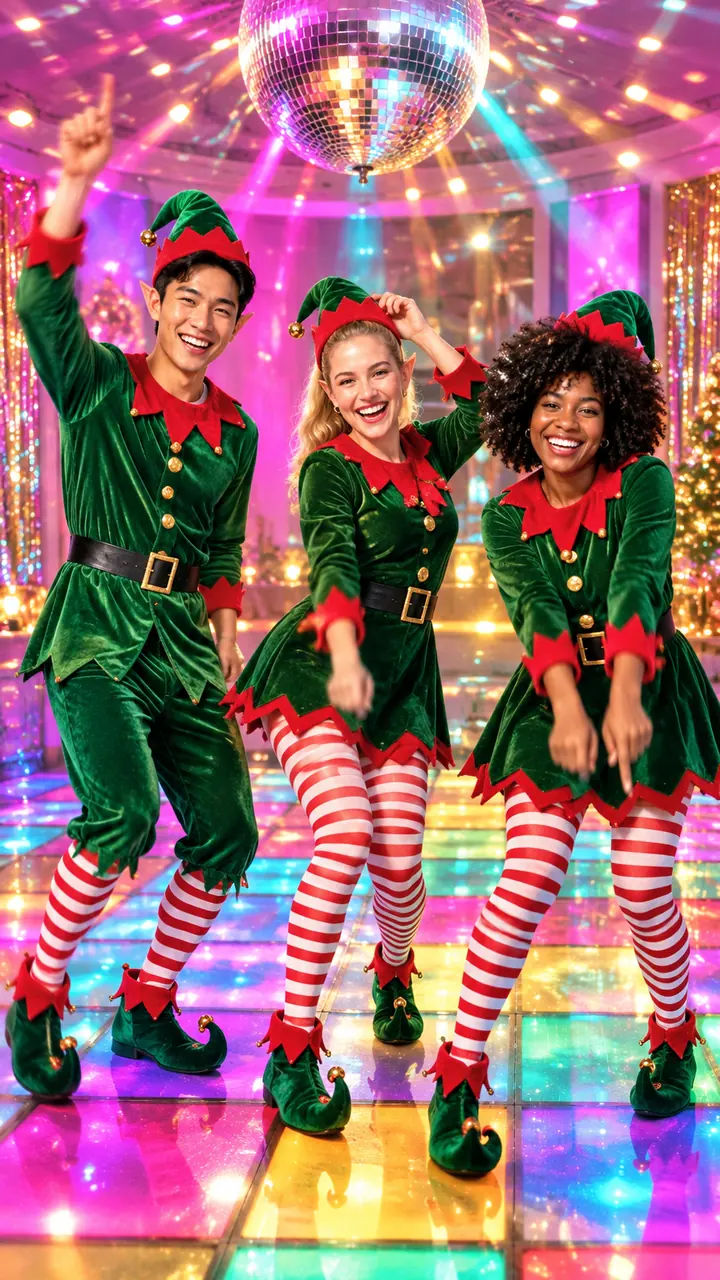
Disco elves
AI Elf Dance
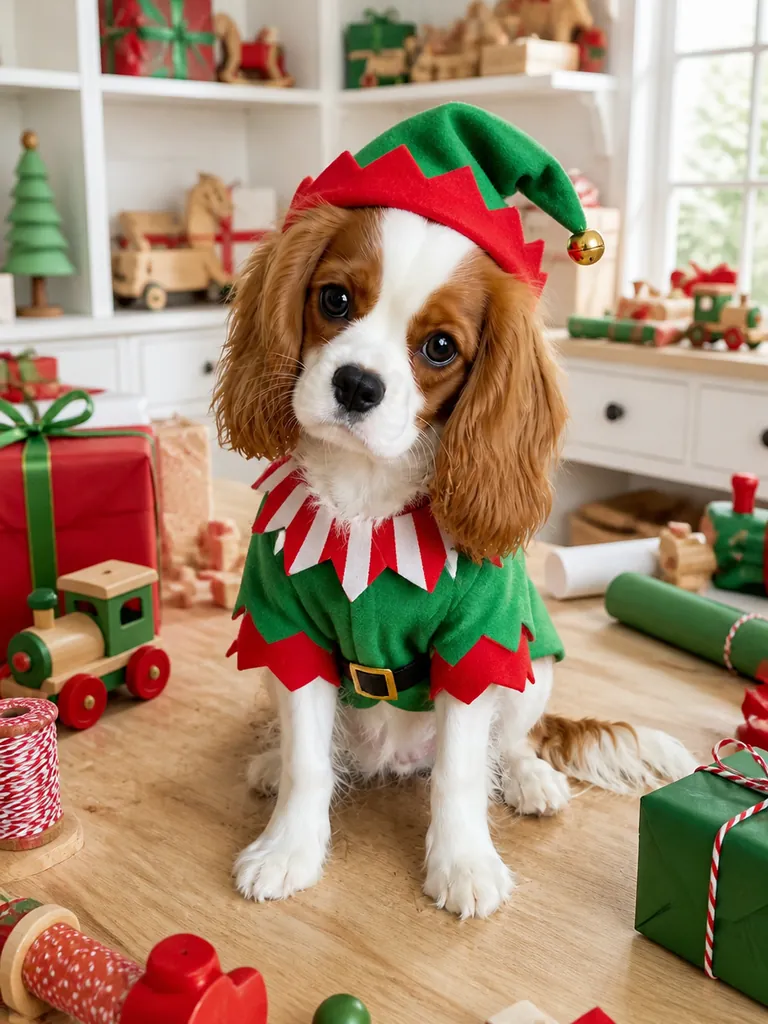
Elf outfit
AI Christmas Pet Photo
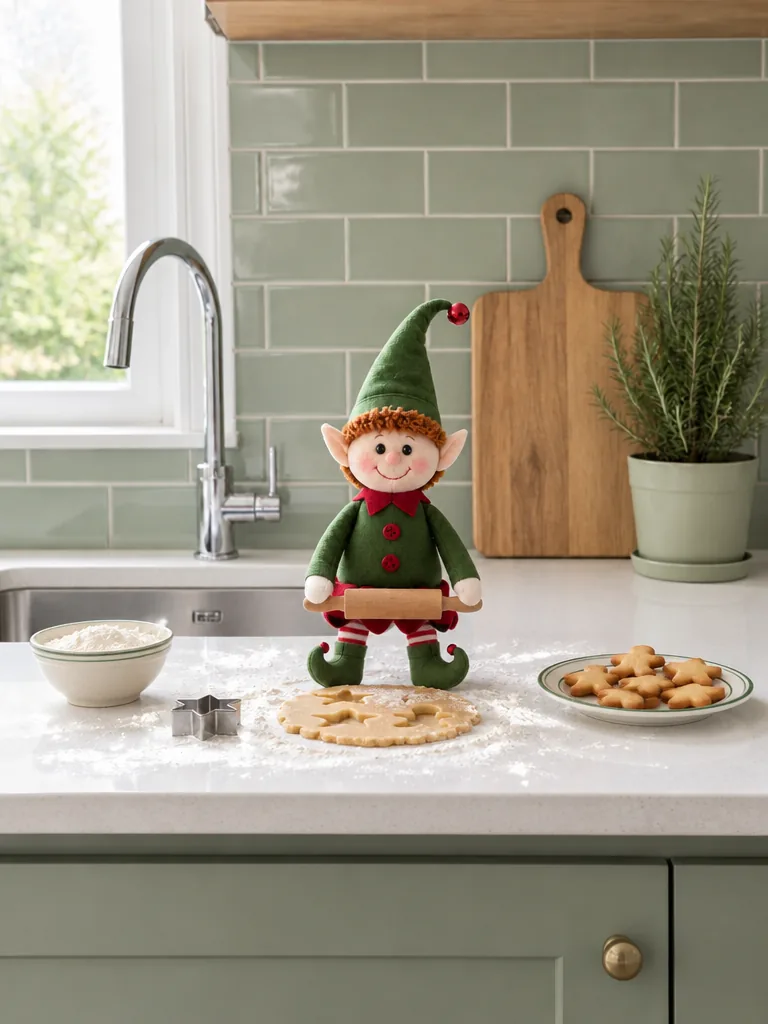
Baking
AI Elf Picture Ideas
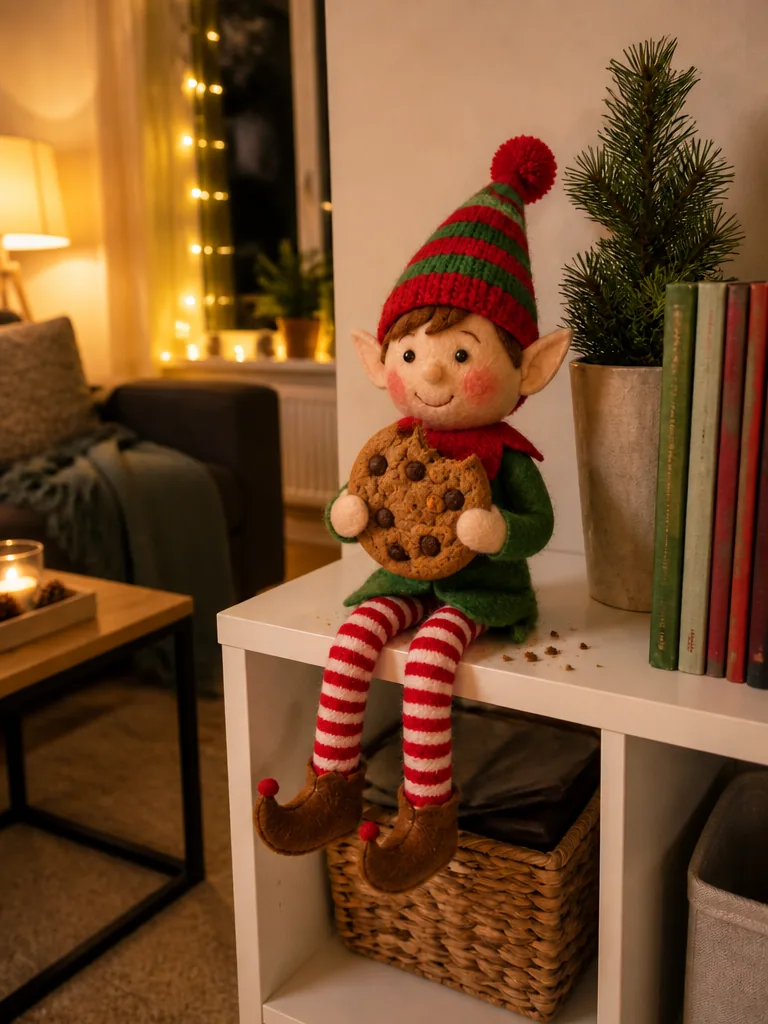
Cookie heist
AI Elf Video
Snow village
AI Snow Globe
Skating
Christmas Couple Photo
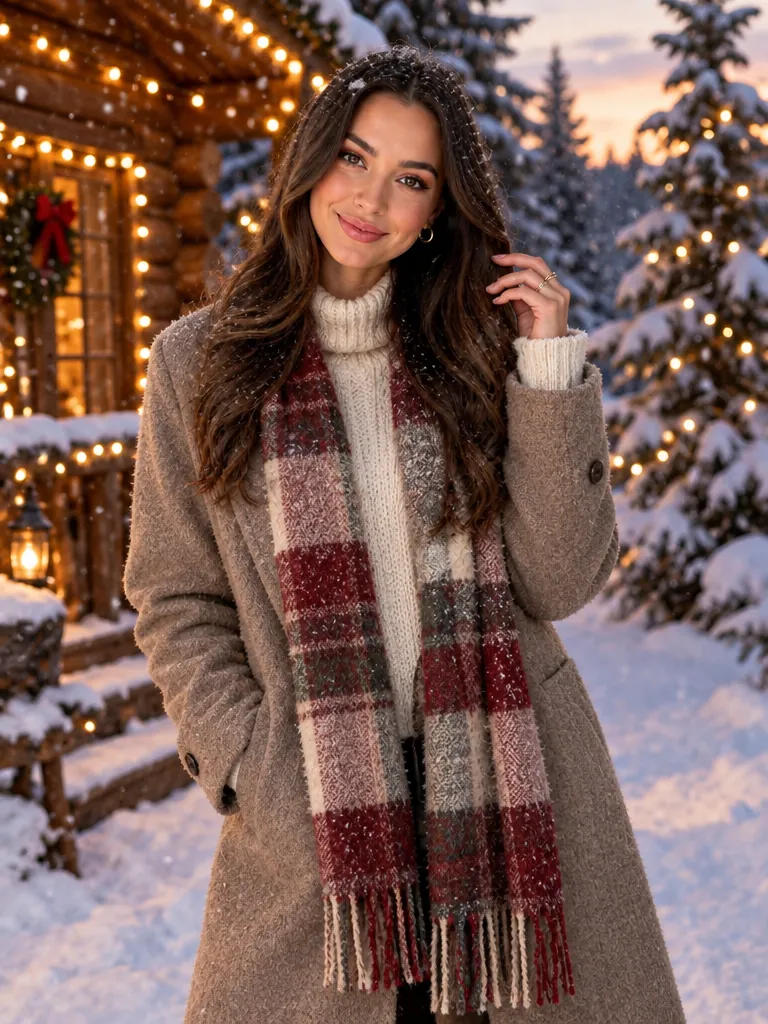
Snowy cabin
AI Christmas Photoshoot
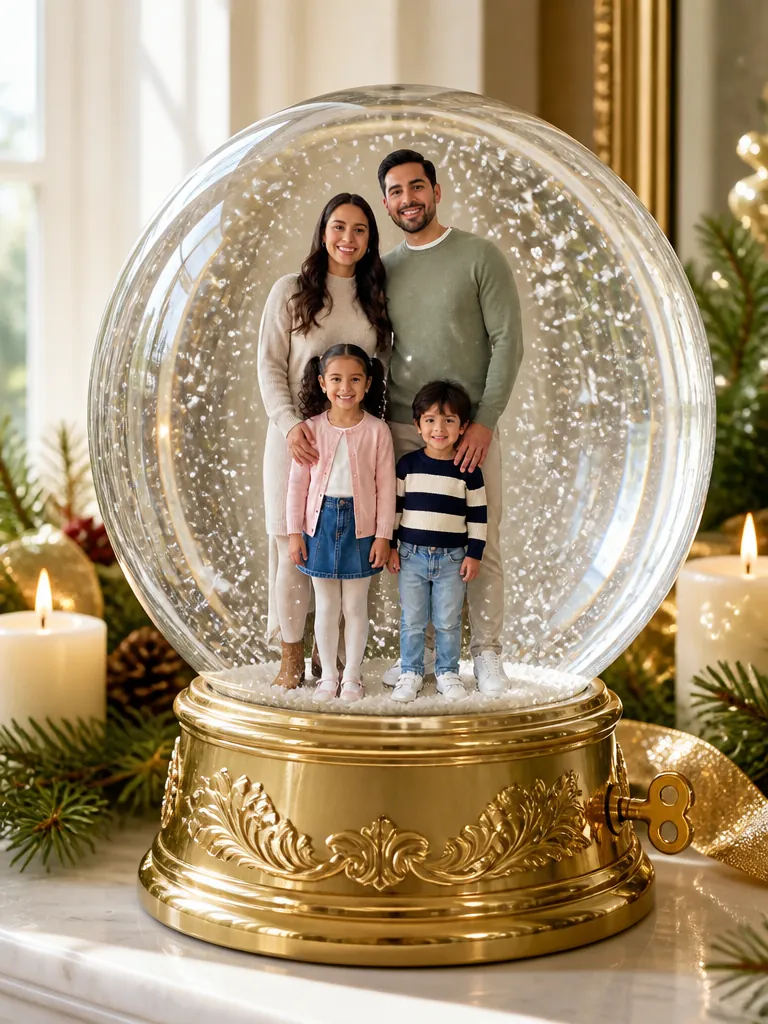
Music box
AI Snow Globe
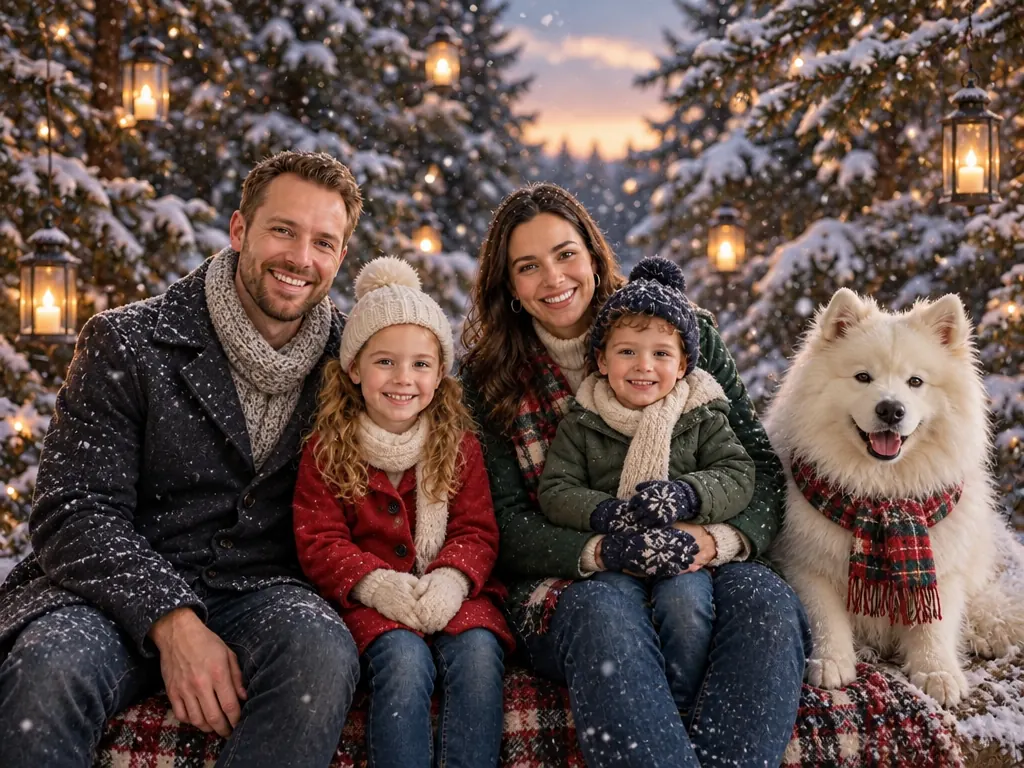
Forest
AI Christmas Family Photo
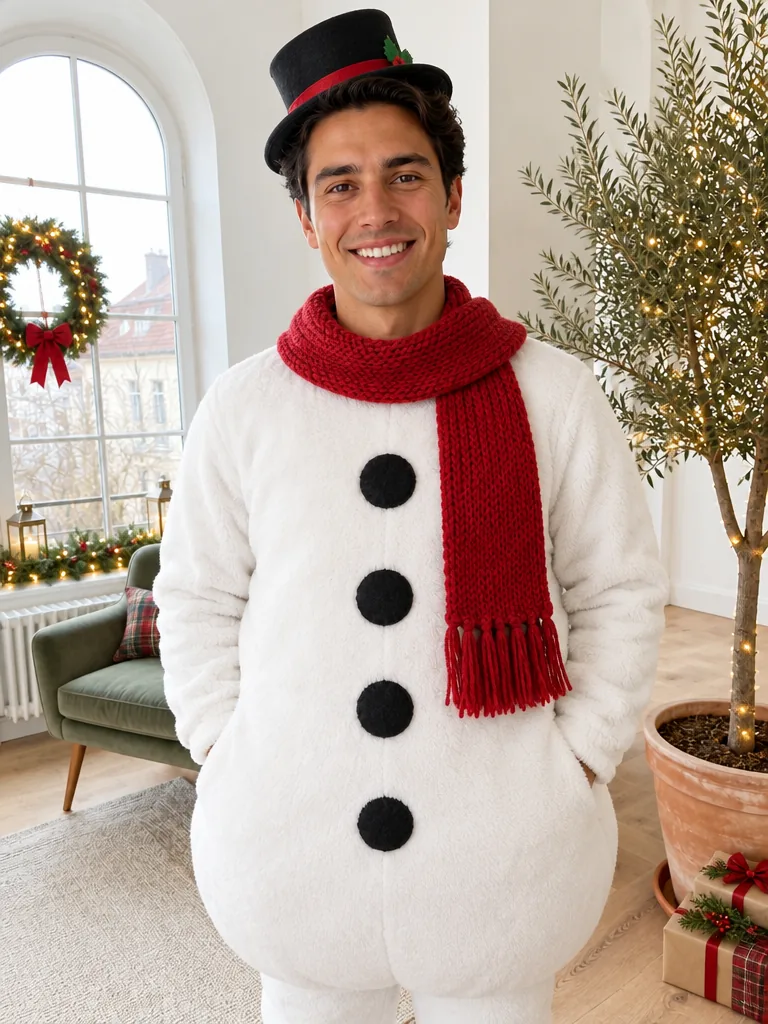
Snowman
Make Me Santa
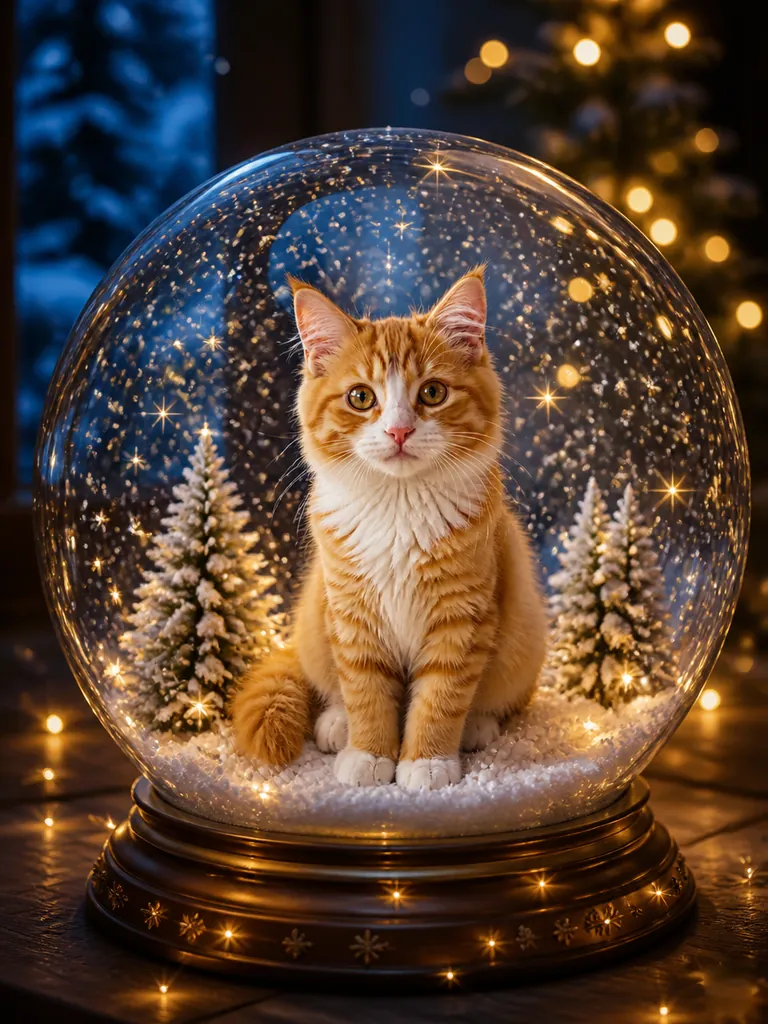
Night lights
AI Snow Globe
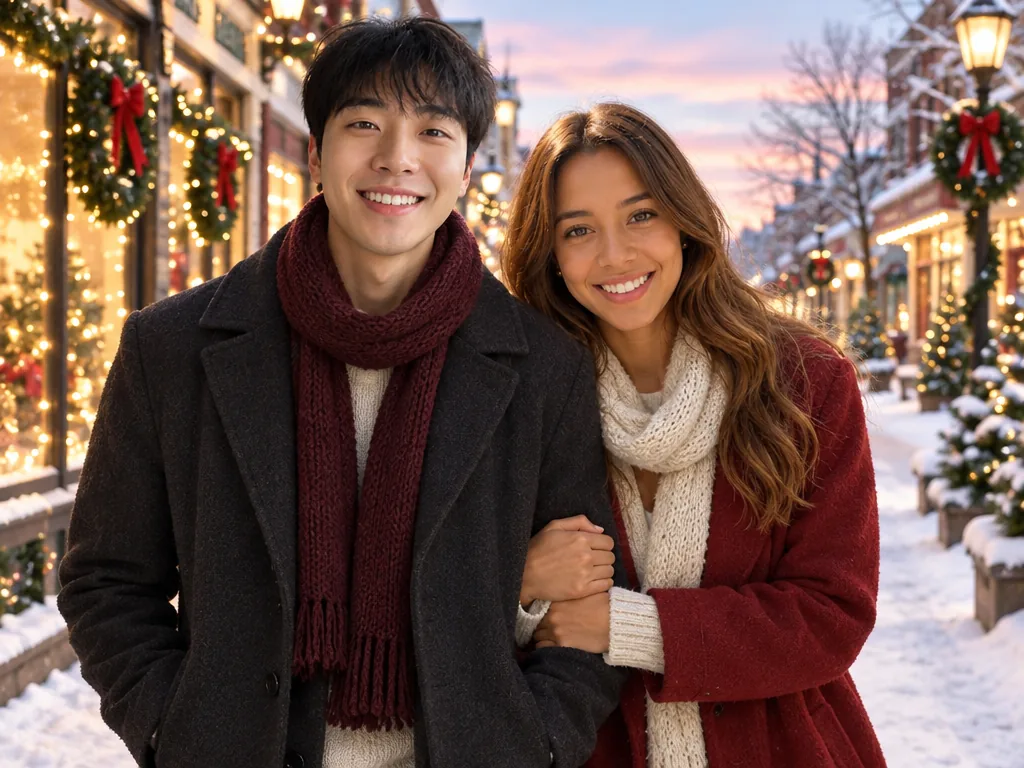
Snow walk
Christmas Couple Photo
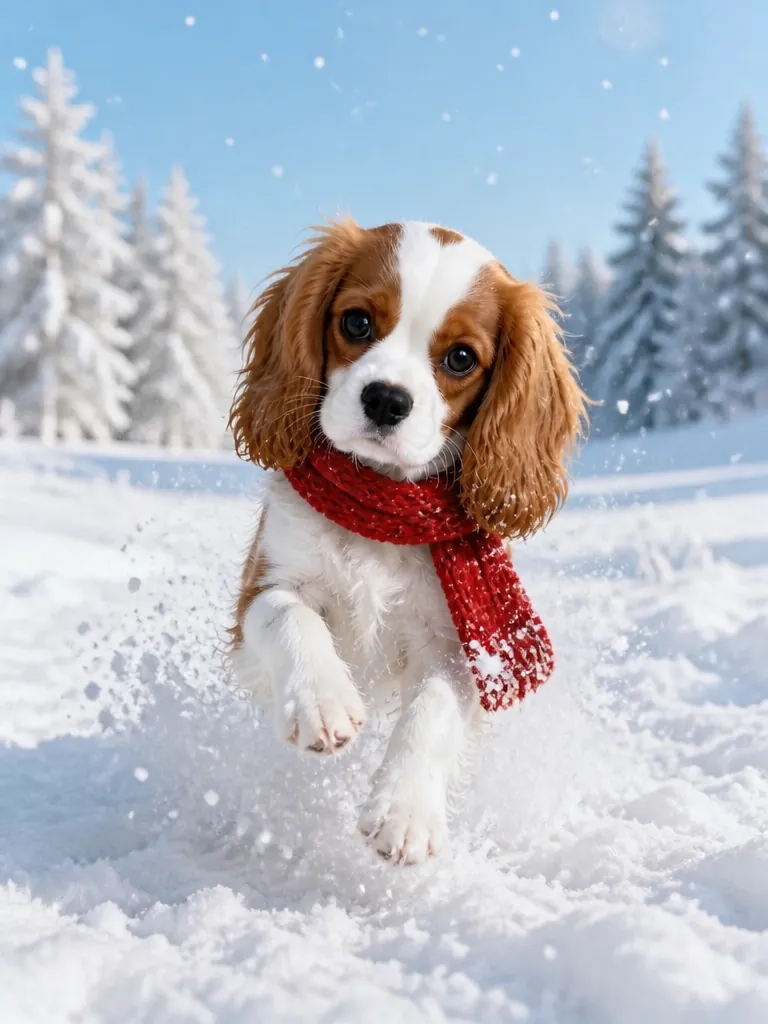
Snow day
AI Christmas Pet Photo
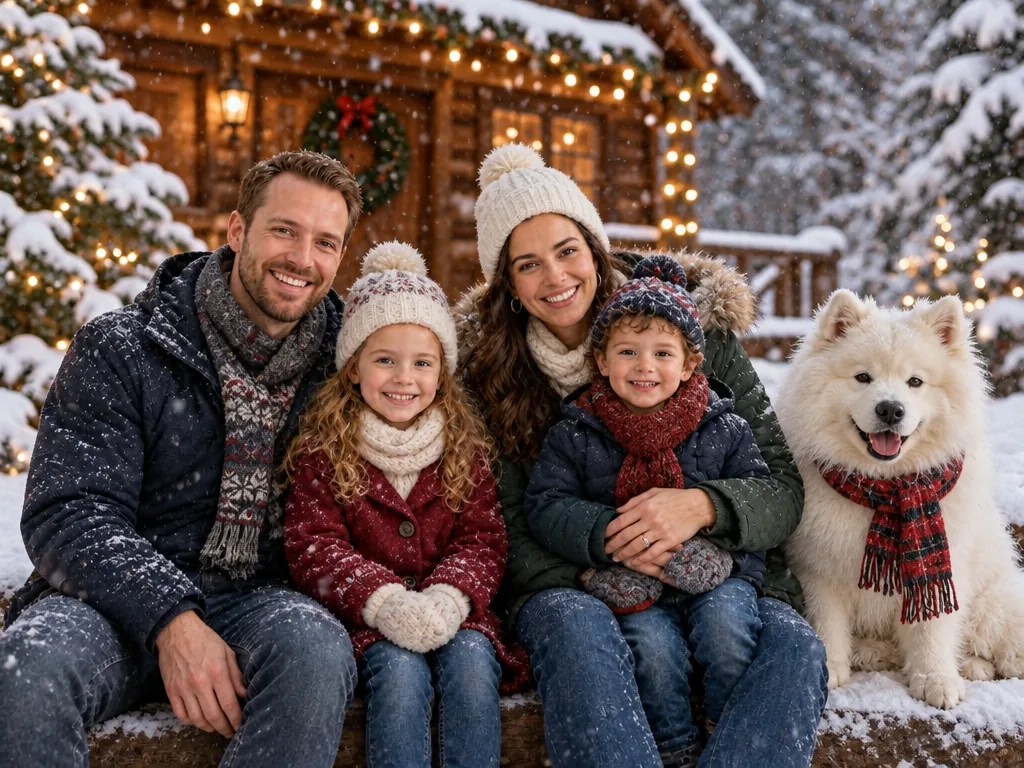
Snowy cabin
AI Christmas Family Photo
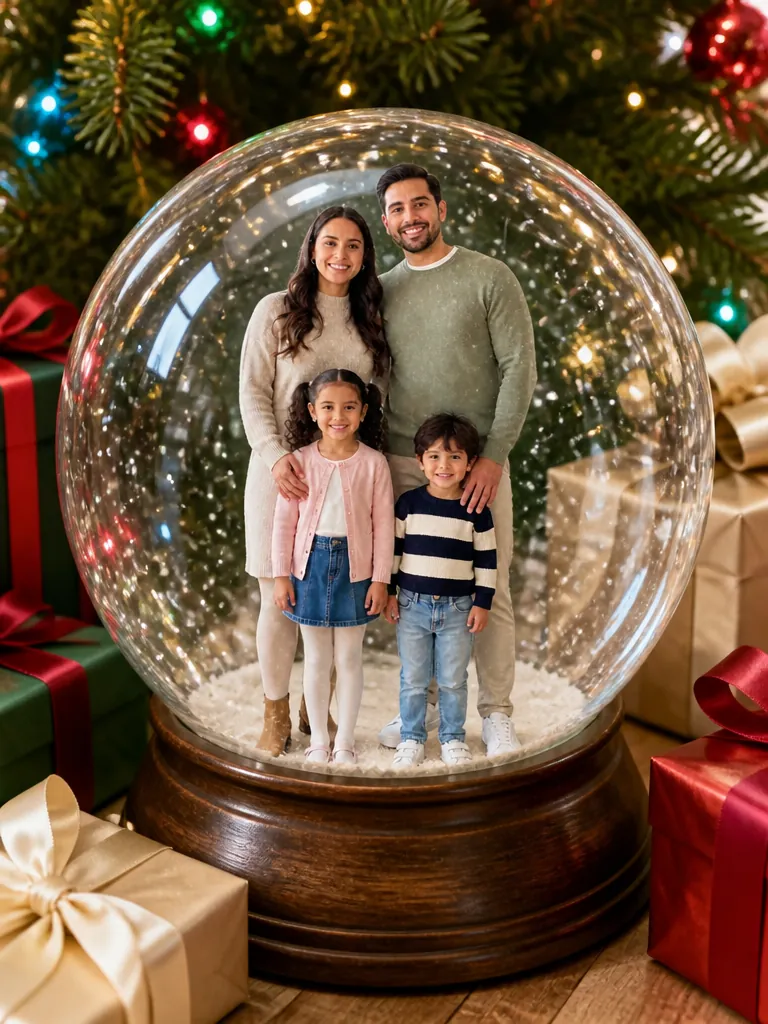
Tree & gifts
AI Snow Globe
North Pole
AI Christmas Photoshoot
Glass bauble
AI Christmas Ornament
Warm white
Christmas House Lights
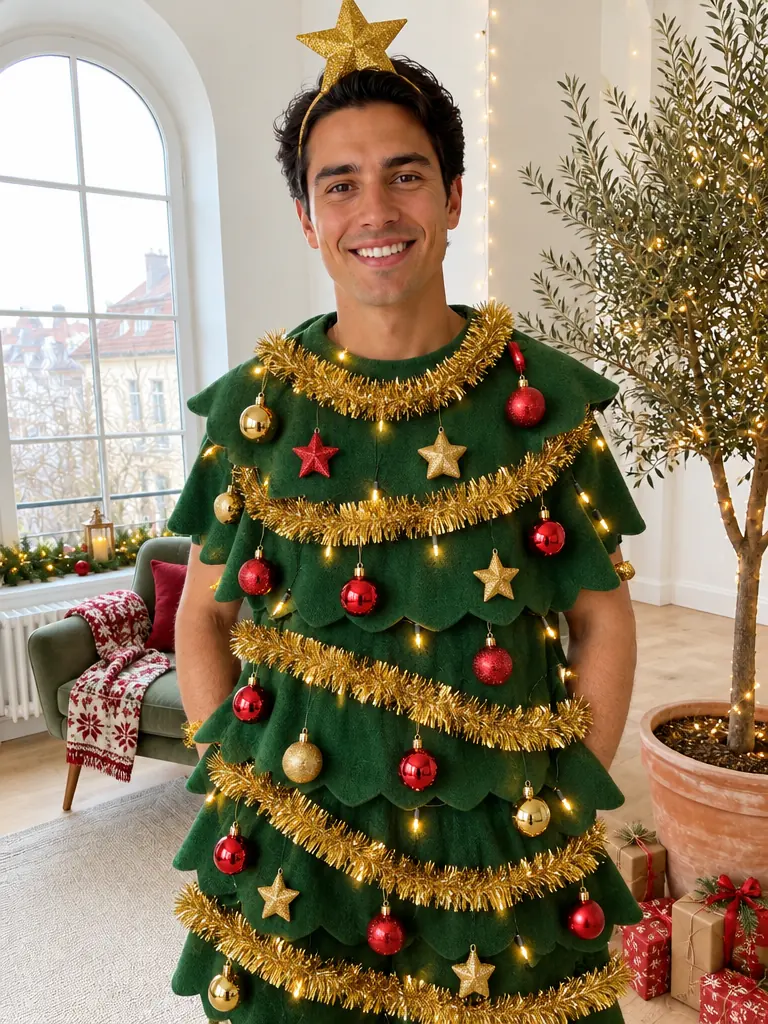
Xmas Tree
Make Me Santa
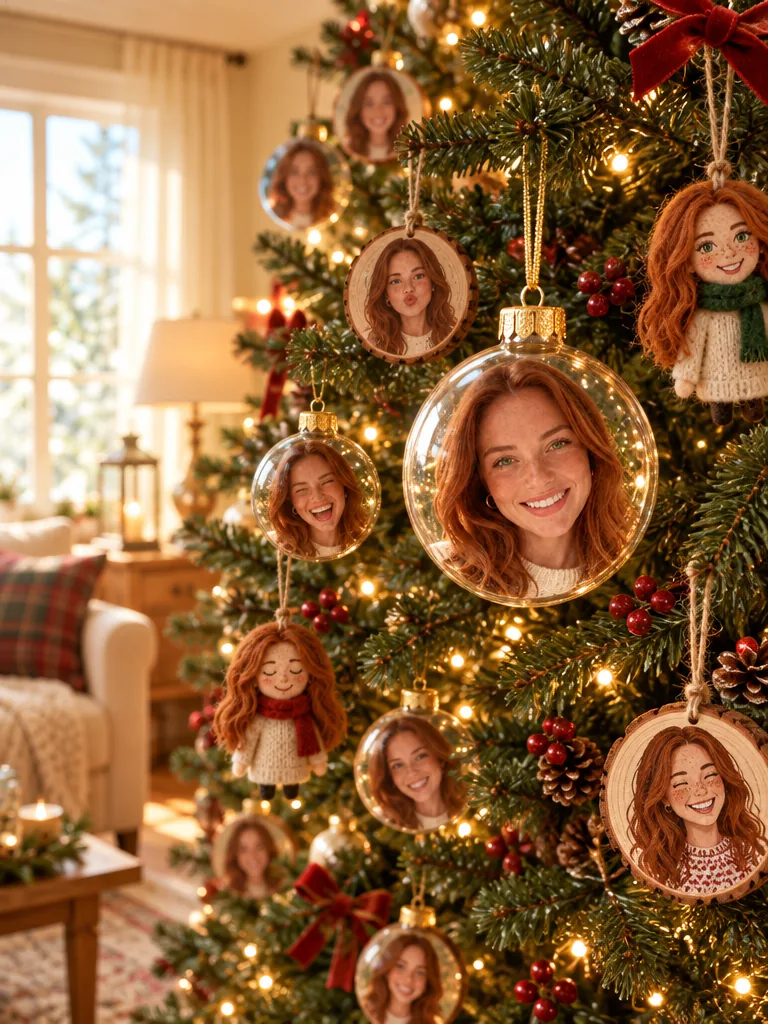
Full tree
AI Christmas Ornament
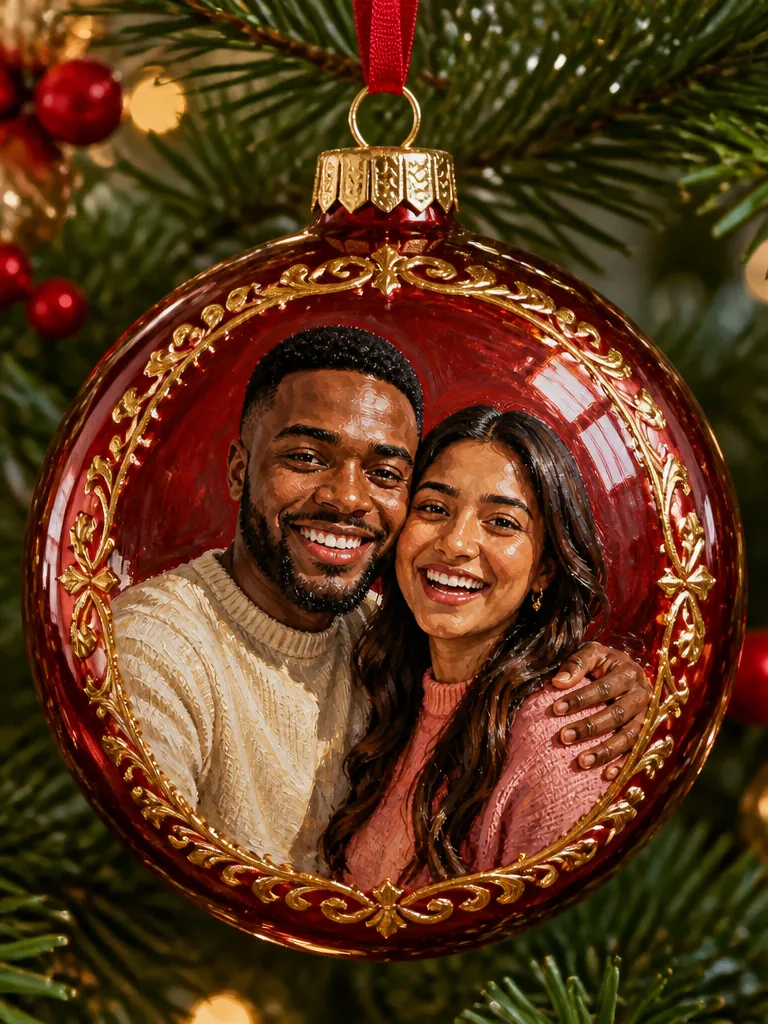
Hand-painted
AI Christmas Ornament
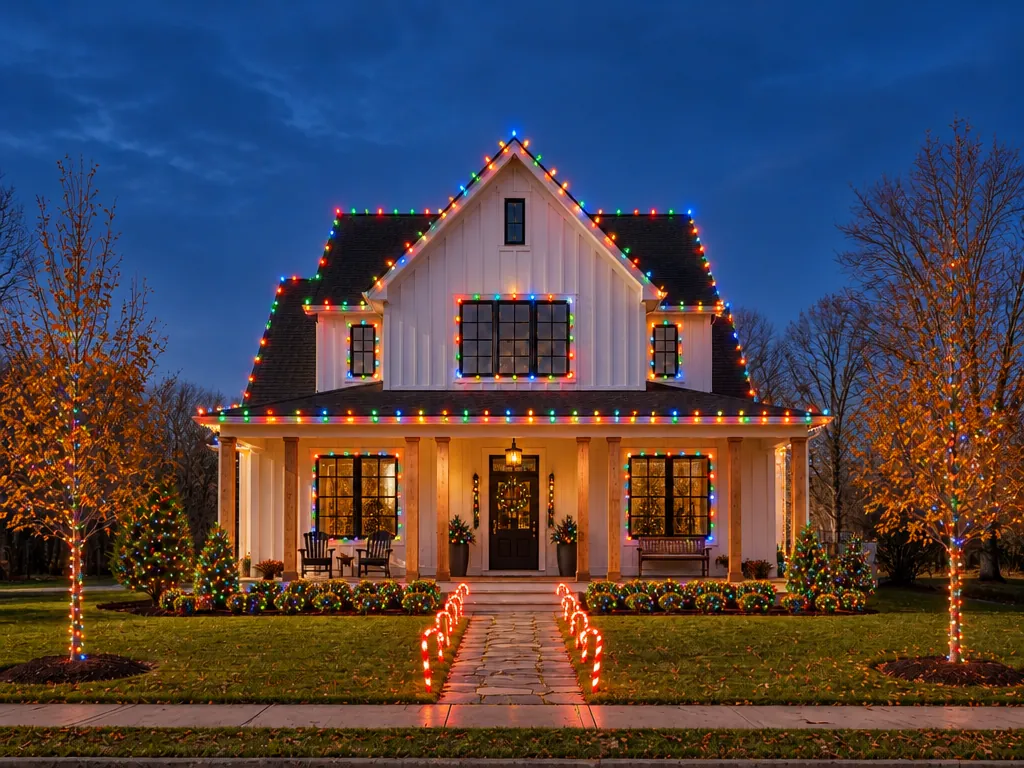
Retro color
Christmas House Lights
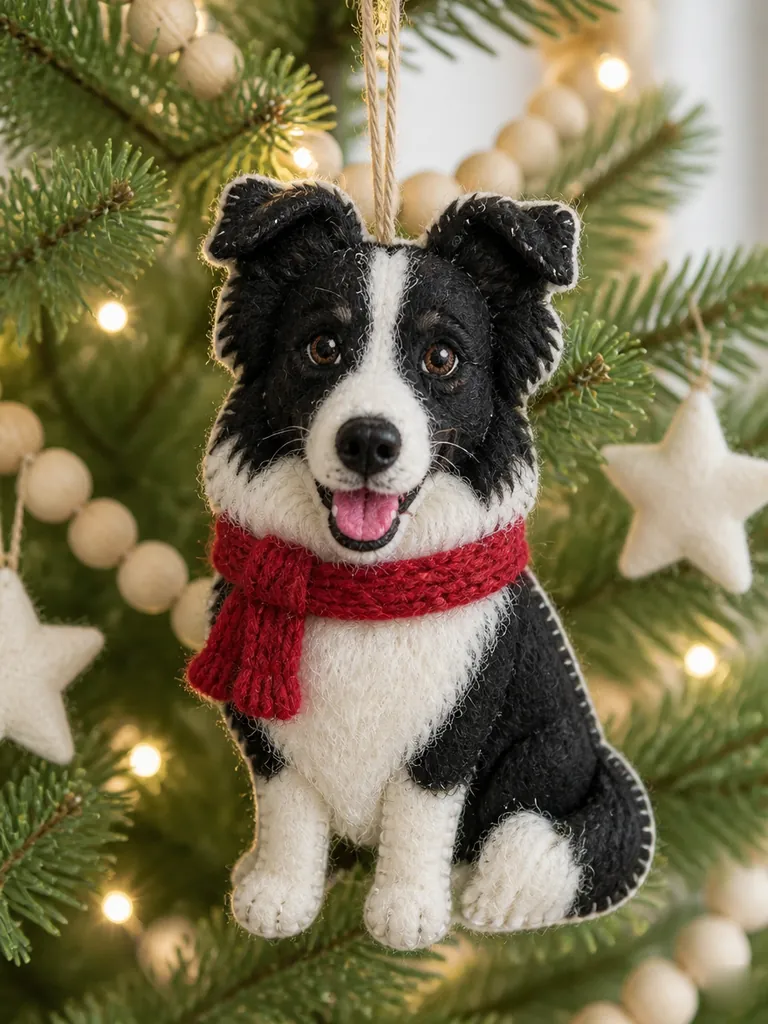
Felt doll
AI Christmas Ornament
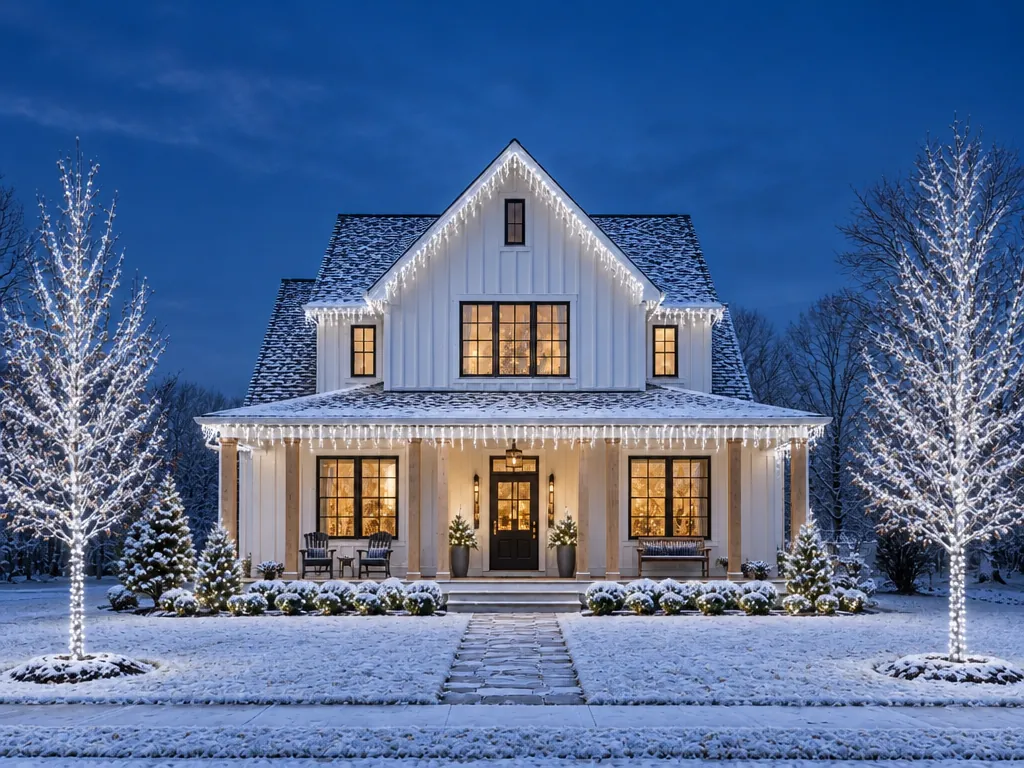
Icicles
Christmas House Lights
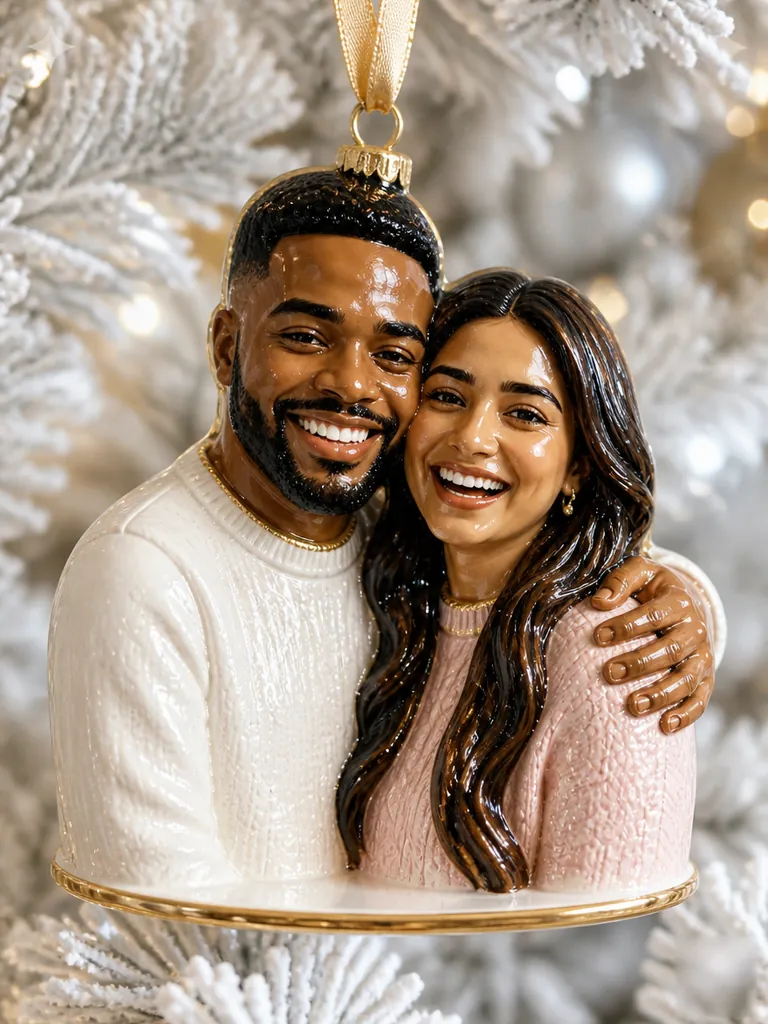
Porcelain
AI Christmas Ornament
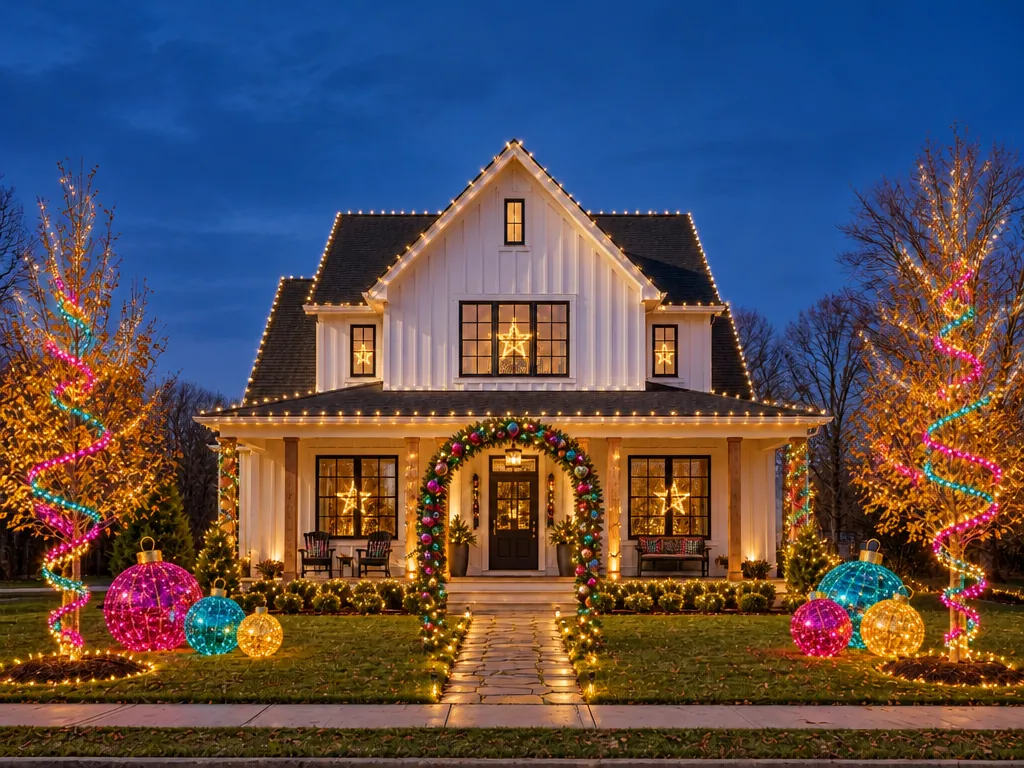
Whimsical
Christmas House Lights
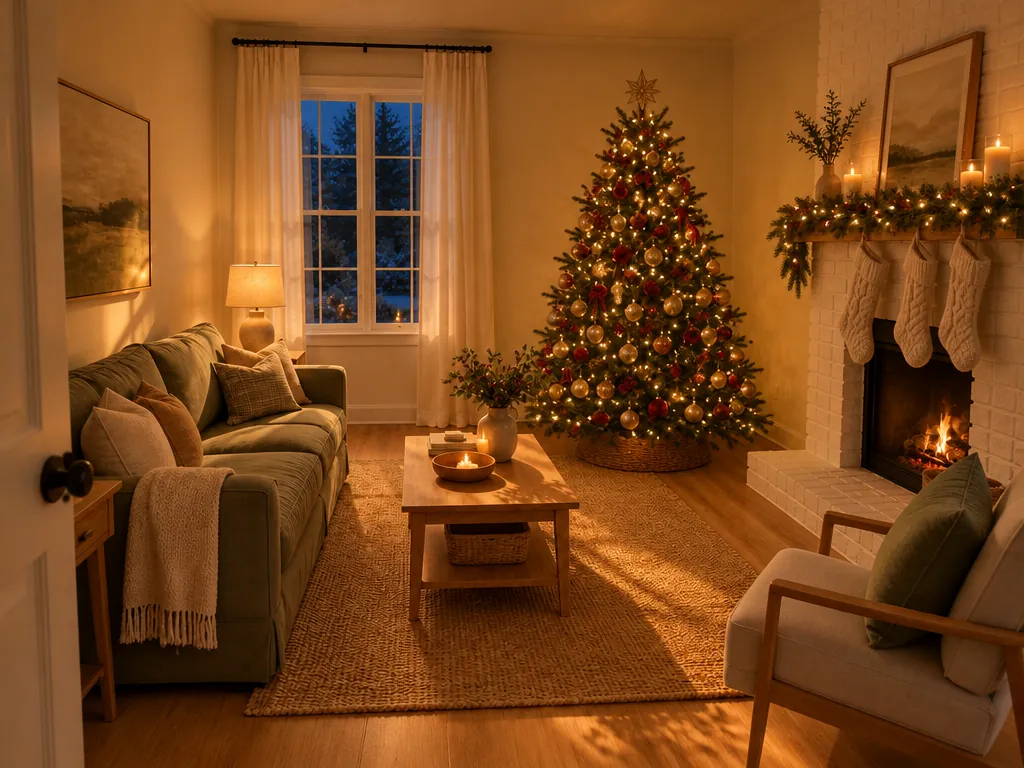
Cozy room
Christmas House Lights
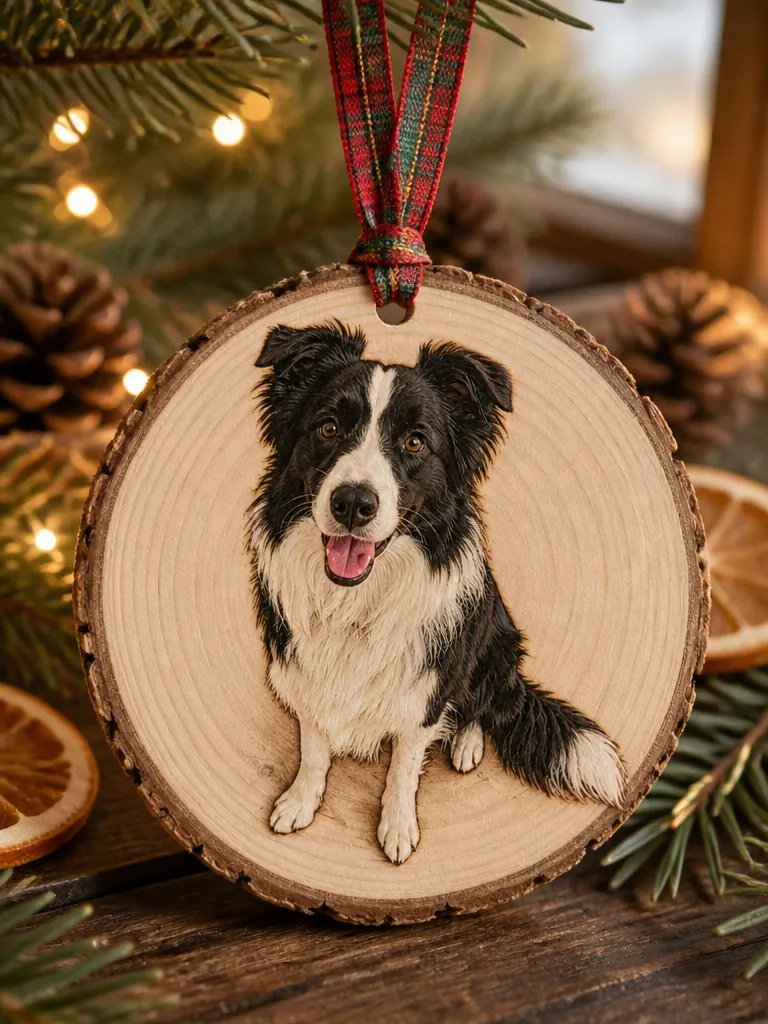
Wood slice
AI Christmas Ornament
Use it for
Four things people make most in December, each with the templates that do it.
Pick a card design for a family, couple or pet photo, or make the family portrait first. For prints, choose 4K before you generate.
Example: a matching-pajamas family photo on a red card for the grandparents.
A holiday portrait makes a December profile picture; video templates and Animate it give you a vertical clip for Reels and TikTok.
Example: a candy cane portrait as your profile picture, then animated with falling snow.
After the kids are in bed, photograph the empty living room or tonight's elf doll; in the morning there is a clip of Santa's visit or the elf on the move.
Example: Santa leaving a present by your own tree.
Turn the family or the dog into a tree ornament or a snow globe to print or send, and see your house lit up before you buy a single strand.
Example: the dog in a glass bauble, printed for grandma's card.
An AI Christmas filter decorates the photo you already have. A template redraws it as a new Christmas picture of the same people. A prompt in a chat app can do either, if you write it and keep rewriting it.
| What matters | Christmas AI template | Christmas filter | Your own prompt |
|---|---|---|---|
| What you give | One photo, then pick a look | A live camera or a photo | A photo and a long prompt |
| What changes | Outfit, scene and light | Overlays: hats, snow, frames | Whatever the prompt asks |
| Your face | Kept by design | Unchanged under the stickers | Drifts unless you insist |
| Video | Animate it: a 5-second clip | Live effects inside that app | A separate video tool |
| Privacy | Results always private | Up to the app | Up to the app |
| Where | Right here, from 3 credits | Social and camera apps | Our AI image generator |
Upload a clear photo of the people or pets you want in the picture; for the Santa and house templates, a photo of the place itself. Leave out anything that gives away your address or names.
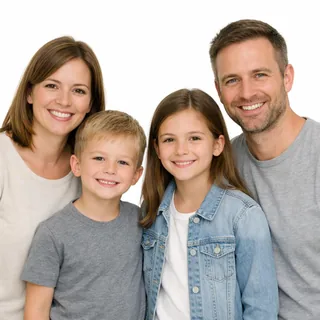
Every face, clearly
One sharp photo where every face is visible and turned toward the camera; a whole group shot beats a crop of a crop.
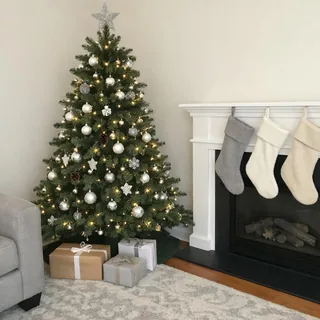
An empty room or porch for the Santa video
The visit video starts from the place on its own: the tree, the fireplace or the front door, with nobody in the frame.
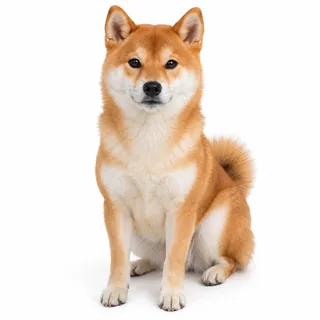
Pets, whole and facing you
A cat or dog seen from head to paws works in the pet, ornament and snow globe templates.
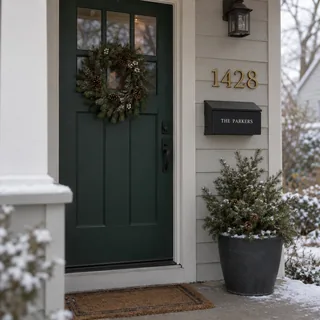
House numbers and names
Crop out house numbers, street signs, mailbox names, name stockings and school logos before you upload a room or porch.
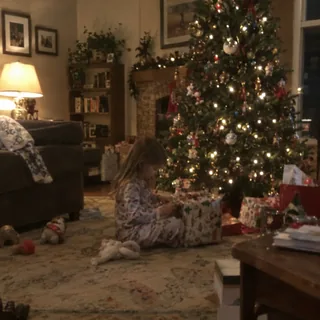
Kids in the Santa video photo
Take the kids out of the room you shoot for Santa's visit; their photos belong in the portrait, family or card templates, where they keep their real age.

Hidden or tiny faces
Sunglasses, a hand or a phone over the face, or faces too small to read, leave the template guessing.
Santa and elf videos are made as a family keepsake, not as evidence. If you post a realistic one publicly, turn on the platform's AI label.
You can start free: new accounts get 10 credits at sign-up, enough for 3 photos at the default size. After that a photo costs 3–7 credits and a video 50–480, depending on size and length; the default 6-second video is 72. The Generate button shows the exact price before you run.
Pick a template on this page, upload one photo, choose a look and click Generate. It all runs in the browser, so there is no app to install and no prompt to write. Download the result and post it to Facebook, Instagram or TikTok like any other photo, or animate it first for a Reel.
That is what the templates are built for: they keep faces, ages, skin tones and hair and change the outfit, scene and light. A sharp, front-facing photo works best; if a face drifts, run it again or try a clearer photo.
Not for families: AI Christmas Family Photo needs one group shot with every face visible. Couples can: Christmas Couple Photo turns two solo selfies into one Christmas picture of you both.
Yes, in two ways. Add Santa to Photo puts him into a photo of your tree, fireplace, porch or family, and Santa Caught on Camera AI turns a photo of your empty room, porch or doorbell camera view into a 6-second video of his visit.
No. Santa doesn't talk or call in these videos, and each card design carries its own fixed greeting, so there is no box for names or messages.
Many families treat it like the cookie crumbs left on Santa's plate: part of the Christmas game, not proof. The videos are clearly magical, with no timestamps, camera overlays or logos, and they stay private unless you share them. If you share one beyond the family, add the platform's AI label.
Yes. Results from every Christmas template stay in your personal creation history and never go to the public gallery, on free accounts too. Nobody sees them unless you download and share them.
No. Each template carries its own instructions for the outfit, scene, light and what must stay the same, so you only pick a look. If you'd rather describe a picture yourself, the AI Image Generator takes your own prompt.
Yes. For prints, choose 4K before you click Generate, then print the download at home or at a photo shop. For a ready design, Christmas Card puts your photo on a finished Christmas card.
No. Every template uses original looks, with no characters from films, shows, books or ads. For a film-like feel, try the Night train look or a vintage decade.
Photos usually take under a minute and videos a few minutes.
Other topics stay open all year, and the generators take your own prompt when no template fits.
Christmas AI
Upload a selfie, pick a look and click Generate. When you like it, animate it or turn it into a card.