
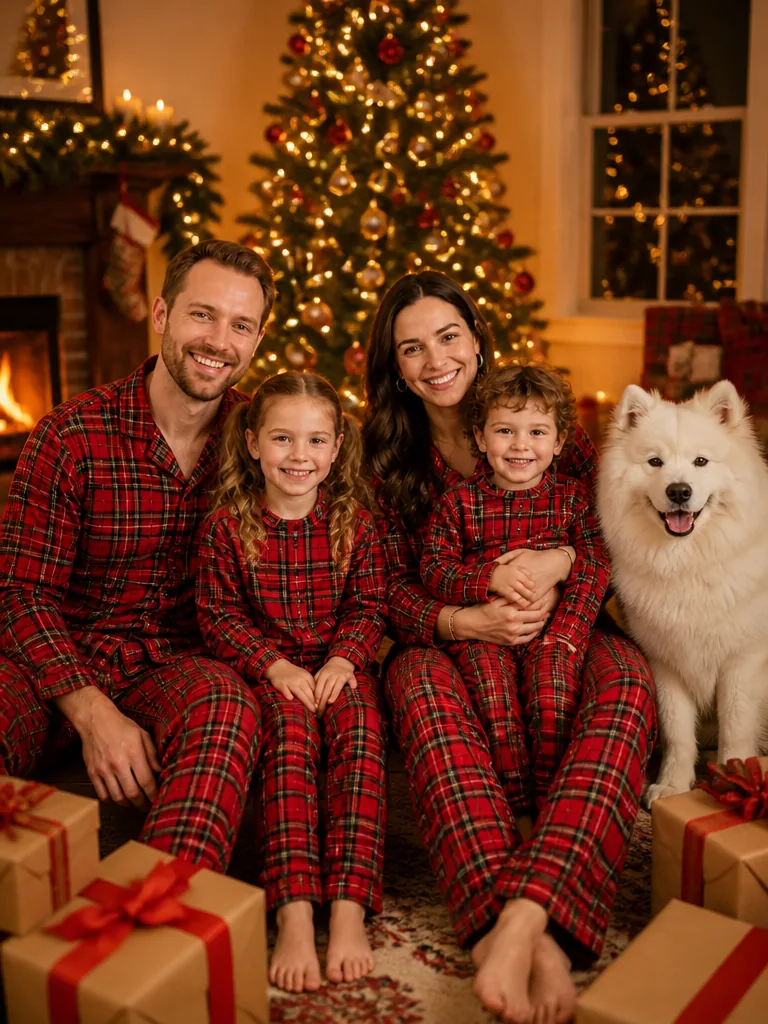
80s Christmas AI Trend

Turn a modern photo into a Christmas picture that looks really shot in the 1980s, laser-backdrop studio and all, or in any era from the 1890s to the 2000s.

  • One click · no prompt
  • Same faces, period clothes and hair
  • Film grain, flash and print look
Example: a modern family photo remade as a Christmas photo from the selected era
Photo in
Example · 50s Slides
Choose an effect

PNG / JPG / WebP · up to 10 MB · at least 512px on the short side

0/1 photos

Clear faces toward the camera; upload the original, not a filtered copy.

Photo settings

No prompt needed. Only upload photos of yourself or people who agreed to be featured; celebrity photos and film stills aren't allowed.

What is the 80s Christmas AI trend?

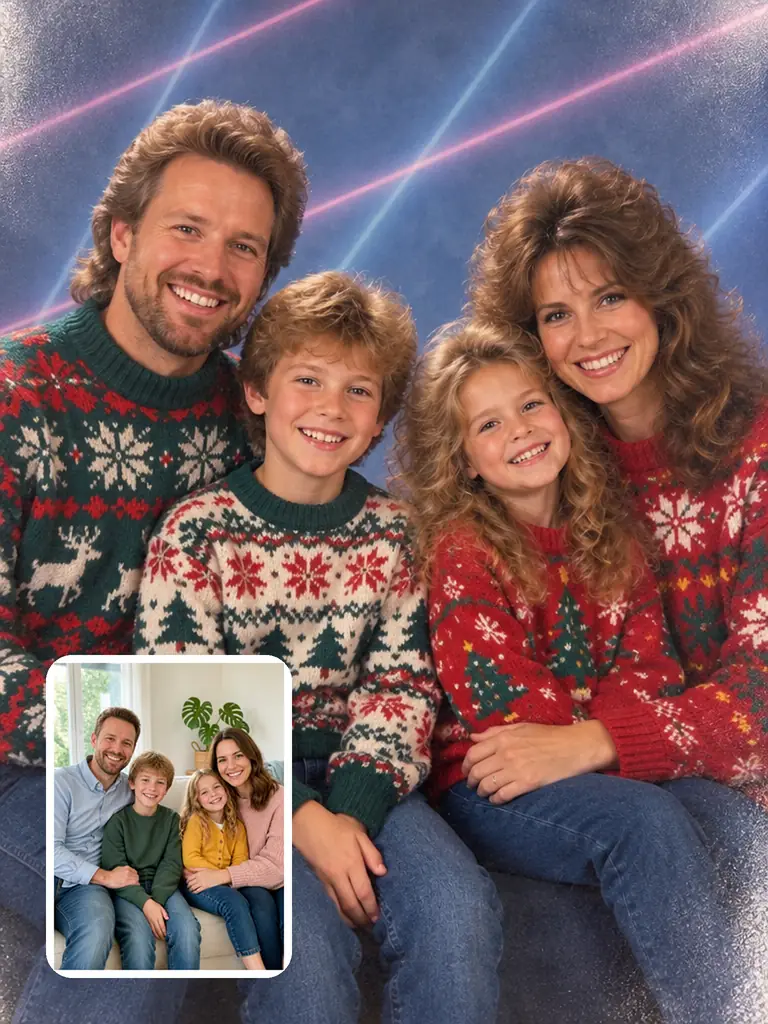
The 80s Christmas AI trend turns a photo taken today into a Christmas picture that looks pulled from a 1980s family album: the same faces under feathered hair and loud holiday sweaters, posed before a laser-streaked studio backdrop or caught by flash beside the tree. This vintage Christmas AI photo generator makes that look from a single photo, and can send the same people to other decades too.

Small inset: the original family photo on a cream sofa. Main image: the same family as a 1980s Christmas studio portrait in front of a blue laser backdrop

A rebuilt decade, not a sepia filter

An old-photo filter tints the picture you already have. Here the scene is remade for the era you pick: everyone keeps their face, age, pose and place in the frame, while their clothes and hair, the room and every modern object change to what that year had, and the photo takes on the camera of its time, from soft studio focus to hard flash and grain.
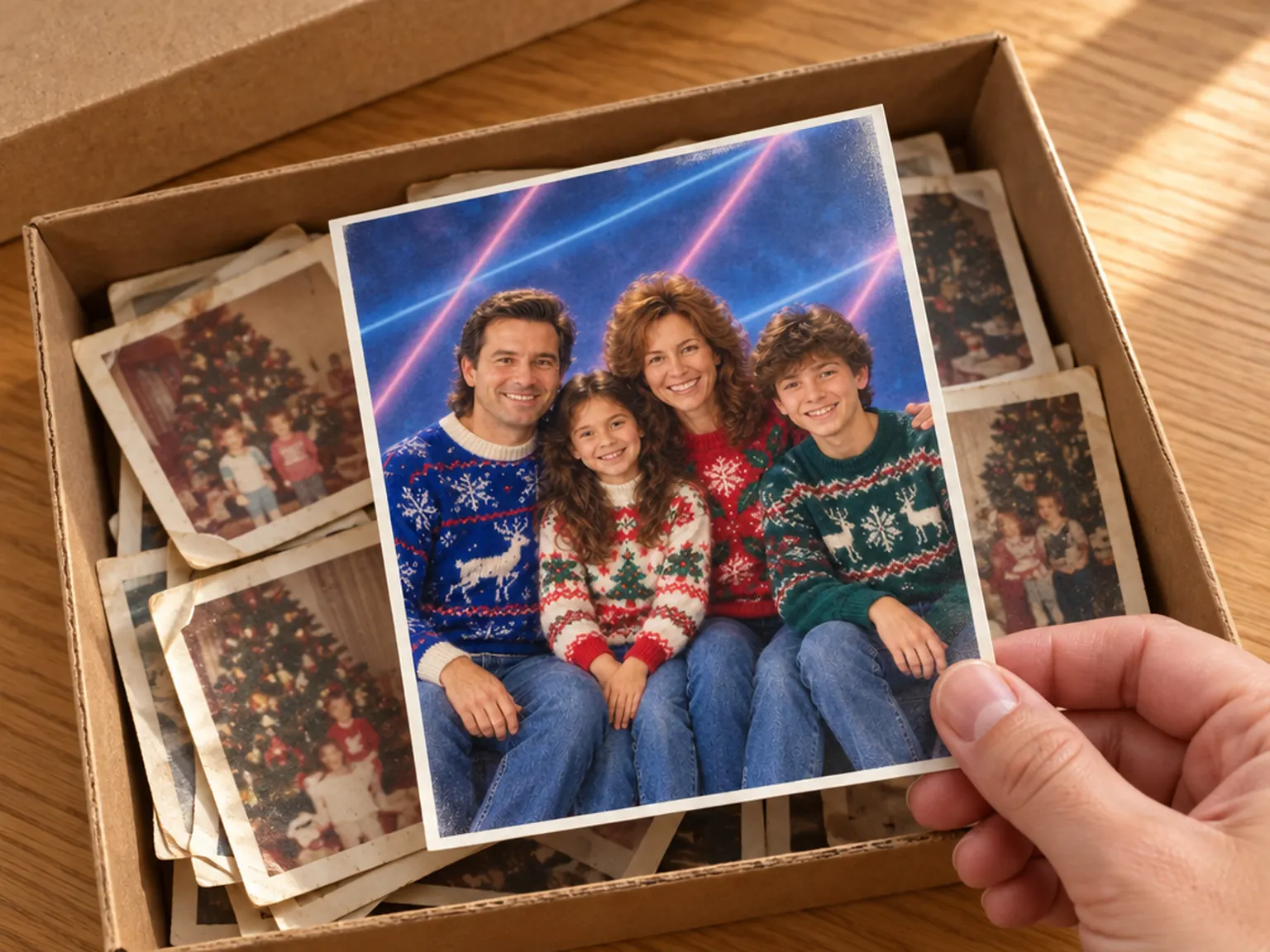
A glossy print of the family's 80s Christmas studio portrait lying on a shoebox full of older family snapshots

Where the 80s Christmas photo trend came from

In late December 2025, AI pictures of late-1970s and early-80s Christmas mornings, made to look like prints from a shoebox in the attic, were already going around. From late August 2026, 80s-style AI Christmas pictures started to appear. On September 8, 2026, GPT Image 2.5 came out, and within days 1980s portraits of real people filled social feeds, led by the laser-backdrop school photo and the mall-studio portrait. By mid-October, people were searching for the 80s Christmas AI trend by name. This template runs on GPT Image 2.5 Flare.

Vintage Christmas photos, decade by decade

7 looks from the 1890s to the 2000s, oldest first. Each card names what dates a photo to its era: the camera and print, the room and tree, and the clothes and hair.

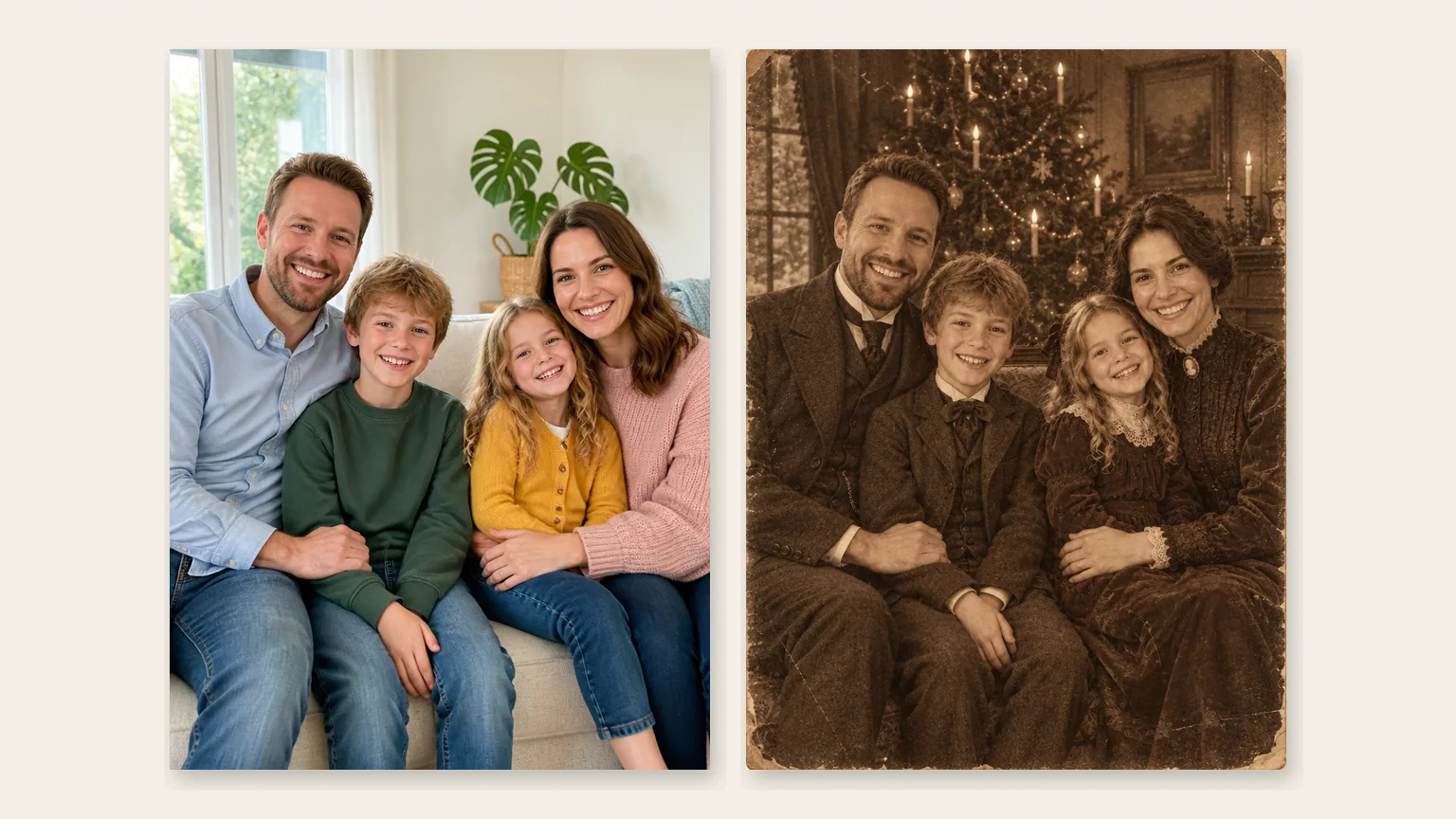
Left: the modern family photo. Right: the same family as a sepia Victorian Christmas portrait in a candlelit parlor

1890s

Victorian parlor portrait

Sepia on aged paper. An evergreen parlor with candles burning on the tree, high collars, long dresses and waistcoats, and a formal pose that still lets a little warmth through.

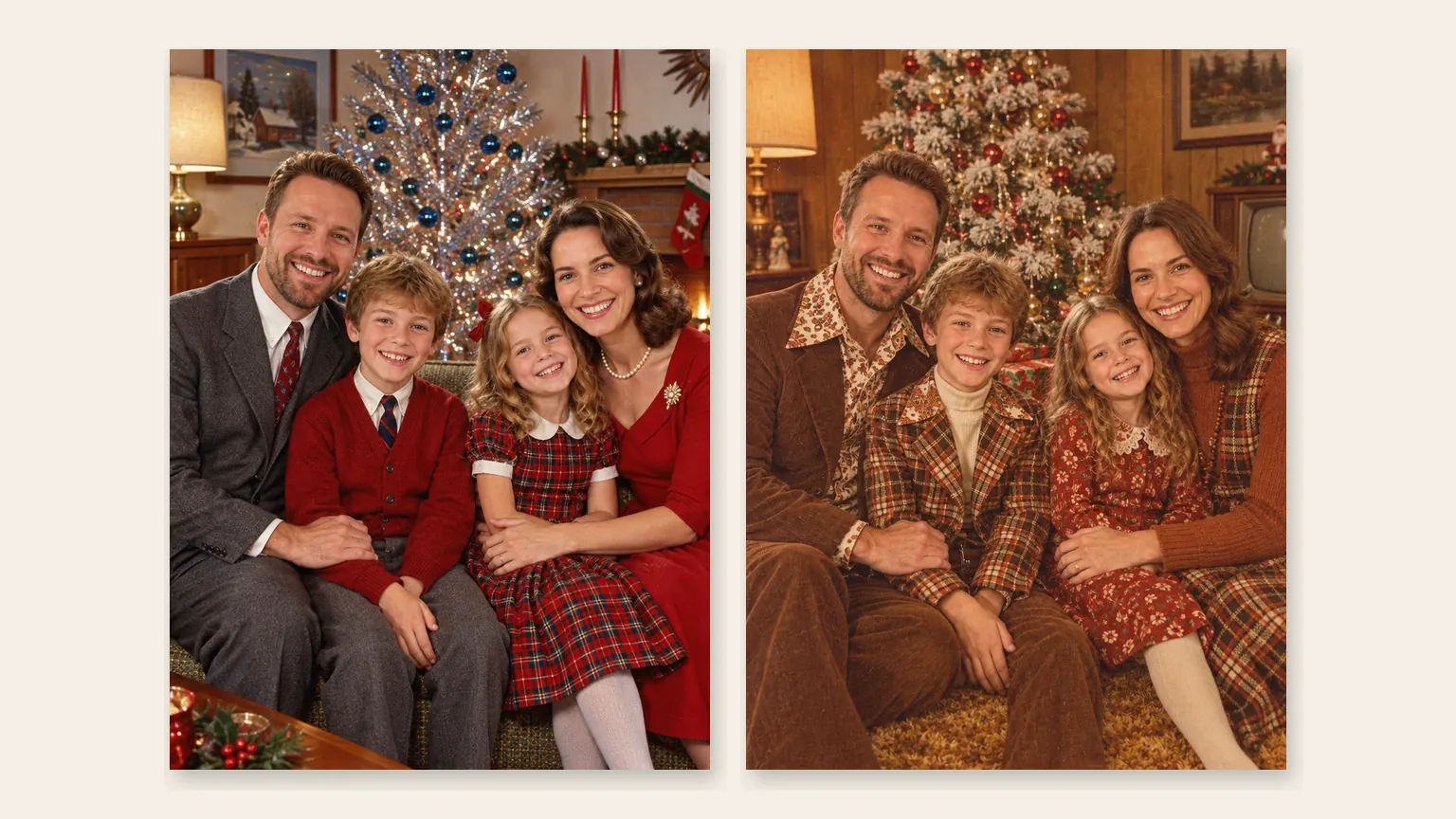
Left: the family on 1950s color slide film beside an aluminum Christmas tree. Right: the family in a 1970s wood-paneled room with a flocked tree

1950s · 1970s

Slide film, then faded amber prints

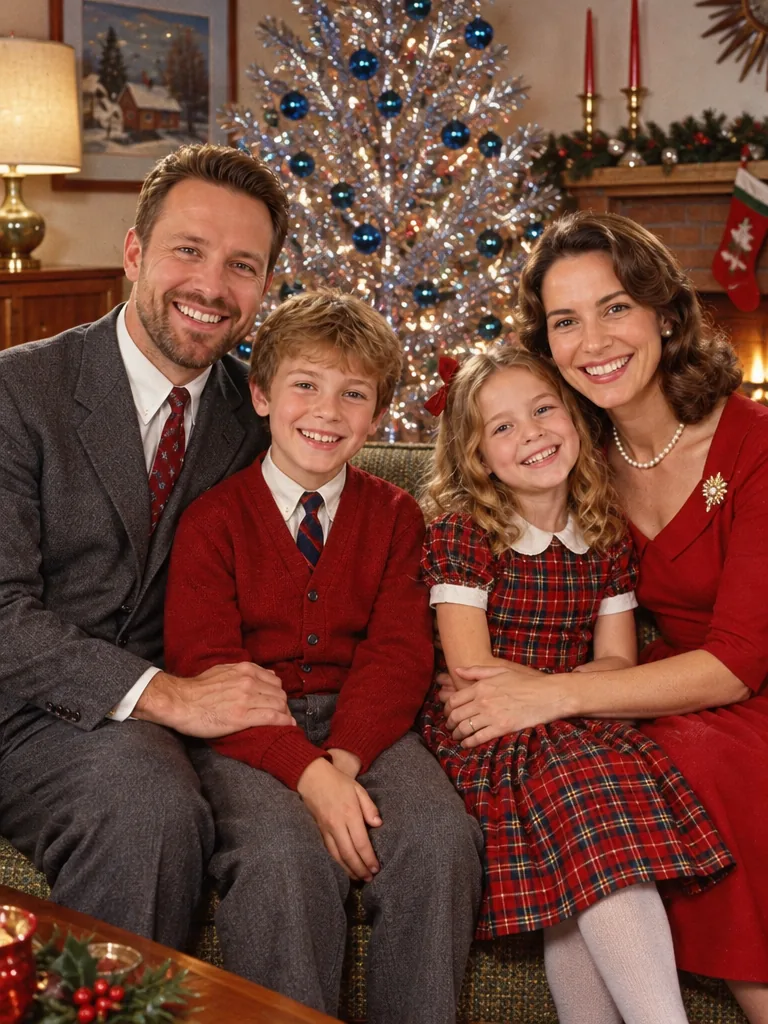
1950s slide film is crisp and saturated: bright reds and greens, a shiny aluminum tree dressed in blue baubles, neat dresses, cardigans and ties. By the 1970s the print turns warm amber, with wood paneling, shag carpet, a flocked tree, plaid and wide collars.

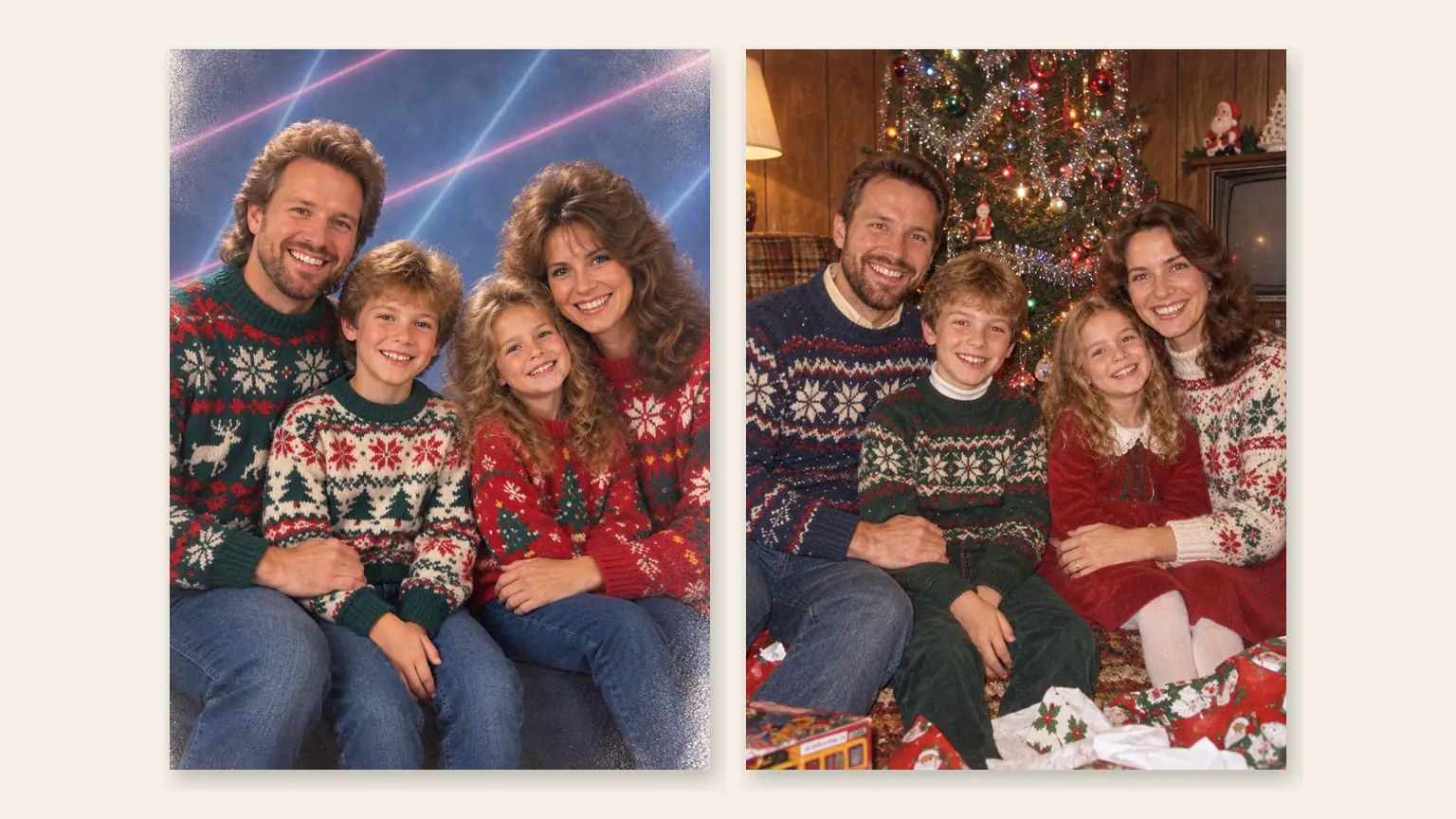
Left: the family as an 80s studio portrait with a blue laser backdrop. Right: the family on an 80s Christmas morning in a flash-lit living room full of wrapping paper

1980s

Laser-backdrop studio or Christmas-morning flash

The trend's signature shot: a blue studio backdrop crossed by laser beams, soft-focus glamour light, feathered hair and bold Christmas sweaters, everyone shoulder to shoulder. Or the same year at home: a point-and-shoot flash catches the family by a tree heavy with tinsel, ripped gift wrap everywhere, a hint of red-eye and warm, grainy color.

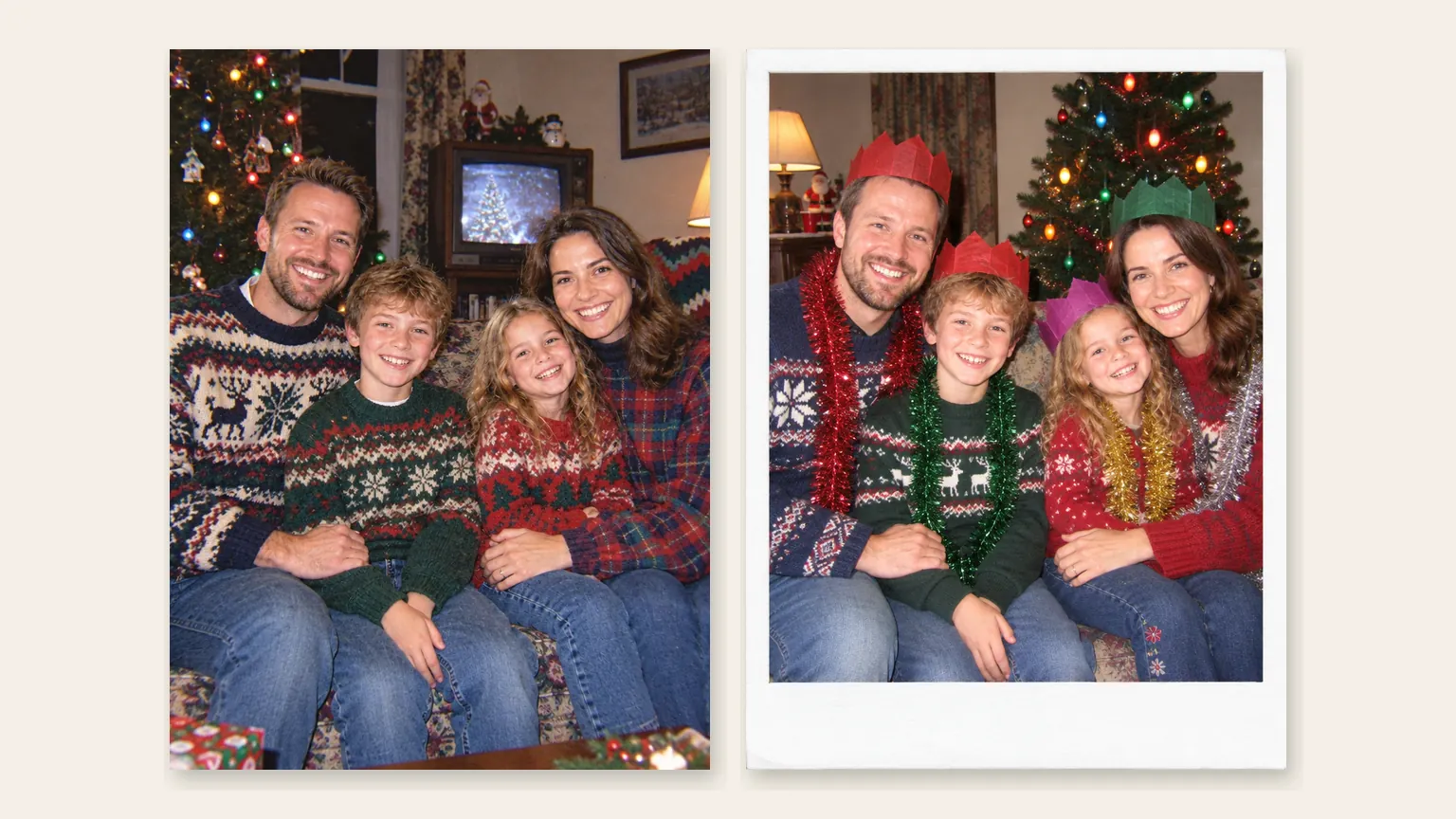
Left: the family in a late-90s disposable-camera flash snapshot. Right: the family as a white-bordered mid-2000s instant print at a Christmas party

1990s · 2000s

Disposable-camera flash and instant prints

Late-90s disposable camera: hard flash, a slightly crooked frame, oversized sweaters and flannel, a boxy TV and colored bulbs on the tree. Mid-2000s: a white-bordered instant print with direct flash, bright faces, paper party hats, tinsel and big colored lights.

How do you do the 80s Christmas AI trend?

The era you pick sets the clothes, room, camera and print; your part is one good photo. Here is what it should show and what to leave out.

  1. Example photo: a family of four in modern clothes laughing on a cream sofa

    UploadYour photo

    This one picture becomes the photo from the era you pick, whether it's a selfie, a couple or the whole family on the sofa.

    • Every face in view and turned toward the camera
    • Kids are welcome: they keep their real age and get no makeup

What to upload

Works well

  • A smiling woman with curly hair in a mustard sweater facing the cameraClear faces looking at the camera
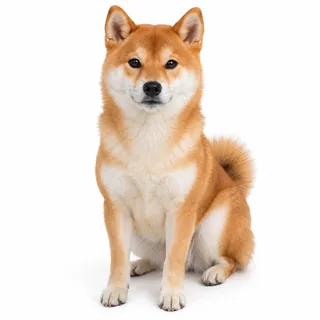
  • A Shiba Inu sitting and facing the cameraThe family dog or cat can stay in the photo

Leave out

  • A man in sunglasses and a low cap with a hand over his mouthSunglasses, caps or hands over faces
  • A selfie with cartoon cat ears, huge eyes and stickersA copy that already has a filter, sepia or frame
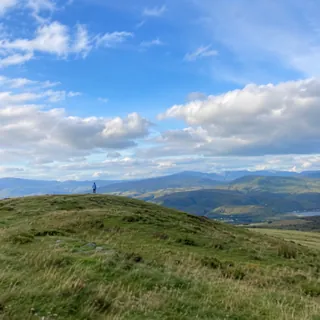
  • A person as a tiny figure on a distant hilltopFaces too small to read, or under 512 px on the short side

From upload to old print

  1. Upload and pick an era

    Add your photo, then tap an era. 80s Studio, the laser-backdrop portrait, is selected first.

  2. Generate

    The button shows the exact credit price before it runs, and the finished photo takes the place of the example.

  3. Download or animate it

    Save it for the family chat or a print, or tap Animate it to hand it to the Animate Christmas Photo template for falling snow or twinkling lights.

Specs

Specs
Upload
1 photo · PNG / JPG / WebP · up to 10 MB · 512 px+ on the short side
Result
1 photo per run · 1K / 2K / 4K
Original photo ratio (default)
Keeps your photo's own shape
3:4 ratio
Holiday cards and 6×8 in prints
1:1 ratio
Profile picture · square posts
Credits
3 at 1K · 4 at 2K · 5 at 4K
Eras
7 looks, 1890s to 2000s
Prompt
None: pick a look and generate
Visibility
Always private

80s and vintage Christmas photo FAQ

Is the vintage Christmas AI photo generator free?+

No, each photo uses credits: 3 at 1K, 4 at 2K and 5 at 4K. New accounts get 10 credits when they sign up, and the Generate button shows the exact price before anything runs.

Will my family still look like themselves?+

That's the aim: only clothes, hair, room and print should change, and children stay their real age with a natural face and no makeup. In big groups, or when faces are small and soft, someone can drift; a closer, sharper photo helps, and you can generate again.

Will it look like a real old photo or a costume party?+

A real snapshot from that year is the target. Phones, LED string lights, flat-screen TVs and other modern things are swapped for period ones, and the camera's flash, grain and color are part of the picture, so it skips the neon glow and fake VHS lines that make many 80s edits look staged.

How do I get the 90s disposable camera Christmas look?+

Choose 90s Snapshot. It gives the photo a hard on-camera flash, a slightly crooked frame and punchy film color, and sets the room in the late 1990s with a boxy TV and colored bulbs. For a white-bordered party print, pick 2000s Flash instead.

Can I choose the 1960s, an exact year or my own prompt?+

No. The 7 looks are fixed and there is no prompt or text box; each one is tuned to a single camera and print of its time. For a 60s feel, the 1950s slides and the 1970s den come closest.

Can I turn it into an 80s Christmas card?+

Yes. Choose the 3:4 ratio for a portrait photo card, or upload the result to the Christmas Card template, which sets a photo into a printed card design with a fixed greeting. This template makes the photo; the card designs live there.

Can I make the vintage photo move?+

Yes. Tap Animate it under the result and the photo opens in the Animate Christmas Photo template, which turns it into a 5-second clip with falling snow, twinkling lights or a sleigh flying past, for 60 credits at its default settings.

Should I say it's AI when I post the photo?+

Yes, when you post it publicly. Because the photo looks like a real old print, some platforms require a label on realistic AI images. Treat it as a family keepsake, not a record of the past.

Make your family's 80s Christmas photo

Upload one photo, pick the laser-backdrop studio or another era, then print it, post it or make it move.