Add Santa to Photo with AI

Upload a photo of your living room, tree, porch or family and Santa appears in it, leaving gifts, sneaking a cookie or posing beside you.

  • One click · no prompt
  • Matched to your room's light and angle
  • 8 scenes, indoors and out
Example: a home photo before and after Santa is added
Photo in
Example · By the tree
Choose an effect

PNG / JPG / WebP · up to 10 MB · at least 512px on the short side

0/1 photos

Empty room by the tree, lights on; hide name stockings and family photos.

Photo settings

No prompt needed. Upload photos of your own home, and only people who agreed to be in them; celebrity photos and film stills aren't allowed.

What changes when you add Santa to a photo?

Adding Santa to a photo puts a realistic Santa Claus into a picture you already took and matches him to its light, shadows and perspective, so he looks photographed there. He is the only change: the room, the decorations and everyone in the photo stay as they were. Drag each slider to compare.

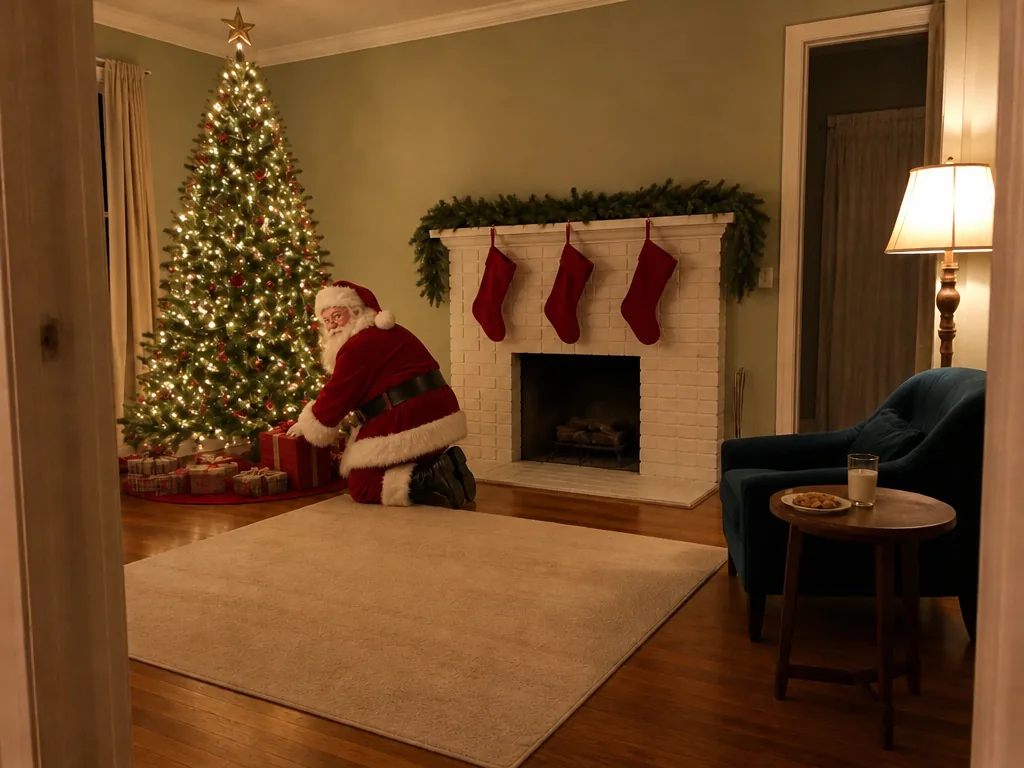
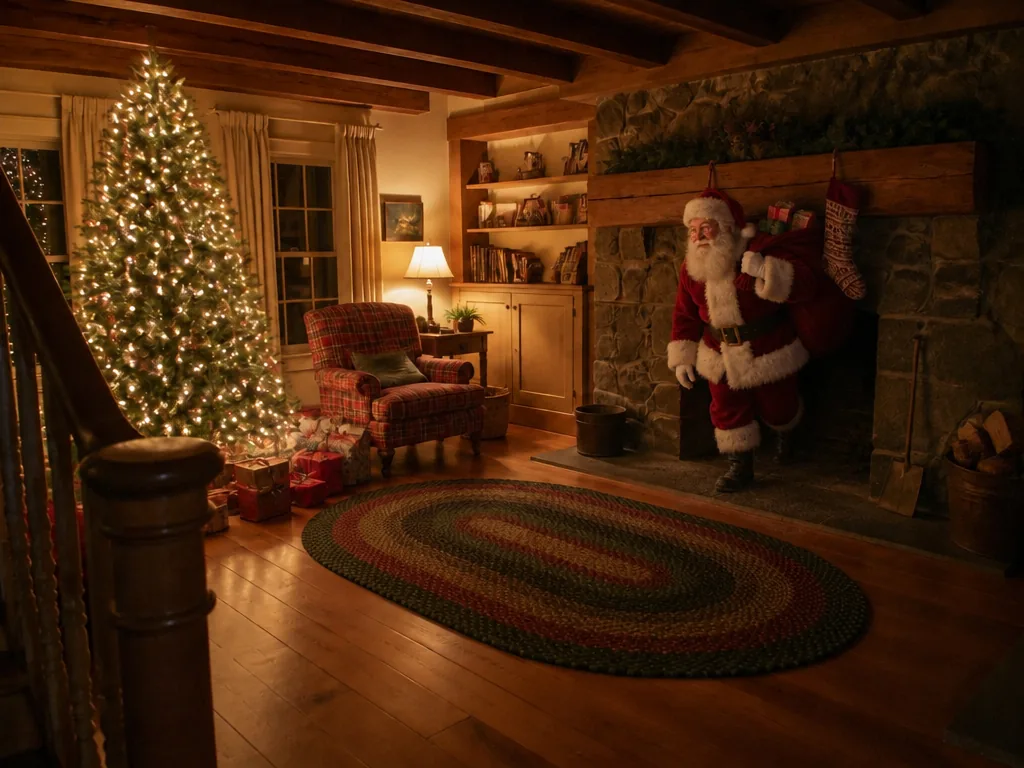
The same room with Santa at the fireplace, a sack of presents over his shoulder
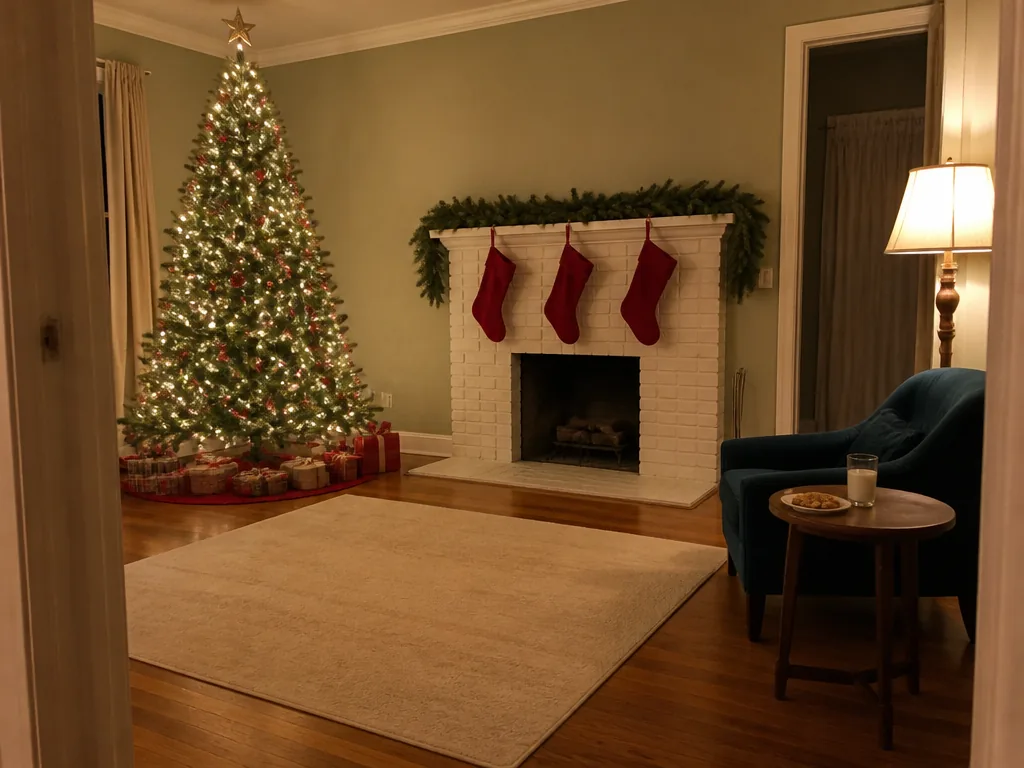
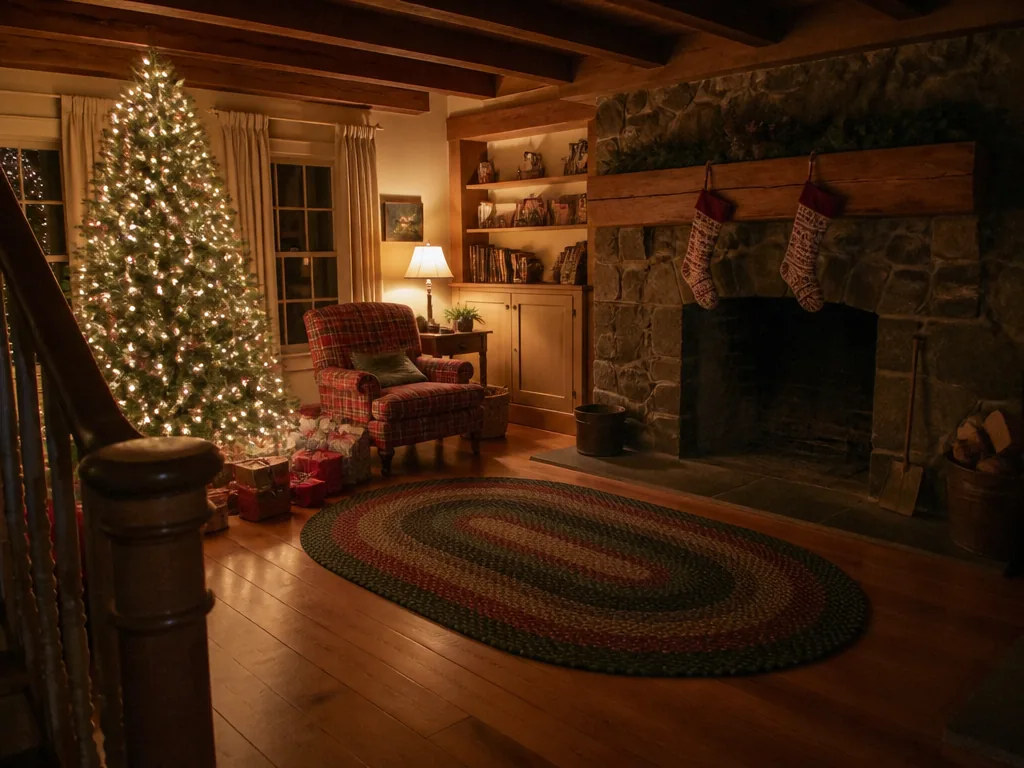
Empty farmhouse living room at night with a stone fireplace and a lit Christmas tree
Your photo
With Santa

Empty room · Fireplace

Catch Santa in your house from an empty-room photo

A photo of the quiet room is enough: Santa is placed at the scale and light of the scene, so the picture reads as your own house on Christmas Eve. By the tree, Cookie break, Photobomb, Fireplace and Night cam all start from this kind of photo; here he has just come down the chimney with his sack.

Want it as a video? See Santa Caught on Camera AI
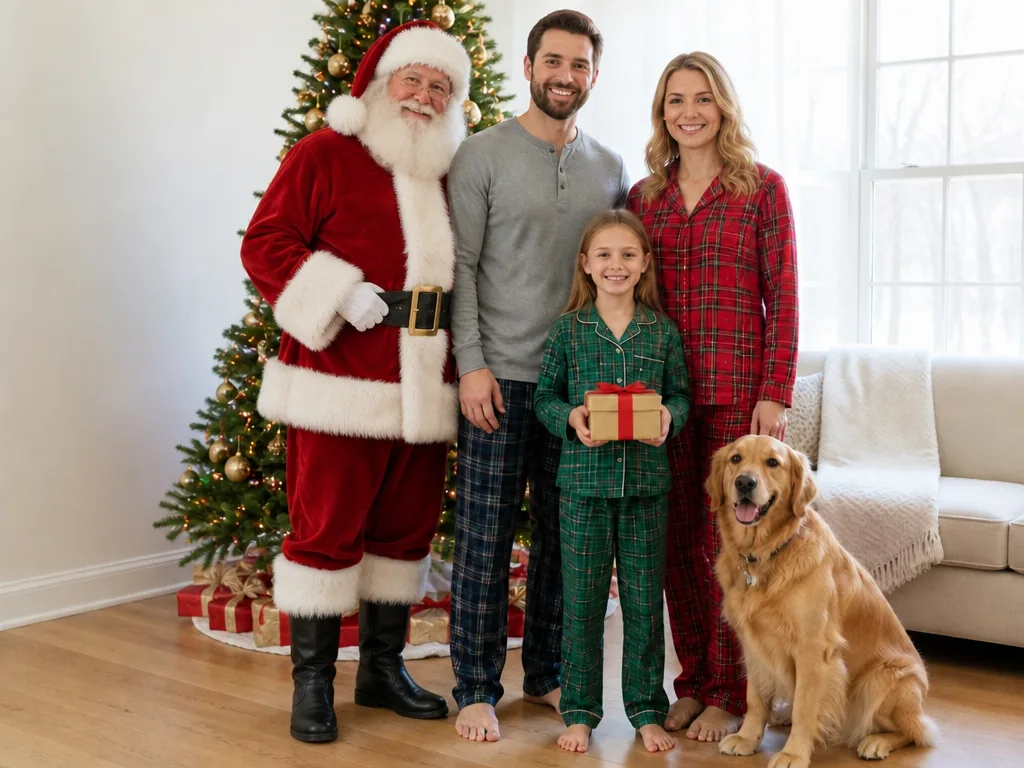
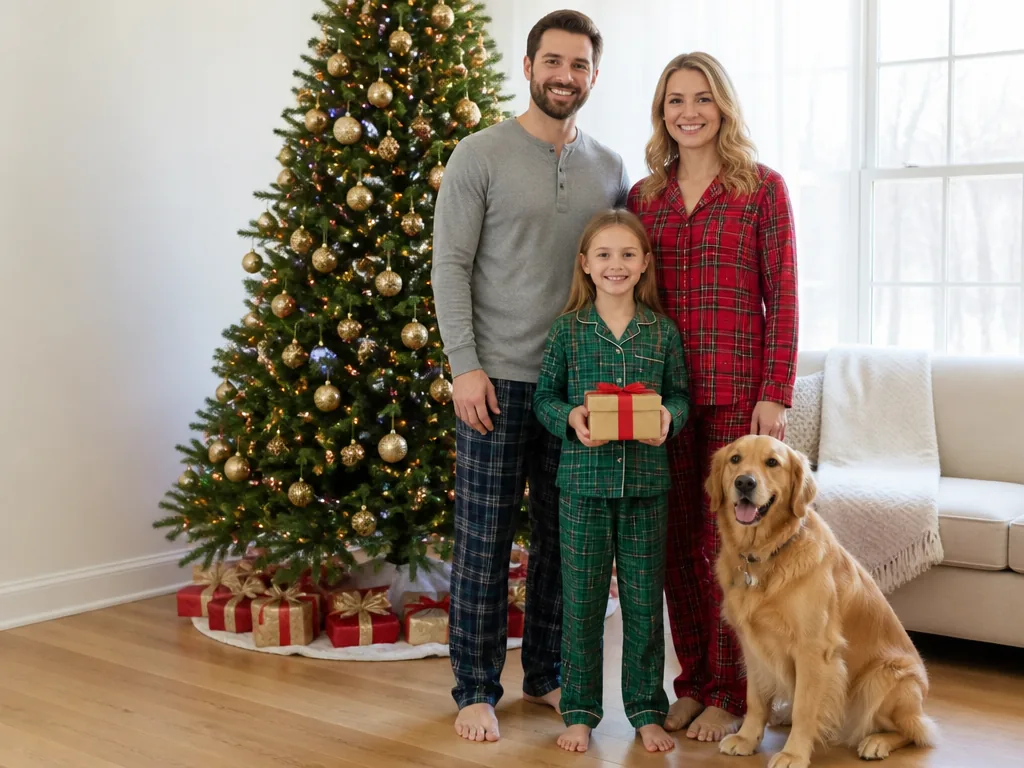
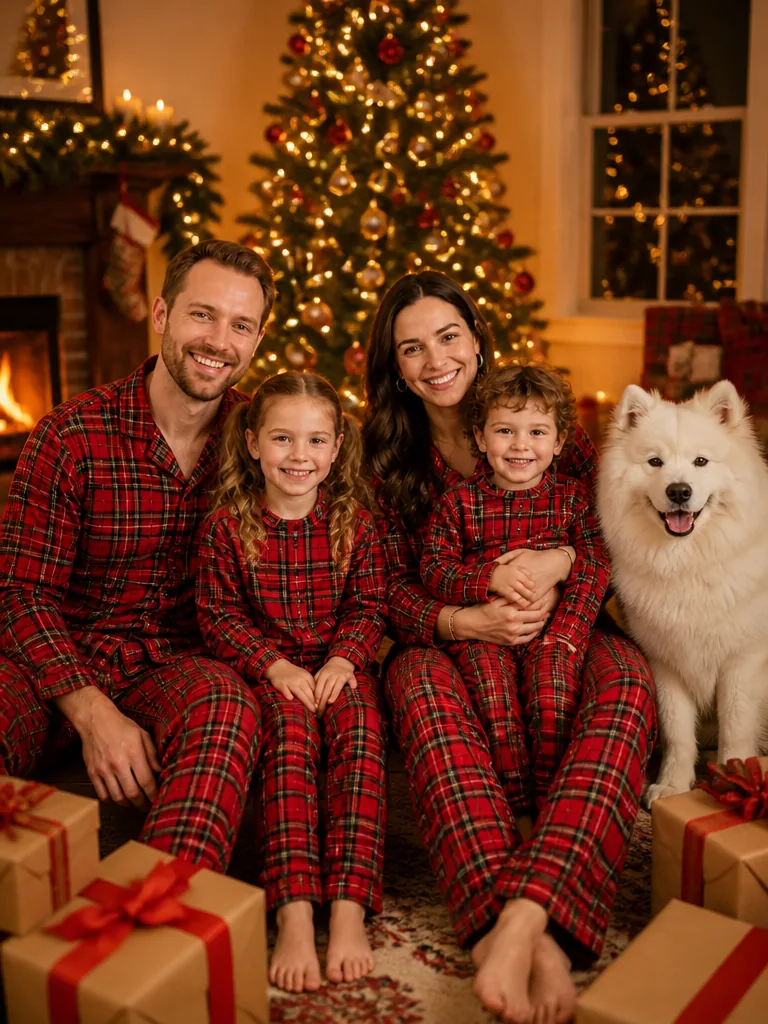
The same family photo with Santa standing beside the father
Family of three in pajamas with a golden retriever in front of their Christmas tree
Your photo
With Santa

Family photo · Photo with Santa

An AI picture with Santa from your family photo

Pick Photo with Santa and he joins the people in your picture as if posing with them, standing at their side with his hands on his belt. Faces, pajamas and even the dog stay as photographed, so it still looks like your Christmas morning.

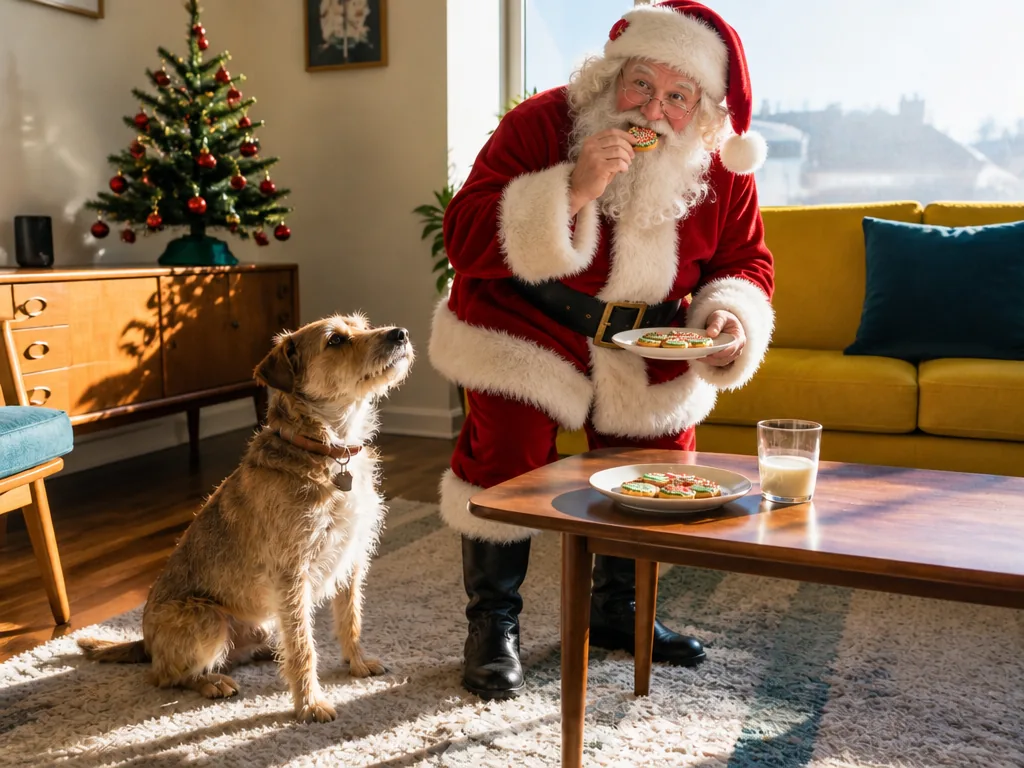
The same room with Santa eating a cookie while the terrier looks up at him
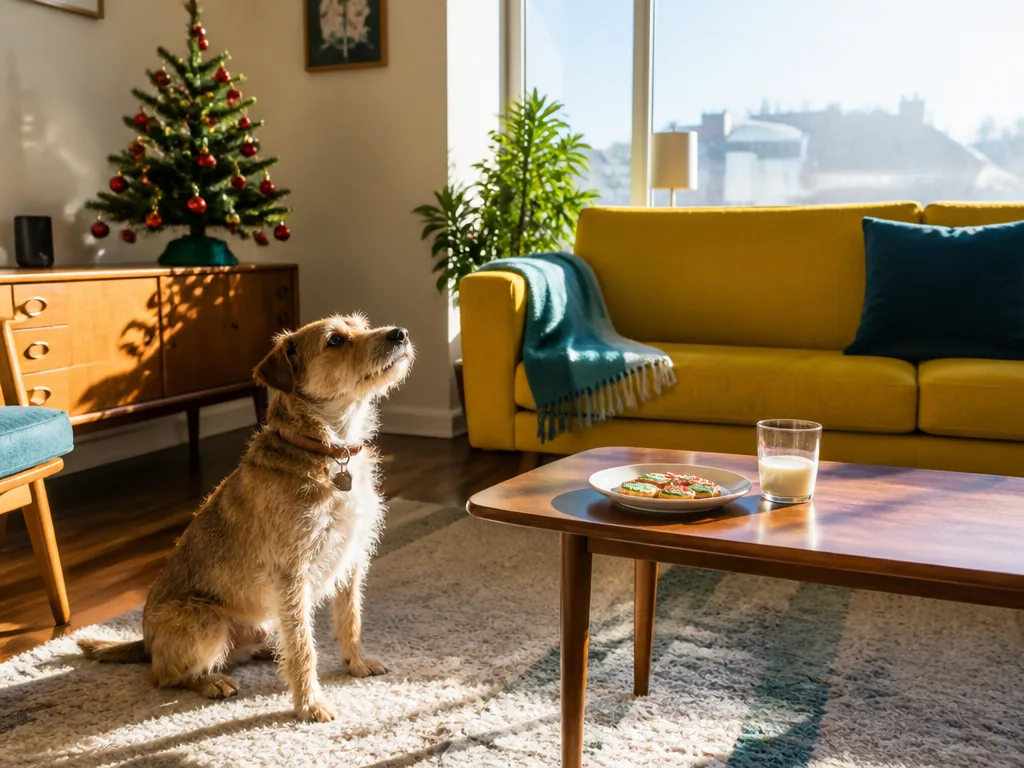
Terrier sitting by a coffee table with cookies and milk in a sunny living room
Your photo
With Santa

Pet photo · Cookie break

Santa with your dog or cat

Pets keep their fur, pose and expression, so a dog waiting by the cookie plate becomes the moment Santa got there first. Any scene works with a cat or dog in the frame.

What do families do with a Santa photo?

Most are made on Christmas Eve and shared the next morning. Four ways families use them.

Proof Santa came

Photograph the quiet room once the kids are asleep, add Santa, and have the picture ready on a phone or printed by the tree when they come down.

Try: By the tree, beside the presents that are really there in the morning

A photo with Santa, no mall line

No queue, no booking and no planning naps around a mall visit: Santa simply stands beside your family in your own living room.

Try: Photo with Santa, everyone still in pajamas

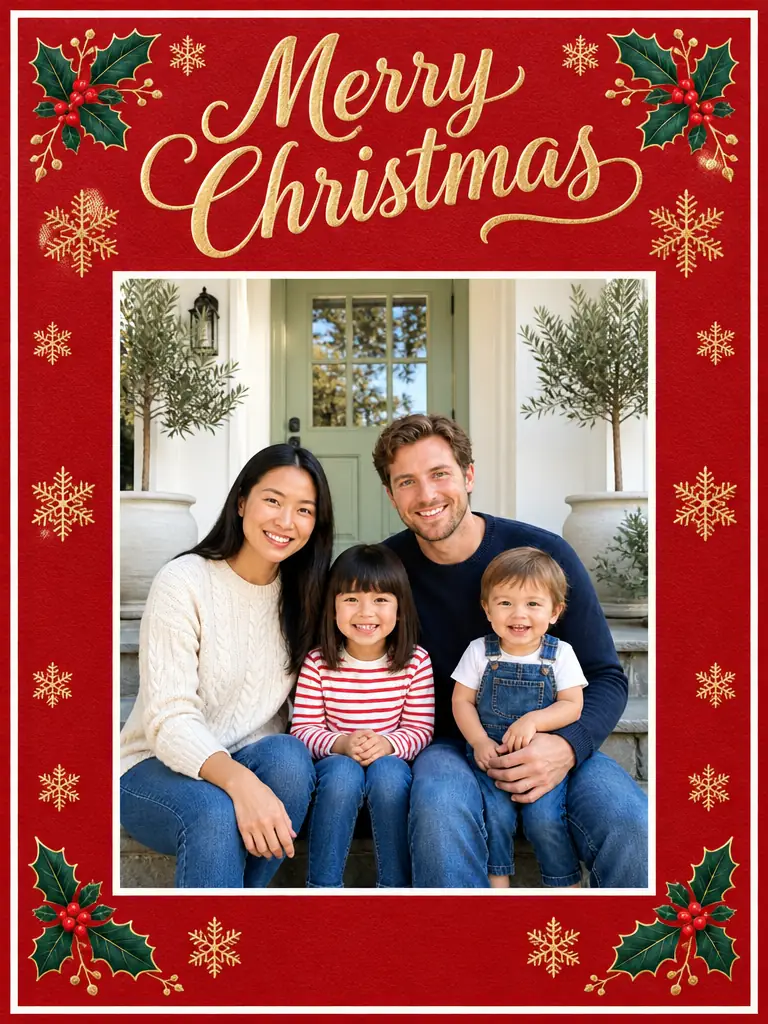
The picture on your Christmas card

Pick the highest resolution before you generate if it's going on a printed card, or upload the result to the Christmas Card template for a finished design around it.

Try: Doorstep, with Santa waving by your front door

A new Santa scene every year

Shoot the same corner each Christmas Eve and pick a different scene, and the photos become a series the kids look forward to.

Try: Cookie break one year, Fireplace the next

How do you put Santa in your picture?

One photo sets the scene and Santa is fitted to its floor, light and camera angle, so how you take the photo matters most.

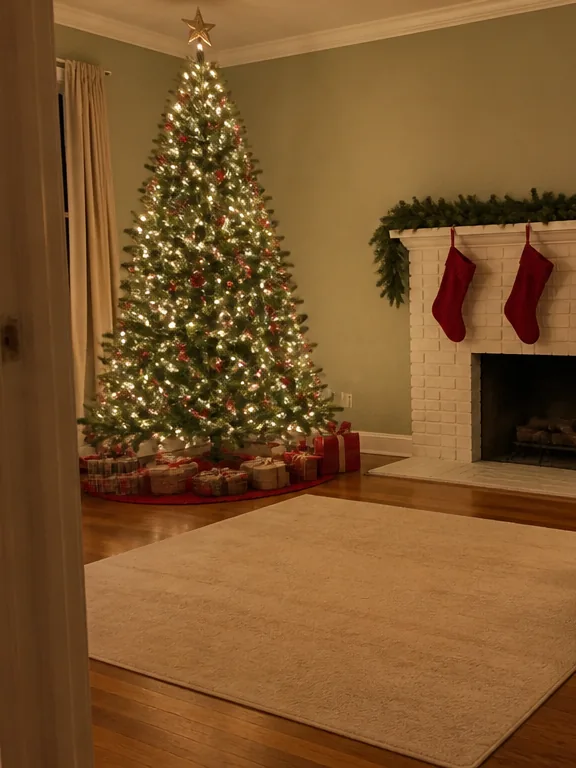
  1. Example photo: an empty living room with a lit Christmas tree and a fireplace

    PhotoYour photo

    Becomes the scene Santa is added to: a room, a porch or the house front, with or without people and pets in it.

    • Shoot from standing height with the lamps and tree lights on, and leave open floor where Santa could stand.
    • For Doorstep and On the roof, use a porch or house-front photo instead.

Photo checklist

Works well

  • Empty living room with a lit Christmas tree and a white brick fireplaceAn empty room with the tree, fireplace or table in view
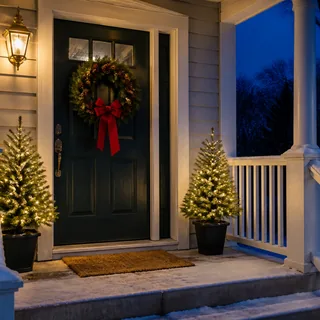
  • Front porch at dusk with a wreath on the door and a lit lanternA porch or house front shot at eye level
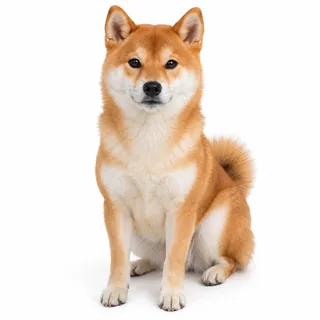
  • Shiba Inu sitting and facing the cameraFamily, kids and pets can stay in the picture

Leave out

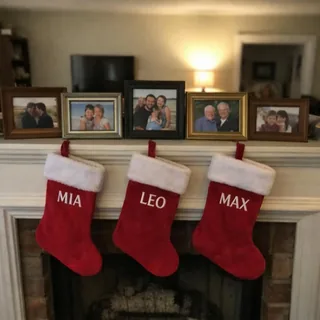
  • Mantel with framed family photos and stockings embroidered with namesName stockings, family photos and school things in view
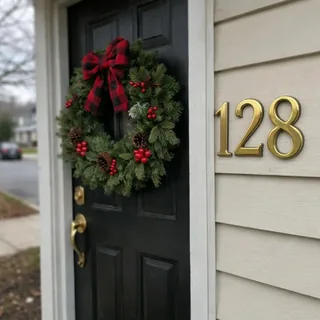
  • Front door with a wreath and large brass house numbers beside itA readable house number
  • Dark, blurry photo of a living room lit only by tree lightsDark, blurry or small photos (under 512 px on the short side)

From your photo to Santa

  1. Upload and pick a scene

    Add your photo and tap the scene you want Santa in.

  2. Generate

    The Generate button shows the exact credits before anything runs.

  3. Download or animate it

    Save the photo, or tap Animate it to make a short video from it, with Santa waving or snow falling.

Specs

Specs
Upload
1 photo · PNG / JPG / WebP · up to 10 MB · 512 px+ on the short side
Result
1 photo per run · 1K / 2K / 4K
Original photo ratio (default)
Keeps your photo's own shape
4:3 ratio
Room and house-front shots · digital photo frames
3:4 ratio
Phone shots of a corner or doorway · 6×8 in prints
Credits
3 at 1K · 4 at 2K · 5 at 4K
Scenes
8: 6 for room and family photos, 2 for a porch or house front
Prompt
None: pick a look and generate
Visibility
Always private

Questions about adding Santa to a photo

Is this Santa photo editor free?+

Each photo costs credits, and new accounts get 10 free credits at sign-up: a Santa photo is 3 credits at 1K, 4 at 2K or 5 at 4K. The Generate button shows the exact price before anything runs.

Can Santa hold my baby or have my child on his lap?+

No. In Photo with Santa he stands or sits beside the people in your picture with his hands on his belt or knees; he never holds, hugs or touches a child, and there are no lap photos. Children keep their real age and face.

Can I post the Santa photo online?+

Yes, as a family keepsake rather than proof of anything: when you post it publicly, label it as AI-generated, which social platforms ask for on realistic AI images.

Can Santa move or wave?+

Yes, in a video: tap Animate it on your result and the photo opens in the Animate Christmas Photo template, where a 5-second clip, such as Santa waving, costs 60 credits at the default settings. For a video of Santa arriving in an empty room, use the Santa Caught on Camera AI template instead.

Can I choose how Santa looks or use a Santa from a movie?+

No. Every scene uses the classic storybook Santa: full white beard, round glasses, red velvet suit with white fur, black belt and boots. Santas from films, ads and brands aren't offered, and there is no prompt box to restyle him. To dress up as Santa yourself, use the Make Me Santa template.

Can I add my child's name or a message?+

No. Results contain no text, and Santa doesn't hold signs or letters. For words on the picture, the Christmas Card template puts your photo on a card with a fixed greeting.

Why does Santa look pasted in?+

Usually because the photo leaves him no believable spot: a tight close-up, a very dark room or a floor full of furniture makes him too big, too small or lit wrongly. Retake the room wider with the lights on (see the photo checklist), or pick a scene that suits the frame, such as Photobomb for a doorway.

Put Santa in your own photo

Upload a room, porch or family photo and choose where Santa shows up.