AI Christmas Family Photo

Upload one photo of your family or friends and get a Christmas portrait of the same people and pets, in coordinated outfits and a holiday scene.

  • One click · no prompt
  • Every face and pet kept
  • Coordinated outfits for all
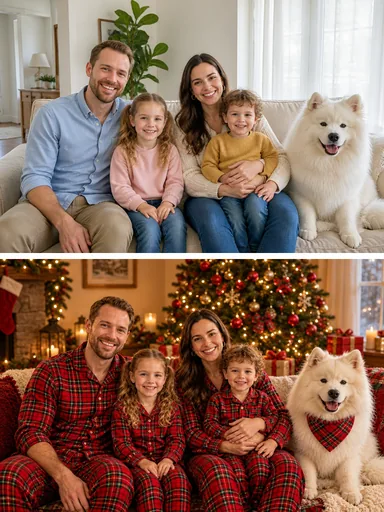
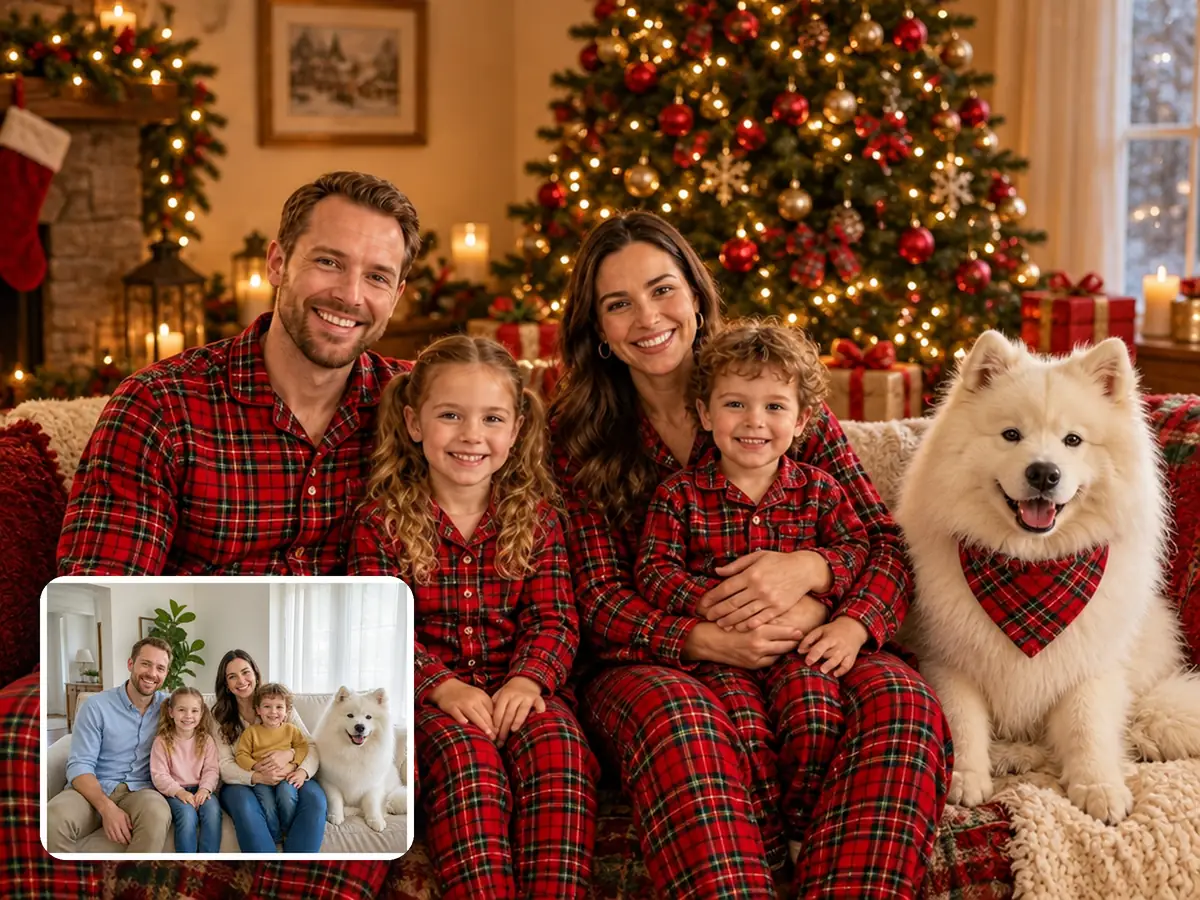
AI Christmas family photo example: the same family in their everyday photo and in the Christmas portrait
Photo in
Example · Pajamas
Choose an effect

PNG / JPG / WebP · up to 10 MB · at least 768px on the short side

0/1 photos

2–6 people in one photo, pets welcome; every face showing, none tiny.

Photo settings

No prompt needed. Only upload photos of yourself or people who agreed to be featured; celebrity photos and film stills aren't allowed.

What is an AI Christmas family photo?

An AI Christmas family photo is your own group photo restyled into a holiday portrait: the same people and pets, now in coordinated Christmas outfits and a festive scene. It starts from a photo you already have, so nobody has to line up schedules or buy matching outfits first.

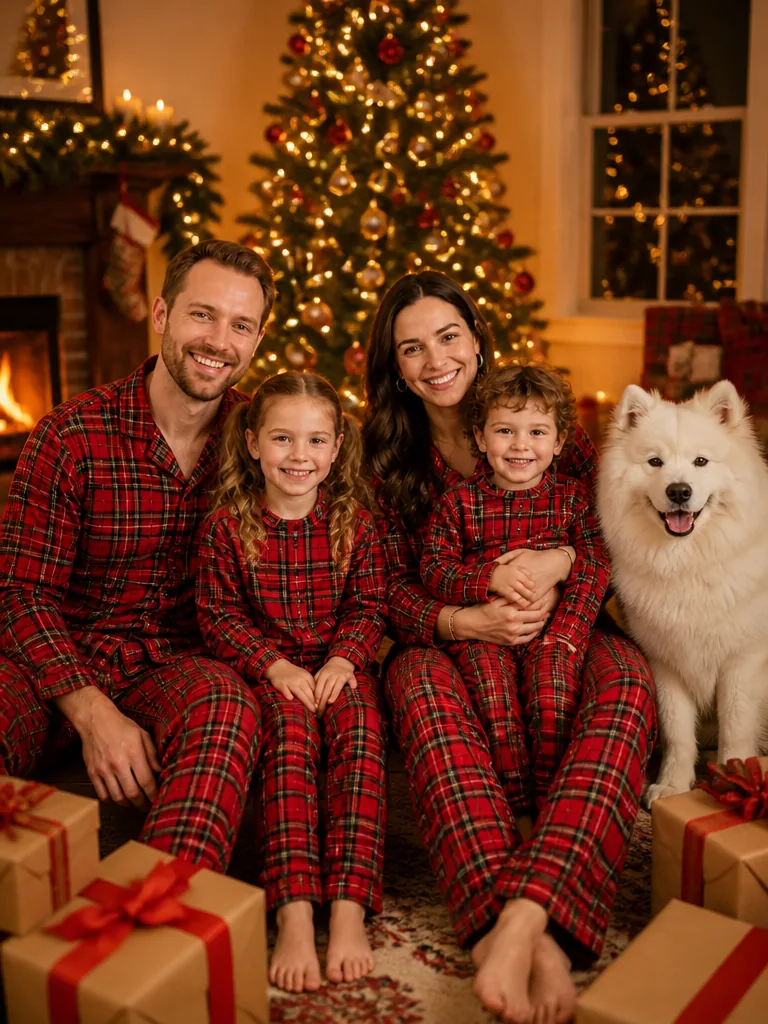
The same family of four and their Samoyed in matching red plaid pajamas by a decorated tree, with their everyday sofa photo in the corner

One photo in, one portrait out

Restyle the group photo you already have

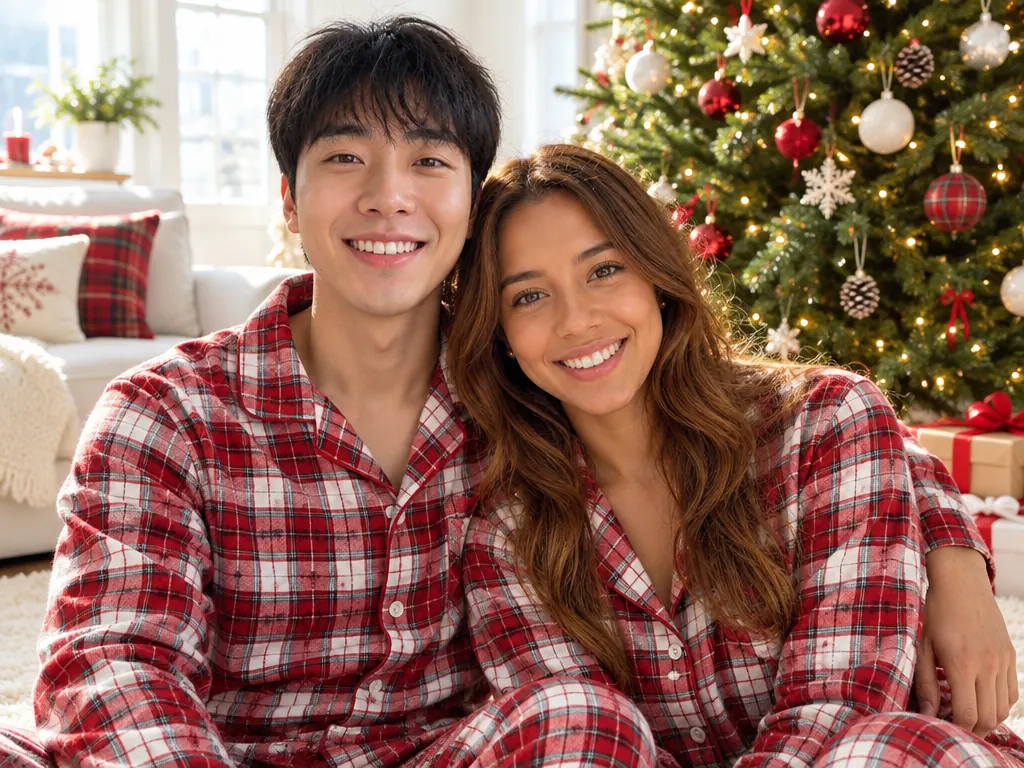
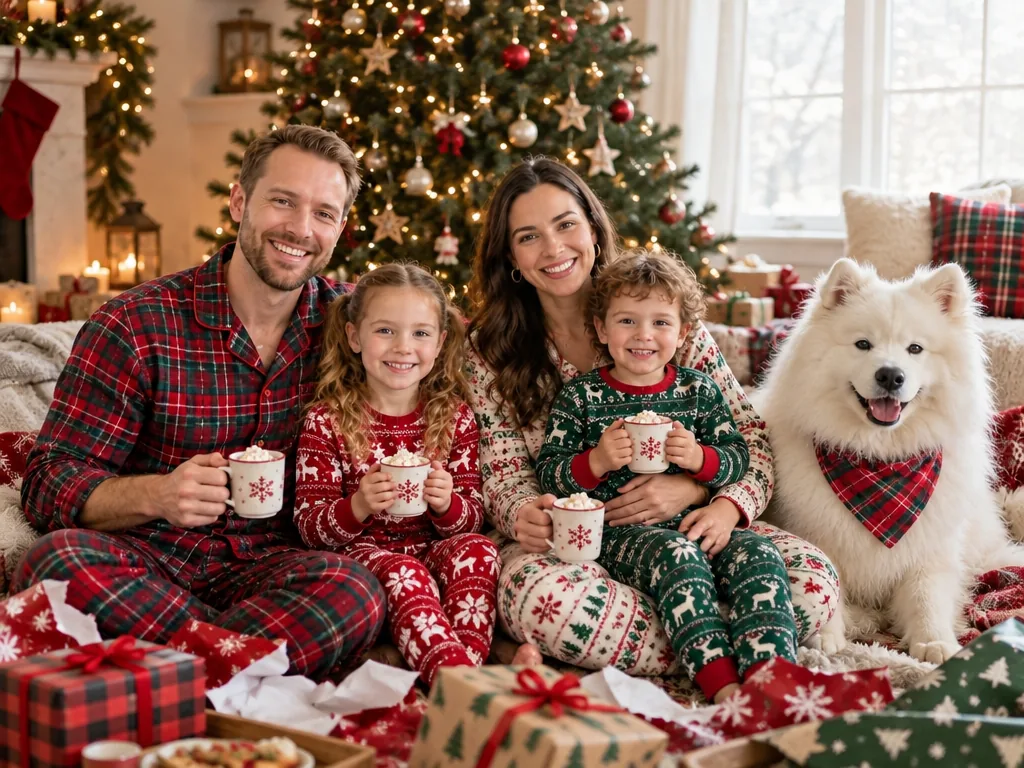
Upload the photo where everyone is together, pick a look and get back an AI Christmas family portrait in coordinated outfits. The first look is the classic Christmas pajamas family photo: everyone in matching red plaid by a decorated tree.
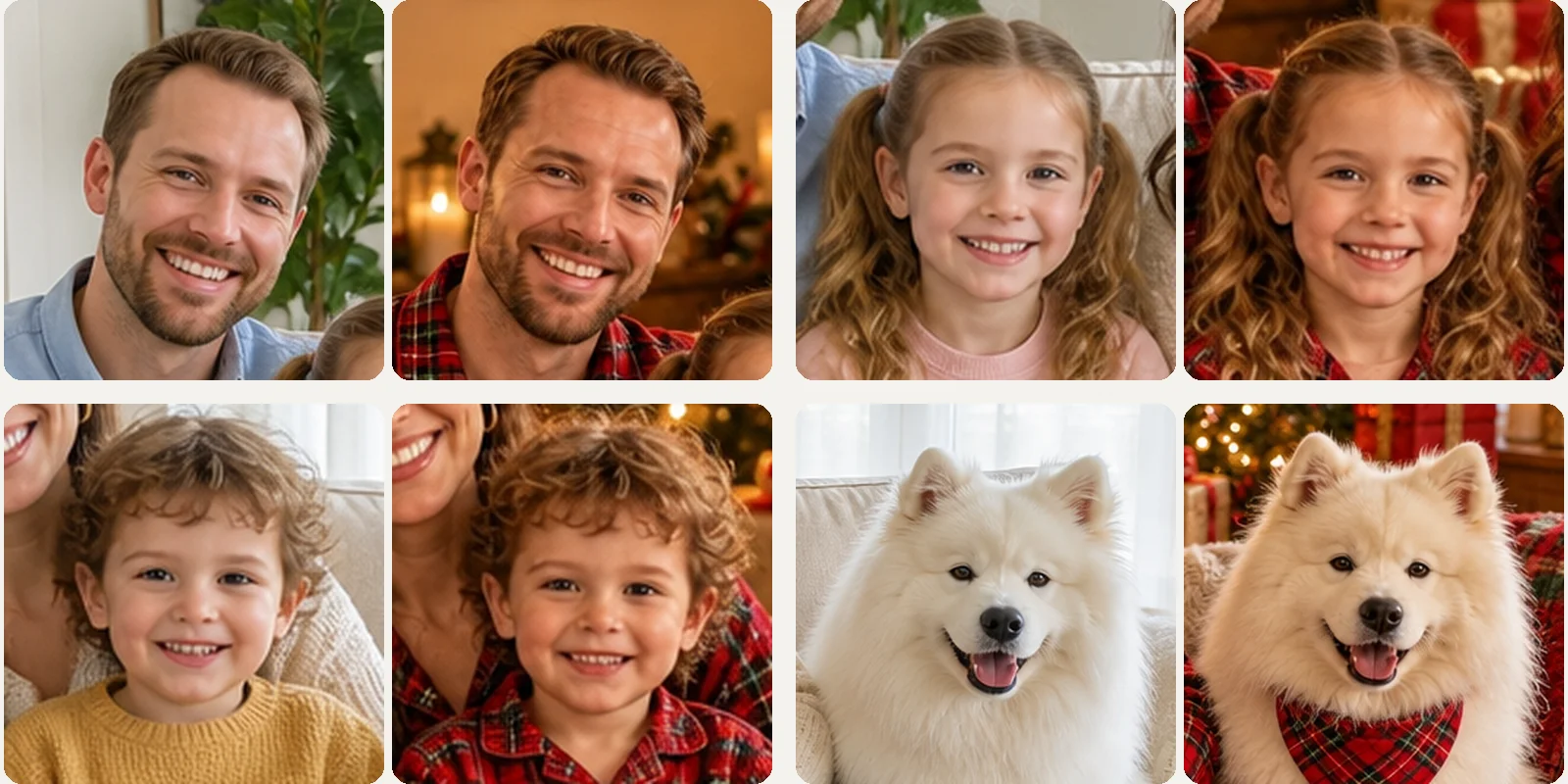
Close-ups side by side from the everyday photo and the pajama portrait: the father, the daughter, the little boy and the Samoyed look the same in both

Same faces, same ages

Every face, age and pet stays theirs

The template keeps the number of people and pets, each person's face, age, skin tone, hairstyle and build, and who sits next to whom; only the clothes, the setting and the light change. Grandparents keep their grey hair, a four-year-old stays four, and the dog stays the same dog.

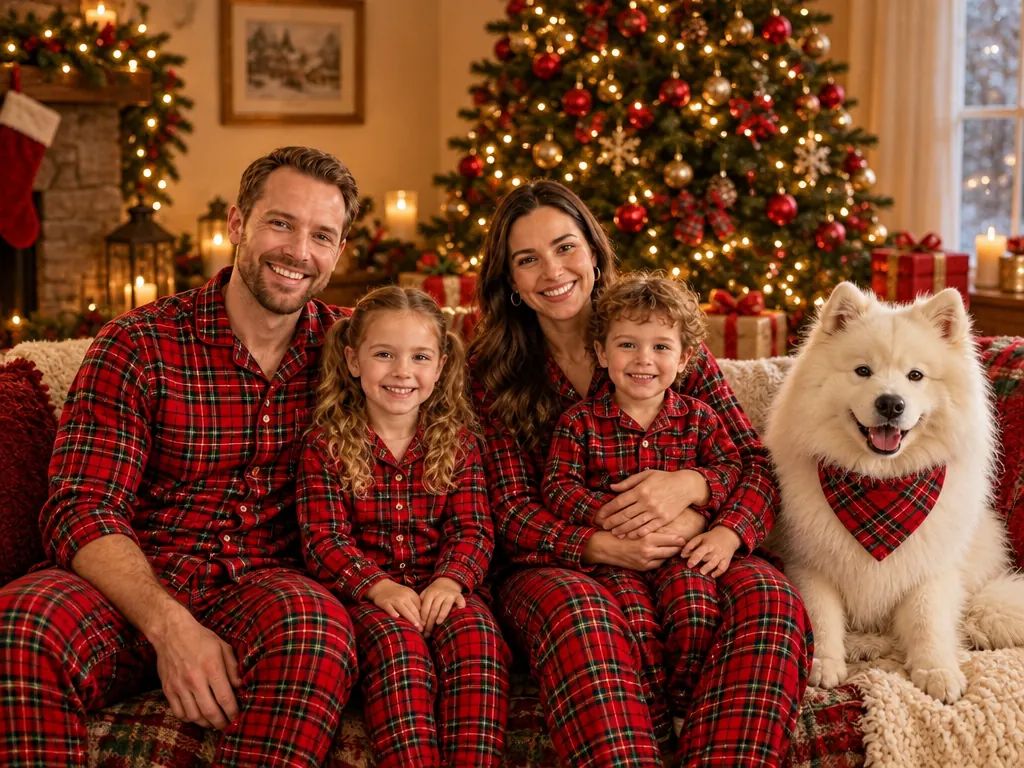
The same family on Christmas morning in red and green plaid pajamas by the tree, holding mugs of cocoa among wrapping paper and gifts, the Samoyed in a plaid bandana

Since 2025

Why families make their Christmas photo with AI

On September 23, 2025, as the Christmas season opened early in the Philippines, a how-to for turning one family photo into a snowy-cabin Christmas portrait started spreading. By late December 2025, people and their dogs in matching red and green pajamas by the tree were counted among the year's top AI photo edits.

More Christmas family photo ideas from one group shot

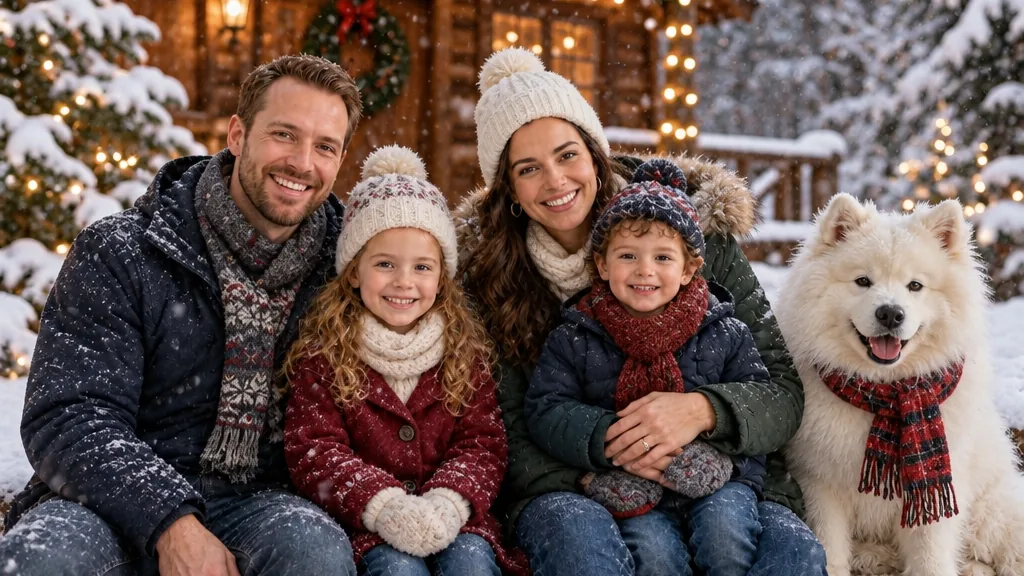
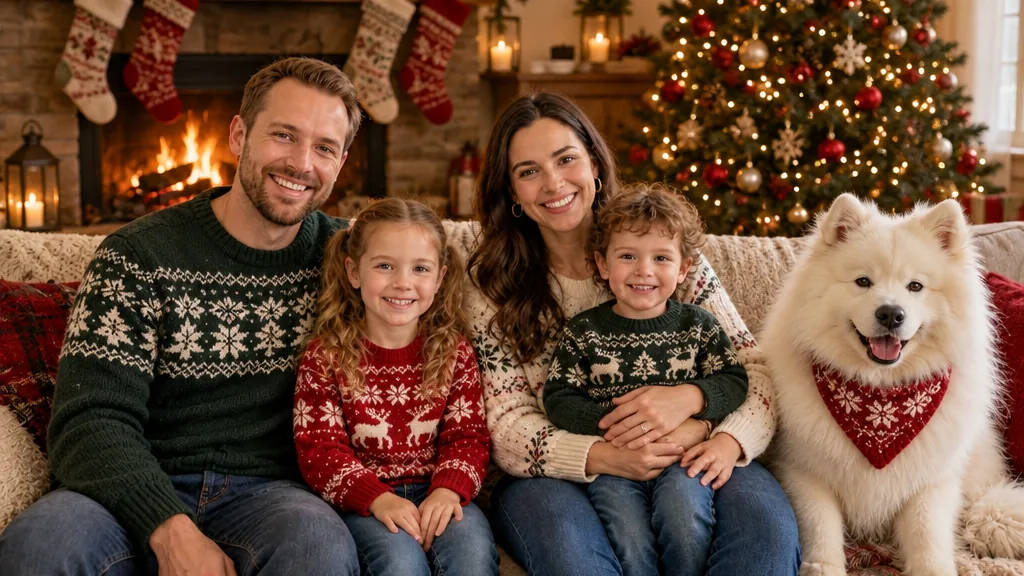
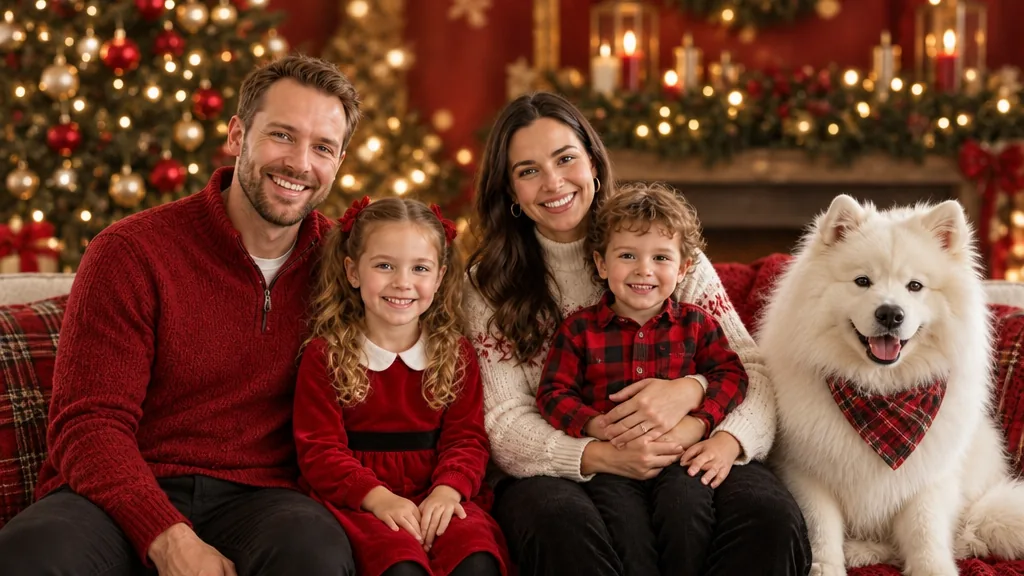
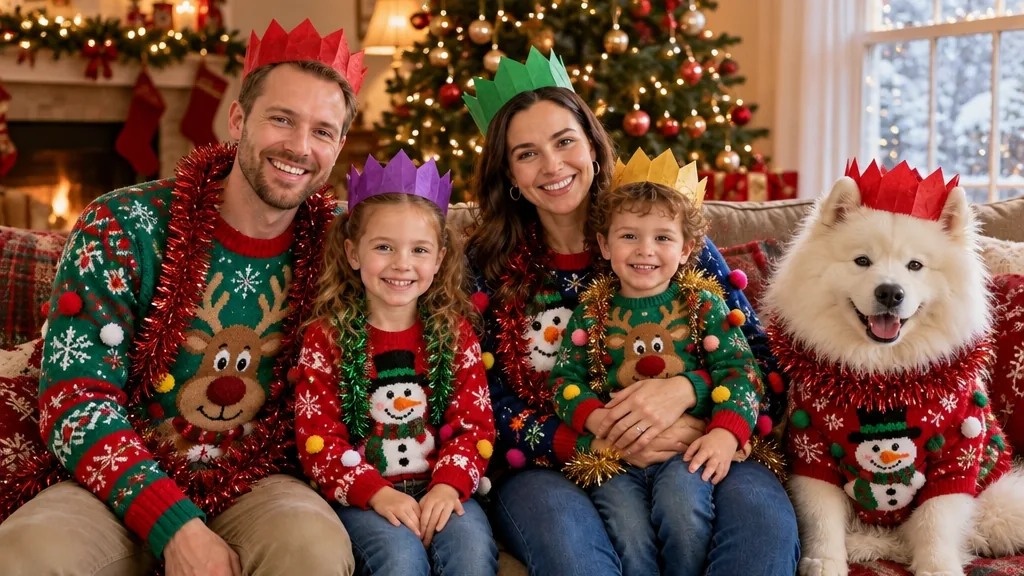
All 7 looks dress the whole group in coordinated outfits and keep every face. These four came from the family photo above, with nothing else added.

The family in dark winter coats, knit hats and scarves outside a snowy log cabin, the Samoyed in a plaid scarf

Snowy log cabin with string lights

Coats, hats and scarves outside a log cabin with string lights and falling snow: the outdoor family Christmas photoshoot, minus the cold.

The family in coordinated red, cream and green knit sweaters by a fireplace with stockings and a lit tree

Knit sweaters by the fireplace

Red, cream and green knits, stockings on the mantel and a glowing tree. A warm indoor look that suits a card or a frame on the shelf.

The family in red knits and plaid on a sofa in front of a red holiday backdrop with garland and lights, the Samoyed in a plaid bandana

Classic studio portrait

A red-and-gold backdrop, even studio light and festive outfits in red, white and black. The formal family Christmas portrait for the grandparents' wall.

The family in mismatched ugly Christmas sweaters with reindeer and snowmen, paper crowns and tinsel; the Samoyed wears a sweater too

Ugly sweater family photo

Everyone in a different loud Christmas sweater, with tinsel and paper crowns. The one look where nobody matches, on purpose.

How to make an AI Christmas family photo

Everything starts from one photo of the whole group, so that photo sets how clear each face can be in the portrait.

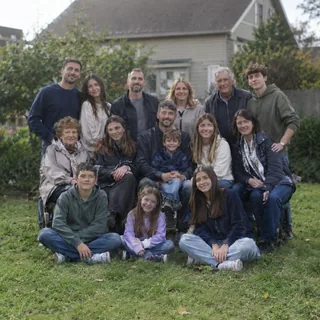
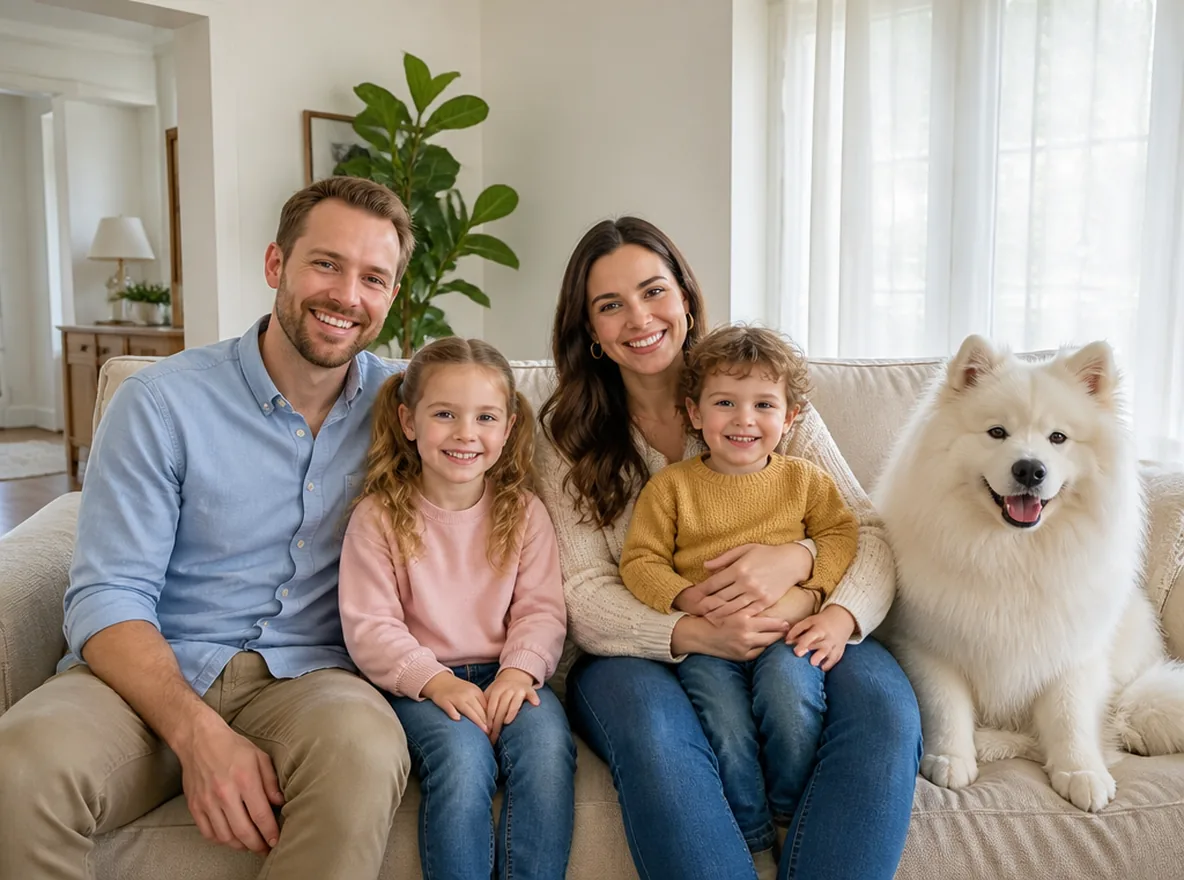
  1. The family's bright everyday sofa photo with their Samoyed above, the same family in matching red plaid pajamas by the tree below

    Photo 1Family photo

    This photo is the whole cast: every person and pet in it ends up in the portrait, dressed for the look you pick.

    • 2–6 people facing the camera; dogs and cats can join.
    • Everyone you want in the portrait is already in this one shot.

Group photo checklist

Works well

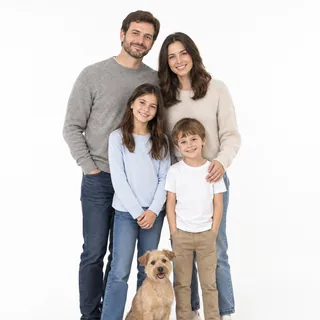
  • A family of four and a small terrier standing close together on a white background, every face visibleThe whole group in frame, every face showing
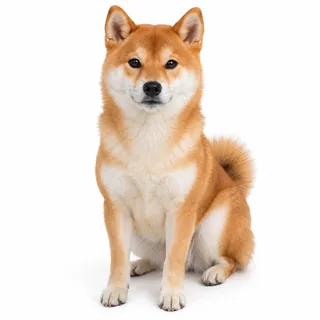
  • A Shiba Inu sitting and facing the camera on a white backgroundA pet sitting in with its face to the camera

Avoid

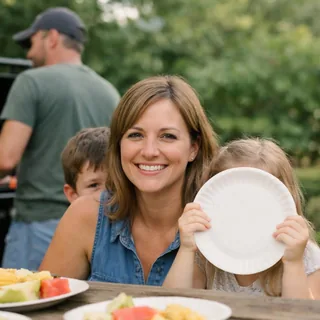
  • A family at a picnic table where the father looks away and two children hide behind a shoulder and a paper plateFaces behind a shoulder, a plate or turned away
  • About fifteen relatives squeezed into three rows on a lawnA reunion crowd of more than 6 people
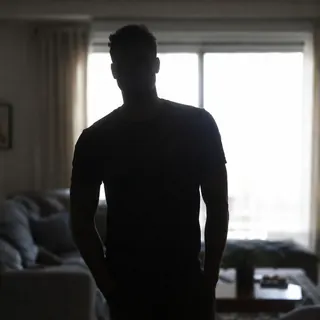
  • A man as a dark silhouette in front of a bright windowFaces in shadow against a bright window

From group photo to portrait

  1. Upload the group photo

    Add the photo and pick a look; matching pajamas is selected first.

  2. Click Generate

    The button shows the exact credits before anything is spent.

  3. Download it or animate it

    Save the portrait, or tap Animate it to make a 5s video where snow falls, the lights twinkle or the dog wags its tail.

Specs

Specs
Upload
1 photo · PNG / JPG / WebP · up to 10 MB · 768 px+ on the short side
Result
1 photo per run · 1K / 2K / 4K
Original photo ratio (default)
Keeps your photo's own shape
4:3 ratio
Wide frame that fits the whole group · landscape cards and frames
3:4 ratio
Tall frame for smaller groups · portrait cards and Instagram posts
Credits
3 at 1K · 4 at 2K · 5 at 4K
Prompt
None: pick a look and generate
Visibility
Always private

AI Christmas family photo questions

Is the AI Christmas family photo generator free?+

Not entirely free: each family photo costs 3 credits at 1K, 4 at 2K or 5 at 4K, and the Generate button shows the exact price before you start. New accounts get 10 credits at sign-up, which covers 3 photos at 1K.

Can kids and babies be in the photo?+

Yes. Children keep their real age, face and build, with no makeup and in modest, fully covered festive clothes, so a toddler still looks like a toddler. Babies work best held up facing the camera rather than lying in a lap.

Who can see our family photo and the result?+

Only you. Every Christmas template keeps its results private on every plan, so neither your family photo nor the portrait appears in the public gallery. To share it, download it and send it yourself.

How many people can be in the photo?+

2 to 6 people work best, plus any pets. Each extra person makes every face smaller in the photo, and a small face is the one most likely to come back looking less like the person. With a bigger group, split it and make one portrait per family.

Can I add someone who isn't in the photo?+

No. The portrait has exactly the people and pets in your photo: nobody is added, removed or merged, and a second photo can't be combined in. To include everyone, take one new photo with the whole group; a quick phone shot on the sofa is enough.

Does everyone get a matching outfit?+

Yes. Every look dresses the whole group in one coordinated set: identical red plaid pajamas, knits in the same red, cream and green, or warm coats for the snow. Ugly sweater is the exception on purpose, with a different loud sweater on each person. Pets keep their breed and coat, sometimes with a matching bandana.

Can I print or frame our AI Christmas family photo?+

Yes. Choose 4K before you generate for prints, frames and photo books; 1K is enough for phones and posts. A sharp, well-lit group photo prints best, because the portrait can only keep the detail your photo has.

Can I turn our family photo into a Christmas card?+

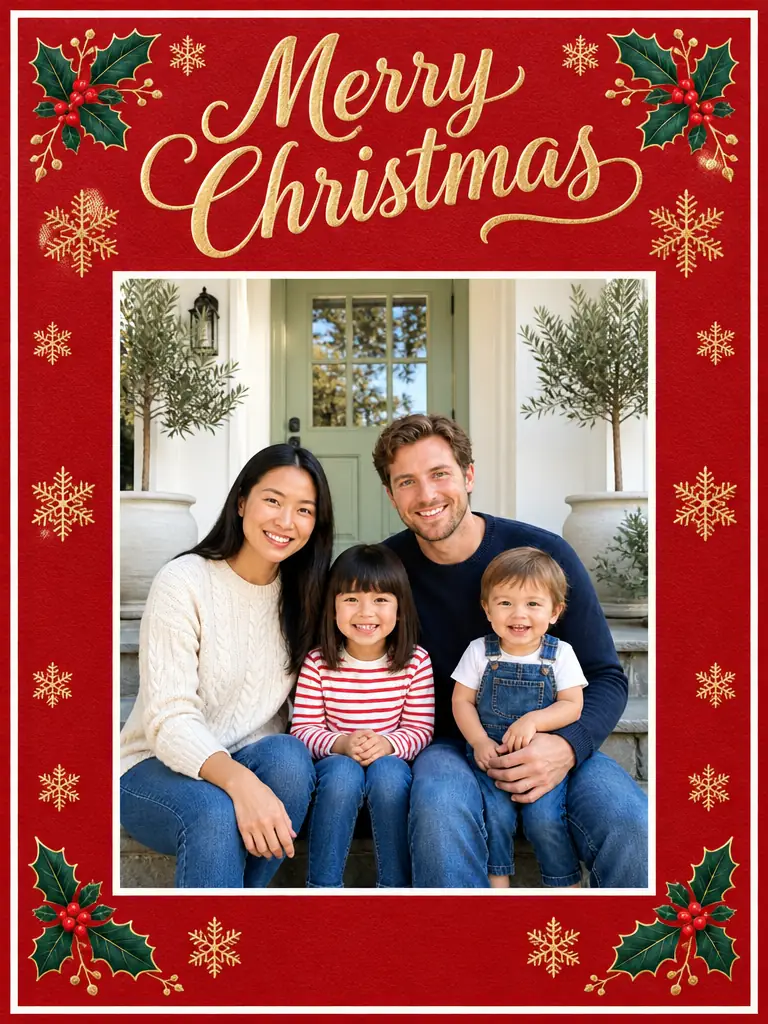
Yes, in two steps. Make the portrait here and download it, then upload it to the Christmas Card template, which sets your photo in a card design with a printed greeting. This page makes the photo only and adds no text to it.

Dress the whole family for Christmas in one photo

Start from the group photo already on your phone and pick a look. Like the result? Put it on a Christmas card next.