GPT Image 2

Turn detailed instructions into a poster, product visual, or campaign asset with readable type and focused edits, directly in Oeneo AI without a ChatGPT subscription.

  • Event posters
  • Product campaigns
  • Brand revisions
  • Presentation graphics

Reference images (Optional)

0/16
0/5000

Model

Aspect ratio

Number of images

Resolution

Quality

Output format

Creation modes
Generate + edit
Start from a written prompt or combine instructions with visual references for a controlled revision.
Image input
Up to 16 references
Assign references to identity, product form, material, palette, or layout within the same request.
Resolution
1K / 2K / 4K
Seven aspect ratios from 1:1 to 21:9, with PNG, JPEG, or WebP downloads and no visible watermark.
Quality levels
Low, medium, high
Use low quality for direction finding, then increase quality once the instructions and composition are stable.

Prompt-to-output examples

Test GPT Image 2 on work that needs precision

Each direction asks the model to solve a production problem: place readable copy, protect a product, follow detailed art direction, combine references, or revise only one part of a scene.

Illustrative editorial poster direction with large typography and a structured layout
Typography

Exhibition poster with exact copy

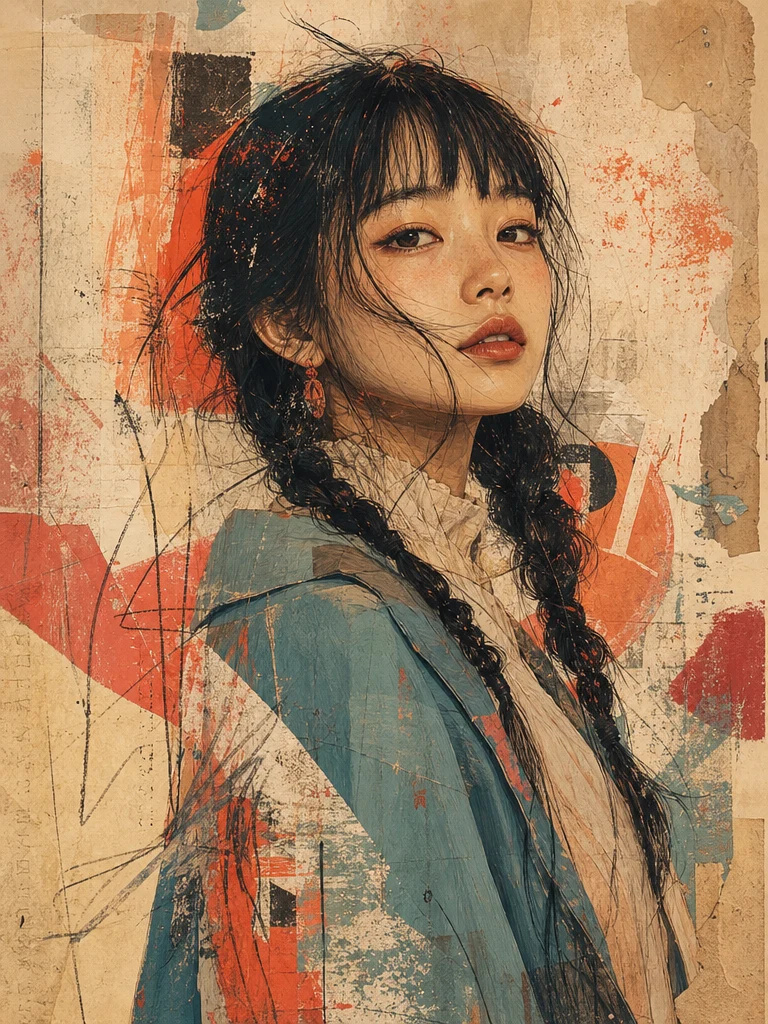
Production prompt: Design a vertical exhibition poster titled MATTER / MEMORY. Use a strict grid, one large readable headline, restrained cream and burgundy colors, and a clear hierarchy for date and venue.

Illustrative premium product image with controlled commercial lighting
Commerce

Product hero built from a reference

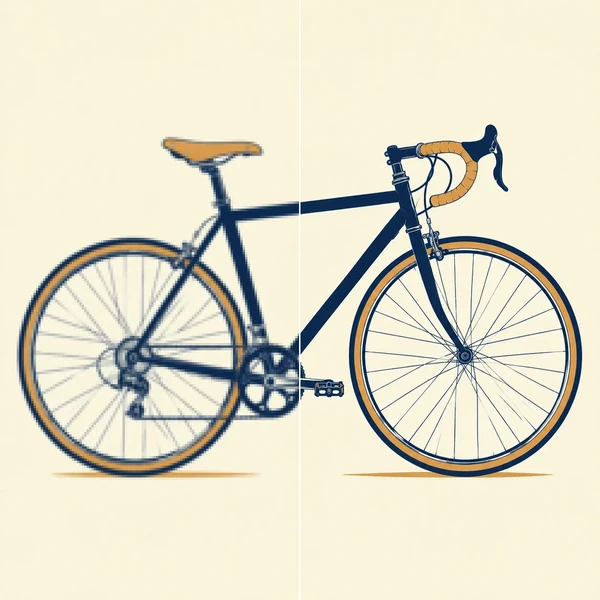
Production prompt: Use the supplied bottle as the product reference. Place it on a warm stone plinth with soft directional light, accurate glass reflections, preserved label proportions, and clear space for campaign copy.

Illustrative fashion editorial scene with art-directed composition
Art direction

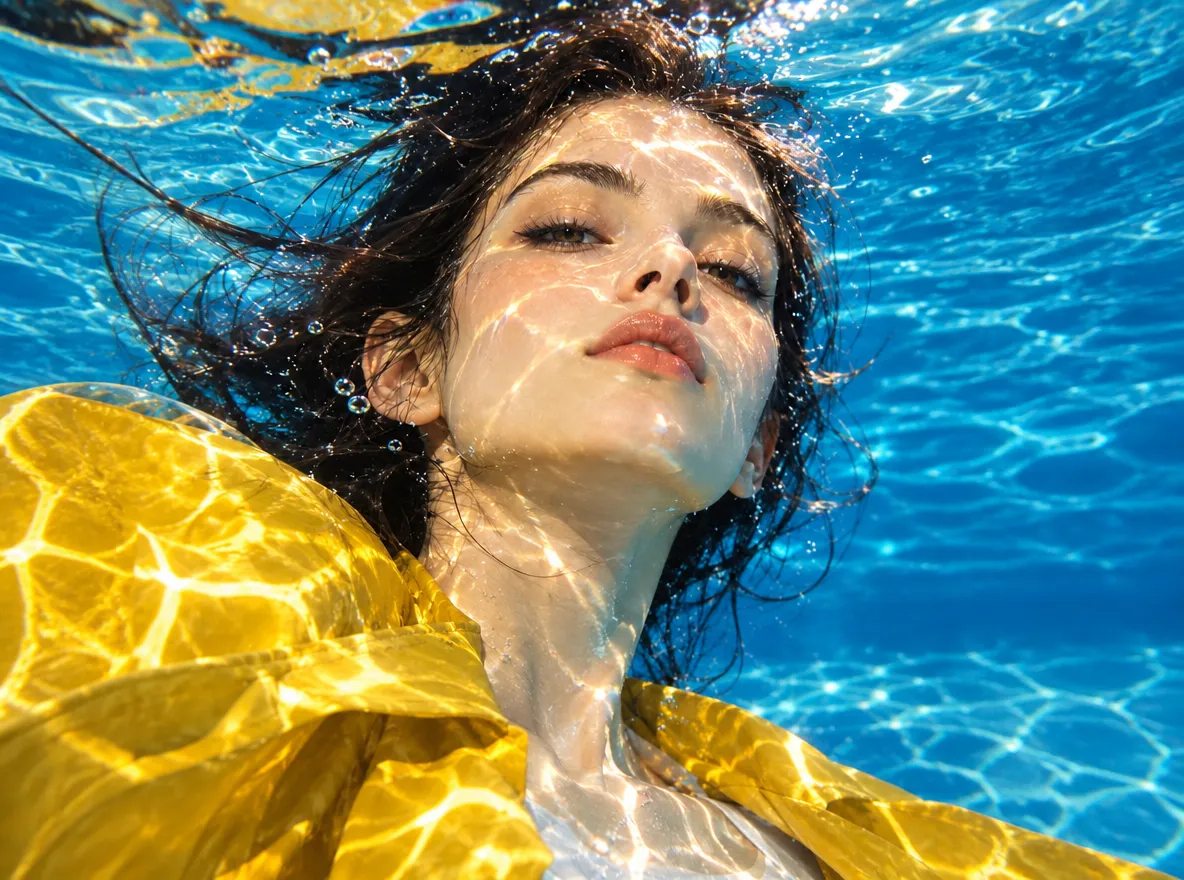
Editorial built from detailed art direction

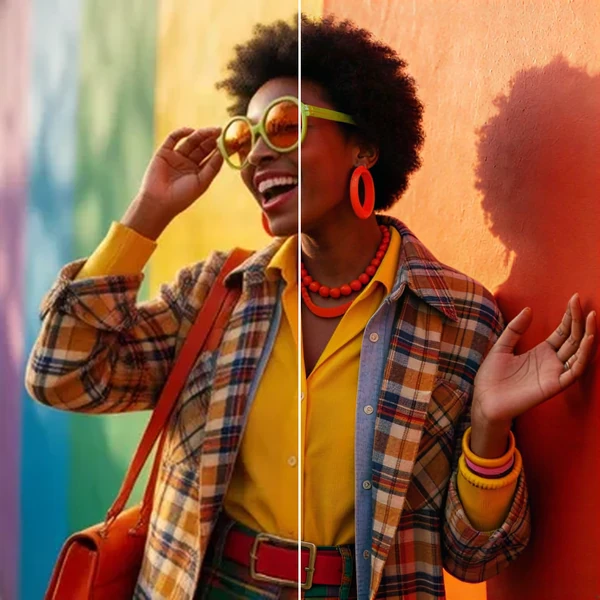
Production prompt: Create a full-length fashion editorial in a sculptural desert set. Preserve precise garment construction, use deep blue shadows and a restrained camera perspective, and leave a clean upper third for magazine copy.

Illustrative multi-reference composition using a consistent feather motif
Multi-reference

A composition built from several references

Production prompt: Use image 1 for the feather silhouette, image 2 for the translucent material, and image 3 for the palette. Build one campaign image while preserving the defining shape.

Illustrative image-editing direction that changes a scene from day to night
Focused edit

One controlled scene revision

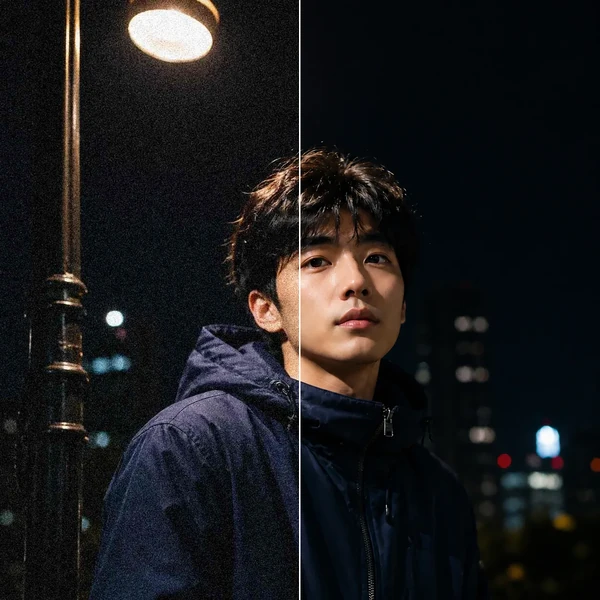
Production prompt: Change only the environment to a quiet moonlit night. Keep the subject, camera angle, framing, pose, and burgundy material details unchanged.

Where the model earns its place

Use GPT Image 2 when the image must communicate

Choose it when layout, copy, references, and precise instructions matter as much as visual style—and when the result must stand up to a production review.

Editorial image representing detailed multi-part visual instructions

Detailed prompts

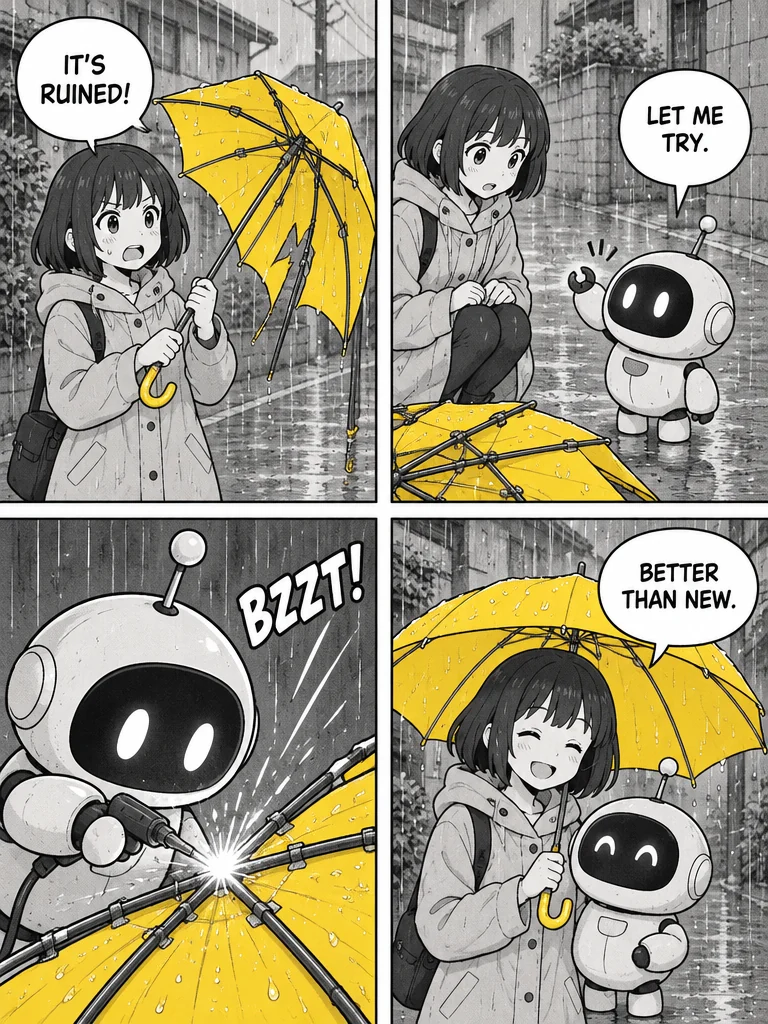
Hold multi-part instructions together

Coordinate subject, layout, lighting, palette, camera language, exact copy, and delivery constraints in one request rather than satisfying only the loudest instruction.

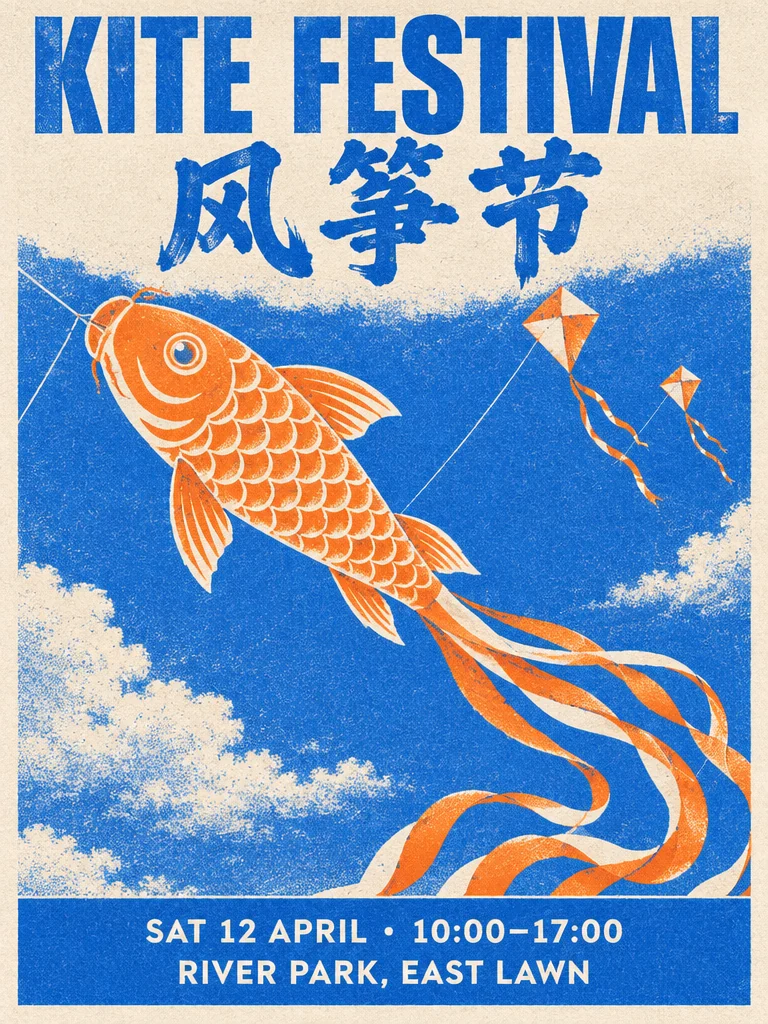
Graphic poster representing text rendering and structured layout

Readable text

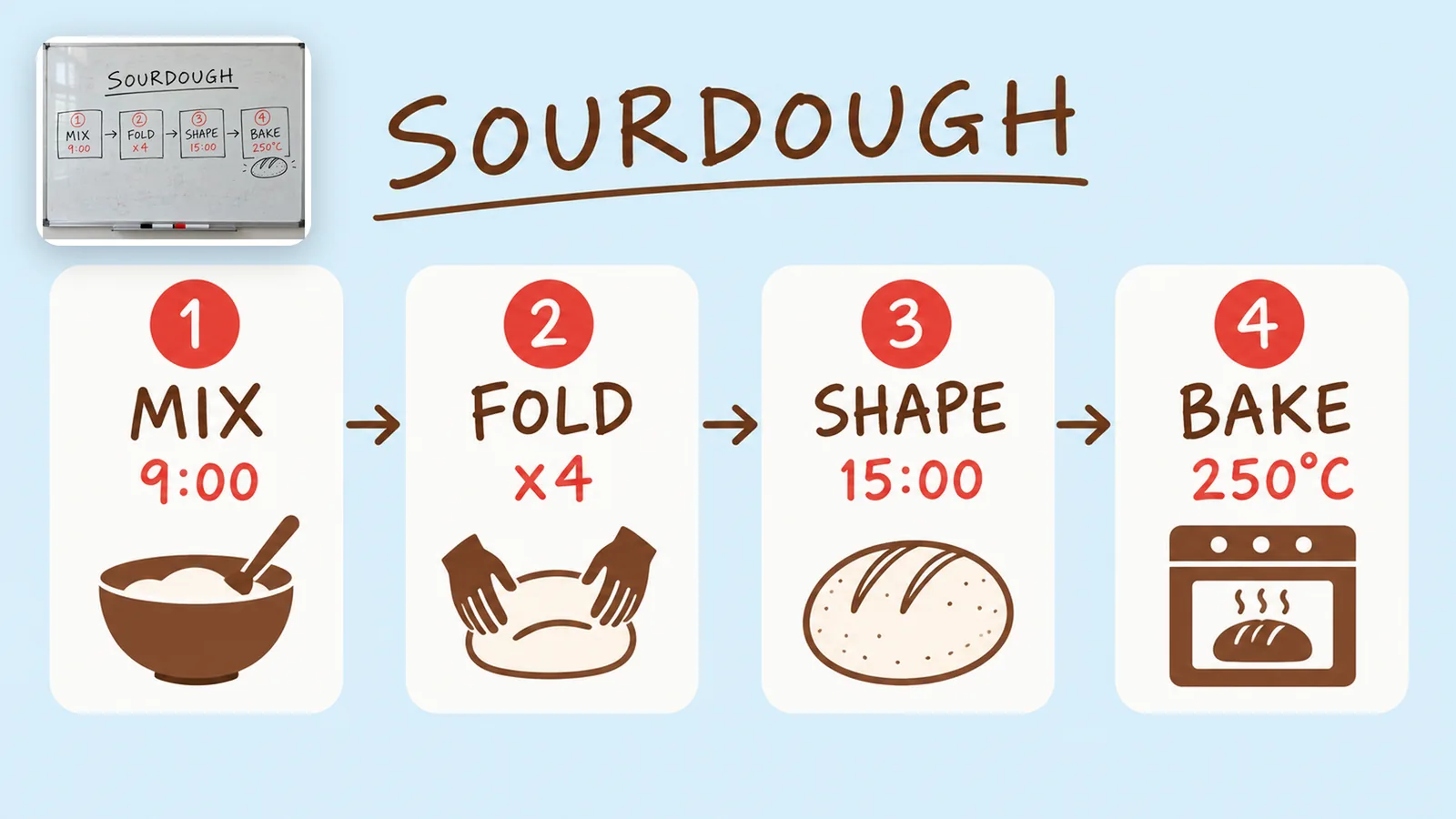
Put readable type inside the composition

Use exact copy in posters, labels, diagrams, presentation graphics, and campaign layouts. Text can still fail, so names, numbers, and small type require a final proofread.

Reference-guided artwork representing high-fidelity image input

Up to 16 inputs

Give every reference a clear job

Use separate references for identity, product form, composition, material, or style. State what each image controls, what must remain fixed, and what the model may reinterpret.

Product campaign image representing flexible output controls

1K, 2K, 4K

Match the render to its destination

Choose among three resolutions, seven aspect ratios, three quality levels, PNG, JPEG, or WebP, and up to 4 images per task for social, commerce, presentation, or editorial delivery.

GPT Image 2 specs in this workspace

These are the GPT Image 2 controls currently exposed by Oeneo AI. Supported options and credit costs come from live configuration rather than marketing copy.

GPT Image 2 specs in this workspace
Workspace operations
Text-to-image generation and reference-guided image editing
Reference limit
Up to 16 reference images
Resolutions
1K, 2K, 4K
Aspect ratios
1:1, 4:3, 3:4, 16:9, 9:16, 21:9, 9:21
Output formats
PNG, JPEG, WEBP
Quality levels
low, medium, high
Images per task
Up to 4

How to use GPT Image 2

Write instructions GPT Image 2 can execute

Define what the asset must communicate, assign references, choose the delivery settings, and review the output where mistakes will actually be visible.

  1. Lead with the non-negotiables

    State the subject and exact copy first, then add composition, setting, camera or medium, lighting, palette, constraints, and destination.

  2. Assign each reference

    Explain which image controls identity, product form, layout, palette, or material, and name the details that must not change.

  3. Choose the review stage

    Use low quality while finding direction, then move to medium or high once the composition and copy are settled.

  4. Proof the final asset

    Inspect text, numbers, hands, faces, logos, packaging, factual details, and edges at delivery size. Revise one instruction at a time.

Where GPT Image 2 fits

Use it for assets with copy, structure, and review criteria

GPT Image 2 is a strong choice when readable text, a designed layout, detailed references, and focused revisions matter more than generating a quick mood image.

Campaign and social assets

Develop one campaign direction across multiple aspect ratios while keeping the approved message, palette, and visual hierarchy recognizable.

Example: A launch key visual adapted for feed, story, banner, and presentation cover.

Product and commerce imagery

Use product references to explore settings, surfaces, props, and campaign variants while explicitly protecting the geometry, label, and material cues that define the object.

Example: A consistent catalog concept built from one approved product reference.

Posters and information graphics

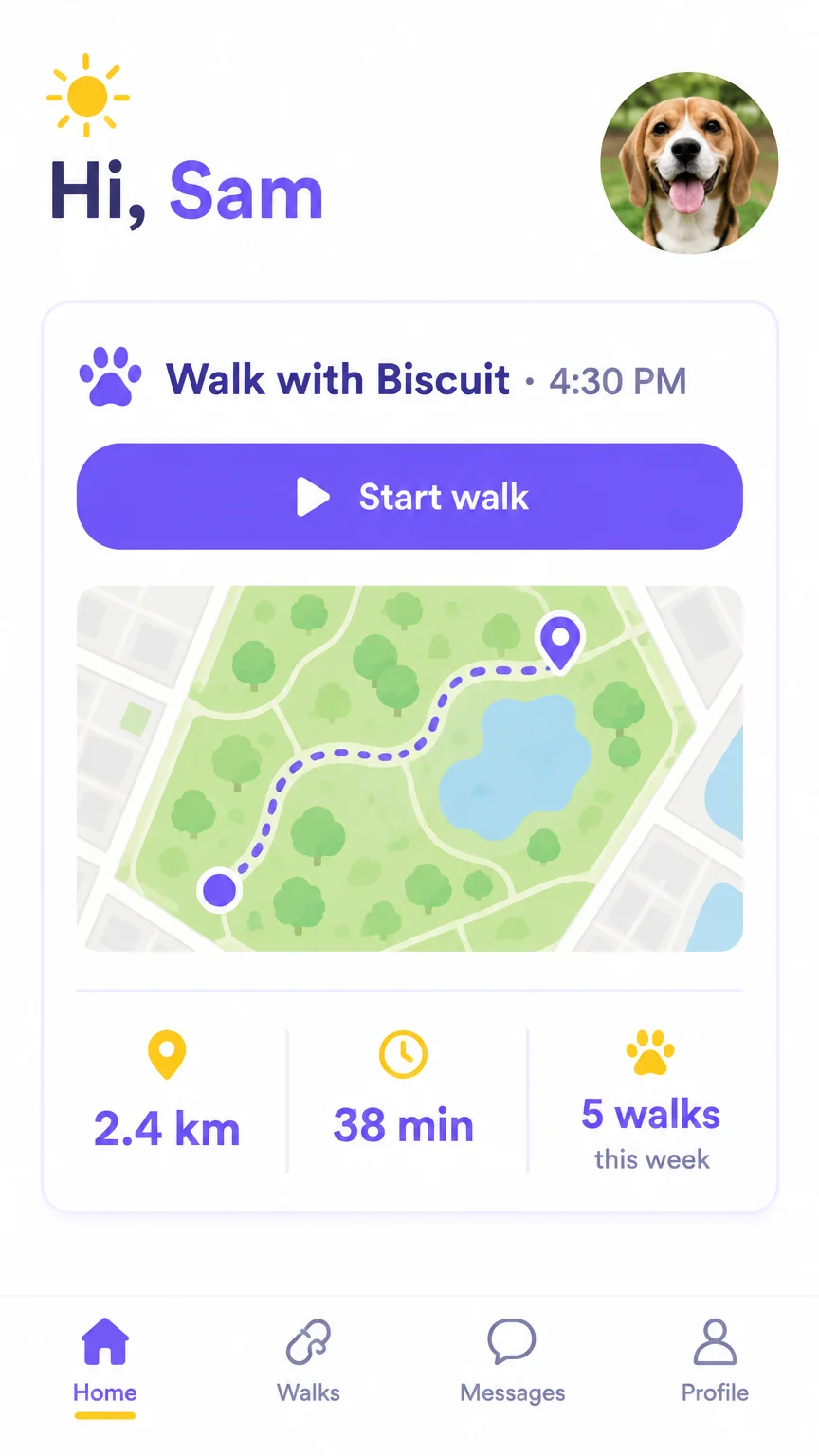
Develop posters, diagrams, infographics, and presentation graphics where readable copy and information hierarchy belong inside the image from the start.

Example: A vertical event poster with a supplied headline and clear information hierarchy.

Reference-based revisions

Change one element, setting, or condition while naming the composition, identity, camera, lighting, and branded details that must remain unchanged.

Example: Move a daytime product scene to night without changing the product or camera angle.

Production checks

What still needs a human review

Stronger instruction following reduces cleanup, but it does not replace proofreading, visual inspection, rights clearance, or provider policy checks.

Verify details

Proof every production-critical detail

Names, numbers, small copy, diagrams, hands, faces, logos, packaging, and factual details can still be wrong. Review them at final delivery size, not in a thumbnail.

Iterate deliberately

Revise the failed instruction, not everything

When most of the image works, keep those constraints and change one explicit instruction. Rewriting the entire prompt can lose approved details and makes comparison harder.

Clear rights

Clear every reference you upload

Confirm permission for identifiable people, brands, copyrighted work, and third-party product imagery before uploading or publishing. Provider policy may also refuse some requests.

Check current controls

Use the controls shown for this task

Supported sizes, quality levels, formats, and credit costs are read from the current workspace configuration. Check the visible controls before submitting.

GPT Image 2 FAQ

GPT Image 2 questions, answered

These answers separate OpenAI's published model capabilities from the controls, output options, and credit workflow currently exposed in Oeneo AI.

What is GPT Image 2?+

GPT Image 2 is OpenAI's current image generation model for high-quality generation and editing. OpenAI documents support for text input, image input and output, flexible sizes, and high-fidelity image inputs.

Can I use GPT Image 2 without a ChatGPT subscription?+

Yes. Oeneo AI provides access through its own workspace, so you do not need ChatGPT Plus or a separate OpenAI account. New Oeneo AI accounts receive 10 credits to test the workflow.

Can GPT Image 2 use reference images?+

Yes. GPT Image 2 supports image input, and this workspace accepts up to 16 references with the prompt. Assign each image to identity, product form, material, palette, or layout rather than uploading an unexplained collection.

What resolutions and aspect ratios are available?+

1K, 2K, and 4K, in seven aspect ratios: 1:1, 4:3, 3:4, 16:9, 9:16, 21:9, and 9:21. Output is PNG, JPEG, or WebP, and downloads carry no visible watermark.

What do the low, medium, and high quality levels change?+

Quality controls how much rendering effort the task receives and changes the credit cost. Use low while exploring, then choose medium or high only after the prompt, composition, and copy are stable.

How much does GPT Image 2 cost per image?+

It depends on whether you are generating or editing, plus the resolution, quality level, and image count. The exact figure for your current settings appears on the Generate button before you submit, and failed tasks are refunded automatically.

How should I prompt GPT Image 2?+

Write connected instructions. Lead with the non-negotiable subject and exact copy, then specify composition, setting, camera or medium, lighting, palette, constraints, and destination. For edits, state both the change and the protected details.

GPT Image 2 or Nano Banana Pro — which should I use?+

Choose GPT Image 2 for readable text, designed layouts, and long multi-part instructions. Choose Nano Banana Pro when several references define a consistent product or character system. Because both run in the same workspace, compare them on the same prompt before committing.

Can GPT Image 2 outputs be used commercially?+

Generally yes, and we do not claim ownership of the images you create here. Whether a specific image is safe to publish still depends on OpenAI's current model terms, your plan, applicable law, and the rights attached to your prompts and reference images. Clear protected material before publication, and take your own legal advice for high-stakes commercial use.

Ready for more exact image instructions

Give GPT Image 2 a clear direction to follow

Create readable layouts, product visuals, and focused reference edits in Oeneo AI. New accounts receive 10 credits to start.