Local art direction
Revise the light without moving the scene
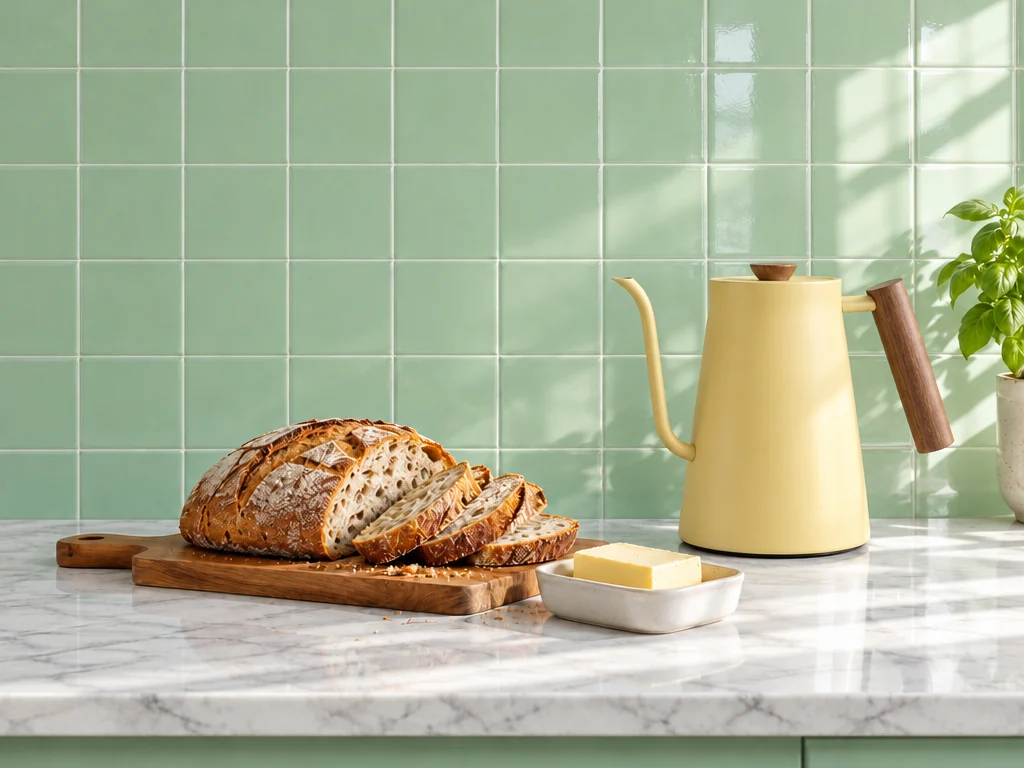
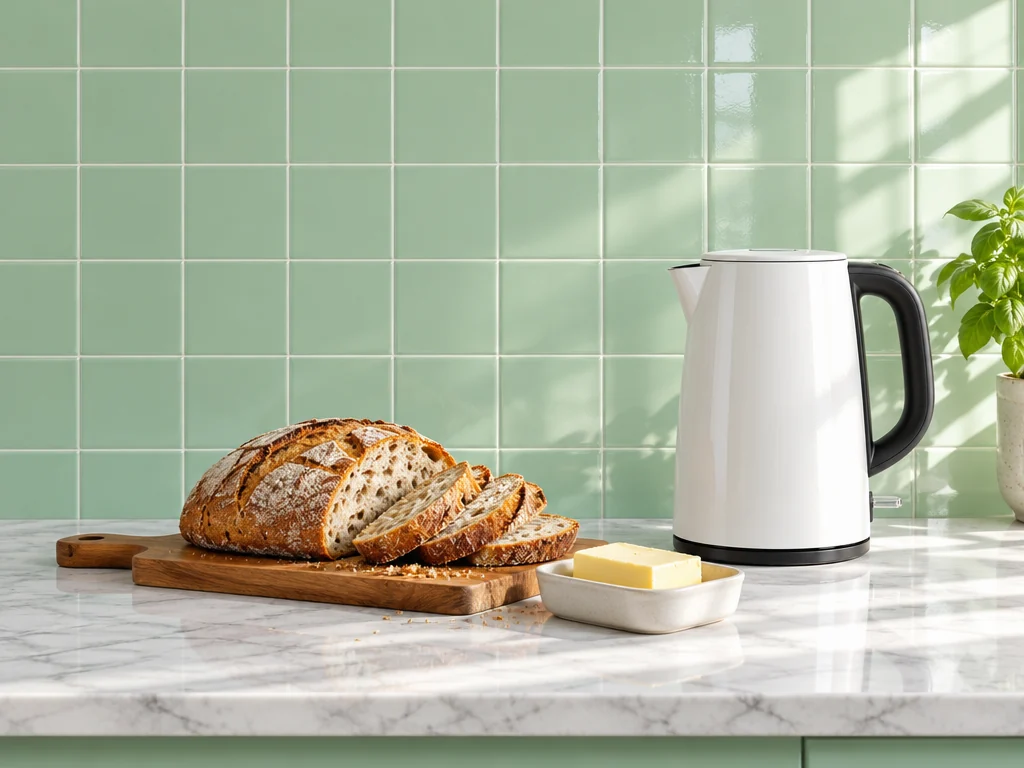
Specify the new source, colour temperature, and reflection behaviour, then explicitly preserve the camera, composition, subject, and material details that already passed review.
Use OpenAI's precision-oriented GPT Image 2.5 variant when one edit must hold the approved subject, product geometry, composition, and brand treatment in place.


GPT Image 2.5 prompt examples
Each example makes the edit boundary explicit: preserve the approved product, subject, perspective, layout, and lighting logic, then change one defined condition for a production-ready revision.

Example prompt: Use the supplied campaign image. Keep the suitcase, window framing, empty copy area, camera position, and logo-free layout unchanged. Change only the season to early autumn with amber leaves outside the window and cooler morning light.

Example prompt: Use the supplied bottle image. Preserve the silhouette, cap, label geometry, camera angle, and highlights exactly. Replace only the pale background with a deep emerald studio sweep and add one controlled gold rim light. Do not add copy.

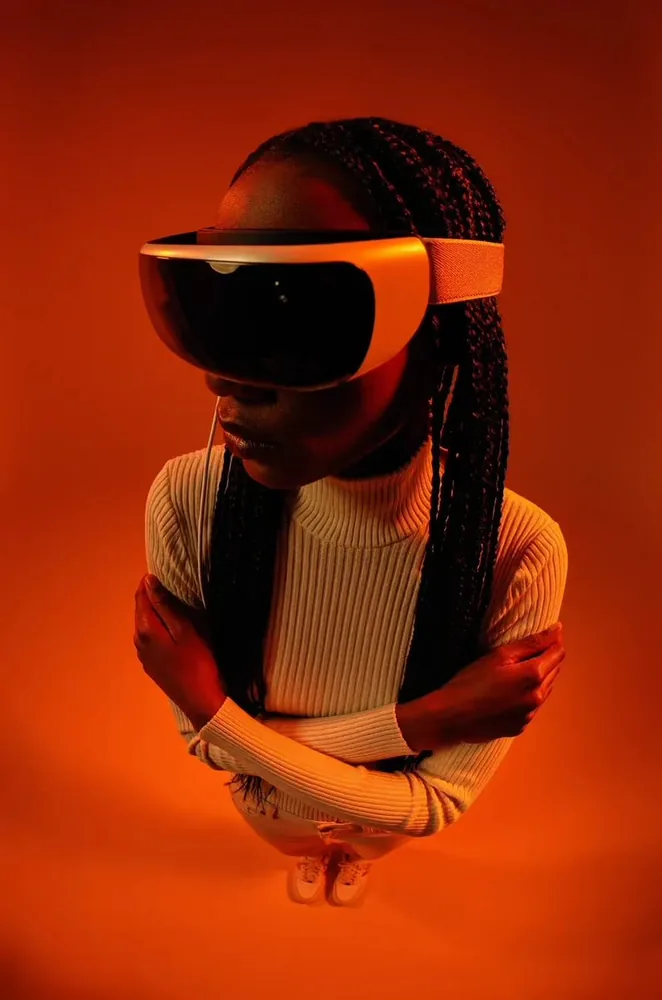
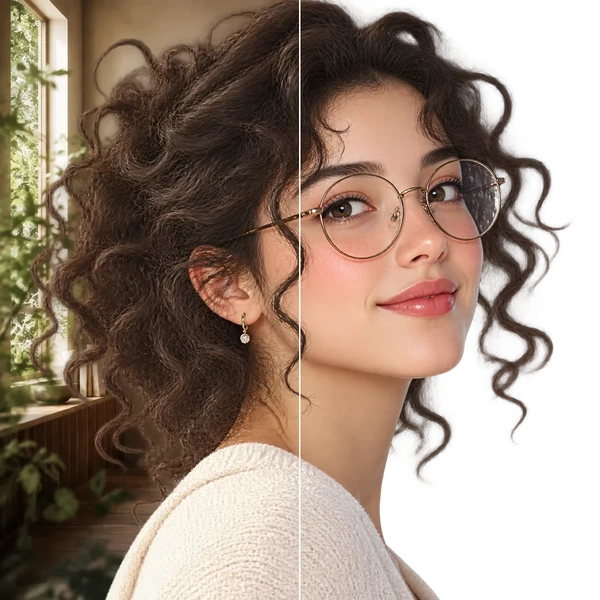
Example prompt: Use the supplied portrait. Keep the person's identity, pose, navy wool jacket, cafe table, lens perspective, and crop unchanged. Change only the overcast daylight to late-afternoon sun from the right; retain natural skin texture and no visible brands.

Example prompt: Use image 1 only for the ceramic lamp's shape, image 2 for the blue glaze, and image 3 for the dining-room composition. Build one coherent evening scene; preserve the lamp's proportions and do not make a collage.

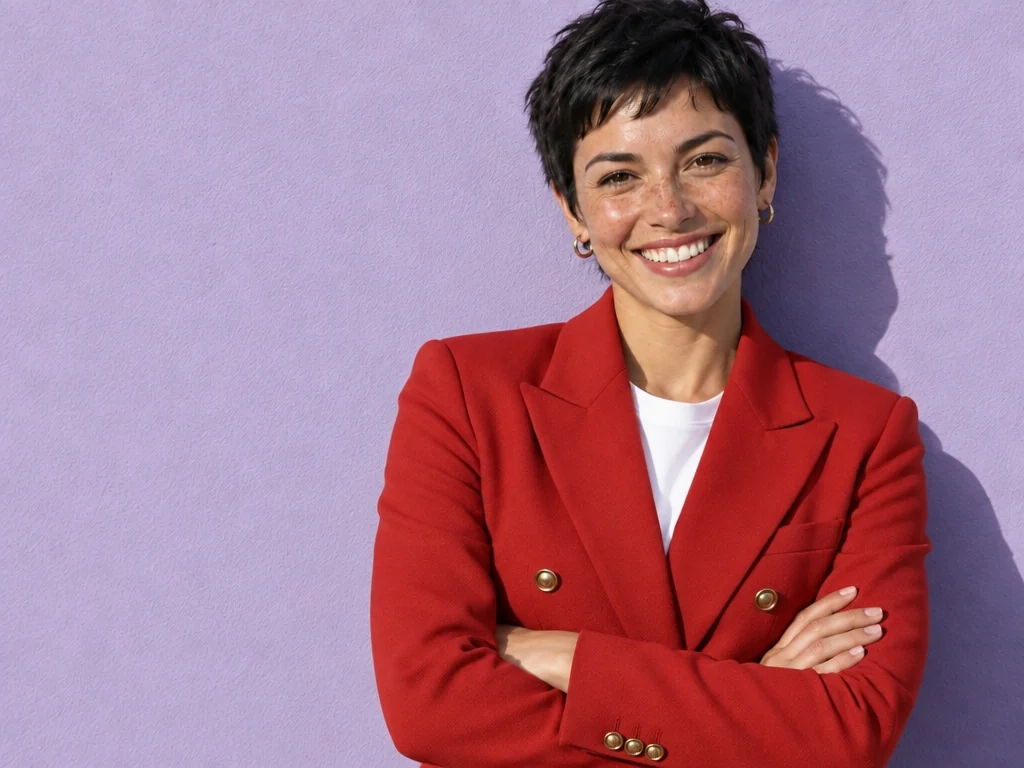
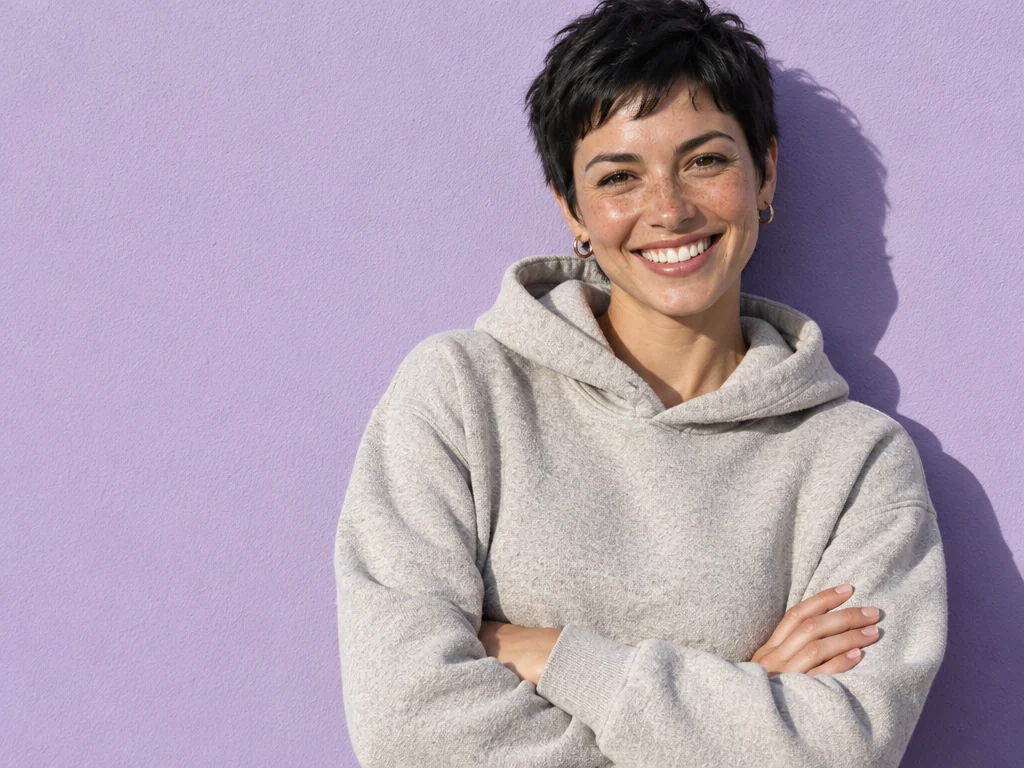
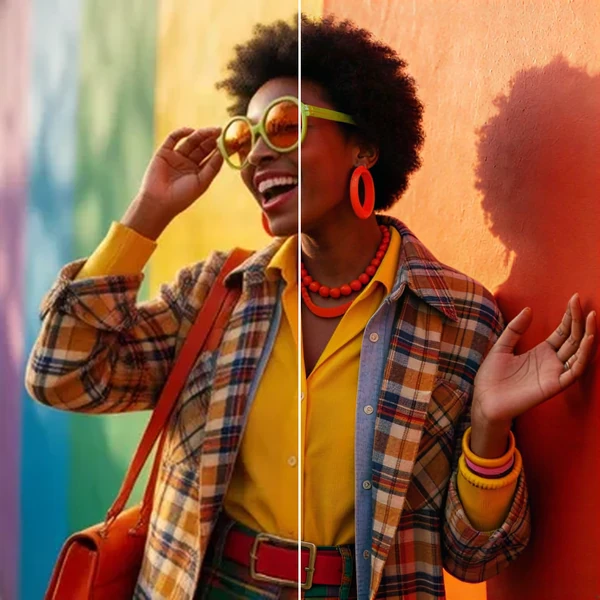
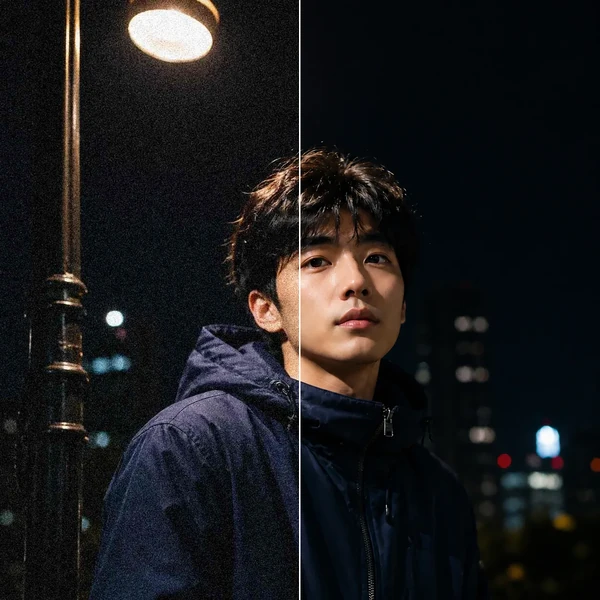
Example prompt: Keep the person, camera angle, outfit, and framing unchanged. Change only the background from a bright studio to a rain-washed city evening with reflected street light.
What GPT Image 2.5 Sunburst is for
Sunburst is for the stage after a direction has value: a campaign frame needs one approved adjustment, a product must stay true, or a subject must remain recognisable across a difficult revision.

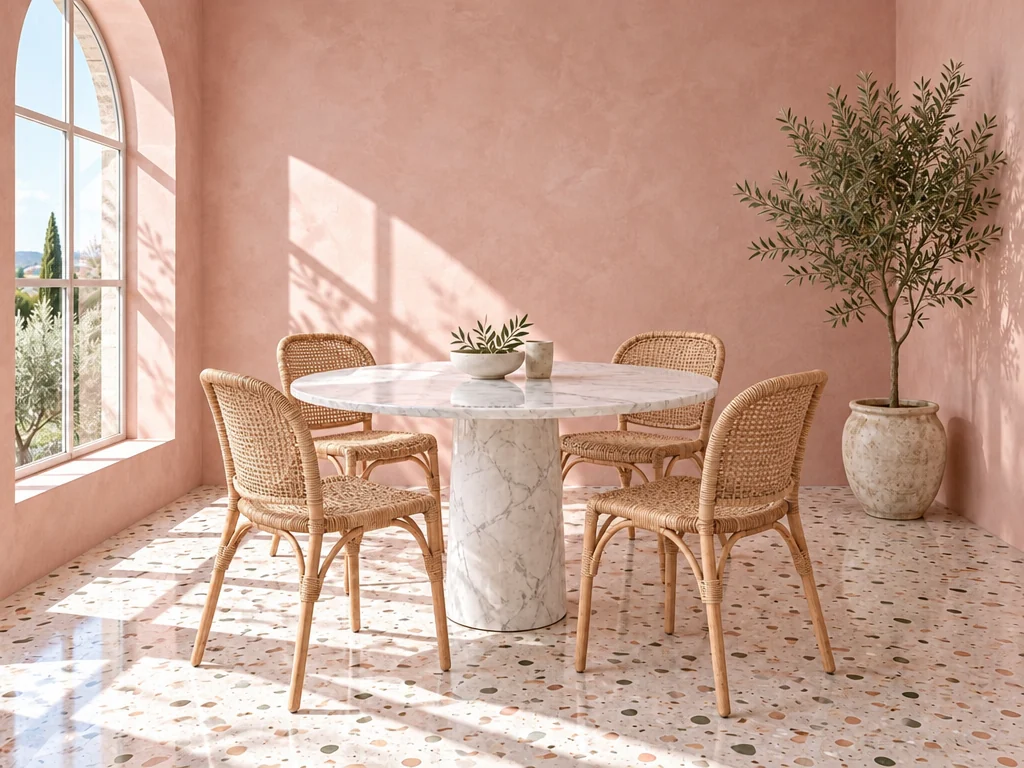
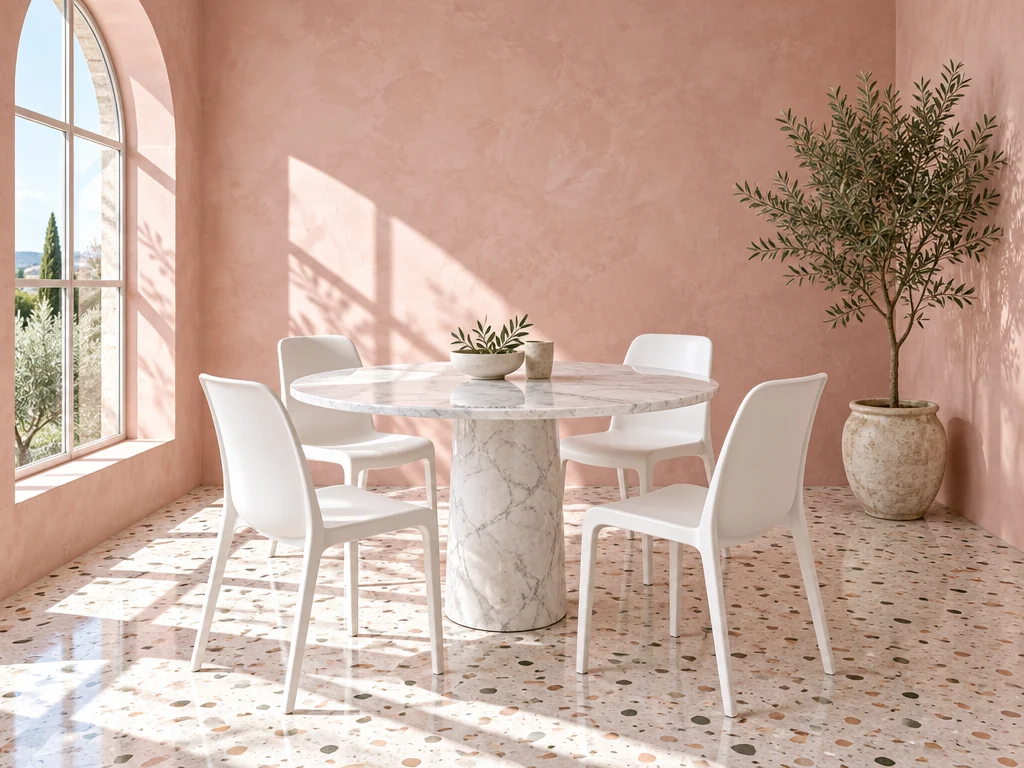
Local art direction
Specify the new source, colour temperature, and reflection behaviour, then explicitly preserve the camera, composition, subject, and material details that already passed review.

Protected references
The workspace accepts up to 16 image inputs. State what each one controls, then name the product, subject, or composition details that must not move.

Precision editing
Ask for one local change such as weather, background, color, or prop. Pair it with a short protected-details list so the model has a stable frame for the edit.

Reviewable revisions
After the first pass, preserve what passed review and change the visible failure only. This makes comparisons useful and prevents an otherwise good image from drifting.
These are the controls currently available in this workspace. The model's product claims and the settings you can submit are kept separate so a page never promises an unavailable option.
How to use GPT Image 2.5
Sunburst works best when the brief distinguishes the invariant parts of an approved image from the one change needed for the next production decision.
Start with the subject, purpose, composition, and any copy or product details that must be correct. Add mood and style after those constraints.
For each upload, say whether it controls identity, shape, material, palette, or framing. Do not leave a bundle of images unexplained.
Ask for one observable change. Do not add a new scene, style, and subject request to a precision edit, because the protected details need a clear priority.
Write what to preserve before asking for a change. Inspect key copy, faces, hands, object geometry, and edges at the final delivery size.
GPT Image 2.5 use cases
Use Sunburst when the source image already carries decisions worth preserving and the next change needs to withstand a close campaign, product, or brand review.
Explore a product in several believable contexts while protecting its form, material cues, and approved label treatment.
Example: Place one approved bottle in a daylight shelf scene, a studio hero, and a seasonal campaign concept.
Turn a concise creative brief into several art-directed directions before investing in production or manual retouching.
Example: Make three visual routes for a launch: bright editorial, quiet product still life, and a night-time lifestyle frame.
Revise background, time of day, a prop, wardrobe color, or lighting while explicitly protecting the elements that have already been approved.
Example: Keep an existing portrait and composition; replace only the office backdrop with a soft outdoor setting.
Give stakeholders a specific visual to react to instead of discussing an abstract moodboard or an untested prompt.
Example: Turn a written product story into an editorial key visual for an early presentation.
Before you publish
The model can reduce routine rework, but it cannot validate the facts, rights, typography, or brand judgment needed for a finished asset.
Inspect at final size
Check names, numbers, small text, labels, hands, faces, reflections, and object geometry at the actual export size, not only in a thumbnail.
Edit with a boundary
A vague revision can alter a good composition. Keep an explicit list of what must remain unchanged when making a local edit.
Clear your inputs
Confirm permissions for recognisable people, brands, copyrighted work, and third-party product photography before uploading or publishing.
Know when to switch
OpenAI positions the companion GPT Image 2.5 Sunburst variant for premium, precision-oriented work. Choose it when a difficult, local edit is the main decision.
GPT Image 2.5 Sunburst FAQ
Sunburst or Flare, what each quality level costs, how reference images work, and how to write prompts that get the result you want.
GPT Image 2.5 is OpenAI's image generation and editing family behind ChatGPT Images 2.5. OpenAI describes sharper details, more natural light and textures, better reference-subject preservation, more reliable focused edits, and improved multi-turn consistency.
Sunburst is the higher-quality, precision-oriented API variant in the GPT Image 2.5 family. It trades speed for finer detail and more faithful localized edits, such as campaign assets or changes that must preserve the rest of the image.
Sunburst is the newer precision-oriented variant, designed for finer detail and more faithful localized edits while preserving the approved parts of an image. GPT Image 2 remains a practical choice for established detailed-prompt workflows; use Sunburst when the edit boundary and production fidelity matter most.
Choose Sunburst when a polished, precision-oriented edit matters more than speed, such as a campaign asset or a localized change that must preserve the rest of the image. Choose Flare for a faster everyday generation loop.
Yes. GPT Image 2.5 accepts image inputs. This workspace supports up to 16 references for Sunburst; tell the model which input protects subject identity, object form, material, palette, or layout.
Start low while testing the brief. Use medium, high, xhigh, or max only after composition and protected details are correct, because higher quality settings increase the task's rendering work and credit cost.
The cost depends on generation versus editing, resolution, quality, and image count. Oeneo AI shows the current credit amount on the Generate button before submission and refunds failed tasks automatically.
Lead with the subject and purpose, then specify composition, scene, light, material, palette, and constraints. For edits, name the one thing to change and list the identity, framing, product form, and other details that must remain intact.
All three models run in the same Oeneo AI workspace. Compare them on one brief, then select the model whose strengths match the decision you actually need to make.
Start with a clear creative decision
Generate a first direction, use reference images when they carry important constraints, and refine the visible issue. New Oeneo AI accounts receive 10 starting credits.