
Santa Caught on Camera AI Video

Turn one photo of your empty living room or porch into an AI video of Santa's visit: he sneaks in, leaves a present or takes a cookie, and looks right at the camera.

  • One click · no prompt
  • Doorbell camera view too
  • Ends in a magic exit
Example · Gift drop
Choose an effect

PNG / JPG / WebP · up to 10 MB · at least 512px on the short side

0/1 photos

An empty, lit room with the tree or fireplace in view. No people, kids included.

Video settings

No prompt needed. Only upload photos of your own home or porch.

What is a Santa caught on camera AI video?

A Santa caught on camera AI video is a short clip made from a photo of your own room or porch that looks as if your home camera filmed Santa on Christmas Eve. Your own video stays on your photo's single angle in one continuous shot; the example clips below may cut between angles while they show the moments a visit can have.

Gift drop

He arrives and leaves a present

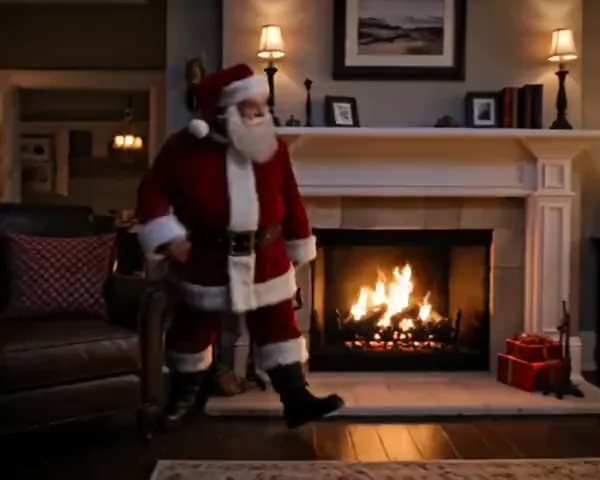
The visit starts in the room the kids know. In this example Santa steps out beside the fireplace, pulls a wrapped present from his sack, tucks it by the tree and melts into golden light, so the present becomes the clue they find in the morning.
Cookie break

He stops for the cookies you left out

Put cookies and milk on a table before you take the photo. Santa walks in from the side, picks one up, turns to the camera and takes a big bite, the kind of moment kids replay on Christmas morning.

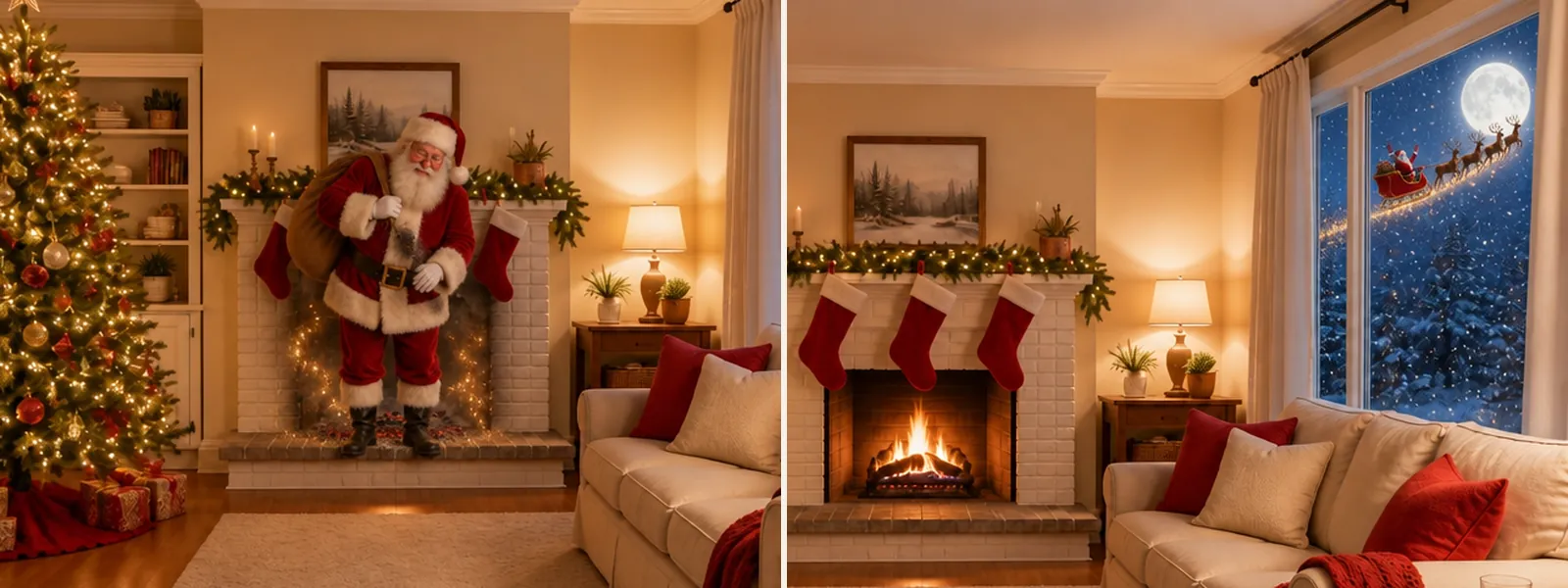
Left: Santa steps out of the fireplace onto the hearth with his sack, soot on his suit and golden sparkles behind him. Right: the same living room, with Santa's sleigh and reindeer gliding past the full moon outside the window

Down the chimney · Sleigh past the window

He comes down the chimney or flies past the window

With the fireplace in your photo, Santa can arrive in a puff of soot and sparkles instead of walking in; with a window onto the sky, his sleigh and reindeer can glide past outside while he waves. Each video holds one visit, and he never comes or goes through the door.

A Santa doorbell video from your own front porch

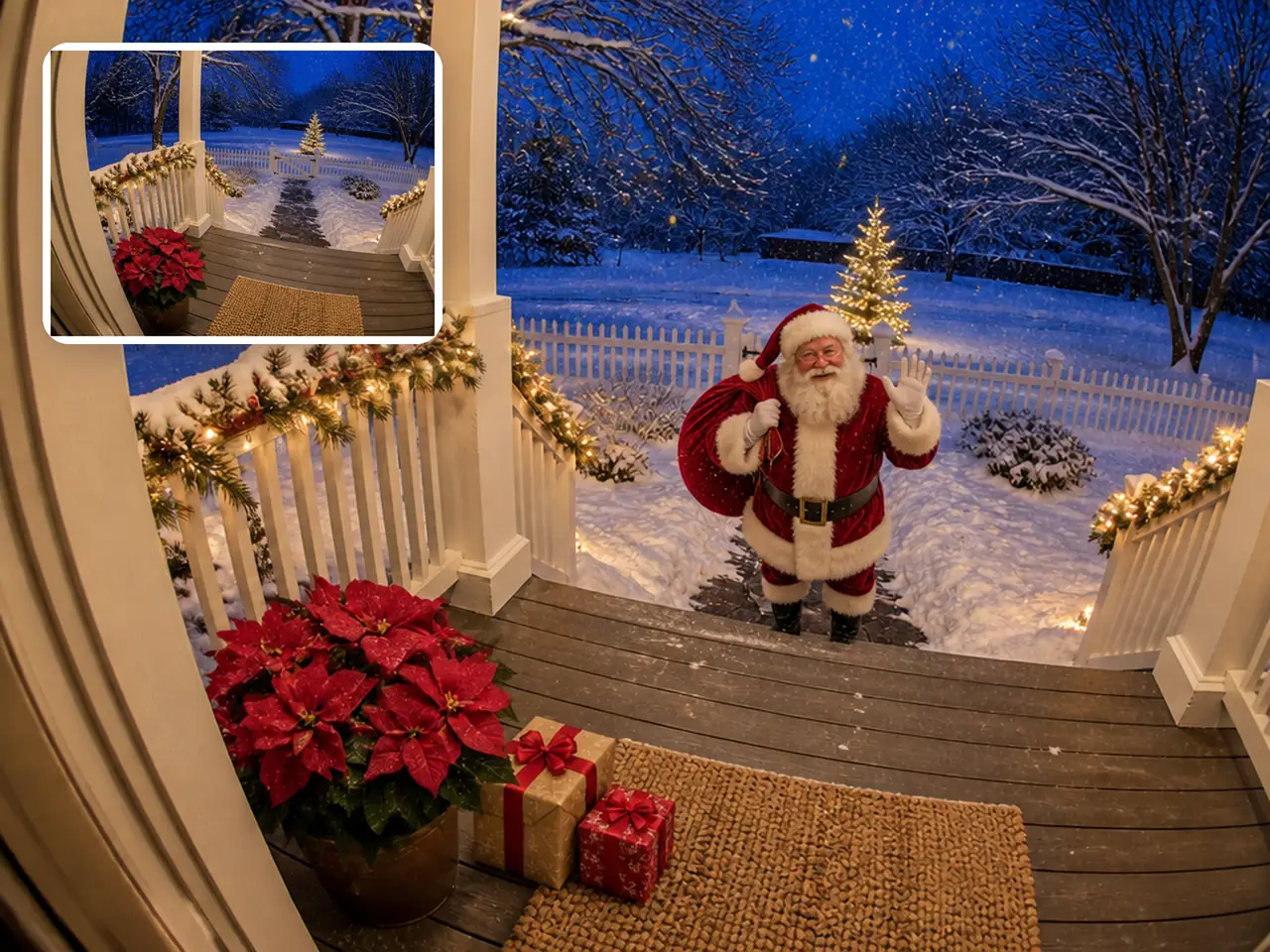
Pick Doorbell cam and Santa's visit is seen from beside your front door, in the wide, slightly rounded view a doorbell camera gives, with no time, icons or logo added on screen.

Doorbell cam

What Santa does on the porch

In this example he straightens up beside his sack, throws a shower of sparkles, then looks up into the camera and waves.

Small inset of an empty snowy porch, and the same porch with Santa waving at the bottom of the steps and two presents by the doormat

Porch photo or screenshot

Prepare a porch photo or a doorbell screenshot

Stand by the door and shoot the porch from about doorbell height, or open your doorbell app, pause a clip with nobody in it and take a screenshot. Crop off the time, date, battery and brand logo before you upload, since anything left in the photo can stay in the video, and keep the house number out of frame.

How do you make a Santa video for kids from a room photo?

Set the room up the way you want the kids to find it, take one photo while it is empty, and the template plays out the visit.

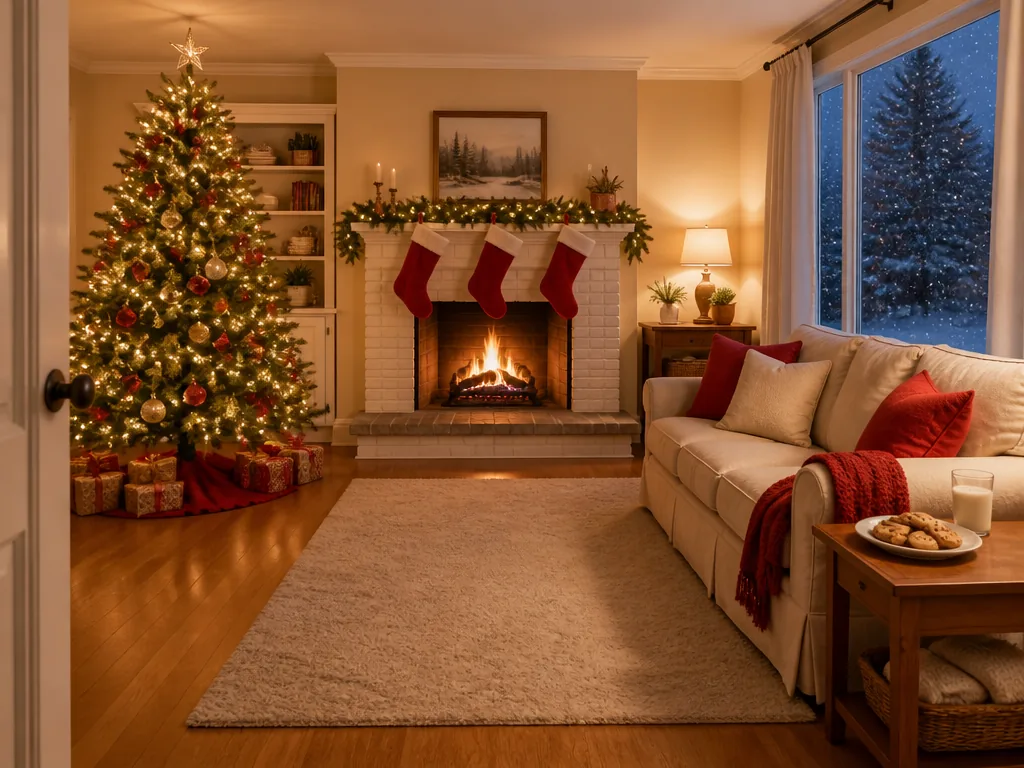
  1. Empty living room on Christmas Eve with a lit tree, a fireplace and a plate of cookies by the window

    Your photoEmpty room or porch

    Becomes the first frame: Santa walks into this exact room or onto this porch, and the furniture, tree and lights stay where they are.

    • Leave open floor by the tree or fireplace so he has room to move
    • Shoot from where a camera could sit: a shelf, a doorway or beside the front door

Room photo checklist

Works well

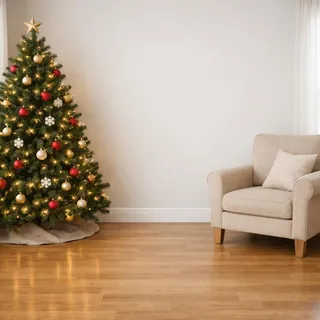
  • Empty living room corner with a lit Christmas tree and open floorAn empty room with the tree, fireplace or cookie table in view
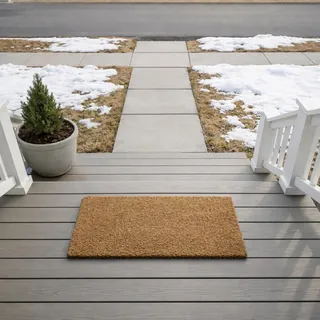
  • Empty porch with a doormat, seen from just above the front doorA porch shot from beside the door, house number out of frame

Avoid

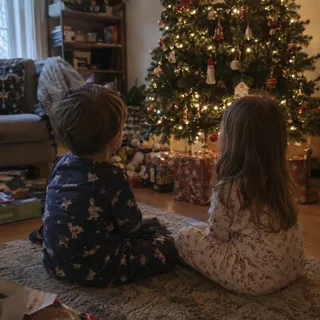
  • Two children in pajamas sitting by a Christmas treeKids or anyone else in the room
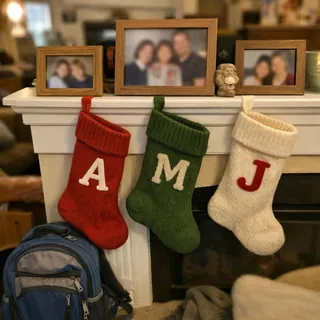
  • Mantel with framed family photos, stockings with initials and a school backpackFamily photos, name stockings or school bags in view
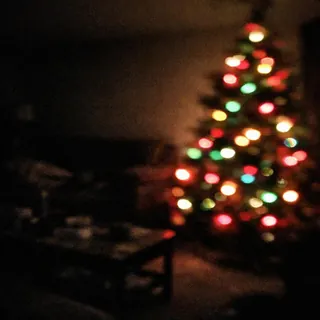
  • Dark, blurry living room lit only by Christmas tree lightsA dark or blurry shot, or one under 512 px on the short side

From photo to Christmas morning

  1. Add the photo

    Upload the room or porch and pick how Santa visits.

  2. Generate

    Change the length or resolution if you like; the Generate button shows the exact credits before you start.

  3. Save it for the morning

    Download the video. It comes with soft sleigh bells, so it can play as it is on the TV or under your own music.

Specs

Specs
Upload
1 photo · PNG / JPG / WebP · up to 10 MB · 512 px+ on the short side
Result
5–15 s video · 480p / 768p / 2K / 4K
Credits
72 for 6 s at 768p · up to 480
Shape
Same as your photo; crop it to vertical first for phone-screen posts
Prompt
None: pick a look and generate
Visibility
Always private

Santa visit video questions

Can I make a Santa in your house video for free?+

Not for free: each video uses credits. The default 6-second 768p video costs 72 credits, and other lengths and resolutions run from 50 to 480; the Generate button shows the exact price first. New accounts get 10 free credits.

Does Santa talk or say my child's name?+

No. Santa never speaks, reads out a name or holds up a sign in these videos; he only moves and gestures. Personalized talking Santa messages aren't offered on Oeneo AI.

Is it OK to show my kids, and should I label it as AI?+

Yes, as a family keepsake. Santa is the gentle storybook figure and leaves by magic, and the video carries no timestamp or camera overlay, so it isn't evidence of anything. If you post it publicly, label it as AI-generated, as most social platforms require for realistic AI videos.

What if my room has no fireplace, cookies or big window?+

Pick the visit your photo can hold. Gift drop and Night vision need open floor near the tree, Cookie break needs a table, Down the chimney needs the fireplace in frame and Sleigh past the window needs a window onto the sky; the room itself doesn't change, and Night vision only turns the whole video black and white.

Which doorbell cameras does it work with?+

Any. The template starts from a still image, so a screenshot from any doorbell or security camera app works, and so does a phone photo of the porch taken from beside the door. It isn't connected to any camera brand and doesn't appear in your doorbell app; you download the video and share it yourself.

What does the video sound like?+

Soft sleigh bells and the quiet sound of the room, with no song and no voice. Add your own music when you post if you want some.

How long does a Santa video take to make?+

Usually a few minutes. You can stay on the page and watch it replace the example, or come back later: every video is saved in My Creations.

Can I get a photo of Santa in my house instead?+

Yes. The Add Santa to Photo template adds Santa to a picture of your room, porch or family as a still you can print or send; this page makes the video.

Catch Santa in your own living room

One photo of the room the kids will wake up to, one visit from Santa, ready before they come downstairs.