


Start
Your photo is the opening frame
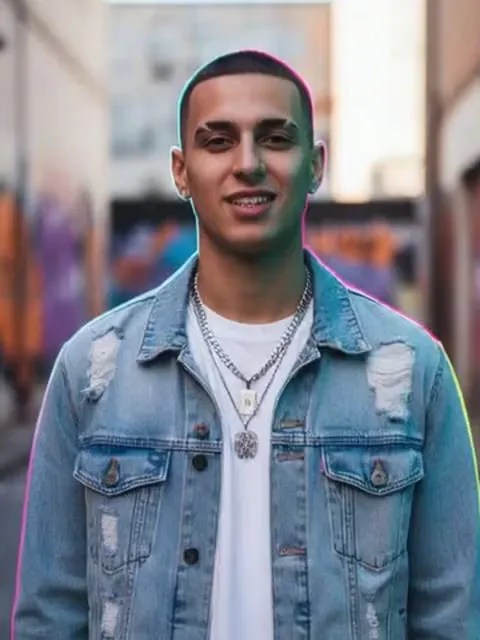
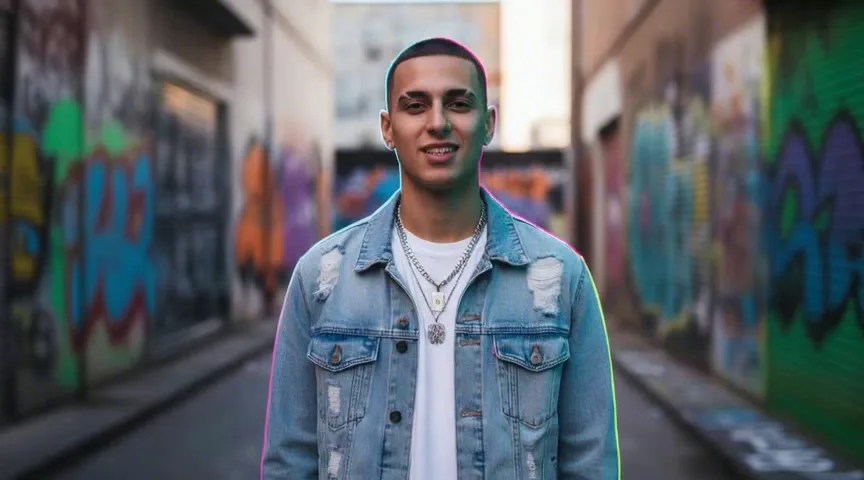
The video opens on your photo as it is: same place, same light, same pose. The camera then holds still, so the change happens to you in one continuous shot instead of across cuts.
Upload one photo of yourself and get a short video of your clothes changing, piece by piece, into Santa, an elf, a snowman, a nutcracker or gingerbread.
PNG / JPG / WebP · up to 10 MB · at least 512px on the short side
0/1 photos
One person, standing or waist up, whole face visible and facing the camera.
Video settings
No prompt needed. Only upload photos of yourself or people who agreed to be featured; celebrity photos and film stills aren't allowed.
Dance as an elf with your own face
Try itA Christmas portrait from one selfie, your face unchanged
Try it
A hat, antlers or elf ears on every head
Try it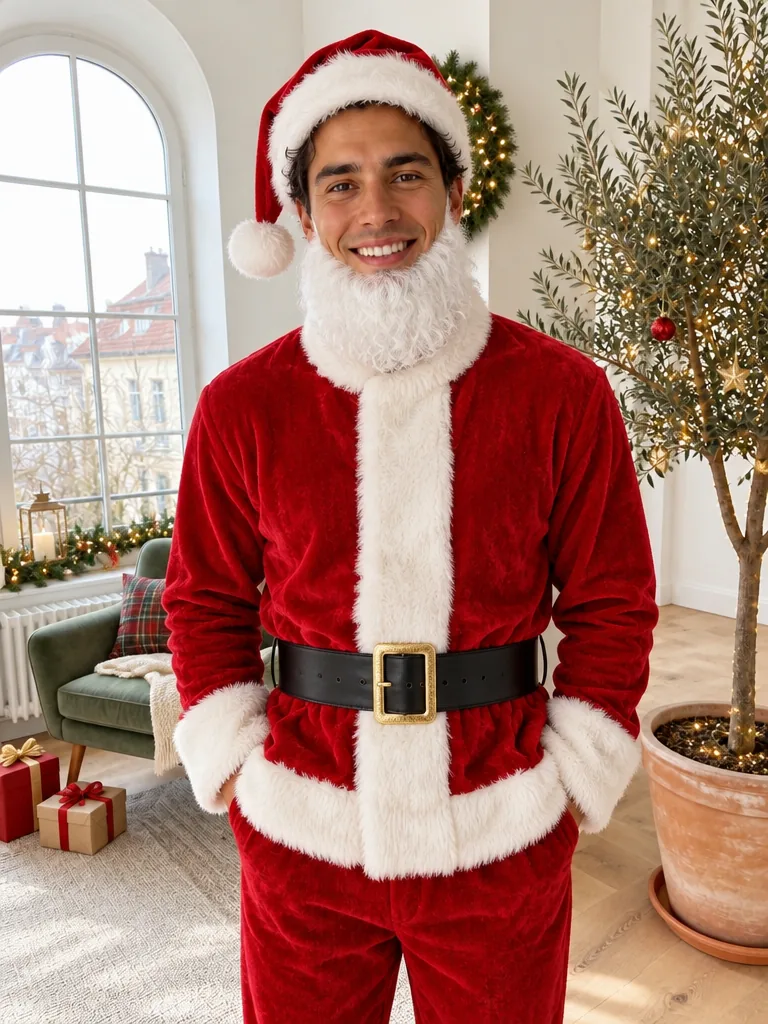
Be Santa, an elf or a snowman in one photo
Try it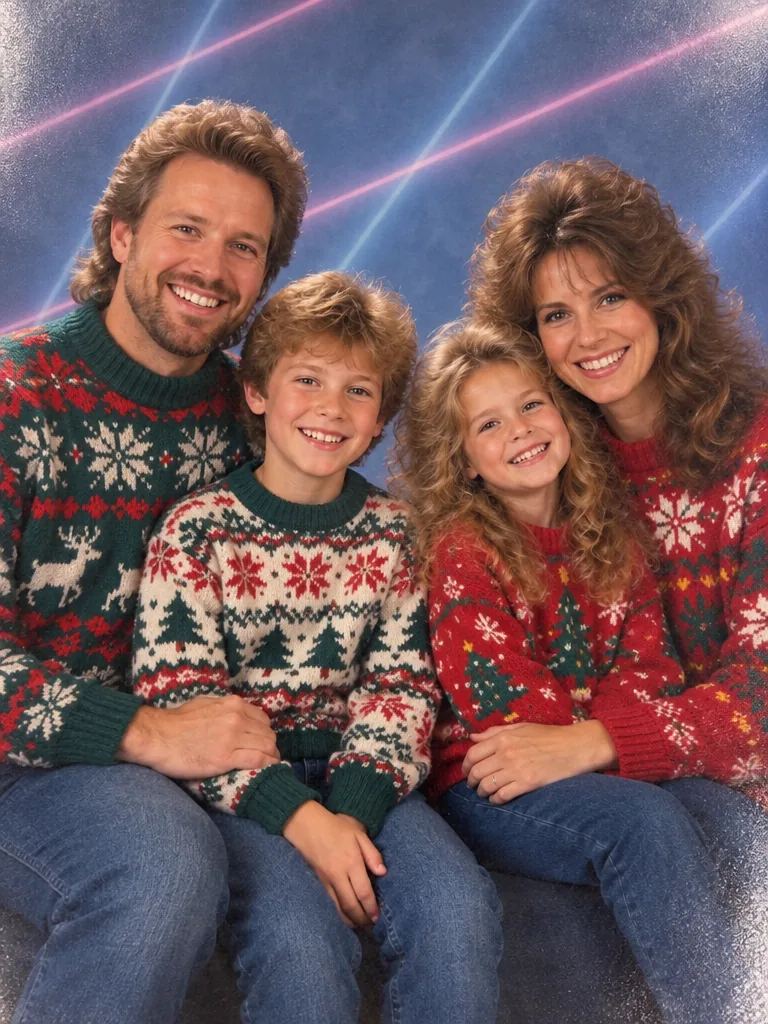
A Christmas photo that looks shot in the 80s
Try itA Santa transformation video is a short AI clip made from one photo: the person stays in place while their clothes change, piece by piece, into a Santa suit, hat and white beard, and their face stays recognizable. AI Santa transformation templates appeared in December 2024, and outfit-change clips were among the top AI video trends of November 2025.
Start
The video opens on your photo as it is: same place, same light, same pose. The camera then holds still, so the change happens to you in one continuous shot instead of across cuts.
Change
In this example, ribbons of red and gold light wrap around him; as they pass, a Santa hat, a white beard and a red suit with white trim appear and snow starts to fall. He stays on the same spot in the same alley the whole time.
Finish
Here a woman in a grey blazer gains a Santa hat, a full white beard and a red suit while her eyes, brows and smile stay the same. The template keeps the face, age and skin tone from your photo, and the clip ends on the finished costume, facing the camera, with snow in the air.
Every character uses the same transformation; only the costume differs, so pick the one that suits the person in the photo and the place the clip will be seen.
The full suit, hat and beard give the biggest before-and-after, which suits a vertical reveal. The video takes the shape of your photo, so shoot it in portrait.
Example: Open on your everyday outfit and let the suit land on the beat of a sound you add in the app.
A green velvet tunic, striped stockings, curled shoes and a pointed hat with a bell make the elf the playful pick for a clip the family will replay.
Example: Send Grandma a clip of her grandson turning into one of Santa's helpers.
A round white snowman suit with a red scarf and top hat, or a brown gingerbread outfit with icing trim and candy buttons, sets a cozy tone before anyone reads the details.
Example: Open a cookie-swap invite with the host turning into gingerbread, then add the date in your video editor.
A red jacket with gold braid, white trousers, black boots and a tall hat turn anyone into a toy soldier, a natural fit for a ballet night or a school play.
Example: Post it the afternoon before the show, with your seats and curtain time in the caption.
You need one photo and one choice of character; the photo rules below are what make the costume read clearly.
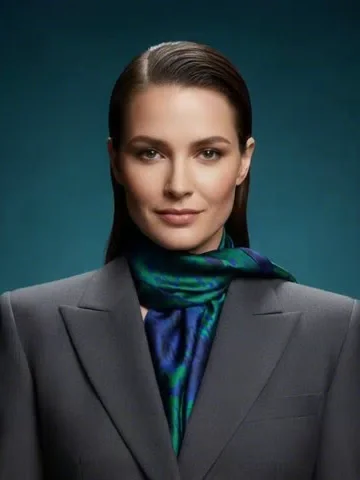
Your photoWho transforms
The one person in this photo is who transforms: they keep their face and their spot while the clothes turn into the costume you picked.
Works well
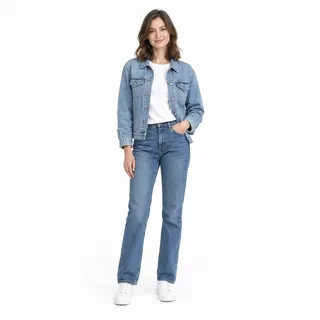 Standing, head to shoes
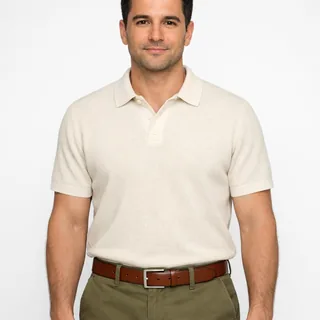 From the waist up, plain wall behind
Avoid
 Two or more people in one photo
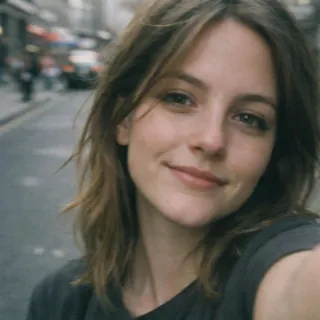 Face-only selfies with no clothes in view
 Sunglasses, a low cap or a hand over the face
Upload one photo
Add the photo of the person who transforms.
Pick a character and generate
Choose Santa or another character, change the length if you like, and click Generate; the button shows the exact price first.
Download and post
The clip carries soft sleigh bells but no song, so add your own track when you post it.
No, each video costs credits: 72 credits for the default 6-second clip at 768p, and from 50 to 480 depending on the length and resolution you pick. New accounts get 10 free credits on sign-up, and the Generate button shows the exact price before you start.
Yes. The template keeps the face, age and skin tone from your photo and changes only the clothes; the hat and beard frame your face instead of replacing it. Likeness drops when the face is small, turned away or partly covered, so check the photo list above if a result doesn't look like you.
Yes. A child keeps their own face, age and skin tone and never gets a beard, even with the Santa look; only adults get the white costume beard. Use a photo you have the right to share.
6 seconds by default, which holds the whole transformation. You can pick any length from 5 to 15 seconds before generating; longer clips cost more, for example 180 credits for 15 seconds at 768p.
Yes. Add a song from the app's sound library when you post. Because the result looks real, turn on the platform's AI-generated label when you share it publicly: it is a festive keepsake, not footage of a real costume change.
Yes. The Make Me Santa template turns the same kind of photo into a still of you as Santa, Mrs. Claus, an elf, a reindeer and more, for 3 credits at 1K. Use this page when you want to watch the change happen.
Not a live camera filter. You upload a photo and get a newly generated video, so there is nothing to film and nothing tracks your face in real time. Unlike face-swap effects, it keeps your own face instead of pasting in a stock Santa.
No. The template offers only its 5 classic Christmas looks. Characters from films, shows, books and brands aren't available, and the costumes are made not to imitate them.
Pick Santa or another Christmas character, upload your photo and watch the costume appear piece by piece.