

Add Santa Hat to Photo or PFP

Add a Santa hat to a photo or profile picture in one click: everyone in it, pets included, gets one that fits, and the rest stays as it was.

  • One click · no prompt
  • Santa hat PFP maker
  • Antlers, elf ears or a beard too
Profile picture of a smiling man in a cream cable-knit sweater with a Christmas accessory added on his head
Photo in
Example · Santa hat
Choose an effect

PNG / JPG / WebP · up to 10 MB · at least 512px on the short side

0/1 photos

A PFP, selfie, group or pet photo; keep every head in frame with room above.

Photo settings

No prompt needed. Only upload photos of yourself or people who agreed to be featured; celebrity photos and film stills aren't allowed.

Add a Santa hat to any photo: PFP, group or pet

Add Santa Hat to Photo is a one-click AI template that puts a Christmas accessory, a Santa hat unless you pick another, on every head in your photo and keeps the rest of the picture as it was. It works like a Santa hat filter, except nothing is dragged into place: each hat is drawn to the head's own angle, size and light, so hair or fur shows at the brim.

The same profile picture with a red velvet Santa hat on her head
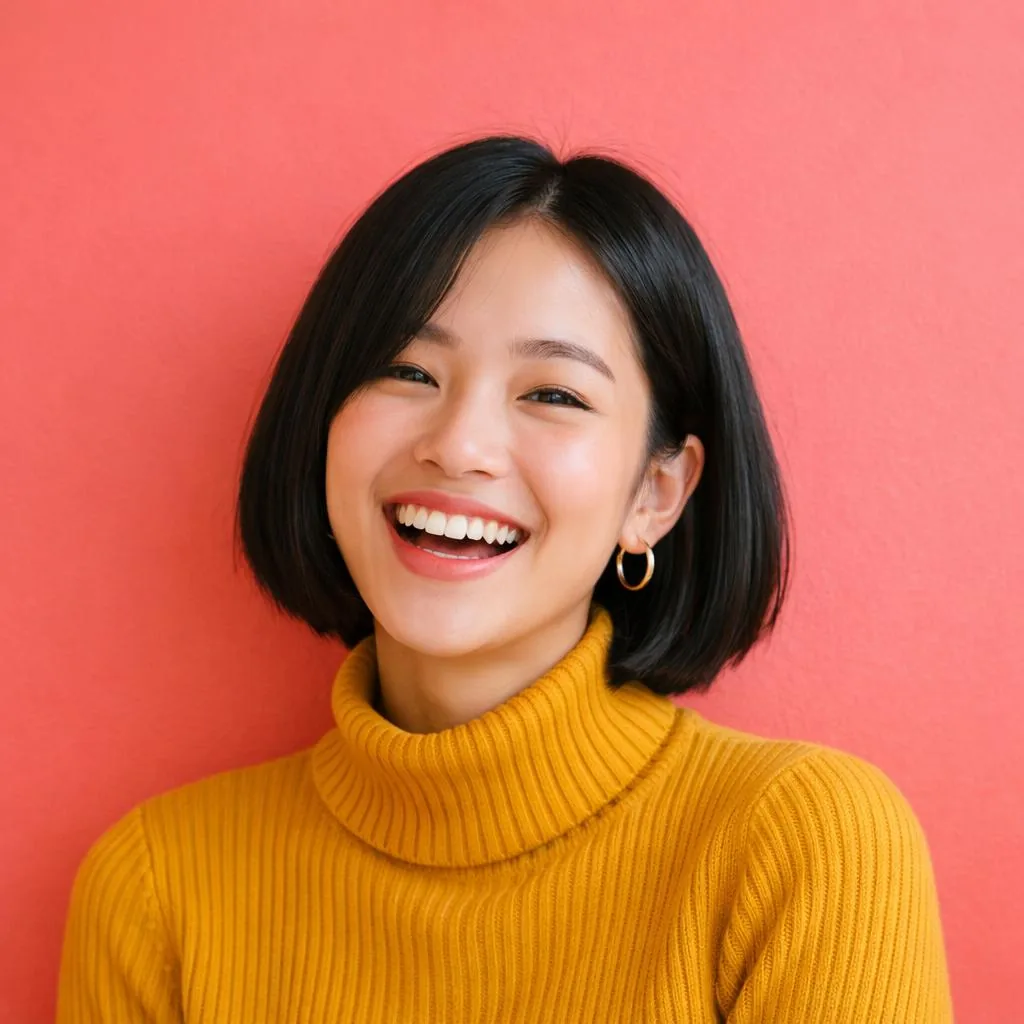
Square profile picture of a laughing woman with a black bob and a mustard turtleneck against a coral wall
Before
After

Profile picture

A Santa hat PFP from the picture you already use

Your current profile picture becomes a Christmas one in a single run, with no new photoshoot. The hat follows the tilt of your head and the light in the shot, so it still reads as part of the photo at thumbnail size.
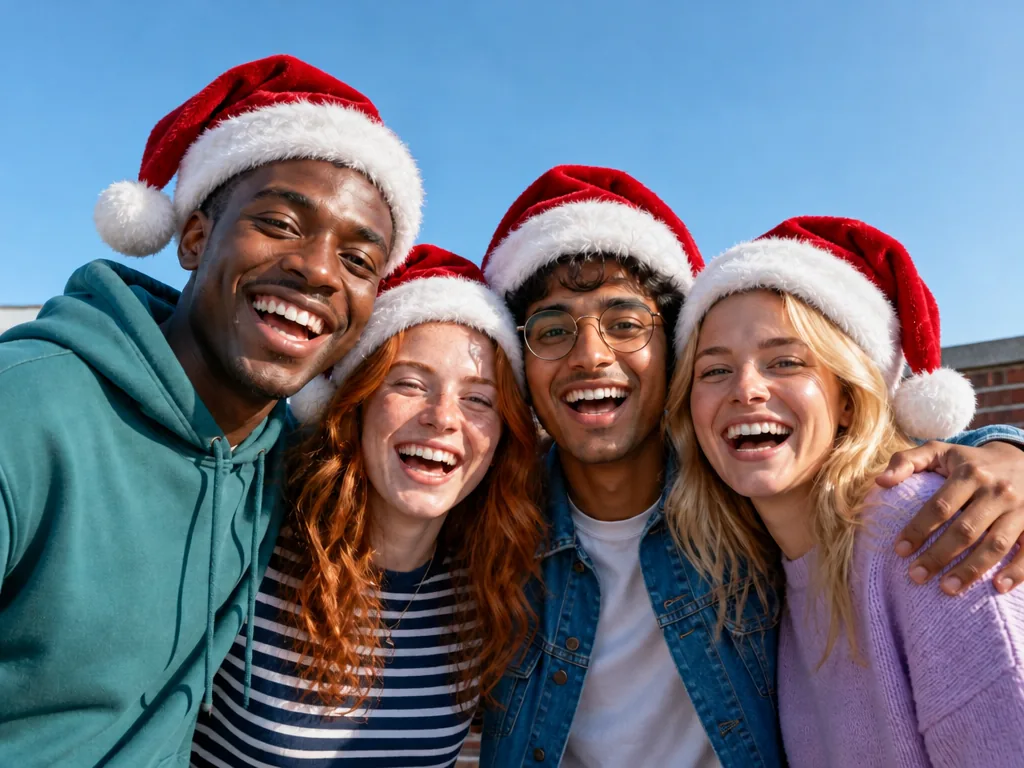
The same four friends, each now wearing a red Santa hat
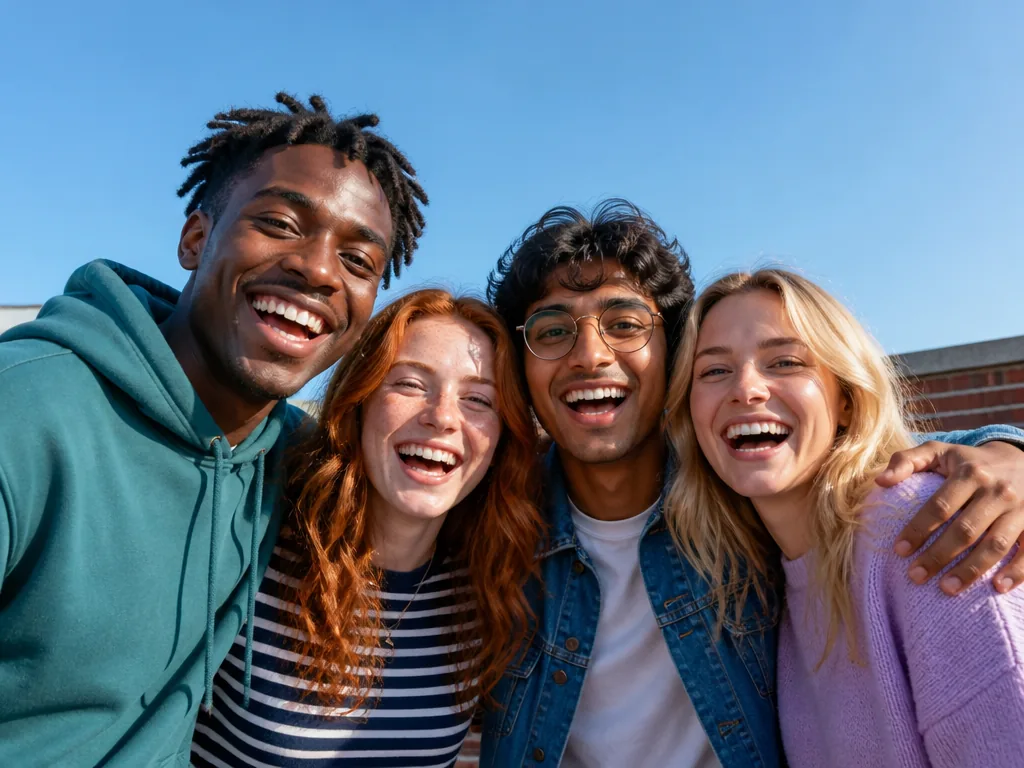
Four laughing friends with their arms around each other on a sunny rooftop under a blue sky
Before
After

Group photo

Everyone in a group photo gets a hat

In a group photo each person gets the same accessory in one run, sized to their own head, so nobody places hats one by one. You can't pick who wears one: crop out anyone who should stay hat-free before you upload.

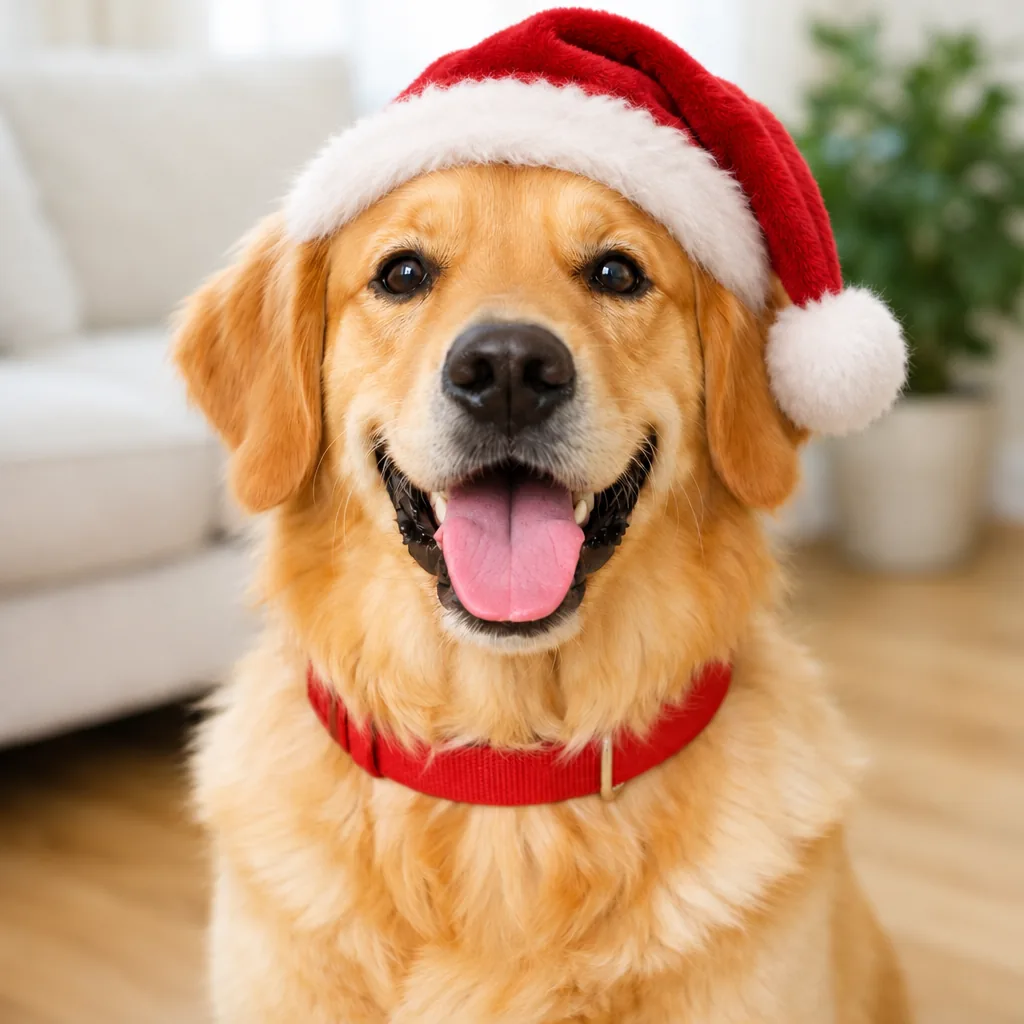
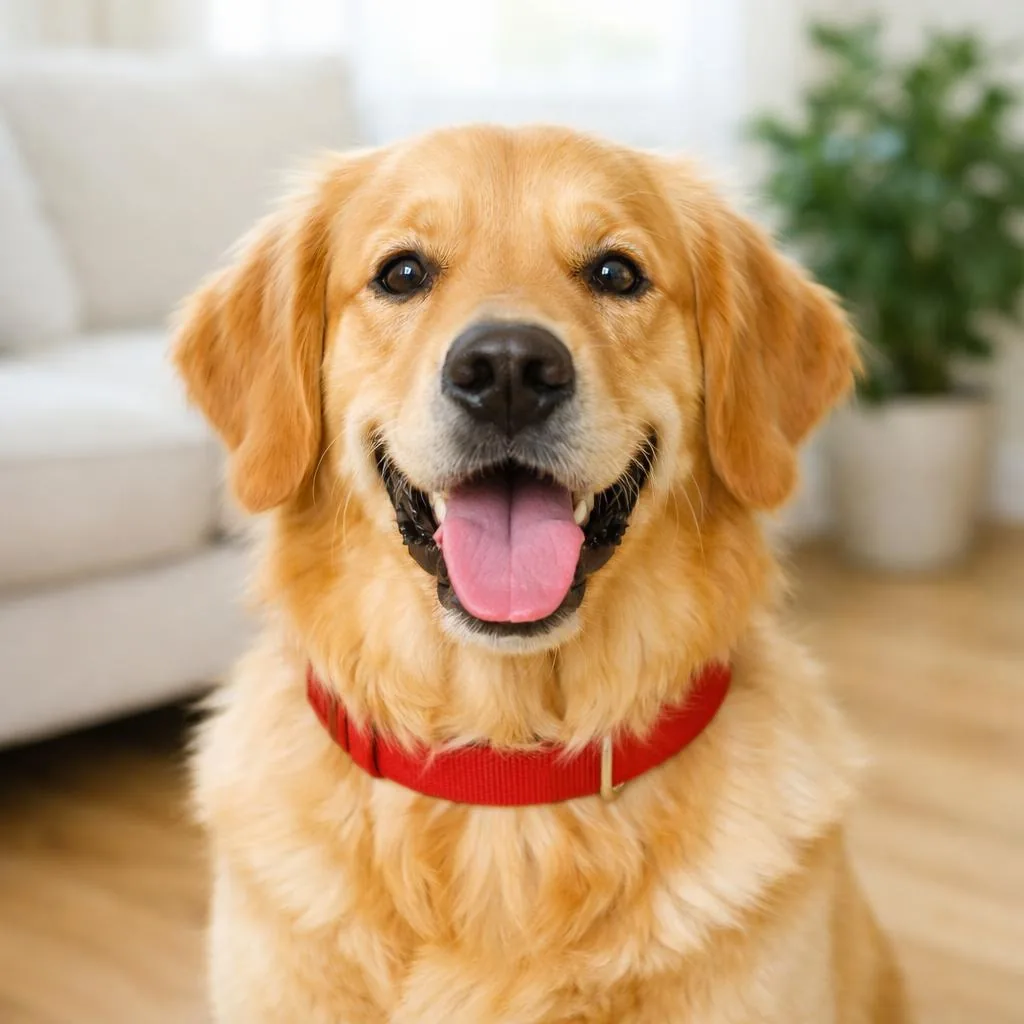
The same golden retriever wearing a small red Santa hat between its ears
Smiling golden retriever with a red collar sitting in a bright living room
Before
After

Pet photo

Add a Santa hat to a dog photo

Dogs and cats get a hat scaled to their head that sits between the ears, with fur poking out at the brim. To dress your pet in a whole Christmas outfit instead, use the AI Christmas Pet Photo template.

Dress your pet for Christmas

Which other Christmas accessories can you add?

Four more chips sit next to the Santa hat. Each run adds one of them, and you can try another on the same photo whenever you like.

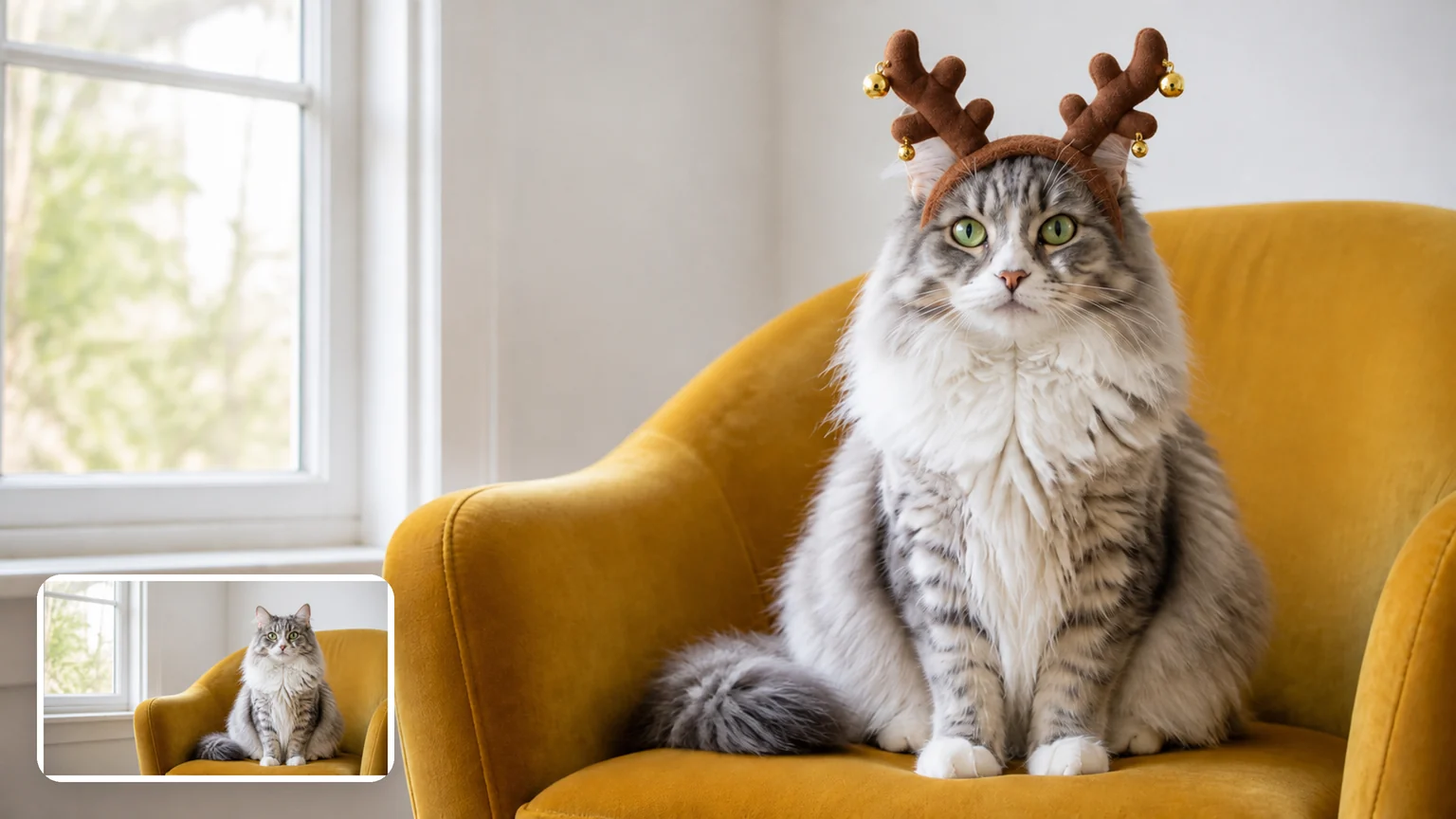
Fluffy grey-and-white cat in a mustard armchair wearing a plush reindeer-antler headband, with the original photo in the corner

Add reindeer antlers to a photo

A plush brown antler headband with tiny gold bells. It suits pets as well as people and stays small enough to look like a headband you could buy.

Three coworkers in a bright office wearing green-and-red elf hats and pointed elf ears, with the original photo in the corner

Add elf ears and an elf hat

People get a pointed green-and-red elf hat with a bell plus a pair of pointed elf ears; pets get the hat alone. A quick way to dress up a team photo for the office party.

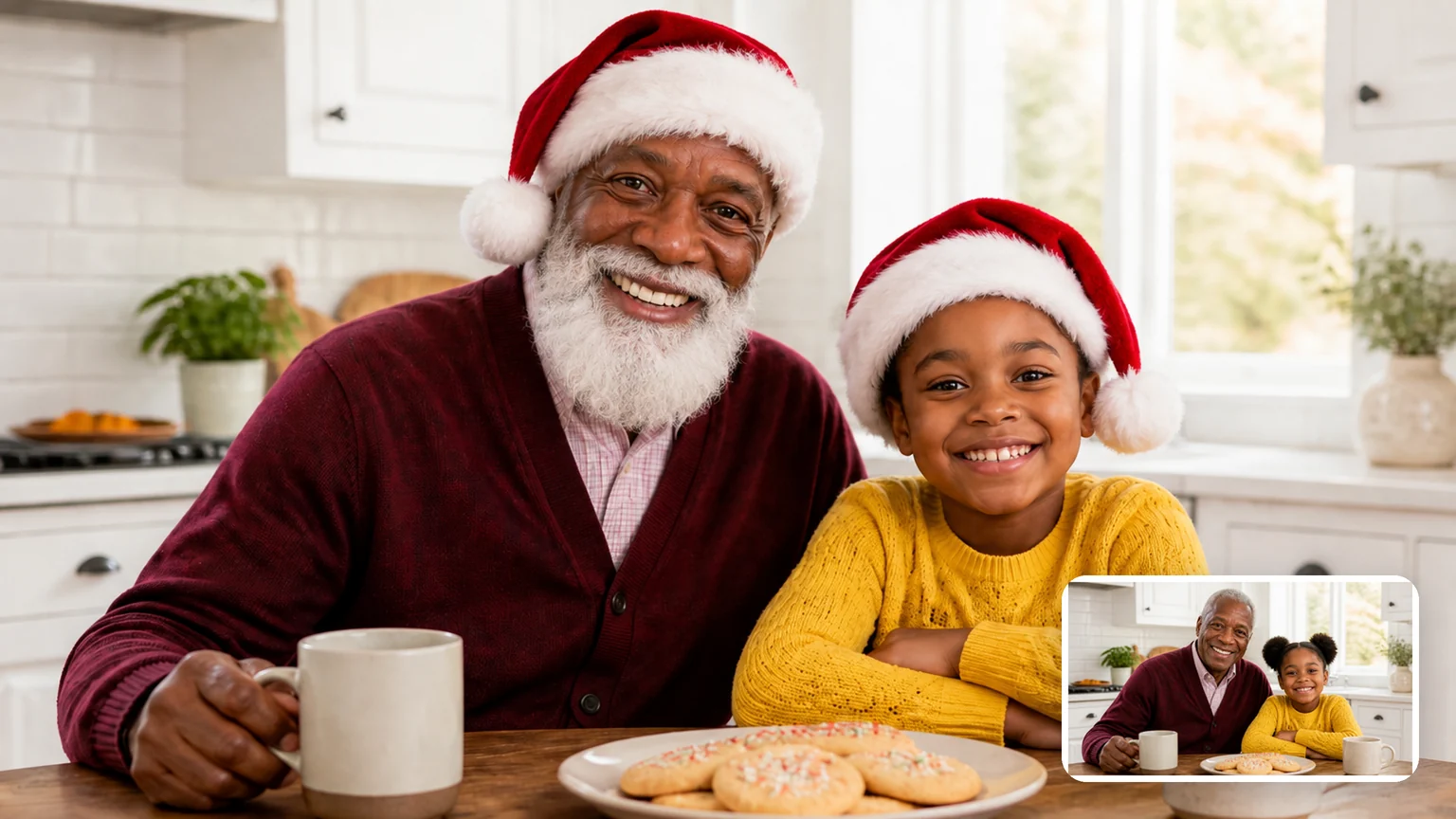
Grandfather with a white Santa beard and Santa hat beside his granddaughter, who wears only a Santa hat, with the original photo in the corner

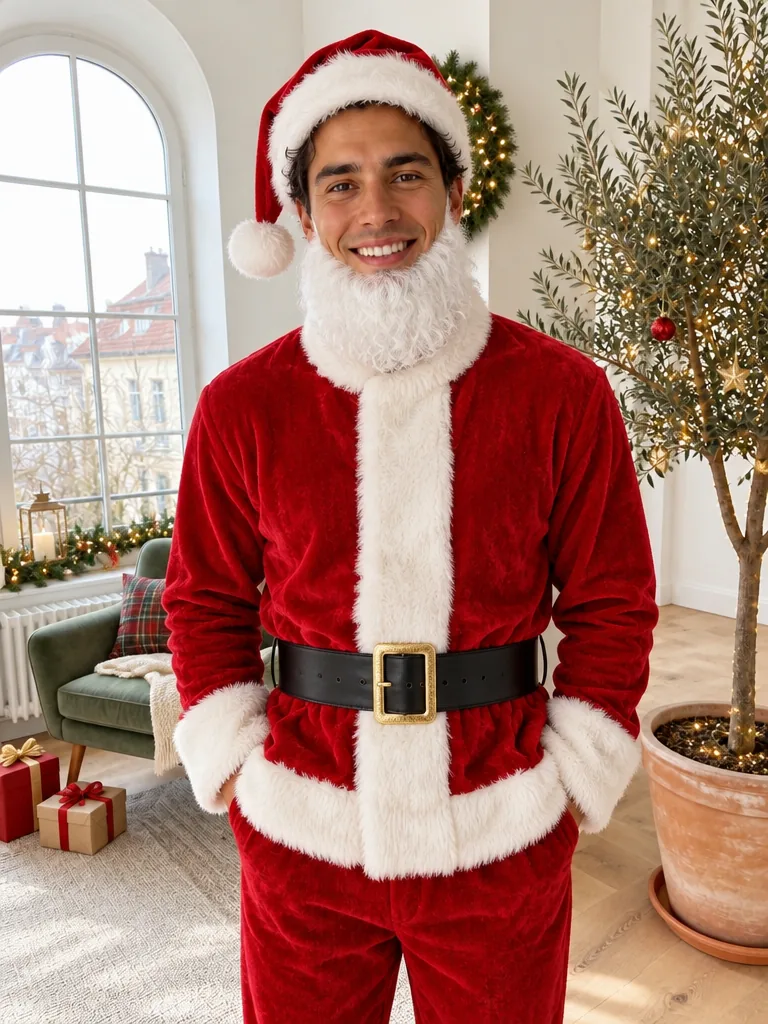
Add a Santa beard and hat, for adults

Adults get a fluffy white beard and mustache under a Santa hat, with eyes, nose and face shape left clear so you still look like you.

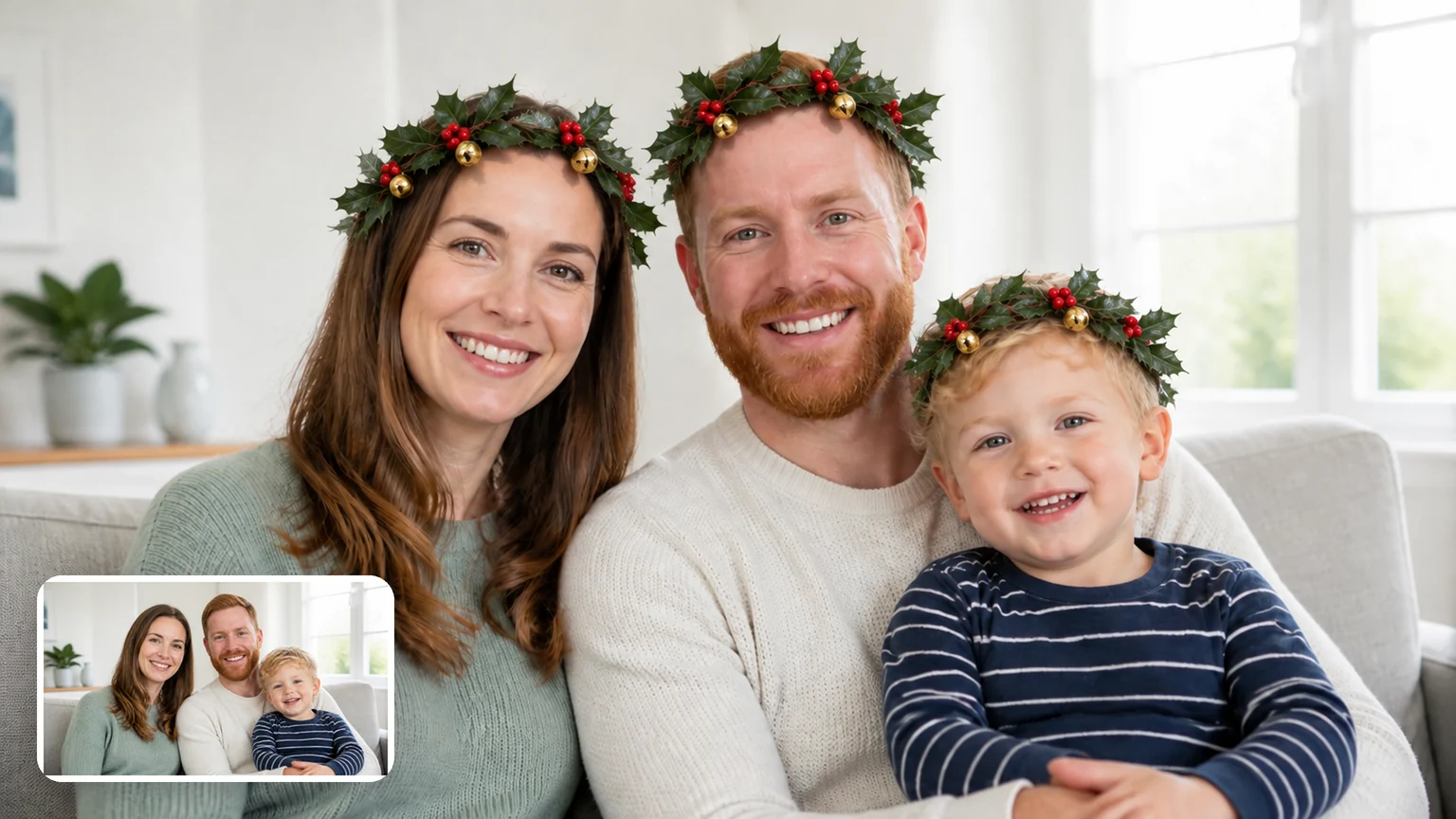
Mother, father and toddler on a sofa, each wearing a small holly crown with red berries, with the original photo in the corner

A holly crown instead of a hat

A small ring of glossy holly leaves, red berries and a gold bell for anyone who would rather not wear a hat. It sits on long hair, curls and little heads alike.

How do you add a Santa hat to your photo?

One photo and three steps. The checklist shows what helps the accessory sit right on every head.

  1. Example photo: a smiling man in a cream sweater, head and shoulders, with space above his head

    1 photoYour photo

    This photo plays every part: each person and pet in it gets the accessory you pick, and everything around them stays as the backdrop.

    • No hat or hood on already: the accessory needs the top of the head

Photos that work

Works well

  • Woman in a mustard sweater, chest up, with white space above her curly hairHead and shoulders with room above the head
  • Four adults side by side against white, every head fully in frameGroups standing close, every face in view
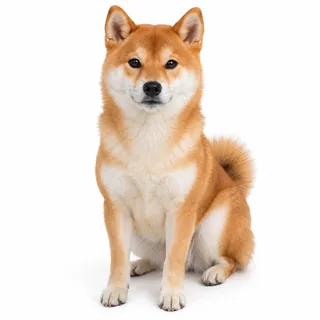
  • Shiba Inu sitting and facing the camera on whitePets facing the camera, both ears in frame

Avoid

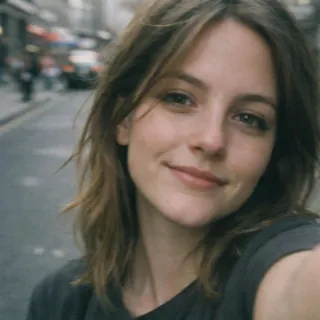
  • Close selfie of a woman on a street with the top of her head out of frameThe top of the head cut off by the frame
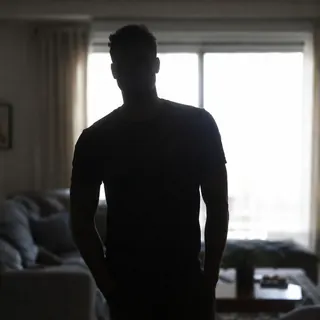
  • Man as a dark silhouette against a bright windowDark or backlit shots where heads blend in
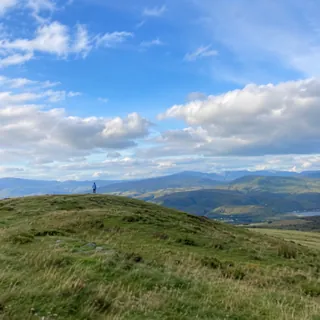
  • Person as a tiny figure on a distant hilltopHeads too small to see, like a far-off crowd

Make yours

  1. Upload one photo

    A selfie, your current profile picture, a group shot or your pet, straight from your phone or computer.

  2. Pick an accessory and generate

    Choose a chip, then press Generate; the button shows the exact credit price before you start.

  3. Save it or animate it

    Download it for your profile or the family chat, or press Animate it to turn the photo into a short Christmas clip.

Specs

Specs
Upload
1 photo · PNG / JPG / WebP · up to 10 MB · 512 px+ on the short side
Result
1 photo per run · 1K / 2K / 4K
Original photo ratio (default)
Keeps your photo's own shape and framing
1:1 ratio
Profile pictures; a photo of another shape is reframed to a square
3:4 ratio
Instagram feed and profile grid · 6×8 in prints
Credits
3 at 1K · 4 at 2K · 5 at 4K
Accessories
5: Santa hat, reindeer antlers, elf hat and ears, Santa beard (adults only), holly crown
Prompt
None: pick a look and generate
Visibility
Always private

Santa hat photo FAQ

Is adding a Santa hat to a photo free?+

No, each photo uses credits: 3 at 1K, 4 at 2K or 5 at 4K, and new accounts get 10 free credits at sign-up, enough for 3 photos at 1K. The Generate button shows the exact price before you start, so you can try it on your own picture first.

Does anything else in my photo change?+

It shouldn't: only the accessory is added, and faces, expressions, hair, clothes, background, light and framing are kept. Because the AI redraws the photo rather than pasting a sticker on top, small details such as jewelry or text in the background can come out slightly different, so compare it with your original and run it again if something moved.

How many people can get a Santa hat in one photo?+

There's no set number: everyone whose head is visible gets one. In big groups where faces are small, check that nobody was missed, and use a closer crop if someone was.

Can I add a Christmas hat to my dog or cat?+

Yes. Dogs and cats can wear every accessory with two differences: with the elf hat they skip the pointed ears, and with the Santa beard they get only the Santa hat. A pet and its people in the same photo are all dressed in one run.

Will it put a Santa beard on my kids?+

No. The beard goes on adults only; children and babies in the photo get just the Santa hat. Every other accessory works for kids as it does for adults, and they keep their own age, face and clothes.

Will the hat fit in a round profile picture?+

Yes, if there's room for it: most apps show a profile picture as a circle that trims the corners, so start from a photo with space above your head and pick 1:1 for a square result. 1K is plenty for a profile picture; 2K / 4K are for printing.

Can my Santa hat photo get falling snow or sparkle?+

Yes. Press Animate it on the result and the photo opens in the Animate Christmas Photo template, which turns it into a 5-second clip with touches like falling snow or twinkling lights; that costs 60 credits at the default settings.

Is there an app to add a Santa hat on iPhone?+

No app needed: the template runs in the browser on iPhone, Android and desktop. Upload from your camera roll, generate, then save the result back to your photos.

Put a Santa hat on your photo

Upload a selfie, a group shot or your pet, pick a hat, antlers or a holly crown, and see it on your own picture in one run.