
AI Snow Globe

Upload one photo of you, a couple, your family or your pet and get it back as a tiny, lifelike scene inside a glass snow globe, with snow drifting all around.

  • One click · no prompt
  • Faces, outfits and poses kept
  • 6 globe styles, from a snow village to a music box
An example photo and the AI snow globe made from it, with the same people as tiny figures inside the glass
Photo in
Example · Music box
Choose an effect

PNG / JPG / WebP · up to 10 MB · at least 512px on the short side

0/1 photos

You, a couple, a small family or a pet, full or half body, faces clear.

Photo settings

No prompt needed. Only upload photos of yourself or people who agreed to be featured; celebrity photos and film stills aren't allowed.

What is an AI snow globe?

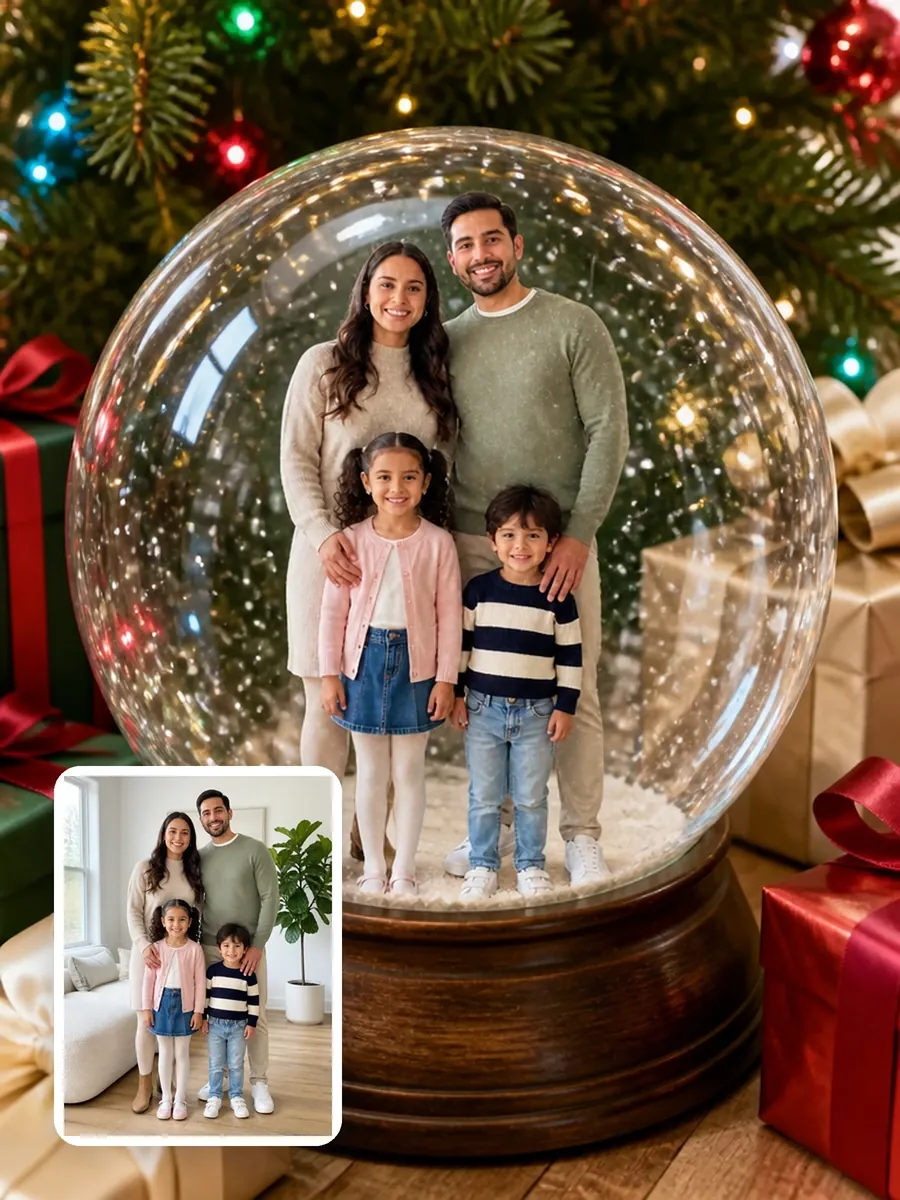
A family of four as tiny figures inside a snow globe under a decorated Christmas tree, with their original living-room photo in the corner

Your photo, shrunk into a snowy scene under glass

An AI snow globe is a picture of a glass snow globe with the people or pets from your own photo inside it as a tiny, lifelike scene, snow drifting around them. It works like a snow globe filter, except the figures become part of the scene, lit by the same light and seen through the curved glass, instead of a flat cutout pasted on top. Snow-globe photos of real people started spreading on social media on November 18, 2025, and by early December snow globe filters were a common Christmas photo effect.
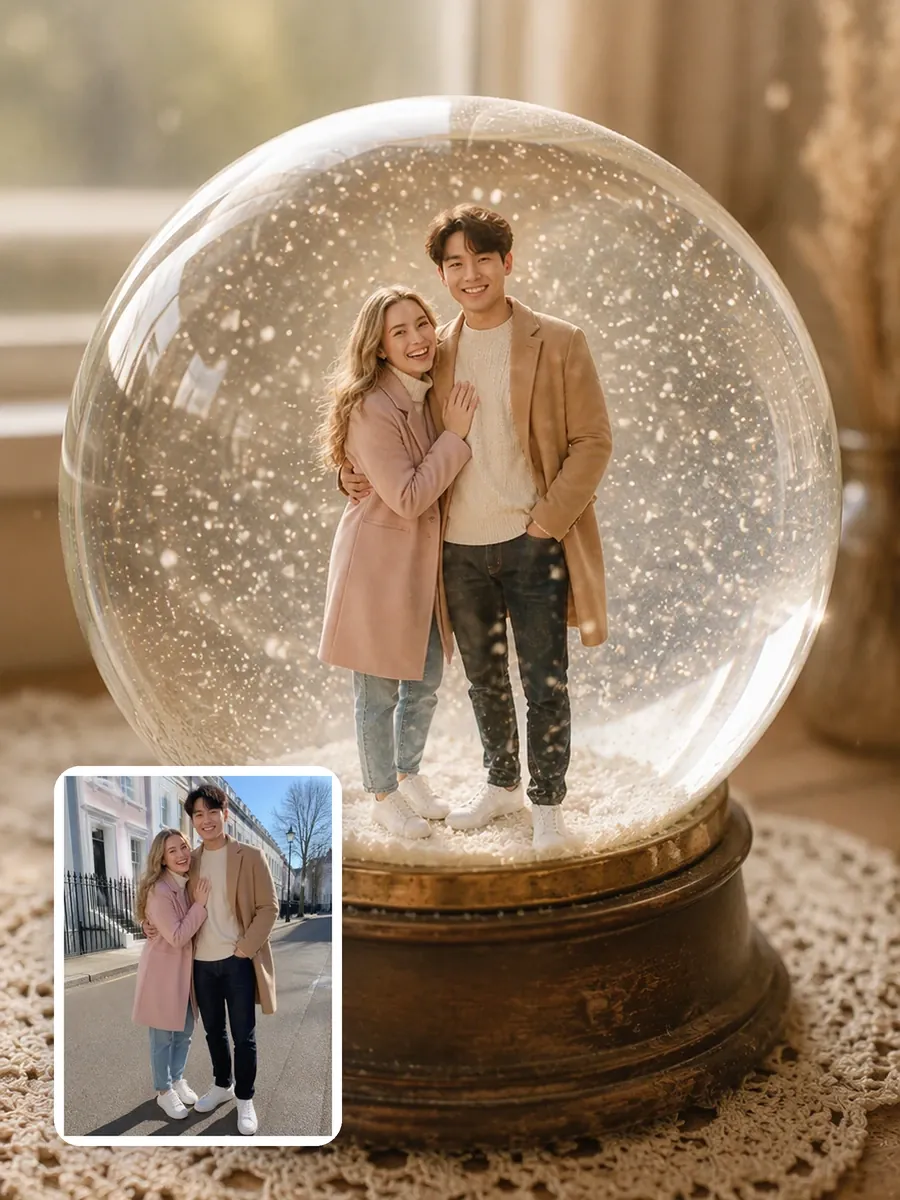
A couple as tiny figures inside a sepia vintage snow globe on an antique wooden base, with their original street photo in the corner

What the globe keeps from your photo, and what it changes

Everyone keeps their face, hair, skin tone, clothes and pose, and the count stays the same: nobody is added and nobody is left out. What changes is the scale and everything around you: the glass, the falling snow, the little scene you stand in, the base and the room outside, all set by the globe style you pick.

Put yourself, your family or your pet in a snow globe

One upload covers a solo shot, a couple, a family or a pet. Each example pairs a different photo with a different globe style.

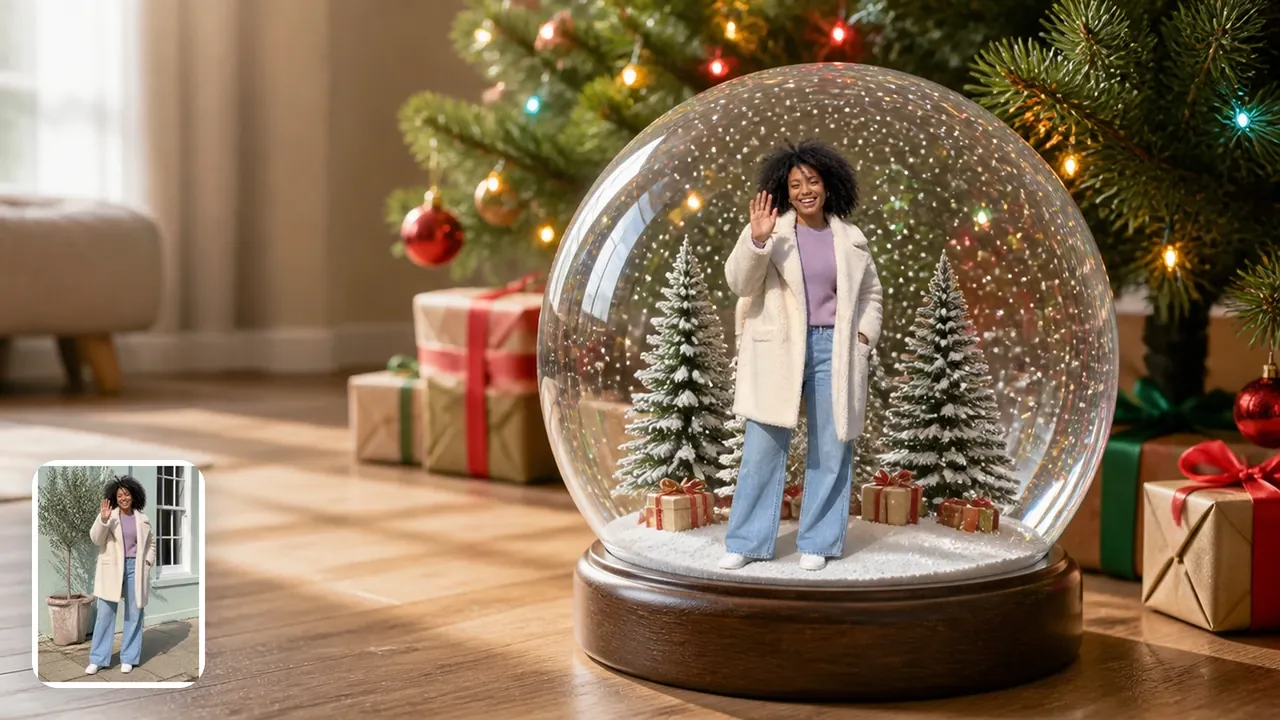
A young woman waving from inside a snow globe set under a lit Christmas tree among wrapped presents, with her original photo in the corner

One person, the clearest likeness

Alone in the glass, you get the largest figure and the most facial detail. The tree-and-gifts globe sits on the floor among wrapped presents, lit by the tree.

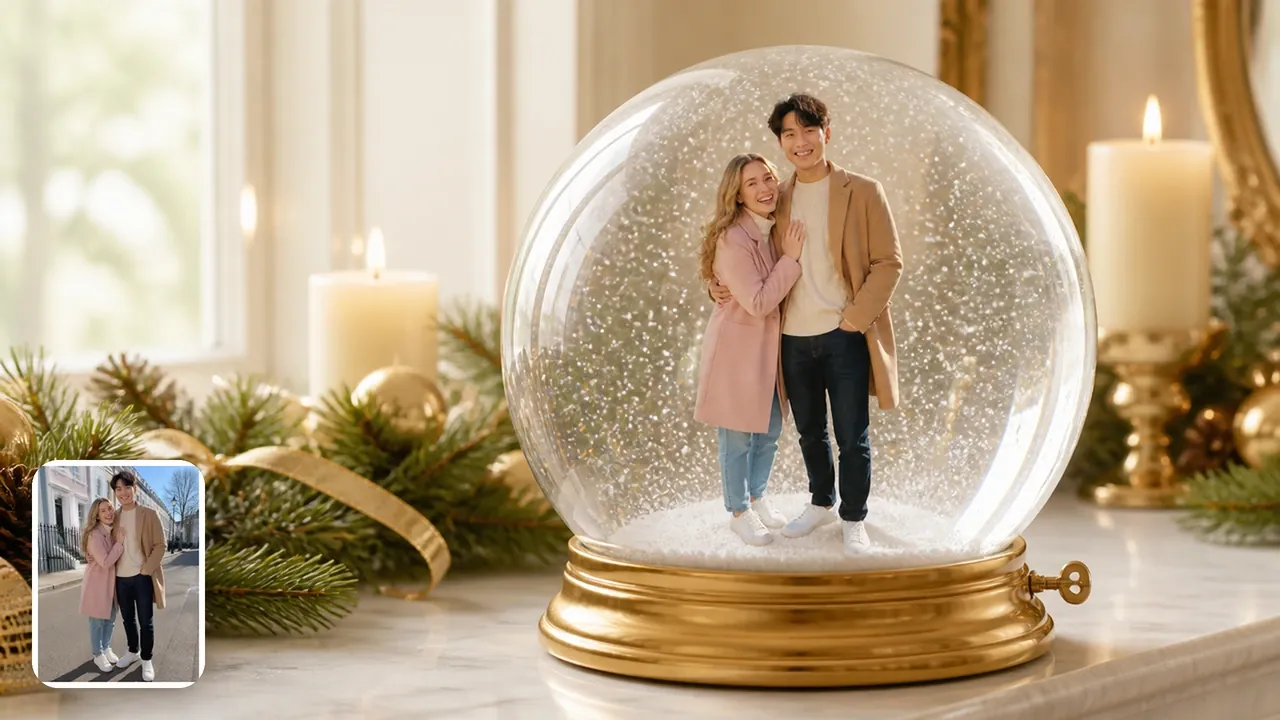
A couple standing arm in arm inside a snow globe on a gold music-box base between candles and pine garland, with their original photo in the corner

A couple in one scene

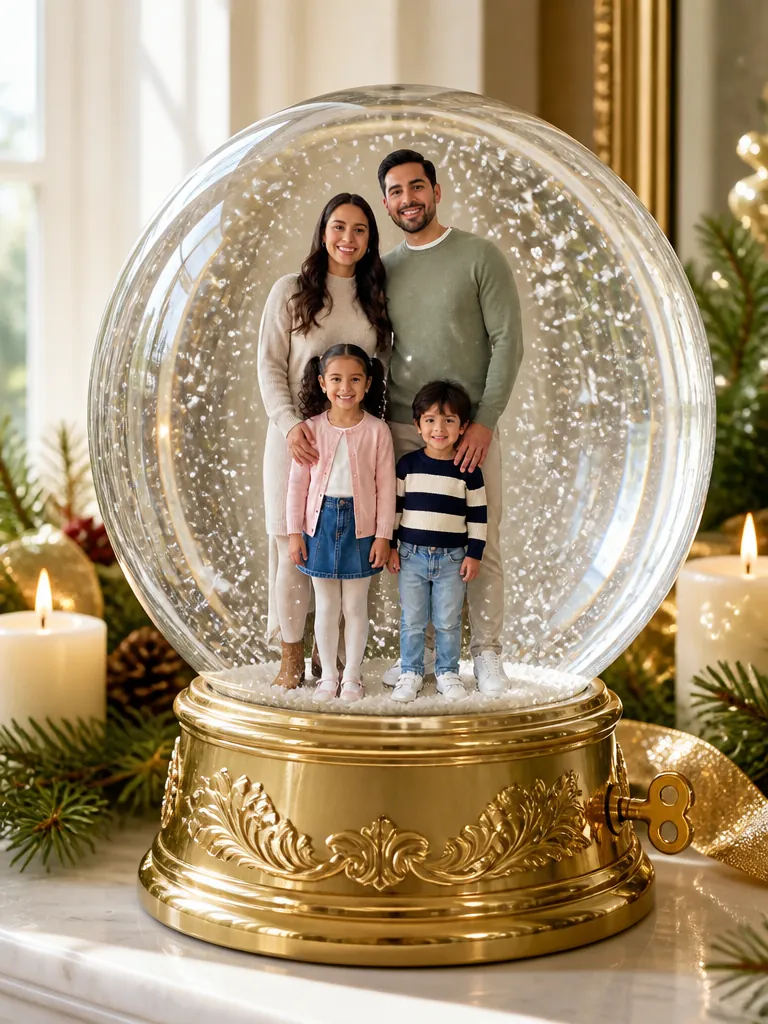
Two people share the scene with room for both faces, a fit for a first Christmas together or an anniversary. The music-box globe sets you on a gold base with a little winding key, between candles and pine on a mantel.

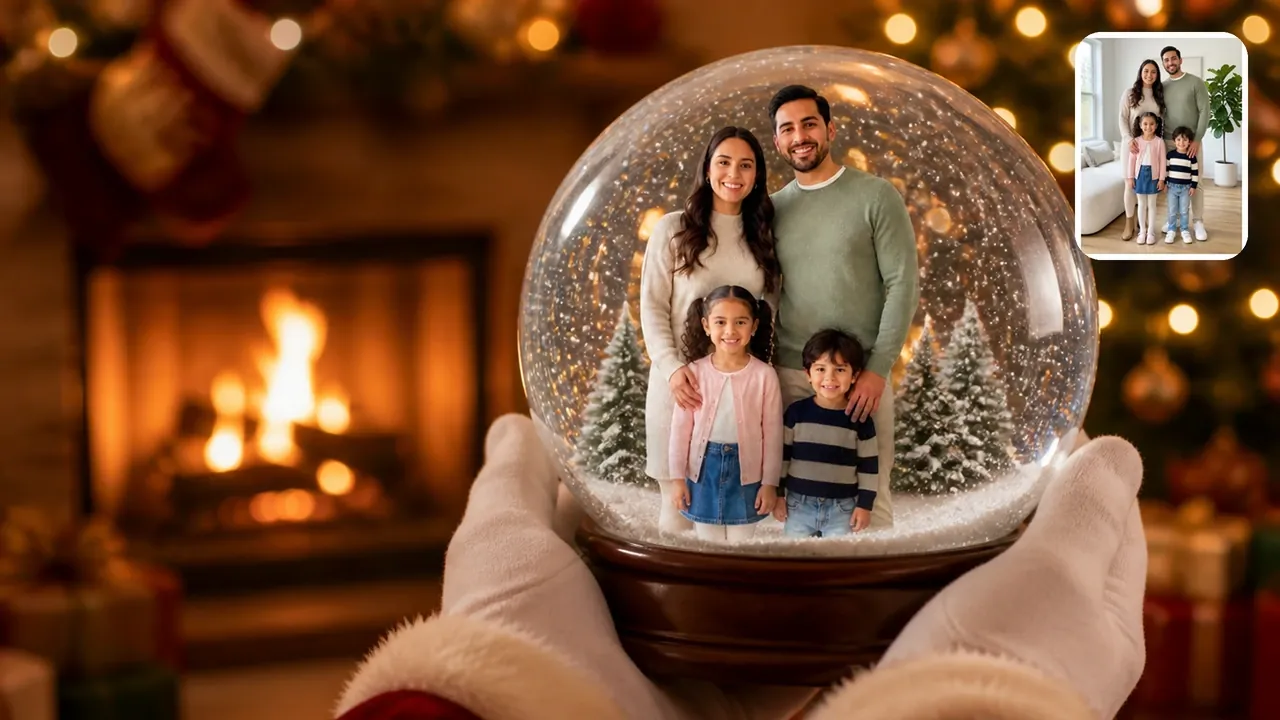
A family of four inside a snow globe held up by Santa's white-gloved hands in front of a fire, with their original photo in the corner

A family in one globe

Parents and kids share one dome, each at their real age, which makes a keepsake worth printing for the grandparents. In Santa's hands, white gloves and red sleeves with fur cuffs lift the globe in front of a fire, and Santa's face stays out of frame.

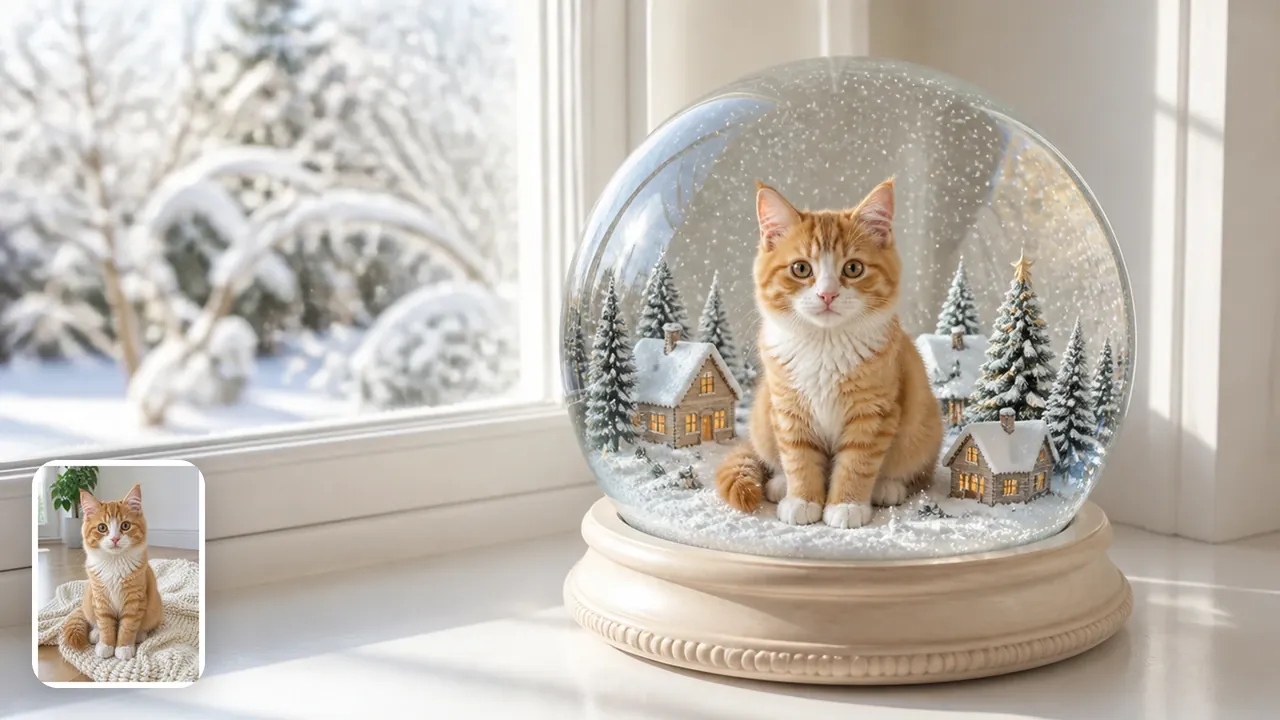
A ginger-and-white kitten sitting among tiny snowy cottages inside a snow globe on a bright windowsill, with its original photo in the corner

A dog or a cat in the snow

A dog or cat keeps its coat, markings, ears and eyes, so your pet still looks like your pet. The snow-village globe surrounds it with tiny snowy cottages on a bright winter windowsill.

How do you put your picture in a snow globe?

Upload one photo of the people or pet you want inside, pick a globe style and press Generate.

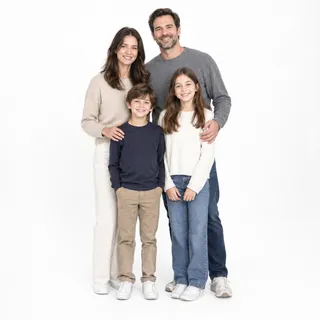
  1. Example photo: a family of four standing together in a bright living room

    PhotoYour photo

    The people or pets in this photo move into the globe together, in the same clothes and poses, shrunk to fit inside the glass.

    • One person, a couple, a family of about four, or a pet
    • Everyone already in this one photo, standing close together

A photo that shrinks well

Works well

  • Family of four standing close together on white, all facing the cameraEvery face clear and turned to the camera
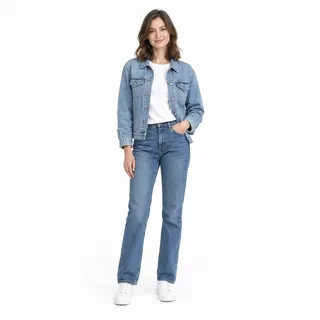
  • Woman in a denim jacket and jeans standing, head to shoesFull or half body in frame
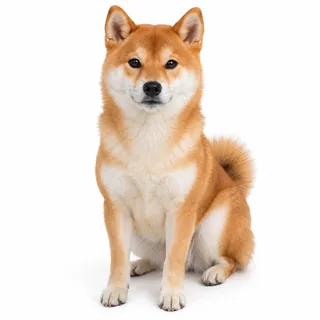
  • Shiba Inu sitting, whole body, facing the cameraPets: whole body, eyes visible

Avoid

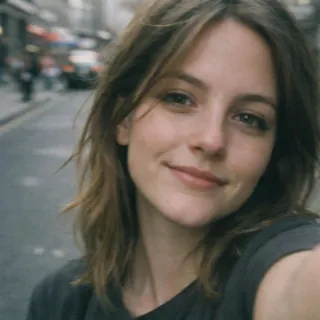
  • Close selfie of a woman's face with no body in frameFace-only close-up selfies
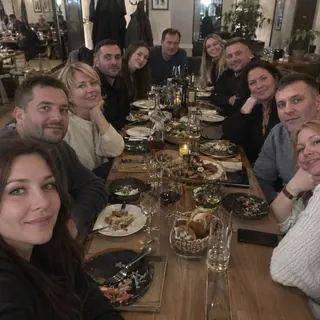
  • A large group of friends crowded around a long restaurant tableBig groups where every face is small
  • Man in sunglasses and a low cap with a hand over his mouthSunglasses, low caps or hands over faces
  • Dim, blurry snapshot of a woman dancing at nightDark or blurry shots

From photo to snow globe

  1. Upload your photo

    Add the photo with everyone you want inside the glass.

  2. Pick a globe and generate

    Choose a globe style and a ratio, then press Generate; the button shows the exact credits first.

  3. Download it or animate it

    Save the picture, or press Animate it to turn it into a short video where the globe rocks and the snow swirls up.

Specs

Specs
Upload
1 photo · PNG / JPG / WebP · up to 10 MB · 512 px+ on the short side
Result
1 photo per run · 1K / 2K / 4K
3:4 ratio (default)
Room above the globe for falling snow · prints and frames
1:1 ratio
Profile picture · square posts
9:16 ratio
Phone lock screen and wallpaper · Stories and Reels
Credits
3 at 1K · 4 at 2K · 5 at 4K
Globe styles
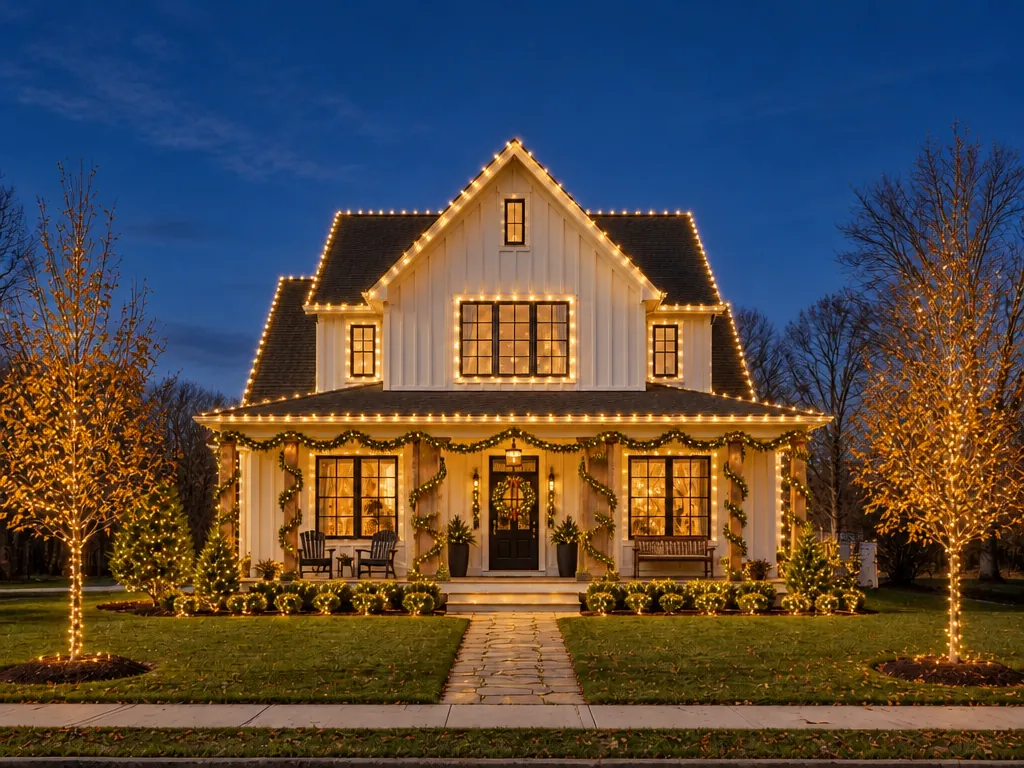
6: Snow village · Santa's hands · Music box · Night lights · Tree & gifts · Vintage
Prompt
None: pick a look and generate
Visibility
Always private

AI snow globe FAQ

Can I put my picture in a snow globe online for free?+

It runs on credits rather than being free: 3 credits per snow globe at 1K, 4 at 2K and 5 at 4K, and new accounts get 10 credits at sign-up. The Generate button shows the exact price before you start.

Will I still look like myself at that size?+

Usually, yes: the globe keeps each face, hairstyle, skin tone and outfit from your photo, but at miniature size the finest details soften. Likeness holds best with fewer people who stand closer to the camera; if a face drifts, generate again or pick a sharper photo from the checklist above.

How many people fit in one snow globe?+

One to about four people, or a pet, works best. Everyone in your photo goes in and nobody is added or dropped, so in a bigger group each face gets smaller and harder to recognize.

Can I add “Merry Christmas” or a name to the base?+

No. The base stays plain, without words, names or dates. To add a message, put it on after downloading in any photo editor, or use the Christmas Card template, whose designs come with a printed greeting.

Can I make the snow globe shake?+

Yes. Press Animate it under your result to turn the picture into a 5-second video in which the globe rocks gently and the snow swirls up and settles again. The video is a separate run, 60 credits at its default settings.

Can I use it as a phone wallpaper or print it?+

Yes. Choose 9:16 for a phone lock screen or keep 3:4 for prints and frames; 4K gives the most detail. What you get is a picture, not a physical snow globe, so to hold one in your hands, print it.

Do I need a snow globe AI prompt?+

No. Each globe style already describes the glass, the snow, the base and the setting, so you only upload a photo and pick a style. This template doesn't take your own text; to write your own snow globe prompt, use the AI Image Generator instead.

Is it OK to use a photo of my kids?+

Yes. Children keep their real age and natural look inside the glass. Only upload photos of people who are happy to be in one.

Make a snow globe from your photo

Upload one photo, pick a globe and get a picture you can share, print or set swirling.