


How it works
Your photo becomes the opening frame
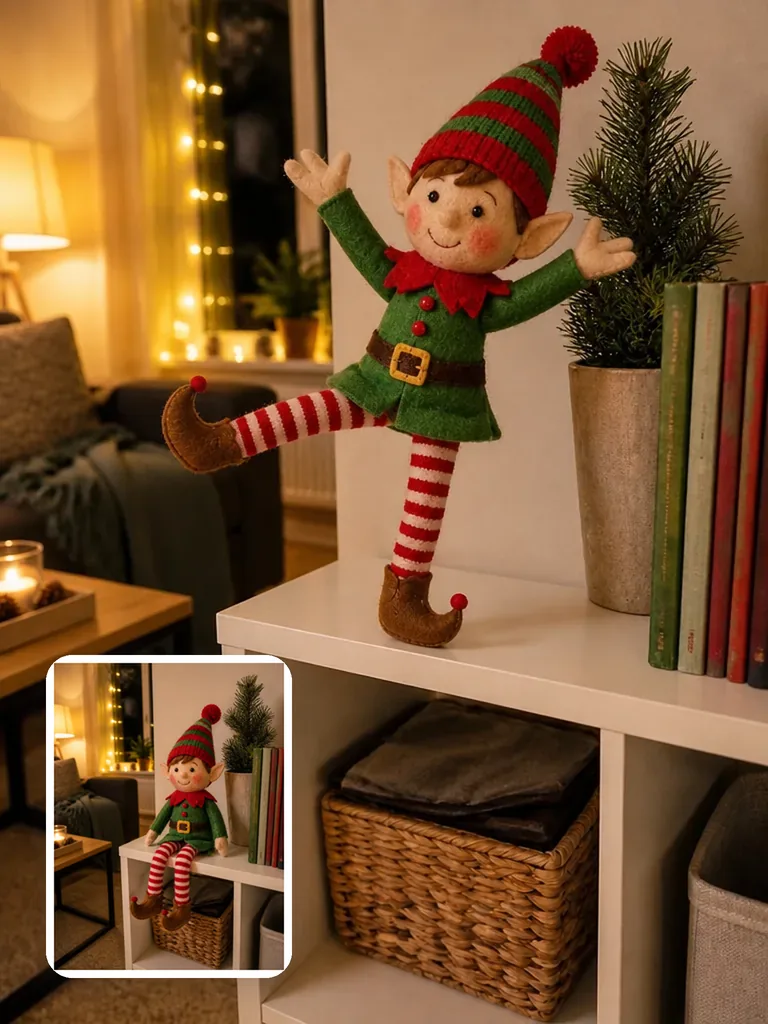
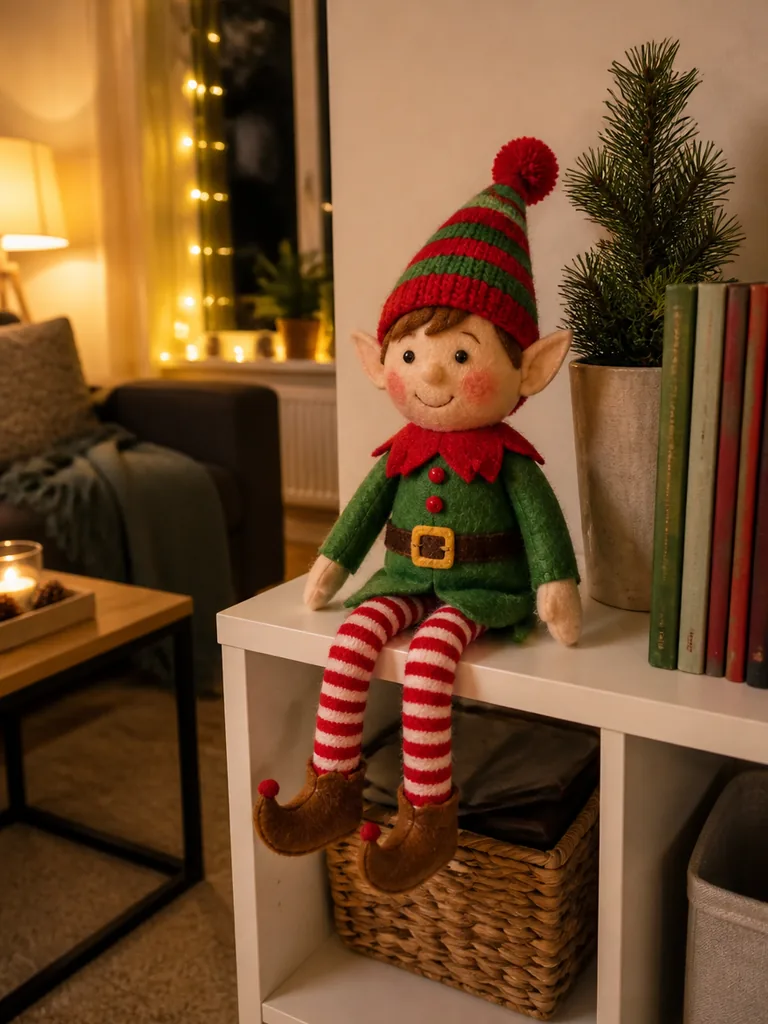
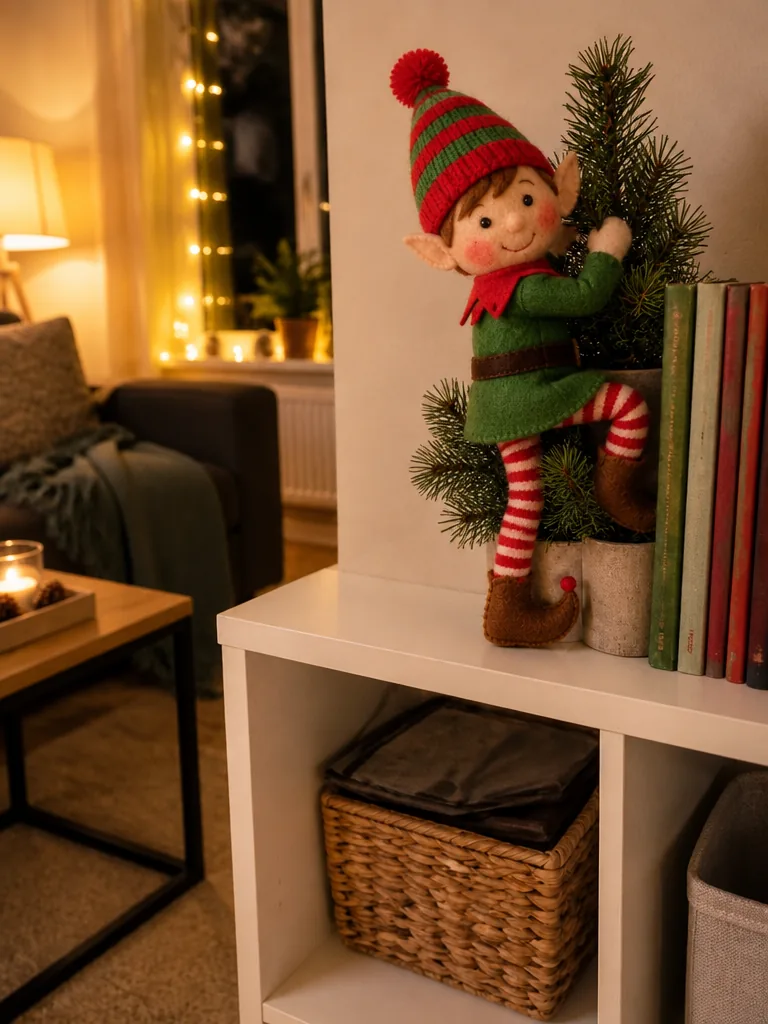
The template uses tonight's photo as the first frame of the clip, so the doll begins in the pose and spot you staged and then moves by itself, here from sitting still on the shelf to a little dance.
Snap your elf doll tonight and watch the same doll come alive in a short video.
PNG / JPG / WebP · up to 10 MB · at least 512px on the short side
0/1 photos
Your elf doll where it sits tonight: whole doll, big and sharp, no people.
Video settings
No prompt needed. Upload a photo you took of your own elf doll; screenshots of films, shows or ads aren't allowed.
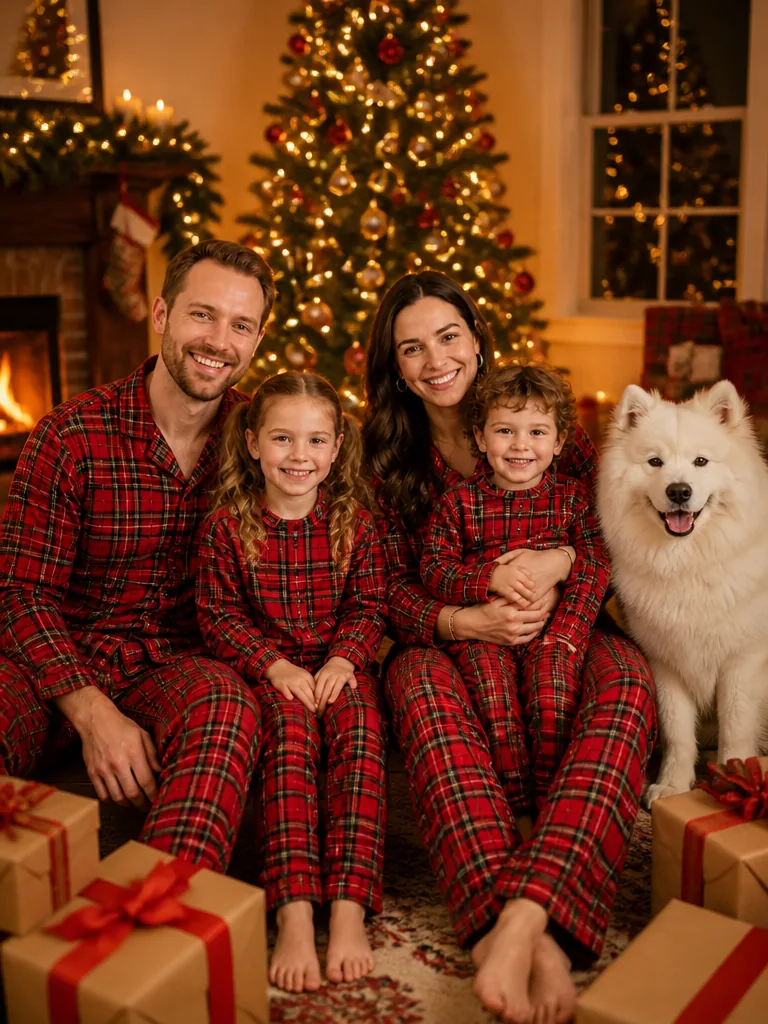
Your group photo, dressed for Christmas
Try it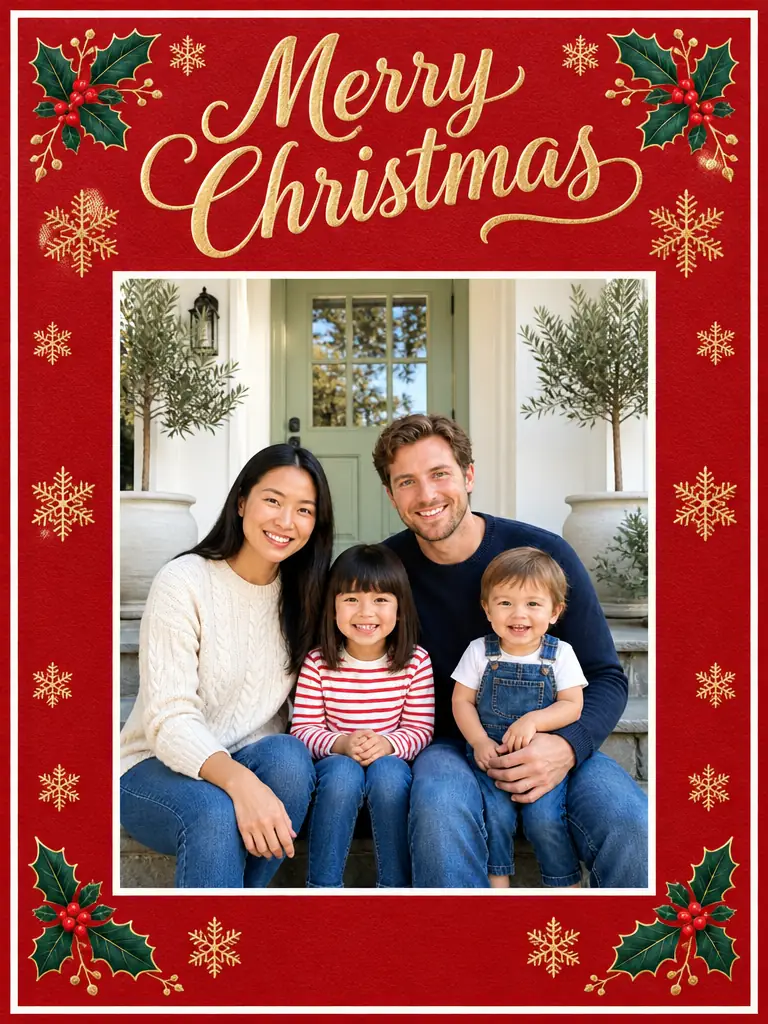
Turn your photo into a Christmas card
Try it
Two solo photos become one Christmas couple shot
Try it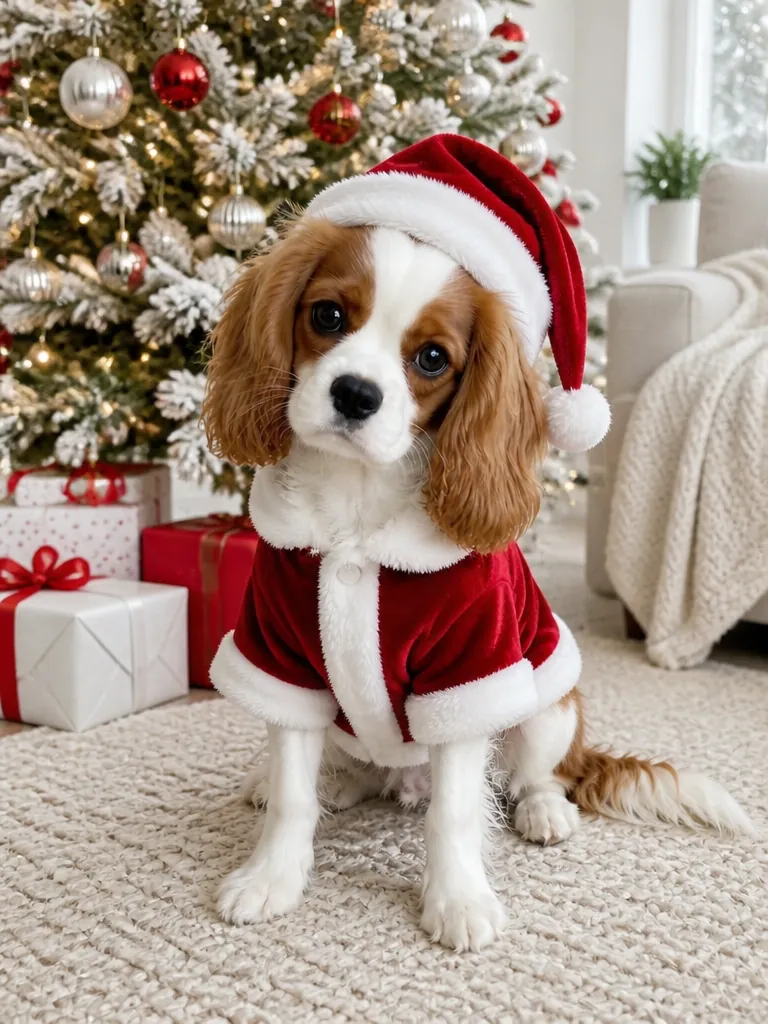
Your dog or cat in a Christmas outfit or scene
Try it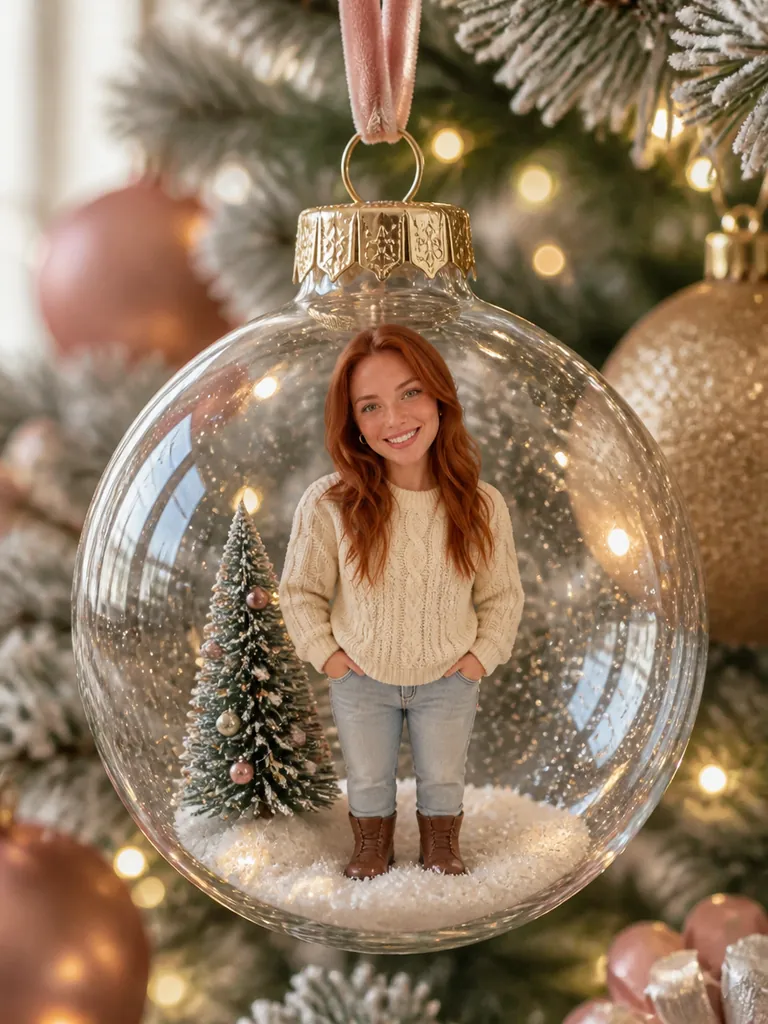
You or your pet as an ornament on the tree
Try itAn AI elf video is a short elf moving video made from one photo of your own elf doll: the doll starts exactly where you left it, comes alive for a few seconds, and the rest of the room stays as it is.
How it works
The template uses tonight's photo as the first frame of the clip, so the doll begins in the pose and spot you staged and then moves by itself, here from sitting still on the shelf to a little dance.
What stays
The doll keeps its own fabric, colors and painted face instead of turning into a person, while the furniture, tree and lights around it stay put. How closely it matches depends on how clearly your photo shows it.
Since December 2024
Parents began turning photos of the family elf into short 'caught moving' clips in December 2024, and by December 2025 it was a regular part of elf season, which usually runs from early December to Christmas Eve. One photo after bedtime gives the kids a new clip each morning.
How to take the photoPick the move by where the doll sits tonight, then leave a small clue in the real room so the morning video and the scene match.
A spot with a little room to move works best; the doll dances where it is and finishes with a pose.
Morning clue:: Prop its arms up, as if the music just stopped.
Sit the doll at the front edge facing the camera, with room around its arms. An easy first night: a stretch, a wave and a wink, then back to its pose.
Morning clue:: Tilt its head a little, as if it is still watching.
Sit the doll on a branch and it stands up, turns round and climbs up through the tree. Sit it on the tree skirt with a few mini marshmallows or cotton balls nearby and it throws them like snowballs instead.
Morning clue:: Move the doll a branch higher, or leave the 'snowballs' all over the tree skirt.
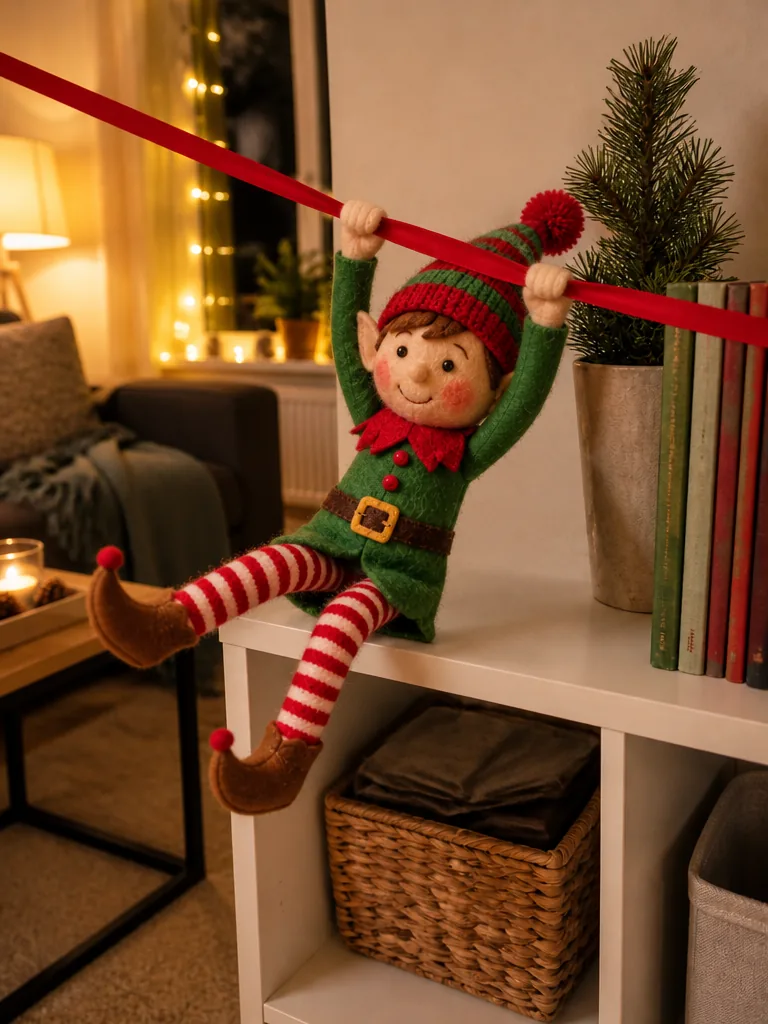
Seat the doll at one end of a garland, ribbon or string of lights running along the shelf; it grabs on, slides across and lands with a bow.
Morning clue:: Leave the doll at the far end of the ribbon.
Give it a clear stretch of shelf or floor. A tiny car pops up beside it in a sparkle, and it drives a small loop and waves from the seat.
Morning clue:: Park a small toy car next to the doll.
Set the doll beside a plate with a cookie in view; it tiptoes over, drags the cookie back and takes a bite. No cookie in the photo? One appears in a sparkle.
Morning clue:: Leave a cookie with one small bite missing.
Leave open space in front of the doll for an elf flying video: it folds a paper plane, hops on, glides a loop and lands back in its spot.
Morning clue:: Leave a folded paper plane on the sill.
The 'elf caught on camera' surprise: it tiptoes a few steps, spots the camera, freezes mid-step and slides back into place.
Morning clue:: Tell the kids the camera caught something last night.
Stage the doll, take one photo after bedtime and pick the move; the template handles everything else.
PhotoYour elf doll
This is the doll that comes alive in the video, so stage it exactly where the kids will find it.
Works well
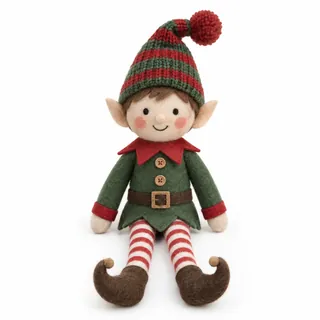 Doll sharp, whole and clearly lit
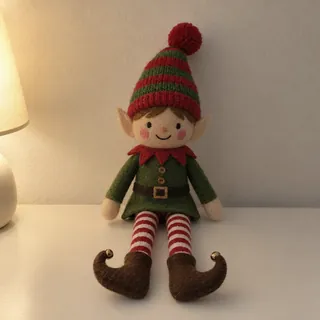 Lamp light at night is fine if the photo isn't blurry
Avoid
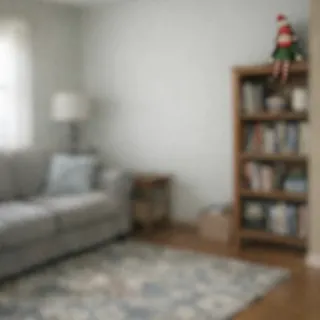 Doll tiny in a wide shot of the room
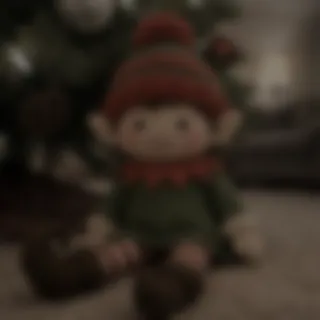 Dark, shaky or flash-glare photo
Upload tonight's photo
Add the photo of the staged doll and choose the move that suits its spot.
Generate
The button shows the exact credit price before anything is charged.
Save it for the morning
Download the clip and play it when the kids find the doll. It comes with soft bells and room sound, so add your own music if you post it.
Each video uses credits, and new accounts get 10 free credits when they sign up. The default video (6 s at 768p) costs 72 credits; other lengths and resolutions range from 50 to 480. The Generate button shows the exact price before you start.
Yes. Any elf doll or elf plush works, store-bought or handmade, sitting, standing or hanging, because the template animates the doll in your photo instead of drawing a new one. It doesn't create elves or other characters from films, books or brands.
They may, so treat it as a family keepsake for elf season, not as proof of anything, and tell the story your way at home. If you post it publicly, label it as AI-generated where the platform asks; many apps require a label on realistic AI videos.
No. The doll doesn't speak, mouth words or say names, and there is no box for typing a message.
Stage the doll for real and photograph it, or make the scene as a picture first with the AI Elf Picture Ideas template, then upload that picture here as your elf photo.
6 seconds by default. Under Video settings you can pick any length from 5 to 15 seconds and a resolution up to 4K; the price follows both.
When the doll is small, blurry or half hidden, the model has to guess its face and hands and may redraw them. Retake the photo with the checklist above and generate again.
One photo of your doll and one move, and the morning surprise is ready.