AI Christmas Couple Photo

Two solo photos, taken anywhere, become one Christmas couple photo.

  • One click · no prompt
  • Each face from its own photo
  • One scene, one light
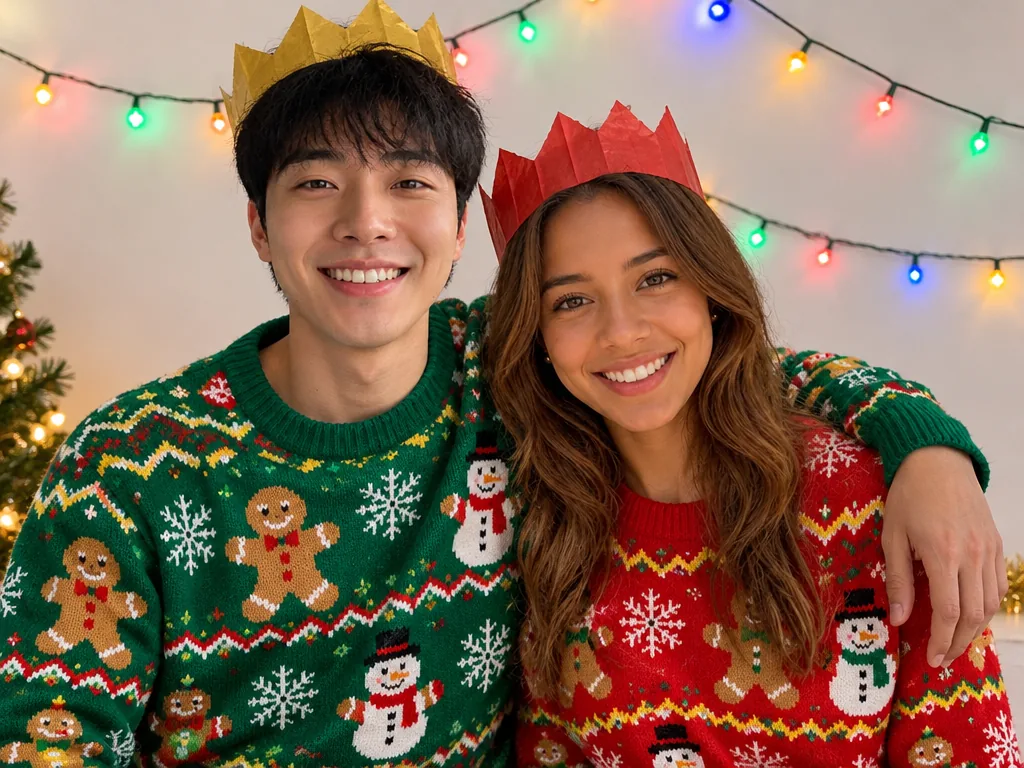
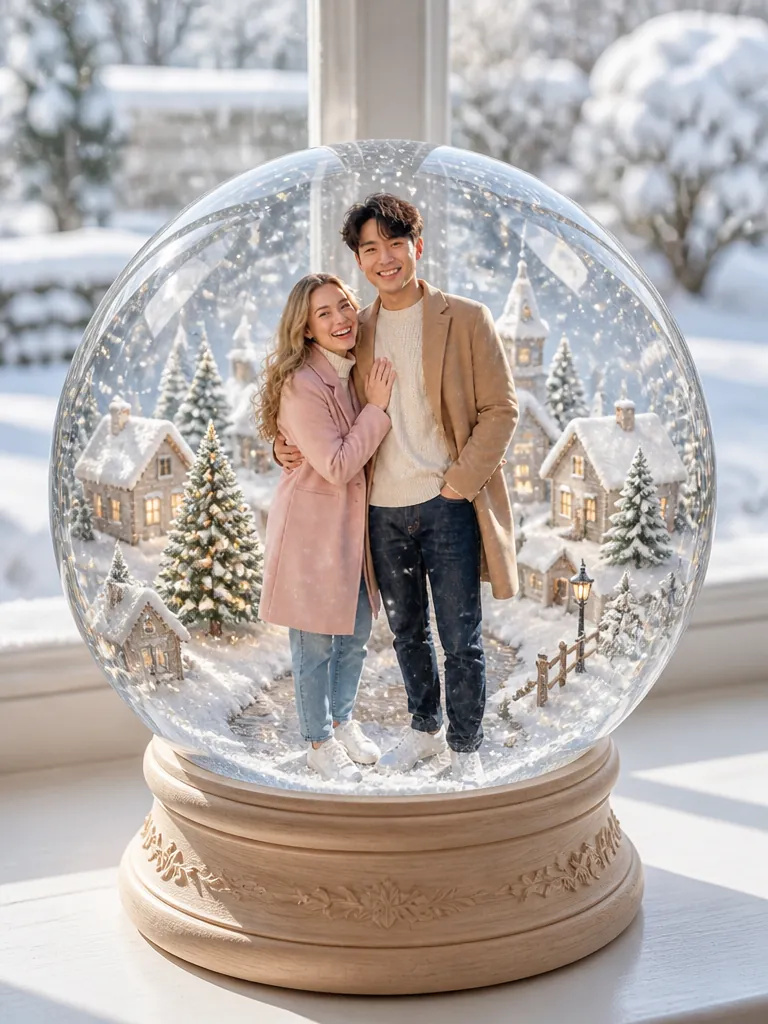
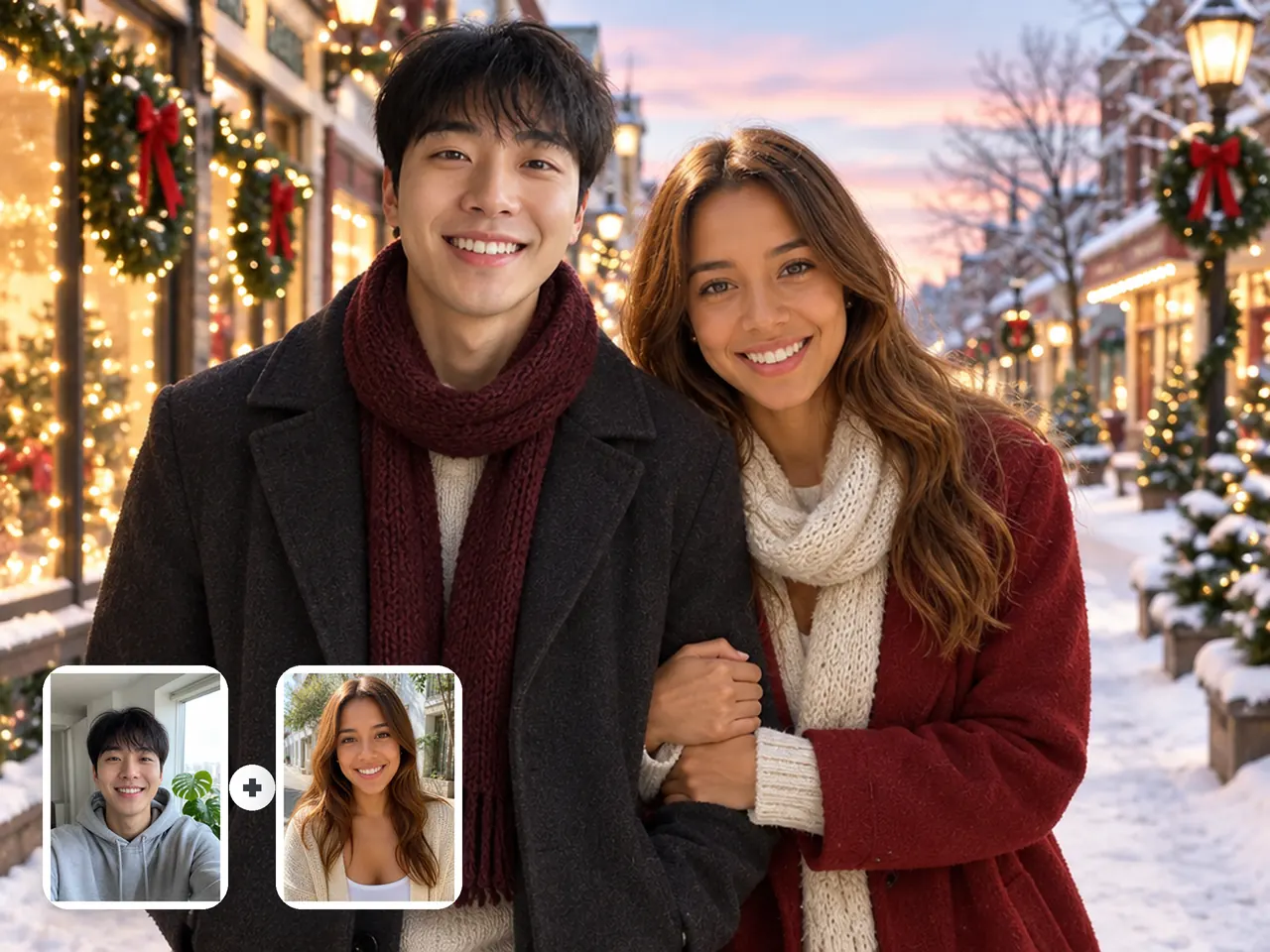
Example AI Christmas couple photo made from two solo photos
Photo in
Example · Sweaters
Choose an effect

PNG / JPG / WebP · up to 10 MB · at least 512px on the short side

0/2 photos

Photo 1 stands left, photo 2 right: one adult each, framed about the same.

Photo settings

No prompt needed. Only upload photos of yourself or people who agreed to be featured; celebrity photos and film stills aren't allowed.

What is an AI Christmas couple photo?

An AI Christmas couple photo is one holiday picture of two partners, made by AI from a photo of each of them. Here you add two solo photos and pick a Christmas scene; each scene is a ready-made couple prompt, so there is nothing to write.

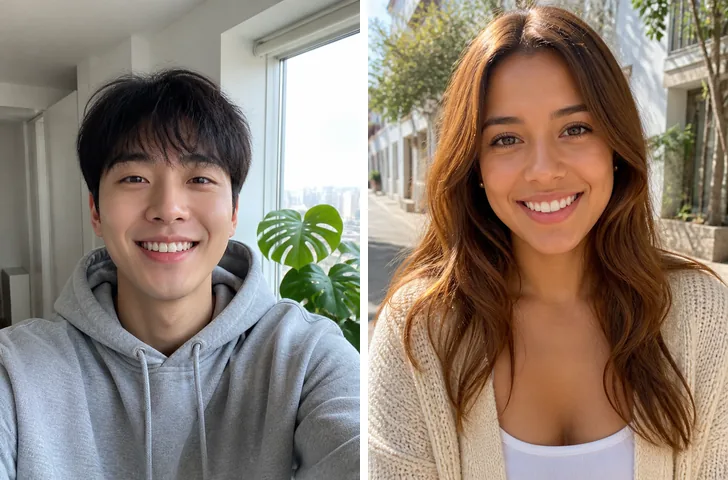
Solo photos of a young man by a window and a young woman on a sunny street, shown as small cards on their Christmas couple photo arm in arm on a snowy street of lit shop windows at dusk

Two photos in, one photo out

Two separate selfies become one couple shot

This is how you put two people in one photo when you have no picture together. The backgrounds and light in your two photos don't have to match: the result places you close together in one Christmas scene under one light, so it reads as a single shot rather than two cut-outs. Two chest-up photos can't show your real height difference, so check that before you share it.
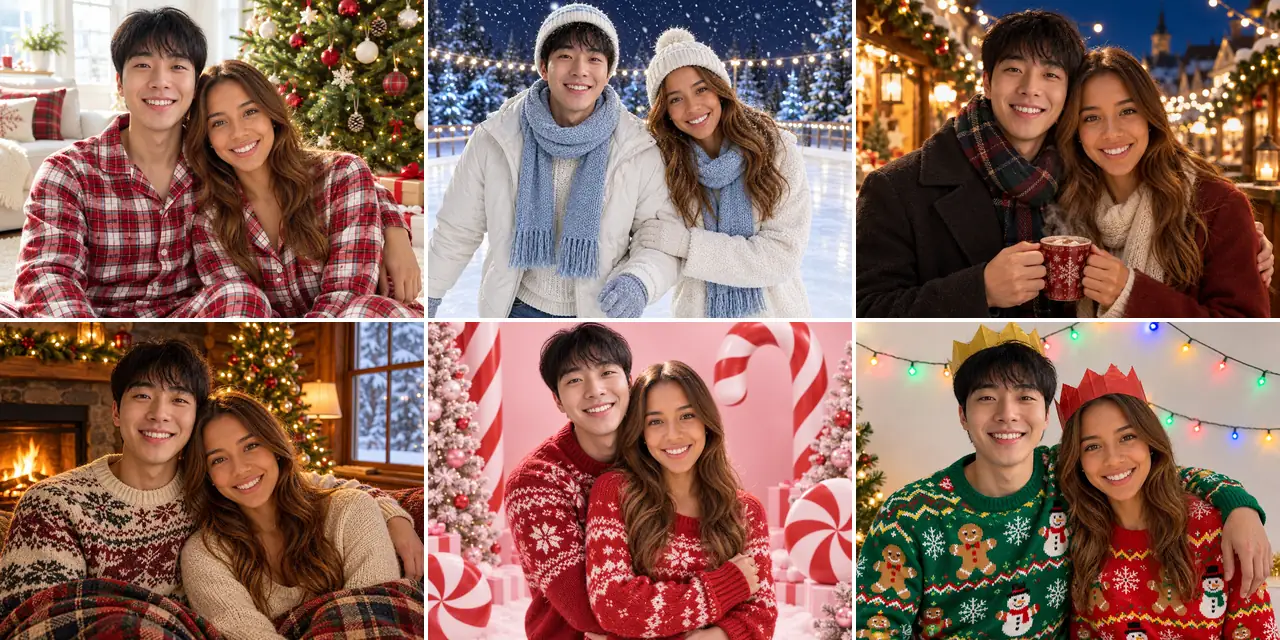
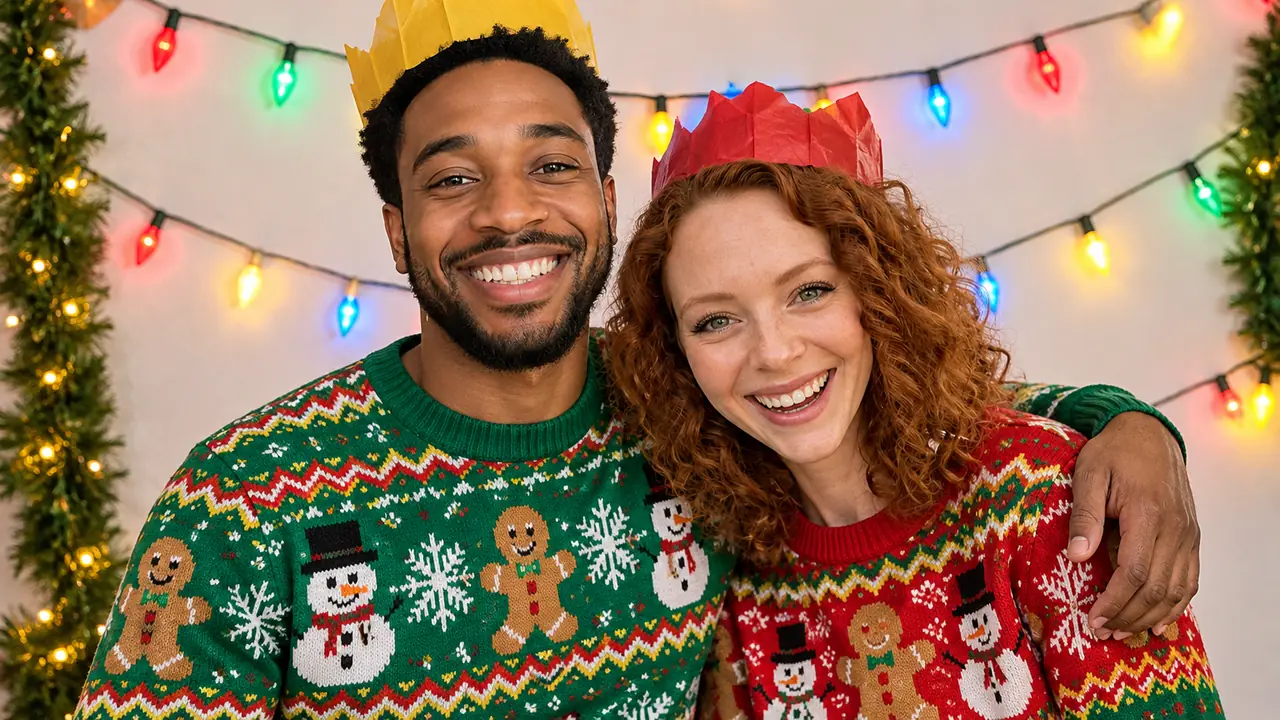
The same couple in six Christmas scenes: matching red-and-white plaid pajamas by the tree, an ice rink at night, a Christmas market, a cabin fireplace, a candy-cane studio and ugly sweaters with paper crowns

What stays, what changes

Your faces stay; the scene sets the rest

Each face, hairstyle, skin tone, age and build comes from its own photo, and your features are never blended into each other. The scene decides the rest: the setting, the light, how you pose together and, in most scenes, what you wear. Nobody else is added to the picture.

How do you make a couple photo from two separate photos?

Each slot is one partner and one side of the picture. To switch sides, swap the two photos before you generate.

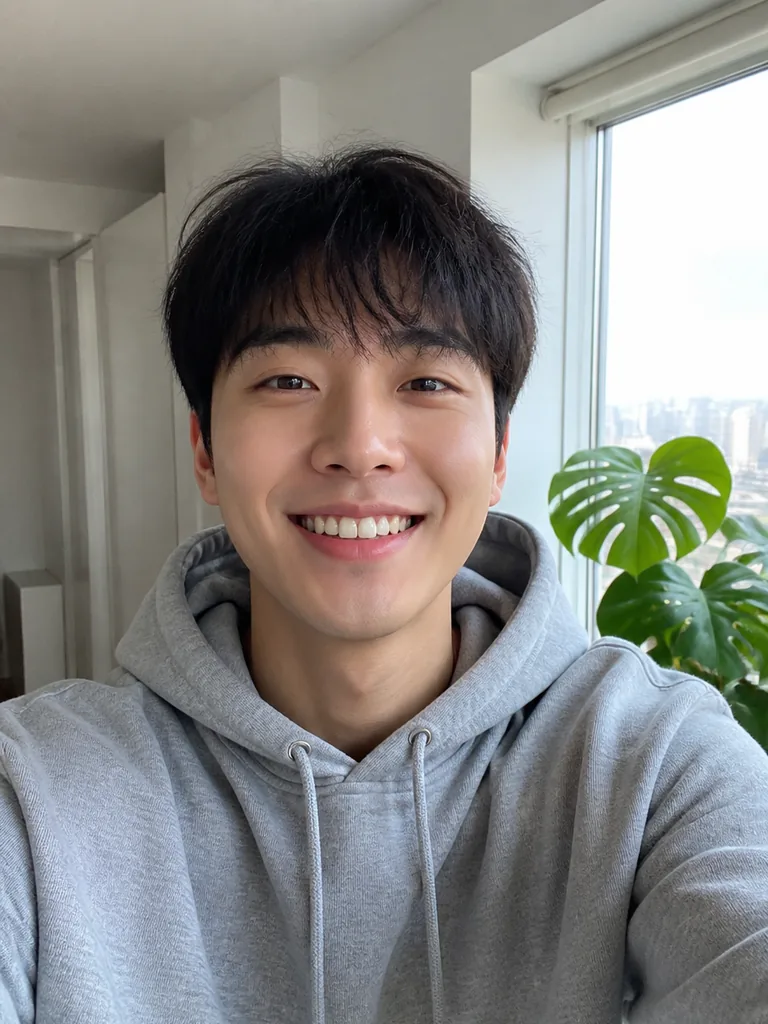
  1. Solo selfie of a smiling young man in a grey hoodie by a bright window

    Photo 1Left partner

    Becomes the partner on the left of your couple photo.

    • Only this partner in the frame
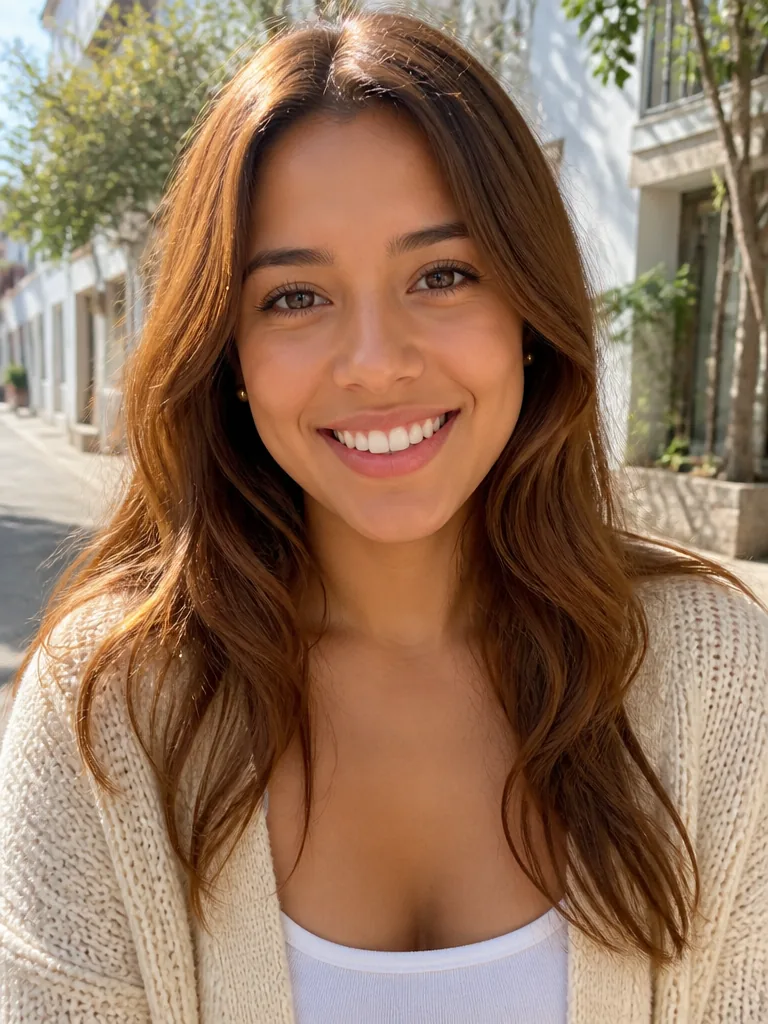
  2. Solo photo of a smiling young woman with long wavy hair in a cream cardigan on a sunny street

    Photo 2Right partner

    Becomes the partner on the right, close beside photo 1.

    • Framed about the same as photo 1

Photos that pair well

Use

  • Woman in a mustard sweater, chest up, smiling straight at the cameraFace toward the camera, eyes visible
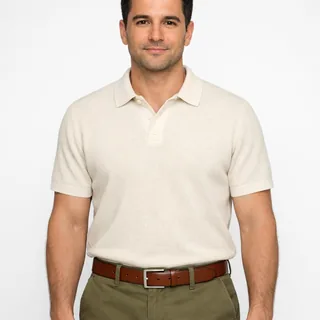
  • Man in a cream polo framed from head to waistChest-up to waist-up in both photos

Avoid

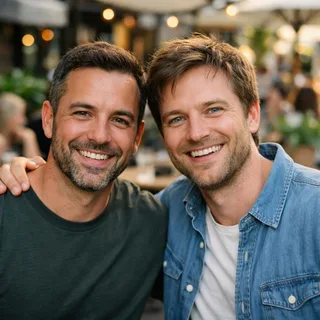
  • Two men side by side in one cafe photoA photo with both of you in it
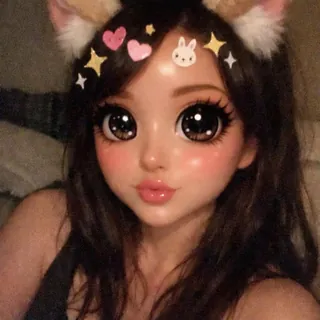
  • Selfie under a cartoon filter with cat ears, huge eyes and stickersBeauty or cartoon filters
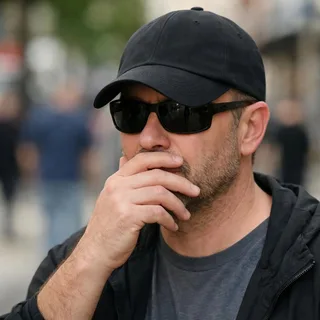
  • Man in sunglasses and a low cap with a hand over his mouthSunglasses, low caps or hands over the face
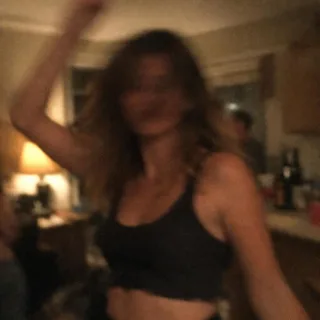
  • Dim, blurry snapshot of a woman dancing at a night partyDark or blurry night shots

From two photos to one

  1. Add both photos

    Drop each partner's photo into their slot and pick a scene.

  2. Generate

    Click Generate; the button shows the exact credits before anything runs.

  3. Download or animate it

    Save the photo, or press Animate it to turn it into a short video with falling snow or twinkling lights.

AI Christmas couple photoshoot ideas

Four occasions couples make one for, at home or miles apart, each with an example picture.

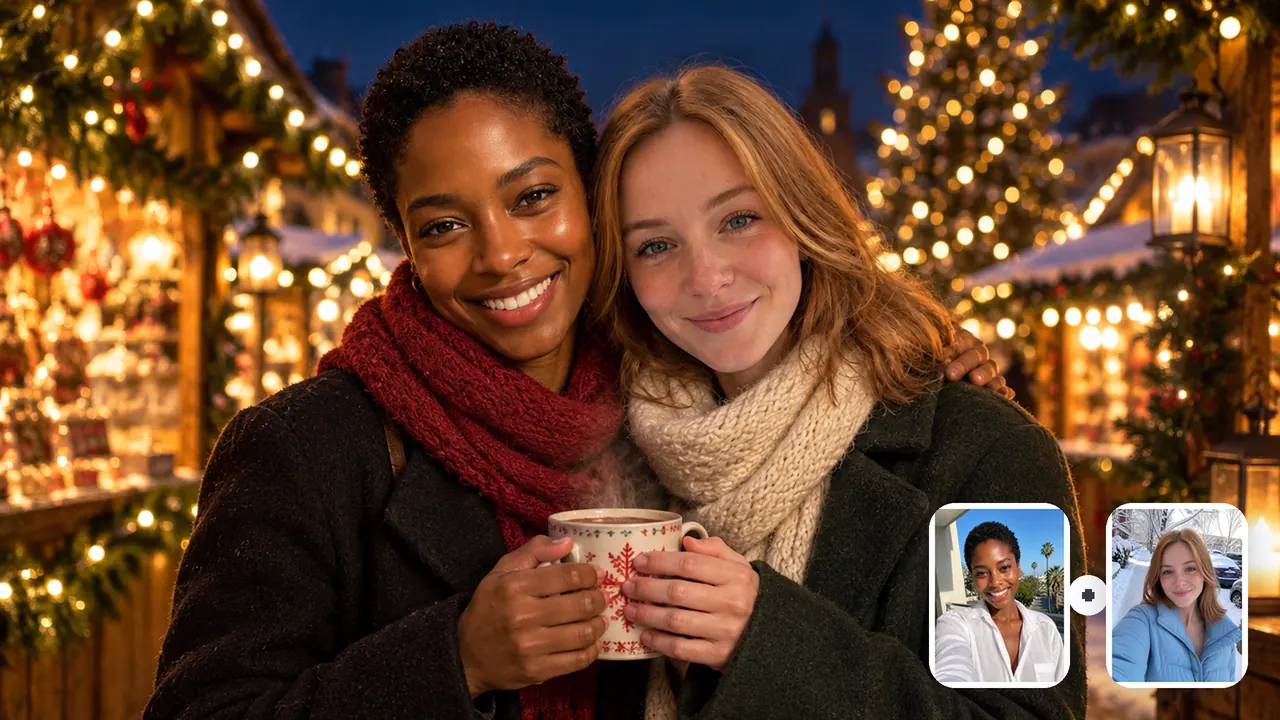
Two women sharing a steaming mug at a Christmas market at night, with their solo selfies from a sunny balcony and a snowy street as small cards

A long-distance Christmas

When the holidays split you between two cities, one selfie each is enough to stand together at a Christmas market. Send it to each other on the day, or to both families.

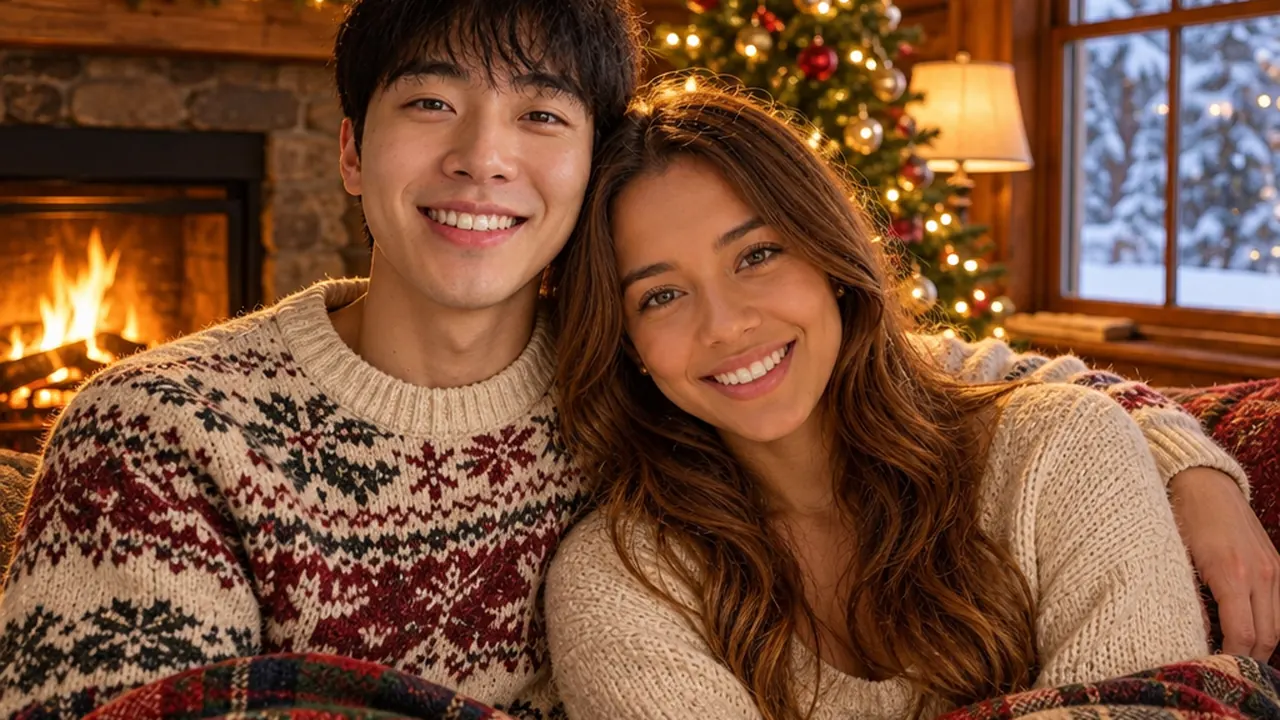
Couple under a plaid blanket by a cabin fireplace next to a lit Christmas tree

Your first Christmas together

No photo of the two of you yet? A cabin evening under a tartan blanket turns the first one into a keepsake you can frame or print.

Young couple in clashing ugly Christmas sweaters and paper crowns laughing at a holiday party

The card you send

Funny couple Christmas card photo ideas start with clashing ugly sweaters and paper crowns. Pick an upright ratio for a portrait card, or drop the photo into a design on the Christmas Card template.

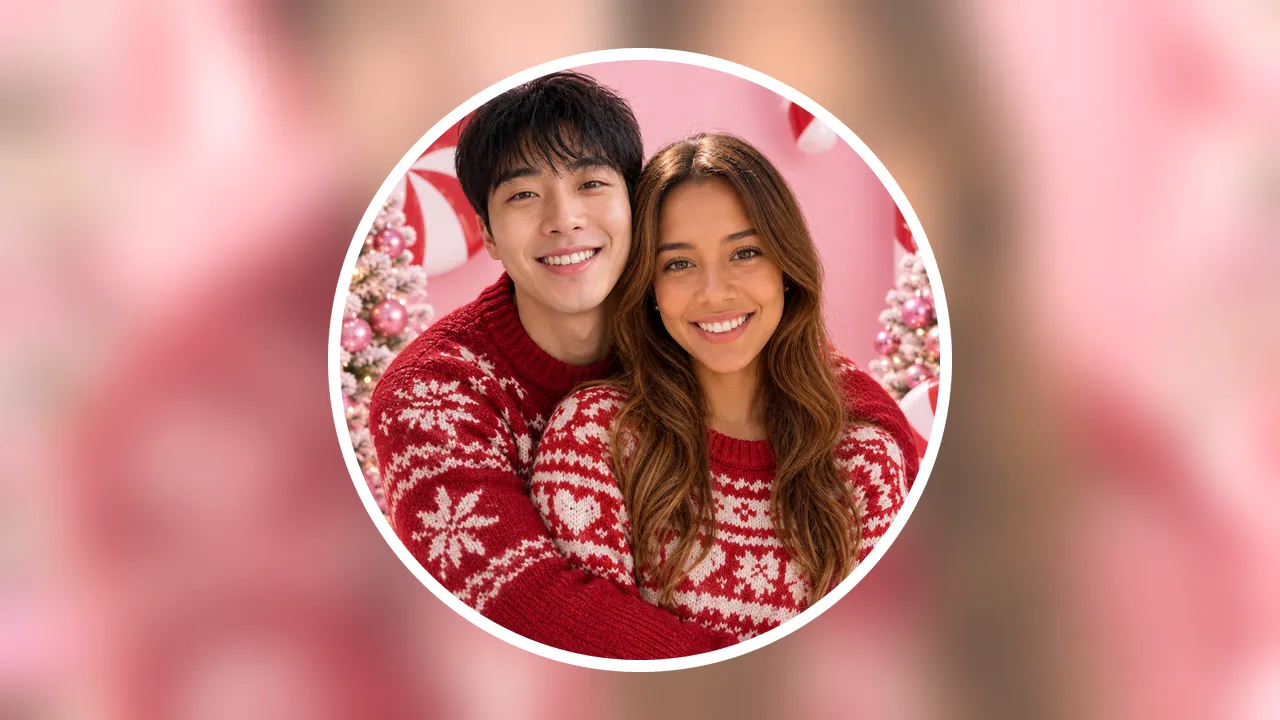
Square candy-cane studio portrait of a couple in red and white, shown as a round profile picture

A shared profile photo

Choose the square ratio and the candy-cane studio for a matching Christmas couple pfp you can both use all season.

Specs

Specs
Upload
2 photos · PNG / JPG / WebP · up to 10 MB each · 512 px+ on the short side
Result
1 photo per run · 1K / 2K / 4K
4:3 ratio (default)
Room for two side by side · frames and landscape posts
3:4 ratio
Upright card prints · Instagram feed
1:1 ratio
Shared profile photo · square posts
Credits
5 at 1K · 6 at 2K · 7 at 4K
Scenes
7 Christmas scenes · one per run
Prompt
None: pick a look and generate
Visibility
Always private

Questions about AI Christmas couple photos

Is the AI Christmas couple photo free?+

Not entirely: each run costs 5 credits at the default 1K, 6 at 2K or 7 at 4K, and new accounts get 10 free credits at sign-up. The Generate button shows the exact price first. Both of your photos go into every run, so it costs a little more than a one-photo Christmas template (3 credits at 1K).

Can we make a Christmas couple photo if we're apart for the holidays?+

Yes. Each of you can take a selfie wherever you are spending the holidays, on different days and even in different seasons, like a summer balcony and a snowy street. Send your selfie to your partner and let one of you upload both.

Can we use one photo of both of us?+

No, this template takes two solo photos, one per partner. If you already have a photo of the two of you together, the AI Christmas Family Photo template restyles one group photo, couples included.

Can our kids or our dog be in the couple photo?+

No. It makes a photo of the two of you only and never adds a child, a pet or anyone else. For a photo with your kids, use the AI Christmas Family Photo template; for your dog or cat, the AI Christmas Pet Photo template.

Do I need my partner's OK to upload their photo?+

Yes. Only upload a partner who has agreed to be in the picture, never someone who doesn't know.

Can I turn our Christmas couple photo into a video?+

Yes. Press Animate it under the result to open the Animate Christmas Photo template with your photo already in place; a 5-second video at 768p costs 60 credits.

Can we choose our own matching outfits?+

Not piece by piece. Matching outfits come with the pajamas, ugly sweater and candy-cane scenes; in the other scenes your clothes may stay or change to suit the setting. Rings, jewelry and printed logos are not copied exactly, so use a real photo when a specific piece matters.

Will the couple photo look like both of us?+

It keeps each face, hairstyle, skin tone and build from its own photo and never mixes your features. When one face drifts, the two photos usually differ too much in framing, sharpness or light: retake the weaker one with the checklist above and generate again.

Make your Christmas couple photo

Matching pajamas by the tree is ready to go, or pick any other scene before you generate.