AI Christmas Pet Photo Generator

Upload one photo of your dog or cat and pick a Christmas look, from a Santa suit to a gift box or fresh snow, with the same coat, markings and eyes.

  • One click · no prompt
  • 8 outfits and scenes
  • Cats as well as dogs
AI Christmas pet photo example: the same dog before and after the selected look
Photo in
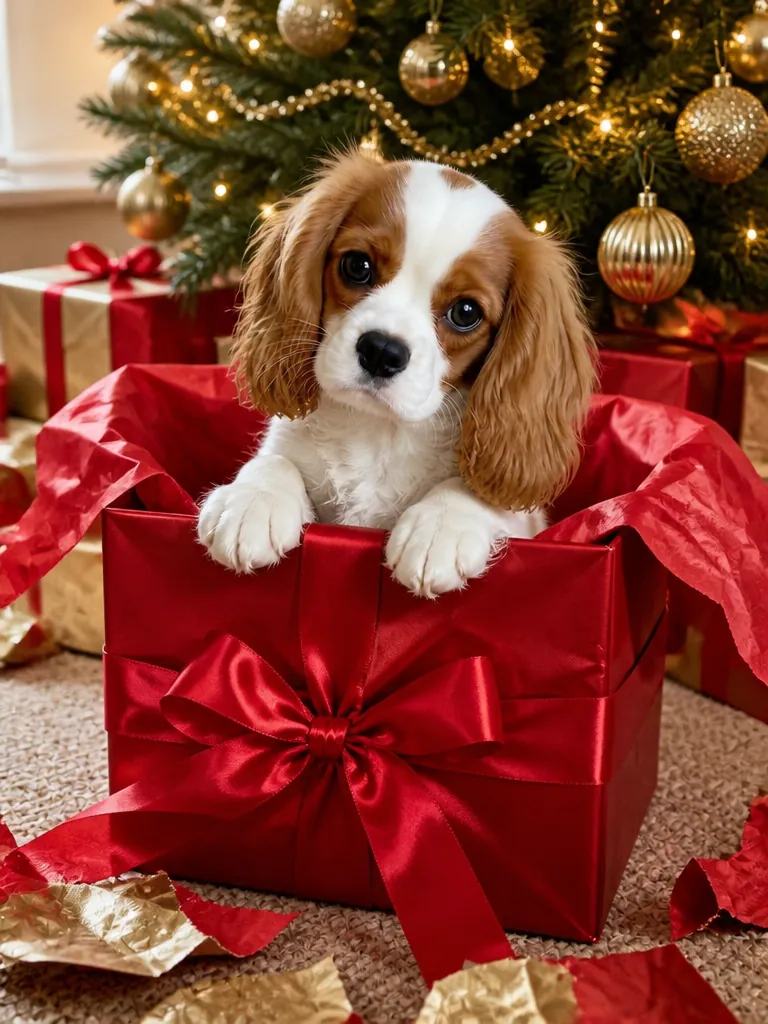
Example · Gift box
Choose an effect

PNG / JPG / WebP · up to 10 MB · at least 512px on the short side

0/1 photos

Your cat or dog at its eye level, whole body or chest up; people can stay in.

Photo settings

No prompt needed. Upload a photo of your own pet; if anyone else is in it, make sure they're happy to be included.

What is an AI Christmas pet photo?

An AI Christmas pet photo is a new picture made from one ordinary photo of your dog or cat: your pet wears a Christmas outfit or sits in a holiday scene, and it's still your pet, with the same breed, coat, markings and eyes. Unlike a Christmas pet filter that lays a hat over the picture, the whole photo is redrawn, so the outfit wraps around the body and fur, and there's no prompt to write.

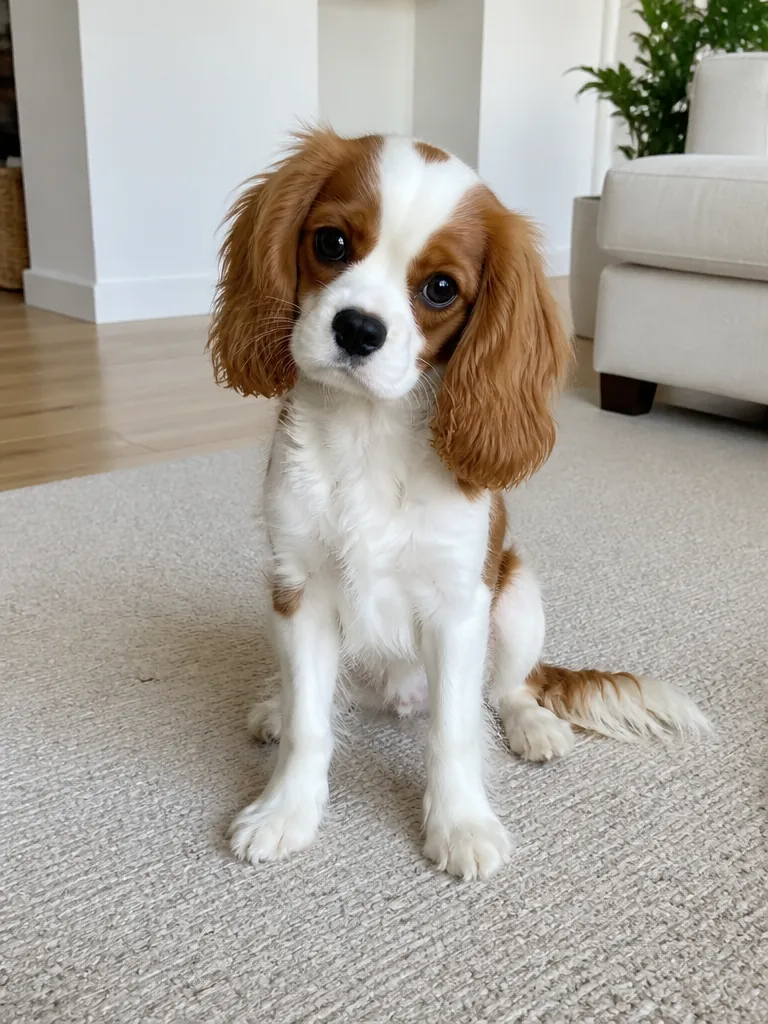
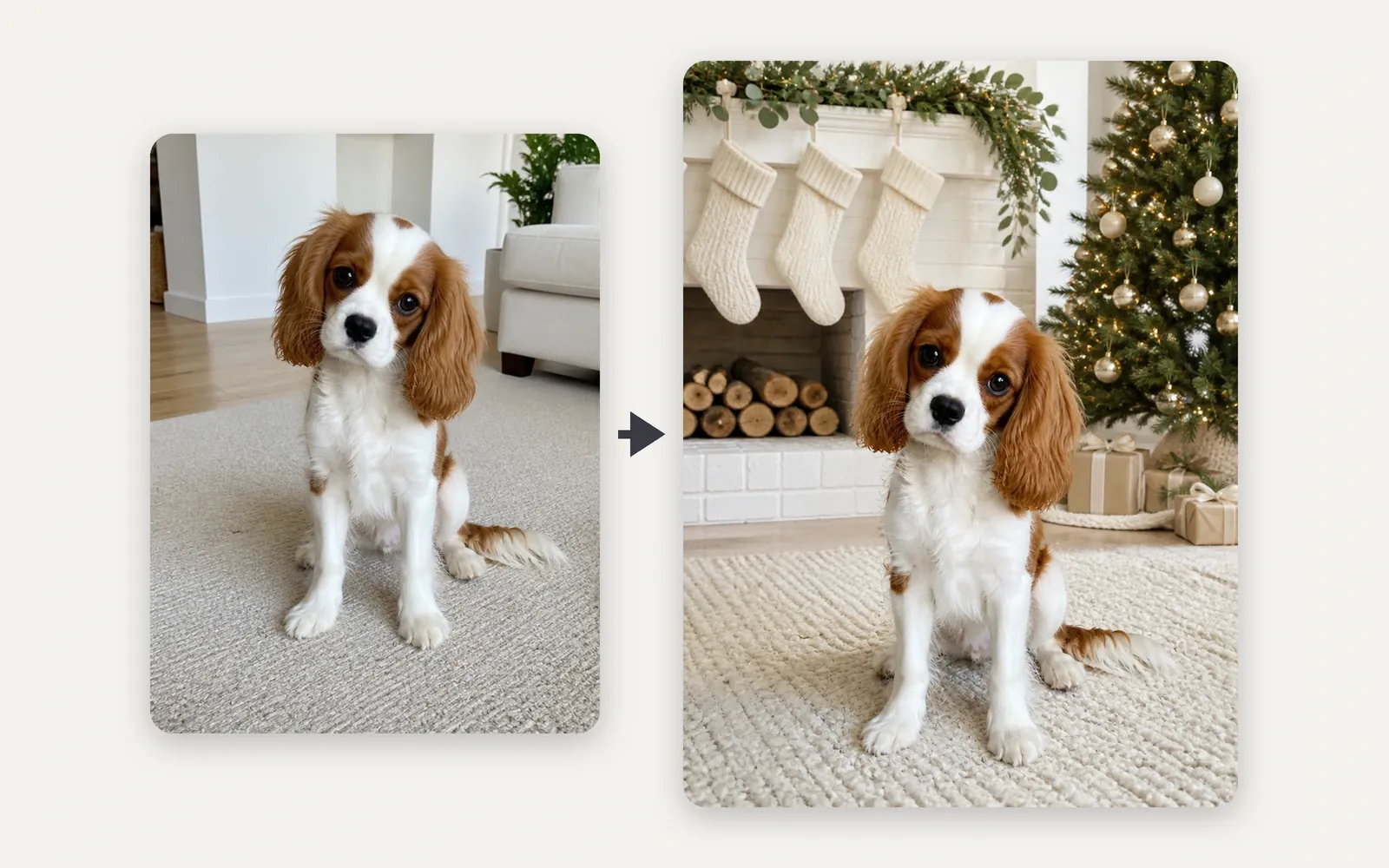
Left: a Cavalier King Charles Spaniel puppy with long chestnut ears sitting on a living-room rug. Right: the same puppy by a white fireplace with blank knitted stockings and a lit tree.

Dog

Coat, patches and ears carried over

The look builds the Christmas scene around your dog, while the fur pattern, patches and ear shape come from your photo, like the long chestnut ears, the chestnut patches around both eyes and the white blaze here.
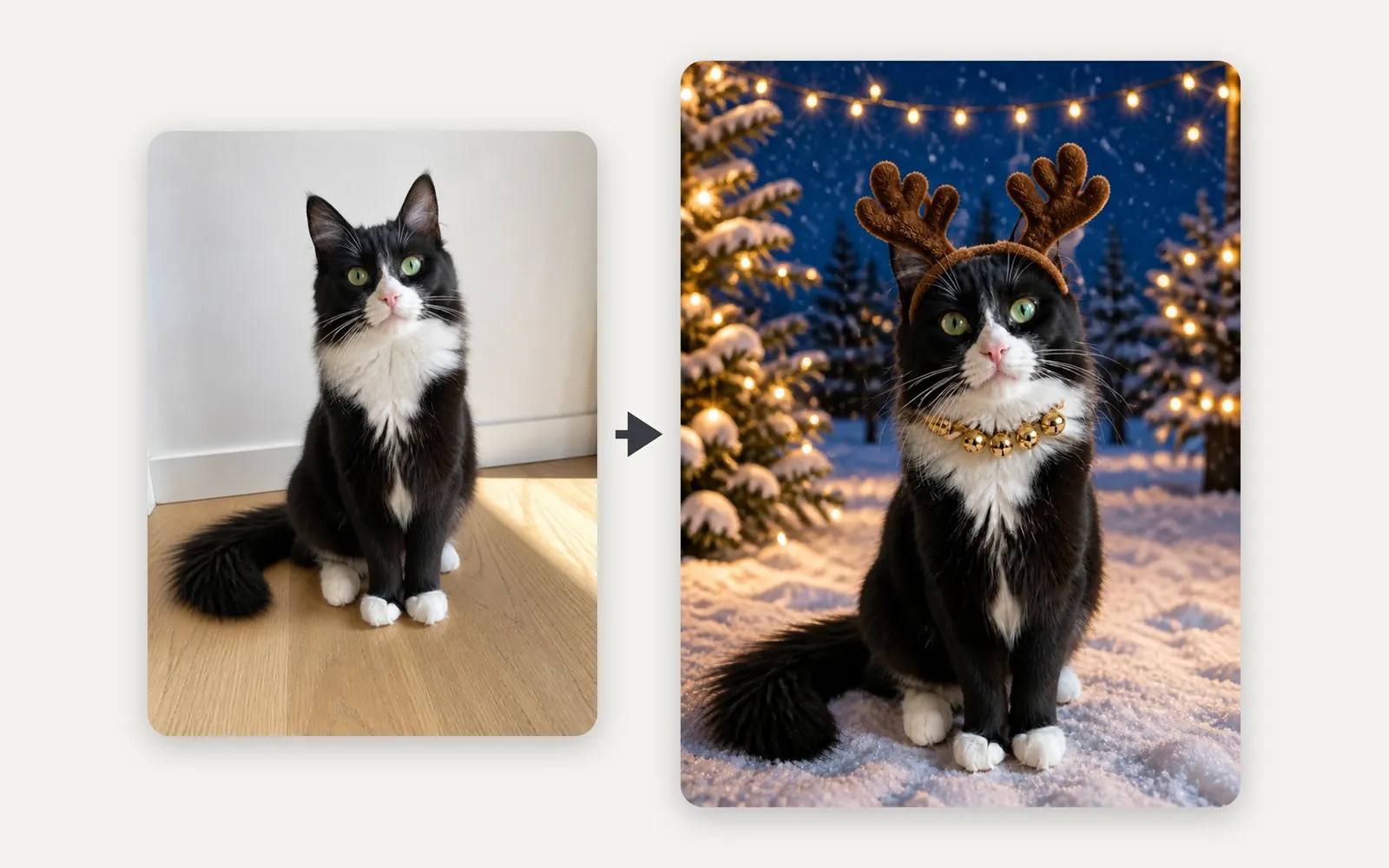
Left: a black-and-white tuxedo cat with green eyes sitting on a wooden floor. Right: the same cat in plush reindeer antlers and a bell collar in a snowy yard strung with fairy lights.

Cat

Eye color and build kept under the antlers

Antlers and a bell collar are fitted to your cat's head instead of a generic cat being drawn in its place, so the green eyes, white bib and white paws stay as they were.

Christmas photo ideas for your dog or cat

Outfit looks dress your pet in a Santa suit, an elf outfit, a knit sweater or reindeer antlers. Scene looks add no more than a bow or a scarf and put it by stockings at the fireplace, in a gift box, on a candy-cane set or out in the snow. Every look brings its own background.

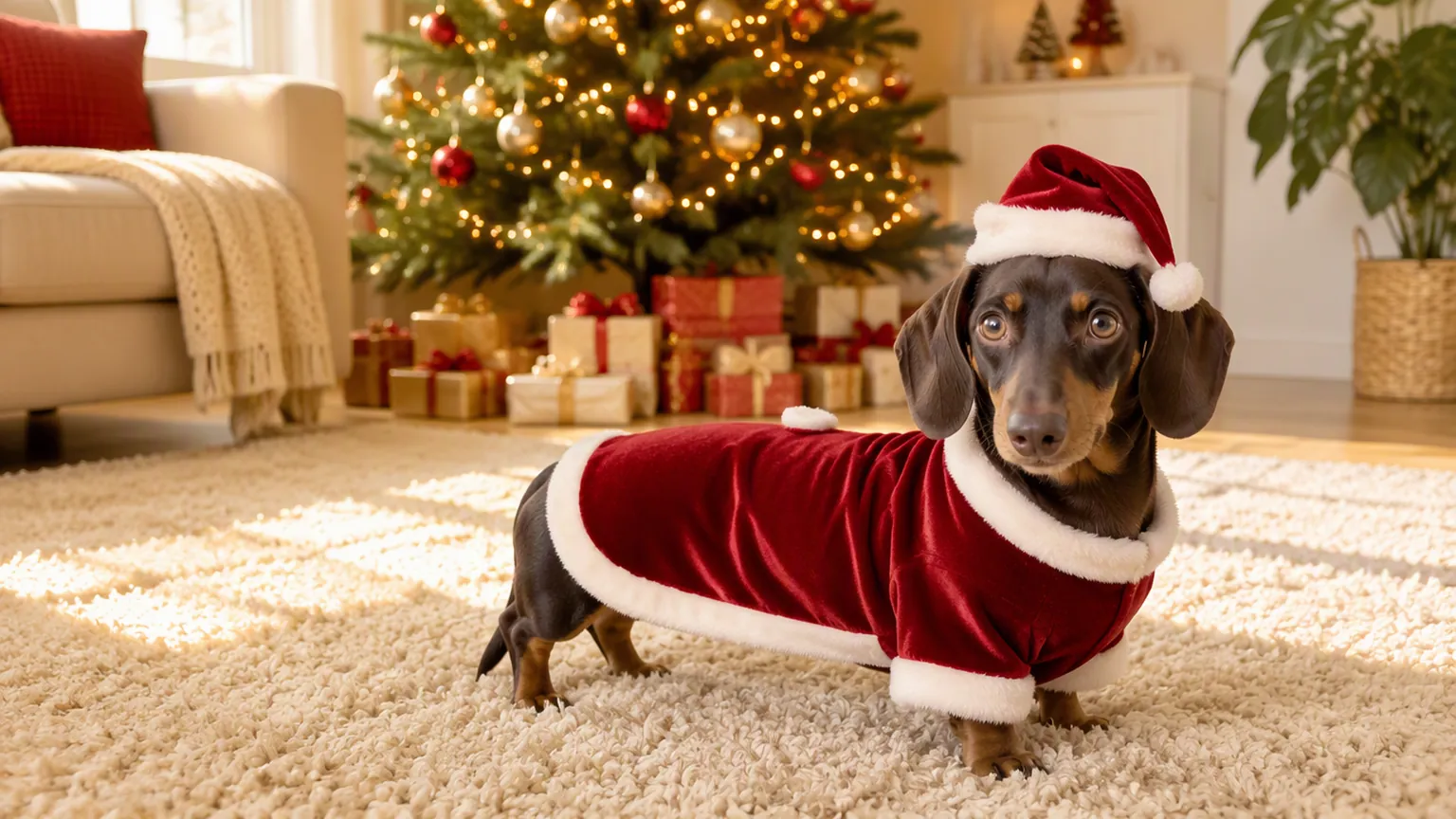
A chocolate-and-tan dachshund in a long red velvet Santa suit and hat in front of a lit Christmas tree

A Santa suit cut to your dog's shape

A little red velvet suit with white trim and a hat, in front of a lit tree. The suit follows your dog's build, so a long, low dachshund gets a long, low suit.

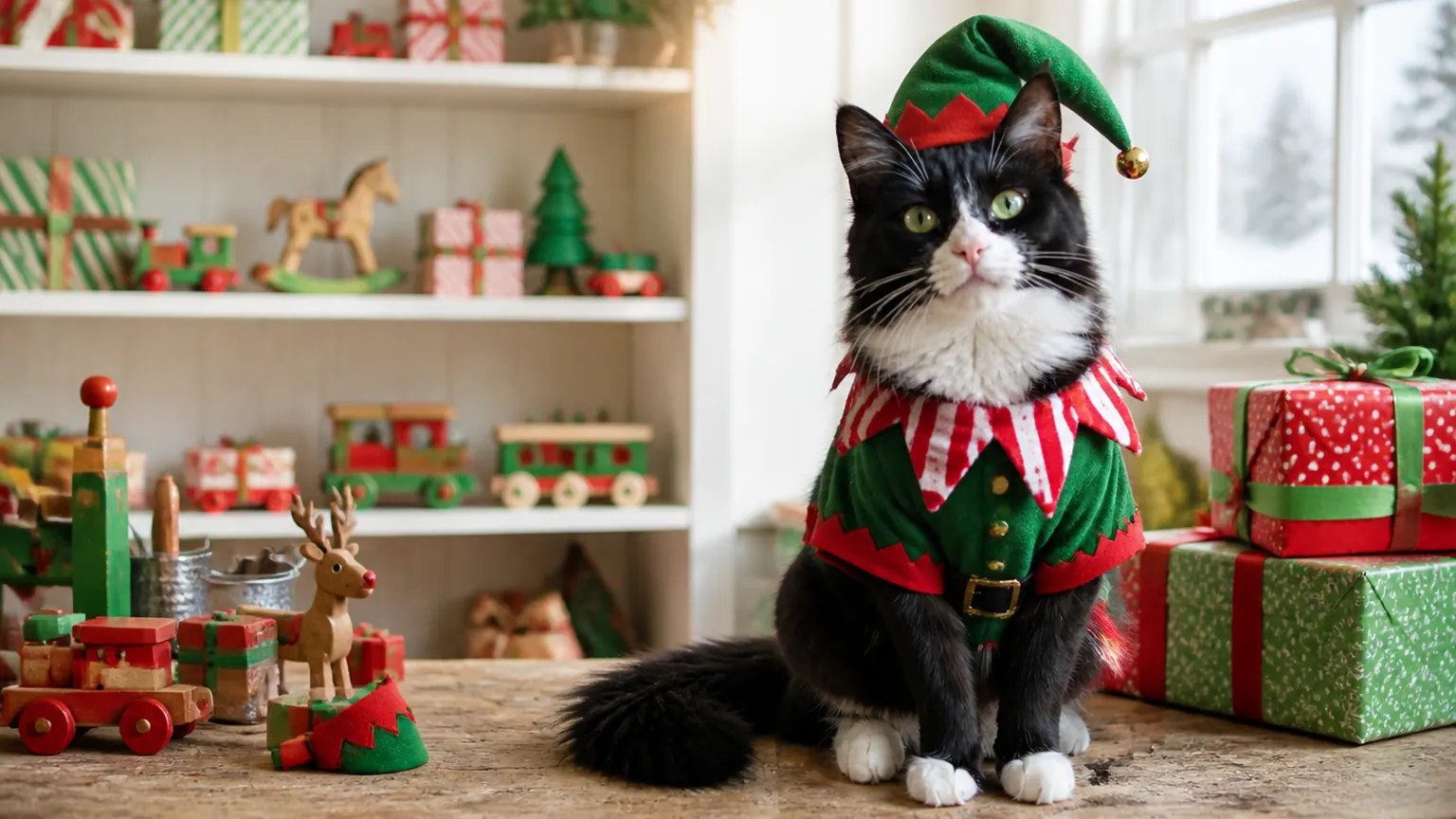
A black-and-white tuxedo cat in a green elf outfit, pointy hat and striped collar on a workbench in a toy workshop

An elf outfit for a cat who hates hats

Green and red with a pointy hat, a little bell and a striped collar, set in a toy workshop stacked with presents and wooden toys.

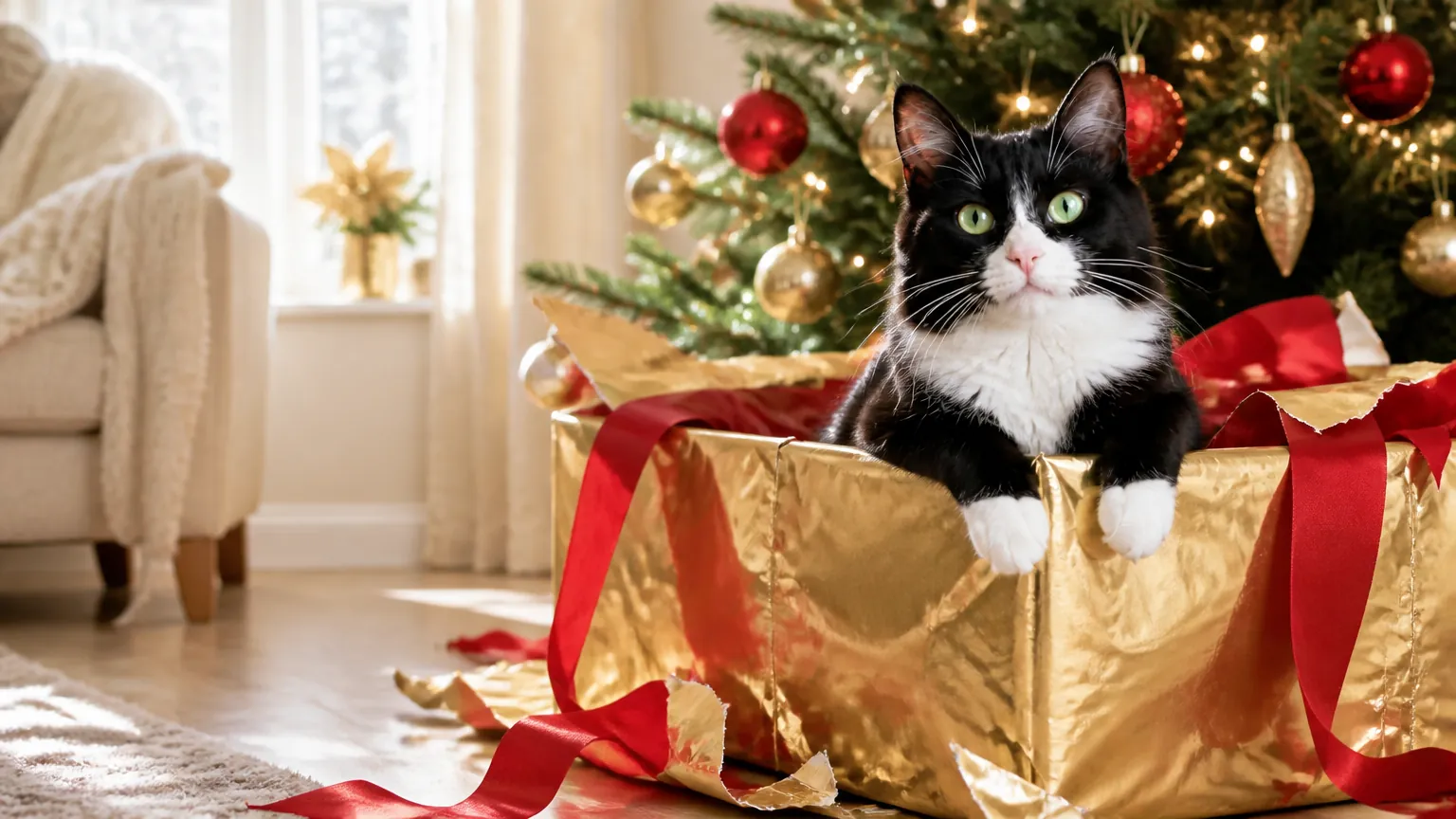
A tuxedo cat peeking out of an open gold gift box with a red satin ribbon under a lit Christmas tree

A gift box instead of a costume

Your pet peeks out of an open present under the tree, ribbon and torn paper all around. It suits pets you could never dress up, and cats who climb into every box anyway.

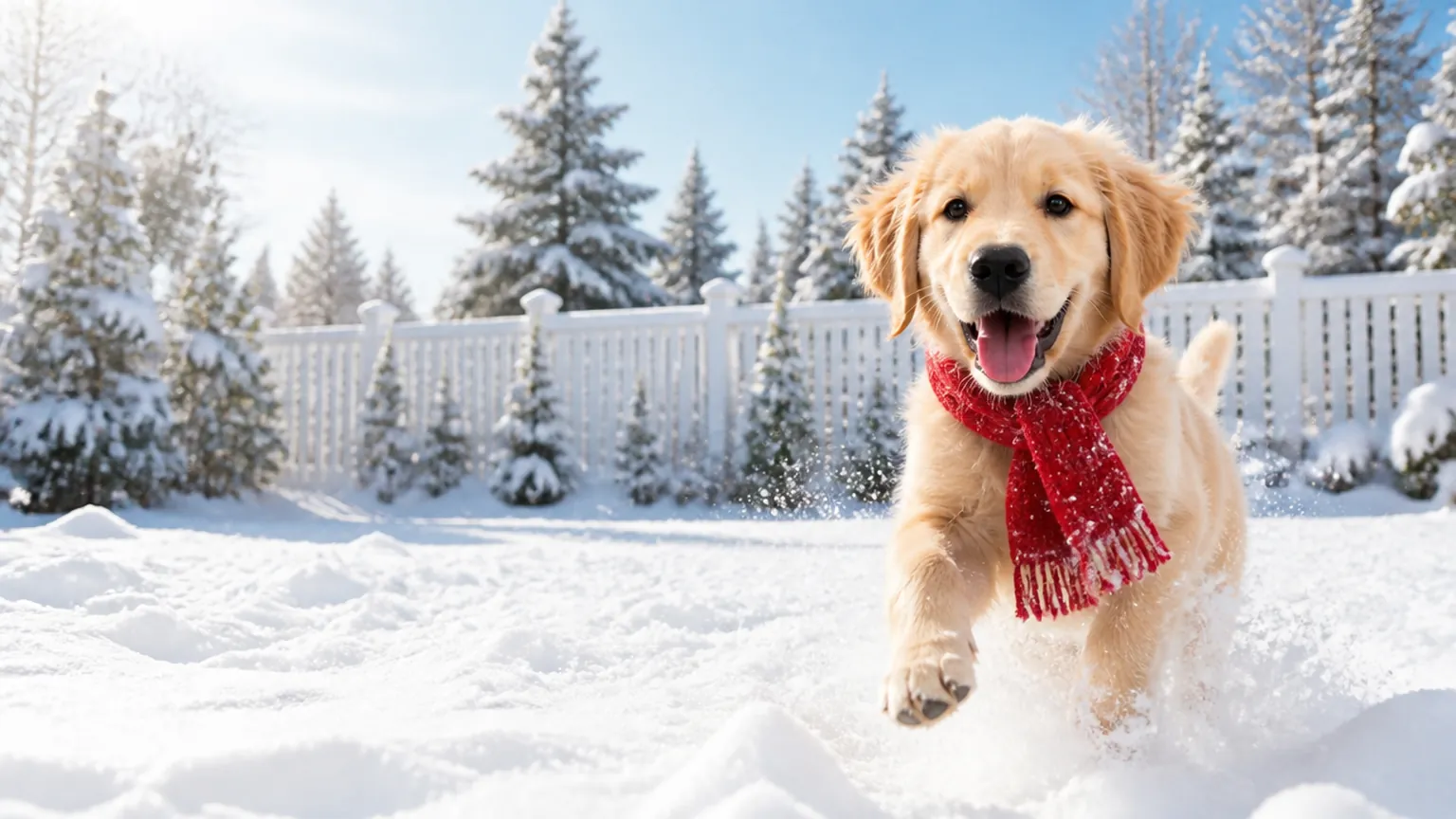
A golden retriever in a red knitted scarf bounding through fresh snow toward the camera

A snow day, wherever you live

Fresh snow, falling flakes and a little red scarf. Your dog gets a white Christmas even if your yard stays green in December.

How do you make an AI Christmas photo of your dog or cat?

You need one photo and a look. Everything the result keeps about your pet comes from that photo, so it's worth getting right.

  1. Example photo: a Cavalier King Charles Spaniel puppy with long chestnut ears and a white blaze sitting on a rug, whole body, taken at its eye level

    PhotoYour pet

    Your dog or cat as it really looks. Breed, coat, markings and eyes in the result all come from this photo; the outfit and setting come from the look you pick.

    • Shoot at your pet's eye level, whole body or chest up
    • One or two pets; anyone holding them stays as they are

What makes a good pet photo

Works well

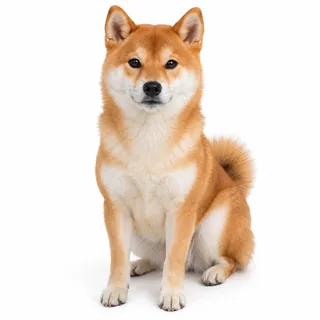
  • A Shiba Inu sitting on white, whole body in sharp focusDaylight, with fur and markings in focus
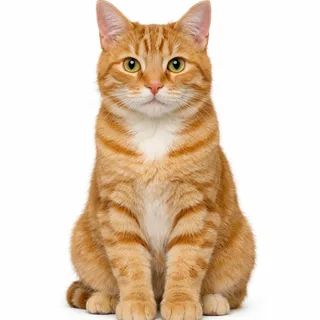
  • A ginger tabby cat sitting upright, whole body, facing the cameraFace toward the camera, eyes open

Gets lost

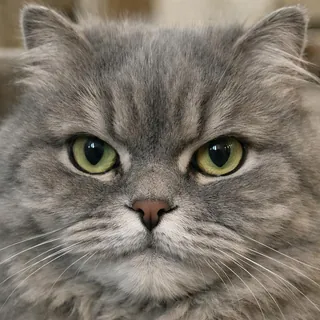
  • A grey cat's face filling the frame, no body visibleOnly the face: an outfit needs a body
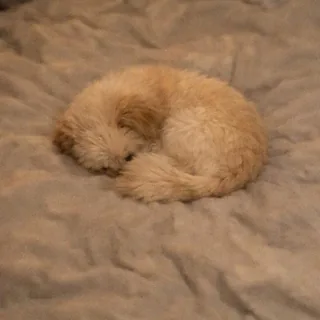
  • A cat curled into a ball on a blanket, face hiddenCurled up or turned away, face hidden
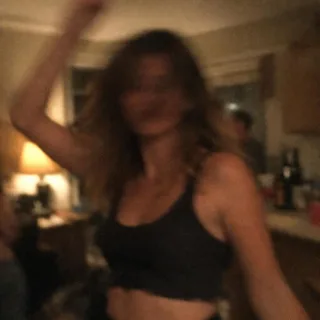
  • A dim, blurry snapshot taken at a night partyDim or blurry, so markings run together

From pet photo to Christmas picture

  1. Upload your pet's photo

    Add one photo from your phone or computer, then tap the look you want.

  2. Generate

    The button shows the exact credit price before you start. To try another look on the same photo, pick it and generate again.

  3. Download or animate it

    Save the photo, or press Animate it under the result: the Animate Christmas Photo template opens with your photo in place, ready for a short clip of your pet tilting its head, blinking and wagging.

Pet photo sizes, ratios and credits

Pet photo sizes, ratios and credits
Upload
1 photo · PNG / JPG / WebP · up to 10 MB · 512 px+ on the short side
Result
1 photo per run · 1K / 2K / 4K
Original photo ratio (default)
Keeps your photo's own shape
3:4 ratio
Instagram feed and profile grid · 6×8 in prints
1:1 ratio
Your pet's profile picture · square posts
Credits
3 at 1K · 4 at 2K · 5 at 4K
Prompt
None: pick a look and generate
Visibility
Always private

AI Christmas pet photo questions

Is the AI Christmas pet photo generator free?+

No, it runs on credits: 3 per photo at 1K, 4 at 2K and 5 at 4K, and the Generate button shows the exact price before you start. New accounts get 10 credits at signup.

Does it work for cats and other pets?+

Yes for cats: every look is made for both cats and dogs. You can also upload a rabbit, a guinea pig or another furry pet, but the outfits are designed around cats and dogs, so those results are less predictable.

Can I put two pets in one Christmas photo?+

Yes. Upload a photo with both of them and each one gets the outfit or joins the scene with its own coat and markings. With three or more, every animal is smaller in the frame, and fine details such as eye color are easier to lose.

Can I be in the AI Christmas photo with my dog?+

Yes. People in the photo keep their faces, hair and clothes; only the pets are dressed up, and the setting changes around everyone. To have Santa standing next to your dog, use the Add Santa to Photo template instead.

Can my pet's name go on the stocking?+

No. The stockings stay blank, and no look writes names or any other text on the photo. You can add a name afterward in a photo editor.

Why do my pet's markings look different in the result?+

The AI redraws your pet in new clothes and new light, so small or faint markings can shift when the photo is dim, blurry or taken from far away, or when part of your pet is hidden. A sharp daylight photo at eye level keeps them best (see the checklist above), and generating again gives you a fresh take.

Can I make my pet's Christmas photo move?+

Yes. Press Animate it under your result to send the photo to the Animate Christmas Photo template, where your pet tilts its head, blinks and wags its tail; a 5-second clip costs 60 credits at the default settings.

Give your pet a Christmas photo

Upload one photo of your dog or cat, pick a look, then download it or animate it.