


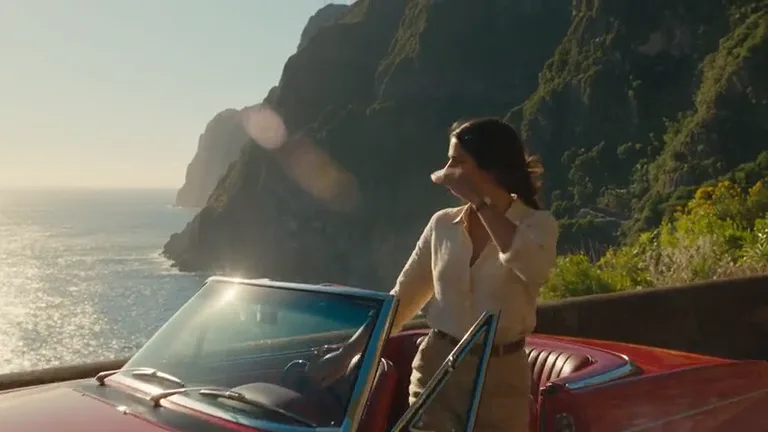
Compare more versions of one shot
Test a different opening, framing or camera direction for the same idea. BytePlus reports close to twice the generation speed of Seedance 2.5 on its platform; actual waiting time still depends on the task and queue.
ByteDance AI video model
Seedance 2.5 Flash is ByteDance’s faster, lower-cost AI video model for product shots, ad variations and storyboard tests from text, images and references. Flash is not connected to Oeneo AI; the Workbench below runs Seedance 2.5 and shows credits before generation.
Also called Dreamina Seedance 2.5 Flash, this member of the Seedance family focuses on faster, lower-cost video iteration. BytePlus describes text-to-video, image-to-video, multimodal references and video editing.
Test a different opening, framing or camera direction for the same idea. BytePlus reports close to twice the generation speed of Seedance 2.5 on its platform; actual waiting time still depends on the task and queue.
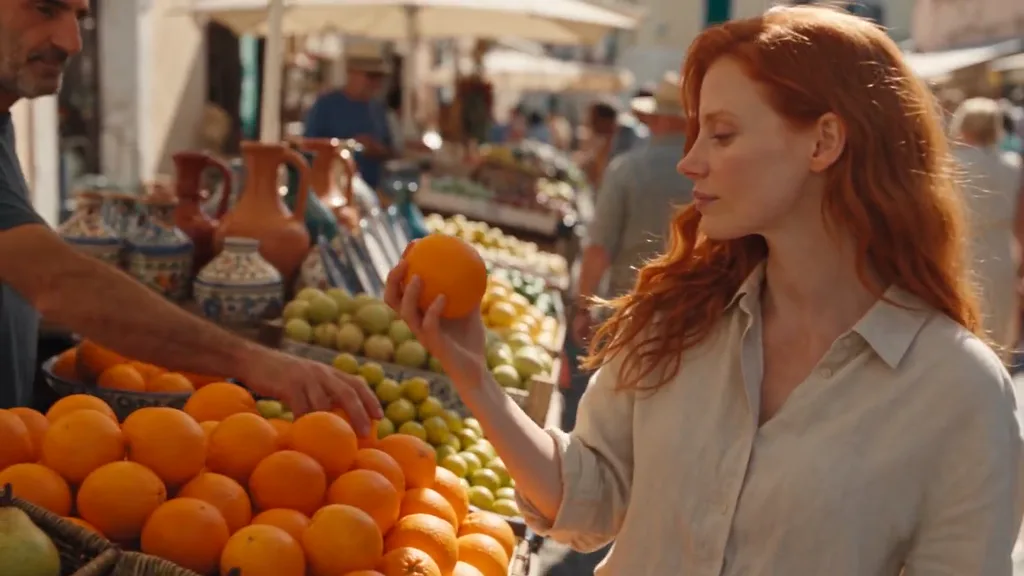
Keep the product and message fixed while trying another visual direction. BytePlus reports around 34% lower pricing than its flagship for the announced text-to-video and image-to-video comparison.
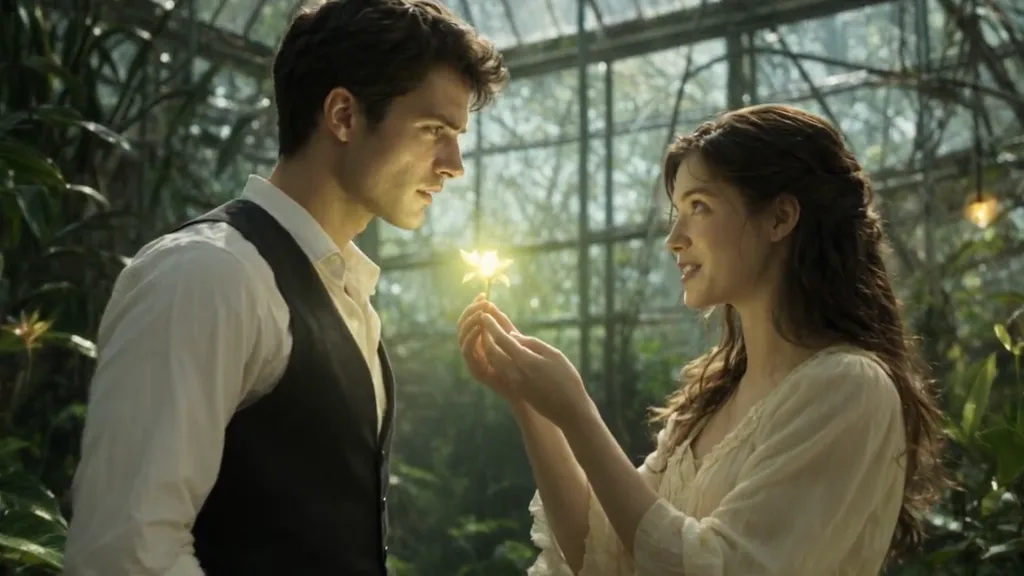
Describe dialogue, ambience or music alongside the shot to explore a sound-on social clip. Check the generated speech and its timing before publishing; synchronized audio does not guarantee word-perfect dialogue.
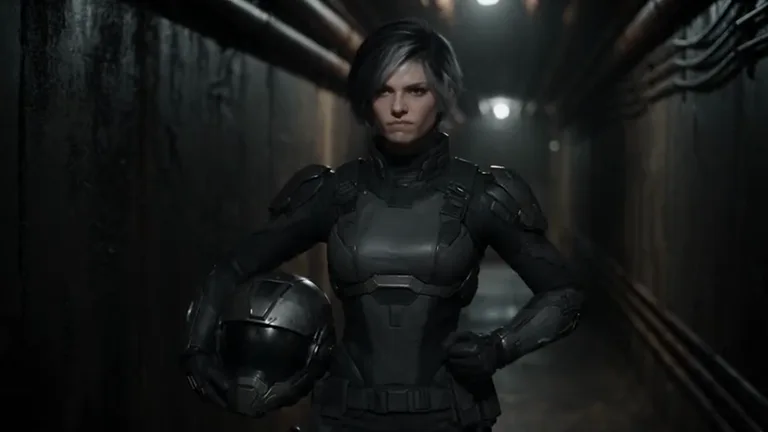
Develop a scene around a consistent visual direction before committing to a full storyboard. Reference-led generation can explore new shots, while video editing starts from a clip and a specific change.
Explore character shots, indoor scenes and moving landscapes as starting points for social clips and storyboard ideas. Compare camera movement, subject continuity and sound when reviewing a take.
Start with the material that defines the shot: a product photo, a written scene or a set of references. Give each input a clear role rather than asking one clip to solve several different scenes.
For image-to-video, choose a clear product or character image and describe one action plus the camera move. Dreamina describes first and last frame guidance, so you can specify the intended opening and ending. Check the product outline, label and hand contact in the result.
Use images for the subject and setting, a video for motion or camera direction, and audio for the sound direction. Say what each reference should guide. For video editing, describe the specific change to the source clip.
Choose for the output and workflow you need. BytePlus describes a speed and cost advantage for Flash, while the flagship retains stronger fine detail. A Flash clip can be a finished deliverable when it meets your requirements.
BytePlus’s published model specifications, announced November 12, 2026. Its USD pricing belongs to BytePlus and is separate from Oeneo AI credits.
Choose a task, prepare its inputs and adapt the prompt. These are writing examples, not tested results; use a service that supports the selected Flash task. For text-to-video, no image is required: describe the subject, action, camera and sound.
Image to Video
Prompt length 305
Animate the supplied product photo as a single continuous shot. Keep the bottle upright, preserve its shape, colour and label placement, and retain the kitchen setting. Slowly push the camera toward the bottle while soft sunlight moves across its surface. Ambient room sound, no dialogue or text overlays.Text to Video
Prompt length 343
Create a single product-ad shot of a cobalt-blue travel mug on a bright stone counter beside a window. Begin close to the lid, then slowly pull back to reveal the whole mug. Keep the mug stationary, with the same silhouette and handle throughout. Soft daylight, a clean background and quiet room ambience. No people, dialogue or text overlays.Text to Video
Prompt length 383
Create one continuous storyboard shot in a bright railway concourse. A traveller wearing a yellow coat walks from the left side of the frame toward a stationary suitcase on the right and stops beside it. Track slowly to the right at eye level, keeping the traveller and suitcase in view. Hold the final composition without a cut. Soft station ambience, no dialogue or readable signs.Reference to Video
Prompt length 442
Use the attached portrait image to guide the person’s appearance and the attached courtyard image to guide the setting. Use the reference video only for its slow sideways camera movement, not its subject or background. The person turns toward the window while the camera tracks gently to the right. Use the attached audio to guide a quiet ambient sound direction, with no new dialogue. Keep the outfit and daylight consistent within the shot.Video to Video
Prompt length 398
Edit the supplied video by changing the room behind the seated person into a bright, plant-filled studio with soft daylight. Keep the person’s appearance, outfit, pose sequence and the original camera movement as close to the input as possible. Keep the desk in place and avoid introducing extra people or new actions. Make the new background follow the existing perspective and lighting direction.One action per clip
Keep the first test focused so you can judge how the subject moves.
Name the camera
Specify a push-in, a pan or a fixed camera rather than leaving the framing unclear.
Say what stays
Name the shape, label or face that should remain stable, then check it in the output.
Stacking quality words
Describe the light, lens and framing instead of relying on terms such as masterpiece or 8K.
Overload one short shot
Add complex interactions gradually and inspect hands and contact points.
Asking for exact text
A written instruction does not guarantee an accurate label or sign. Keep text visible and inspect it before using the clip.
Choose another connected model, enlarge a finished clip or review plans and credit packs.
On a service offering Flash, select the actual Flash model and the task you need. Describe a scene for text-to-video, upload a first frame for image-to-video, or attach the required reference or source files. Choose supported output settings, review that service’s price and generate. Check the picture and sound before downloading. Oeneo AI’s Workbench currently offers Seedance 2.5 instead.
BytePlus announced Seedance 2.5 Flash on November 12, 2026. Its documentation schedules the online experience and ModelArk API for November 15, 2026 at 14:00 UTC+8. Other providers follow their own release schedules.
BytePlus reports close to twice the speed of Seedance 2.5 on the same platform. This is an official comparison, not a fixed completion time: queue length, inputs and output settings affect each generation.
References can guide appearance and style across takes, but they do not guarantee exact identity. Give each reference a clear role and check faces, product geometry, labels and contact points in every clip.
No. BytePlus’s published USD rates apply to its own service. Oeneo AI uses credits for connected models; the generation button shows the exact quote for your settings before submission.
There is no published unlimited free tier for Flash. Oeneo AI’s connected models use credits, and new accounts receive 10 credits. Each model’s quote depends on the selected settings and is shown before generation.
Dreamina publishes a Flash product page, and WaveSpeed lists Flash text-to-video, image-to-video and reference-to-video endpoints. Availability depends on the selected service; BytePlus’s own opening schedule does not apply to every provider.
No. Oeneo AI provides a creation workspace and does not offer a public generation API. BytePlus publishes its own ModelArk API for developer access.
Start a new video with text, a first frame or references using the connected model. Choose the settings and review the credits before generating.