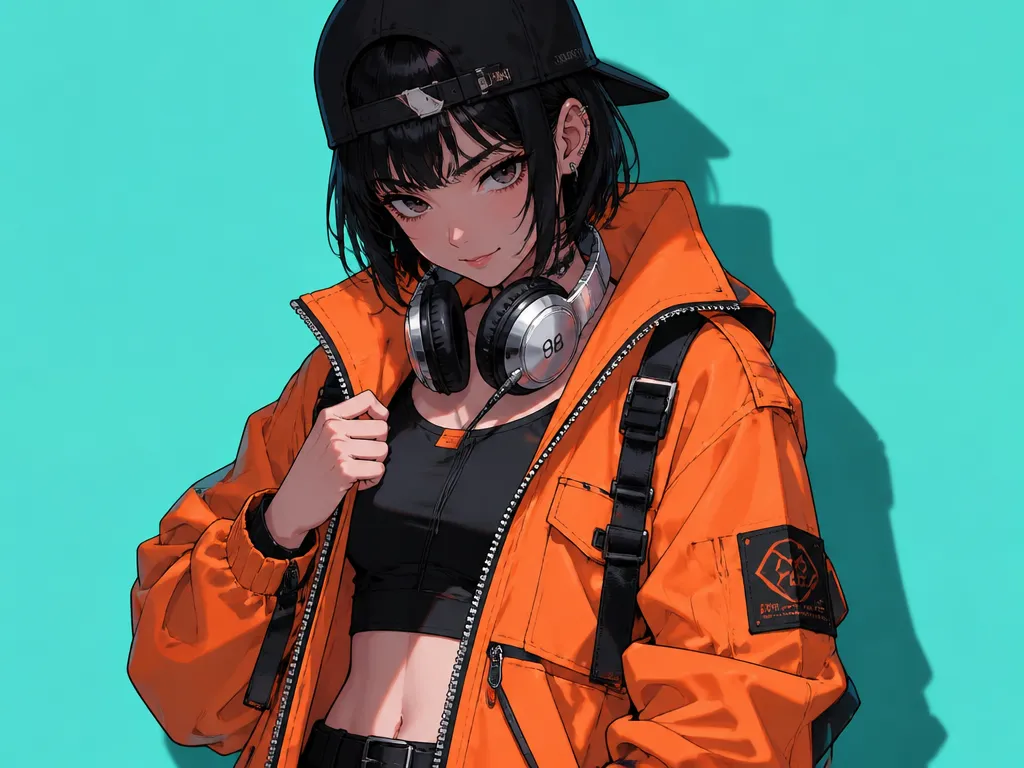
Seedream 5.5

ByteDance Seed's image generation and editing model, built to refine one image across many rounds of edits, create transparent assets and render small text more clearly.

  • Multi-round edits
  • Transparent assets
  • Clearer small text

Reference images (Optional)

0/10
0/5000

Model

Aspect ratio

Number of images

Resolution

Output format

Refine one image across many edits

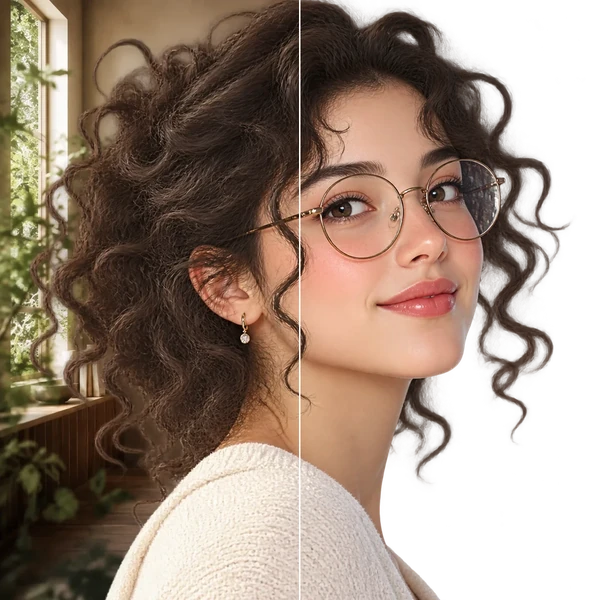
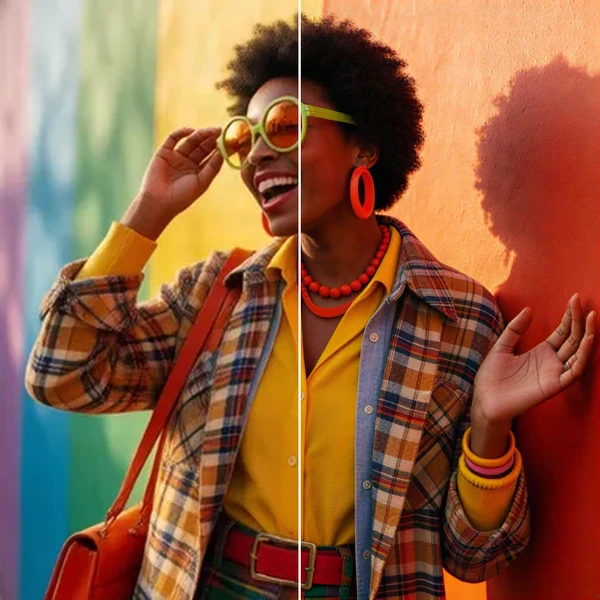
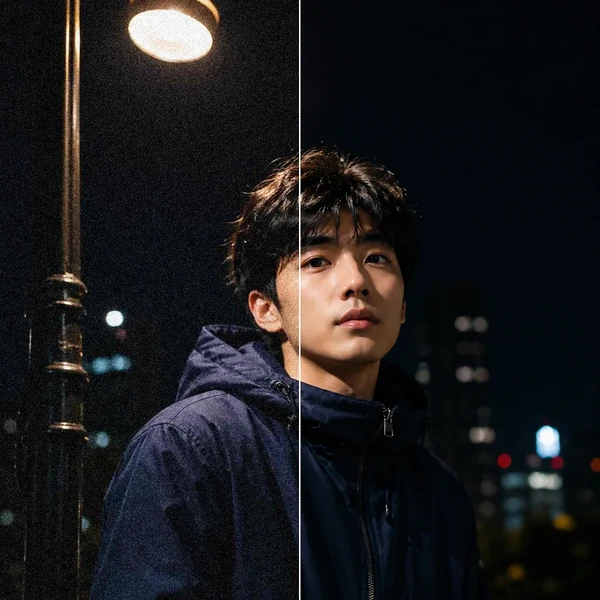
Seedream 5.5 changes what each edit asks for and is trained to leave the rest of the picture as it was, so every result can be the starting point for the next round. ByteDance shows it carrying one portrait through 100 consecutive edits.

Styling

Restyle a person one detail at a time

Change outfits, glasses, accessories or props over many rounds while the face, pose and lighting carry over. Even late in a long chain, small items such as rings or frames can still be edited and sit naturally against the skin.
Still life

Edit crowded scenes object by object

Add a branch, replace a vase or change one flower's material in a busy arrangement, and the overlaps between objects are worked out again each time. It holds up in photographic, collage and ink-painting styles alike.

Interiors

Rearrange a room and keep the perspective right

Move furniture, add a lamp or repaint a wall, and perspective, occlusion and shadows follow the new layout, including the parts that were hidden before. Use it to compare layout ideas, not as a measured plan.

What changed from Seedream 5 Pro?

Figures come from ByteDance Seed's own evaluation against Seedream 5.0 Pro on MagicArena, where expert raters scored results across e-commerce, marketing, film, games, office and fashion design tasks. GSB is a side-by-side preference score, not an accuracy rate; these are vendor results, not an independent benchmark.

AreaSeedream 5.5Change from Seedream 5 Pro
Multi-round editsKeeps unedited areas round to roundLess color drift and detail loss
TransparencyNative RGBA, incl. semi-transparentNew in Seedream 5.5Seedream 5 Pro outputs opaque images
Small textDense Chinese and English textSevere text errors: 0.4% vs 2.8%Minor text errors: 1.7% vs 2.6%
RealismMore natural skin, fabric and lightPreferred in both realism GSB testsImage-to-image realism: +55.62% GSB
Usable resultsHigher in all six task areasFilm and office rates more than doubled

Create transparent assets for your designs

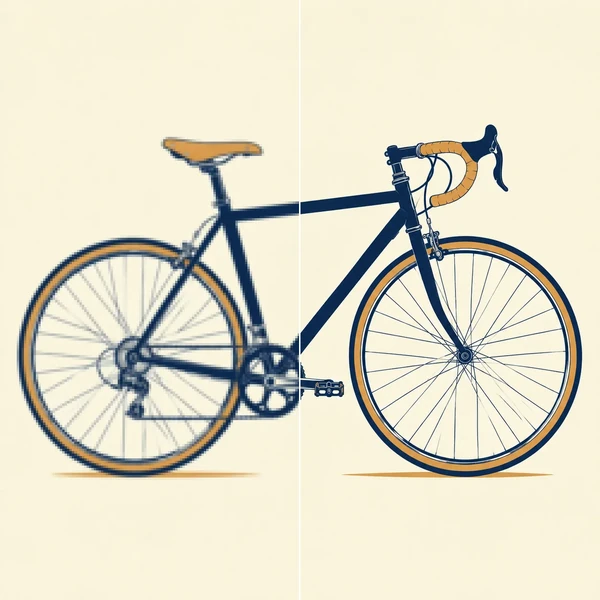
Seedream 5.5 can output an image with an alpha channel, so stickers, characters, products and lettering come with a transparent or semi-transparent background and drop straight into other layouts, with no cutout step afterwards.

Reuse

Reuse one transparent asset across layouts

Generate a character once on a transparent background, then place it on billboards, posters or packaging without cutting it out again. Feed the asset back as a reference and its look carries over while poses and groupings change.

Lettering

Turn a reference style into transparent lettering

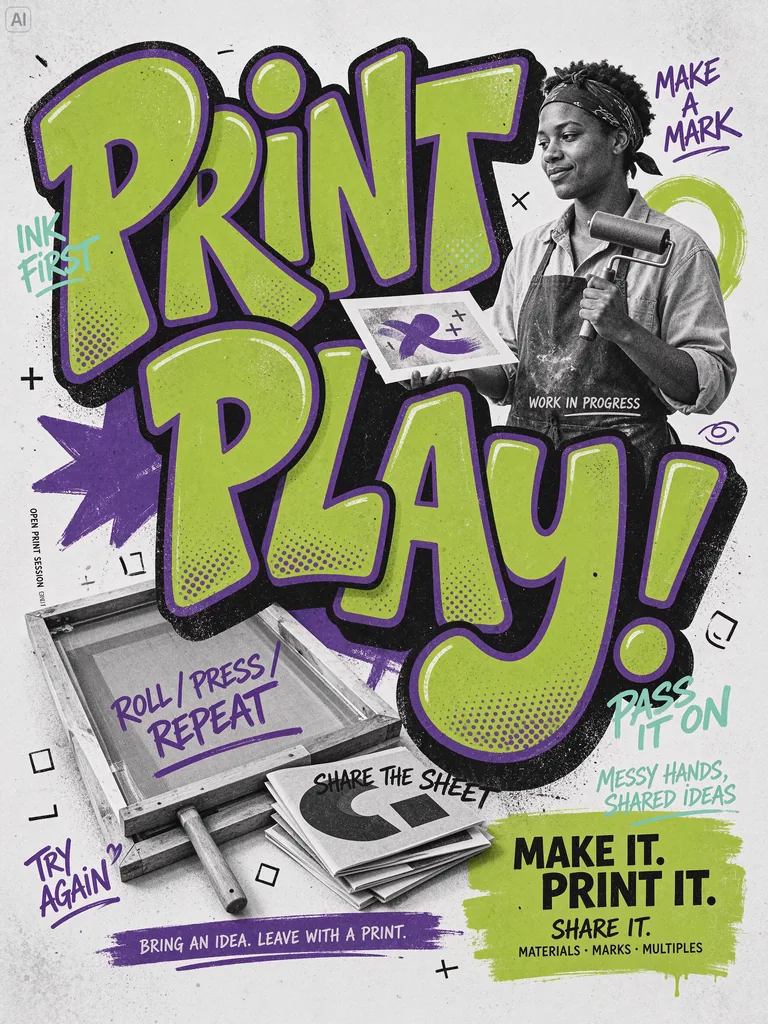
Give a reference image and the exact words, and its texture, color and stroke style carry over to your lettering, with everything outside the letters left transparent. The words stay readable, so the result works as a title or a sticker.

Fine edges

Hold fine edges like feathers and claws

Wing tips, the gaps between feathers and the outline of each claw come out as part of the transparent asset, so a complex subject drops into a layout without hand-tracing. Check delicate edges at full size before you publish.

How do you prompt Seedream 5.5?

Say what to change, what to keep and which words to use. These habits matter most in a long chain of edits.

Write it like this

  1. Name the change and what stays

    "Make the jacket cream linen; keep the face, pose, background and framing." The list of what stays matters as much as the change.

  2. One change per round

    Edit the newest result each time instead of the original, so earlier fixes carry forward.

  3. Quote the exact text and its order

    Put every word in quotes, add "use only this text", and list the title, item names and prices in reading order.

  4. Ask for transparency in words

    Say "everything outside the subject transparent" and name parts that should stay see-through, such as glass or lace.

Avoid this

  1. Rewriting the whole scene each round

    Describing everything again invites changes you did not ask for.

  2. Asking for a checkerboard background

    A drawn checker pattern is part of the picture, not transparency. Check that the file really has an alpha channel.

  3. Relying on "photorealistic" alone

    Name the light source, the materials and the lens instead.

  4. Long paragraphs nobody has checked

    Every extra line is more to proofread; keep the text to what the design needs.

Example prompt: A coffee menu poster titled "Morning Roast" with these items in this order: "Latte 4.50", "Flat White 4.20", "Mocha 4.80"; use only this text.

Clearer small text, more natural light

Seedream 5.5 renders complex characters and dense small text more accurately, and cuts the oily highlights and blown-out light that make AI photos look artificial.

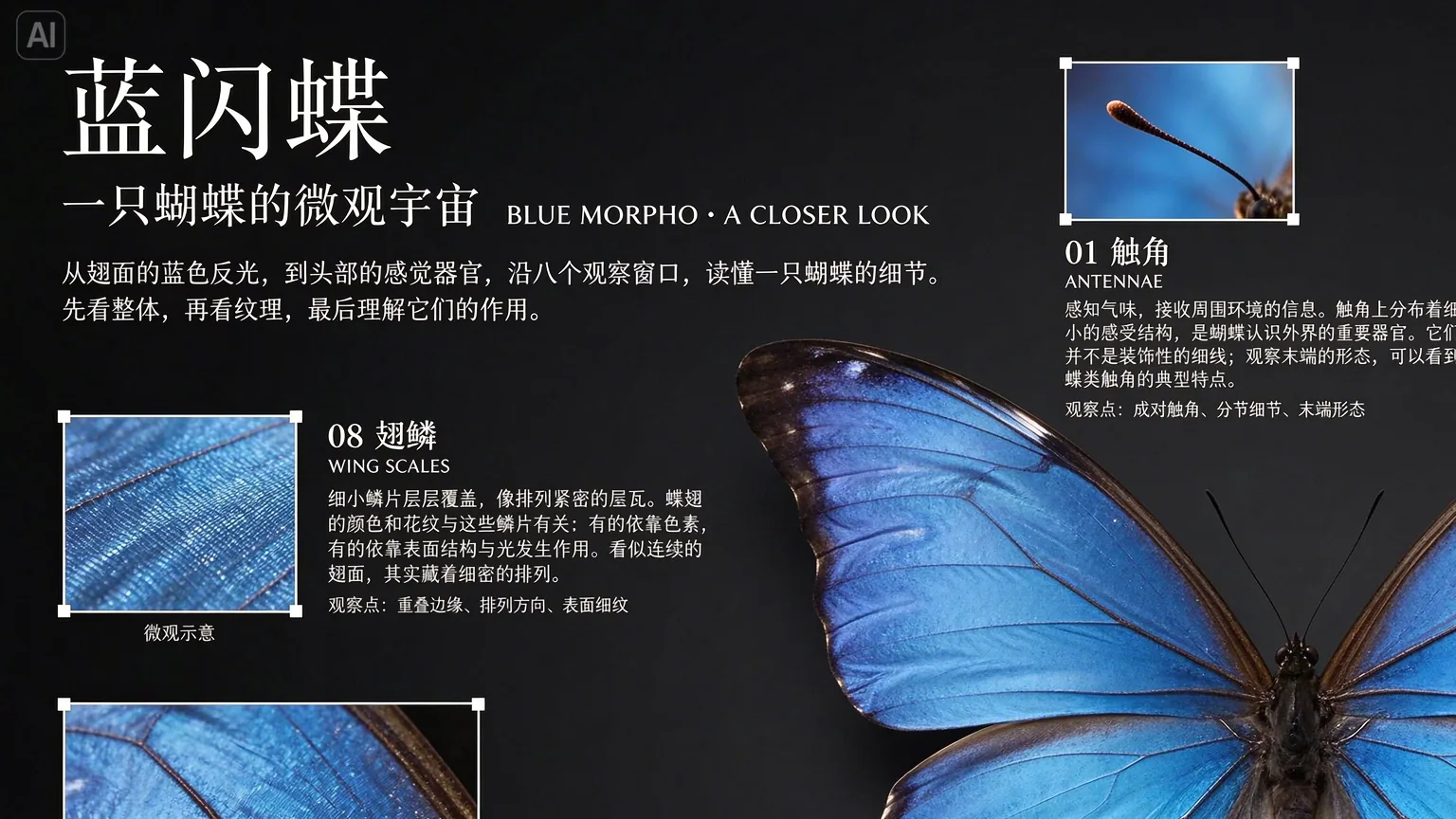
Blue morpho butterfly infographic with a large Chinese title and small Chinese captions beside close-up panels of its wing scales and antennae

Small Chinese text that stays legible

Labels, captions and annotations in Chinese keep their strokes at small sizes, which suits infographics, menus and packaging. Give the exact wording and proofread the result.

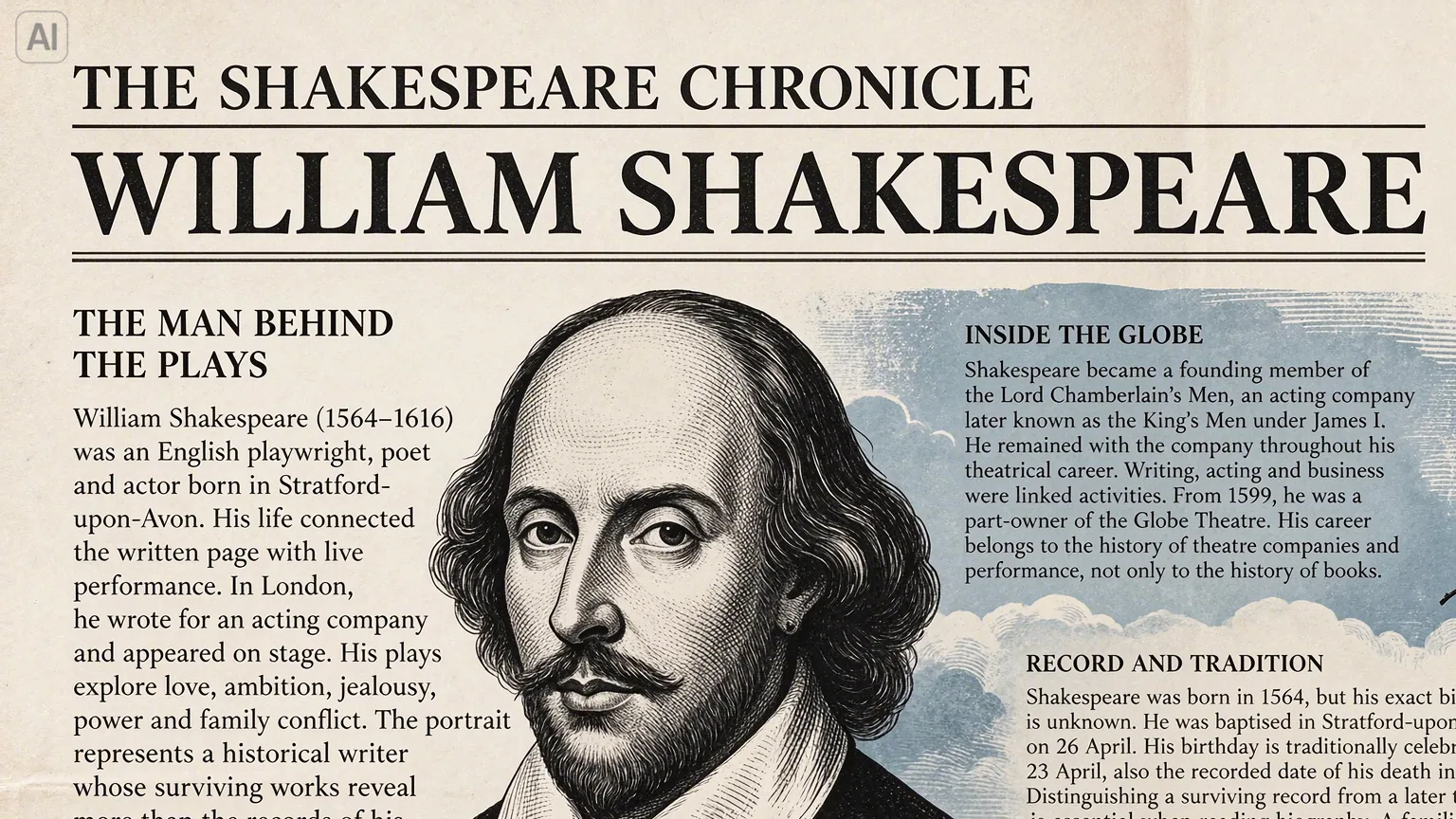
Vintage newspaper page titled William Shakespeare with an engraved portrait and columns of small English text

Dense English copy in a page layout

Headlines, subheads and several columns of body text can share one page, as in a newspaper or a reading guide. Long passages still need a check for missing or repeated words.

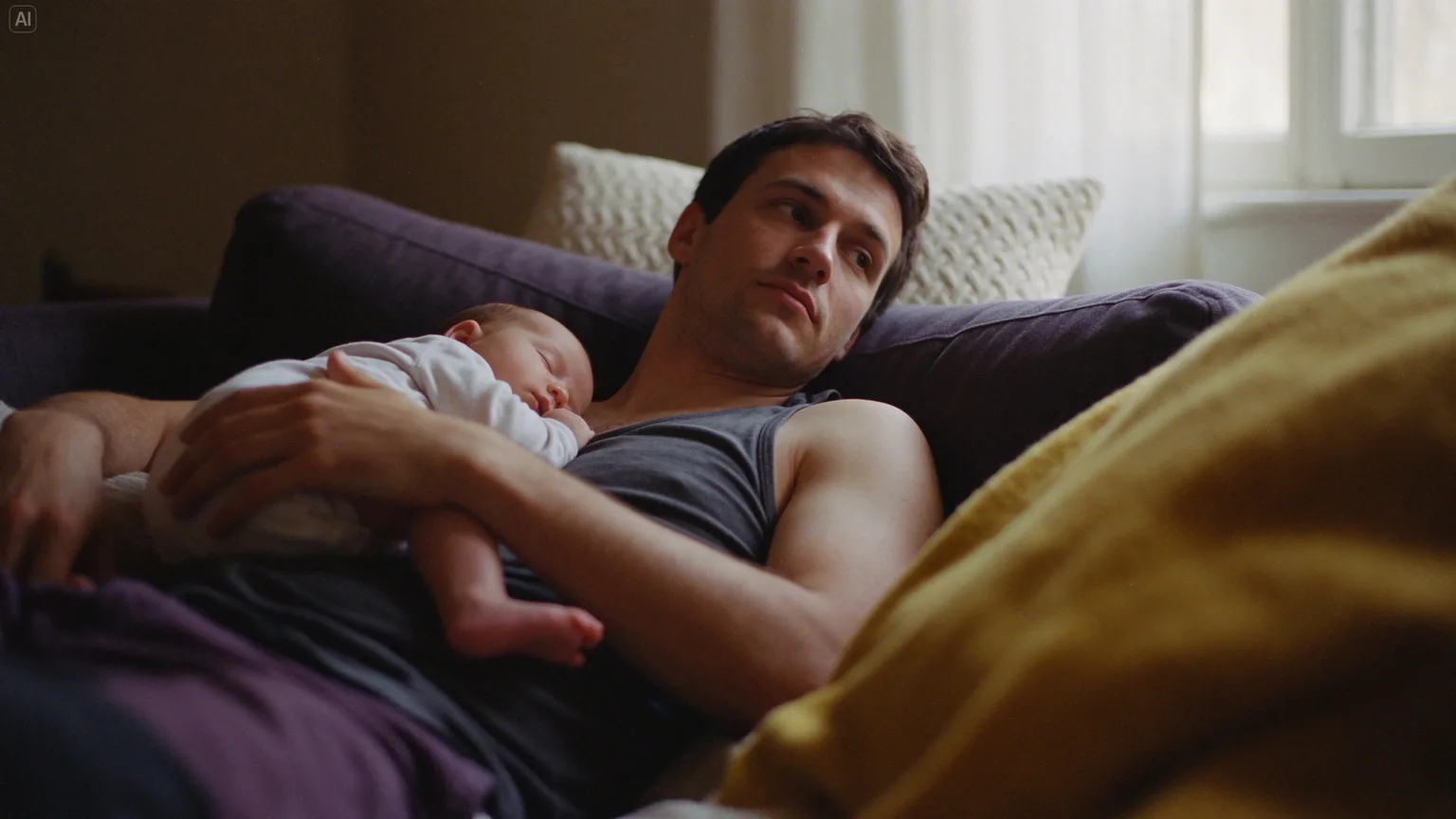
A father lying on a purple sofa with a sleeping baby on his chest, in warm light from a window

Skin and fabric in soft window light

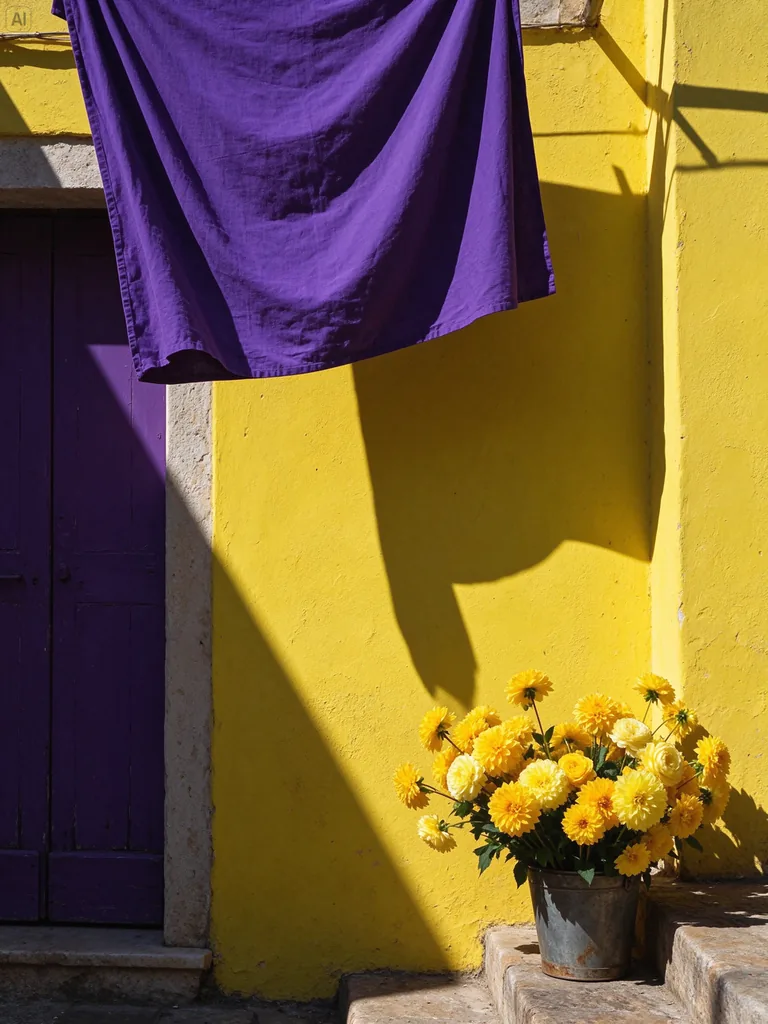
Faces keep natural texture and soft transitions from highlight to shadow, and fabrics read as wool, cotton or linen rather than plastic. Describe the light source and the materials to get there.

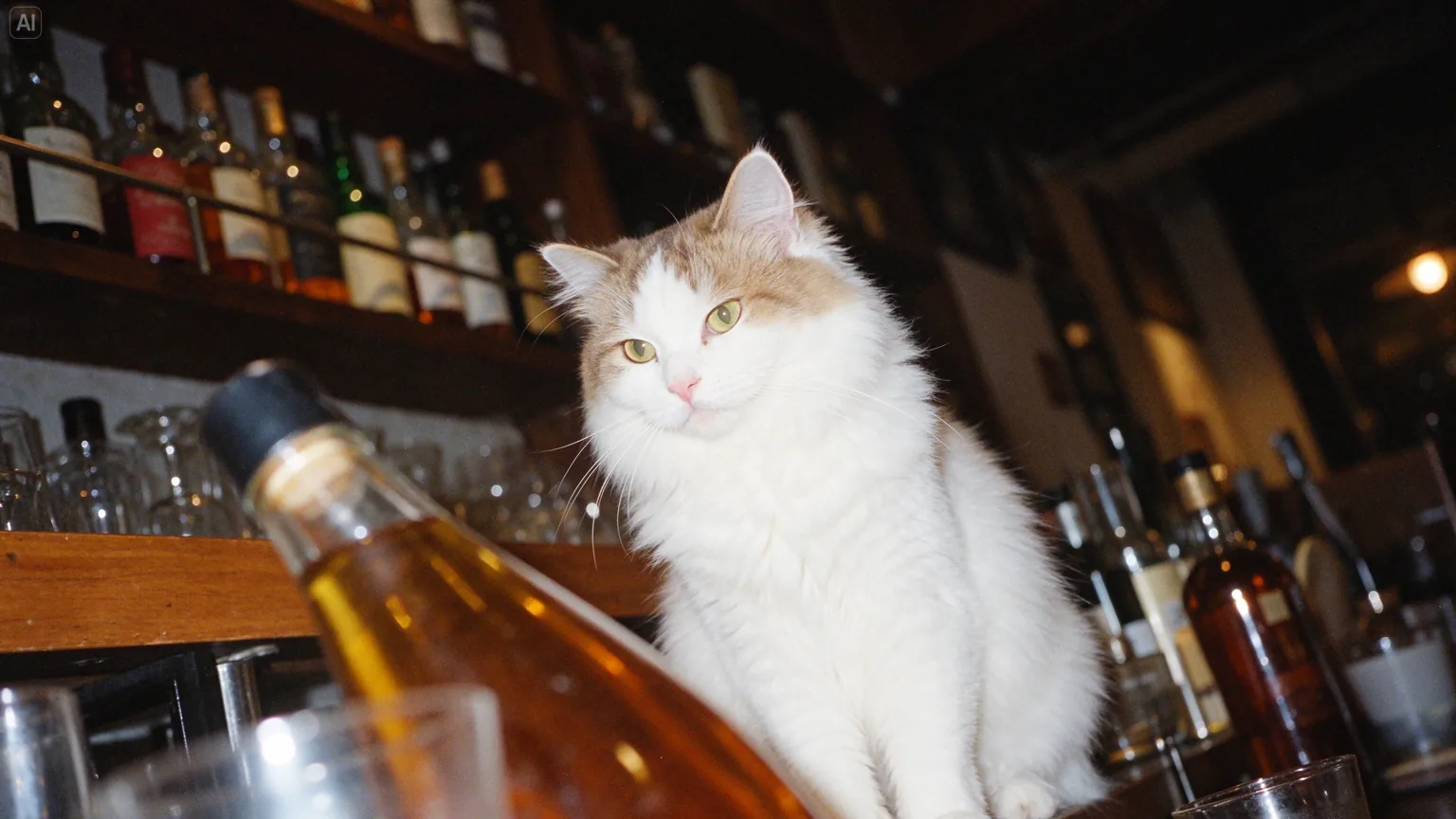
A fluffy white-and-ginger cat sitting among liquor bottles and glasses on a bar counter, lit by a camera flash

Highlights without the oily shine

Glass, fur and flash-lit surfaces get bright highlights with detail left in them, instead of greasy shine or blown-out patches. Naming the lens, film look or flash helps.

Seedream 5.5 settings and price per image

Seedream 5.5 settings and price per image
Model
ByteDance Seedream 5.5, released November 9, 2026
Modes
Text to image; image editing with reference images
Reference images
Up to 10 per request
Aspect ratios
Auto, 1:1, 4:3, 3:4, 16:9, 9:16, 21:9, 9:21
Resolution
1K, 2K
Output formats
PNG, JPEG
Images per request
1 to 4
Credits per image
1K: 6 · 2K: 9 credits. Editing with one reference image: 1K: 9 · 2K: 12; with all 10 references: 1K: 30 · 2K: 33.

Seedream 5.5 FAQ

What is Seedream 5.5?+

Seedream 5.5 is an image generation and editing model from ByteDance Seed. It focuses on stable multi-round editing, native transparent (RGBA) assets, more natural texture and light, and clearer small text in Chinese and English. It is an image model and not part of the Seedance video family.

Can I use Seedream 5.5 on Oeneo AI?+

Yes. The Workbench on this page runs Seedream 5.5, so every image you make here comes from it.

When was Seedream 5.5 released, and is there a Pro version?+

ByteDance Seed released Seedream 5.5 on November 9, 2026 and is rolling it out in Jimeng, Doubao and Volcano Engine Ark. A Pro version of the 5.5 series has been announced for later and has not been released.

Is it free to create images on this page?+

No, each image costs credits, and new accounts get 10 free credits when they sign up. The price depends on the resolution and the number of reference images, and the Generate button shows the exact cost before you start.

Will the parts I don't edit stay exactly the same?+

Not guaranteed. ByteDance says Seedream 5.5 keeps unedited areas at the pixel level and reduces the color shift and detail loss that build up over repeated edits; compare each round with the last one and step back if something drifts.

Is transparent generation the same as background removal?+

No. Seedream 5.5 creates the asset with an alpha channel as it generates, including semi-transparent areas such as glass. Background removal cuts the subject out of a photo you already have; for that, use the Oeneo AI Background Remover.

Does Seedream 5.5 get text right in every language?+

Only Chinese and English have been shown: ByteDance's examples and text tests cover those two, including dense small text, with no published results for other languages. In any language, give the exact wording and proofread before you publish. The model does not fact-check what the text says.

Is Seedream 5.5 better than GPT Image or Nano Banana?+

ByteDance's own evaluation puts Seedream 5.5 ahead of GPT Image 2.5 Sunburst and Nano Banana 2.1 on text structure and text-to-image realism. Those are specific measures in a vendor test, not a verdict on every task, so compare results on your own prompts.

Can Seedream 5.5 output PSD layers, SVG or editable text?+

No. Its transparent output is a flat image with an alpha channel. It does not produce layered PSD files, vector graphics or editable fonts; for vector files, run a finished image through the Oeneo AI Image Vectorizer.

Create and edit with Seedream 5.5 in the Workbench

Write a prompt or add up to 10 reference images, then refine the result one edit at a time.