





Cinematic atmosphere
Coordinate light, weather, and feeling
Describe weather, light, palette, and emotional tone as carefully as the subject so every frame has a point of view.
Combine products, people, materials, and layout references into one coherent scene, then make cinematic edits without rebuilding the composition from scratch.
Multi-image art direction
Blend several source images into one scene while preserving the product details, materials, spatial relationships, and atmosphere your references provide.
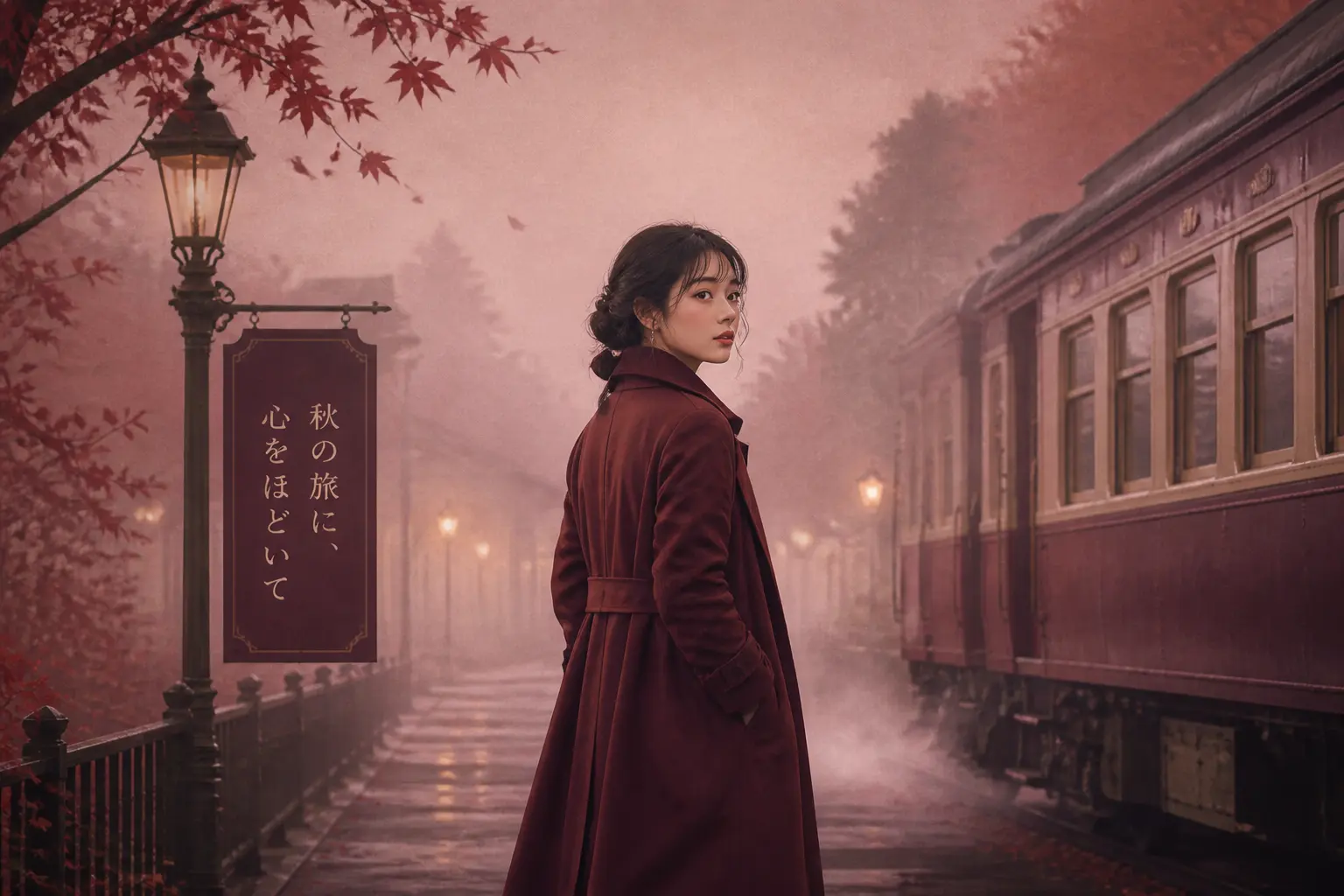
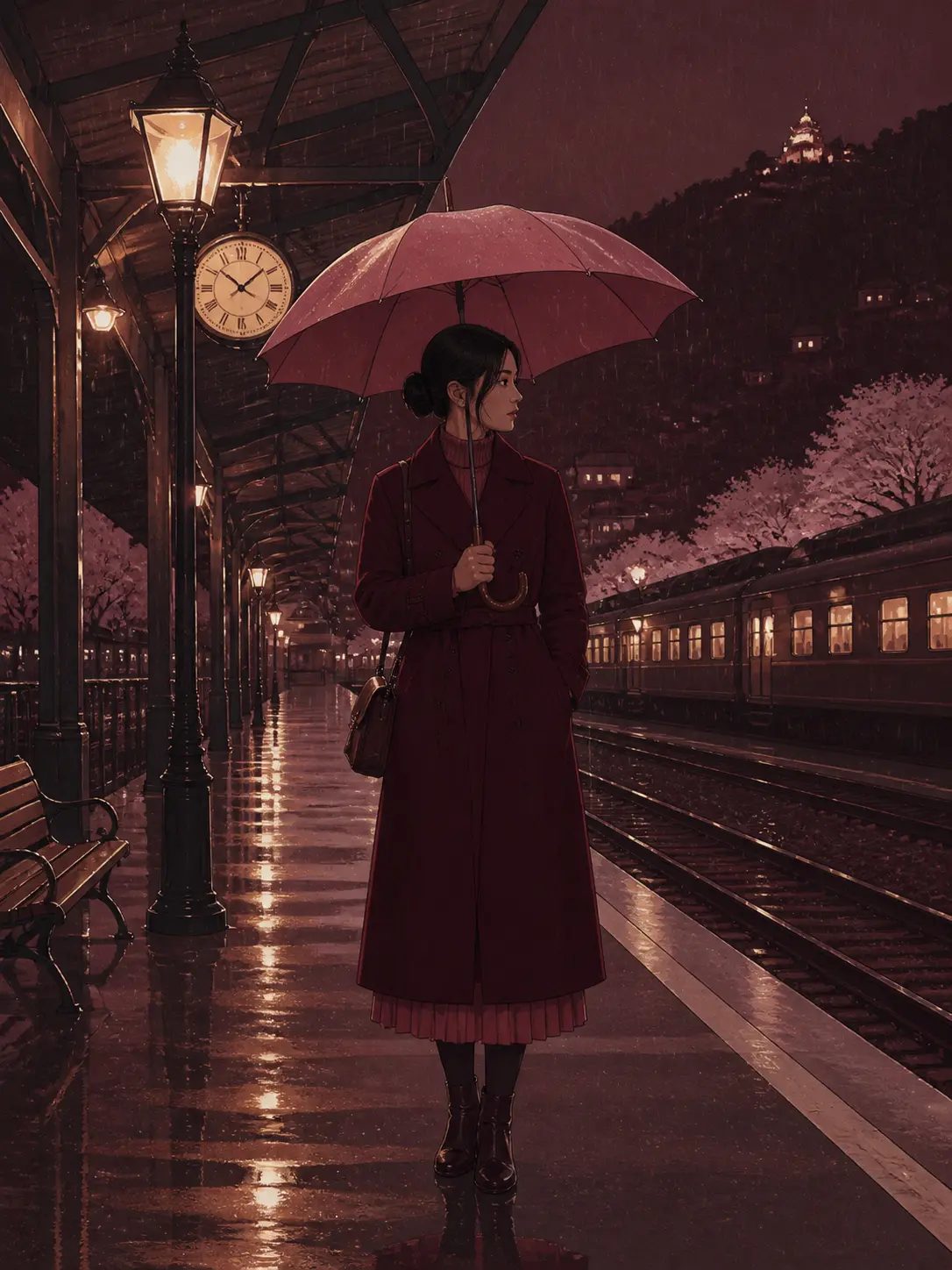
Scene direction: Burgundy coat, foggy station, dusty-rose sky, warm platform light.
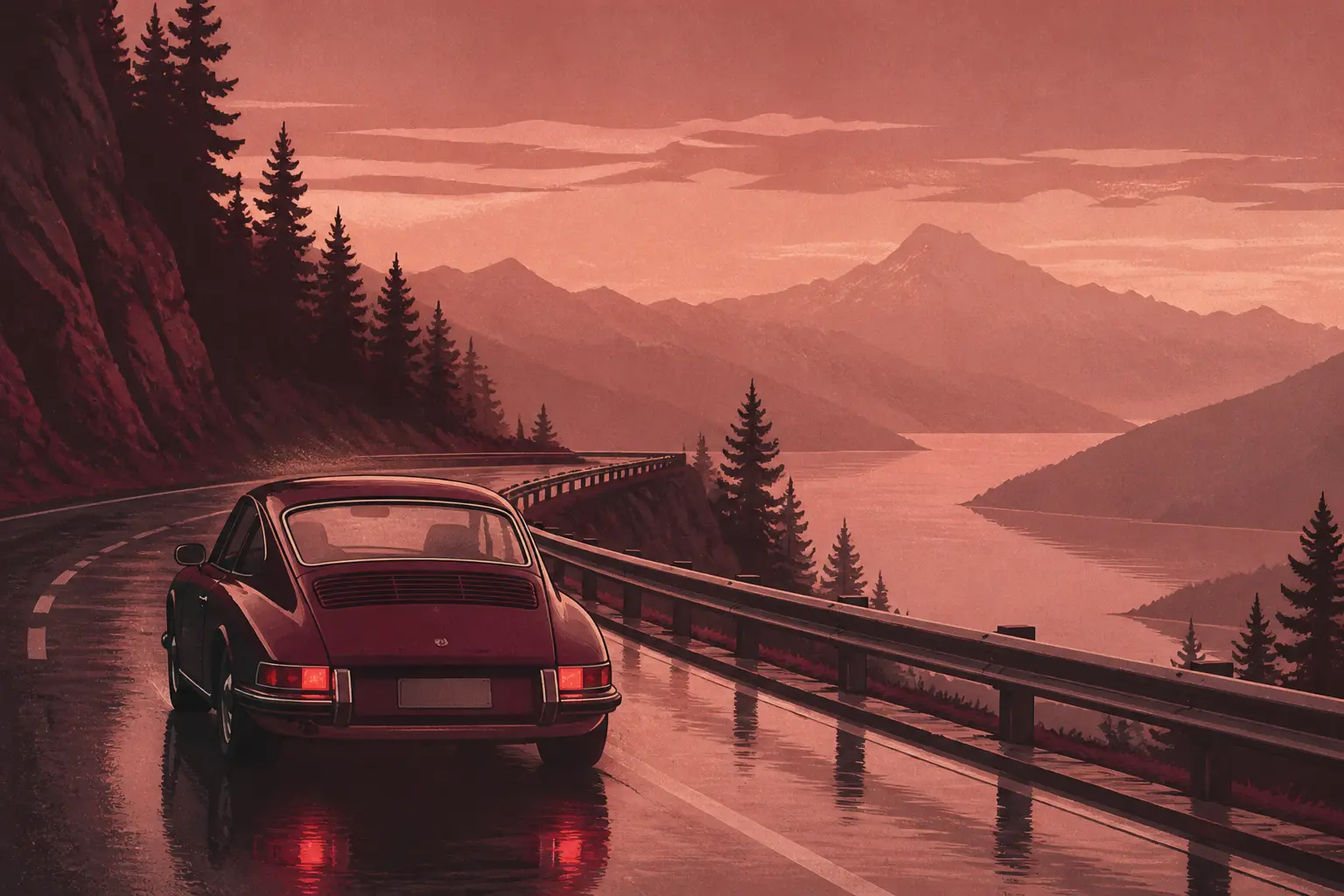
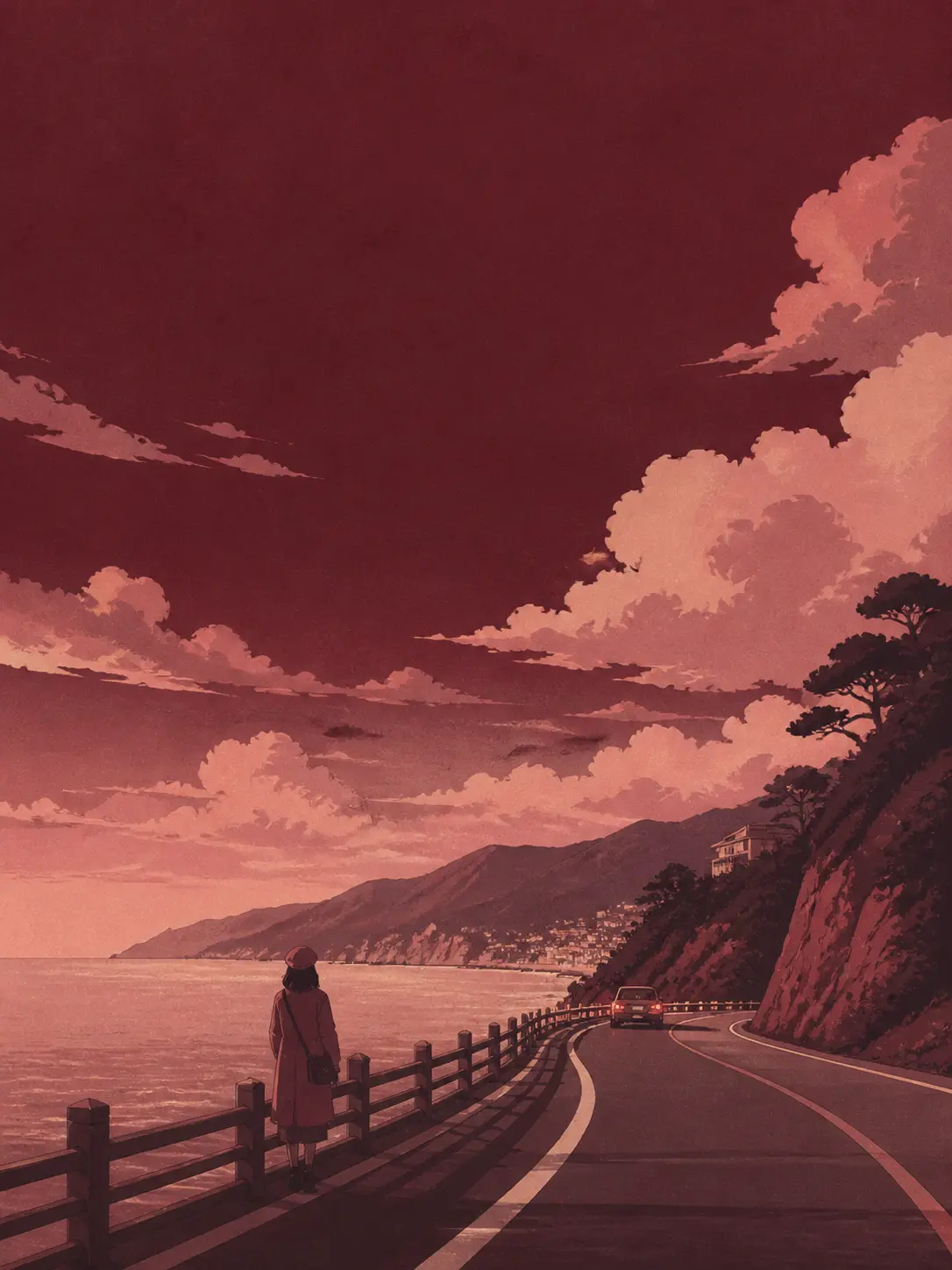
Scene direction: Vintage car on wet mountain road, indigo lake, restrained cinematic grading.

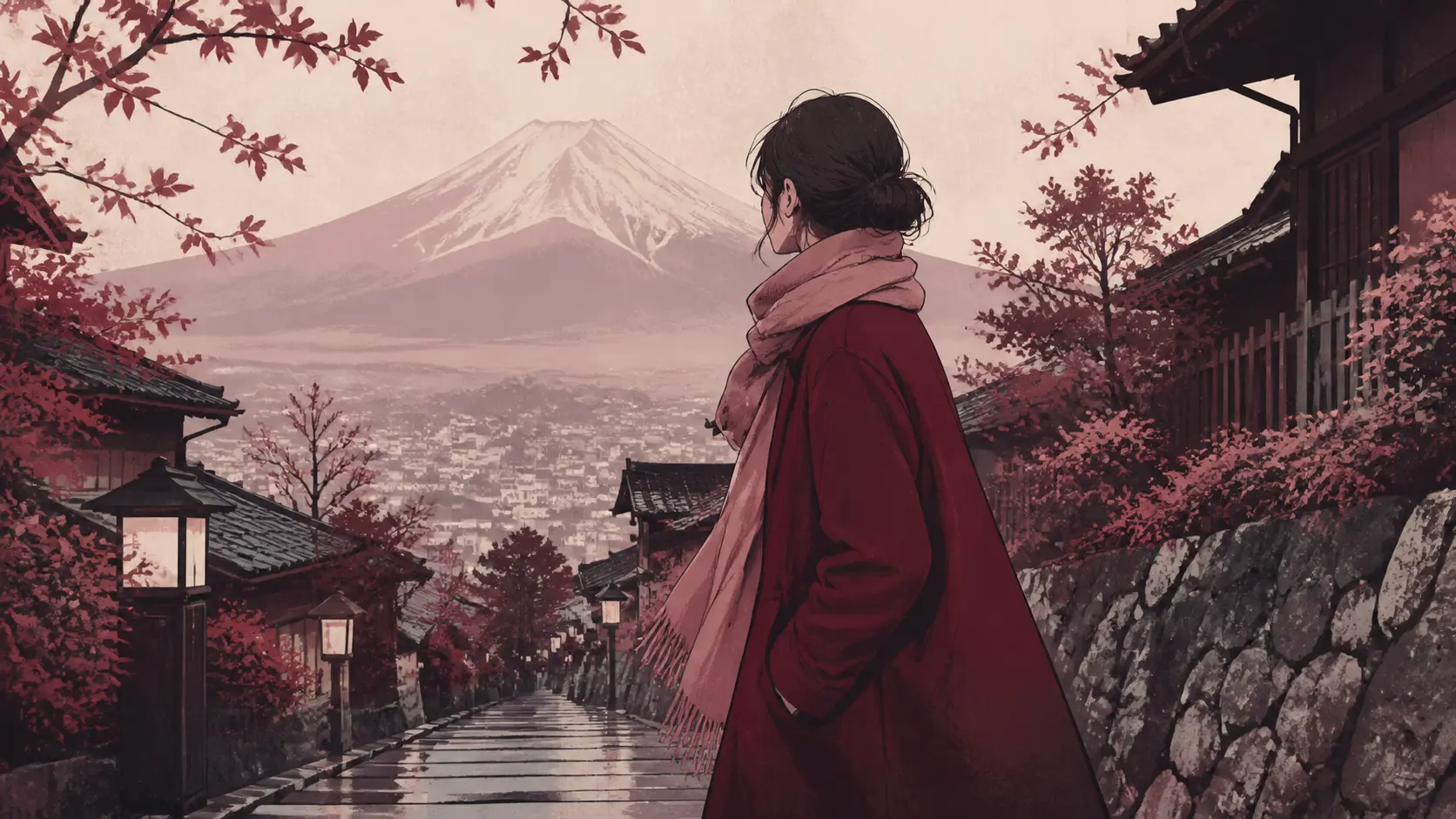
Scene direction: Mature portrait, wind-touched hair, burgundy fabric, deep plum shadow.
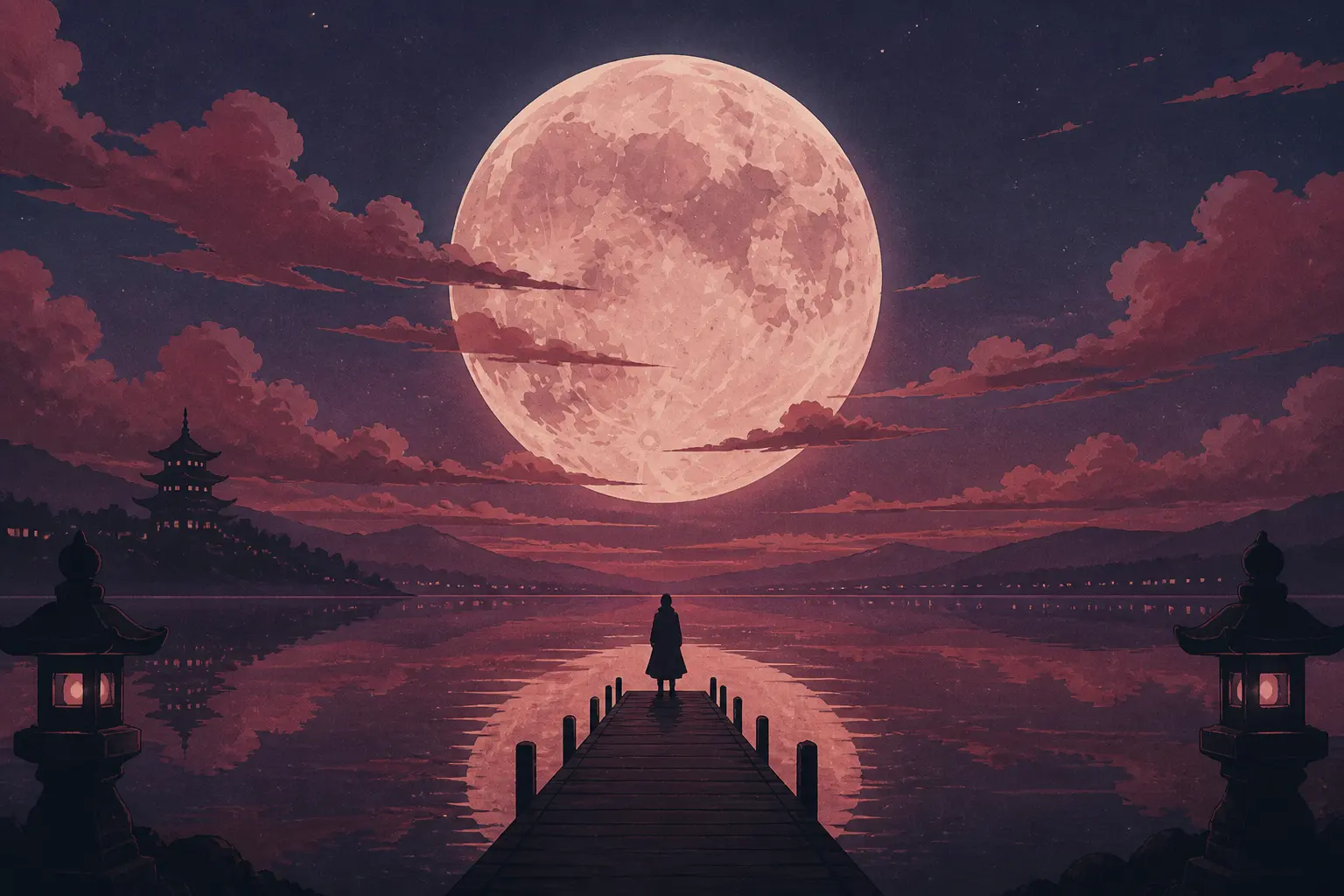
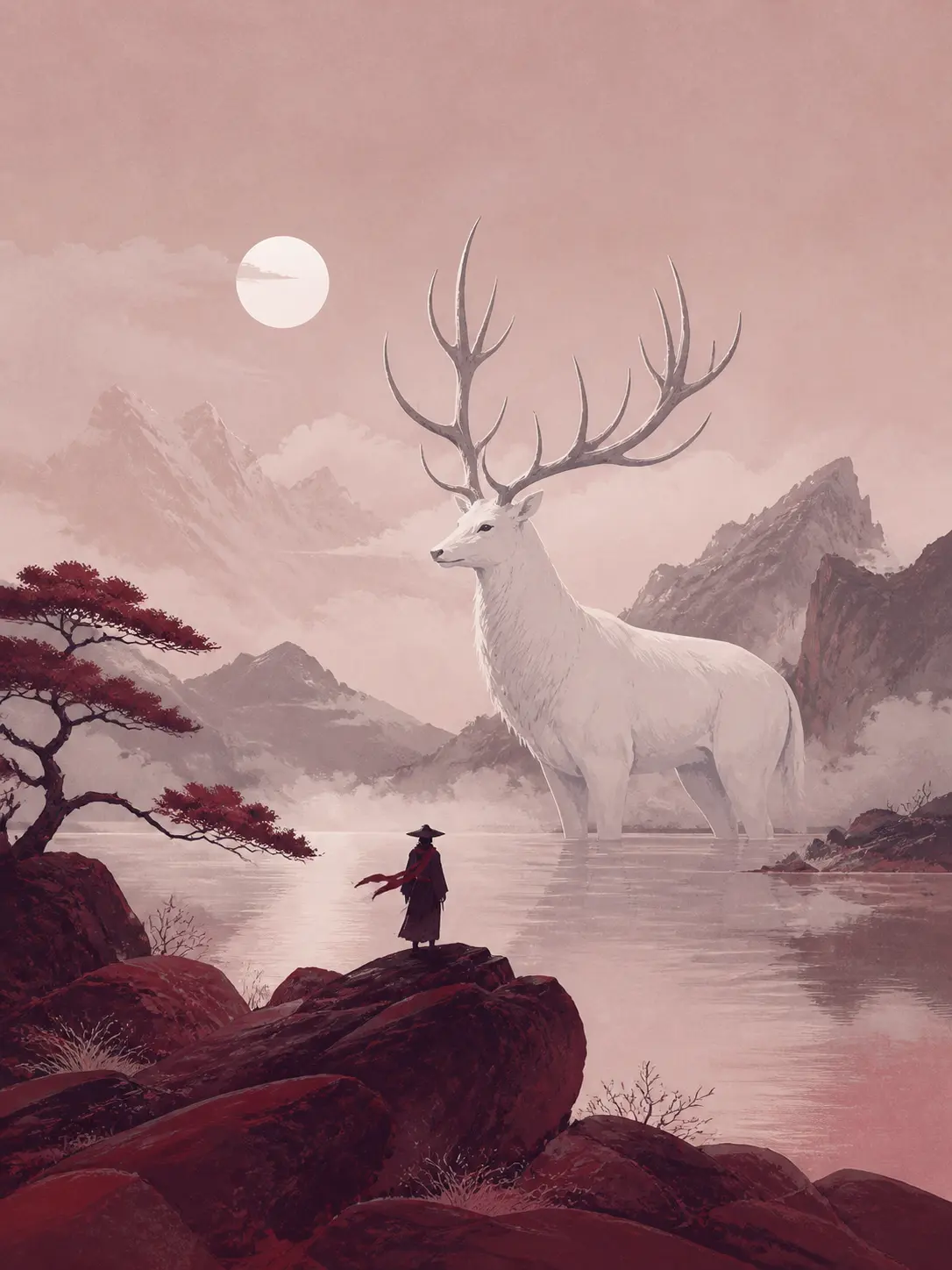
Scene direction: Giant moon above a quiet lake, tiny traveler on a pier.
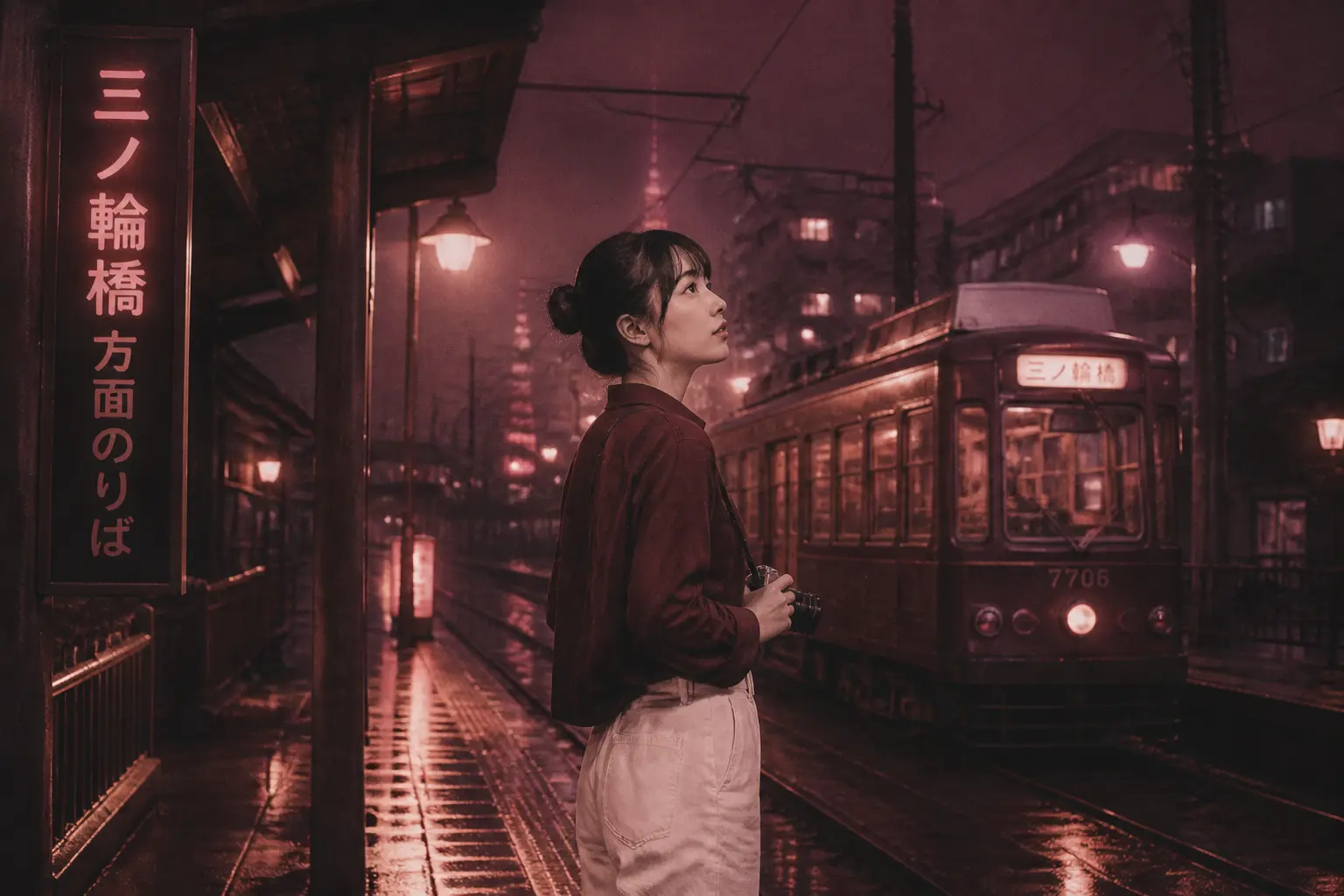
Scene direction: Keep the person and pose; move the scene to a rainy tram station.
Where Seedream 4.5 fits
Use it when people, products, and environments from different sources must belong to the same frame without manual masking or a collage-like result.
Cinematic atmosphere
Describe weather, light, palette, and emotional tone as carefully as the subject so every frame has a point of view.
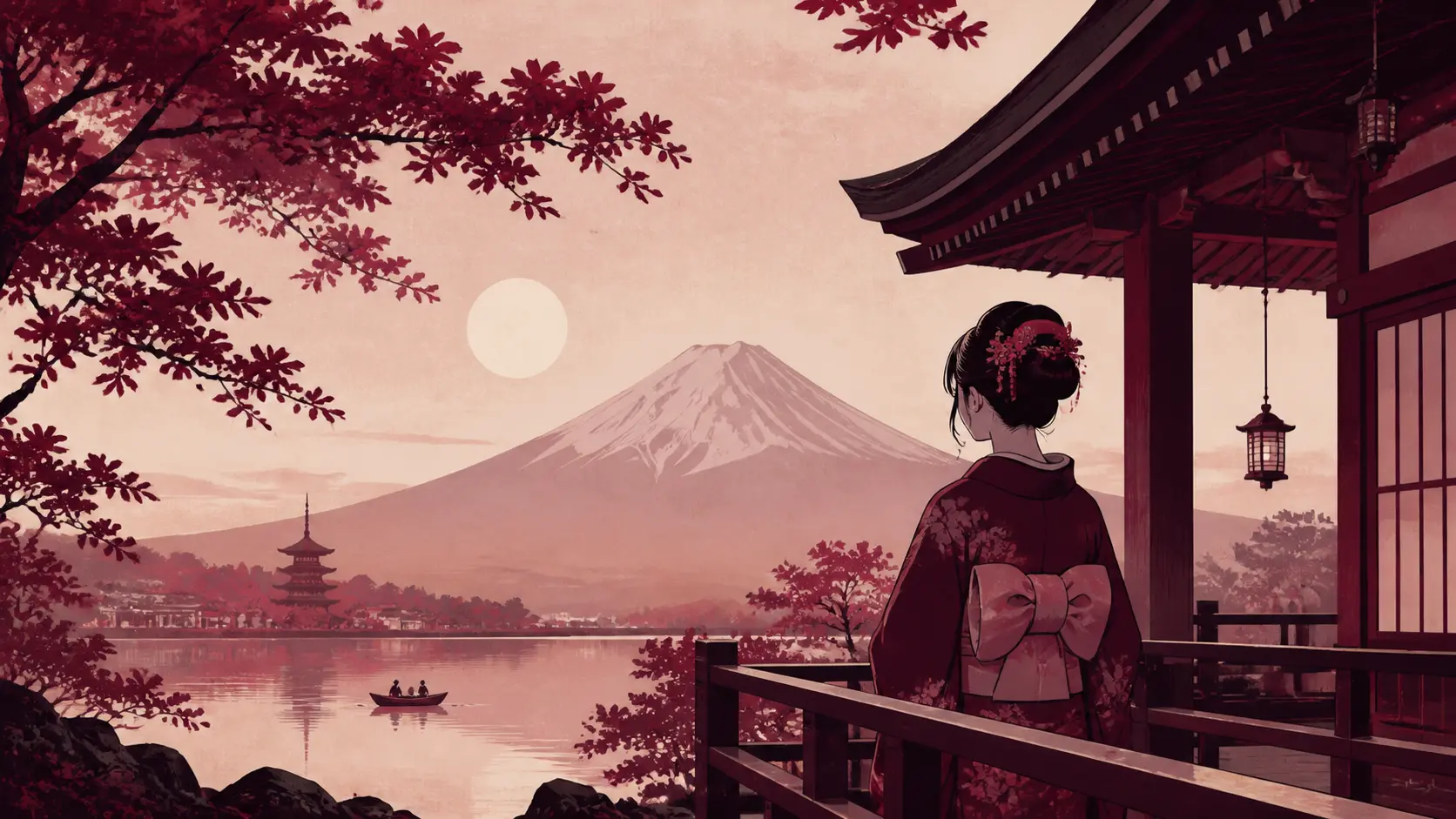
Visual continuity
Keep palette, wardrobe, lighting, and world consistent while changing the shot or action.
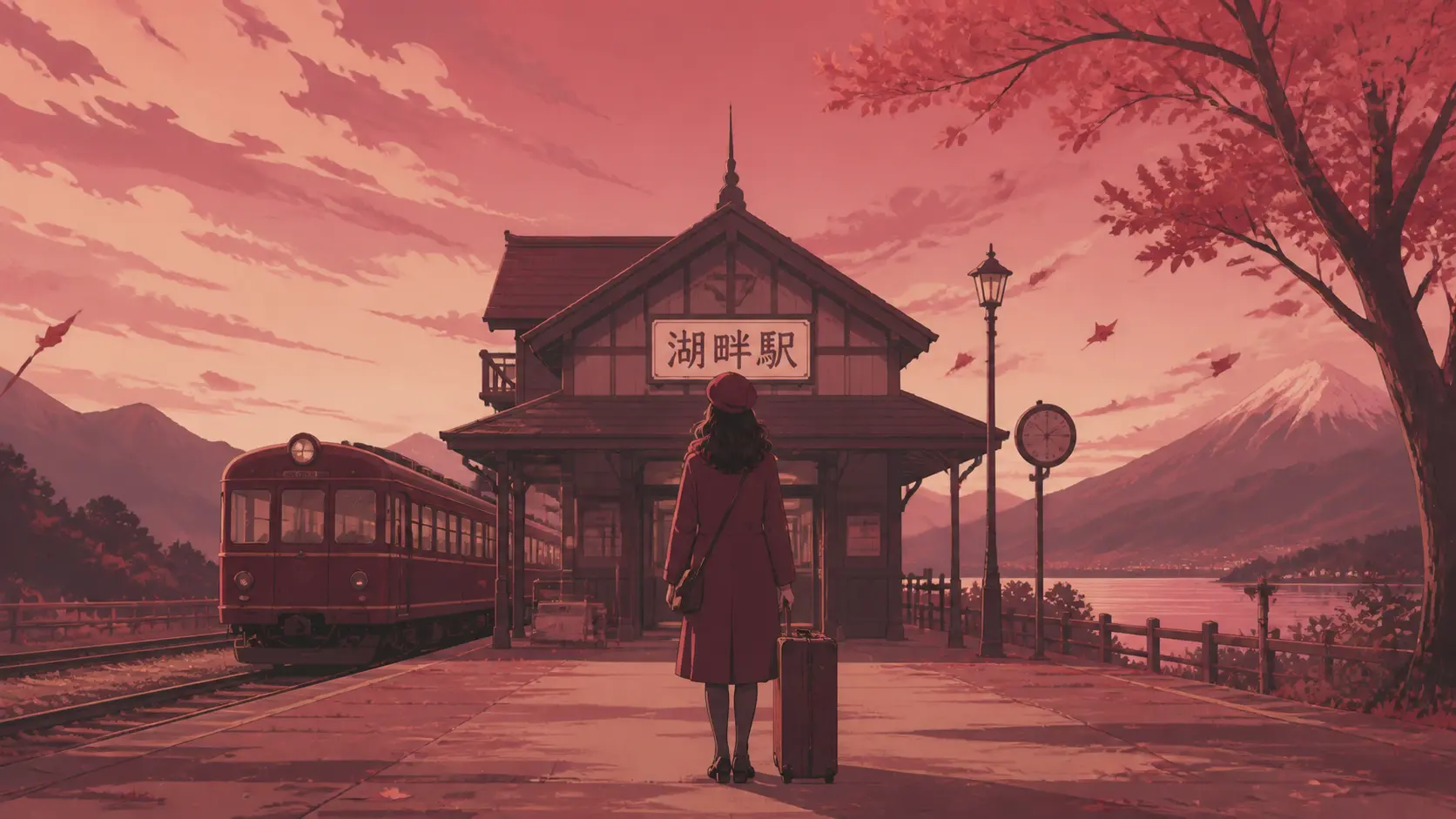
Focused edits
Change weather, location, or time of day while protecting the approved identity, pose, and framing.
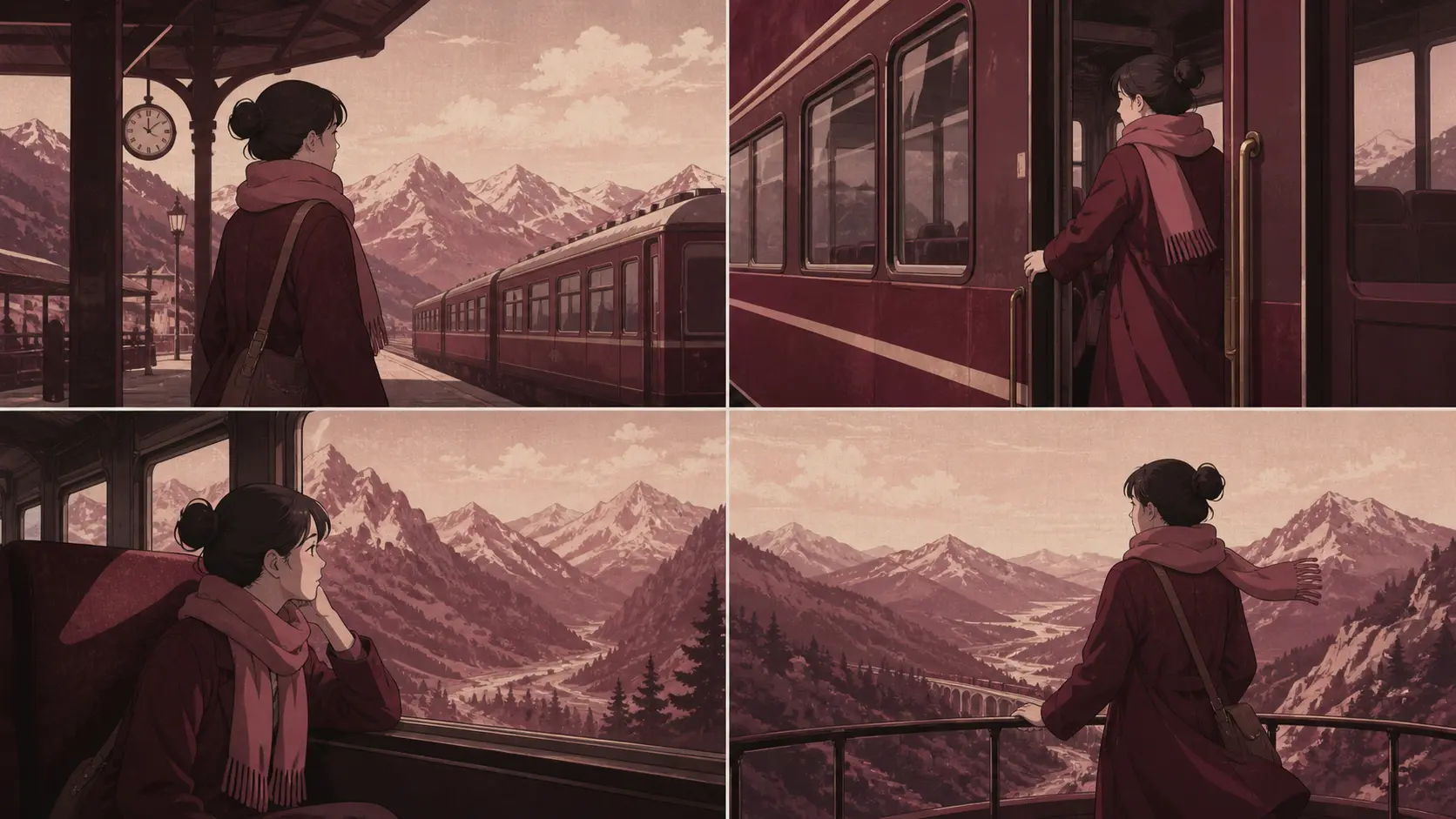
Narrative sequence
Repeat wardrobe, palette, lighting, and atmosphere to connect cinematic frames into one visual story.
Describe action, emotion, and what happened just before the frame.
Set shot distance, focal point, foreground, background, and movement.
Choose weather, time of day, light motivation, and palette.
For edits, state the pose, identity, and composition that must stay.
Choose it for cinematic atmosphere, editorial concepts, storyboards, and mood-led edits that combine several source images.
Yes. The configured edit endpoint accepts reference images for multi-source composition and guided revisions.
The current configuration exposes 1K and 2K choices.
Choose Seedream 4.5 when several source images need to become one coherent product composite or campaign scene. Use a simpler editor for one-image corrections.
Give each reference a job, such as product, person, palette, or background. Describe how they should combine and state which details must be preserved.
Bring products, people, materials, and layouts together in one coherent Seedream 4.5 scene.