


中文 + English
Pair a Chinese name with an English line
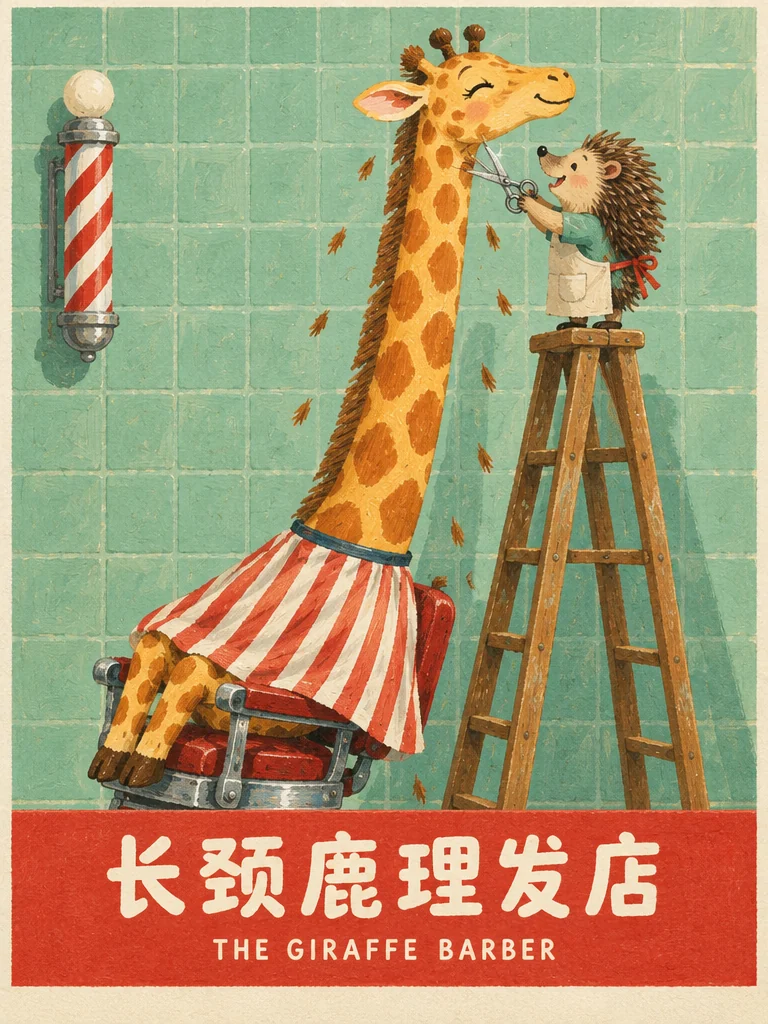
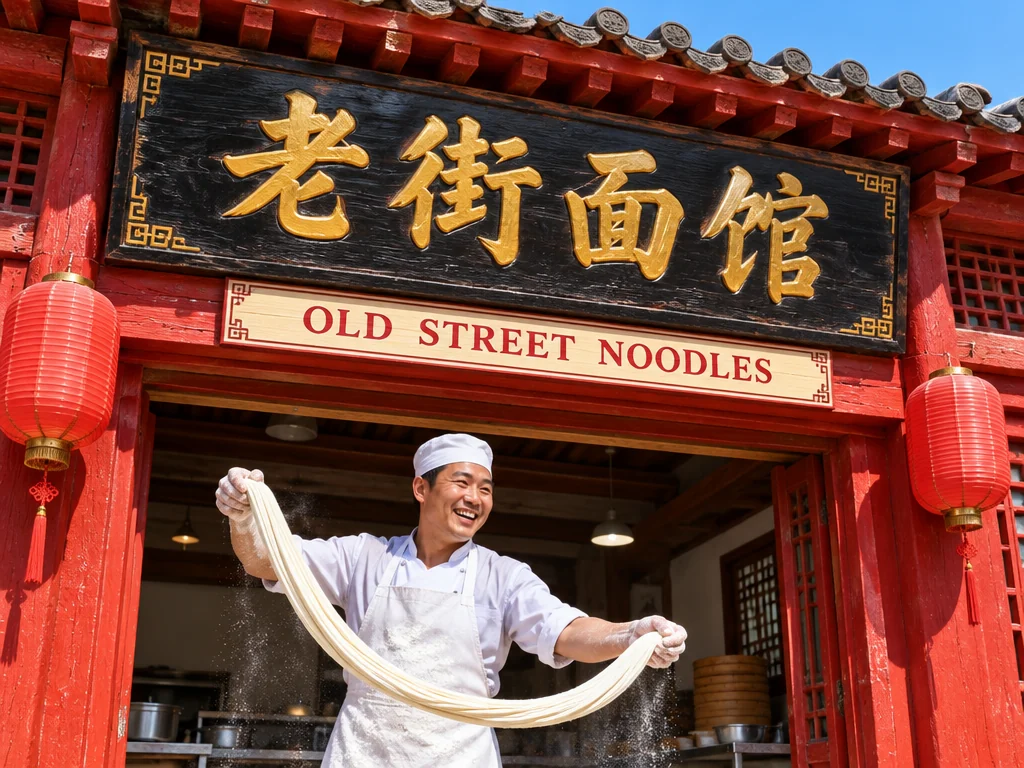
Storefronts, stall banners and wayfinding often carry both scripts on one board. Give each line its own size and place, then zoom in on every character before you use the image.
By Alibaba Tongyi-MAI
Describe a scene in full sentences and get back a photoreal image, with short English or Chinese words, like a shop sign or a headline, rendered in the frame. Alibaba's 8-step model runs right in your browser, with no GPU or ComfyUI to set up.
In-image text
Yes, when the words are short and belong in the scene. Turbo's model card lists English and Chinese text rendering as a core strength, and it shows best on signs, placards and labels inside an otherwise photographic image.
中文 + English
Storefronts, stall banners and wayfinding often carry both scripts on one board. Give each line its own size and place, then zoom in on every character before you use the image.
English
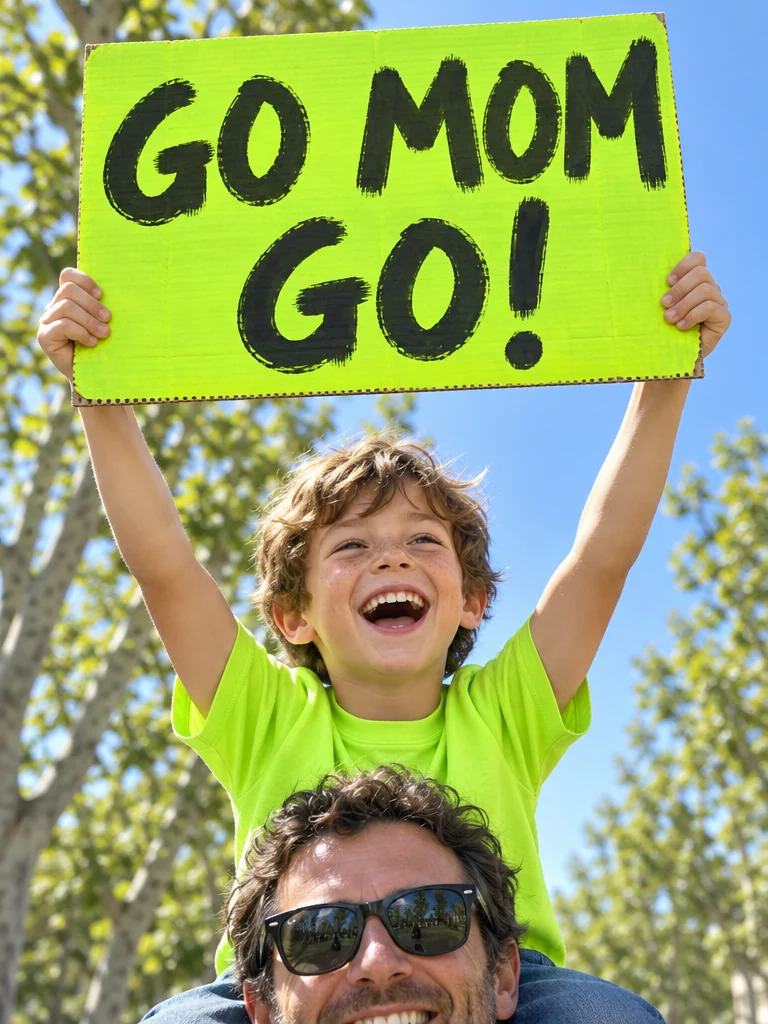
Placards, T-shirts and banners make event recaps, campaign mockups and social posts feel real. Three or four words come out cleanly; check that the board faces the camera and that no stray letters appear around it.
中文
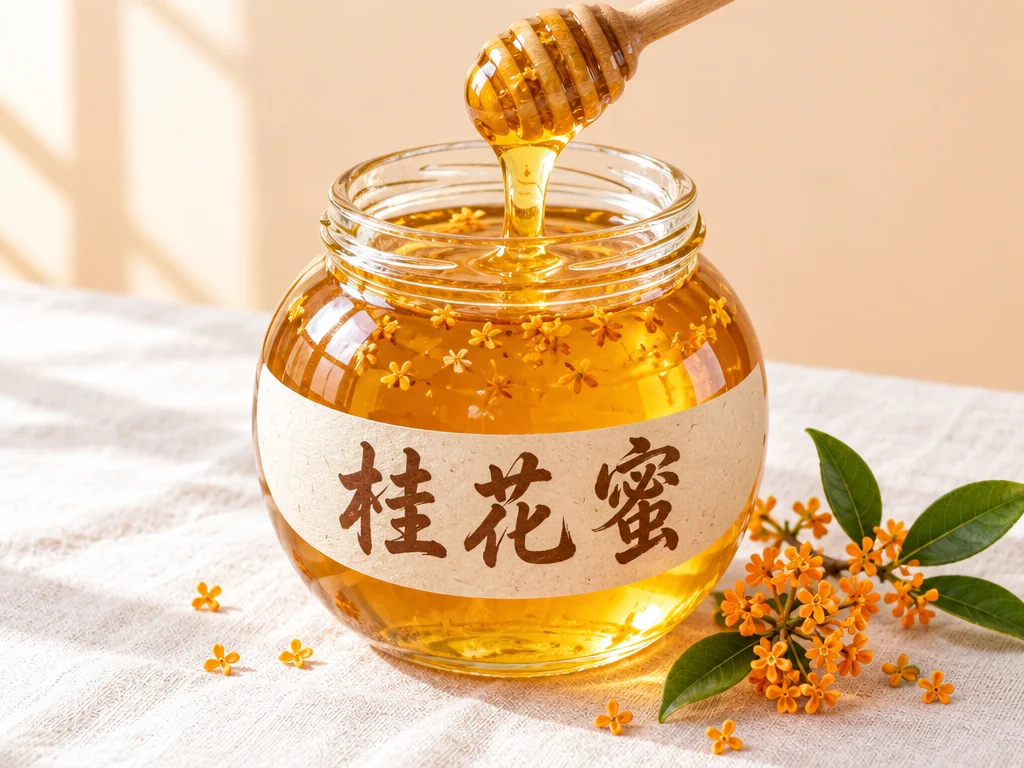
On jars, cups and lanterns the characters bend with the surface, which is what makes a packshot believable. Name the material and the shape, then check that every stroke stays upright and nothing is mirrored.
Photoreal
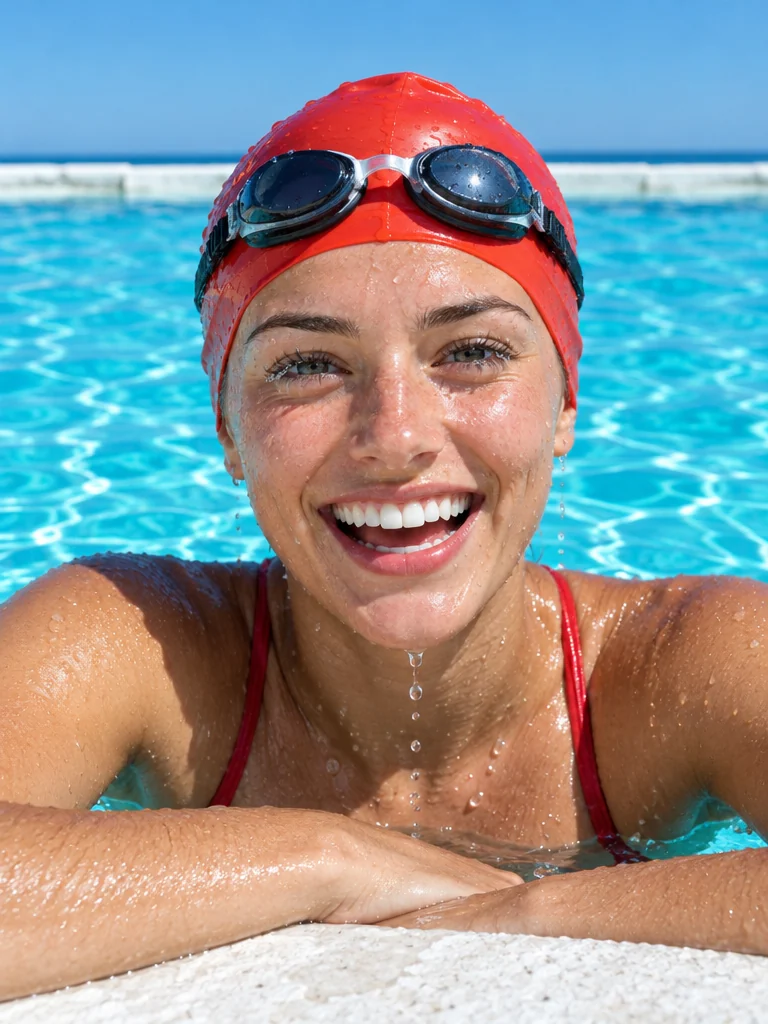
Photorealism is the first strength on Turbo's model card. These four kinds of image show it best, each with what to check before you use one.
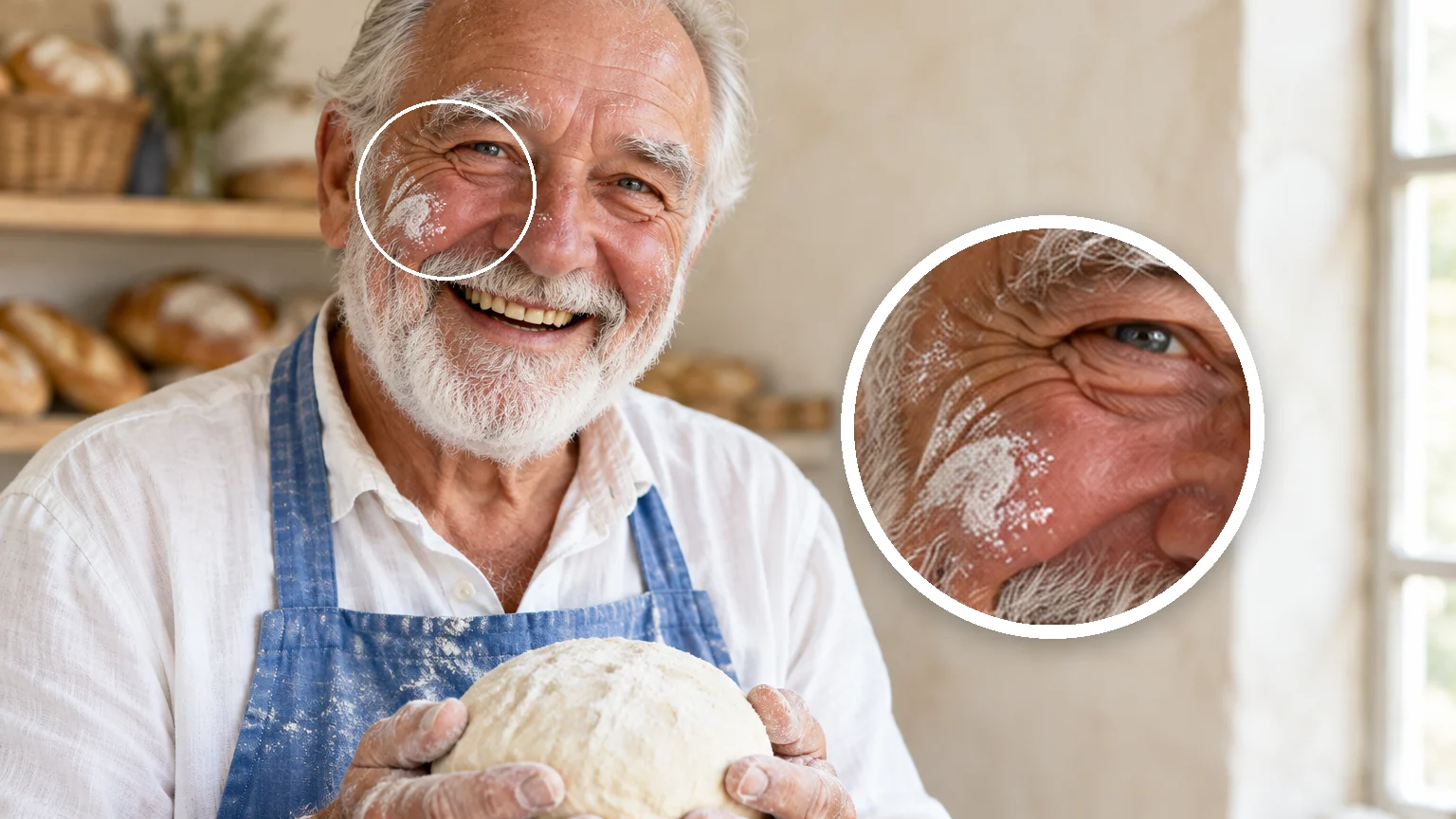
Skin texture, stray hairs and catchlights stay natural in tight crops, which suits About pages, story illustrations and character sheets for a pitch. Check hands and teeth before you publish; they are the usual weak spots.
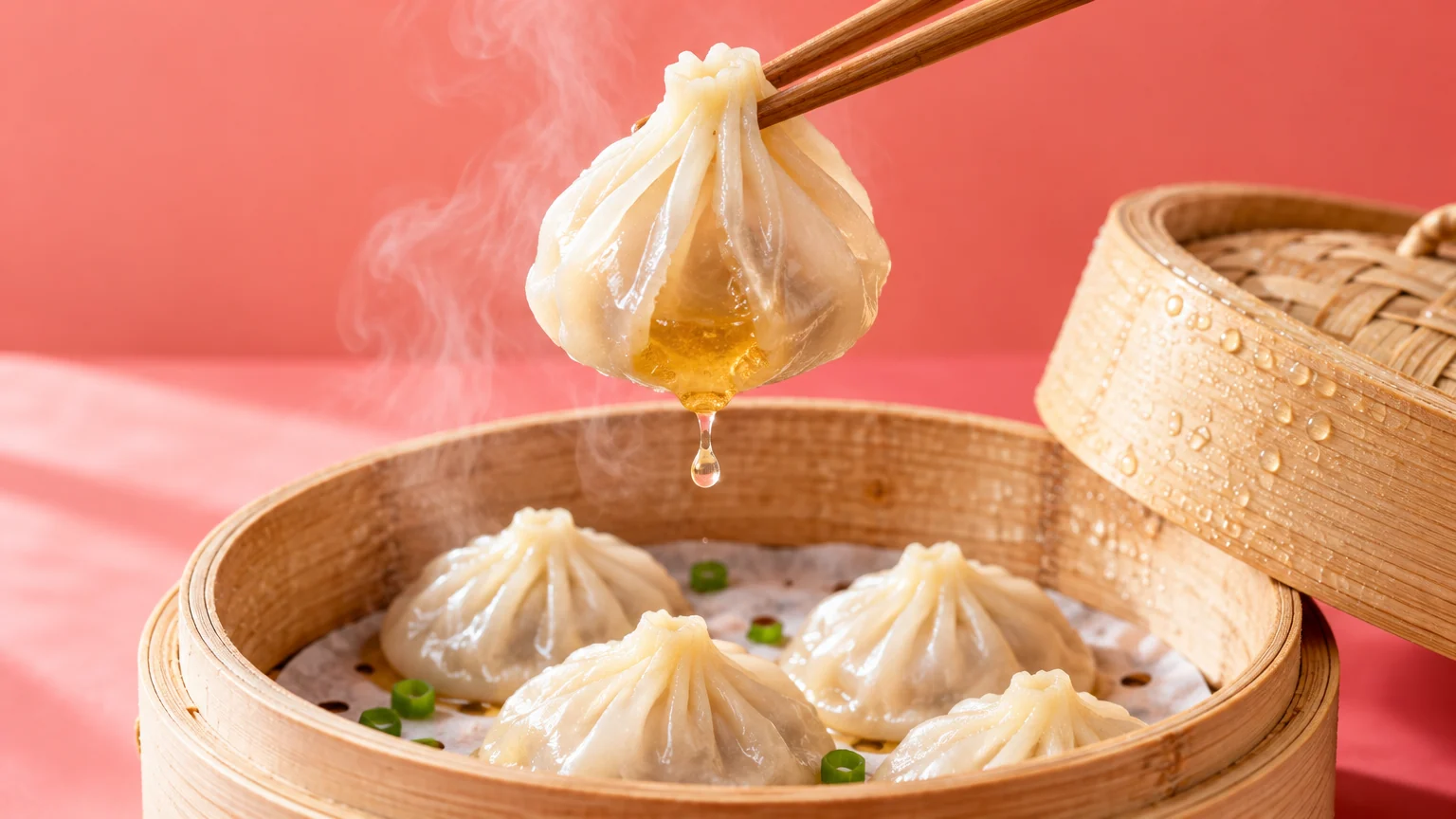
Thin dumpling skin, glaze, steam and wood grain read as photographed, so menu shots and recipe headers need less retouching. Keep one hero dish per frame; crowded tables are where the detail blurs.
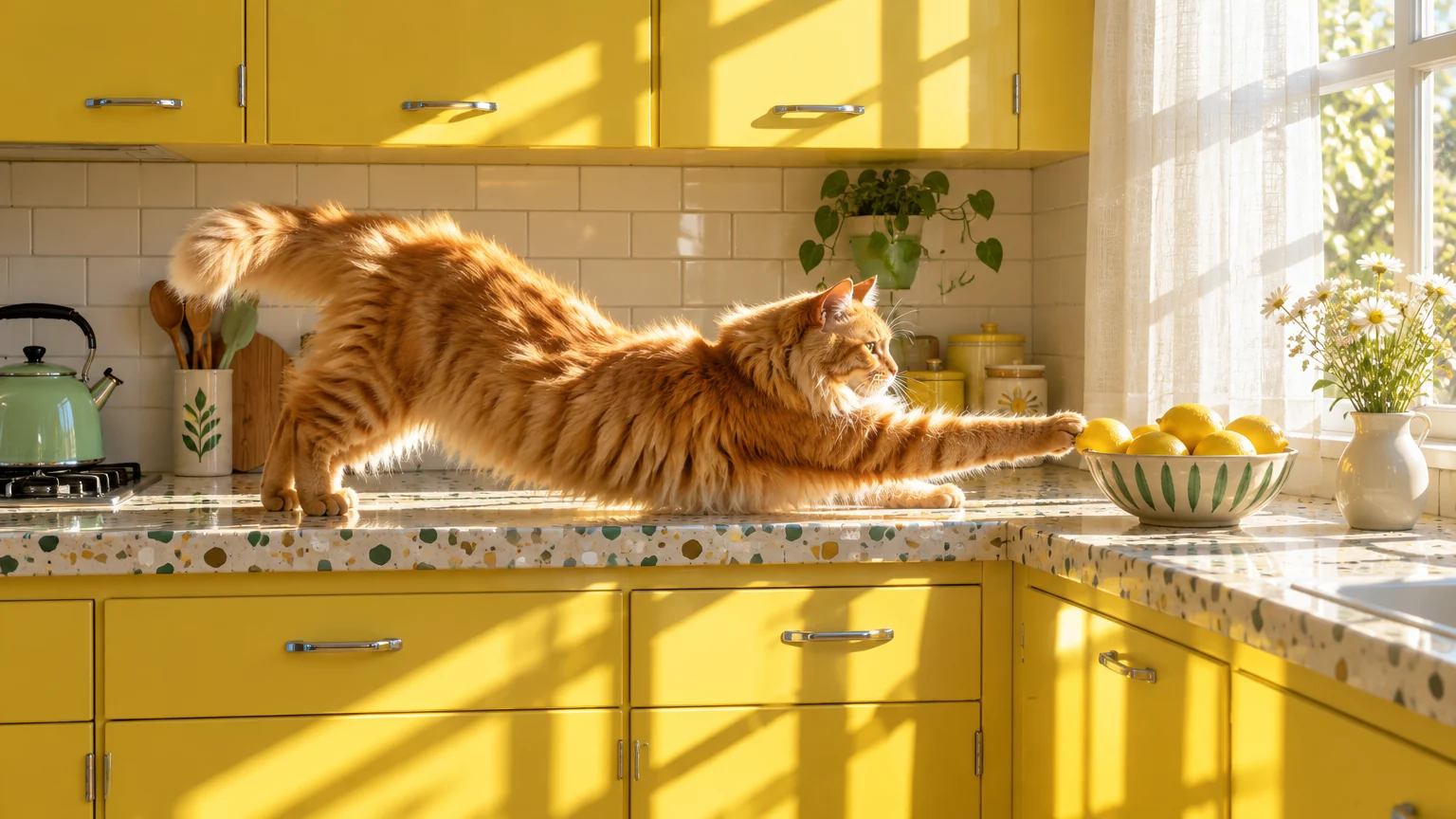
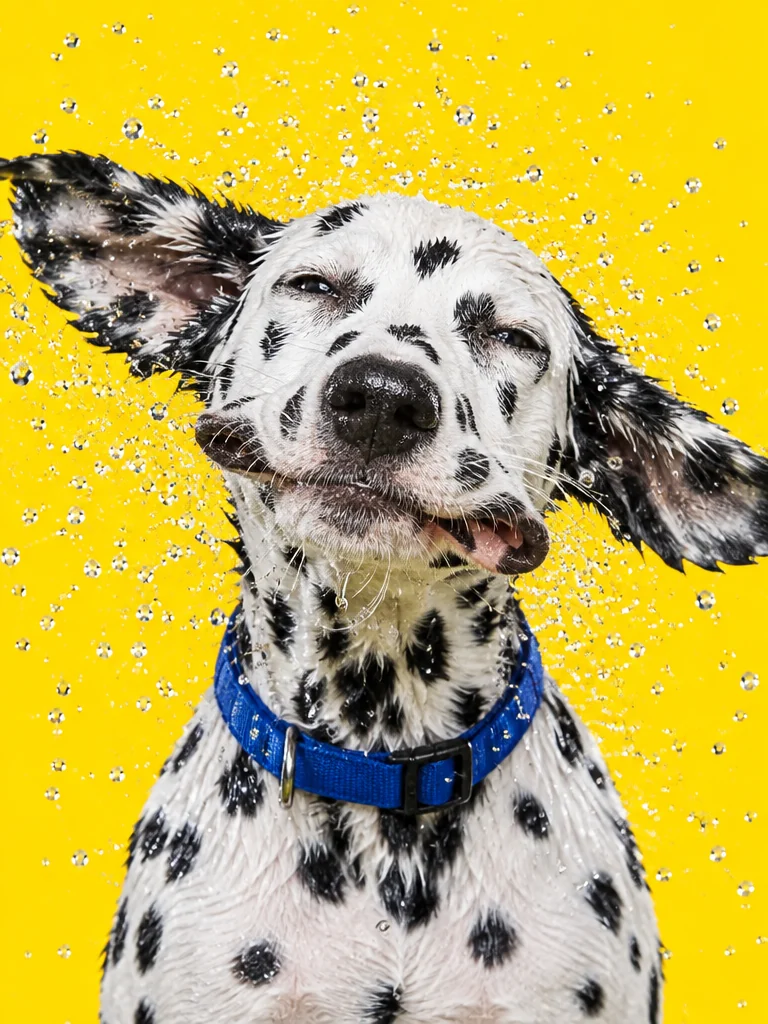
Sun patches, window shadows and backlit fur behave like real light, which helps blog headers and landing pages that would otherwise use stock photos. Say where the window is and what time of day it is.
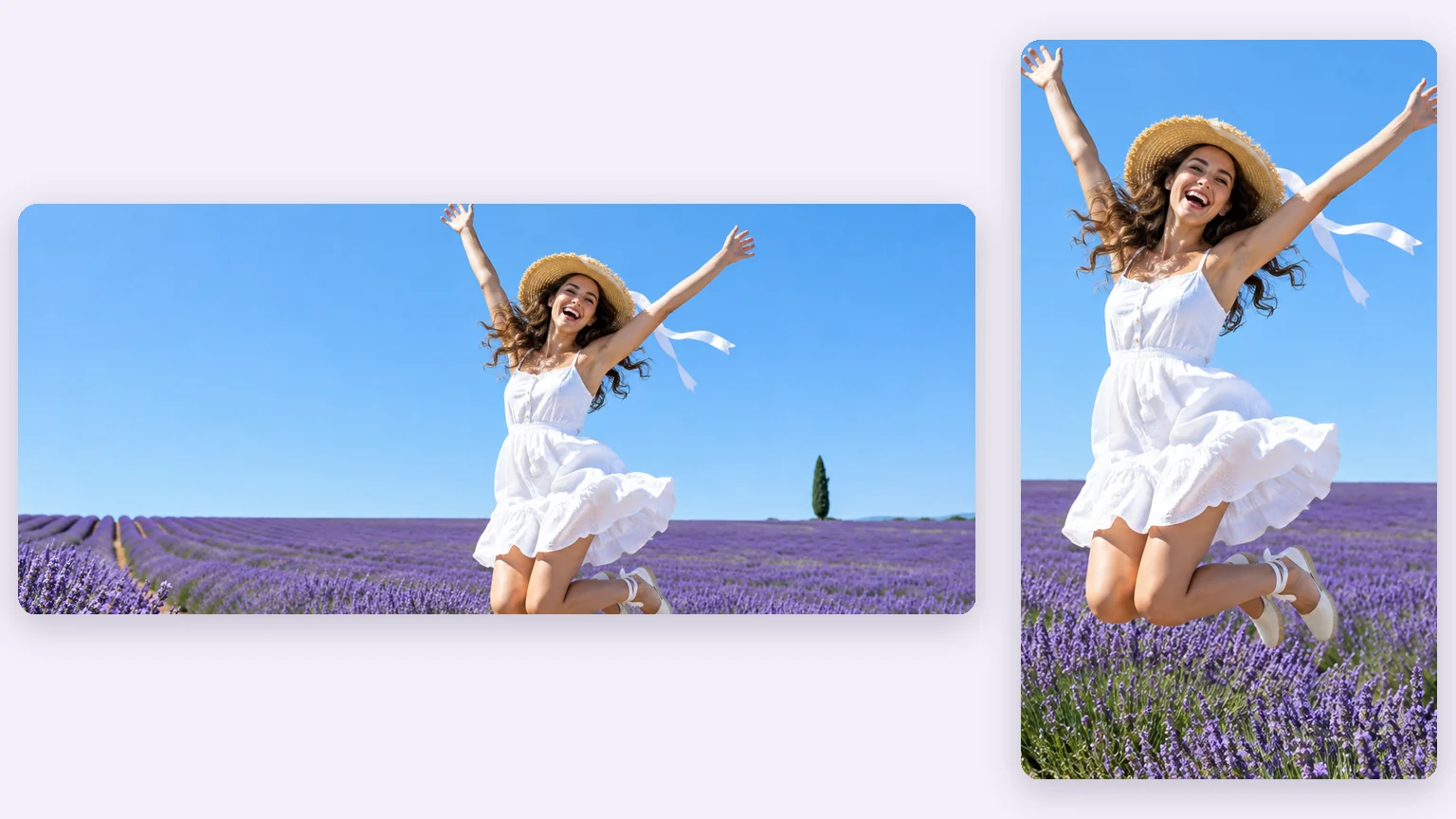
Choose from 1:1, 4:3, 3:4, 16:9, 9:16, 21:9, 9:21 before you generate, so a site banner and a phone story can share one description. If a headline will sit on top, leave one side of the frame empty.
Turbo follows a full-sentence description closely, so the wording of your prompt does most of the work.
Describe the scene in full sentences
Cover the subject, setting, light, lens and mood, usually in two to four sentences. A short string of keywords tends to come back looking generic.
Quote the exact words and say where they go
For example: a paper coffee cup printed with "早安" on the side. Keep each line to a few words.
Say what should be in the frame
Write "a bare white wall behind her" instead of listing what to remove. Turbo draws what you describe; ruling things out doesn't help.
Rewrite to explore
Change the camera angle, the time of day or the framing between runs. A new sentence moves the image far more than a new attempt.
Leaning on a negative prompt
It has no effect on this distilled model, and the Workbench doesn't send one.
Stacking quality tags
Lists like "masterpiece, 8k, best quality" take up room that a concrete description of light and lens would use better.
Rerunning one prompt for a new idea
The model card rates Turbo's diversity as low, so repeat runs come back with the same face and the same framing.
Packing in paragraphs or a crowd of objects
Long copy and scenes that name many specific objects are where Turbo slips. Keep text to short lines and the cast small.
Example prompt: Sunny street photograph of a small noodle shop in an old Chinese town at noon. Above the doorway, a black lacquered signboard with carved gold characters reads "老街面馆", and a cream board below it reads "OLD STREET NOODLES" in red serif capitals. A cook in a white apron stretches noodle dough in the doorway. Eye-level camera, bright midday sun, crisp shadows under the eaves.
Pick by what you start from and how much the results should vary. Credits are per image on Oeneo AI, without reference images.
| Compare | Z-Image Turbo | Z-Image Base | Qwen Image 3 | FLUX.2 Pro |
|---|---|---|---|---|
| Released | November 26, 2025 | January 27, 2026 | July 21, 2026 | November 25, 2025 |
| Input | Text only | Text only | Text + up to 3 images | Text + up to 8 images |
| Credits per 1K image | 1 | 2 | 8 | 6 |
| Images per run | 1 | 4 | 4 | 1 |
| Resolution | 1K | 1K | 1K, 2K | 1K, 2K |
| Pick it for | Photoreal drafts, short bilingual text | More varied results, wider styles | Text-heavy layouts and edits | Your own product or person, kept real |
Each model has its own page and runs in the same workbench on one credit balance.
 Alibaba
Long prompts, multilingual typography, text-heavy images
View model Alibaba
Open styles, prompt control, visual studies
View model New
New Google
Consistent characters, product placement, exact short text
View model New
New Black Forest Labs
Composed scenes from a prompt or references
View modelRemove the background, upscale, vectorize or denoise any result, all on the same credit balance.
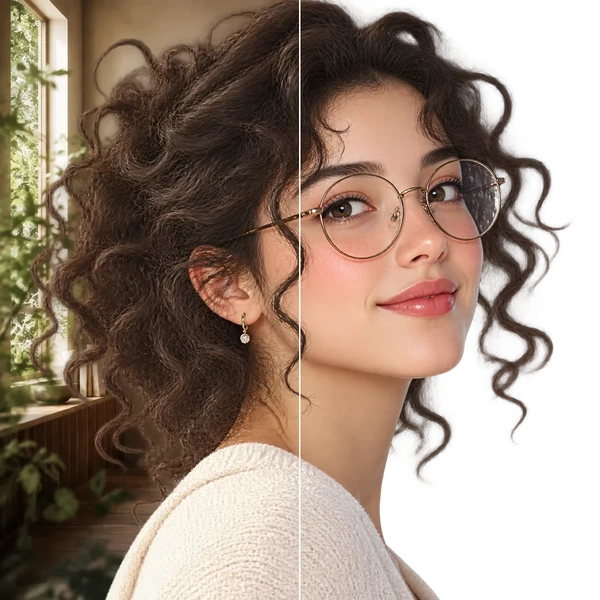
Transparent PNG or WebP with clean hair and product edges, ready for a listing or a new composition.
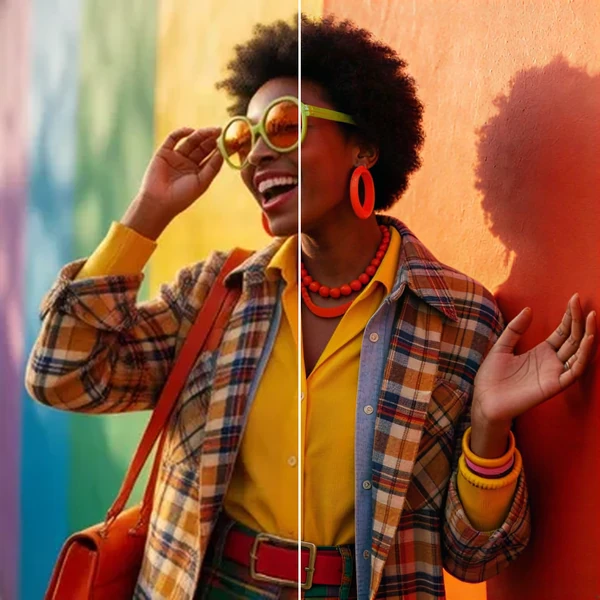
2× / 4× / 8× with recovered texture instead of smeared pixels, so a 1K draft can become a print.
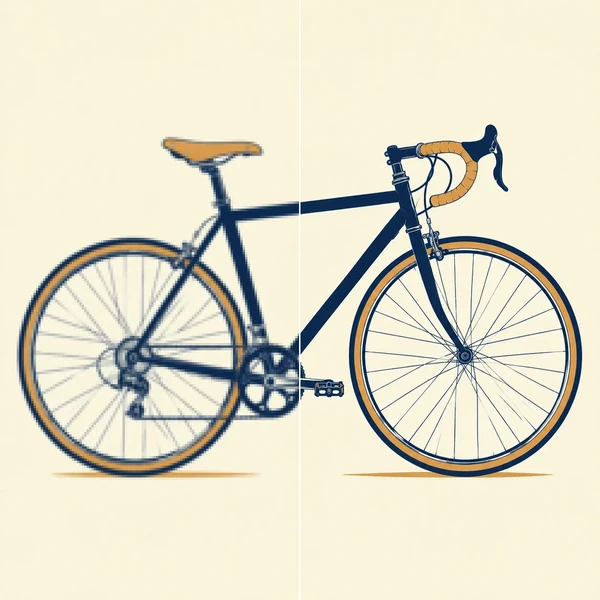
Logos, icons and flat illustrations become editable SVG that scales to any size.
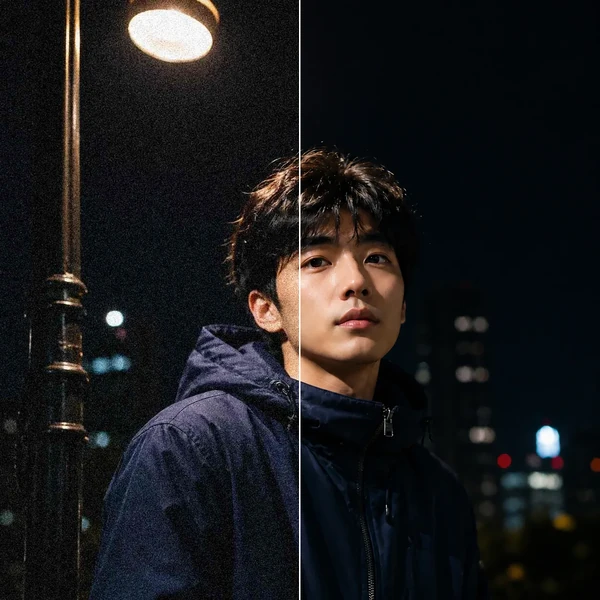
Remove grain and compression artifacts from low-light photos and scans while keeping real detail.
Z-Image Turbo is an open-weight text-to-image model from Alibaba's Tongyi-MAI team, released on November 26, 2025 under Apache 2.0. It has 6B parameters and is a distilled version of Z-Image that generates in 8 steps; its model card leads with photorealism and English and Chinese text rendering.
Yes. Oeneo AI runs the model on hosted inference, so you don't download weights, install diffusers or ComfyUI, or need a 16 GB graphics card. Write a prompt in the Workbench at the top of this page and generate.
Yes, you can try it free: new accounts get 10 credits, and each Z-Image Turbo image is a 1-credit generation, so the bonus covers about 10 images. Images made on the free plan are public; paid plans can keep them private.
No. Turbo is distilled to run without classifier-free guidance, so a negative prompt has no effect. Describe what should be in the frame instead.
Turbo's model card rates its diversity as low, so rerunning one prompt changes very little. Change the camera angle, light or framing in the prompt, or switch to Z-Image Base, which varies more between images.
A few words per line works best: a shop name, a headline, a label. Put the words in quotes and say where they sit. For paragraphs, menus or packed layouts, Qwen Image 3 is the better fit.
No, Turbo works from text only. To keep a real product or person, use a model that reads reference images, such as FLUX.2 Pro or Qwen Image 3. To enlarge a result or remove its background, send it to Oeneo AI's image tools.
Oeneo AI offers 1K output in 1:1, 4:3, 3:4, 16:9, 9:16, 21:9, 9:21. A 1:1 image is 1024×1024 px, and the other ratios keep about the same pixel count. For larger prints, enlarge the result with Image Upscaler.
Turbo is the distilled version of Z-Image Base. Its model card rates Turbo's visual quality higher and its diversity lower; Base runs more steps, covers a wider range of styles and varies more between images. The comparison table above lists credits and limits for both on Oeneo AI.
Yes, on paid plans: subscriptions include a full commercial license, and the Lifetime plan covers personal commercial use (see Pricing). The model weights are open under Apache 2.0. You are still responsible for what an image shows, such as real people, brands or artwork.
Start in the Workbench above, keep the frame you like, then send it to the upscaler or the video generator.