Qwen Image 3

Write a structured prompt for packaging, product scenes, or multilingual graphics, then refine the copy and composition without splitting the workflow across tools.

  • Bilingual packaging
  • Infographic drafts
  • Product scenes
  • Copy revisions

Reference images (Optional)

0/3
0/5000

Model

Aspect ratio

Number of images

Resolution

Output format

Information-rich layouts

Qwen Image 3 examples for text-heavy image generation

Specify copy, layout, language, subject, and visual detail in one structured prompt for packaging, infographics, and product scenes.

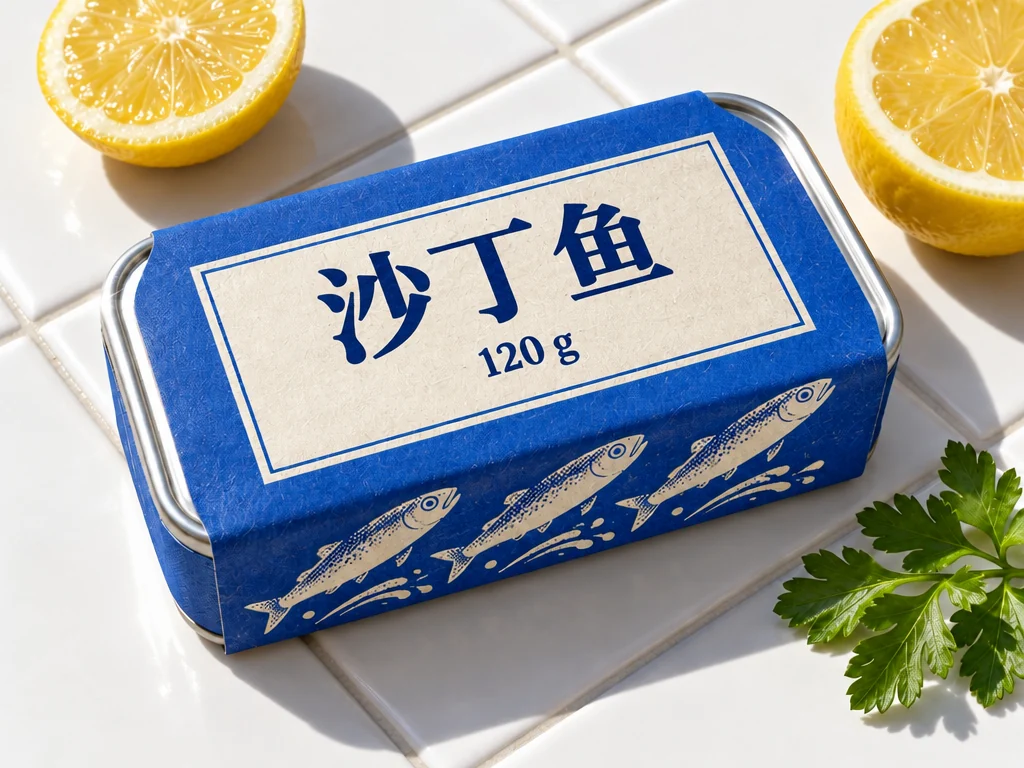
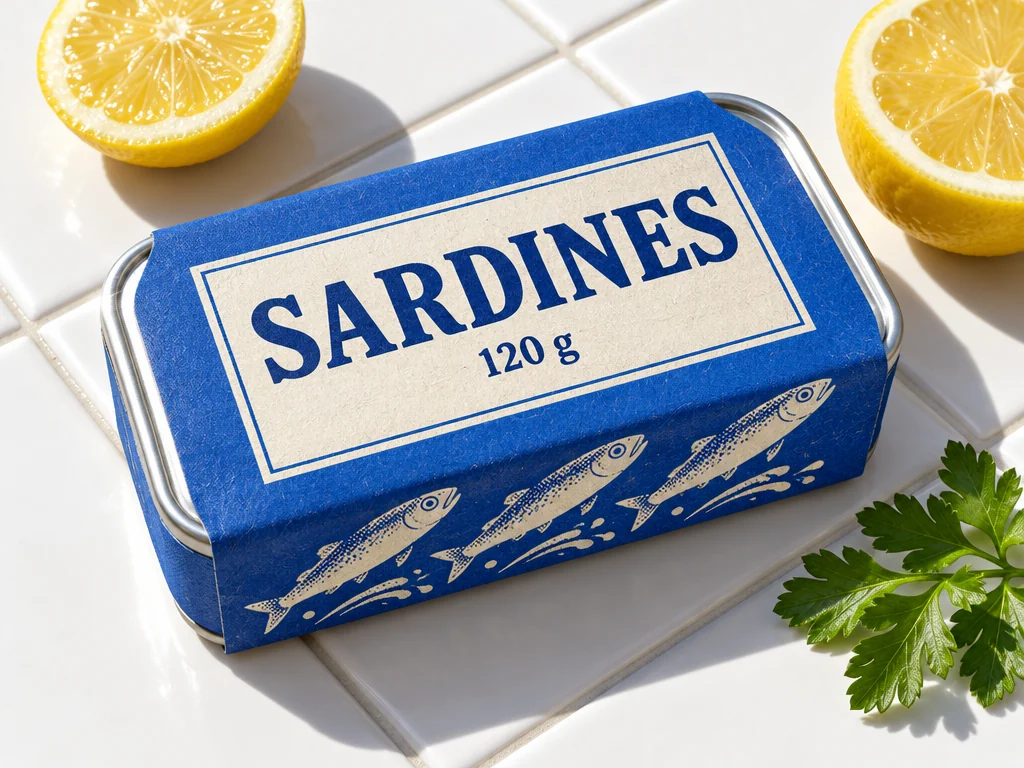
Bilingual tea package design
Text + image

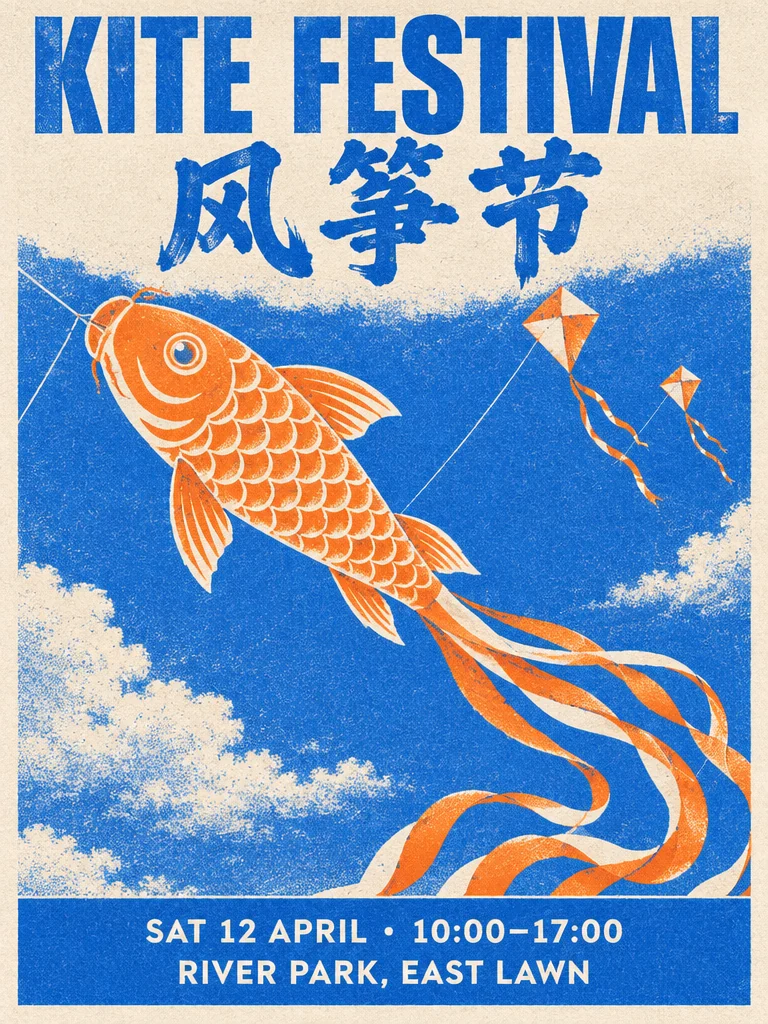
Bilingual packaging

Structured prompt: Tea package with the exact bilingual title SPRING TEA / 春茶, clean grid, jade and cream.

Product scene with color swatches
Product

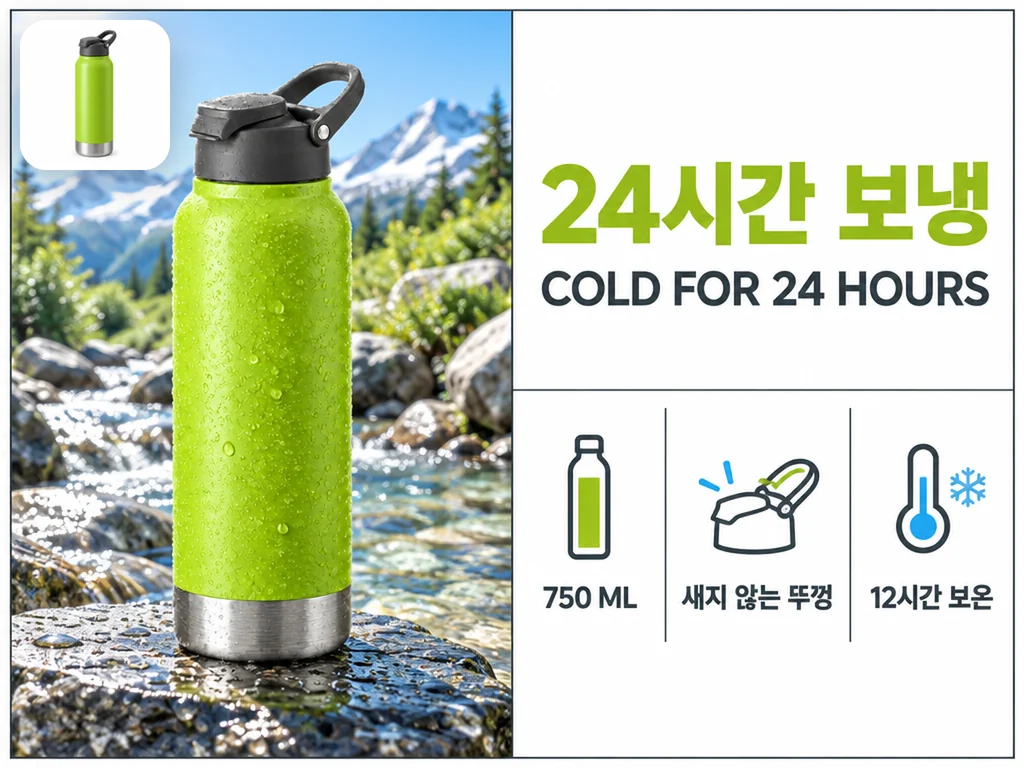
Product structure

Structured prompt: Bottle, three material swatches, matching palette, organized studio scene.

Character concept image
Concept

Character concept

Structured prompt: Character in a cobalt street, jade backpack, cream light, clear silhouette.

Architectural visualization
Architecture

Spatial concept

Structured prompt: Jade courtyard, cobalt arch, distant mountain, stable perspective and clear depth.

Ceramic product edit
Reference edit

Material revision

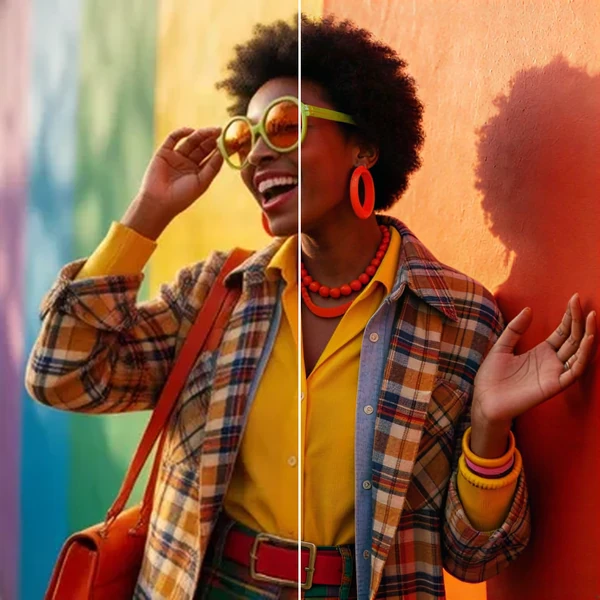
Structured prompt: Keep product shape; change surface to matte ceramic and replace the background.

Qwen Image 3 workspace specifications

Qwen Image 3 workspace specifications
Creation modes
Text-to-image and reference-guided editing
Reference inputs
Up to 3 reference images
Output resolutions
1K, 2K
File formats
PNG, JPEG, WEBP

Where Qwen Image 3 fits

Qwen Image 3 for multilingual text and long prompts

Use it for information-rich images where readable typography, multilingual copy, and precise prompt structure matter more than a loose sketch.

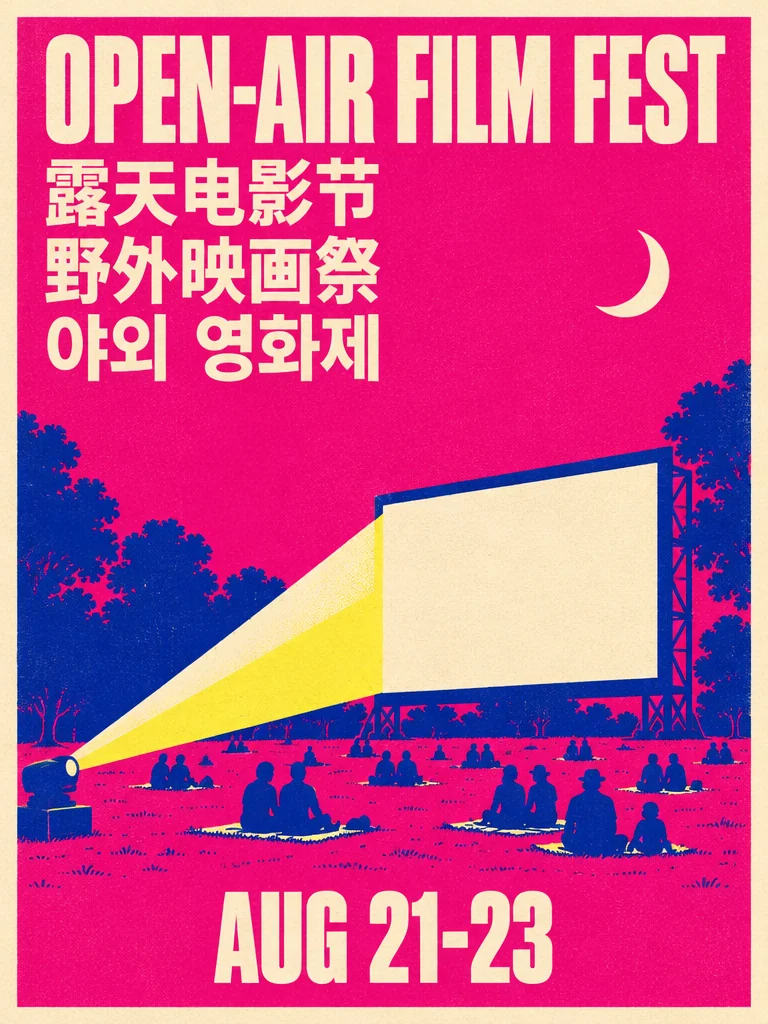
Multilingual poster layout

Multilingual type

Treat short text as a design element

Specify the exact copy, language pairing, hierarchy, and safe area for packaging or posters.

Structured visual prompt

Prompt structure

Break a scene into explicit parts

Separate subject, action, setting, style, materials, and output requirements.

Reference-led edit

Reference editing

Change material or context

Preserve the approved object while revising surface, lighting, or environment.

Flexible concept direction

Flexible concepts

Move between product and worldbuilding

Use the same structured workflow for commerce, architecture, characters, and editorial scenes.

Qwen Image 3 questions, answered

What is Qwen Image 3 useful for?+

Use it for structured product scenes, multilingual packaging, characters, architecture, and reference-guided edits.

How should I structure a prompt?+

Name the subject, action, setting, style, materials, text, and delivery constraints in separate but connected clauses.

How many references are supported?+

The current configuration accepts up to three reference images.

What is Qwen Image 3 best for?+

Choose it for long, structured prompts, multilingual posters, packaging, infographics, and image edits where readable text and detailed instructions matter.

How should I write a long prompt for Qwen Image 3?+

Organize the prompt into subject, exact text, layout, language, style, lighting, and constraints. Put wording that must appear in the image in quotation marks and review it at full size.

Put the full visual direction on the canvas

Create multilingual posters, packaging, infographics, and detailed image edits from one structured prompt.