Z-Image Base

Run Alibaba's undistilled Z-Image Base in your browser. One prompt returns up to 4 images that differ in framing, people, light and style, so you can pick a direction before you refine it. No GPU or ComfyUI setup.

  • Direction finding
  • Style tests
  • Character casting
0/5000

Model

Aspect ratio

Number of images

Output format

Variety by design

What changes when one prompt runs four times?

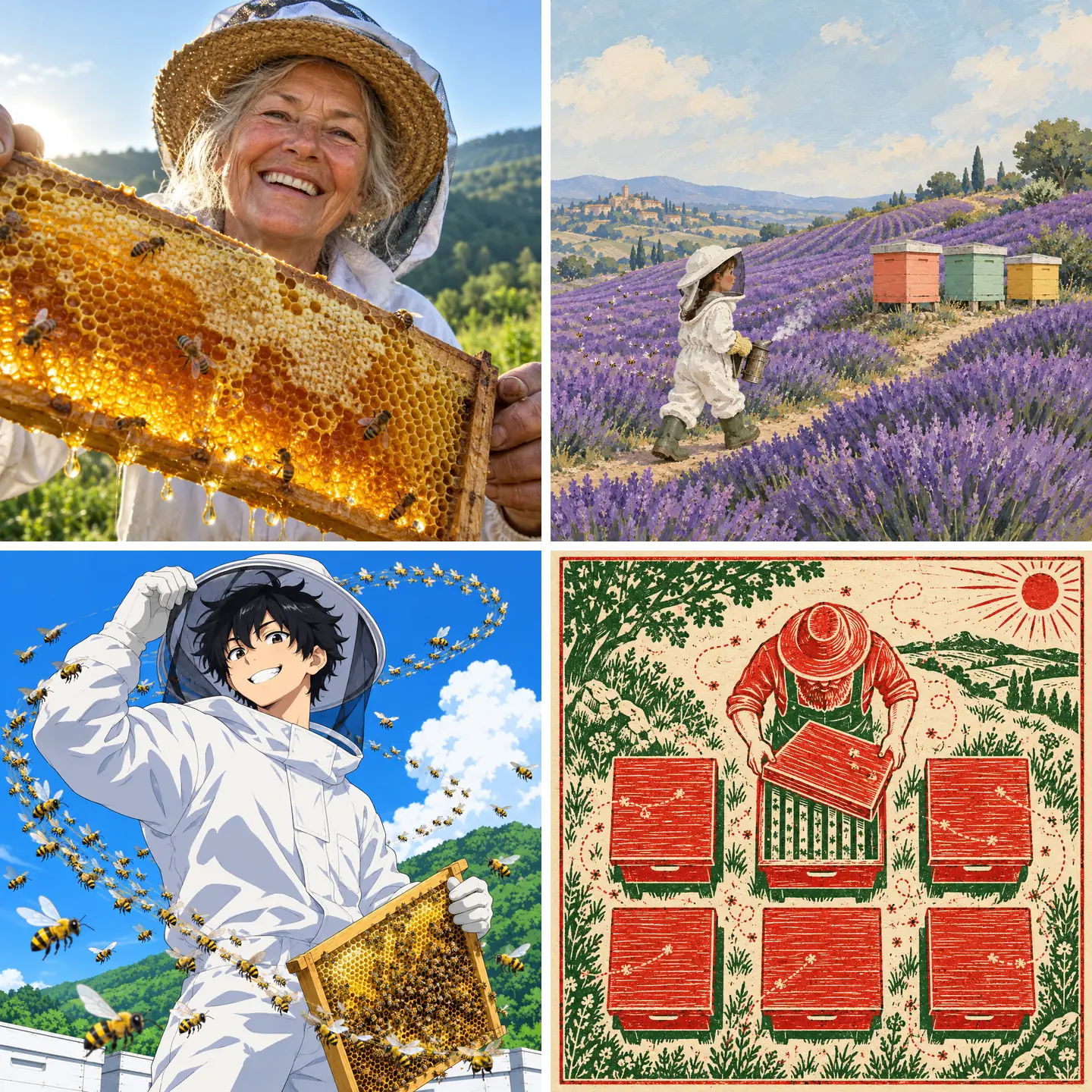
Base keeps the variety that Turbo trades for polish, so every image in a run is a new take on your prompt. Both grids below are illustrations laid out as four-image runs.

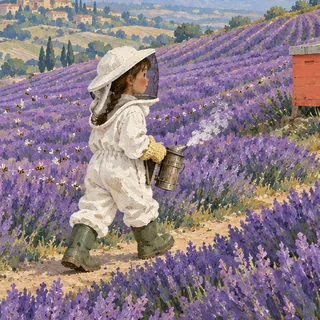
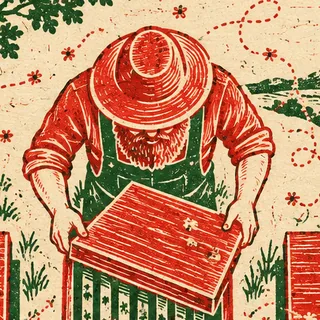
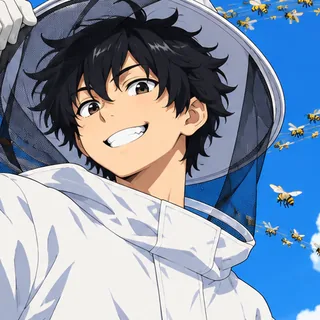
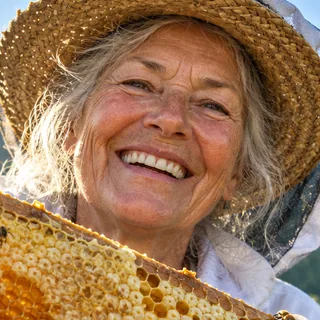
Four-image grid for one beekeeper prompt: a backlit close-up photo of an older woman holding a dripping honeycomb, a gouache painting of a girl walking through lavender toward coral, mint and yellow hives, an anime boy circled by a spiral of bees, and a red-and-green linocut of a beekeeper seen from above

Open prompt

Compare framing, people, light and style in one run

Name only the subject and the moment when you don't know the shot yet. Base answers with different camera distances, different people, different light and sometimes a different medium; keep the take that reads best and write its framing and style into the next prompt.
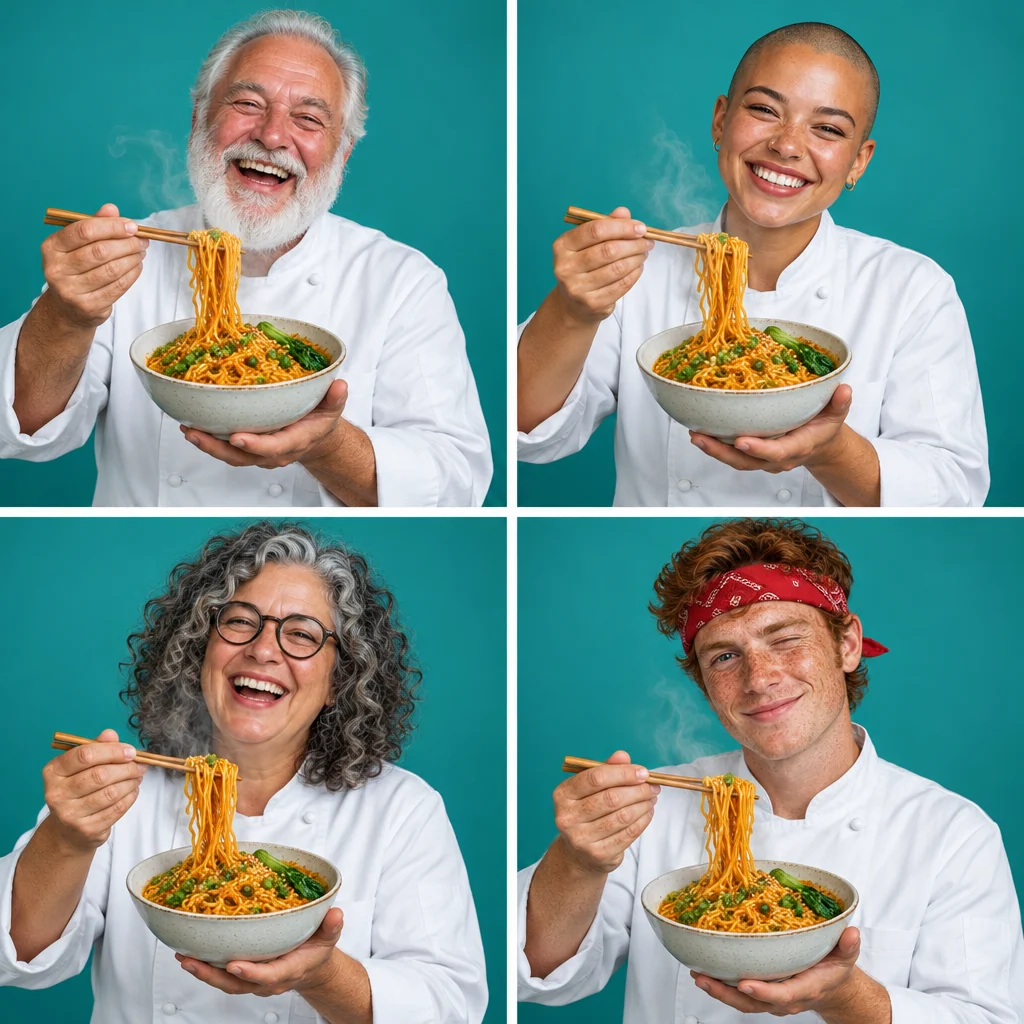
Four studio portraits on the same teal backdrop, each a different person in a white chef jacket lifting noodles from a steaming bowl: a laughing older man with a white beard, a smiling young woman with a shaved head, a laughing woman with grey curls and glasses, and a winking young man in a red bandana

Fixed style

Audition different faces under one fixed look

Pin the backdrop, outfit, pose and light, and Base still changes who appears from image to image. Use it to audition faces for a character or a campaign before you settle on one.

Z-Image Base or Turbo: which fits the job?

Pick Turbo for polish and Base for variety: Turbo is distilled from Base and rated higher for visual quality, while Base is rated higher for variety. Ratings come from Tongyi's Z-Image model card and GitHub README (2026), which cover Base and Turbo only; credits are per image on Oeneo AI.

CompareZ-Image BaseZ-Image TurboQwen Image 3
ModelUndistilled 6B baseJanuary 27, 2026Distilled from BaseNovember 26, 2025Separate Qwen modelJuly 21, 2026
Images per run1–411–4
Credits per image218
Reference imagesText onlyText onlyUp to 3
Variety across imagesHigherLower—
Visual quality ratingHighVery high—
CFG & negative promptIn the model; fixed hereNot used—
Best forDirections, style tests, castingFast photoreal shots, short textLettering, reference edits

How much should a Z-Image Base prompt pin down?

Write a short description, not a tag list. Every detail you name is one Base stops varying, so spell out what must stay and leave the rest open.

Spell out

  1. Close crop of a smiling beekeeper behind a honeycomb frame

    Subject, action and place in plain sentences

    “An older woman lifts a honeycomb frame toward the camera on a green hillside” gives Base more to work with than a string of keywords.

  2. Crop of a small painted girl walking along a lavender path

    Where the subject sits and how big it is

    Position words such as “small in the left third” or “close-up from a low angle” move the layout, which helps when a banner or cover needs empty space for a title.

  3. Crop of a red-and-green linocut beekeeper seen from above

    The medium, once you've picked a direction

    Put it first (“two-color linocut print”, “gouache storybook illustration”) so the look stops drifting from image to image.

  4. Crop of an anime beekeeper grinning under a bright blue sky

    Where the light comes from

    “Low sun behind the subject” or “bright noon light” sets the mood; leave it out when you want Base to try different light.

Leave out

  1. Quality tags

    “Masterpiece, 8K, best quality” add noise, not detail. Describe the materials and the light you want instead.

  2. Lists of what to avoid

    “No text, no blur” inside the main prompt can pull those things into the image. Describe the clean result you want instead.

  3. Complicated hand poses

    Hands and limbs are a known weak spot. Keep poses simple, say what the hands hold, and pick the cleanest image from the run.

Example prompt: A red-haired cyclist in a yellow rain jacket rides along a seawall, small in the left third of a wide frame, open sky on the right for a headline, low morning sun from behind, gouache storybook illustration with visible brush texture.

Z-Image Base sizes, settings and credits

Z-Image Base sizes, settings and credits
Model
Z-Image (also called Z-Image Base) by Alibaba's Tongyi-MAI lab; undistilled, 6B parameters
Input
A text prompt in English or Chinese; no image upload
Sizes (1K)
1:1 1024×1024 · 4:3 1024×768 · 3:4 768×1024 · 16:9 1280×720 · 9:16 720×1280 · 21:9 1536×640 · 9:21 640×1536
Images per run
1 to 4
File formats
PNG, JPEG, WEBP
Credits
2 per image at every ratio; a full run of 4 costs 8
Not adjustable here
Negative prompt, CFG, steps, seed, LoRA

Naming, pricing and limits of Z-Image Base

What is Z-Image Base?+

Z-Image Base is the 6B-parameter, undistilled text-to-image model that Alibaba's Tongyi-MAI lab released on January 27, 2026; Z-Image Turbo is distilled from it. Base gives up some polish in exchange for more variety between images and a wider range of styles.

Is Z-Image the same as Z-Image Base or Omni-Base?+

Z-Image is the official name, and fal and the community call the same model Z-Image Base or ZIB. Z-Image-Omni-Base (generation plus editing) and Z-Image-Edit are separate models that Tongyi lists as “to be released”; neither was out as of October 2026, so this page runs the original Base.

Can I use Z-Image Base online without a GPU or ComfyUI?+

Yes. The generator at the top of this page runs Z-Image Base in the cloud, so you don't need a BF16-capable graphics card, a model download or a ComfyUI workflow. Write a prompt, pick the ratio and number of images, and the credit cost shows before you generate.

Is Z-Image Base free to use?+

You can try it free: the 10 credits you get at sign-up cover 5 Z-Image Base images. After that, each image costs 2 credits at any ratio.

Can I set a negative prompt, CFG or steps for Z-Image Base?+

Not on Oeneo AI yet. The model supports all three, and Tongyi suggests 28–50 steps with a CFG of 3–5 plus a negative prompt, but here you only set the prompt, ratio, number of images and format. Write what you want to see instead of what to avoid.

Can Z-Image Base keep the same character across images?+

Not reliably. Base is built to vary faces and builds from image to image, and it doesn't accept reference images. For a recurring character, use a model that takes reference images, such as Qwen Image 3.

Can I upload a photo for Z-Image Base to edit?+

No. Base only turns text into images, and Tongyi's editing model, Z-Image-Edit, isn't released. To change an existing picture, use Qwen Image 3 with reference images, or the Oeneo AI tools for upscaling, background removal and denoising.

Can I use a LoRA or fine-tune Z-Image Base here?+

Not yet. Tongyi positions Base as the version for LoRA and fine-tuning, but Oeneo AI runs only the official base weights, without LoRA loading or training.

Can I write Z-Image Base prompts in Chinese?+

Yes. Tongyi's own sample prompts are long Chinese descriptions, and English works just as well. That covers the prompt language only; it isn't a promise of accurate Chinese lettering inside the image.

Can I use Z-Image Base images commercially?+

Yes, on paid plans: subscriptions include a full commercial license, and the Lifetime plan covers personal commercial use (see Pricing). The model weights are released under Apache 2.0; images made on the free plan are public.

Start with an open prompt

Generate a run of Z-Image Base images, keep the direction that works and refine it from there.