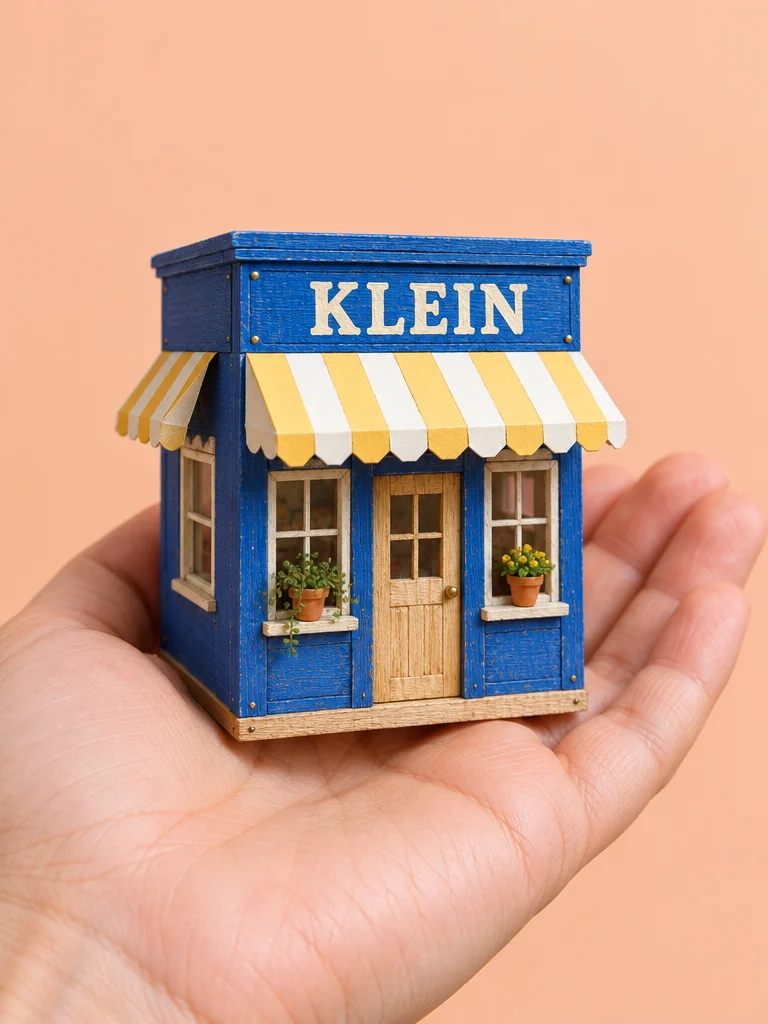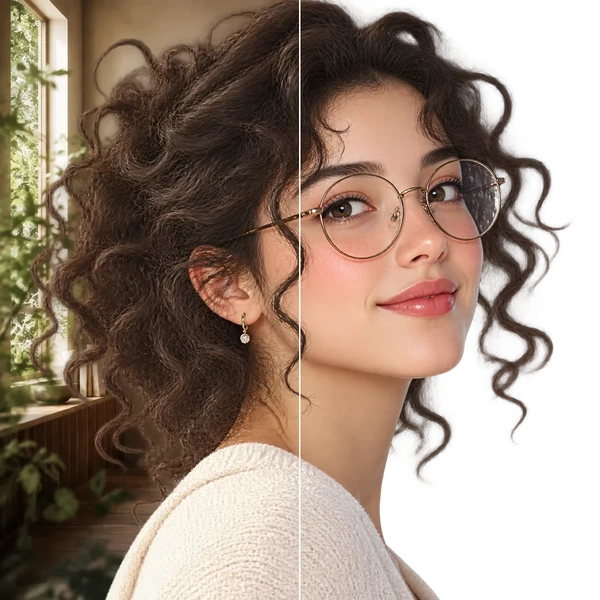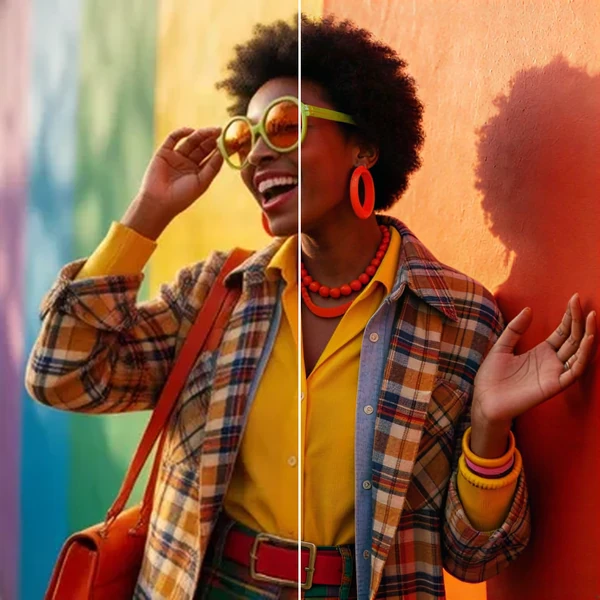

FLUX.2 Pro

Build photoreal product scenes, portraits, and campaign frames with believable materials, motivated lighting, and reference control that reduces the cleanup between concept and delivery.

  • Product photography
  • Fashion editorials
  • Material studies
  • Campaign key visuals

Reference images (Optional)

0/10
0/5000

Model

Aspect ratio

Resolution

Output format

Where FLUX.2 Pro earns its place

FLUX.2 Pro for photoreal product and campaign images

Choose it when viewers need to believe the image was photographed: surface response, motivated light, contact shadows, and perspective all have to agree.

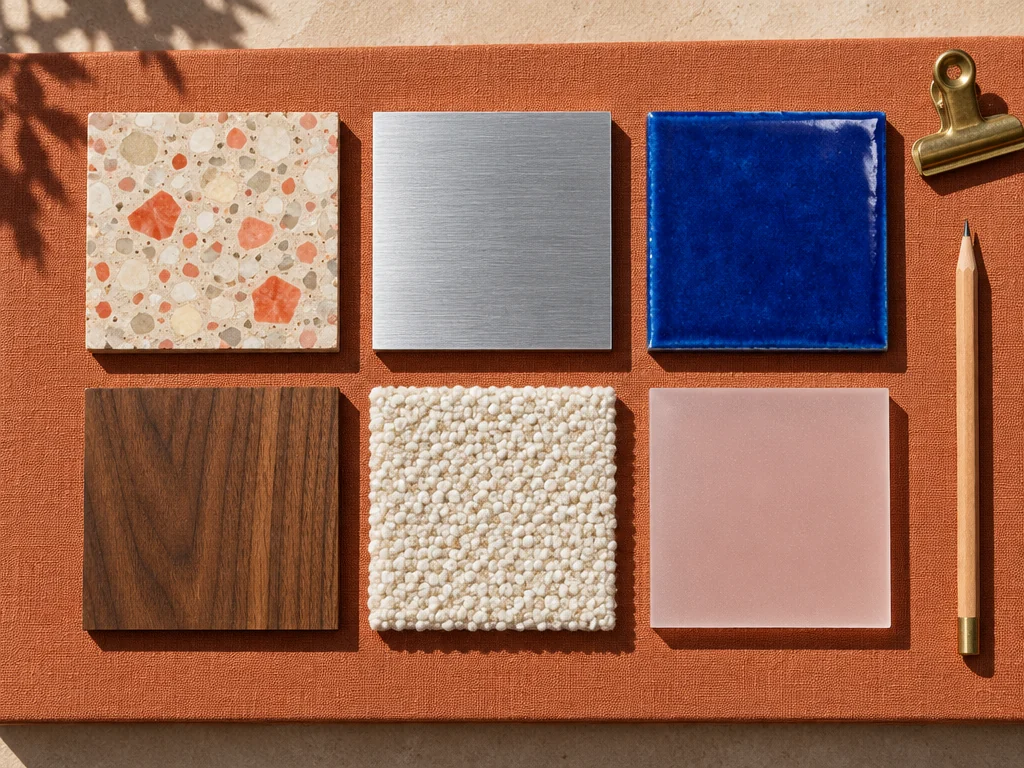
Detailed material study

Material fidelity

Separate surfaces through light

Specify glass, leather, brushed metal, textile, skin, and stone with physically plausible reflection and texture.

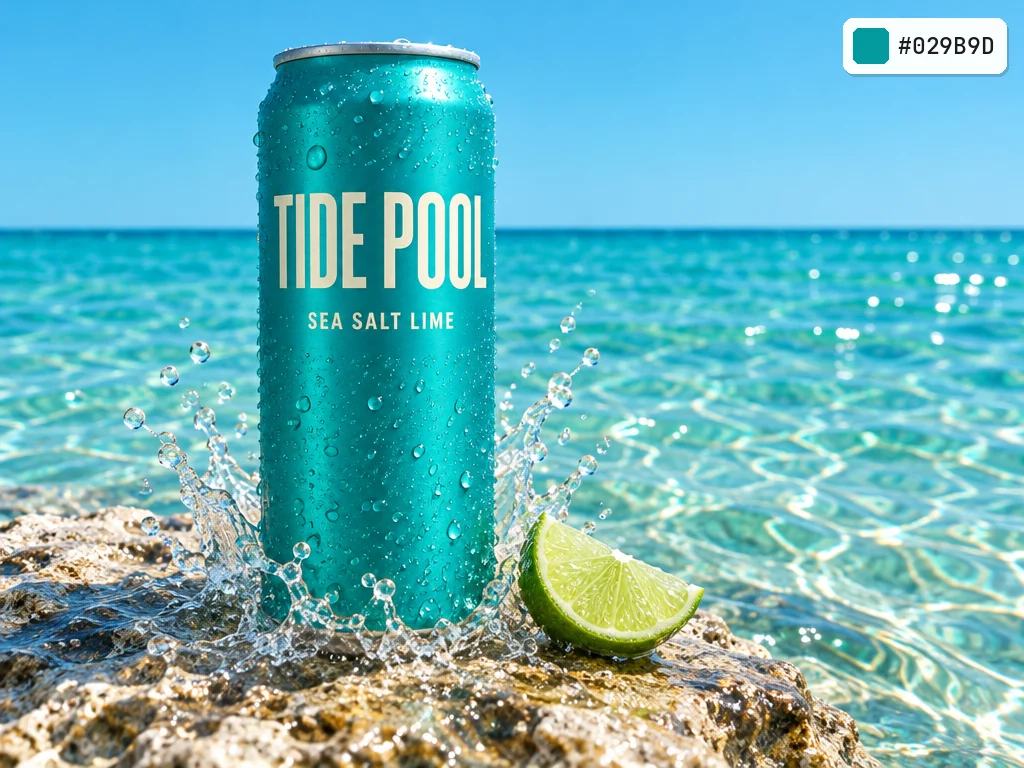
Product scene with controlled light

Motivated light

Make every shadow explainable

Name the light source, direction, softness, and environment so the image feels captured rather than assembled.

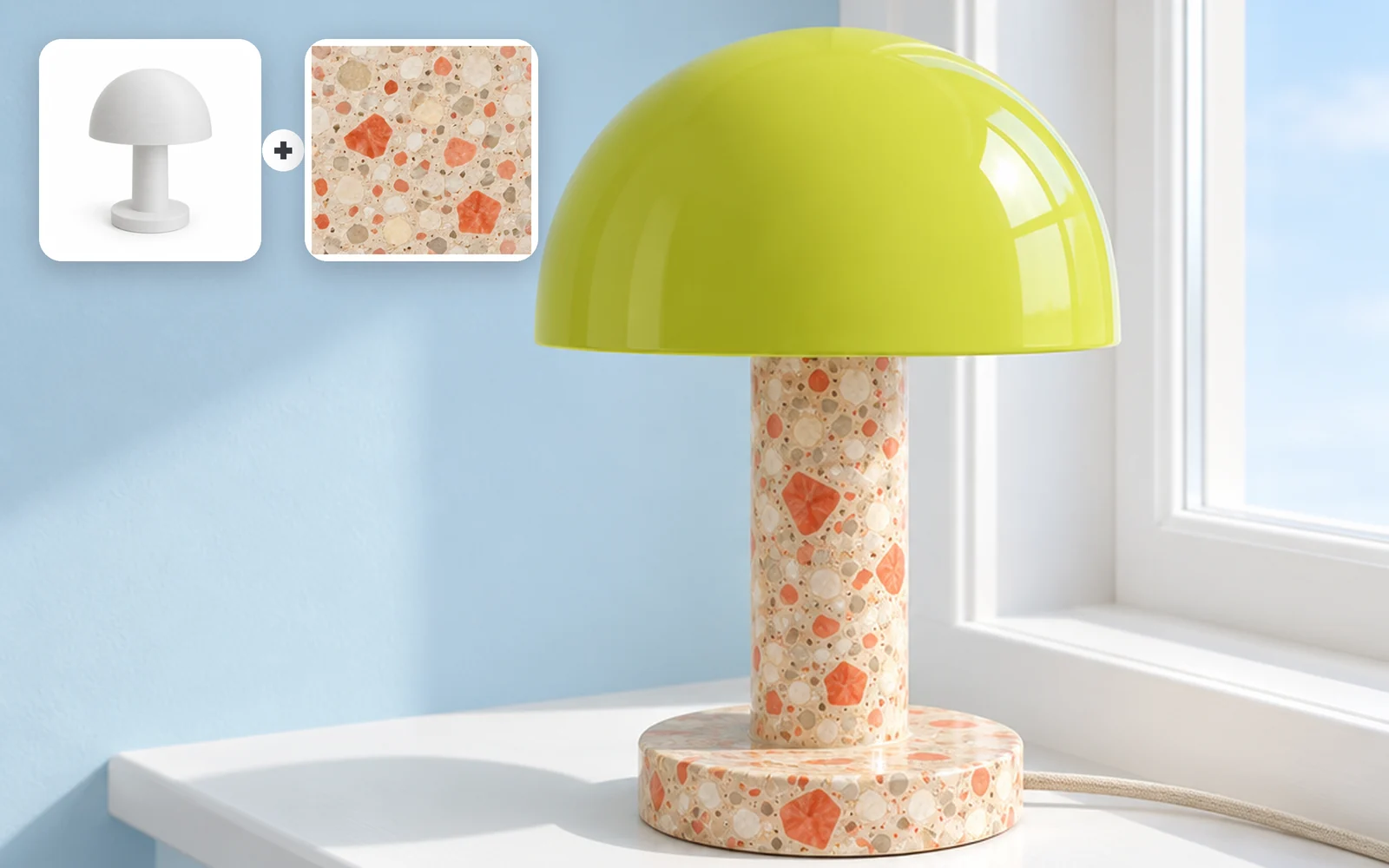
Reference-led product scene

Product references

Protect product geometry

Keep shape, stitching, controls, and proportions stable while changing the environment or color.

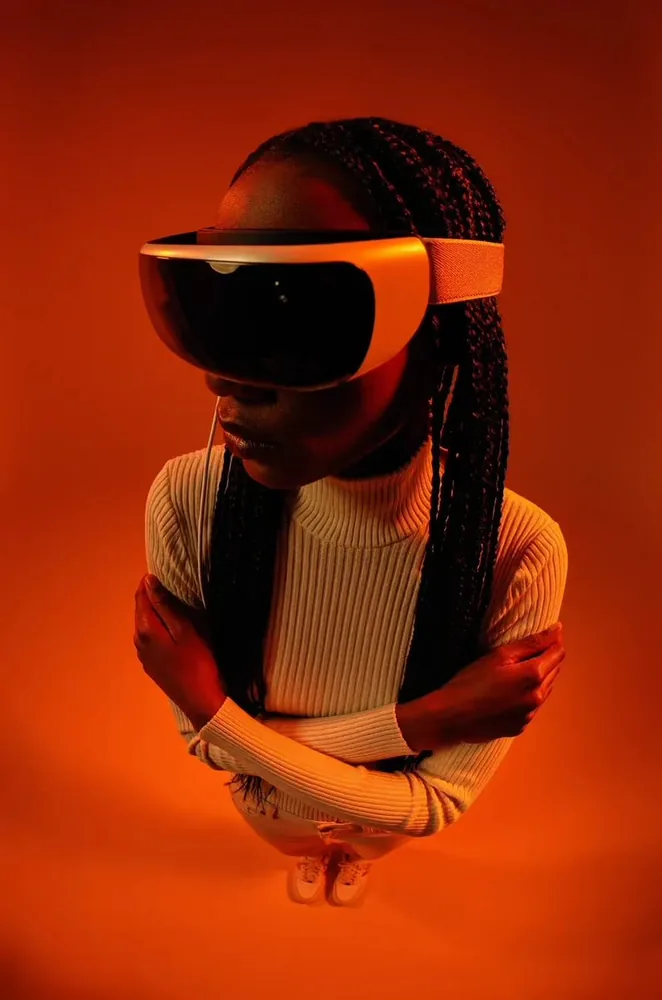
Contact sheet of realistic product directions

Reviewable set

Compare realistic directions side by side

Review product, portrait, and environment studies with consistent material and lighting logic before choosing a final route.

Commercial realism tests

FLUX.2 Pro examples for photoreal image generation

Start with the product, light, lens, and surface you need to sell; use FLUX.2 Pro to compare believable directions before a shoot or campaign review.

Photoreal watch product shot
Product

Controlled product photography

Photography direction: Matte black watch between limestone and jade glass, accurate leather, metal, and reflections.

Natural-light portrait
Portrait

Natural portrait detail

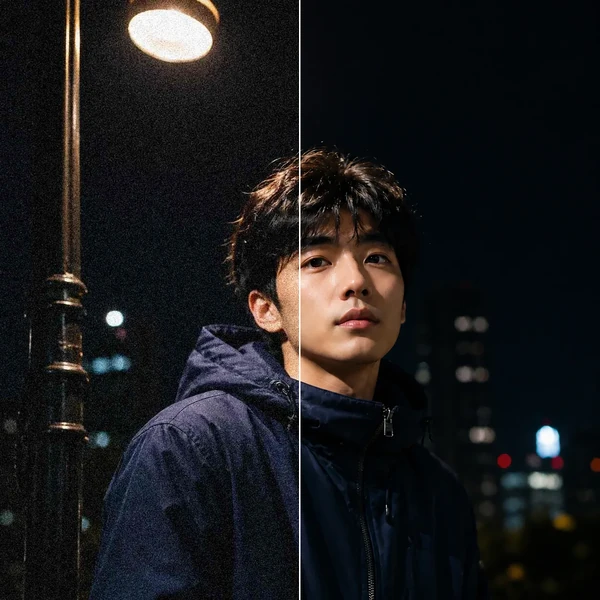
Photography direction: Quiet studio portrait, north-window light, natural skin texture, dark jade knitwear.

Glass and citrus commercial still life
Materials

Tactile commercial still life

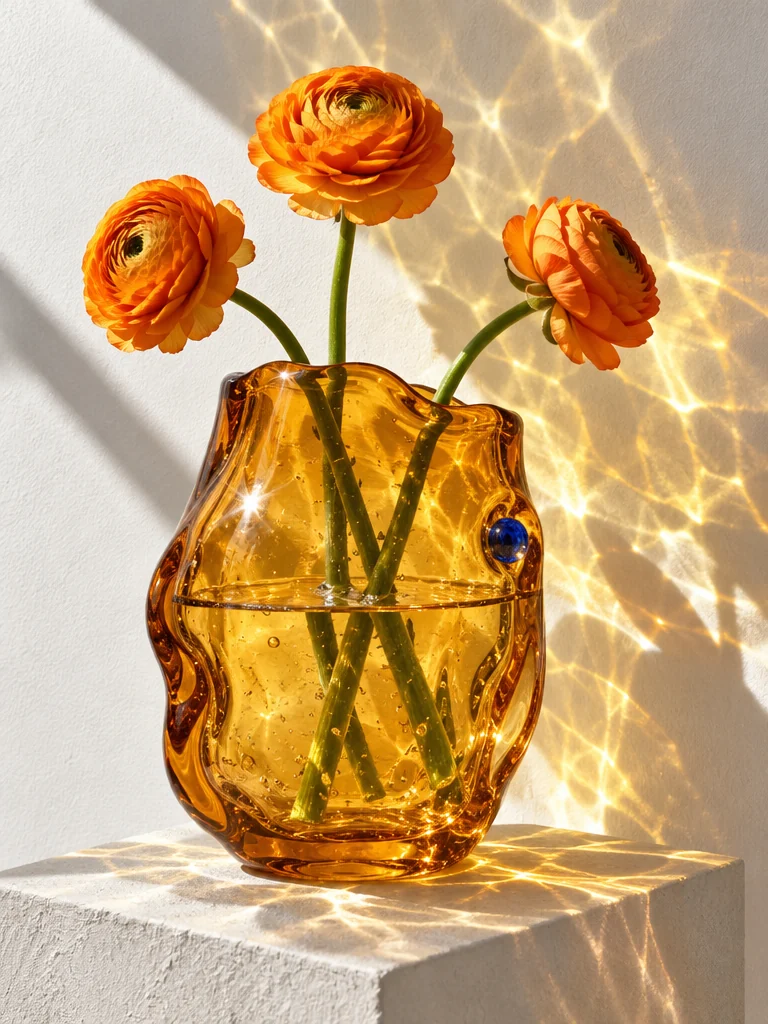
Photography direction: Clear glass, cut citrus, linen, jade ceramic, real refraction and contact shadows.

Believable alpine travel landscape
Landscape

Credible environment

Photography direction: Alpine road at dawn, cream travel car, restrained mist, realistic grass, rock, and atmospheric depth.

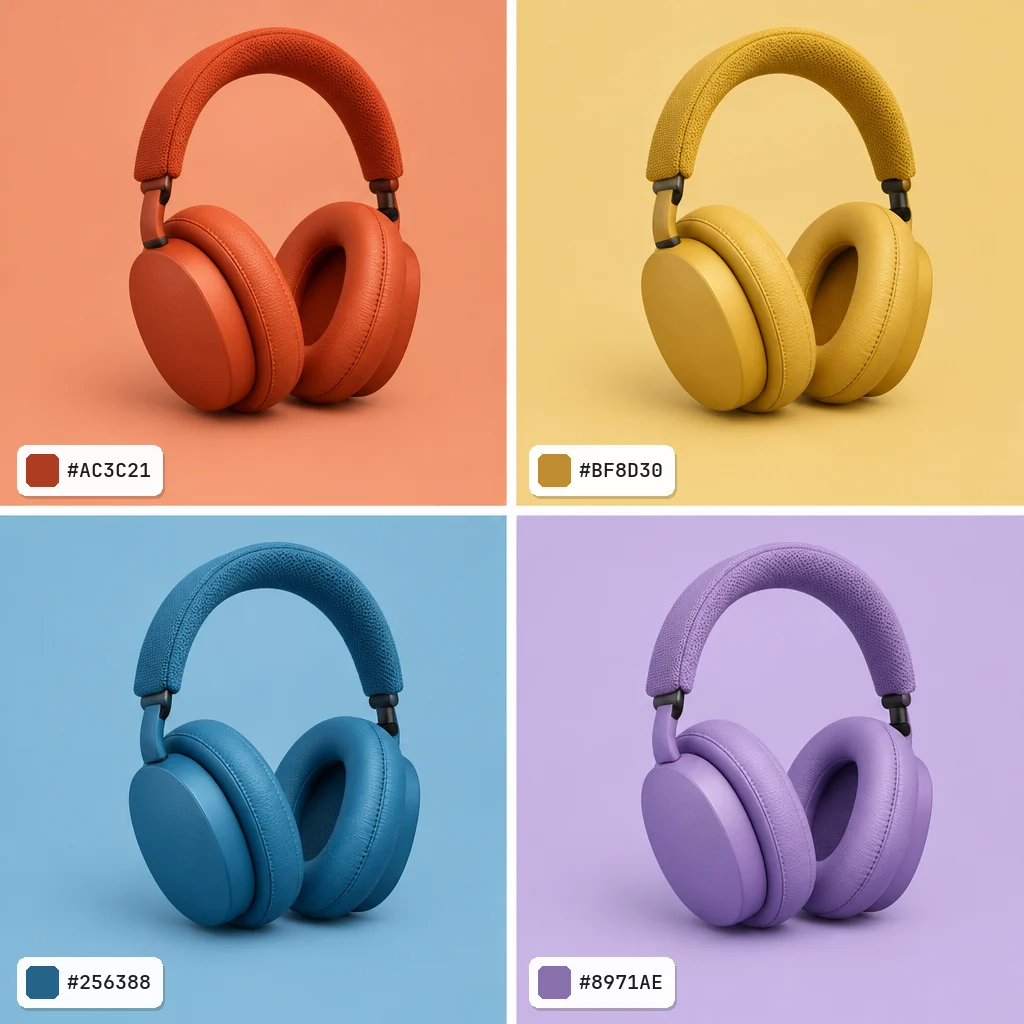
Reference-guided product color edit
Reference edit

Controlled color revision

Photography direction: Keep product geometry and camera; change only color and surrounding surface.

FLUX.2 Pro workspace specifications

FLUX.2 Pro workspace specifications
Creation modes
Text-to-image and reference-guided edits
Reference inputs
Up to 10 reference images
Images per task
1
Output resolutions
1K, 2K
File formats
PNG, JPEG

FLUX.2 Pro for photoreal image generation

What is FLUX.2 Pro best for?+

Choose it for realistic products, portraits, interiors, environments, and reference-guided commercial concepts where physical detail carries the idea.

How should I describe materials?+

Name the material, finish, age, micro-texture, reflection behavior, and the light that reveals it.

How many images does one task return?+

The current workspace configuration limits FLUX.2 Pro to one output per task.

Can I preserve a product reference?+

Yes. State which geometry and identifying details must remain, then isolate the environment or color change you want.

How should I choose FLUX.2 Pro over a faster model?+

Choose FLUX.2 Pro when material realism, lighting, and camera credibility justify a premium render. Use a faster model for early thumbnails or high-volume direction tests.

Create images that feel photographed

Set the material, light, camera, and references before generating the next product or campaign frame.