

Seedream 5 Pro

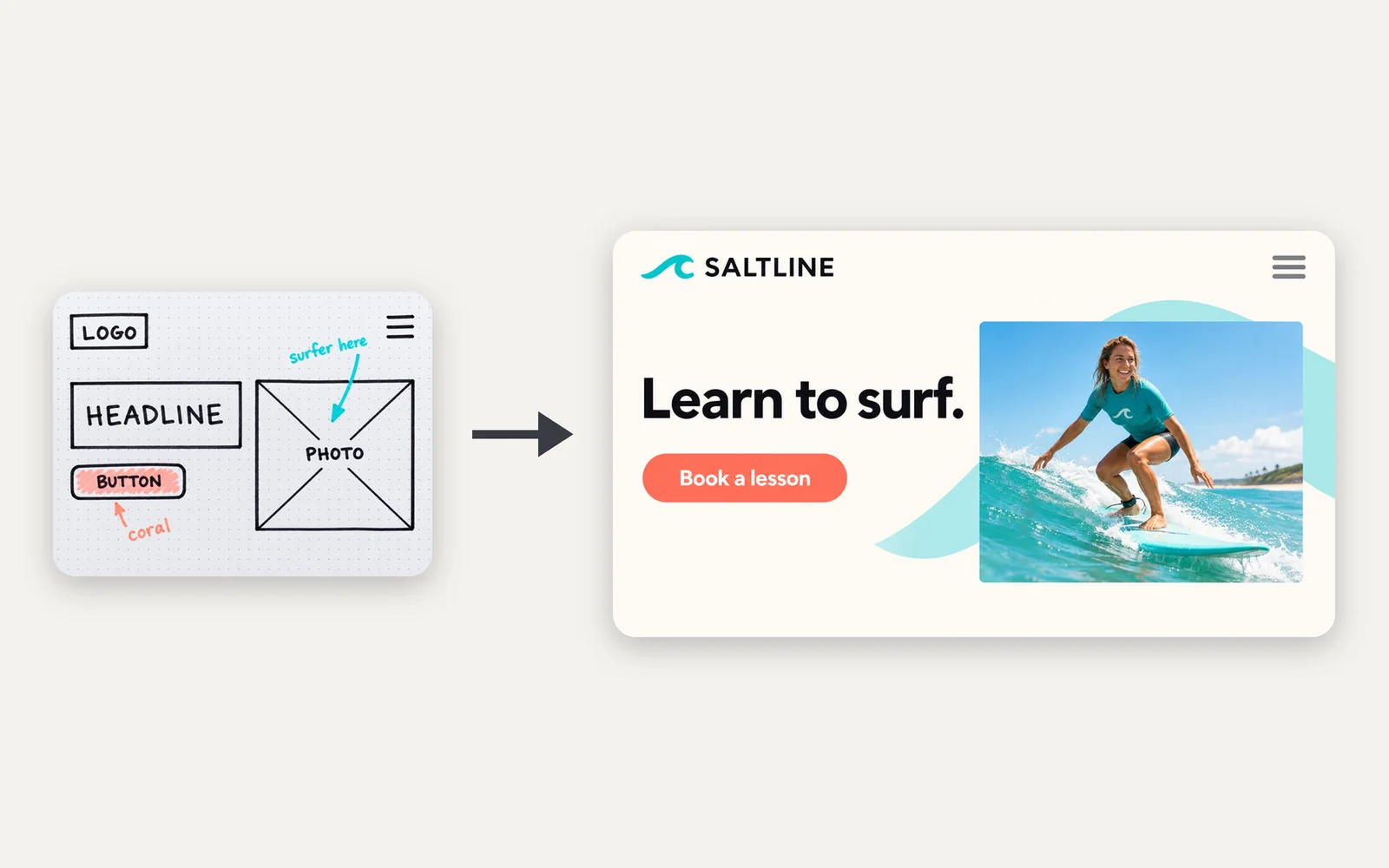
Turn a complex visual direction into a cinematic frame with clear hierarchy, multilingual type, and precise edits for storyboards, editorial campaigns, and launch visuals.

  • Storyboard frames
  • Editorial campaigns
  • Launch infographics
  • Localized creative

Reference images (Optional)

0/10
0/5000

Model

Aspect ratio

Number of images

Resolution

Output format

Designed visual storytelling

Seedream 5 Pro examples for dense layouts and visual stories

Turn complex instructions into dense information design, cinematic frames, localized campaigns, and precise edits with a clear visual hierarchy.

Blue-hour product scene with cinematic atmosphere
Campaign frame

Blue-hour product story

Scene direction: Burgundy fragrance bottle at a rain-soaked station, blue-hour fog, distant amber lights.

Train moving through a surreal cloud landscape
Visual story

A journey in one frame

Scene direction: A lone traveler watching a red train cross a cloud bridge over an indigo valley.

Mature editorial portrait with controlled palette
Editorial

Character and atmosphere

Scene direction: Burgundy coat, wind-shaped silhouette, dusty-rose sky, quiet cinematic expression.

Large creature above a small figure
Concept art

Narrative scale

Scene direction: A giant white bird above a moonlit coast, tiny traveler on a burgundy rock.

Controlled environment revision
Reference edit

Environment continuity edit

Scene direction: Keep the traveler and coastline; change only weather, time of day, and the distant station light.

A visual story workflow

How to create structured campaign visuals

  1. State the moment

    Describe what just happened, what the subject is doing, and what the viewer should feel.

  2. Build the frame

    Define shot distance, focal point, foreground, background, and movement through the image.

  3. Set atmosphere

    Choose weather, time of day, light motivation, and a restrained palette.

  4. Preserve continuity

    For revisions, name the character and composition details that must remain unchanged.

Best for designed communication

Seedream 5 Pro use cases for infographics and campaigns

Choose it for dense visual communication, storyboards, campaign systems, and multilingual creative production.

Campaign narratives

Create a sequence of atmospheric key visuals.

Example: Four frames following one traveler from station to coast.

Storyboards

Explore shot scale, staging, and transitions.

Example: Wide, medium, and close views of one story beat.

Editorial worlds

Combine fashion, landscape, and surreal scale.

Example: A figure beneath a giant bird at blue hour.

Mood revisions

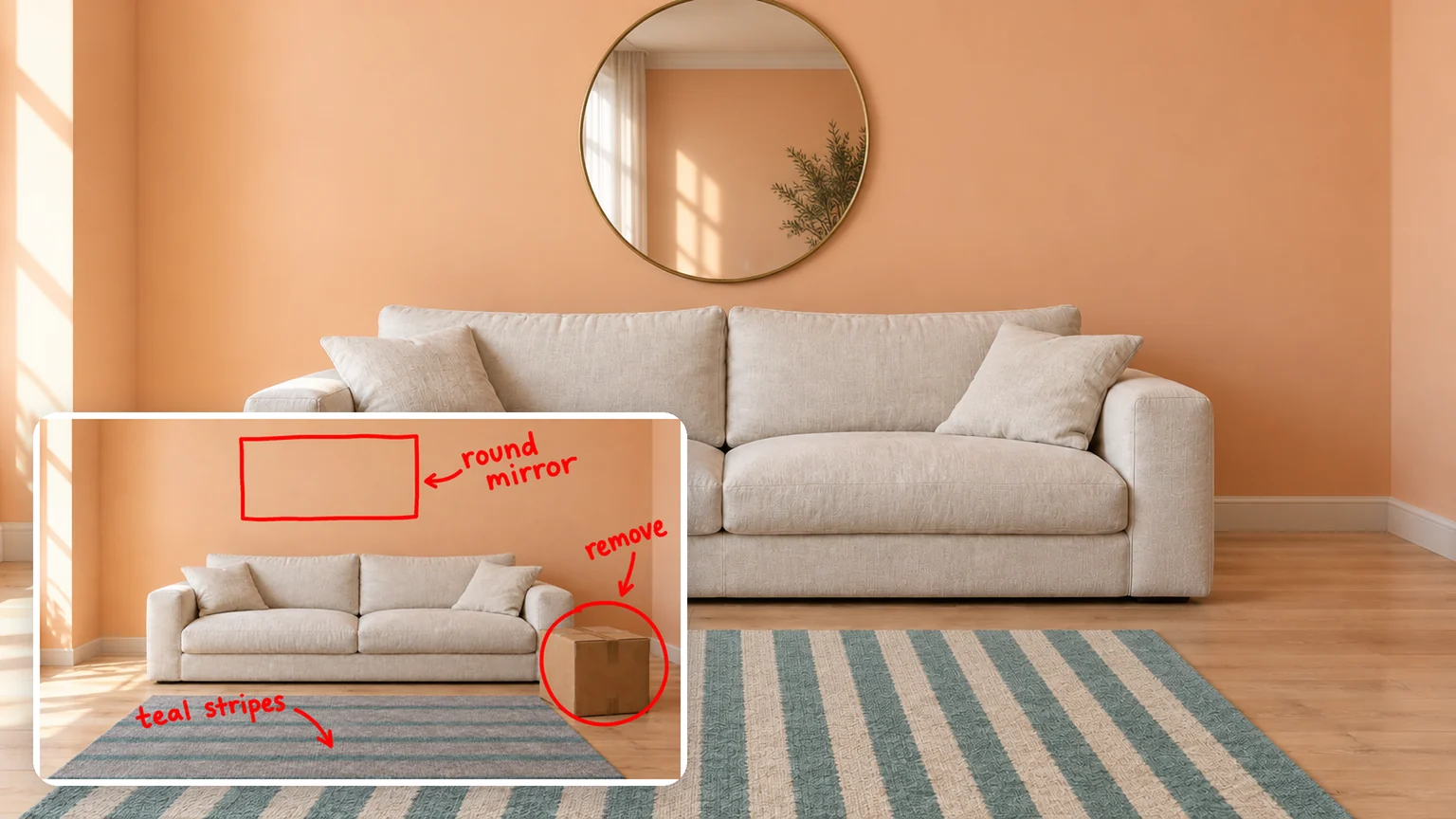
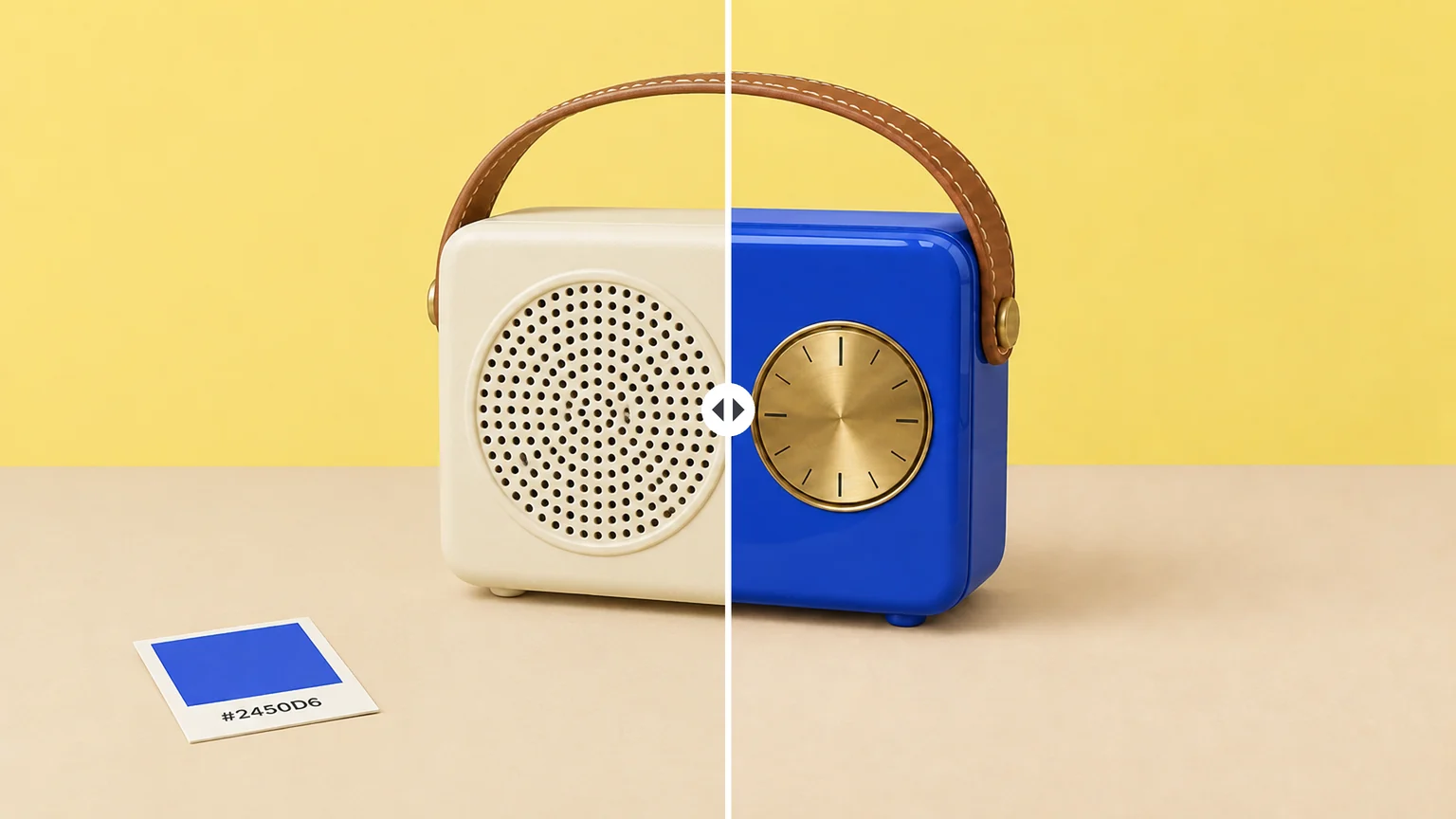
Change the environment while protecting the approved subject.

Example: Move a daylight scene into rain and moonlight.

Where Seedream 5 Pro fits

Seedream 5 Pro for structured layouts and professional image design

Use it when an image must organize information, preserve hierarchy, and still feel like a designed asset rather than a collage.

Layered cinematic landscape

Cinematic depth

Direct foreground, subject, and atmosphere

Build images with readable spatial layers, motivated light, and a clear emotional focal point.

Continuous narrative environment

Narrative continuity

Plan a sequence instead of isolated images

Keep character, palette, weather, and lighting consistent while changing the shot and action.

Environment revision preserving the subject

Reference-led revision

Change the world around the subject

Protect the approved pose and framing while revising season, weather, location, or mood.

Six-frame cinematic continuity study

Continuity

Review a sequence as one story

Keep character, costume, atmosphere, and light consistent while changing the shot.

FAQ

Seedream 5 Pro questions, answered

What is Seedream 5 Pro best suited to?+

It is positioned here for cinematic composition, visual storytelling, editorial concepts, storyboards, and atmosphere-led revisions.

How many references can I add?+

The current workspace configuration accepts up to 10 reference images.

Does it support 4K?+

The current configuration exposes 1K and 2K output. Unsupported options are not shown.

How should I prompt a cinematic scene?+

Describe the moment, shot distance, focal point, spatial layers, motivated light, palette, and intended emotional effect.

When should I choose Seedream 5 Pro over Seedream 4.5?+

Choose Seedream 5 Pro for dense layouts, infographics, multilingual creative, and professional image design. Choose Seedream 4.5 when multi-reference compositing is the main task.

Turn a complex direction into a designed image

Build information-rich layouts, campaign frames, and localized visual stories from the next complex direction.