





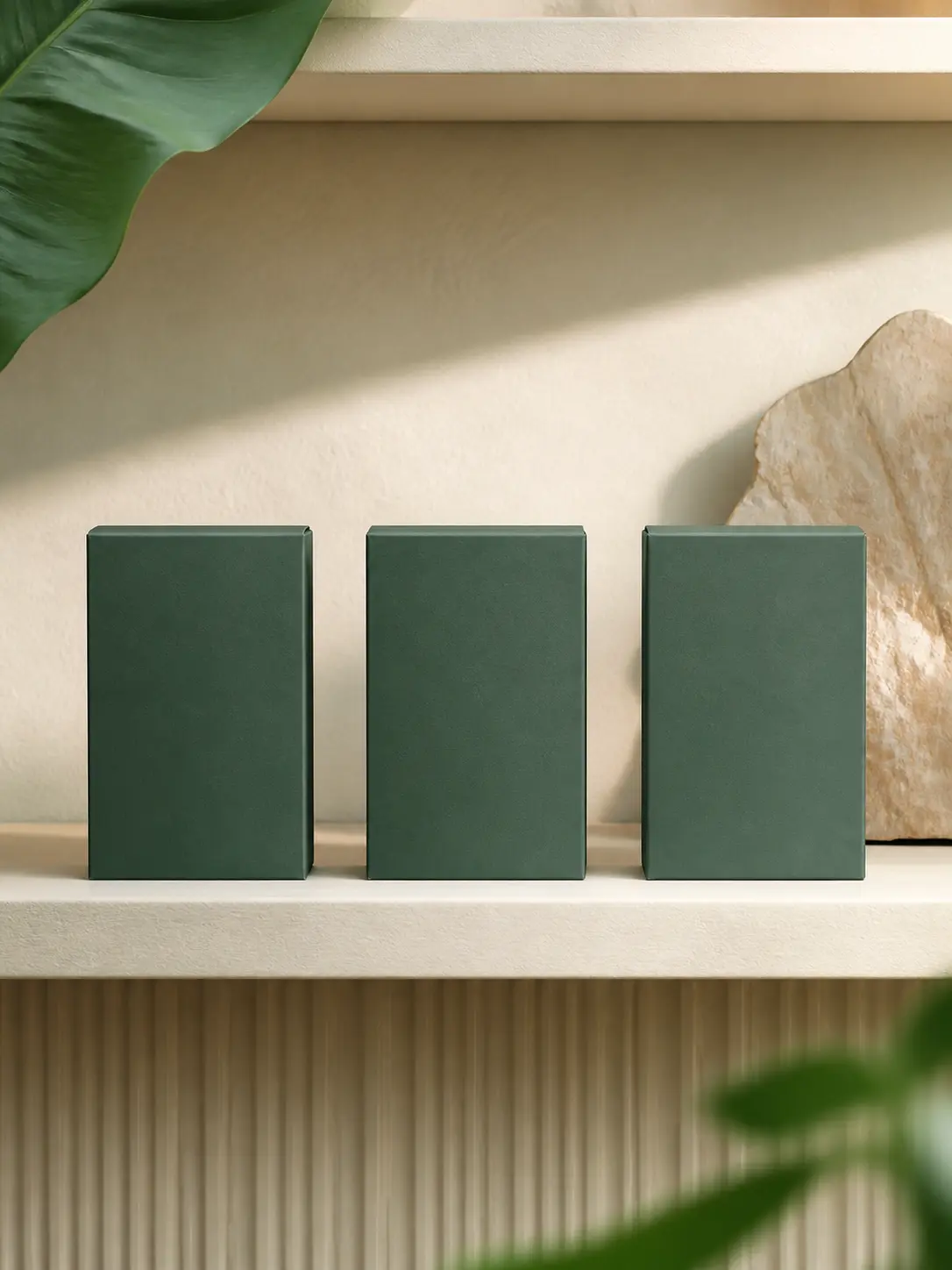


Brand-safe structure
Protect approved product geometry
Keep packaging proportions, camera, and visual hierarchy stable across revisions.
Develop polished launch visuals and repeatable product scenes when a brand system, clear hierarchy, and dependable object details matter more than loose visual exploration.
Where MAI Image 2.5 Pro fits
Use it when products, people, layouts, and lighting must remain coherent through review, localization, and revision.
Brand-safe structure
Keep packaging proportions, camera, and visual hierarchy stable across revisions.
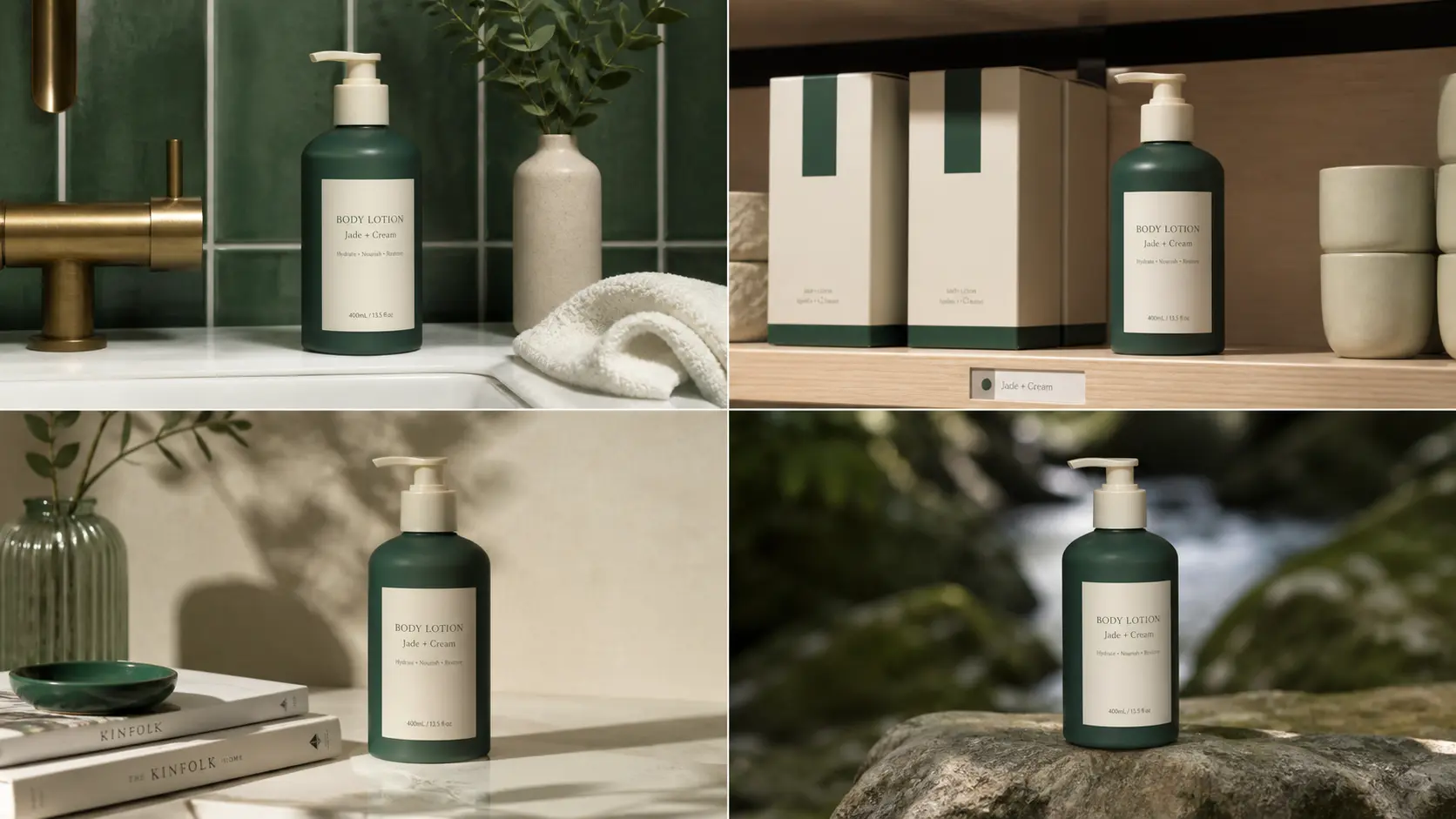
Repeatable systems
Use a fixed palette, lighting logic, and copy-safe layout across multiple deliverables.

Commerce ready
Design primary and supporting products for real retail and channel contexts.
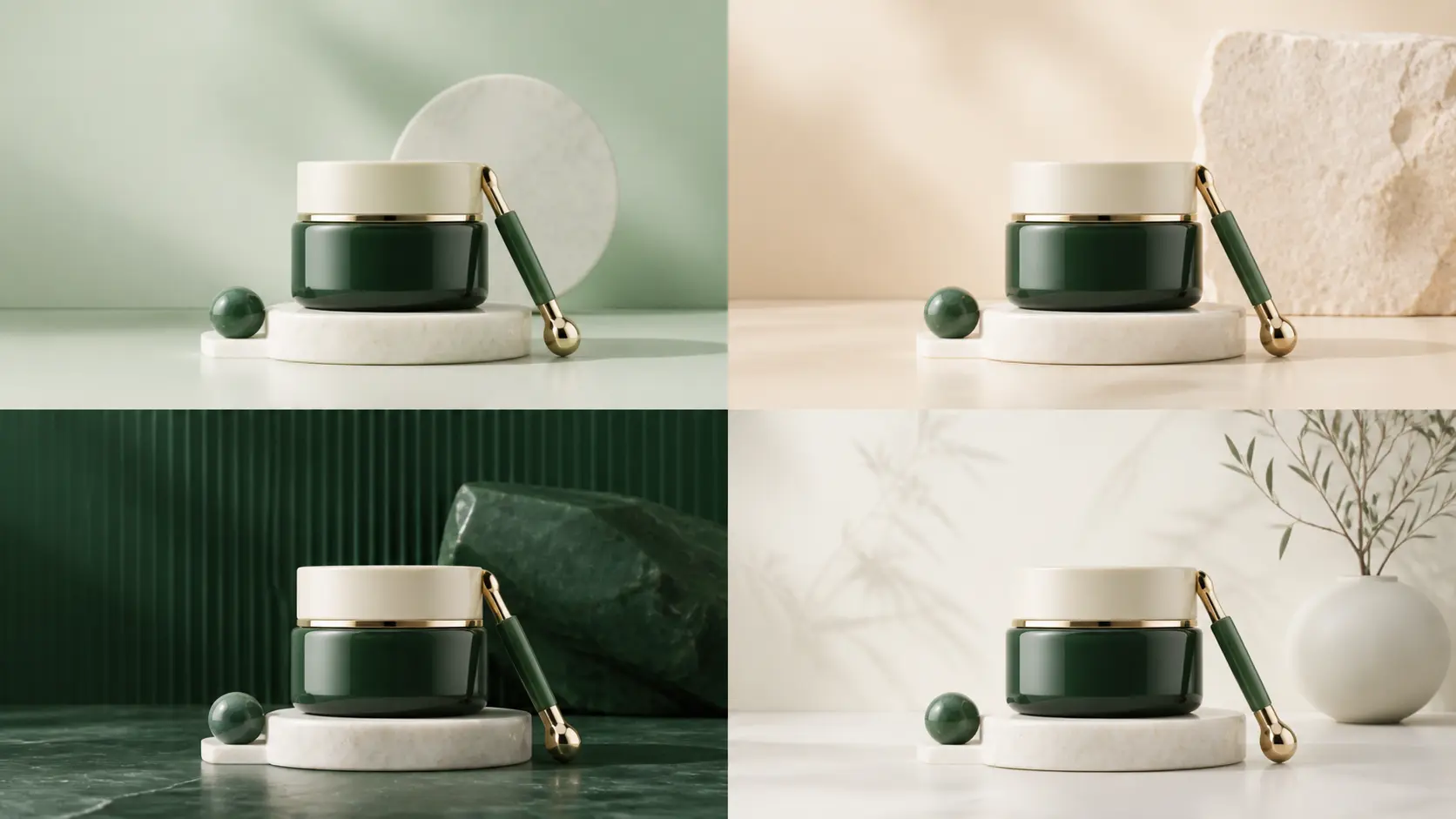
Controlled versions
Compare seasonal variants while preserving product geometry, camera, and hierarchy.
Repeatable brand scenes
Keep the product and visual system coherent while you test new environments, campaign placements, and presentation-ready compositions.

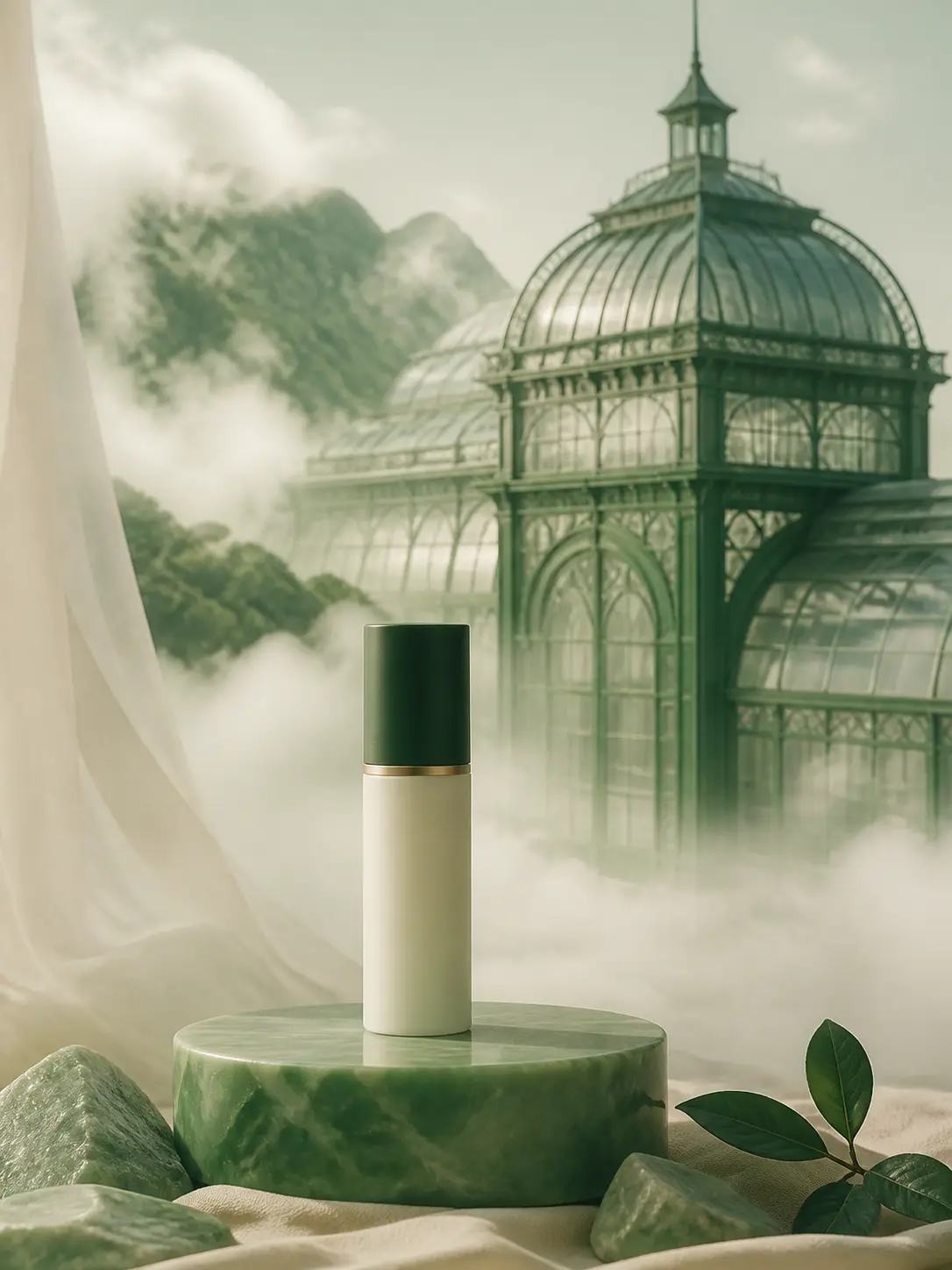
Brand direction: Unbranded frosted bottle, jade stone, cream background, precise label-safe space.
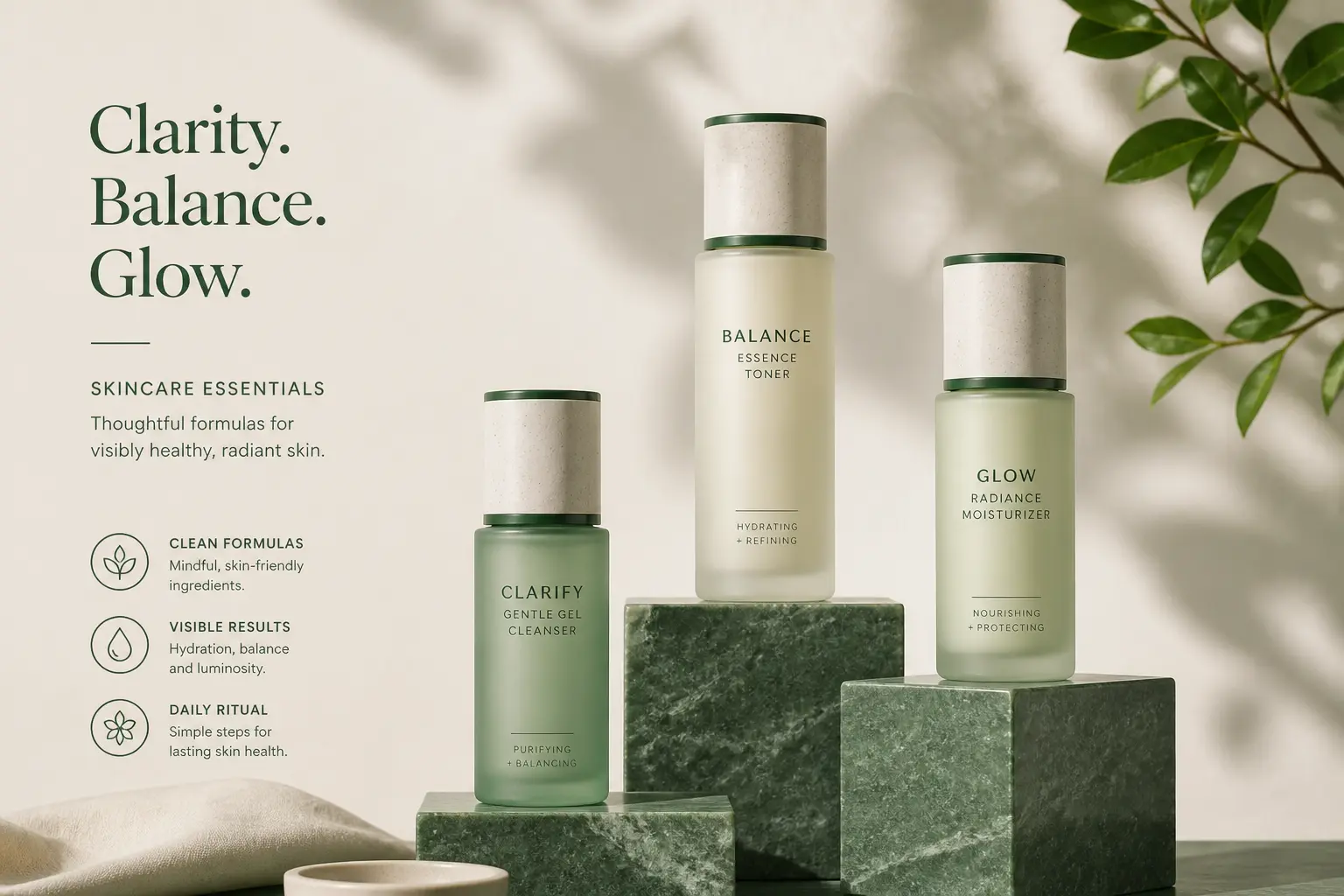
Brand direction: Three related skincare bottles with consistent caps, materials, light, and spacing.

Brand direction: Professional portrait in a cream interior, jade wardrobe, 40 percent copy-safe wall.

Brand direction: Keep package geometry and camera; change only the seasonal palette and supporting props.

Brand direction: Keep package proportions, cap, and camera; update only seasonal environment and props.
Choose it when one approved product or character must work across several campaign scenes and placements.
Develop one key visual and its channel family.
Example: Hero, social, retail, and presentation covers.
Place an approved product across controlled scenes.
Example: A seasonal product-detail image set.
Reserve consistent copy and logo-safe regions.
Example: A repeatable newsletter and paid-social frame.
Change environment without changing product identity.
Example: One package across four seasonal palettes.
Its content is organized around repeatable brand systems, product geometry, copy-safe composition, and reviewable variants.
The current configuration accepts one image reference for editing.
The current workspace configuration exposes 1K output.
Choose Pro when a product, person, or brand system must remain coherent across several scenes and revisions. For one focused correction, the standard MAI Image 2.5 page is usually the simpler choice.
Describe the approved product or character first, then specify the scene, camera, lighting, and the exact parts that may change. Repeat the identity details that must remain stable across variations.
Create consistent products, campaign environments, and presentation visuals from one structured brand direction.