


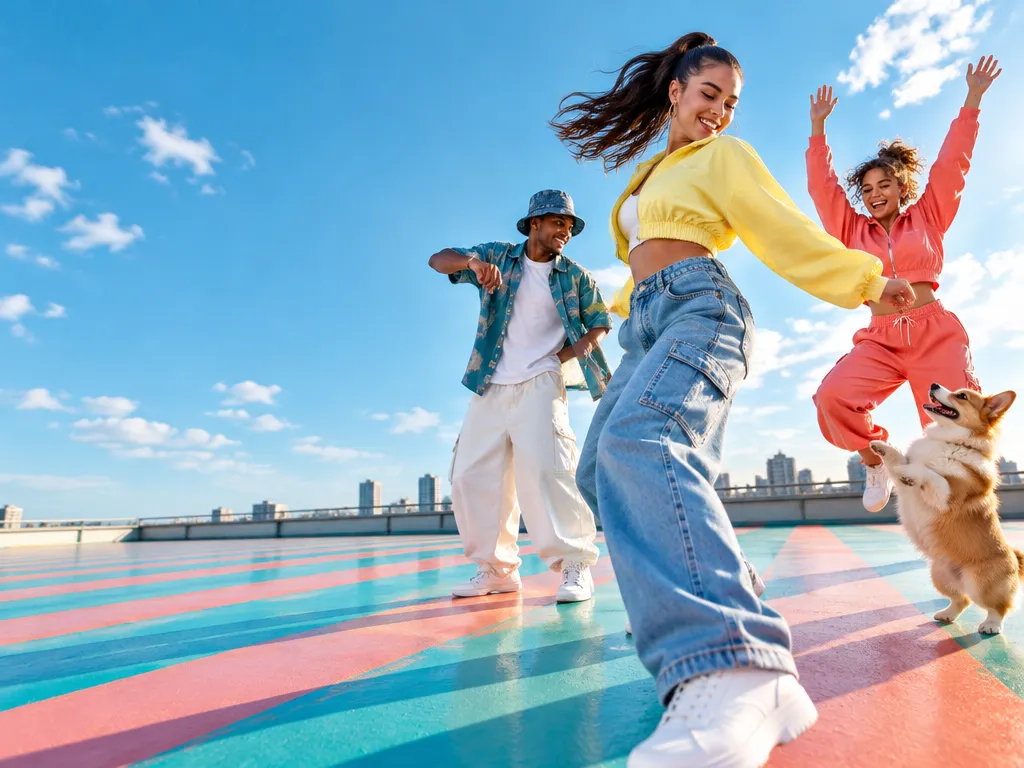
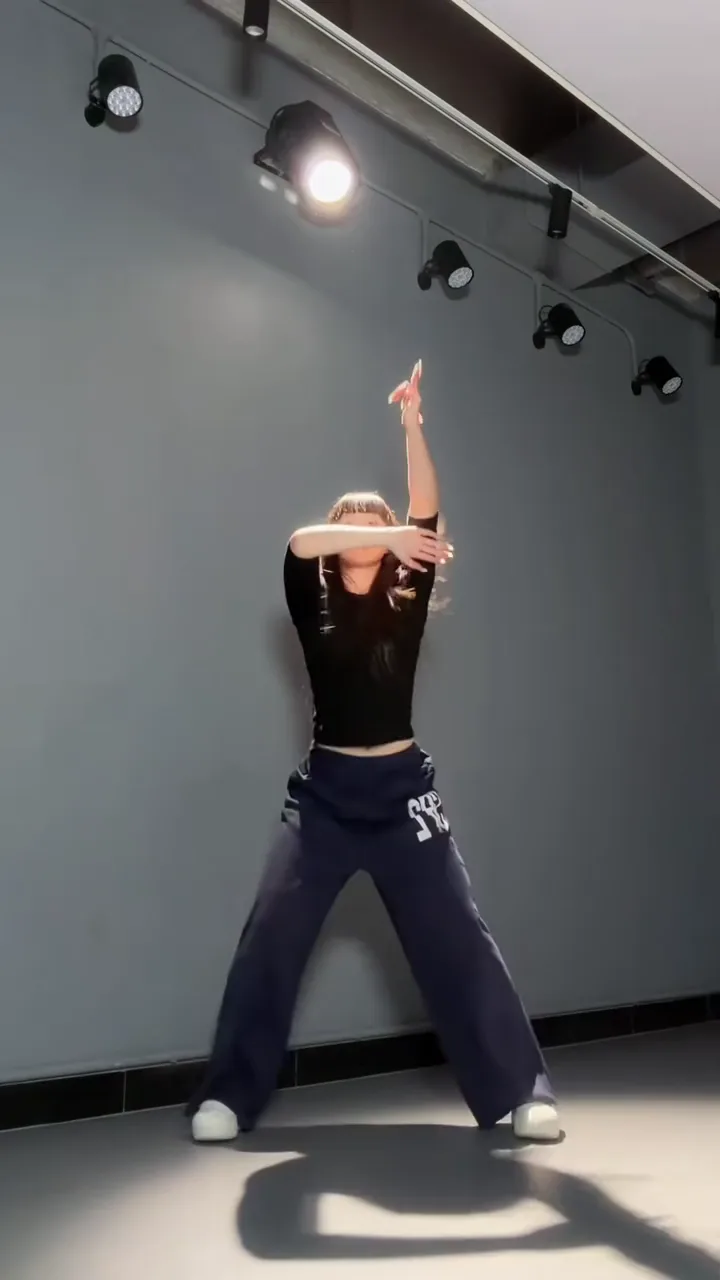
Solo
61 dance templates
Dance AI turns your photos into dance videos
An AI dance video generator for your photos: pick a solo style like hip-hop or K-pop, dance as a couple or with your crew, or put your baby or dog on the floor. Each template brings the moves, so you only add photos, right in your browser.
Example · K-pop
Featured · Make Photo Dance
More styles and photo tipsPNG / JPG / WebP · up to 10 MB · at least 512px on the short side
0/1 photos
One person, head to toe, facing the camera with arms clear of the body; fitted clothes keep the moves clean. A cat or dog photo dances too.
Video settings
No prompt needed. Only upload photos of yourself or people who agreed to be featured; celebrity photos and film stills aren't allowed.
Pick by who's dancing
Who's in your dance video?
Pick by the photos you have. Solo dances take one photo, duo dances one photo of each dancer, and group dances three photos or a lead plus a photo of your friends. Babies and pets have templates of their own.
- Video1 photo
Make Photo Dance
Pick a dance, your photo does it
Try it - Video2 photos
AI Couple Dance
Two photos, one partner dance
Try it - Video2 photos
AI Group Dance
You and your friends, in sync
Try it - Video1 photo
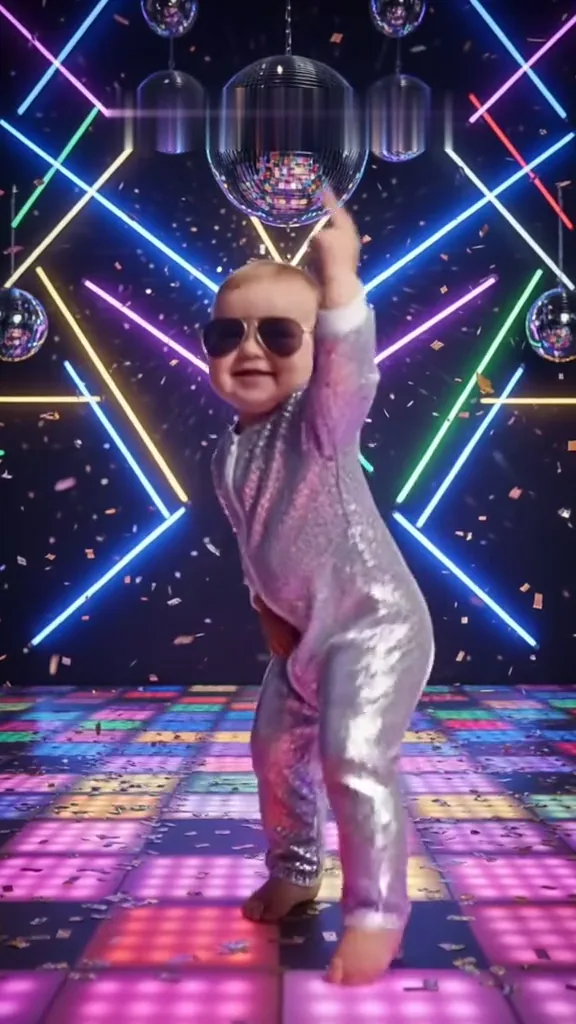
AI Baby Dance
Baby's first dance moves
Try it - Video1 photo
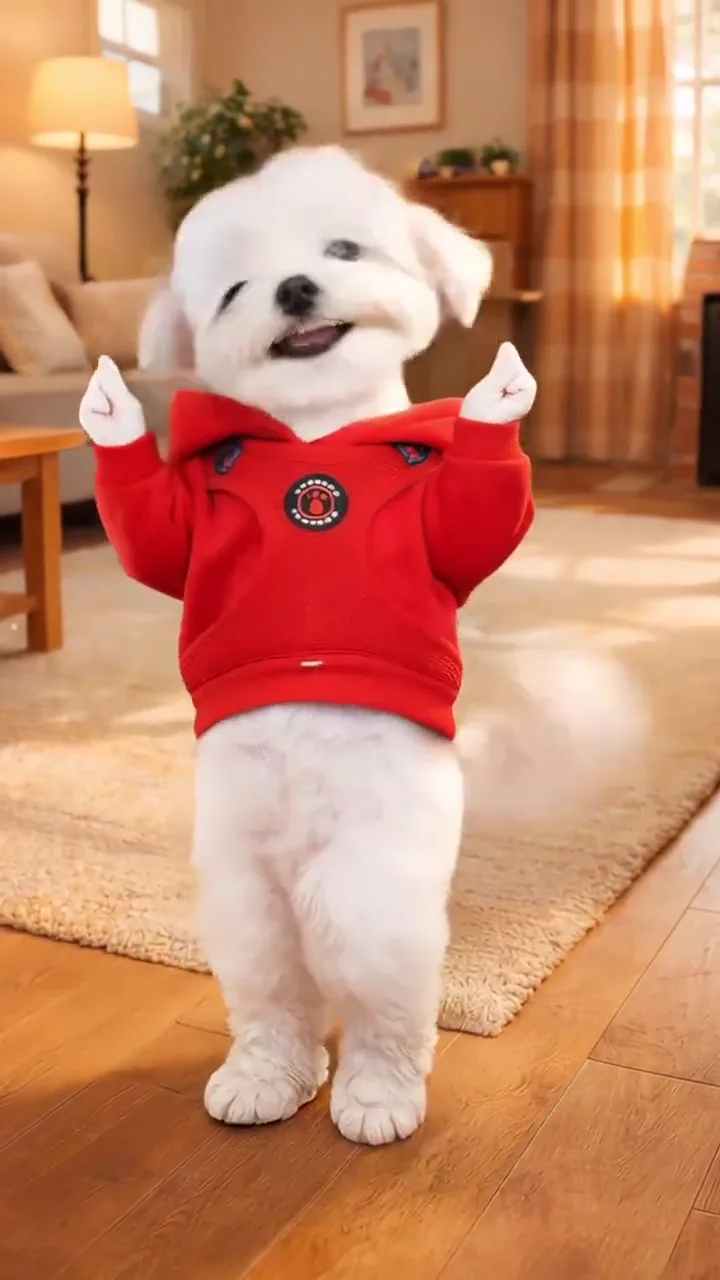
AI Pet Dance
Your cat or dog, dancing
Try it - Video1 photo
AI Sway Dance
The TikTok hip sway, from one photo
Try it - Video1 photo
I Don't Listen to Opinions Baby AI
Your baby dances the clip, sound and all.
Try it - Video2 photos
Can I Ride Dance AI
Two photos, the Can I Ride duo dance.
Try it - Video2 photos
Jisoo Addicted Dance AI
Dance the ADDICTED hallway duet next to Jisoo, next to Rosé or with a friend.
Try it - Video1 photo
Smooth Criminal AI Dance
One photo, the Smooth Criminal moves.
Try it - Video1 photo
Soda Pop AI Dance
One full-body photo dances Soda Pop
Try it - Video1 photo
Pick It Up Make It Jump Dance AI
One photo, and the dance everyone is copying.
Try it - Video1 photo
Pet Rock Dance AI
One pet photo, the Pet Rock headbang.
Try it - Video3 photos
3 Cats Dancing AI
Your cat joins the three-kitten Suave dance.
Try it - Video1 photo
Like JENNIE Dance AI
One photo leads the K-pop crew.
Try it - Video1 photo
KDA Firestarter AI Dance
Star in a KDA Firestarter dance video.
Try it - Video1 photo
Stateside Dance AI
One photo dances the Stateside choreography.
Try it - Video2 photos
Ba Ba Ba Dance AI
Two photos, the Ba Ba Ba duo dance.
Try it - Video2 photos
24K Magic AI
Your photos dance the sunset cruise deck, flare gun included.
Try it - Video1 photo
Bakar Lonyo AI Dance
One photo puts you at the centre of the playground crowd in Bakar's Lonyo! music video, school uniform and song included.
Try it - Video2 photos
The Last Dance Trend
Two photos, one paired routine.
Try it - Video2 photos
Come Closer Dance AI
You and a friend in the Ne-Yo face-off.
Try it - Video3 photos
AI Chicken Dance
One photo becomes the dancing hen, twin and all.
Try it - Video2 photos
Transmission 5 Dance AI
You and a friend take the electro duo
Try it - Video2 photos
Trouble Maker AI Dance
Two photos cast the duet.
Try it - Video3 photos
Mickey Mickey D's Dance AI
Two photos do the two-person Mickey D's dance; one photo dances it solo.
Try it - Video2 photos
Hop Hop Hop Dance AI
Point, press and swap with a friend
Try it - Video3 photos
Just a Lil Bit AI Dance
One dancer edited into three: clone yourself or bring two friends into the 50 Cent trio dance.
Try it - Video3 photos
Chipmunks Dance AI
Three photos spin through the sunset court dance.
Try it - Video1 photo
I'm Not Yo B No More AI
One full-body photo dances the routine.
Try it - Video1 photo
Dog Dance Crew AI
Your pet takes the second spot in the four-dog crew.
Try it - Video1 photo
Lil T Jones Dance AI
One full-body photo of your baby, you or your pet does the Lil T Jones salute, bend and squat.
Try it - Video1 photo
Joker Stairs Dance AI
One photo steps into the stair scene.
Try it - Video1 photo
Bonito Bonito AI Baby Dance
One baby photo, the whole un cafecito routine.
Try it - Video1 photo
iPhone Kupi Dance AI
The foldable-phone reveal and the hotel-room dance.
Try it - Video3 photos
Babydoll Dance AI
Three photos do the Babydoll two-step.
Try it - Video1 photo
Buggin Dance AI
One photo, the She Bugging dance.
Try it - Video1 photo
Parrot Dance AI
Your pet leads the barn of dancing parrots.
Try it - Video1 photo
Gang Gang Dance AI
Be the deadpan suited dancer
Try it - Video2 photos
A2O LITE NEON Dance AI
Dance the NEON duo intro with a friend
Try it - Video2 photos
Puerto Rican Mami Dance AI
You and a friend in the Puerto Rican Mami duo dance.
Try it - Video2 photos
Grease Dance AI
Two photos, one carnival couple dance
Try it - Video1 photo
Single Ladies Dog AI
Your pet takes center stage in the Single Ladies dog dance.
Try it - Video1 photo
Dime Dime Baby AI
Take a bite and stare down the camera
Try it - Video1 photo
SaWaDiKa Dance AI
Dance LISA's palms-together chorus
Try it - Video1 photo
Charme Dance AI
Own the floor at a Rio baile charme
Try it - Video3 photos
Gangnam Style Trio AI
Three photos, three solos on a Seoul street at night
Try it - Video2 photos
Uptown Funk AI
Lead the viral CEO street dance with your own crew
Try it - Video2 photos
Alors on danse AI
A keyboard jam that turns into a dance
Try it - Video2 photos
Smalltown Boy AI Dance
Two photos, one scream swap, then the duo dance
Try it - Video1 photo
Opa Opa Opa Trend
One selfie, the opa opa hair bounce.
Try it - Video2 photos
Rumpelstiltskin AI
Cast the tiptoe dancer and the crying girl from two photos
Try it - Video3 photos
Toc Toc AI Dance
Three photos burst through the door, knocking and hopping
Try it - Video3 photos
Gas Station Dance AI
Three photos, three shots, one forecourt
Try it - Video2 photos
Nicole Kidman Dance AI
ADÉLA’s duo dance trend from two photos
Try it - Video2 photos
STORM II AI
Stand still while the whole crowd moves
Try it - Video1 photo
La Calabaza AI Trend
Your cat or dog becomes the three La Calabaza dancers.
Try it - Video1 photo
ATEEZ BAD AI Dance
Your cat, your dog or you do the BAD chest pop.
Try it - Video1 photo
Tecktonik Dance AI
One photo does the viral Cheba Man electro dance.
Try it - Video1 photo
Turn the Lights Off AI
Eyes shut, chin up, lost in the club light
Try it - Video1 photo
AI Belly Dance
One photo, your cat belly dancing.
Try it
Who can dance
What does an AI dance video look like?
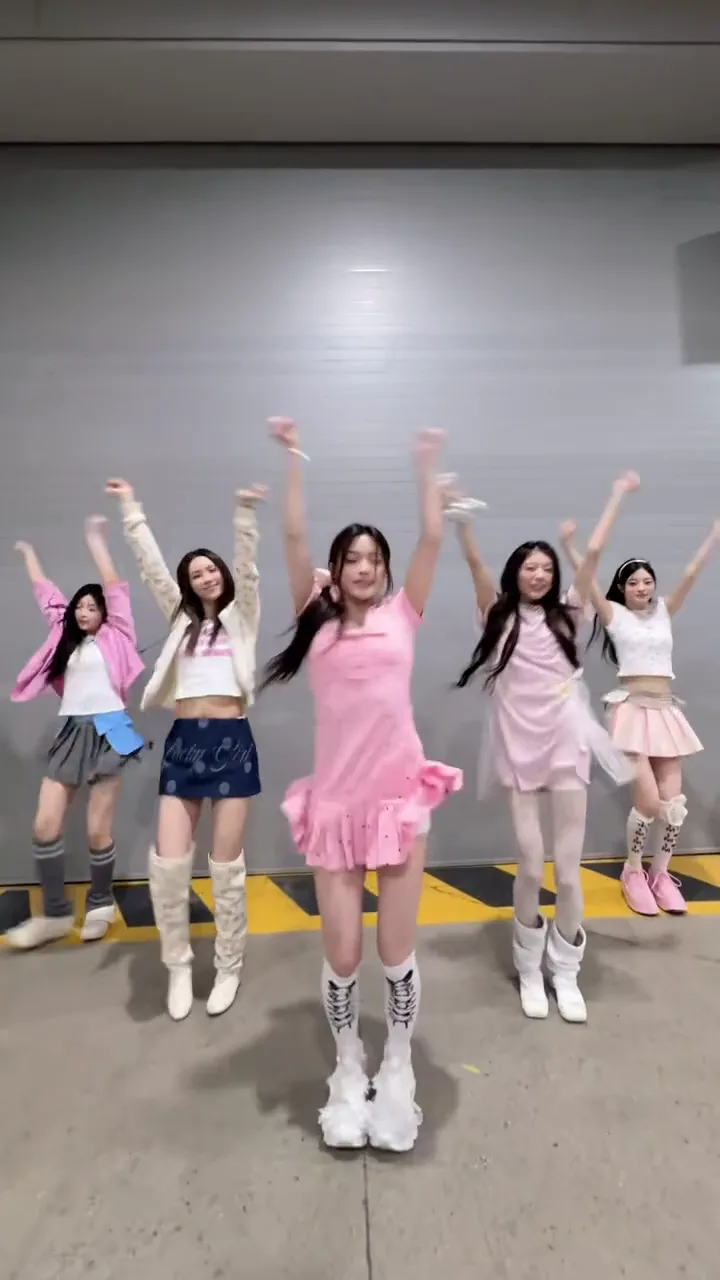
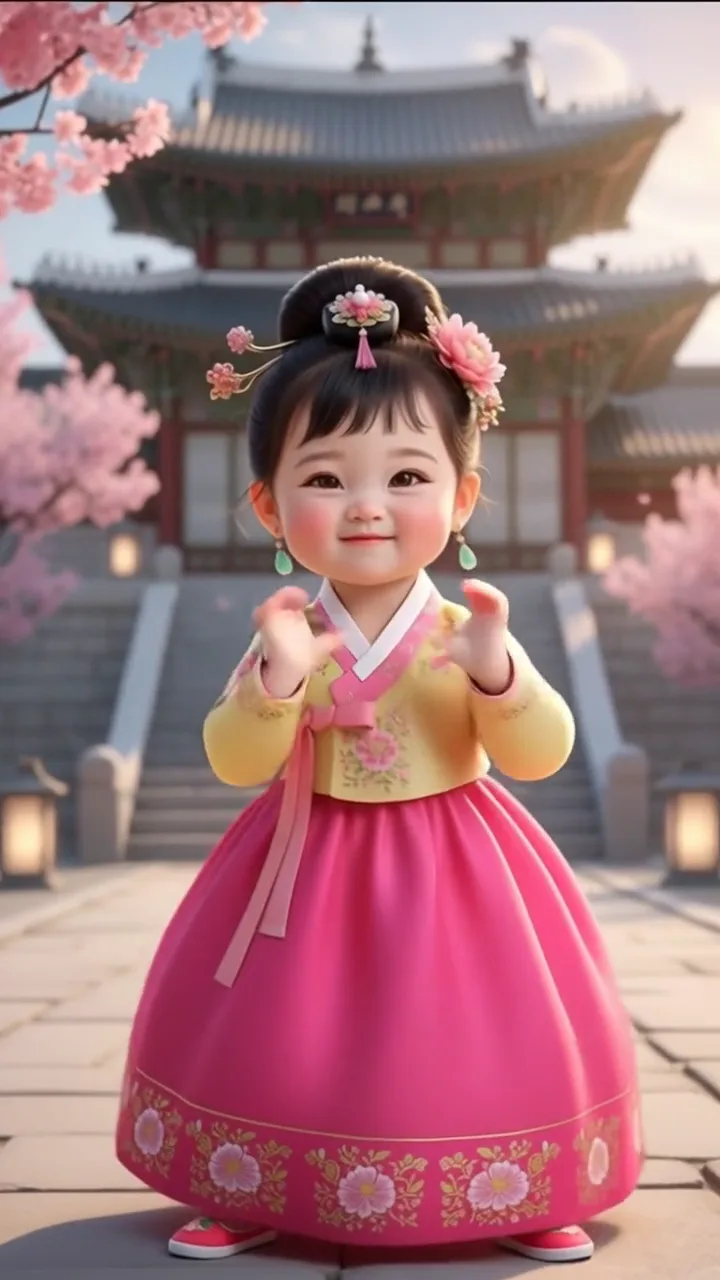
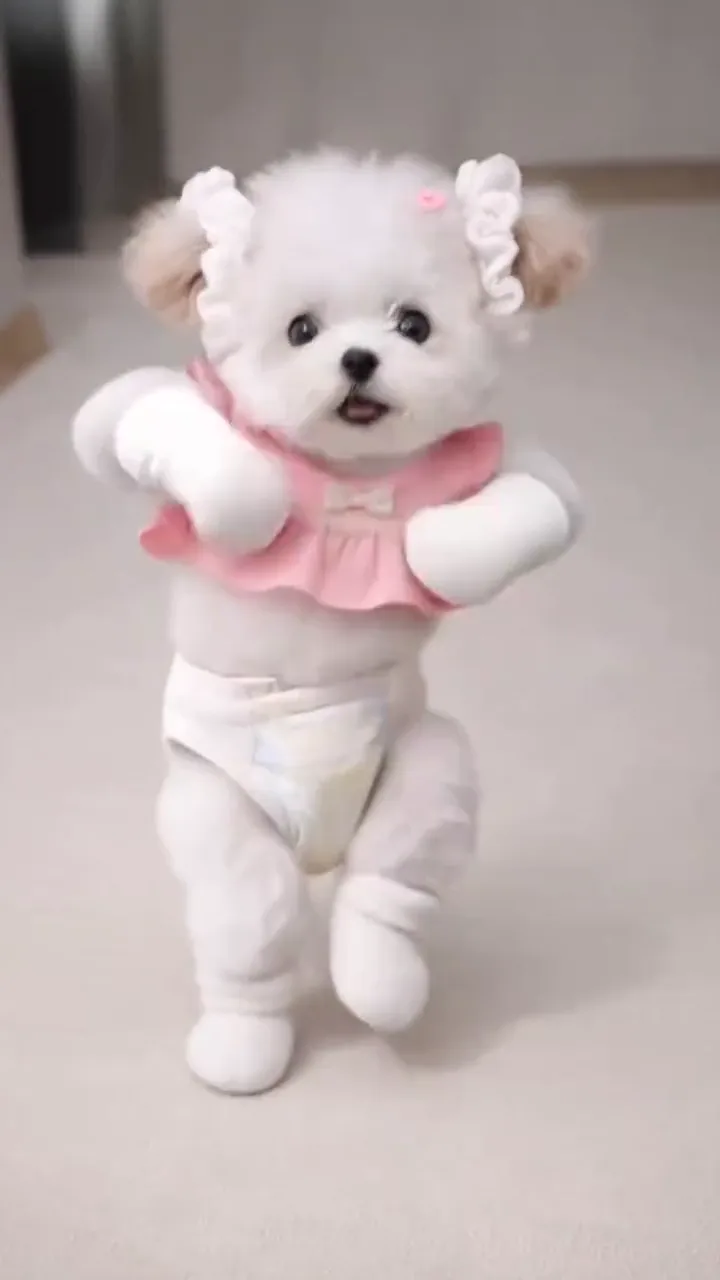
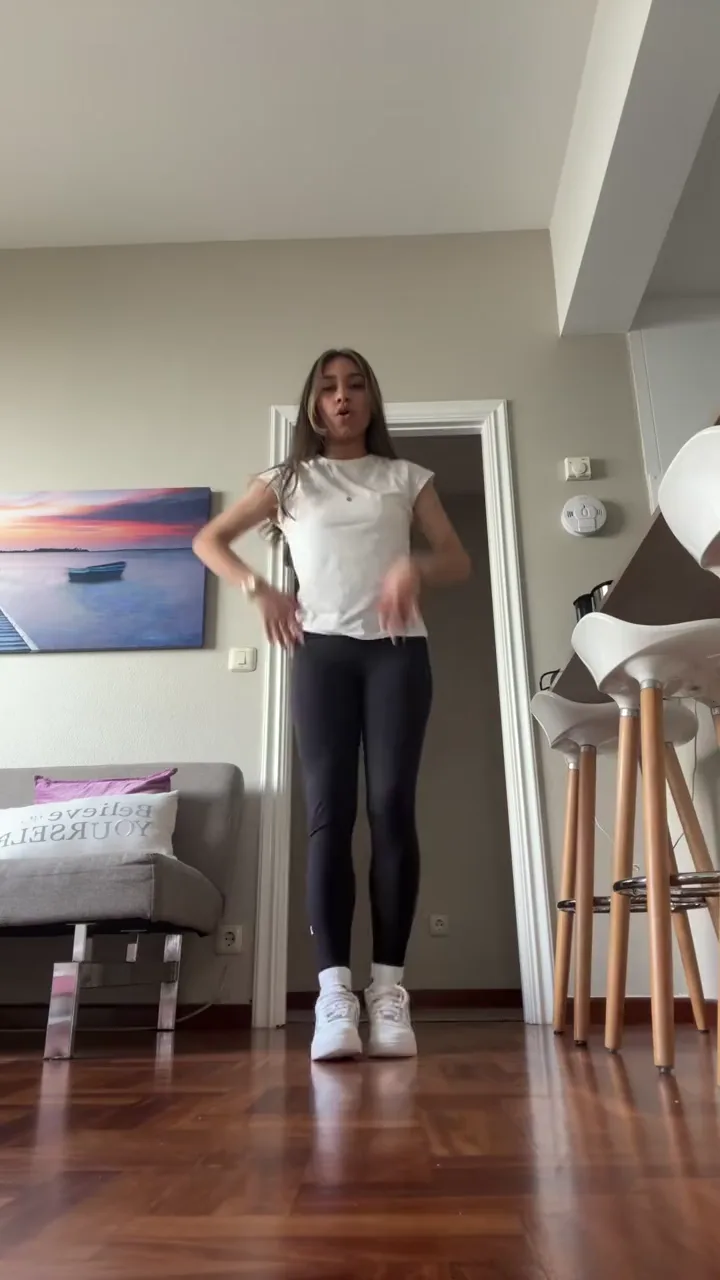
A short clip in which the person or pet from your photo dances a template's routine. One example per kind of dancer: play it, then open its template to make yours.
Solo
Only a selfie
Hands, shoulders and hips move to the beat, so a selfie can join the trend too.
Open AI Sway DanceDuo
The two of you
One photo of each of you, and you dance side by side as a couple or as friends.
Open AI Couple DanceGroup
Solo
Front of the crew
Take the lead spot: the dancers behind you keep their places and their moves.
Open Like JENNIE Dance AIBaby
Pet
Pet
AI dance trends
The new AI dance trends, and when each took off
There isn't a single AI dance trend: a new song or routine takes off every few weeks, and people redo it with their own photos, babies and pets. These are the waves the templates here follow, newest first.
Updated November 8, 2026
October 31, 2026
ADDICTED: dancing with Jisoo
On October 31, Rosé posted the ADDICTED duo challenge with Jisoo on TikTok, about 14.5 million views by November 1. The template can keep one idol and put you beside her, or swap you both in.
Try Jisoo Addicted Dance AIOctober 28, 2026
The I Don't Listen to Opinions baby dance
A CapCut AI baby template made on October 28 had about 41,900 uses by November 6: toddlers dancing to the I Don't Listen to Opinions sound.
Try I Don't Listen to Opinions Baby AIOctober 7, 2026
Uptown Funk: one lead, a whole crew
On October 7, The SI Maximalist posted “Uptown Funk, but the CEOs showed up” on X, about 1.27 million views two days later. The template puts you up front and a photo of your friends in the crew behind.
Try Uptown Funk AISeptember 29, 2026
Toc Toc: the hallway door dance
On September 29, the AI character account @leopold.delarue7 posted costumed dancers bursting through a hallway door one by one to Toc Toc, about 35.7 million TikTok views. The template casts three of you.
Try Toc Toc AI DanceSeptember 10, 2026
Nicole Kidman: the duo routine
On September 10, Kyler Irby (@ky.manson) posted the routine to ADÉLA’s “Nicole Kidman” on TikTok, 2.8 million views by October 12. The template is the two-dancer version, one photo each.
Try Nicole Kidman Dance AIJuly 27, 2026
Smooth Criminal: the remix and the lean
The Smooth Criminal remix dance took off on TikTok on July 27 (@jaaann_gaalvez, about 5.9 million views), and a CapCut AI baby template on it had about 515,000 uses by November 5. The template does the remix or the lean.
Try Smooth Criminal AI Dance
Dance styles
Which dance styles can your photo do?
Styles you can pick right now: Hip-hop & street, K-pop, and Latin & ballroom. Each card opens its template with that style already selected.
Hip-hop & street · 6 styles
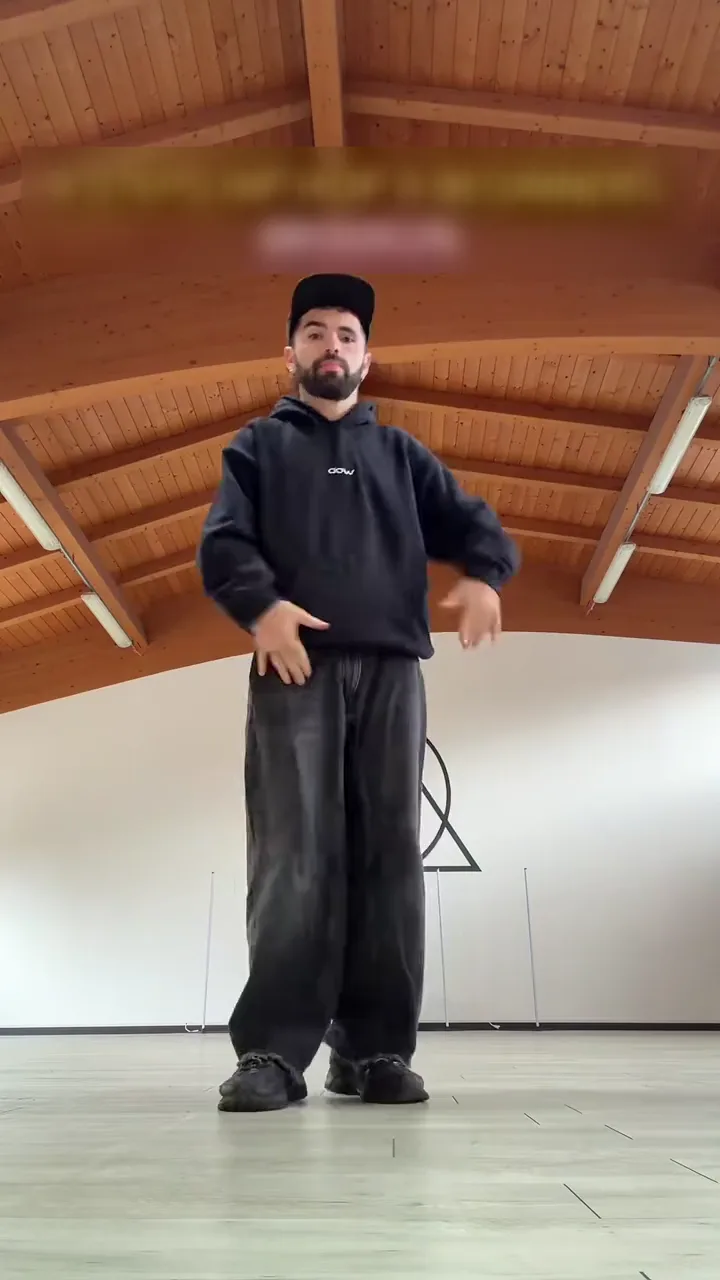
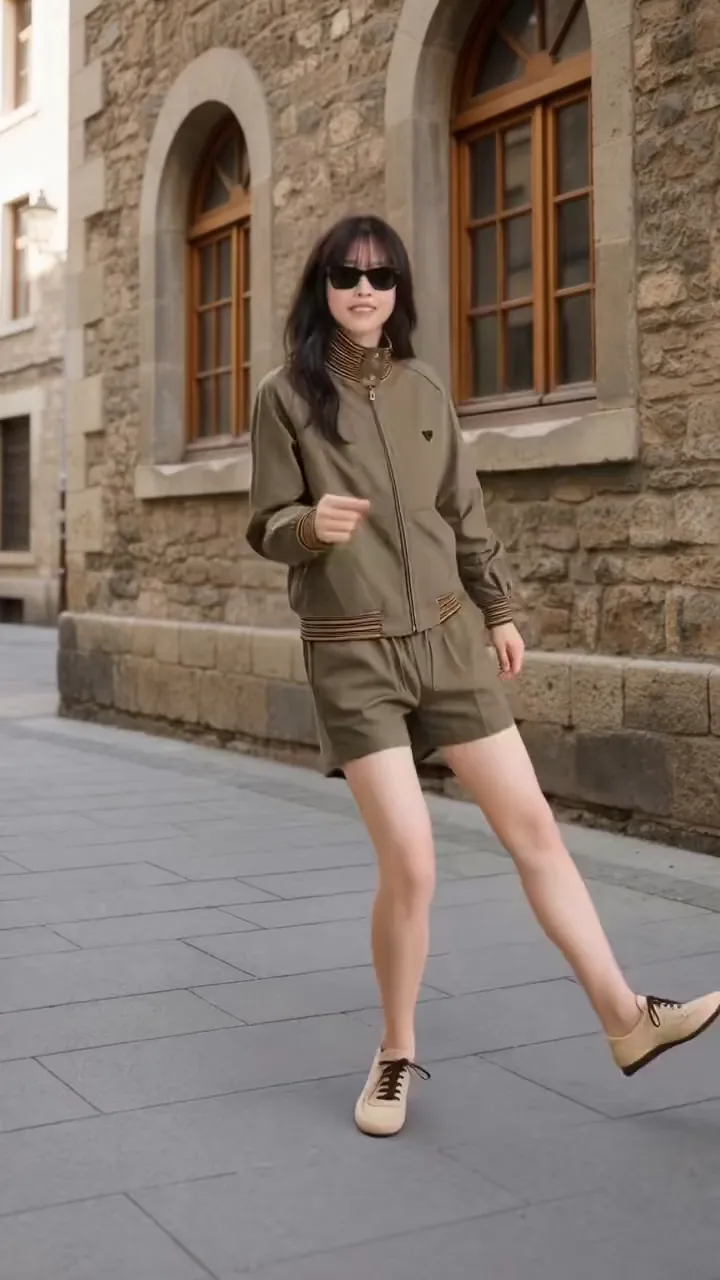
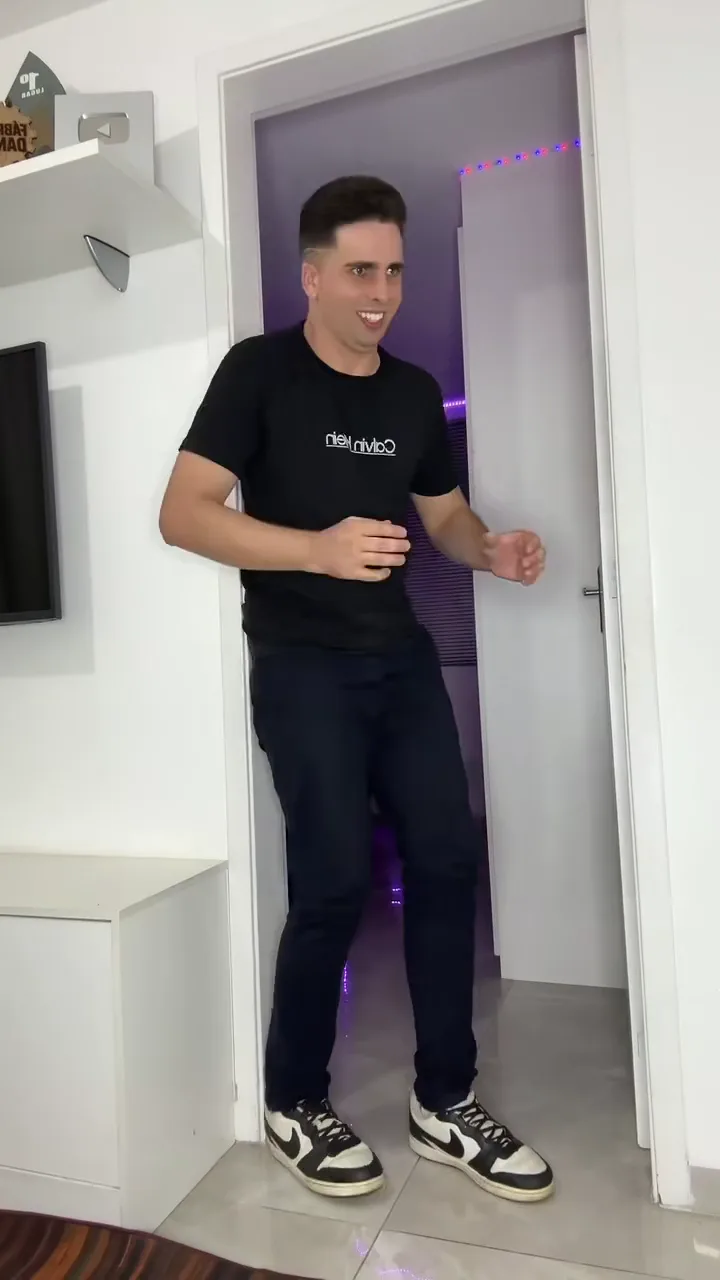
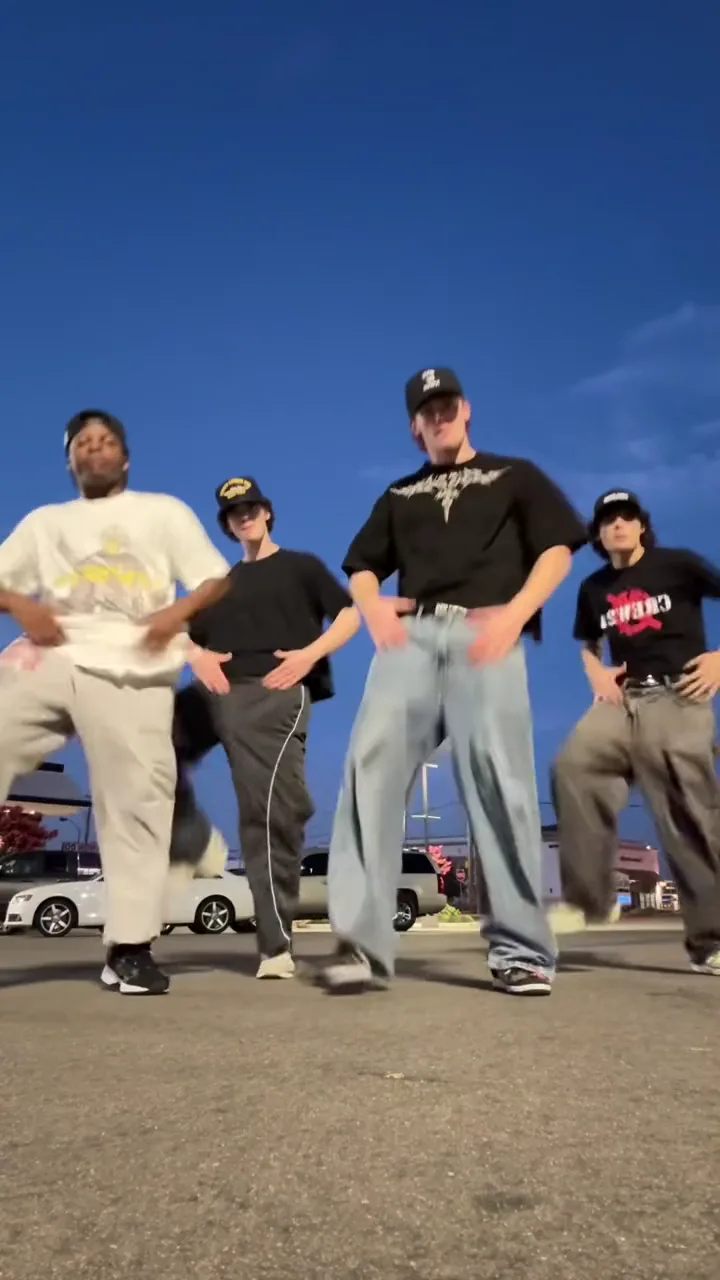
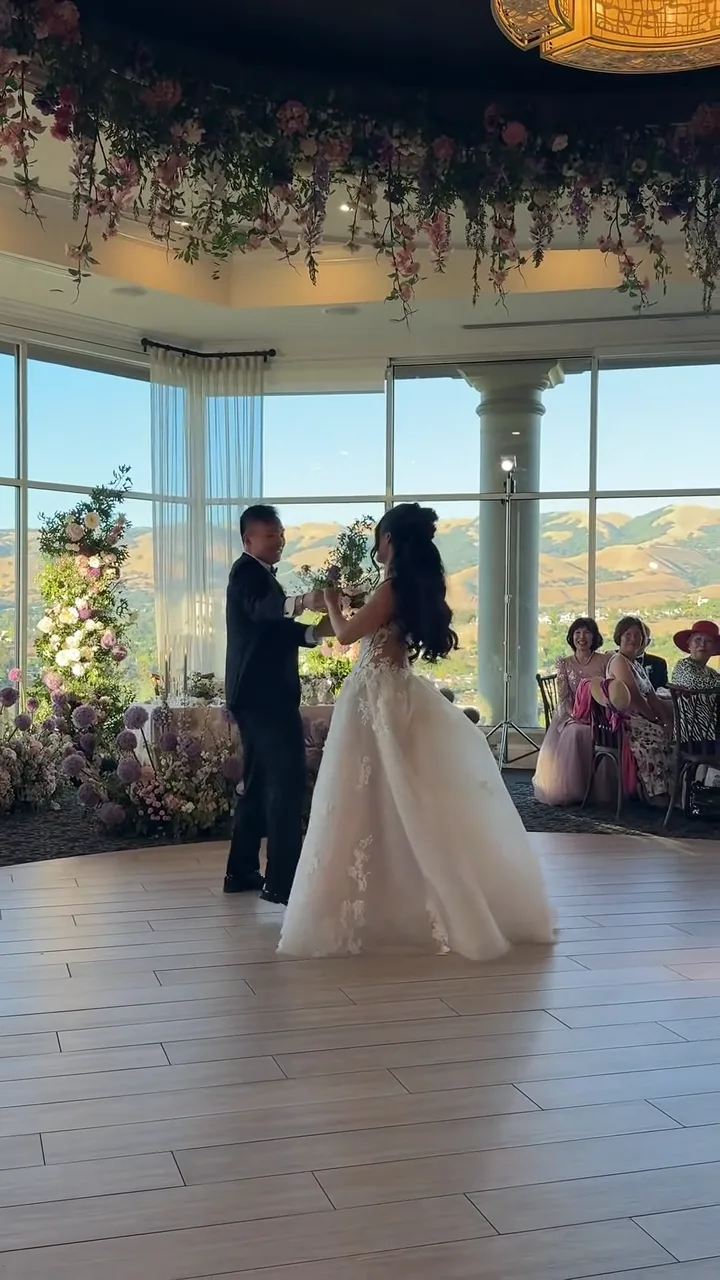
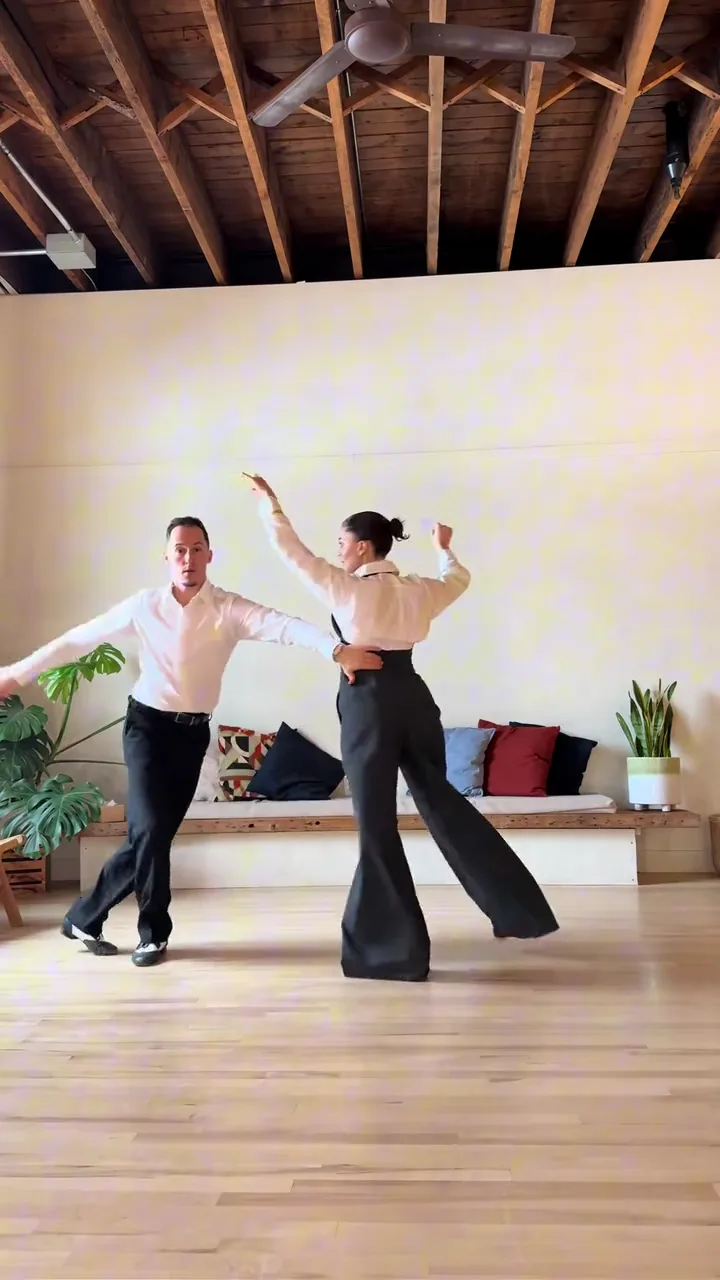
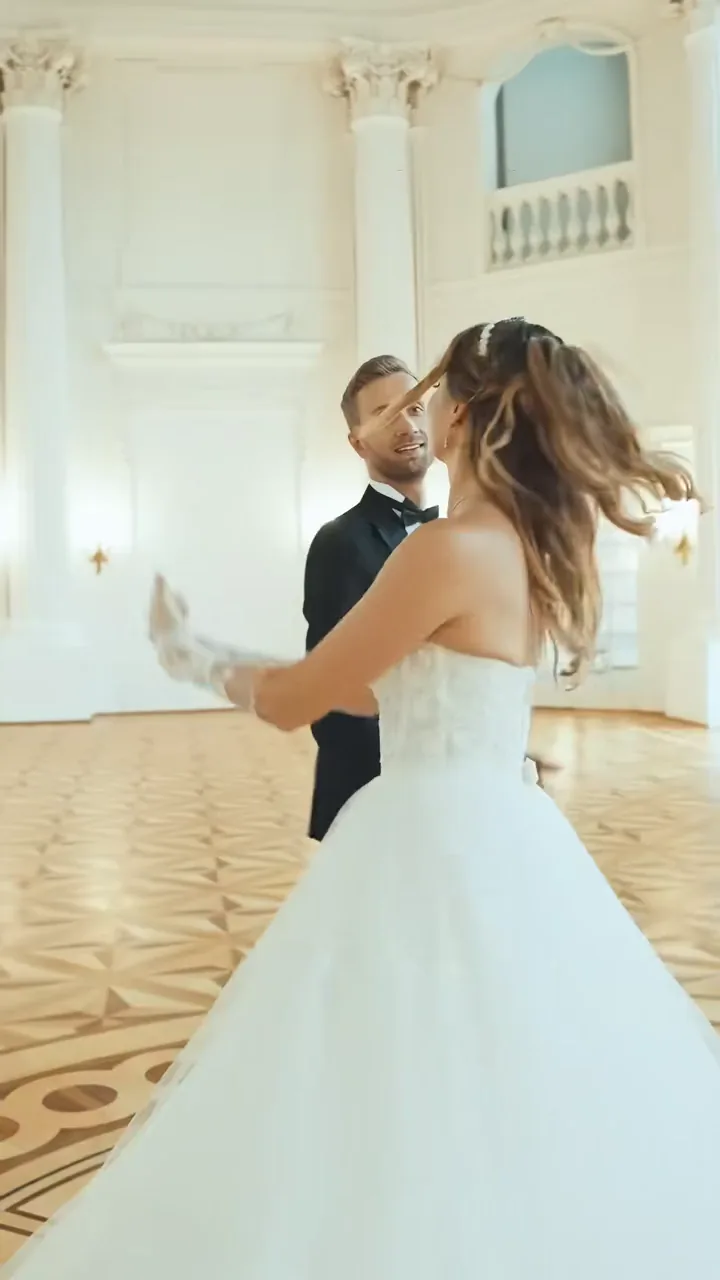
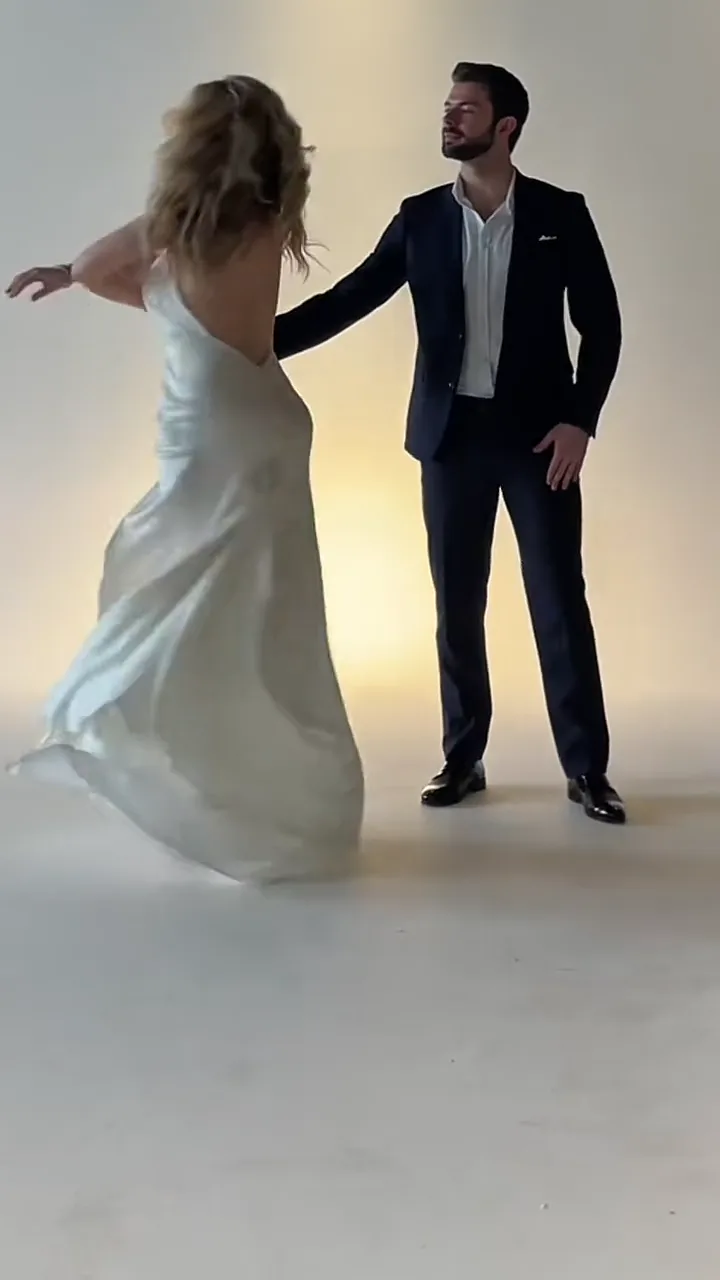
How do you make an AI dance video?
There are three ways, and the difference is where the moves come from: a template's dance, a dance clip you upload, or the words in a prompt. This page does the first.
Pick a dance template
- You add
- Your photos: one per dancer, or a group photo
- Moves come from
- The template's dance clip
- Sound
- Keeps the template's own sound
Best for trends, couples, crews, babies and pets.
Browse the templatesUpload your own dance video
- You add
- A 2–30s dance clip and one photo
- Moves come from
- Your clip
- Sound
- Your clip's sound, on by default
Best for a routine you filmed or saved.
Open Motion ControlDescribe the dance in a prompt
- You add
- One photo and a text prompt
- Moves come from
- The video model, from your words
- Sound
- Depends on the model
Best for a dance no template has.
Open the AI video generator
How should you frame a photo for an AI dance?
Most dances need the whole body: the moves only land on the arms and legs the photo shows. One person per photo, facing the camera, in good light.
Do
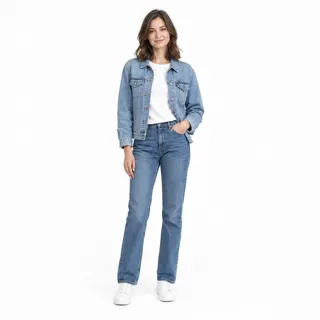
The whole body, shoes included
Arms a little away from the body, so the moves have limbs to work with.
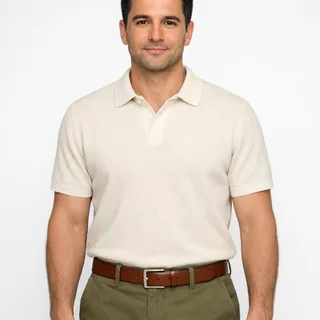
Waist up for hand dances and sways
A selfie works when the template moves only the upper body.
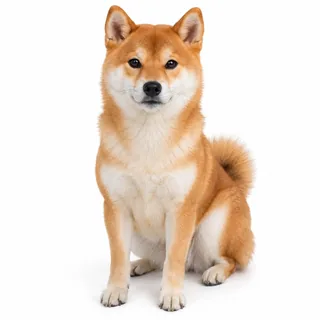
Pets in full view
A dog or cat facing you, with the face and the whole body visible.
Avoid
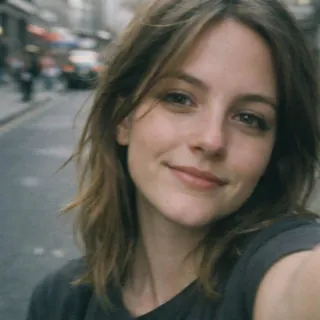
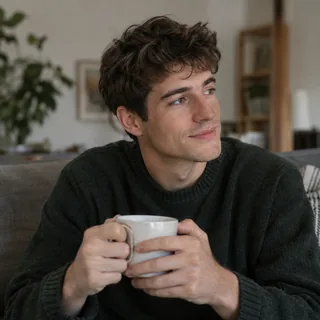
A face-only selfie for a full-body dance
With no body in the photo, the arms and legs have to be invented.
Sitting down or cut off at the knees
The steps need legs and feet to land on.
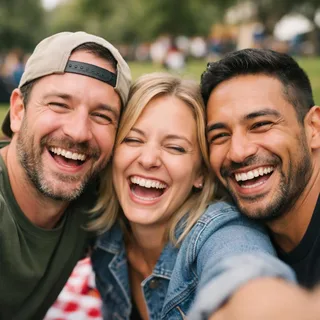
Friends crowded into a solo slot
Only group templates take group photos; every other slot wants one person.
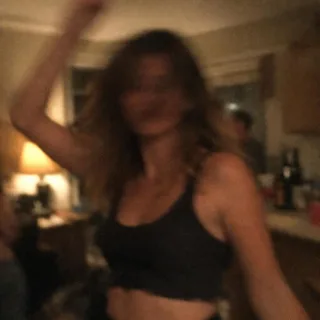
Dark, blurry party snapshots
Motion blur and low light make the face drift.
FormatsPNG / JPG / WebP
Upload only photos of yourself, adults who agreed to it, your own children or your own pets.
What people ask about Dance AI
Is the AI dance generator free?+
No, each dance video costs credits. New accounts get 10 credits. The price depends on the template’s length and the resolution you pick, and the Generate button shows the exact amount before you start.
Is there an AI dance app, or do I need CapCut or TikTok?+
You don’t need one: Dance AI runs in the browser on your phone or computer. CapCut templates and TikTok effects only work inside those apps; here you upload photos, pick a dance, then download the video and post it anywhere.
Does the video come with music? Can I use my own song?+
Each template keeps the sound of its own dance clip. Uploading your own song isn’t supported; to use a different track, change the sound when you post on TikTok or Instagram.
How long does it take, and how long is the video?+
Usually a few minutes. The video is as long as the template’s dance clip, between 5 and 30 seconds across these templates.
Will the dancer still look like me?+
With a clear, front-facing photo, yes: the face, hair and clothes come from your photo. Side profiles, small faces and fast spins are where a face drifts most; if it happens, try a straighter photo or a dance with fewer turns.
Can two people or a whole group dance together?+
Yes. Pick a template under the Duo or Group filter; each card shows how many photos it takes.
Can I make my baby or kids dance?+
Yes: baby dance templates take one full-body photo of a baby or toddler, standing or held up. Use only photos of your own children.
Can my dog or cat dance?+
Yes: the Pet filter lists the templates that take one photo of a single dog or cat, whole body in view and facing the camera.
Can I dance like Michael Jackson or a K-pop idol?+
Yes, with the named dance templates: Smooth Criminal AI Dance for Michael Jackson fans, and Soda Pop AI Dance, Like JENNIE Dance AI and Jisoo Addicted Dance AI for K-pop routines. These are fan-made templates, not official ones.
Are my dance videos public?+
No. Your dance videos stay in your own creations and aren’t shown in the public gallery.
Can I post the dance video on TikTok or Reels?+
Yes. You download an MP4, mostly vertical, and post it like any other video; turn on the platform’s AI-generated label when you share it.
Off the dance floor: other topics, and tools for your video
Other topic pages, plus the tools for the step after a dance video.
Christmas 2026
Christmas AI templates
Catch Santa at home, make your elf doll move or turn into Santa on video, all from one photo.
Open Christmas AIHalloween 2026
Halloween AI templates
Try on a costume, star in a horror-movie still or turn into a werewolf on video, from one photo.
Open Halloween AICouple templates
Make something with the two of you
Shrink a partner into your arms, or put both of you in a two-person clip. Every run is priced before you start.
Open couple templates
Your turn
Make an AI dance video from your photo
Start with the one-photo dance up top, or pick a couple, crew, baby or pet template from the catalog.