


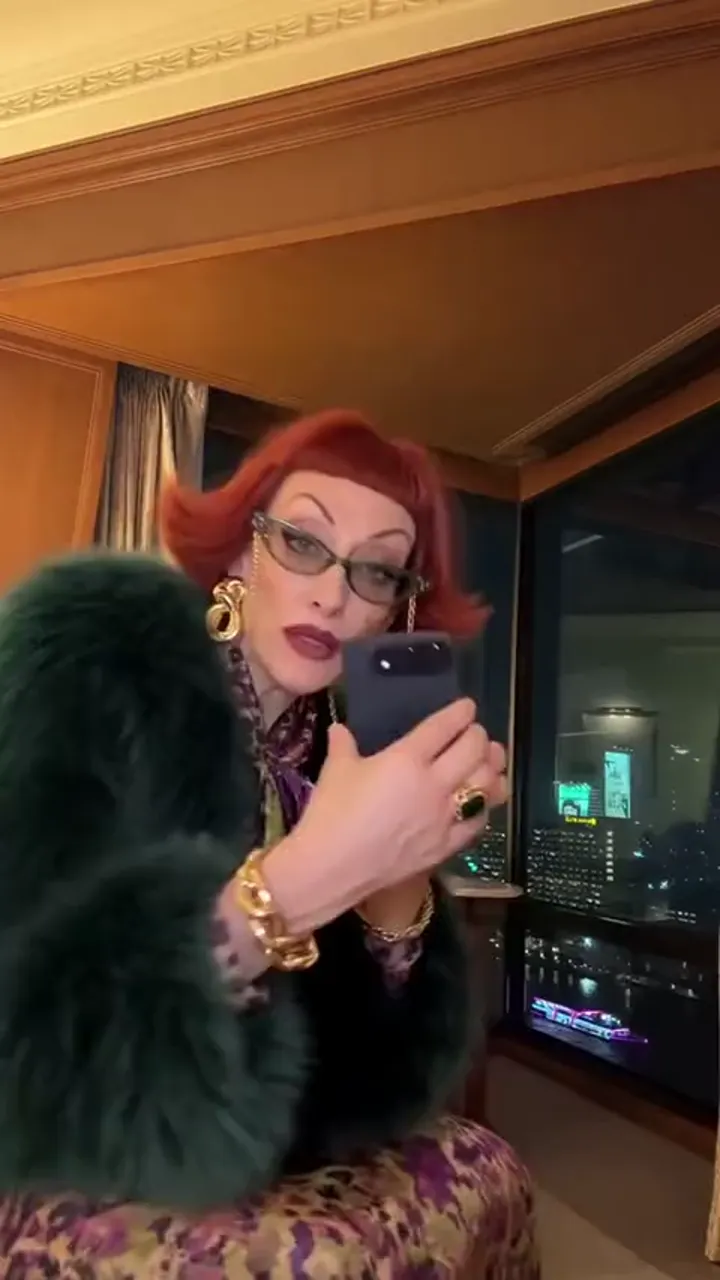
You, new phone day
The straight version: your own face plays the reveal, the dance and the catch.
Caption idea: Phone finally arrived. Handled it with care.
iPhone Kupi Dance AI puts one photo into the foldable-phone reveal, the hotel-room dance and the phone toss people also know as the Win William clip.
PNG / JPG / WebP · up to 10 MB · at least 512px on the short side
0/1 photos
One person or pet, whole body from head to shoes, facing the camera, bright room, nobody else in the photo.
Video settings
No prompt needed. Only upload photos of yourself or people who agreed to be featured; celebrity photos and film stills aren't allowed.
iPhone Kupi Dance AI is the photo-to-video version of a late-October 2026 clip: a character opens a foldable phone in close-up, shows the bigger screen, the camera pulls back into a hotel room, the dance plays out, and the device is tossed in the air at the end.
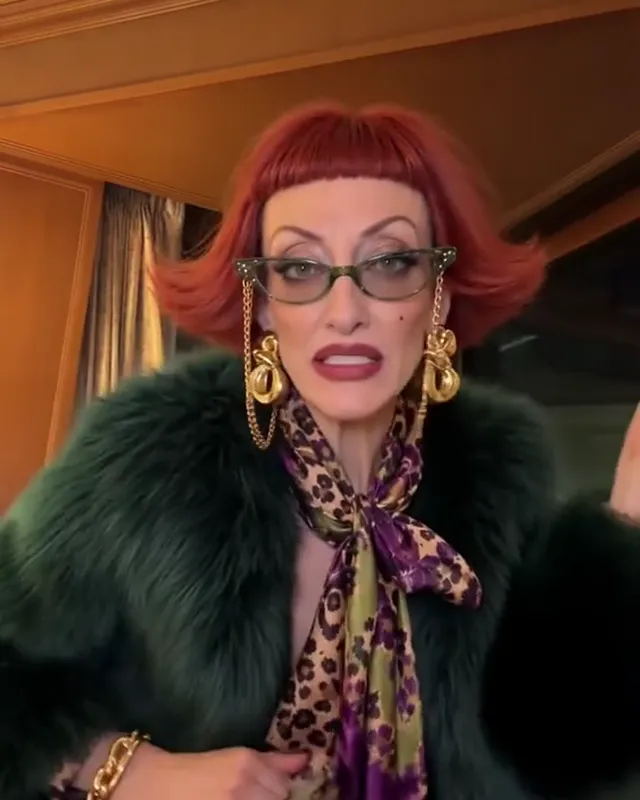
The name comes from the lyric underneath it: kupi is Russian for buy, so iPhone kupi reads as buy an iPhone, and the clip plays the phrase out as a phone being shown off. People spell it Kubi or Koopi just as often, and the audio is the same one the dance travels with.
The joke is the order of events. A new phone is normally opened quietly at home, and here it is revealed to the camera, then thrown: the reveal is the punchline, the dance is the celebration. That is why the format survives a change of face better than most dance clips.
A 15-second AI post from the TikTok account @thecocovex plays the whole arc, from the reveal to the toss, and reads about 16.3 million plays, 1.1 million likes and 196,000 shares when checked on 28 October 2026. It becomes the take people copy.
On 27 October a 19-second TikTok tutorial teaches the photo version, captioned as an AI tutorial, and reads about 403,000 plays and 7,600 likes at the same check.
A second character version from another account, plus a tutorial posted on 28 October, put other faces in the same hotel room; their play counts were not readable then, so they stay out of the figures here.
Dates and counts come from each post’s own public counters, read on 28 October 2026. They are rounded platform readings, not a growth series, and a handle is named only to show which post a figure belongs to.
The 15s clip in order: the reveal close-up, the screen, the wide room and the ending throw. Every still below is a frame of it.
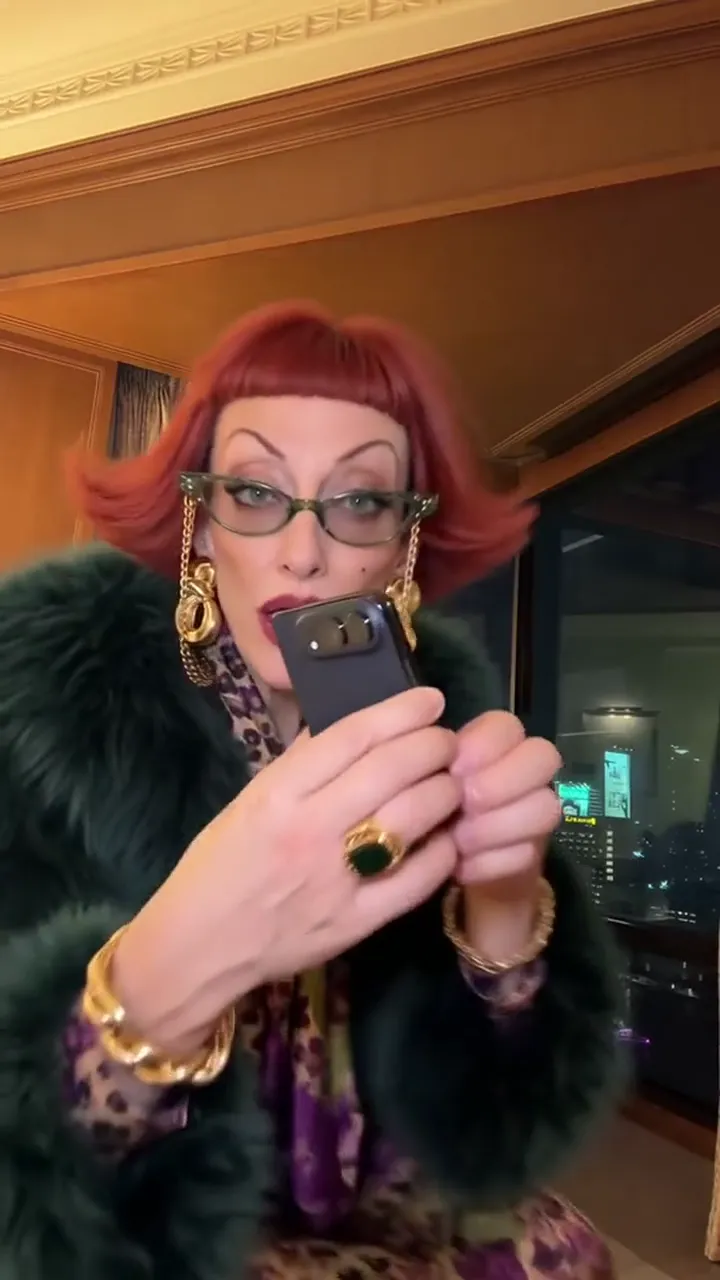 10:00–0:02
The clip opens close on the device: hands turn it, the hinge gives, the fold opens.
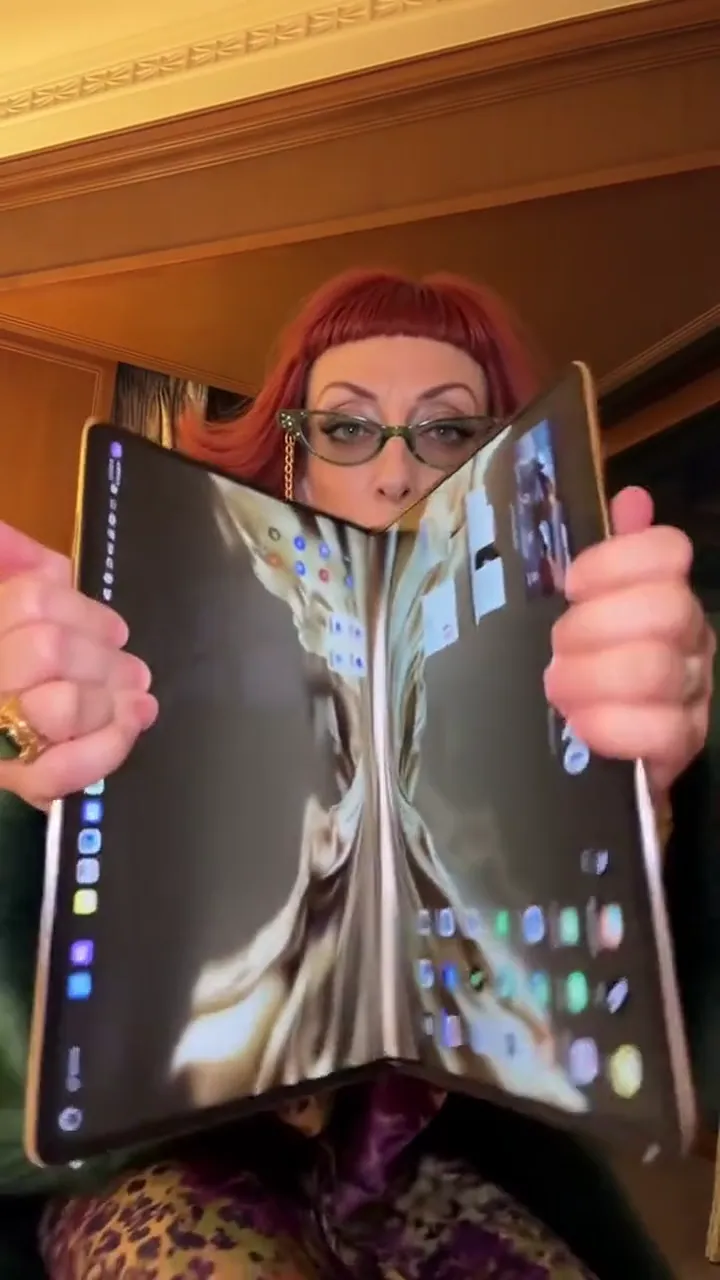 20:02–0:06
The inner display comes out from behind the camera line, which is where the reveal lands.
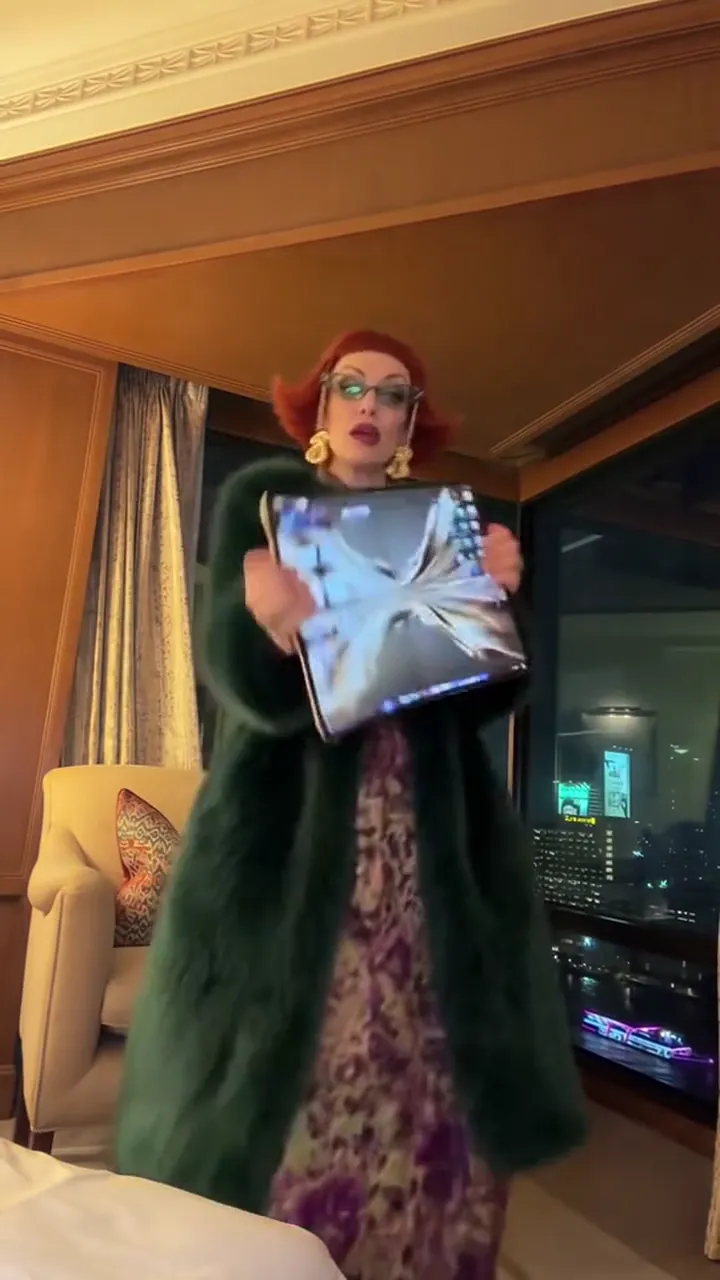 30:06–0:12
The camera steps back and the room arrives: floor, lamps, curtains, and the dance taking over the frame.
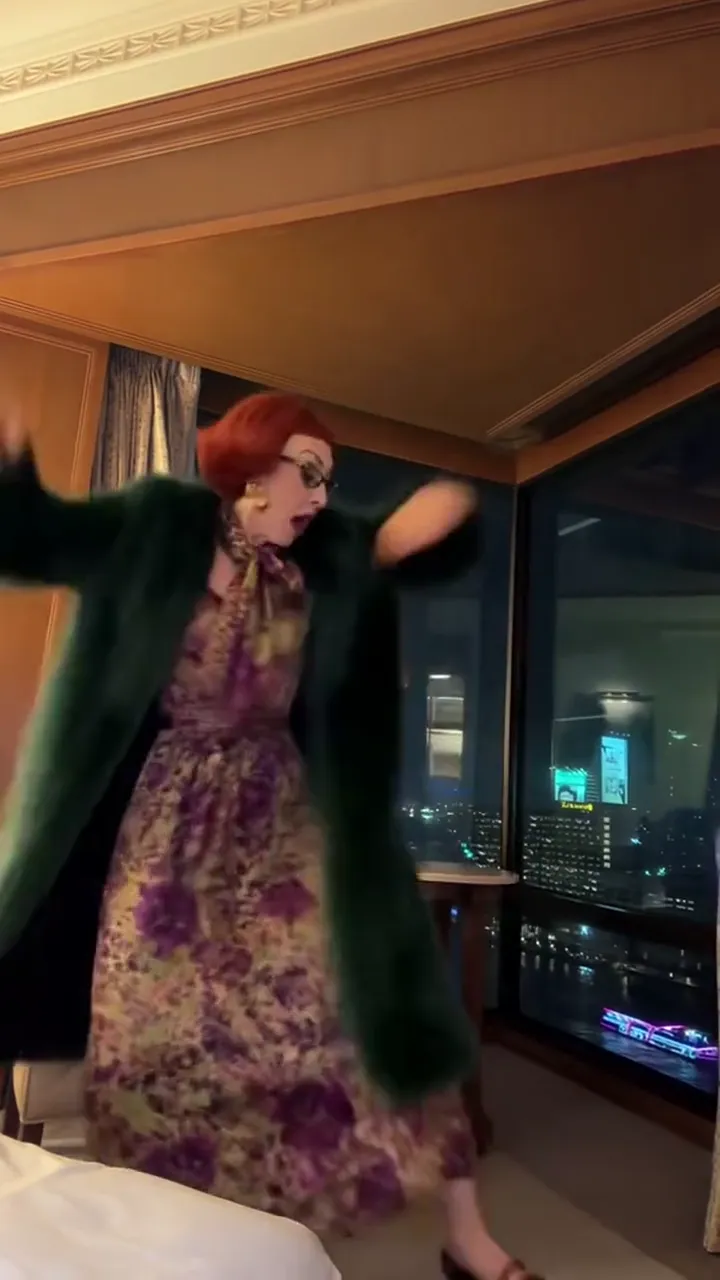 40:12–0:15
The last seconds break the calm: the device is thrown up and caught, which is the beat people screenshot.
The take never cuts: the phone, the room and the toss run in one shot, so the marks below are where each act starts, not scene changes.
The room, the phone and the toss stay; the character in the slot changes.
The straight version: your own face plays the reveal, the dance and the catch.
Caption idea: Phone finally arrived. Handled it with care.
A pet keeps its own species, coat and ears, so a cat dances the human routine in the same room.
Caption idea: He ordered it himself, honestly.
One friend per photo. To put a pair in the same joke, run it twice and cut the two clips together.
Caption idea: Two phones, two dances, one group chat.
One slot, one photo. The room, the phone, the reveal, the toss and the audio travel with the clip.
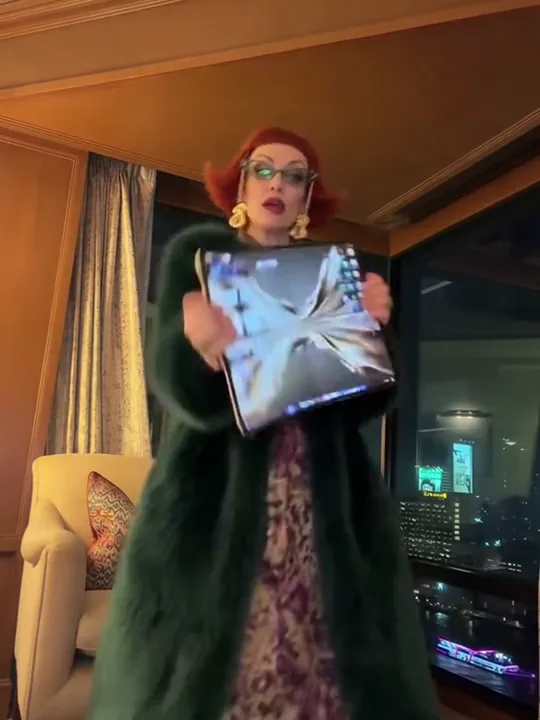
Photo 1Dancer
The person the clip keeps: face, hair, skin tone, build and outfit come from the photo, and that character performs the reveal and the dance.
Do
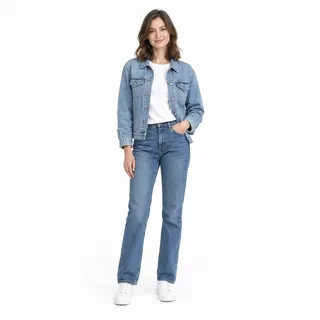 Head to shoes, standing
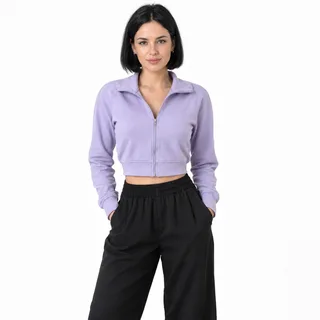 Bright, even daylight, hands out of pockets
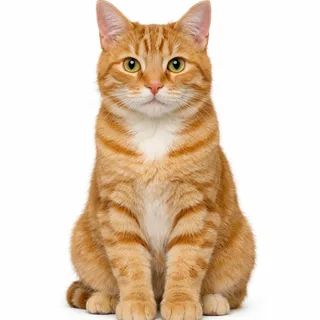 A pet, sitting up or standing
Avoid
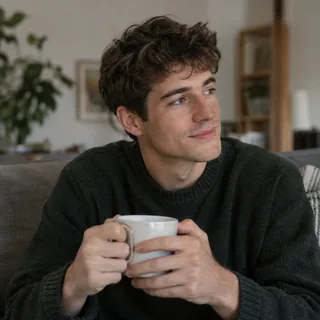 Cut off at the waist or knees
 A phone or a hand over the face
 Two people in the same photo
Add the photo
One photo in the Dancer slot; it becomes the character who shows the phone and dances.
Choose a resolution and generate
Pick 720p or 1080p, then press Generate; the button shows the exact price first.
Download and post
The file arrives with the clip's own audio, so it plays with sound as it downloads; add a track from your platform's sound library if you want it louder.
Every template works the same way: add your photos, press Generate and get a shareable video without writing a prompt.
View all effectsYes. Kubi, Kupi and Koopi are spellings of the same dance, and iPhone duo is another name for it. This page uses Kupi because that is the spelling the clip is shared under.
It comes from the lyric under the dance: kupi is Russian for buy, so the phrase means buy an iPhone, and the clip is a staged version of that line.
Win William is the name tutorials and template pages use to point at this hotel-room routine. This page is not affiliated with him or any account: it is the photo version, where your picture takes the dancing role.
The template keeps the audio of the clip it follows, so the file arrives with the same sound. The track is widely identified with the Bare Minimum lyric the name comes from, but this page makes no claim about a specific release or version.
Yes. A pet photo fills the same slot and keeps its own species, face, coat and ears while the routine plays; a dog stands on four legs instead of dancing upright.
One photo fills one dancer. Two people in the same photo cannot both be cast, so run the template once per friend and cut the two clips together.
A selfie gives the face and nothing else, and the camera pulls back to the room, so a full body photo is what keeps the dance readable. Use a selfie only if the face is all you want carried over.
It should not: face, hair colour and outfit come from the photo, not from the example. If something survives from the sample, the photo was probably too dark or too covered, so retry with a brighter full body shot.
The last beat is the fastest movement in the clip and the camera is far away, so detail is thinner there. A sharp, well-lit photo and the higher resolution are the two things that help; the mid-clip shots stay the most detailed.
No. The template carries the room, the phone, the reveal and the toss. If you want a sentence to describe it elsewhere: a character opens a foldable phone in a hotel room, dances, then throws it in the air.
No. The photo goes in and the clip comes out; there is no project file. The early same-song edits people still find are a different, non-AI format.
No. A mockup tool pastes your photo onto a foldable phone screen. Here the photo becomes the character who holds the phone and dances in the room, so the phone is a prop in the performance.
It is a generated device inside a generated clip, not a product demo or a hardware announcement. Nothing here comes from a phone maker.
On a free account results are public; on a paid plan they are private by default. You can download the file either way.
No, each video costs credits. The price follows the resolution you pick, and the Generate button shows it before you start. New accounts start with 10 credits.
One photo in the Dancer slot: the room, the reveal and the toss come with the clip, sound included.