


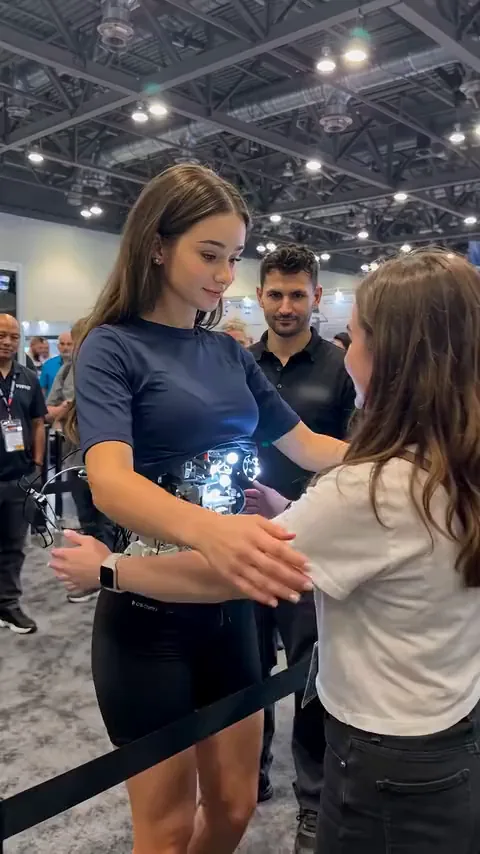
First hug
Stiff arms, then a real hug
A visitor reaches out for a hug while the crowd films. This is the default version, broken down beat by beat above.
Robot Girl AI turns one photo into the tech expo android with the glowing core, in one of her viral firsts: the first hug, the pockets or the first compliment.
PNG / JPG / WebP · up to 10 MB · at least 512px on the short side
0/1 photos
One photo of one adult, face clear: your face and hair go onto the booth android. Her outfit, the glowing core and everyone around her stay as in the template.
Video settings
No prompt needed. Only upload photos of yourself or people who agreed to be featured; celebrity photos and film stills aren't allowed.
The robot girl AI trend is an AI-made TikTok series about a lifelike android at a tech expo booth: a young woman with a human face and hair, and an open silver core glowing blue-white at her waist. Each clip is one of her firsts.
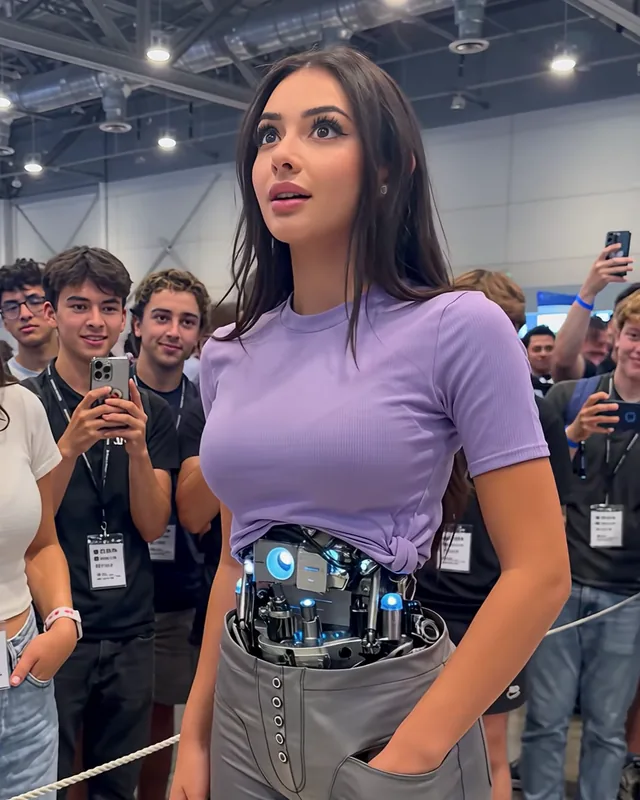
Every post is a new first for her: finding out she has pockets, her first compliment, her first hug. She meets each moment like a machine and leaves it like a person, and that contrast is the joke every time. On TikTok the series also goes by android girl, after its #androidgirl tag. It has nothing to do with robot-girl films or anime, the Android Girl song, or the AI robot-girl expo clips that went around in 2025.
The series starts on TikTok. An early clip has her freezing mid-demo while her battery is swapped.
Someone who cuts the photo line gets sent to the back, and the series has its first clip past one million views.
The pockets clip goes up and reaches 4.13 million views, one of the most-watched in the series.
The first-compliment clip reaches 1.59 million views.
The hug clip goes up and reaches 3.31 million views and more than 12,000 shares within two days.
Dates and view counts: TikTok, read on October 26, 2026.
The caption on her first hug, "her first hug started very robotic and ended very not", is the whole joke: her arms move like a machine, then she melts into a real hug.
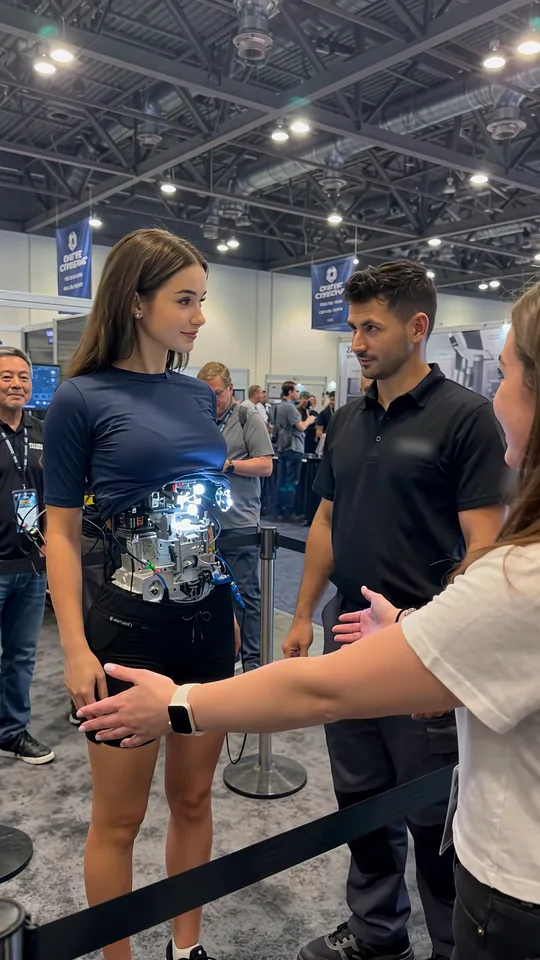 10:00–0:02
The engineer steps back from her open core as a visitor stretches a hand toward her. She stands stiff, arms at her sides, and turns her head to the engineer.
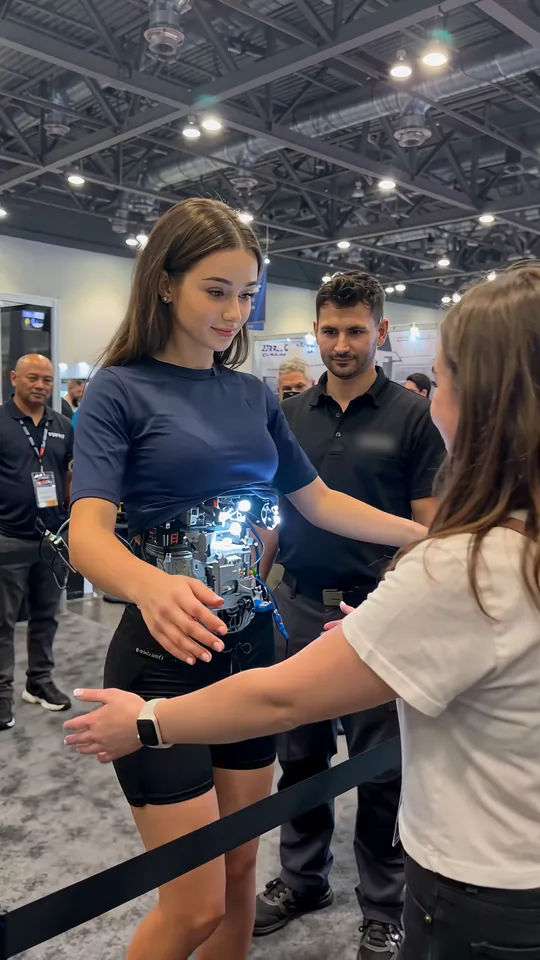 20:02–0:04
Her arms lift off her sides and swing out toward the visitor in one stiff, straight-armed move.
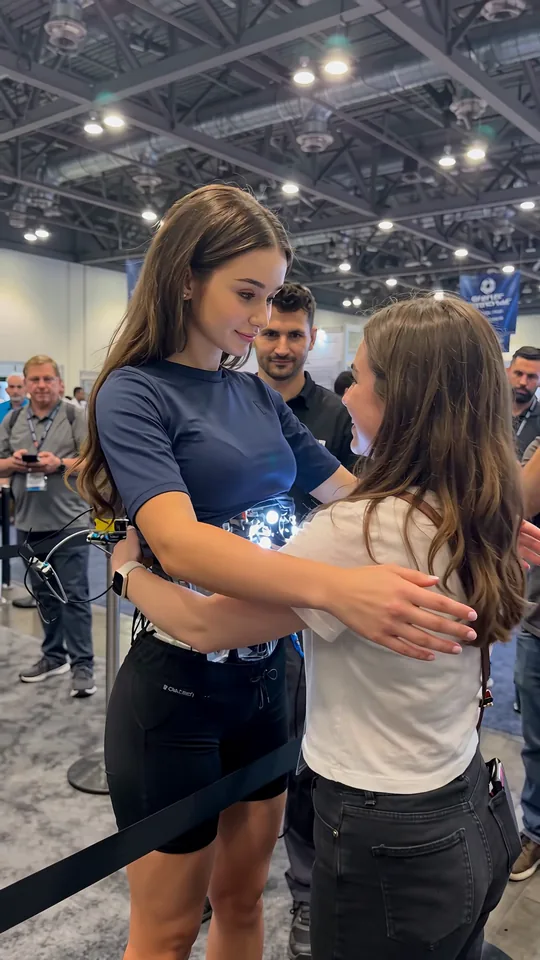 30:04–0:06
Her arms close around the visitor's back with flat hands while she holds her body apart and looks down at her.
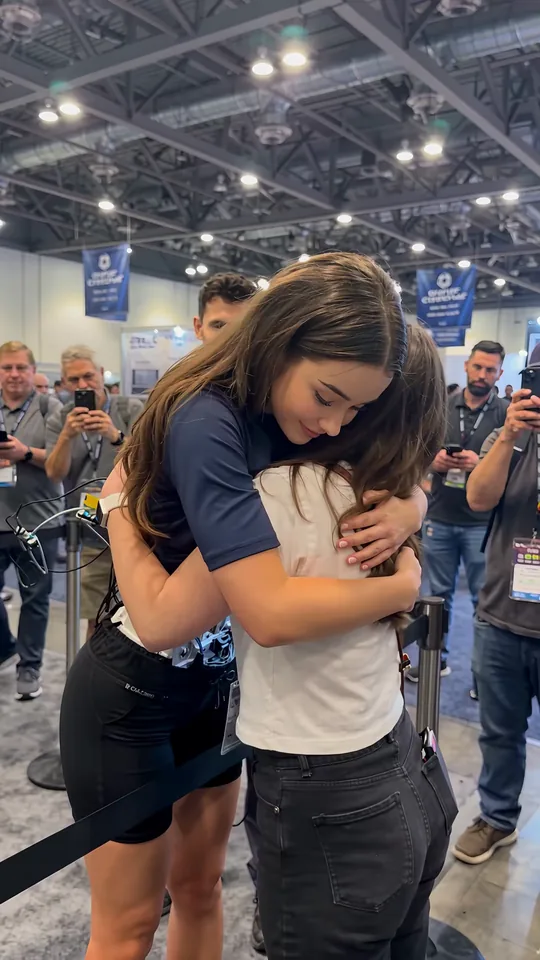 40:06–0:09
She pulls the visitor in, rests her head on her shoulder and closes her eyes with a smile while the crowd holds up phones.
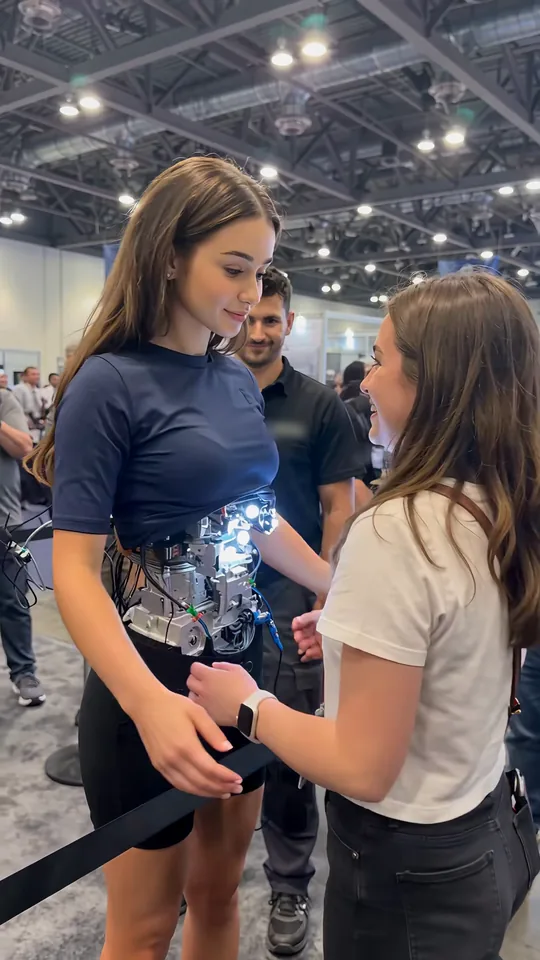 50:09–0:10
She lets go, keeps her hands at the visitor's waist and smiles at her as the visitor grins back.
Three of her best-known firsts are built in as versions. Pick one above the photo slot before you generate.
A visitor reaches out for a hug while the crowd films. This is the default version, broken down beat by beat above.
She slides her hands into her grey shorts, looks down, then up in amazement while the visitor beside her laughs.
After a compliment from a visitor she touches her hair, her core glows pink and she hides a shy laugh behind her hand.
No. She is an AI-generated character, and so is everything around her.
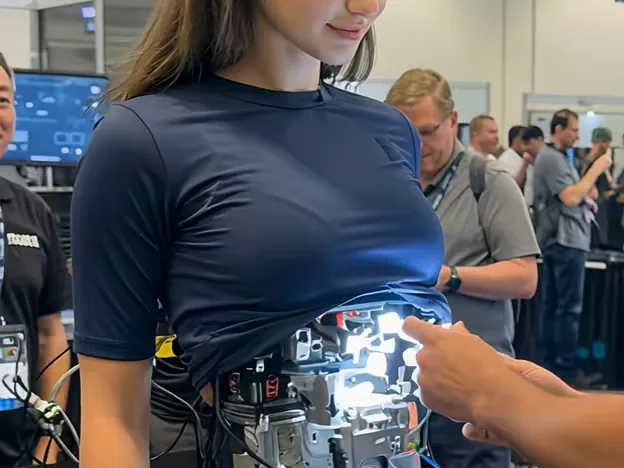
The series is made with AI video tools, and TikTok shows an AI-generated label on the posts. The android, the engineer working on her core, the visitor, the crowd and the expo hall are all generated: none of them is a real person or a real place, and there is no robot like her to buy.
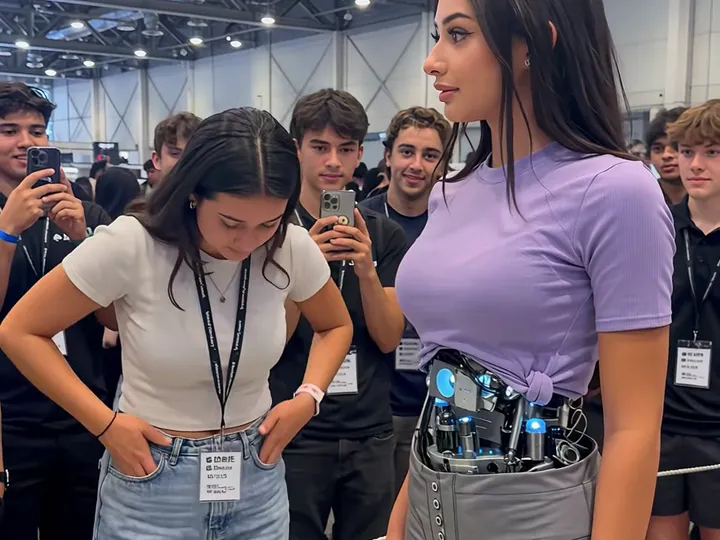
It is staged like a phone video from a trade show floor: one handheld take at eye level, a rope barrier, lanyards, cables trailing from her back and a crowd filming on their phones.
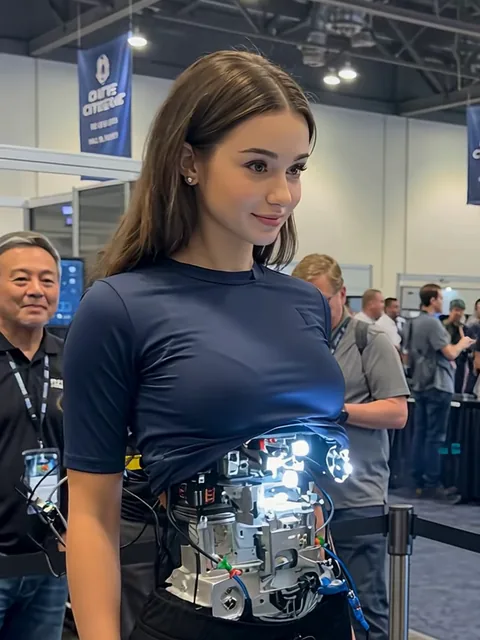
Your photoAndroid
Your photo becomes the booth android in the first you pick: her face, hair, skin tone, age and gender come from you. She keeps that version's outfit and open core, and the visitor and the crowd stay as they are.
Works well
 One adult, facing the camera, eyes open
 Unfiltered, in even light
Avoid
 Sunglasses, a cap or a hand over the face
 Two or more people in one photo
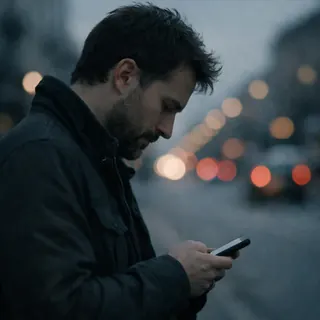 Side profile or looking down
Add your photo
Pick a first, then upload one photo to the Android slot at the top of the page.
Pick a resolution and generate
The Generate button shows the exact credits for your resolution before you start.
Post it with the AI label on
Download the MP4 and post it with the app's AI-generated label switched on.
Every template works the same way: add your photos, press Generate and get a shareable video without writing a prompt.
View all effectsA single TikTok creator, who has been posting the series since July 2026. Oeneo AI is not connected to that creator, and this template is not official.
No. There is no android like her on sale; she exists only in the videos. What you can make here is a video of yourself in her place.
No, each video costs credits. The price depends on the resolution you pick, and the Generate button shows the exact amount before you start. New accounts get 10 credits at sign-up.
Yes. Gender follows your photo, so a man's photo gives you a male android.
No. Each video takes a single photo, so you can't play the visitor or bring a friend into the hug.
Two spots are hardest for the swap: the open core, which can get painted over as if it were fabric, and her face when it is half hidden, eyes closed on the visitor's shoulder in the hug or behind her hand in the compliment. Start from the clearest photo that passes the checklist above, and generate again if it happens.
Yes. The finished video keeps the template's own sound.
No. A filter changes your camera view live; Robot Girl AI makes a finished video of one of her firsts from one photo, ready to download.
Upload one photo, pick the hug, the pockets or the compliment, and download your own robot girl video.