


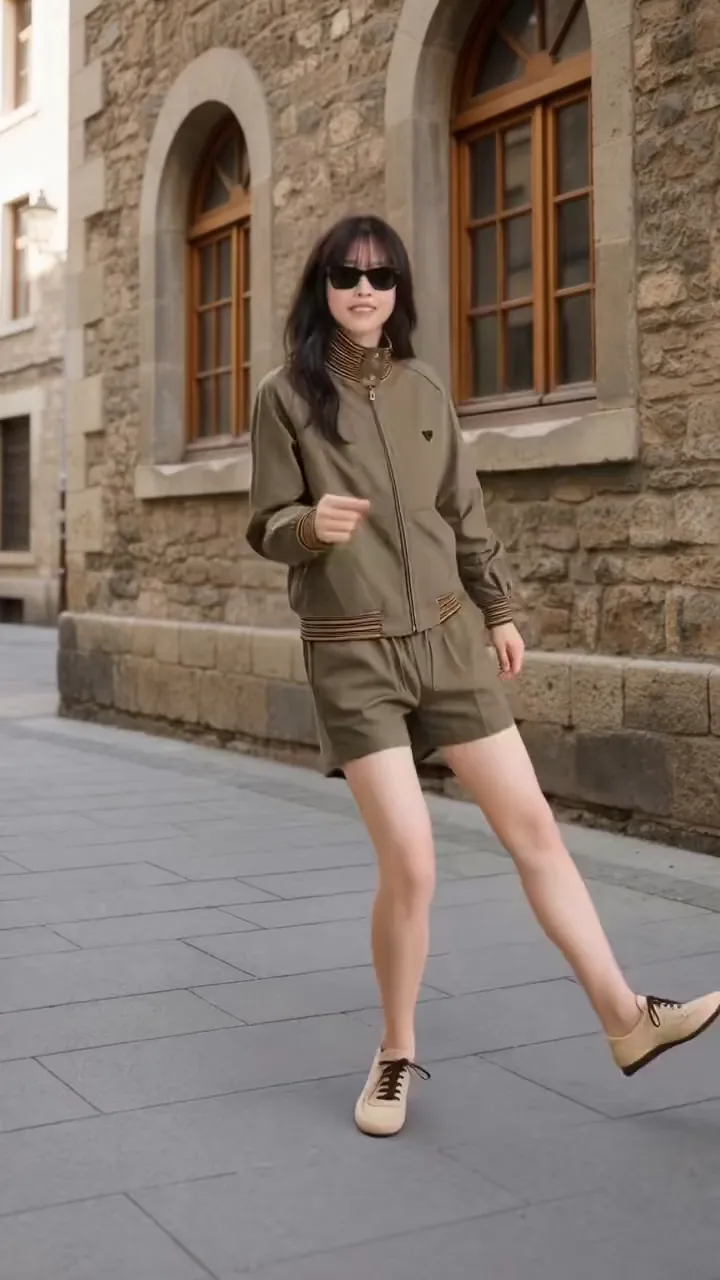
 Full body
K-pop
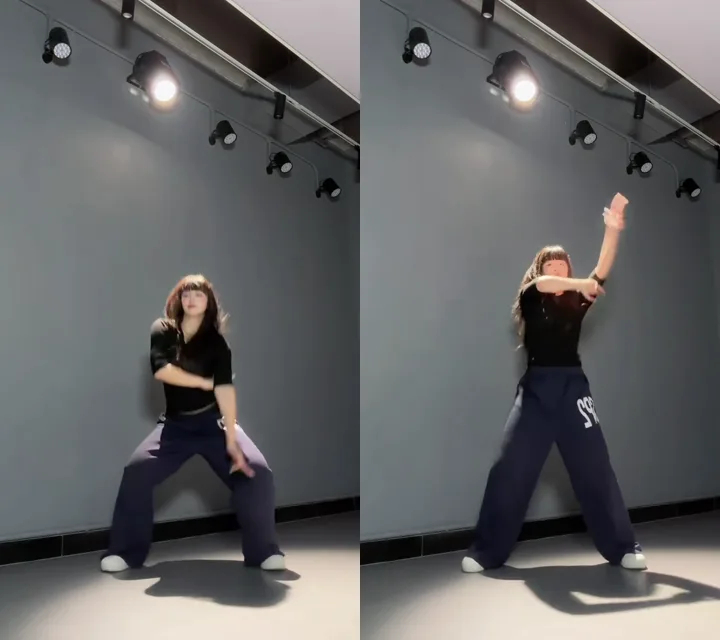
A 9-second idol-style routine: sharp arm hits from a low, wide stance, a point to the sky, hip sways and a hair flip to finish.
Use this danceMake an AI dance video from one photo: pick K-pop, hip-hop, Bollywood or another style, and the person in it dances a real dancer's routine in their own room.
PNG / JPG / WebP · up to 10 MB · at least 512px on the short side
0/1 photos
One person, head to toe, facing the camera with arms clear of the body; fitted clothes keep the moves clean. A cat or dog photo dances too.
Video settings
No prompt needed. Only upload photos of yourself or people who agreed to be featured; celebrity photos and film stills aren't allowed.
Two photos, one partner dance
Try itYou and your friends, in sync
Try itBaby's first dance moves
Try itYour cat or dog, dancing
Try itThe TikTok hip sway, from one photo
Try itPhoto dance AI turns one still photo into a dancing video: a real dancer's clip supplies the moves and the beat, and the person in your photo performs them with their own face, outfit and room.
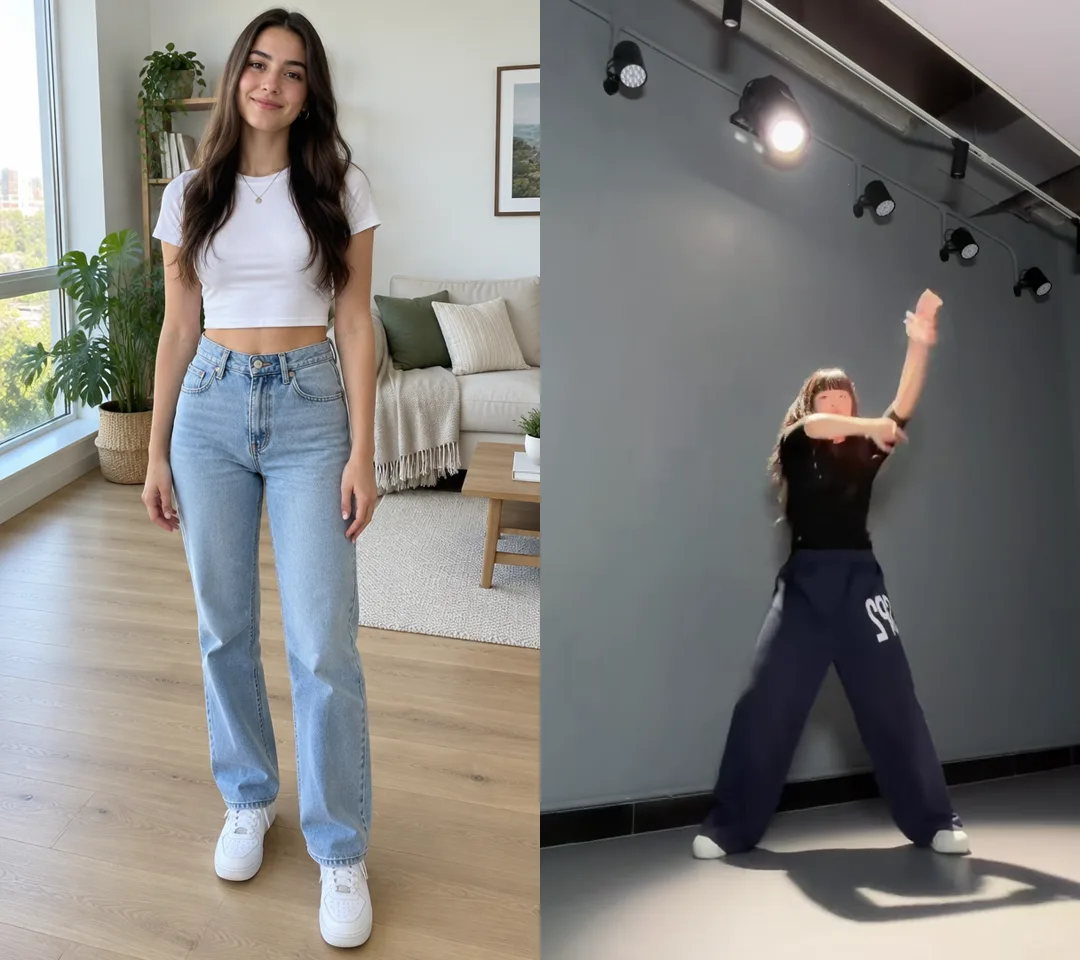
On this page you only choose the dance. Each style is a short clip of a real dancer, and Kling 3.0 Motion Control copies that body movement onto your photo frame by frame; you don't film anything yourself.
The clip also decides the length and the camera: one steady take, framed the way its dancer was filmed, so the steps read clearly on a phone.
That is different from a dance filter, which plays one canned wiggle on any picture, and from text-to-video, which invents a new dancer from a prompt. Here the moves are a routine someone really danced, and the dancer is the person you uploaded.
Each style is one real dancer's clip of 9–10 seconds, and your photo takes only the moves from it. Every style except Hand dance moves the whole body and needs a head-to-toe photo; Hand dance runs from the waist up.
Full bodyA 9-second idol-style routine: sharp arm hits from a low, wide stance, a point to the sky, hip sways and a hair flip to finish.
Use this dance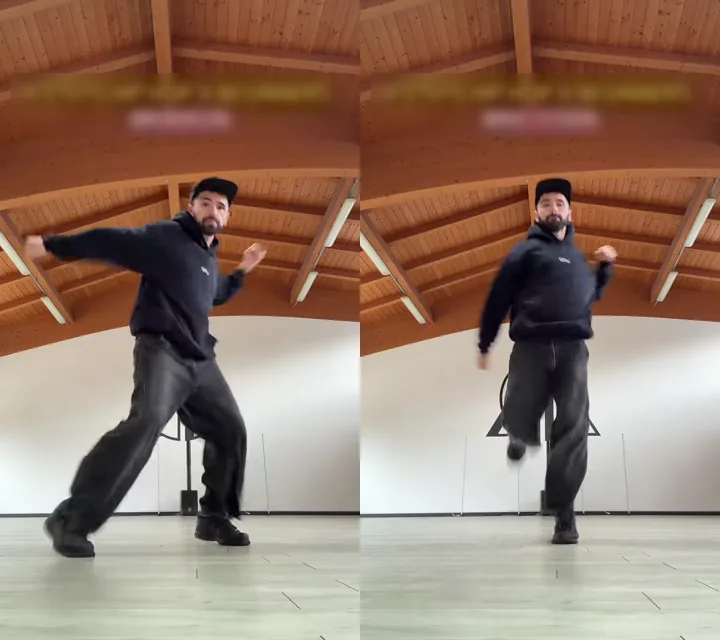 Full body
10 seconds of street basics: big arm swings into wide steps, a bouncy boxer's bob with knee lifts, then quick footwork on the spot.
Use this dance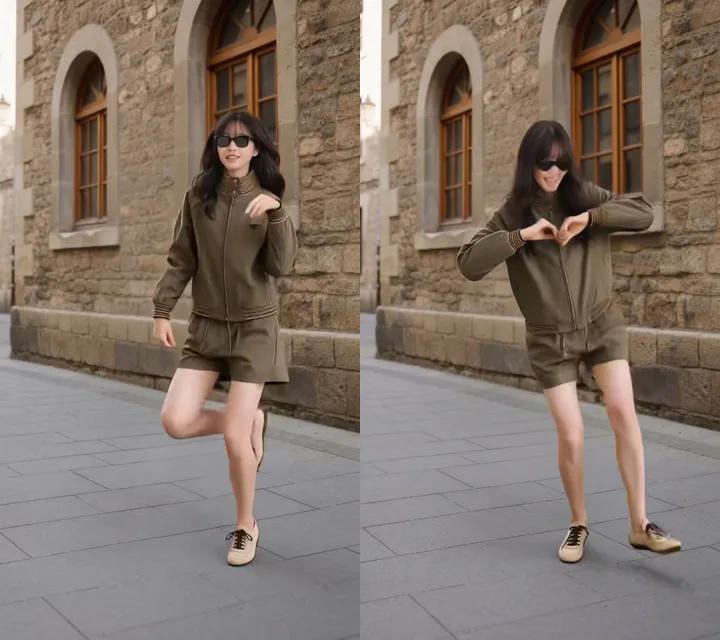 Full body
10 seconds of light footwork: kicks and knee lifts, heel taps from side to side and a heart-hands pause in the middle.
Use this dance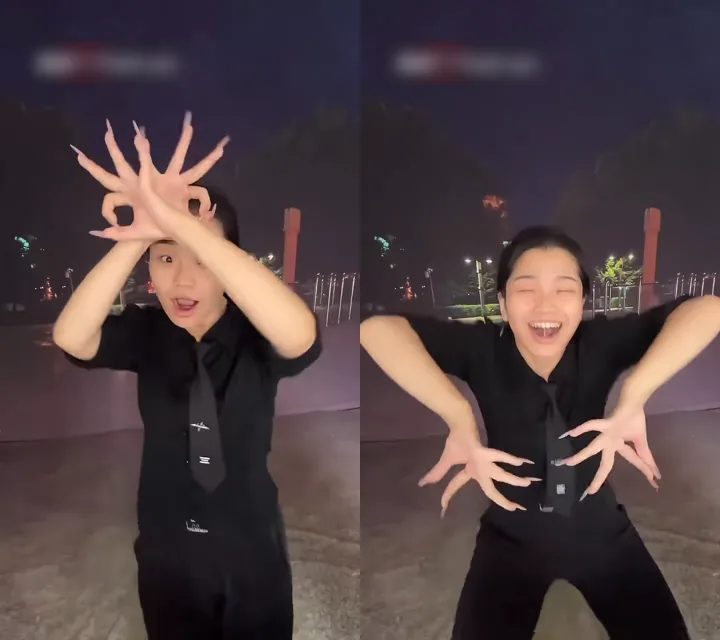 Waist up
9 seconds from the waist up: fingers curled into goggles over the eyes, hands framing the face, fingers fanned wide, then the forearms crossing into an X.
Use this dance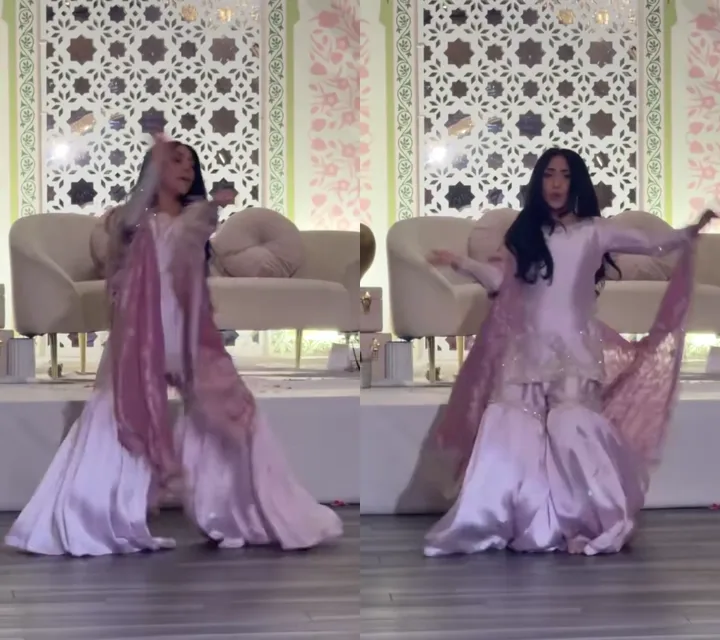 Full body
10 seconds of graceful turns: wrists circling overhead, a swirl of the long skirt and scarf, and open arms on the beat.
Use this dance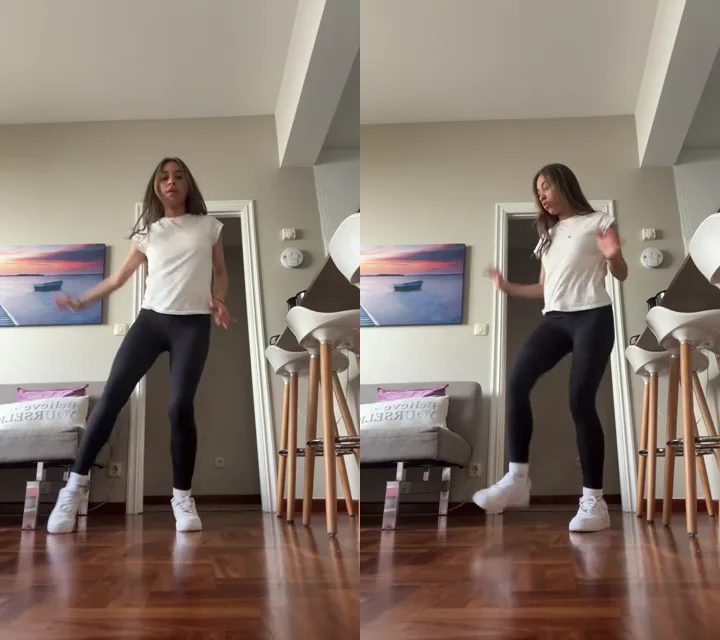 Full body
10 seconds of salsa basics on the spot: forward and back steps, small kicks, soft hips and light arm styling.
Use this dance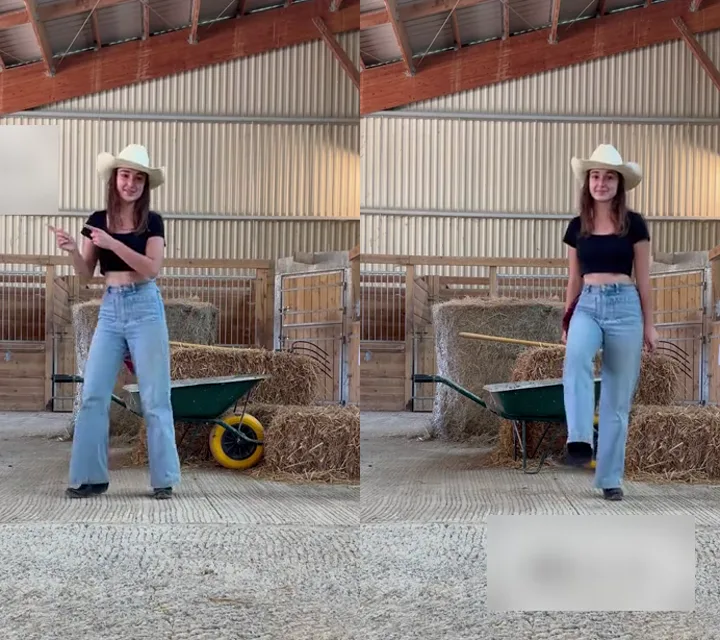 Full body
10 seconds of a classic line dance: four side steps to the right, four to the left, then heel taps, facing front the whole time.
Use this dance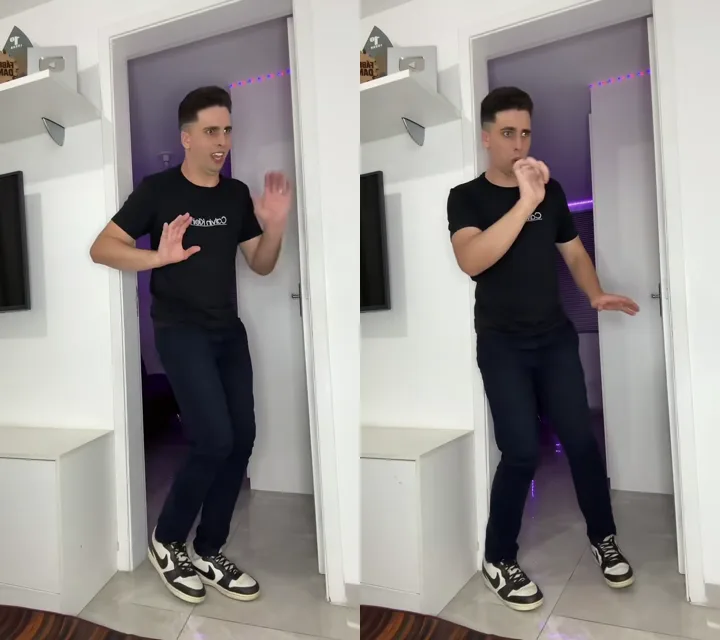 Full body
10 seconds of robot popping: stiff arm angles, hands snapping into place, small chest pops and clean freezes.
Use this danceOne photo, one style, one click. Swap the style and the same photo dances a different routine.
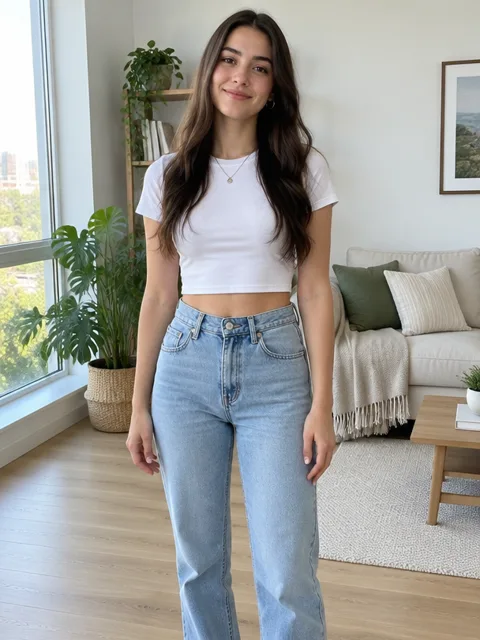
Photo 1Your photo
The dancer: the one person in your photo performs the routine you pick.
Works well
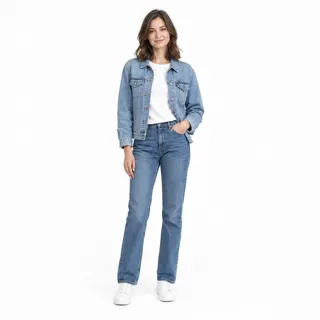 Standing, head to toe, facing the camera
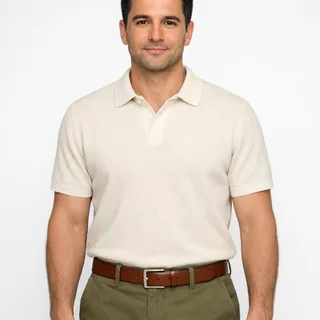 Waist up is fine for Hand dance
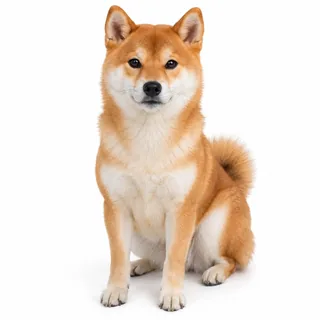 A cat or dog, whole body, facing you
Avoid
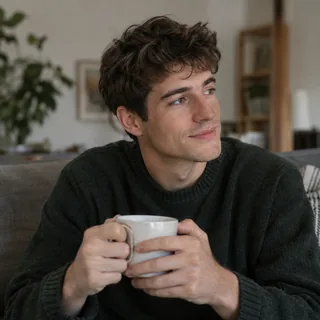 Sitting down: the legs have nothing to copy
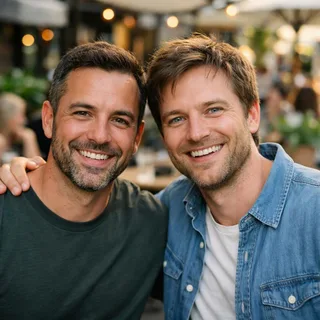 Two people: only one of them dances
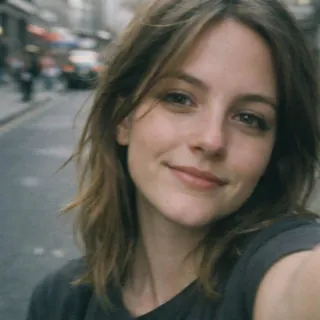 A face-only selfie
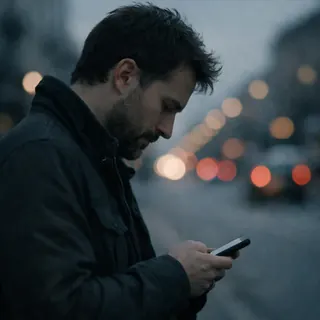 Side profile
Upload your photo and pick a style
Choose the style above the Generate button; its example clip shows the moves your photo will get.
Click Generate
The button shows the exact price for the style and resolution before anything runs.
Post it
Download the vertical MP4 and post it wherever you share short videos.
Four common problems with photo dance videos, and what to change in the photo or the style.
Four ideas to start from, each with a style that suits the photo and a caption to post with it.
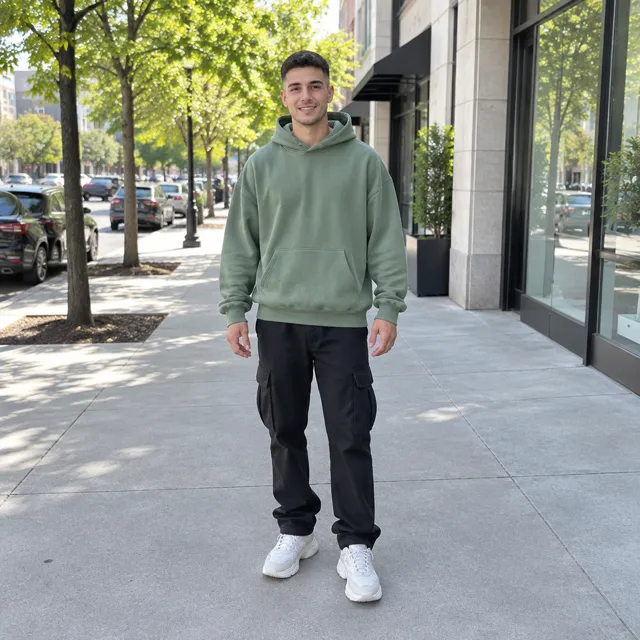
Caption: fit check, but it dances
A head-to-toe outfit photo keeps the whole look on screen while the groove swings the hoodie and cargos.
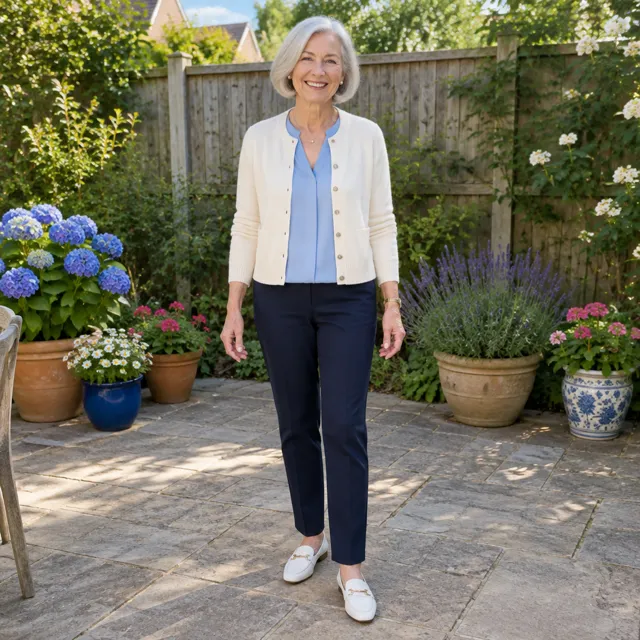
Caption: Grandma picked up the line dance faster than me
Side steps and heel taps are calm, upright moves that look natural on an older relative. Ask before you post.
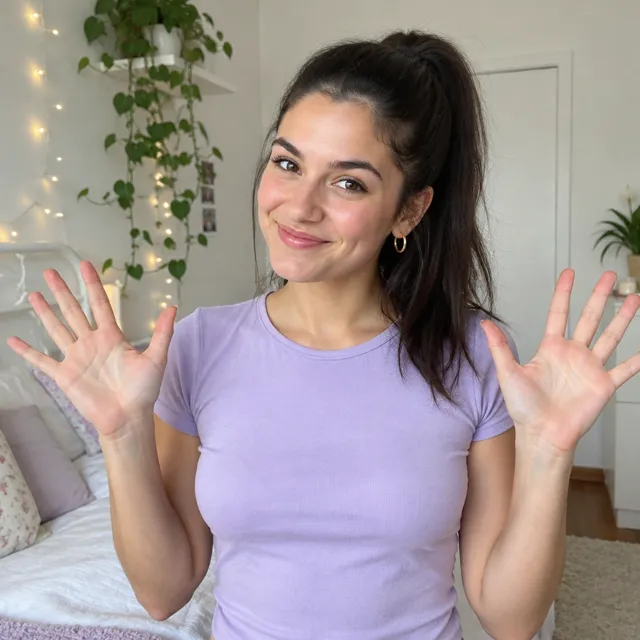
Caption: no full-body pic, so hands only
From finger goggles to the crossed-arm X at the end, every move happens above the waist.
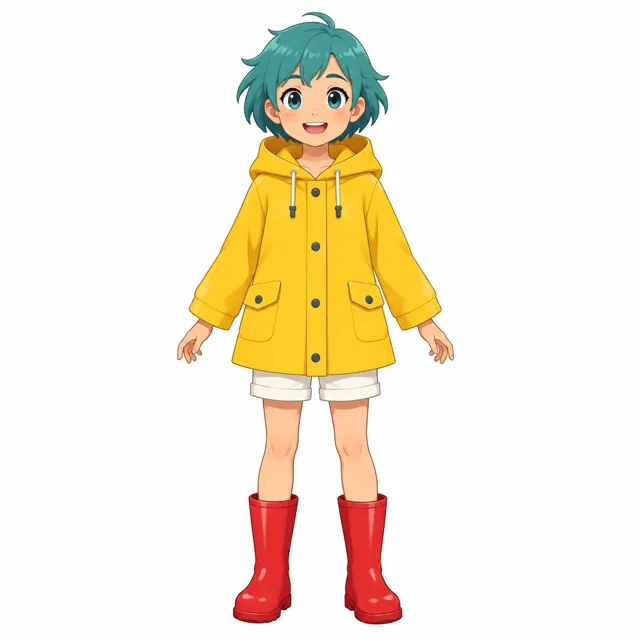
Caption: my OC learned to pop
A full-body drawing of your own character can dance too; a clear front view with the arms apart works best.
This page needs no prompt: pick a style and generate. If you run the same idea in a reference-to-video tool such as Kling or Seedance, the text decides which file brings the moves (@Video1, the dance clip) and which brings the person (@Image1, your photo). These three prompts are written for this page's clips.
Reference clip
Prompt length 862
Use @Video1 as the motion reference and @Image1 as the character. The person in @Image1 performs the K-pop routine from @Video1 in the place @Image1 was taken: keep their face, hairstyle, body shape, outfit, shoes and background, and keep that light.
Copy the moves in @Video1's order and on its beats: sharp arm hits from a low, wide stance; one arm reaching up to point at the sky; hip sways with both arms held out to the sides; a hair flip to finish.
Take only the moves, the timing and the camera from @Video1, never its dancer, her black top, her wide navy trousers or the grey studio: keep the locked camera framing the whole body from head to feet, in one continuous take, and keep @Video1's original sound. The face stays sharp and front-facing, each hand keeps five fingers, both feet stay on the floor between steps. One person only, no text or logos.Say which file does what
Open with @Video1 as the motion reference and @Image1 as the character, before any description.
Walk through the routine beat by beat
A short, ordered list of the clip's moves holds the timing better than "dance like the video".
List the photo's face, outfit and room
Spell them out, or the clip's dancer, her baggy trousers or the studio can leak into the result.
Don't ask for a new outfit or stage
A motion reference copies movement; asking for a costume change makes the face and body drift.
Don't cut the clip short
A length shorter than the clip drops its last move, usually the finish.
Don't use a group photo
With two people in @Image1 the tool picks one of them, and you can't choose which.
Leaves it to chance
Make the person in my photo dance like this video.
Works
Use @Video1 as the motion reference and @Image1 as the character: the person in @Image1 performs @Video1's K-pop routine in their own room and clothes, framed head to feet, with @Video1's moves, timing, locked camera and original sound, and nothing from @Video1's dancer or studio.
The short version leaves the tool to guess who dances, where, and what stays; the fixed one answers all three in one sentence.
No. It runs on credits, and new accounts get 10 credits when they sign up. The price depends on the dance's length and the resolution, and the Generate button shows the exact amount before anything runs.
You don't need an app: Make Photo Dance runs in the browser on a phone or a computer, and the finished video downloads as a vertical MP4.
No. One still photo is enough: the moves come from the dancer's clip for the style you pick, and the photo only supplies who dances.
Make the video here, then take it there: download the vertical MP4 and upload it to TikTok, or drop it into a CapCut project to add text and stickers. Unlike the in-app dance templates, every style here is a full routine from a real dancer.
Yes. The video keeps the sound of the dance clip you picked. To use a different song, swap the sound in TikTok, Instagram or CapCut when you post.
Yes. Motion Control copies only the movement, so the face, hair, clothes and background in the video come from your photo. Nothing is added: no new outfit, props or stage.
Not on this page, which uses its own dance clips. To copy the moves from a clip you filmed or saved, use the Motion Control tool: it takes your photo plus a dance video you upload.
Only one of them dances: this page animates one person per video. For two dancers or a whole group, the Dance AI page lists templates made for them.
Only you. Videos made on this page are always private and never go to the public gallery, on any plan. Use photos of yourself or of people who said yes.
One photo in, a vertical dance video out, moved by a real dancer's routine.