


 9 s
Cool groove
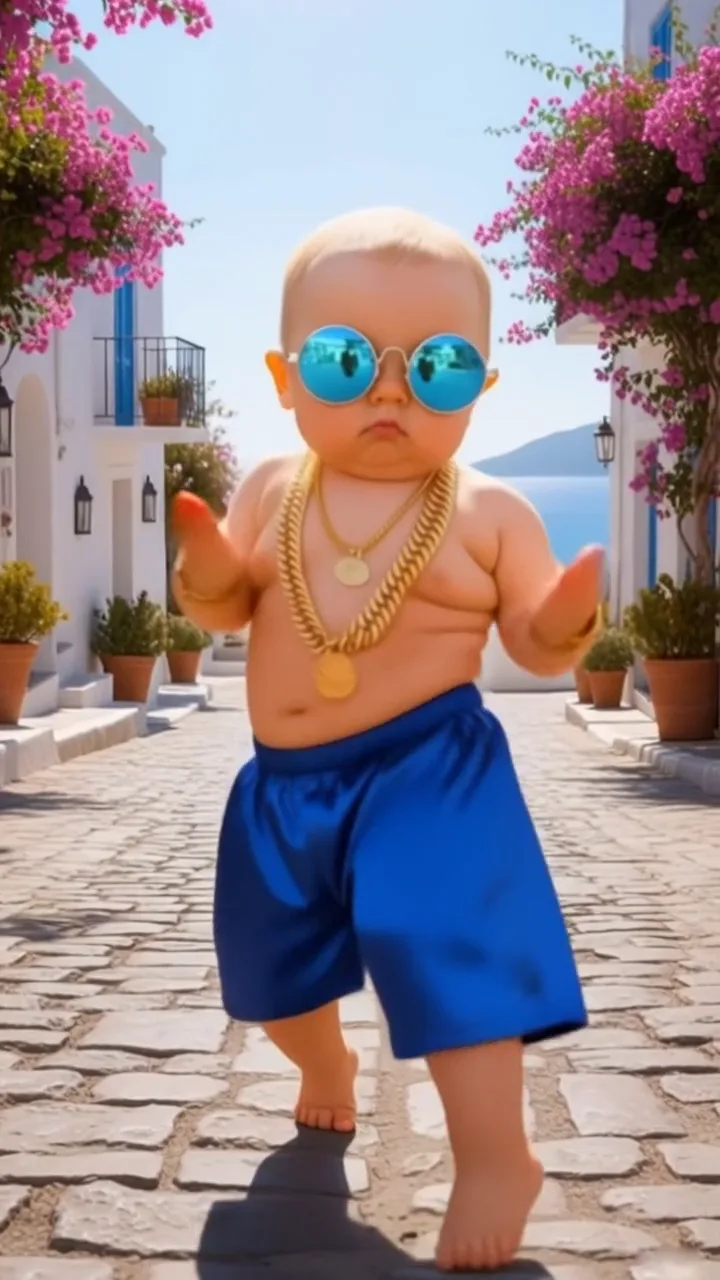
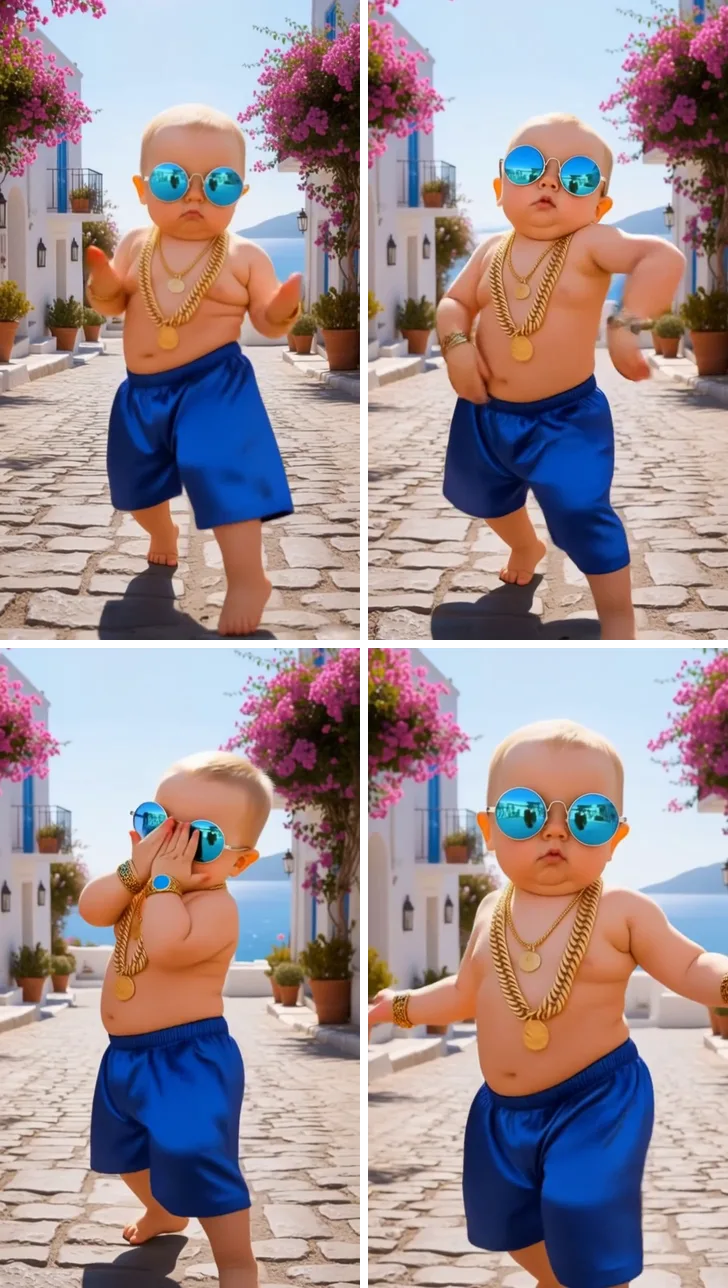
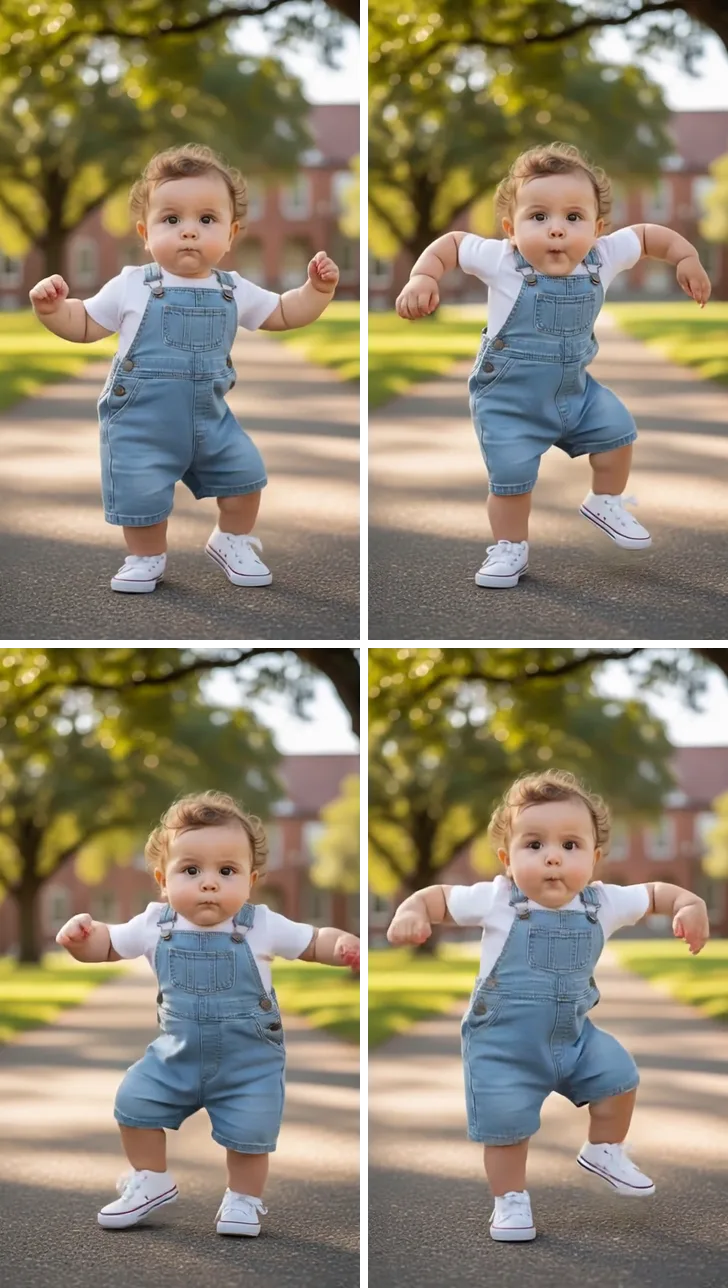
Arms swing out wide, the knees bounce, a hand comes up beside the face in a cool little pose, and the baby strolls toward the camera.
Upload one full-body photo of your baby or toddler, pick a dance, and get a cute AI baby dance video: a cool groove, K-pop heart hands, a happy stomp or a disco point.
PNG / JPG / WebP · up to 10 MB · at least 512px on the short side
0/1 photos
One baby or toddler, standing or held up by the hands, head to toes and facing the camera.
Video settings
Upload only photos of your own child, or of a child you're the legal guardian of.
Your cat or dog, dancing
Try itThe TikTok hip sway, from one photo
Try itYour baby dances the clip, sound and all.
Try itTwo photos, the Can I Ride duo dance.
Try itDance the ADDICTED hallway duet next to Jisoo, next to Rosé or with a friend.
Try itAn AI baby dance video turns one photo of a baby or toddler into a short clip of that child dancing: a motion model follows a dance clip step by step and moves the child in your photo the same way.
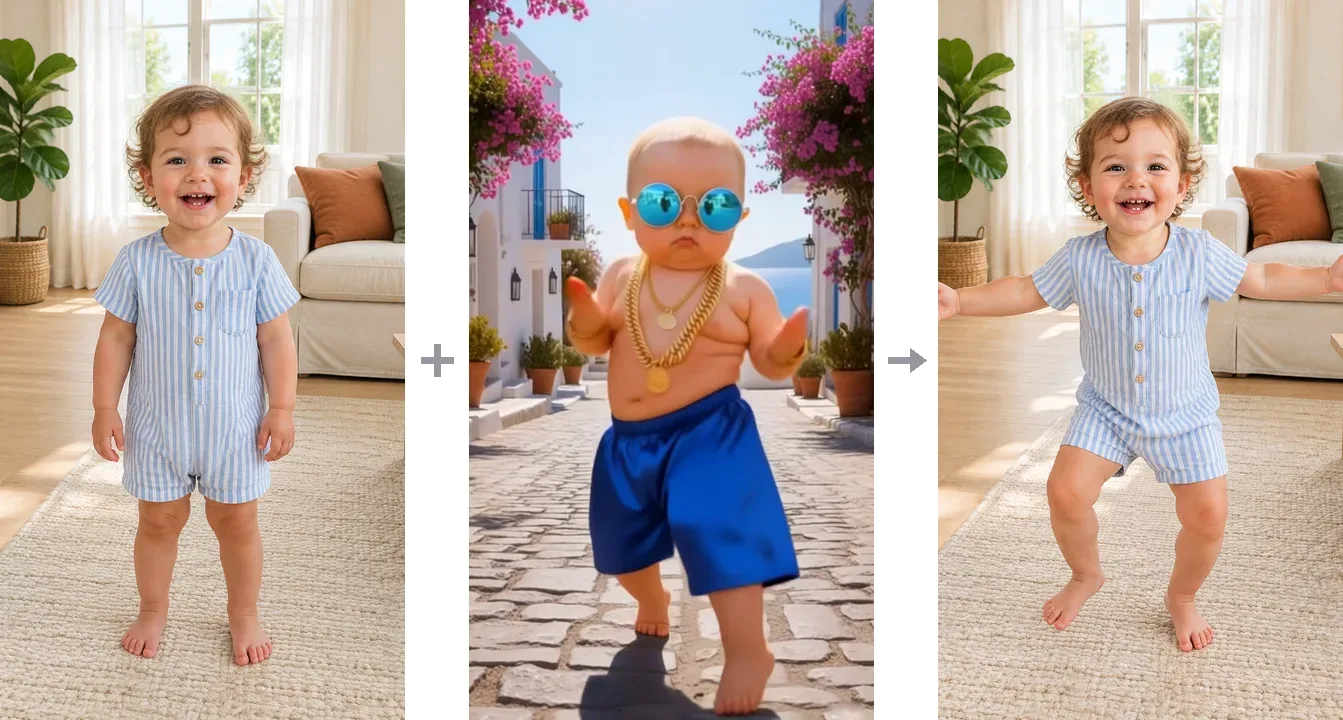
The format took off in January 2026, when Kling showed a Cute Baby Cool Dance template made with its Motion Control model; Kling's own TikTok post of it from January 6 passed 1.3 million plays. It has stayed a TikTok and Reels favorite since, while the songs behind it keep changing.
Nothing from the dancer in the clip comes along. The sunglasses, gold chains and sunny street in our dance clips stay in the clips; your child dances in their own clothes, in the room where you took the photo.
Play count read on TikTok on November 7, 2026 (@klingai_official, post of January 6, 2026).
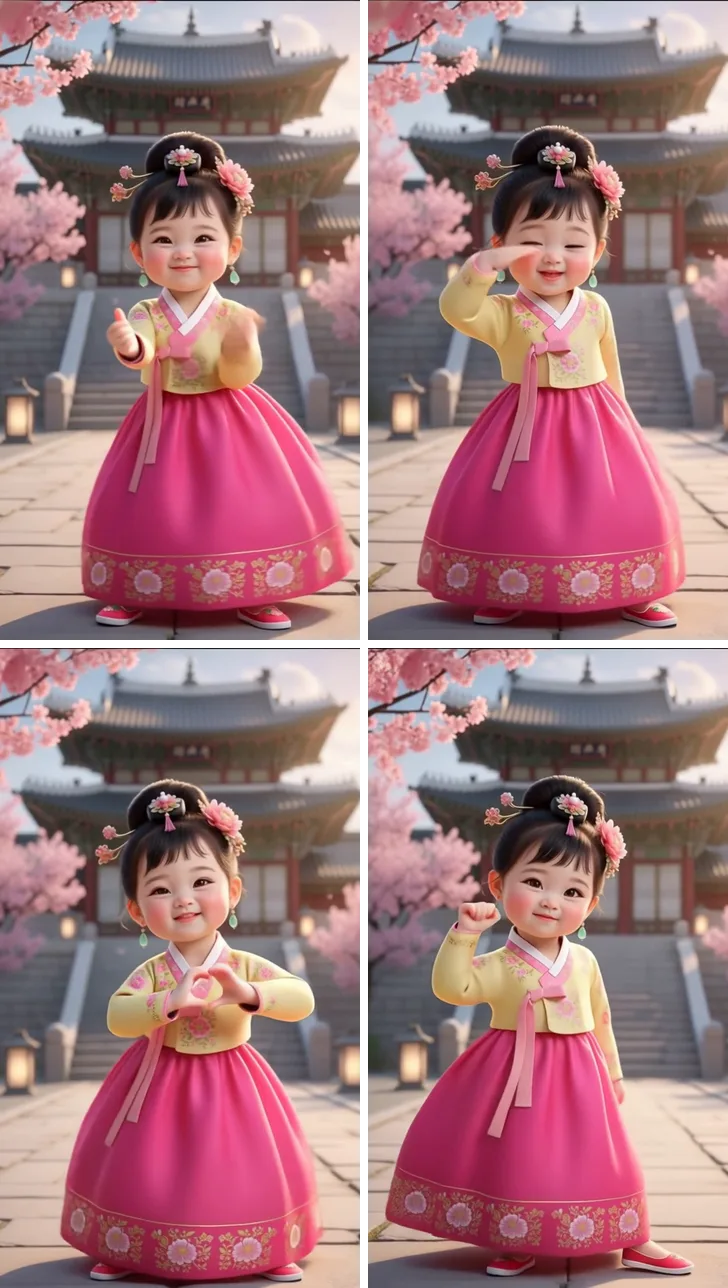
Each dance is one clip your baby copies step for step, and the video runs as long as the clip. Four frames from each:
9 sArms swing out wide, the knees bounce, a hand comes up beside the face in a cool little pose, and the baby strolls toward the camera.
 15 s
Small sways from side to side, a reach toward the camera, a hand by the eye, then heart hands at the chest and a tiny fist pump to finish.
 7 s
Feet planted wide and elbows out, the baby stomps left, right, left, bouncing at the knees on every step.
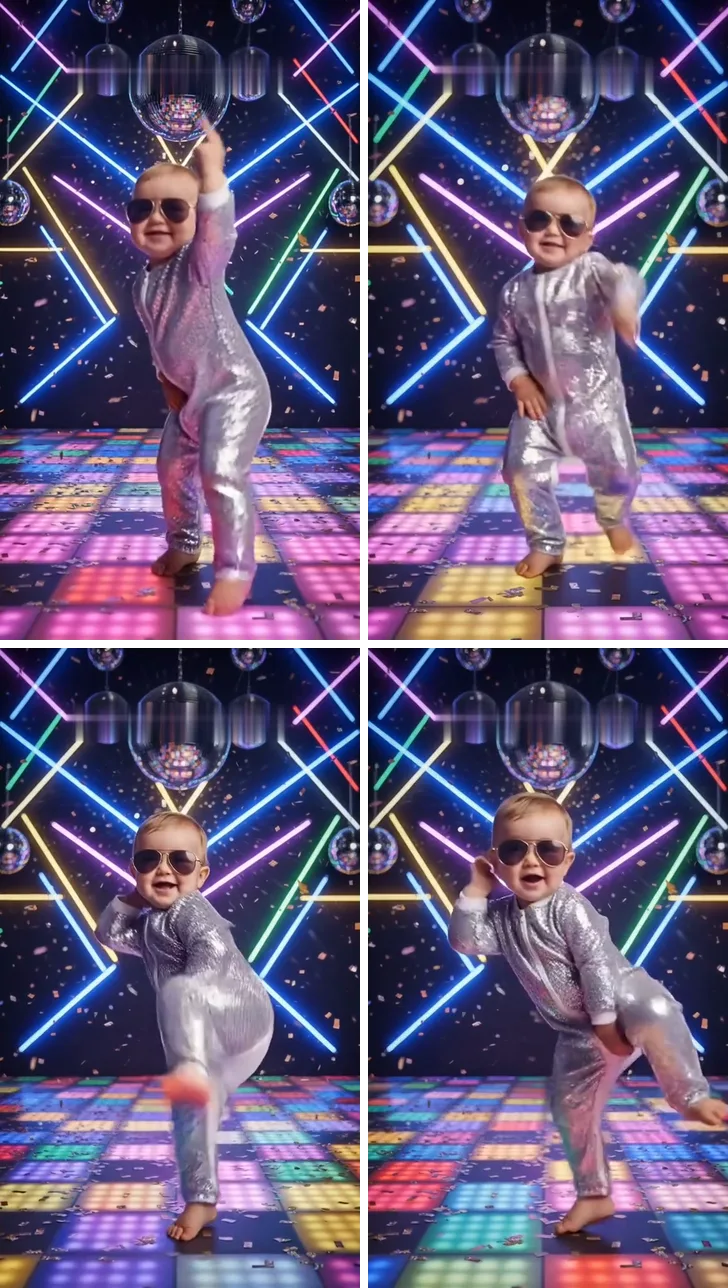 6 s
One finger shoots up to the ceiling, the knees shimmy, a little kick, then a lean to the side.
The model can only move the arms and legs it sees, so it needs the whole child upright, from head to toes. Whatever your plan, the video stays private: it is saved to your own account and never shown in the public gallery. Please use photos of your own child only.
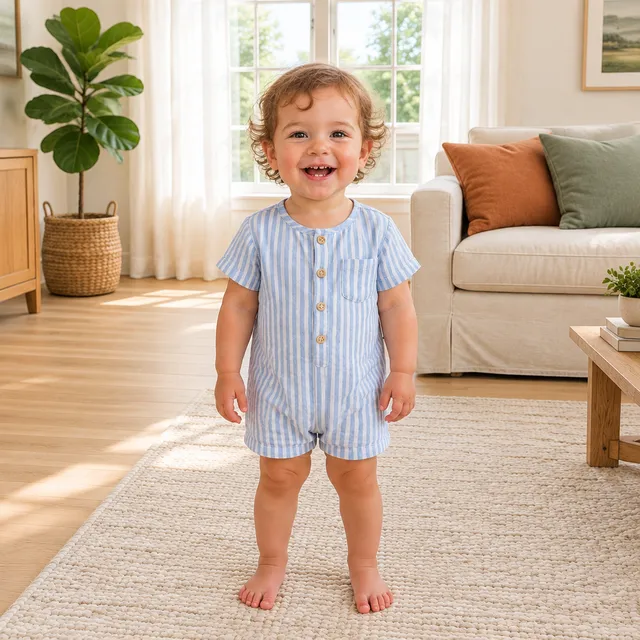
Feet on the floor, arms free and face toward the camera, with a little room above the head and below the toes.
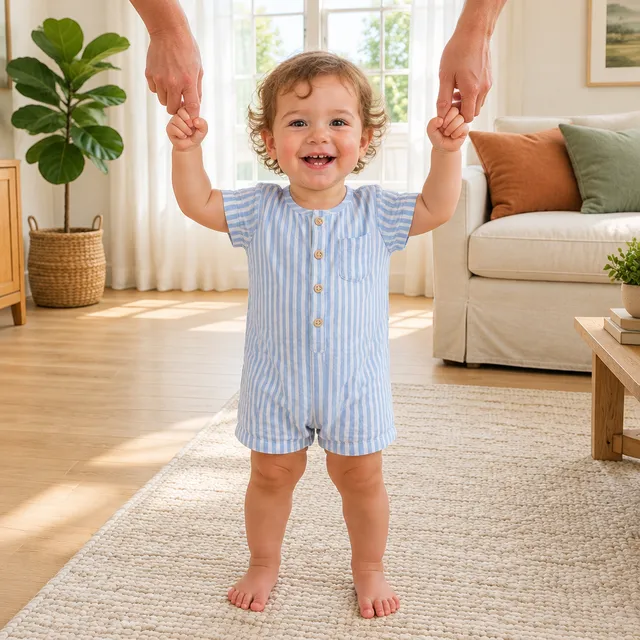
Good for babies who aren't walking yet. Keep the grown-up to hands and forearms at the edge of the frame, so the child is the only body to move.
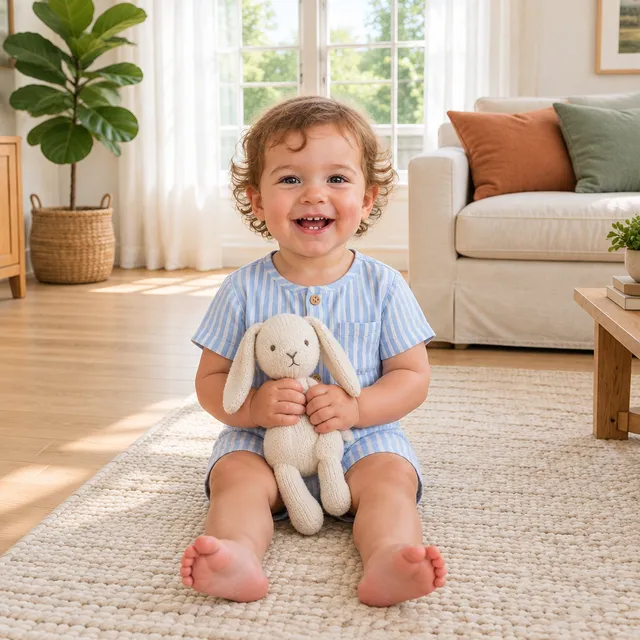
The dances need legs to stand on, so a seated or lying baby can't follow the steps. Take a standing photo instead.
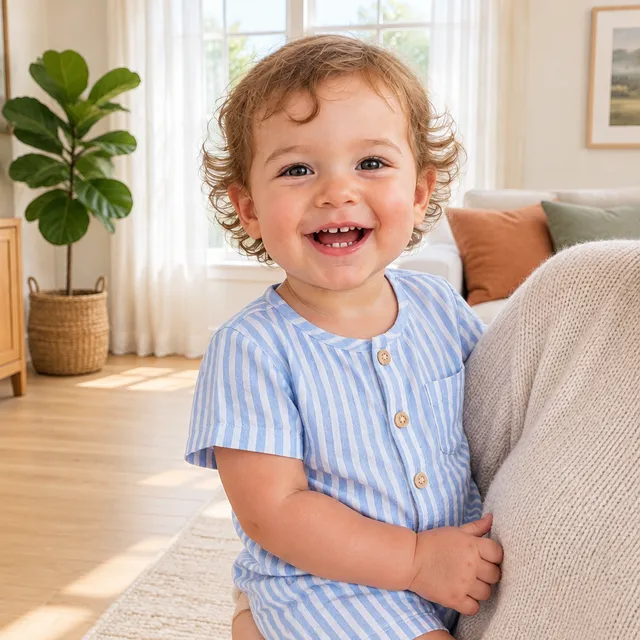
With the legs hidden or out of the frame, the model has to guess them. Step back until the whole child is in the picture.
One photo and one click: no prompt to write and no editing app to open.
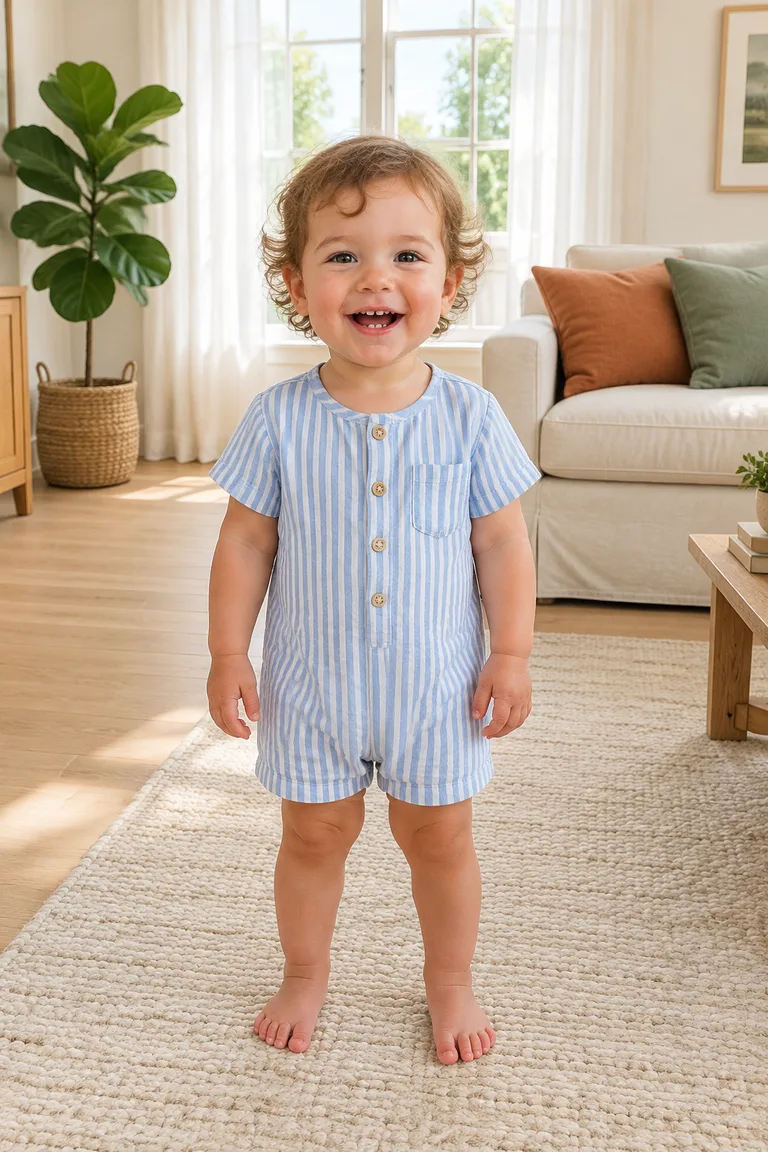
Photo 1Baby
Gives the face, the hair, the outfit and the room. The dance you pick gives the moves, the framing, the length and the music.
Upload the photo
Add one standing photo of your baby or toddler from your phone or computer.
Click Generate
Pick a dance and a resolution; the button shows the exact credit price before anything runs.
Download and share
Save the MP4 from My Creations and post it as it is: the dance's music is already in the video.
This page needs no prompt. To make the same dance in Kling or another reference-to-video tool, attach the dance clip as @Video1 and your baby's photo as @Image1; the prompt is what tells the tool which file gives the moves and which gives the child.
Reference clip
Prompt length 808
Use @Video1 only as the motion reference and @Image1 as the only person. Animate the child from @Image1 doing the dance from @Video1 from start to finish: swing both arms out wide, bounce at the knees, bring one hand up beside the face in a cool little pose, then stroll a few steps toward the camera. Take only the movement, the timing and the camera framing from @Video1, not its dancer, clothes or setting: no sunglasses, no gold chains, no bare chest and no sunny white street. Keep the child's face, hair, skin tone, body proportions and outfit exactly as in @Image1, and keep the room from @Image1 as the background. Show the whole child from head to toes with both feet on the floor, small natural baby movements, no other people, no text. Match the full length of @Video1 and keep its original audio.Say what to borrow and what to skip
"Only the movement, timing and framing from @Video1", followed by the clip's props, is what keeps the reference dancer out of the result.
Keep the room from @Image1
Say the background comes from the photo, or the tool may rebuild the clip's street, palace or dance floor around your child.
Don't ask for bigger moves
Spins, flips and floor moves don't suit a toddler's build; stay with the small steps in the clip.
Don't describe your child's looks
Words like blond or chubby can pull against the photo; let @Image1 carry the face and body.
Too loose
Make the baby in @Image1 dance like @Video1.
Says what to keep
Animate the child from @Image1 doing the dance from @Video1: arms swing out, knees bounce, a hand to the face, a stroll toward the camera. Take only the movement and framing from @Video1, not its sunglasses, chains or street. Keep the face, outfit and room from @Image1, head to toes, feet on the floor, and the original audio of @Video1.
The one-liner leaves the tool to guess what to copy from the clip; the full version names the moves, the props to leave behind and what stays from your photo.
No. It runs on credits, and new accounts get 10 credits when they sign up. The price depends on the length of the dance and the resolution you pick, and the Generate button shows the exact amount before anything is charged.
Only use photos of your own child, or of a child you're the legal guardian of. For a grandchild, a niece or a friend's baby, ask the parent to make the video and share it with you.
Yes. Any child who can stand for the photo works, from a baby holding a grown-up's fingers to a toddler or a school-age kid. The dances stay the same small, bouncy moves at every age.
Yes. The model moves whoever is standing in the photo, so a parent or grandparent can do the same moves; the dances were just picked to look cute on little ones.
The model redraws your child in every frame, so the face can drift whenever the body turns or leans; Disco point, with its kick and side lean, asks the most. A sharp, standing, front-facing photo, like the ones in the photo guide above, keeps the result closest.
Each dance here comes with its own music, and uploading your own song isn't supported. Single-song baby trends have their own pages in AI video effects, such as Bonito Bonito AI Baby Dance and I Don't Listen to Opinions Baby AI.
Not on this page: its dances are fixed. Motion Control, in the video tools, takes any dance clip plus a photo and does the same with your own video.
No download: it runs in the browser on a phone, tablet or computer. Sign in to generate, and the finished video waits in My Creations.
Yes. Every dance comes out as a vertical video, which fills the screen on TikTok, Reels and Shorts without any cropping.
Upload a standing photo of your little one, pick a dance and get a private AI baby dance video with music.