Alors on danse AI Video Generator

Turn two photos into the Alors on danse AI video trend: one person plays the keyboard while the other breaks into a dance in a bright white studio. No dancing, filming or prompt needed.

  • One click · no prompt
  • Keyboard jam to dance break
  • No dancing on camera
Example · Alors on danse

PNG / JPG / WebP · up to 10 MB · at least 512px on the short side

0/2 photos

Two photos, one person in each: the keyboard player stands on the left, the dancer on the right. Use front-facing standing or waist-up shots with the whole face visible; no group photos or heavy filters.

Video settings

No prompt needed. Only upload photos of yourself or people who agreed to be featured; celebrity photos and film stills aren't allowed.

The Alors on danse AI music video trend

An Alors on danse AI video is a short, fan-made music video built on the mood of Stromae’s 2009 hit: two people from separate photos share a bright white studio, one on a small keyboard and one dancing. You make it with your photos alone, so it works like AI video editing for the song, without a timeline, a camera or a single dance step of your own.

The template

The white-studio Alors on danse template

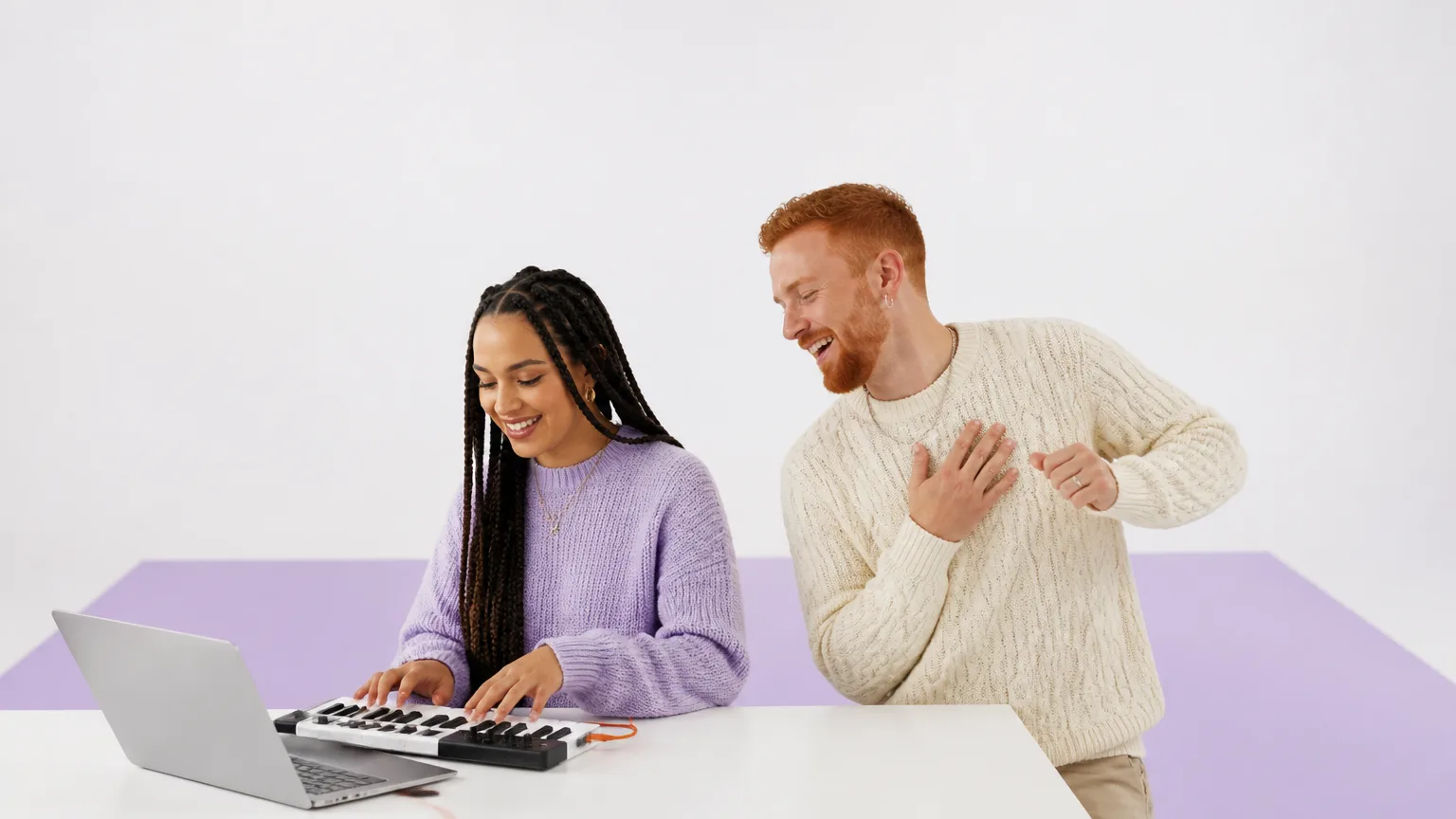
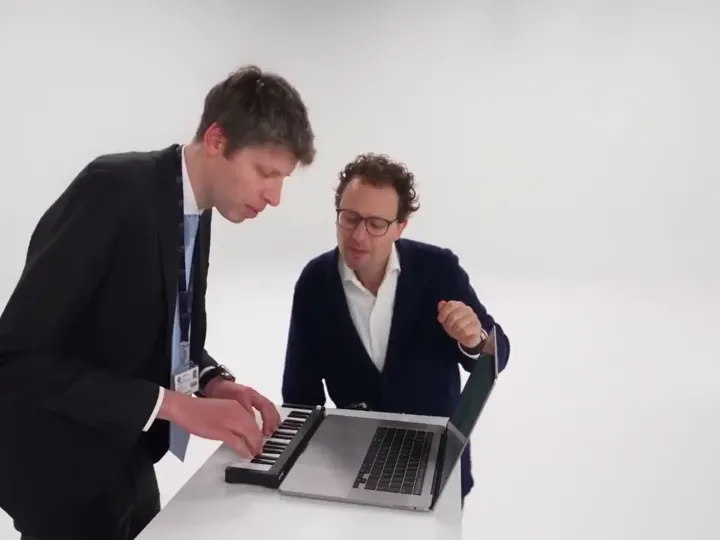
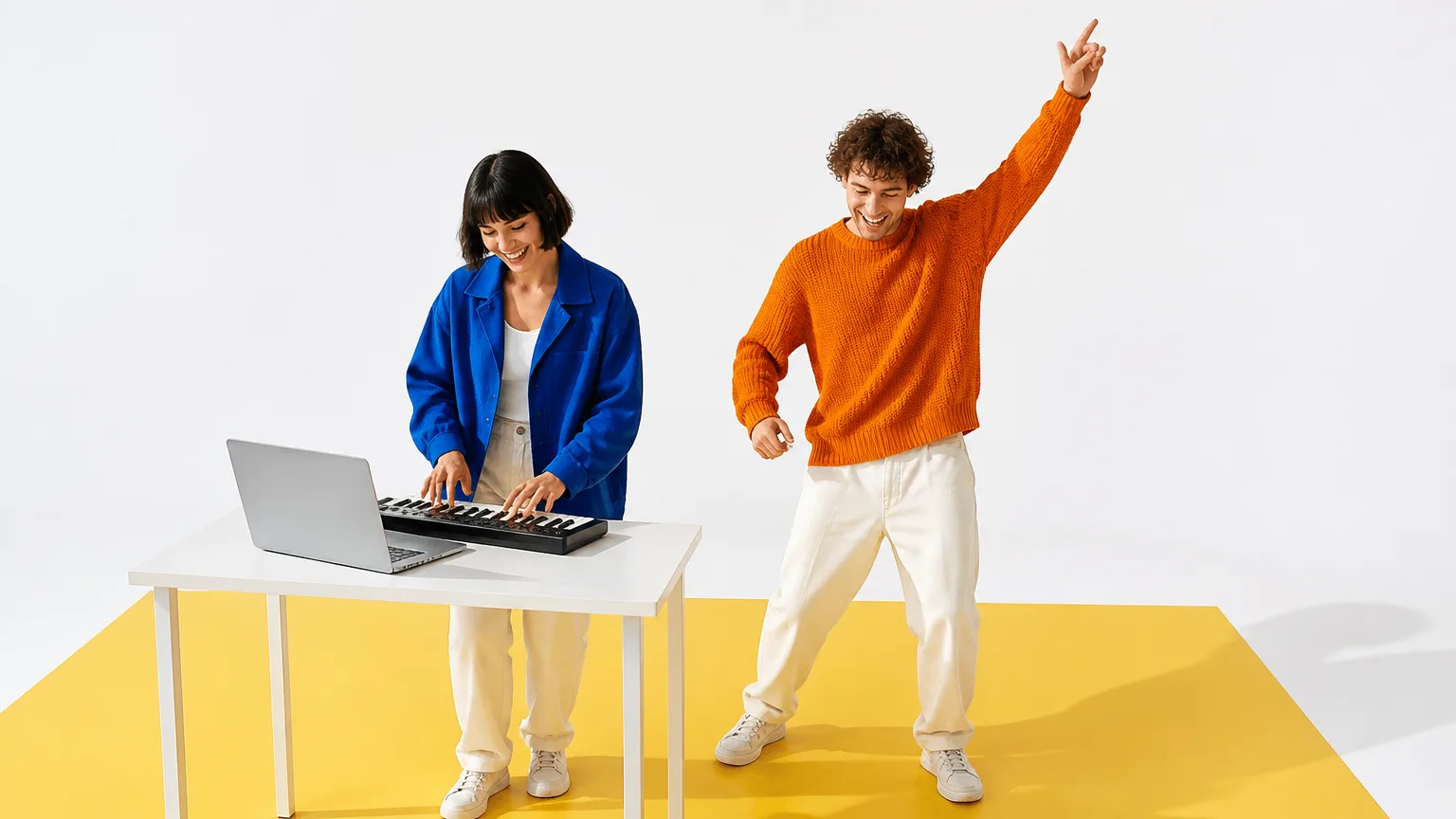
Every run follows the same reference clip: a seamless white studio, a small keyboard on a laptop stand, one person playing while the other points and dances, a laughing close-up to the camera and a dance-off across the floor. Your two photos replace the performers; the set, timing and camera stay with the template.

Add your two photos
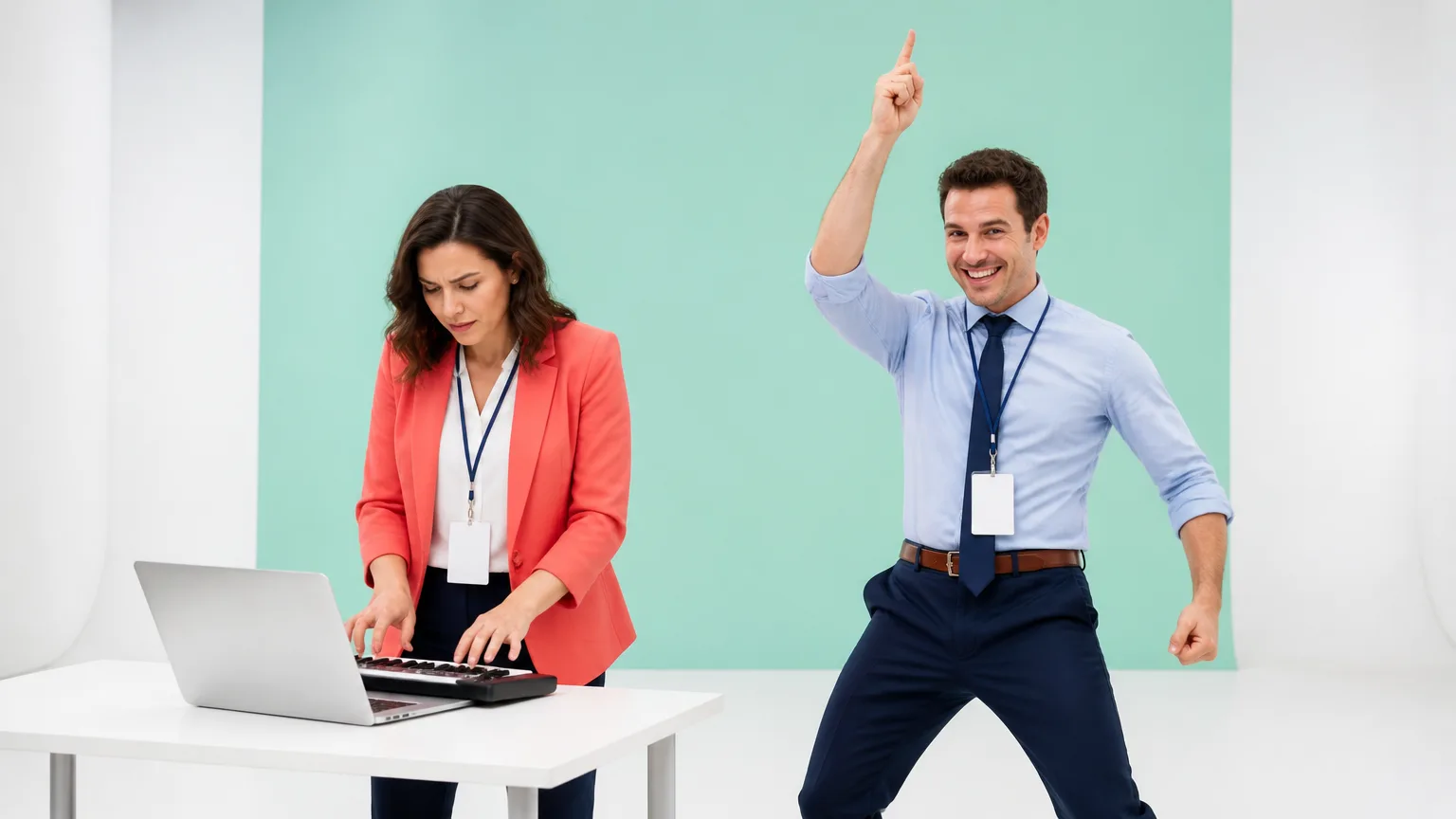
Example of the trend

From two photos to an AI dance video

Each photo fills one role. The Keyboard player photo stands at the keys on the left; the Dancer photo takes the right for the moves, the close-up and the dance-off. That’s how you get an Alors on danse AI video without dancing yourself. It is generated by AI, so faces and moves can vary from run to run.

Example of the trend

Pets and characters in the Alors on danse trend

Creators also cast pets, mascots and costumed characters, like a kitten on the keys next to a raccoon in a bucket hat. They come out less reliably than people: for the most recognizable Alors on danse AI video, use real people facing the camera.

Alors on danse AI video vs. CapCut edit

The AI template is the only option where nobody dances on camera. A CapCut edit cuts footage you already filmed to the song, and filming it yourself means performing and editing the whole routine. Pick the template when you want an Alors on danse AI video from two photos and no editing.

QuestionAI template (this page)CapCut-style editFilming it yourself
What you provideTwo portrait photosClips and photos you already haveTwo people, a camera, a studio
Does anyone dance on camera?No, the template moves youOnly in clips you filmedYes, both of you
Editing workNone, one clickCuts, transitions, beat syncRetakes, then a full edit
AudioAI-generated, not the songA track from the app libraryWhatever you record or add
What you getA new duet starring you twoYour footage cut to the beatA real recording of you two

Use cases

Alors on danse AI Reels ideas for friends, teams and couples

The keyboard-and-dance duet works best as a shared joke for two people who rarely end up in the same video. Here is who people cast in their Alors on danse AI video, and where they post it.

Two friends in a white studio, one playing a small keyboard on a laptop while the other dances with an arm in the air

A duet with a best friend far away

Pair your photo with a best friend’s and send them the jam session you never got to film together.

Two coworkers with lanyards in a white studio, one at a keyboard and one pointing at the ceiling mid-dance

Office party and farewell memes

Cast two coworkers as keyboard player and dancer for a leaving video or the team chat. Ask both of them before you upload their photos.

A couple in a white studio, one playing a keyboard and the other leaning in mid-dance, laughing

An Alors on danse birthday surprise

Turn two everyday photos of you and your partner, or a parent and child, into a playful clip for a birthday dinner, an anniversary or the family chat.

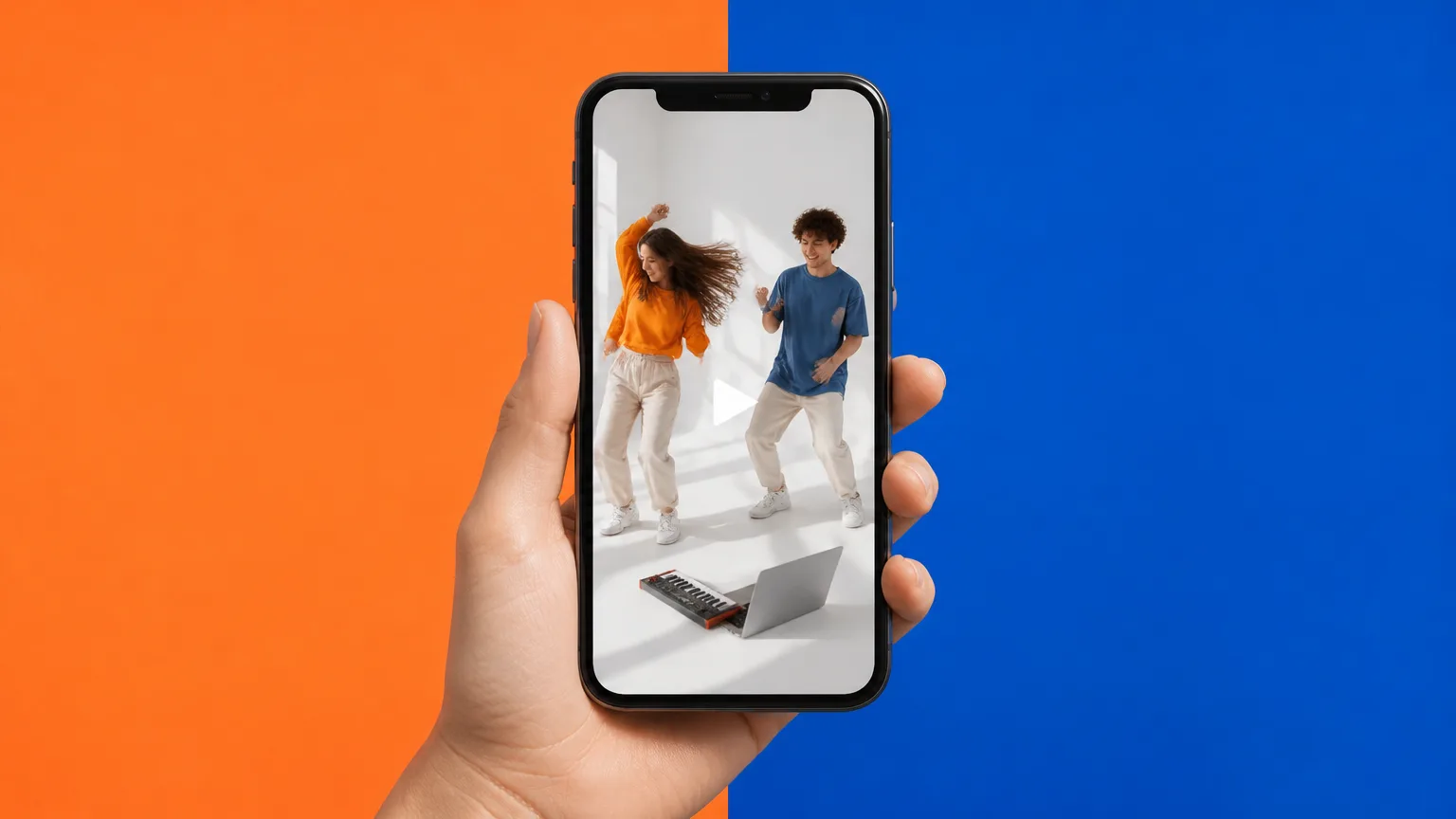
A hand holding a phone that plays a vertical video of two people dancing in a white studio

Your Alors on danse Reels post

Post your version on Instagram Reels, TikTok or YouTube Shorts. Pick 9:16 for a vertical clip and add the song from the platform’s music library when you post.

How it works

Alors on danse AI video editing tutorial

Here is how to make an Alors on danse AI video from two photos in four steps, with no timeline and no filming. Nothing is charged until you press Generate.

  1. Upload the keyboard player and the dancer

    Drop one clear photo of each person into the Keyboard player and Dancer slots. You don’t need a photo of the two of you together.

  2. Pick the length, aspect ratio and quality

    By default the clip runs 15 seconds in 4:3 at 768p. Change any of them and the price on the Generate button updates.

  3. Generate, no dancing required

    Press Generate. There’s no prompt to write and no routine to learn: the template sets the studio, the moves and the camera. Keep the page open to watch your AI dance video arrive.

  4. Download and add the song

    Download the video to keep or share it. For the original song, add it from your platform’s music library when you post.

Photo checklist for a clean Alors on danse duet

Clear, front-facing photos of one person each give the best Alors on danse AI video. They keep both of you recognizable through the dance and the close-up, and stop the two faces from swapping.

Photos that keep each face clear

  1. A smiling woman with curly auburn hair and round glasses, alone against a blue backdrop

    One person per photo

    Crop out friends and busy backgrounds so each slot only shows the person who plays that role.

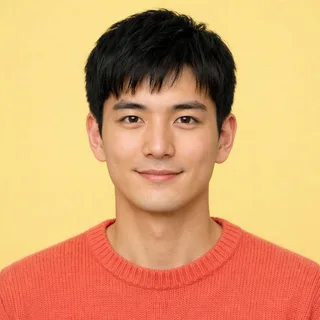
  2. A young man with short black hair smiling straight at the camera against a yellow backdrop

    A clear, front-facing face

    Both eyes and the whole face visible, looking roughly at the camera, so the laughing close-up still looks like you.

  3. A bearded man in a navy blazer shown from the waist up in even light against a mint backdrop

    Standing or waist-up, evenly lit

    Upper-body framing in soft, even light gives the model enough to work with for the keys, the moves and the dance-off.

Photos that mix up the two roles

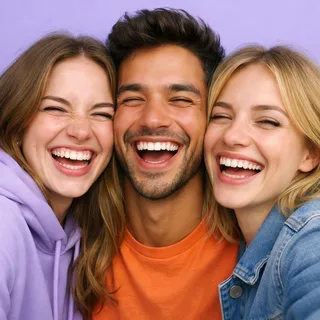
  1. Three friends squeezed together cheek to cheek for a selfie

    Group or couple photos

    Two or more people in one photo can confuse which face plays the keys and which one dances.

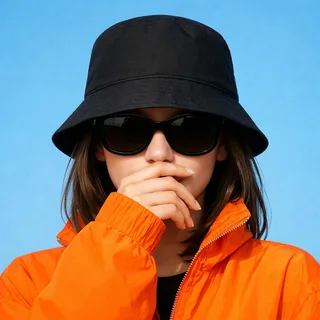
  2. A woman in sunglasses and a low bucket hat with a hand over her mouth

    Sunglasses, hats or hands over the face

    Anything covering the eyes or mouth hides the details the model needs to keep you recognizable.

  3. A dark, pixelated portrait that is hard to recognize

    Blurry, dark or tiny images

    Low-light, heavily filtered or tiny photos often come out soft or unlike the person. Use photos at least 512px on the short side.

Only upload photos of yourself or people who agreed to be in the video. Celebrity photos and film or music video stills aren’t allowed.

Alors on danse AI video specs: length, aspect ratio and credits

Every Alors on danse AI video takes two photos and costs the price shown on the Generate button; the values below come from the live generator.

Alors on danse AI video specs: length, aspect ratio and credits
Photos
2: one person each, as Keyboard player and Dancer
Photo files
PNG / JPG / WebP, up to 10 MB, at least 512px on the short side
Video length
5–15 seconds; 15 seconds by default
Aspect ratio
4:3 by default; also 21:9, 16:9, 1:1, 3:4, 9:16, or Auto
Resolution
480p, 768p, 2K, or 4K; 768p by default
Audio
Generated with the video; the original song isn’t included
Prompt
None needed; the template sets the studio and the moves
Credits
200–958 per video; 360 for 15 seconds at 768p
If a generation fails
The credits are refunded automatically

FAQ

Alors on danse AI video generator FAQ

Is the Alors on danse AI video generator free?+

Browsing, adding photos and checking prices are free. Each video costs 200 to 958 credits depending on length and resolution, and 360 credits for the default 15-second 768p clip. New accounts get 10 free credits, which is not enough for a full duet on its own.

Does the Alors on danse AI video include the original song?+

No. The model creates its own audio for the clip, and Stromae’s recording isn’t used. To post with the real song, add it from the music library in Instagram, TikTok or YouTube, which handle the licensing.

Can I make an Alors on danse AI video without dancing myself?+

No. You only add two still photos. The keyboard part, the dance, the close-up and the camera all come from the template’s reference clip, so nobody has to perform or record anything.

Which photo plays the keyboard and which one dances?+

The photo in the Keyboard player slot stands at the keys on the left, and the photo in the Dancer slot dances on the right. To swap roles, remove the photos and add them to the other slots before you generate.

Can I make an Alors on danse AI video from two separate photos?+

Yes. Use two separate photos, one per person, taken at any time and place; you don’t need a photo of the two of you. The template puts both people in the same white studio.

Why do faces swap or look different in my Alors on danse AI video?+

AI models can mix up two faces when the photos are small, side-on, covered or lit very differently, and fast moves or the close-up make it easier to notice. Clear, front-facing, single-person photos with similar lighting give the most recognizable result, but results still vary between runs.

Can I use pets, characters or celebrity photos?+

Pets and costumed characters can work, but they come out less reliably than people. Celebrity photos and film or music video stills aren’t allowed: only upload yourself or people who agreed to appear.

Can I post an Alors on danse AI video as vertical Instagram Reels?+

Yes. Choose 9:16 for Instagram Reels, TikTok or Shorts, 16:9 for YouTube, or another shape. Clips run 5 to 15 seconds, 15 by default, in 480p, 768p, 2K, or 4K.

Who can see my Alors on danse AI video?+

Videos made on a free account are public. On a paid plan they are private by default. Either way, every video is saved in your creation history.

Is this Alors on danse AI video affiliated with Stromae?+

No. “Alors on danse” is a 2009 song by Stromae, and the official video is on his YouTube channel. This is an independent, fan-made template that isn’t affiliated with or endorsed by the artist or his label.

What happens if a generation fails?+

The credits for that video are refunded automatically, and you can try again with the same or different photos.

Alors on danse AI video generator

Create your Alors on danse AI video

Add two photos, pick the length and quality, and generate a keyboard-and-dance duet in one click. Fan-made, not affiliated with Stromae.