


 16s
First dance
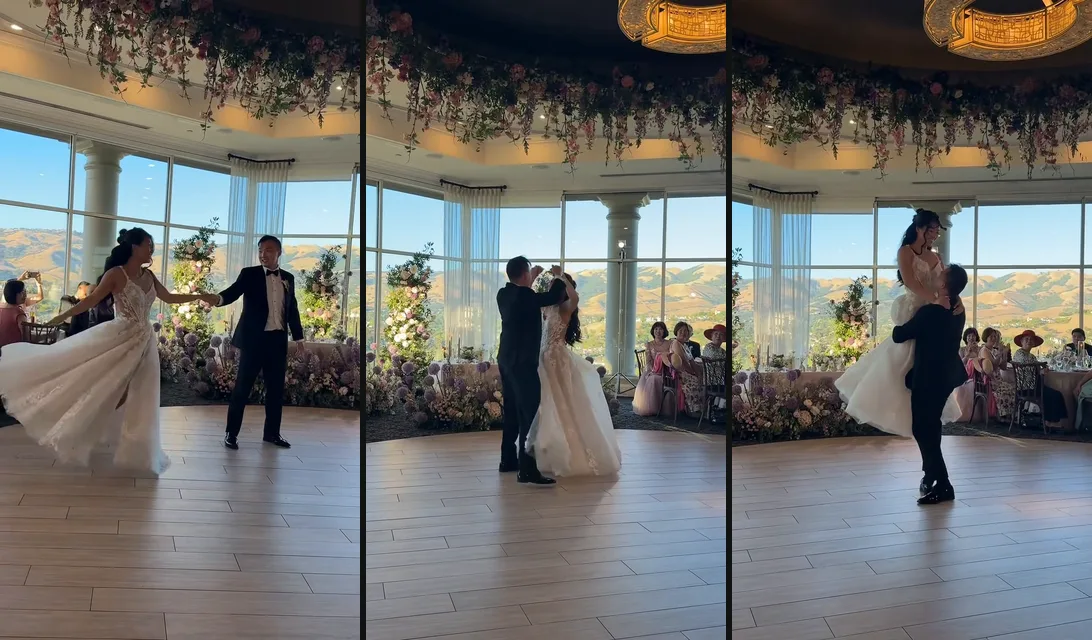
A sunlit wedding hall with tall windows and guests at their tables: twirls in the full skirt, a spin out to arm's length, a turn under the arm, a close hold, then a lift held high through a turn.
Make an AI couple dance from one photo each: pick a first dance, salsa, waltz or slow dance and take over a real partner routine, turns and lifts included.
PNG / JPG / WebP · up to 10 MB · at least 512px on the short side
0/2 photos
One person per photo: Man and Woman are the parts each of you dances. Head to knees or toes, face clear. You dance in the clothes from your photos.
Video settings
No prompt needed. Only upload photos of yourself or people who agreed to be featured; celebrity photos and film stills aren't allowed.
You and your friends, in sync
Try itBaby's first dance moves
Try itYour cat or dog, dancing
Try itThe TikTok hip sway, from one photo
Try itYour baby dances the clip, sound and all.
Try itAn AI couple dance video puts two people into a partner dance from one photo each: the photos replace the two dancers in a filmed couple dance, so you get real steps and turns without dancing together, or even being in the same city.
Most AI couple dance generators invent the moves from a prompt and return a short clip. Here each dance is a whole routine two real dancers performed on camera, so the hold, the timing and the camera feel like the real thing, and the song comes with it.
What makes two people look like a couple on the floor is the hold: joined hands, one turning under the other's arm, a lift or a dip to finish. Those moments are already in each dance; you choose the one that fits your occasion.
Each dance has its own steps, place and song. Your faces, hair and clothes always come from your photos.
16sA sunlit wedding hall with tall windows and guests at their tables: twirls in the full skirt, a spin out to arm's length, a turn under the arm, a close hold, then a lift held high through a turn.
 15s
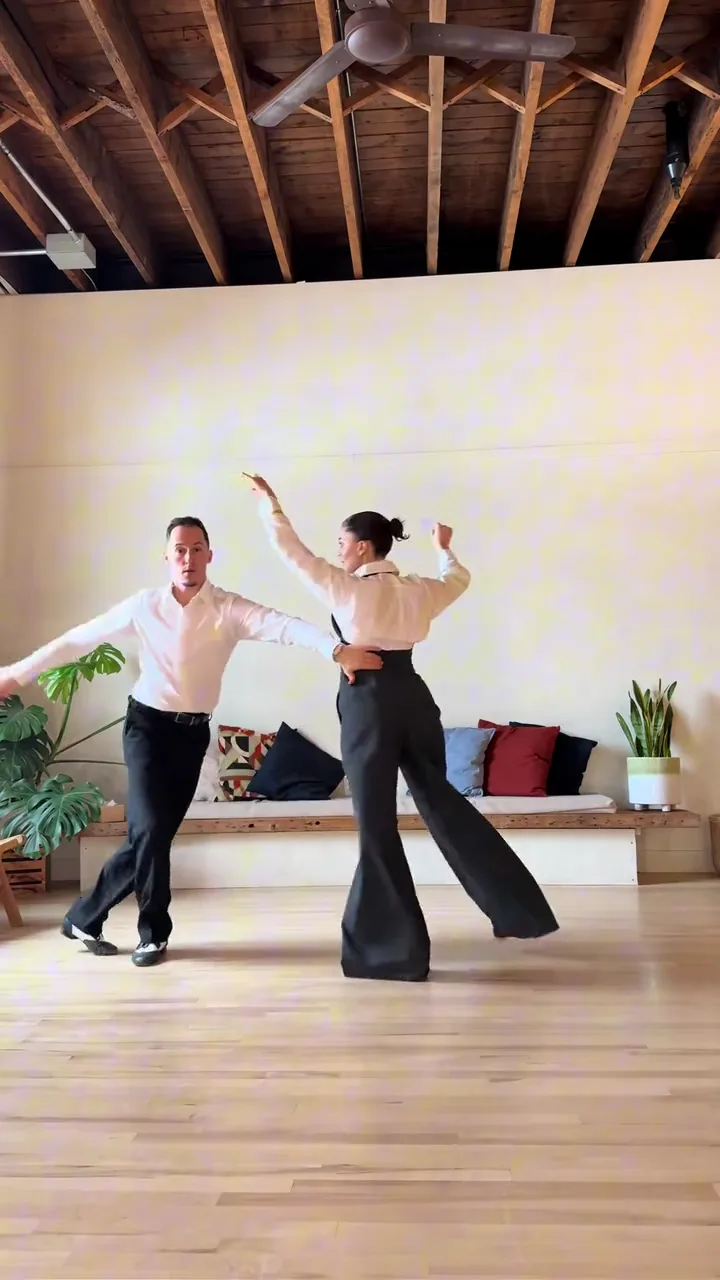
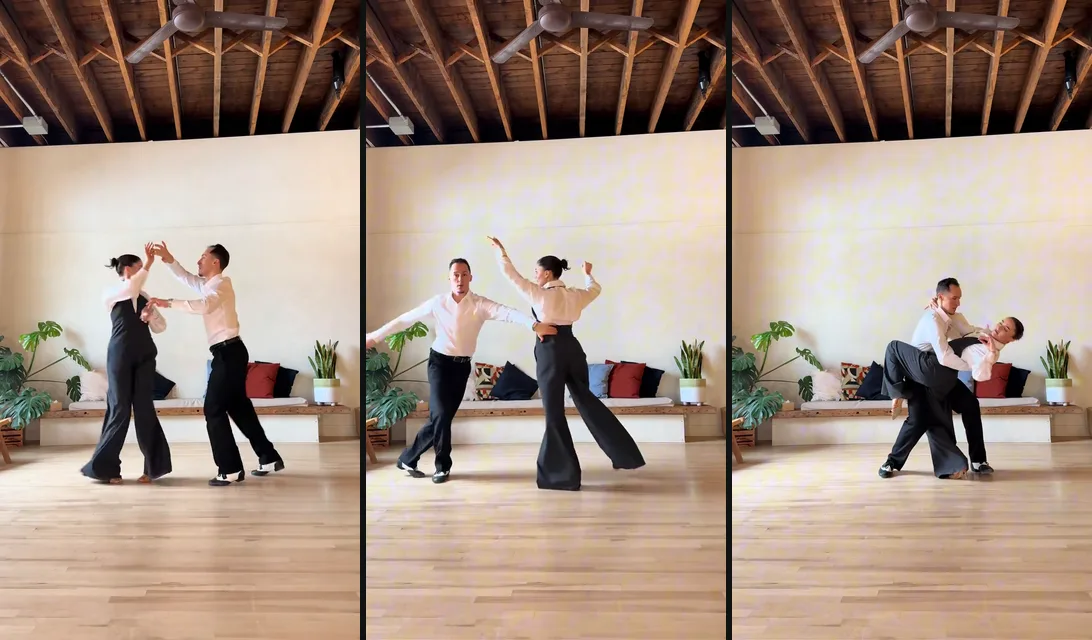
A bright loft studio with a wood floor and a fixed camera: underarm turns, side-by-side styling with arms out, a leg wrap and a deep dip, ending with arms raised.
 9s
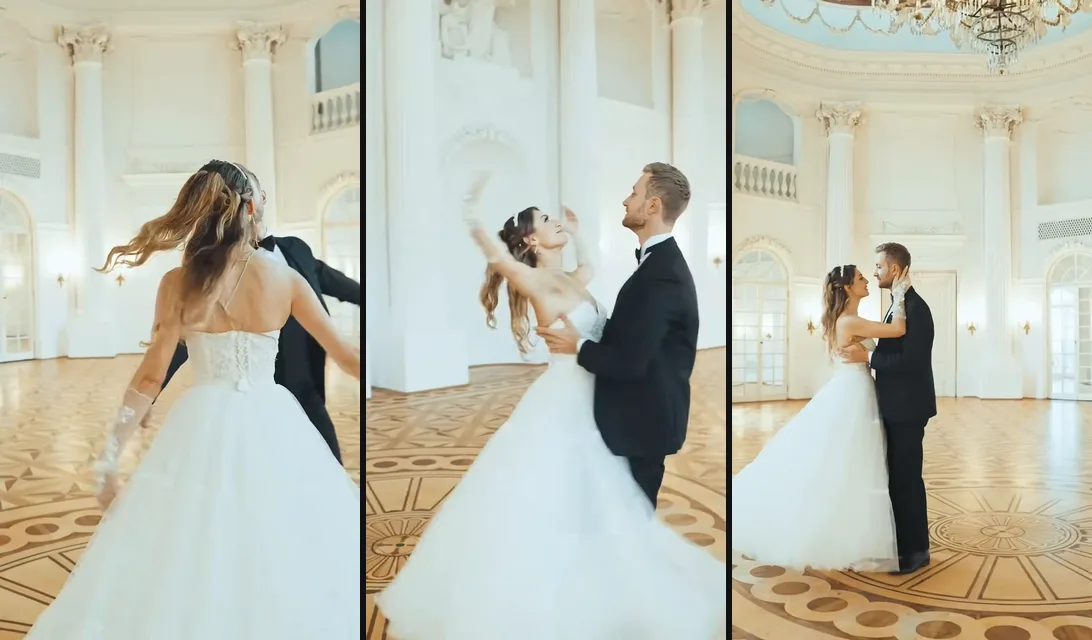
A white palace ballroom with a gold parquet floor: an open spin, a closed hold turning across the room, a close-up in the hold and a last pose under the chandelier.
 18s
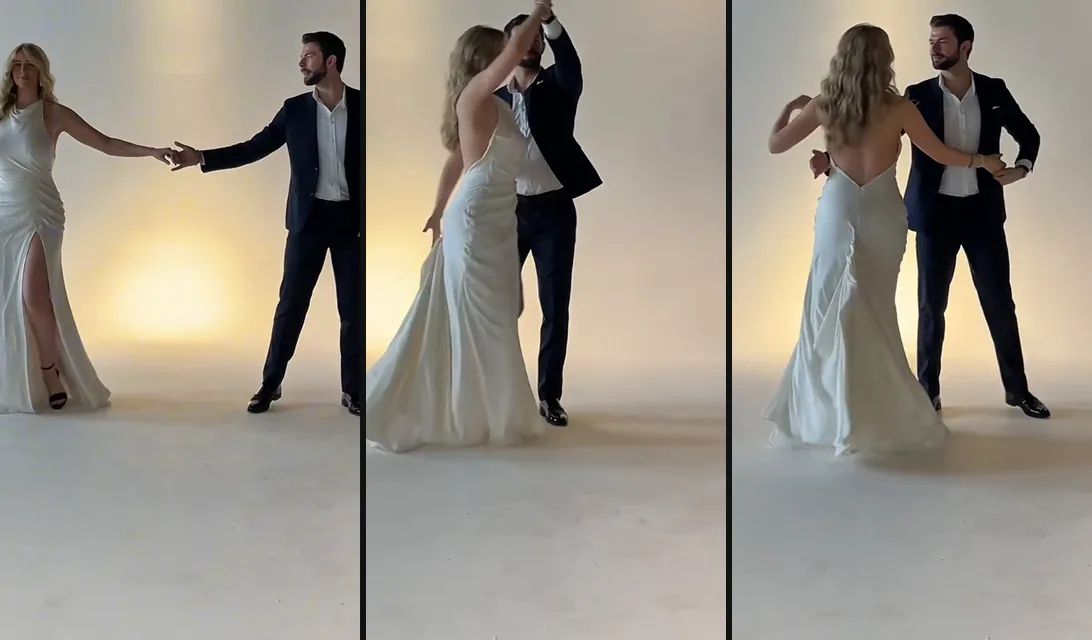
A plain backdrop under warm lights and a fixed camera: a walk in hand in hand, a step out to arm's length, a spin into the hold, turns under the arm, a walk around each other and an outside spin.
Each photo takes one part of the dance, the same part in all four. To switch parts, swap the two photos.
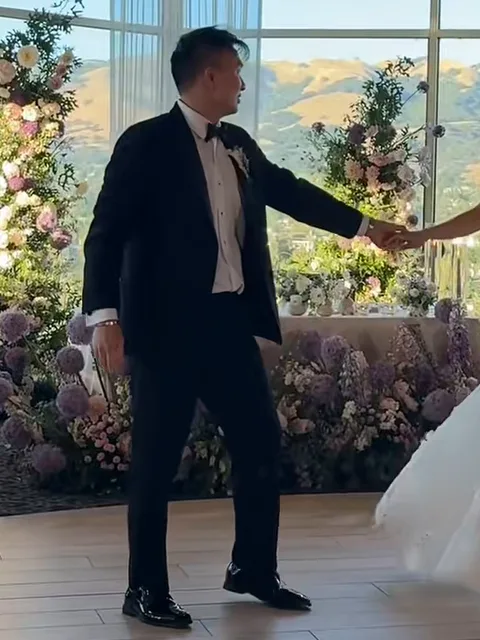
Photo 1Man
Takes the man's part in every dance: leads, lifts in the first dance and dips in the salsa.
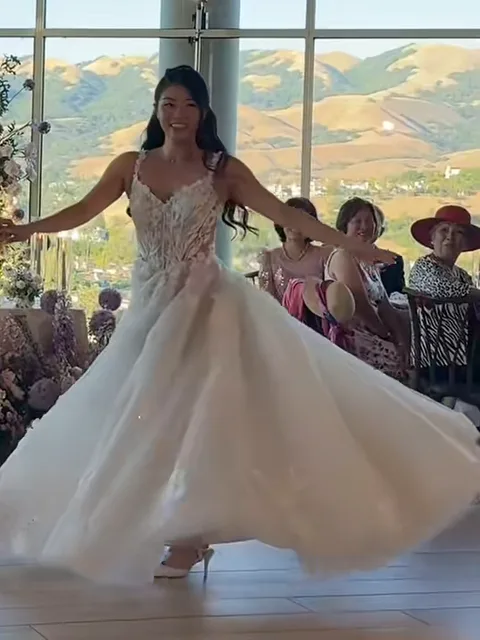
Photo 2Woman
Takes the woman's part in every dance: the turns and spins, lifted in the first dance and dipped in the salsa.
Works well
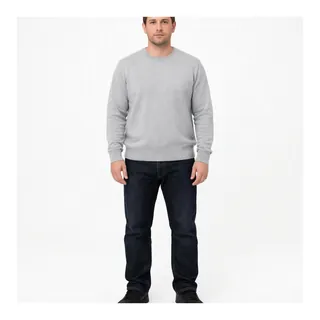 One person, standing, head to toes
 Face sharp and turned to the camera
Avoid
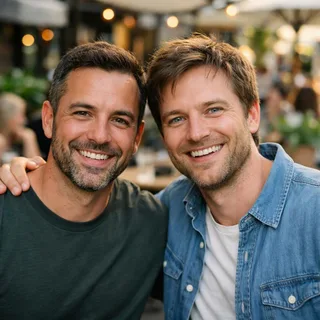 Both of you in one photo
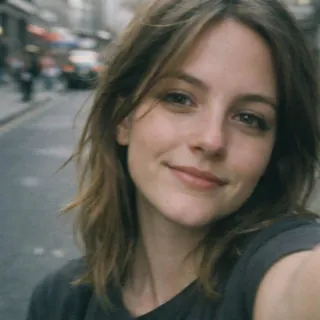 A close selfie with no body
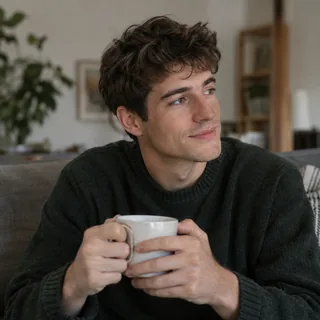 Sitting down
Add your two photos
Pick the dance, then put one photo in Man and the other in Woman.
Click Generate
Choose the resolution; the button shows the exact credits before you start.
Post it
Download it and post it to TikTok, Reels or your stories.
Partner dances are hard for any model: two people cross, turn and touch. These are the misses to look for and what to change.
Two photos are enough, so the dance works for moments you never filmed together.
Two recent photos and the slow dance, posted on the day you met or married.
Caption: Year three, still dancing.
One photo from each city; the dance puts you on the same floor.
Caption: Two time zones, one dance.
Engaged? See yourselves in the first dance or the waltz before the lessons, or post it as a save-the-date teaser.
Caption: Save the date. We already practised.
One photo of each parent and the waltz, played at the anniversary dinner.
Caption: Thirty years in and still in step.
This page needs no prompt. To run a dance yourself in Kling's video edit, attach the dance clip as @Video1 and your two photos as @Image1 and @Image2, then paste the prompt for that dance. The last tab re-shoots the first dance in Seedance from the two photos, with no clip.
Kling 4.0 video edit
Prompt length 1077
Use @Video1 as the reference for the whole first dance. Replace only the two dancers: the man, in the black tuxedo and bow tie, with the person in @Image1, and the woman, in the white lace ball gown, with the person in @Image2.

Keep each person's face, hairstyle, skin tone and build from their own photo. Dress both of them for their own wedding: each wears wedding attire that suits that person, chosen from how they look in their photo, not copied from the dancer they replace.

Transfer the dance in order, frame by frame: the twirls in the full skirt, the spin out to arm's length, the turn under the raised arm, the close hold, and the lift where the man raises the woman high and turns before setting her down. @Image1 and @Image2 stay two different people through every turn and the lift; never trade or blend their faces. They do not kiss.

Keep the sunlit hall, the tall windows and the hills outside, the flower garlands, the seated guests, the handheld camera, the framing, the timing and the original sound of @Video1 unchanged. No extra people, no text or logos.Name the man and the woman by outfit
"The man, in the black tuxedo" points at the same dancer through every side change; "the dancer on the left" doesn't, because the couple trade sides in the turns.
Say they stay two different people
One line about never trading or blending faces is what keeps the two photos apart in turns and lifts.
Keep the sound line
"The original sound of @Video1" keeps the dance's song; leave it out and the audio may be replaced.
Don't ask for new moves
The clip already has its steps; asking for a dip it doesn't have fights the footage and breaks the timing.
Don't leave the ending open
Partner dances end close together; write "They do not kiss" if you don't want one.
Don't attach one photo of both of you
A photo with two people gives the model two faces for one dancer; one photo per person keeps each side clean.
Vague
Replace the dancer on the left with @Image1 and the dancer on the right with @Image2, and make them dance like this video.
Specific
Use @Video1. Replace the man in the black tuxedo with @Image1 and the woman in the white gown with @Image2. Keep them apart through the spin and the lift, and keep the hall, the steps and the sound.
The first prompt ties each photo to a side, and the dancers trade sides in the first spin; the second ties each photo to the man or the woman and an outfit, and keeps the place and the sound.
FAQ
No. Each dance costs credits, and new accounts get 10 credits when they sign up. The price changes with the dance and the resolution, and the Generate button shows the exact number before you start.
No. Upload one photo of each person, taken anywhere at any time; the dance puts you in the same frame. A photo with both of you in it doesn't work here.
Yes, each dance keeps the music it was danced to. There's no song picker; to use your own song, swap the audio in CapCut or your phone's editor after you download.
Yes. Pick the first dance for an AI wedding dance in a sunlit hall, lift included, or the waltz for a ballroom one, and watch it before you book lessons or share it before the day.
Yes. Faces, hair, build and clothes come from your photos in every dance, the first dance included.
Yes. Man and Woman name the two parts of every dance: Man leads, Woman does the turns. Put each photo in the part you want; each of you keeps your own face, hair and build.
No. Every dance ends on a hold or a pose, with no kiss.
Yes. Only use a photo of someone who has agreed to be in the video, and only photos of adults.
Only you. Results from this effect stay in your account and are never shown publicly, whatever your plan.
No. Holds, lifts and dips need two people with arms. For a pet on the dance floor, try AI Pet Dance instead.
No, this effect is for two. For three or more, AI Group Dance on the Dance AI page takes your photo plus one photo of your friends.
Two photos, one dance
Pick the first dance, salsa, waltz or slow dance and add one photo of each of you.