


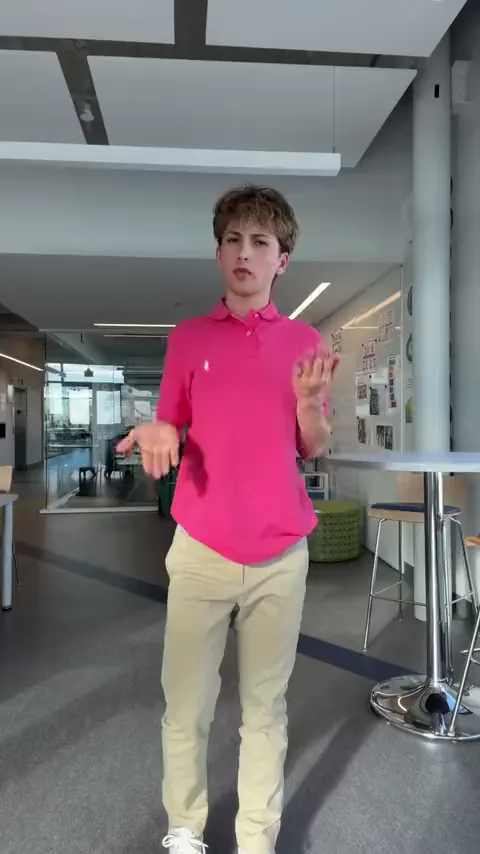
Your own solo
One full-body photo of you: the whole routine, ending on the point.
Caption idea: did the whole routine in my living room like nothing happened
Pick it up dance AI from one photo: one person, a baby or a pet dances the office routine in the room the photo shows, with the take's camera and its own sound.
PNG / JPG / WebP · up to 10 MB · at least 512px on the short side
0/1 photos
One photo, one dancer: you, a baby or a pet. Face clear, head to shoes if you can, room in frame — the room is the set, the moves come from the take.
Video settings
Your own photo, or a baby or pet you look after; anyone else in a photo should know the video is being made.
The Pick It Up Make It Jump dance is a short TikTok routine danced on DJ Zackkk’s beat: arms spread and bouncing, both hands locked in a ring overhead, a turn away from the camera, a bounce with the back turned, then the turn back, the open-palm waves and a last point. This Pick It Up dance AI page dances your photo through the 13-second take: the take holds the moves, the camera and the beat, and your photo holds you and the room. People also call it the “put your hands up” dance after the line in the beat.
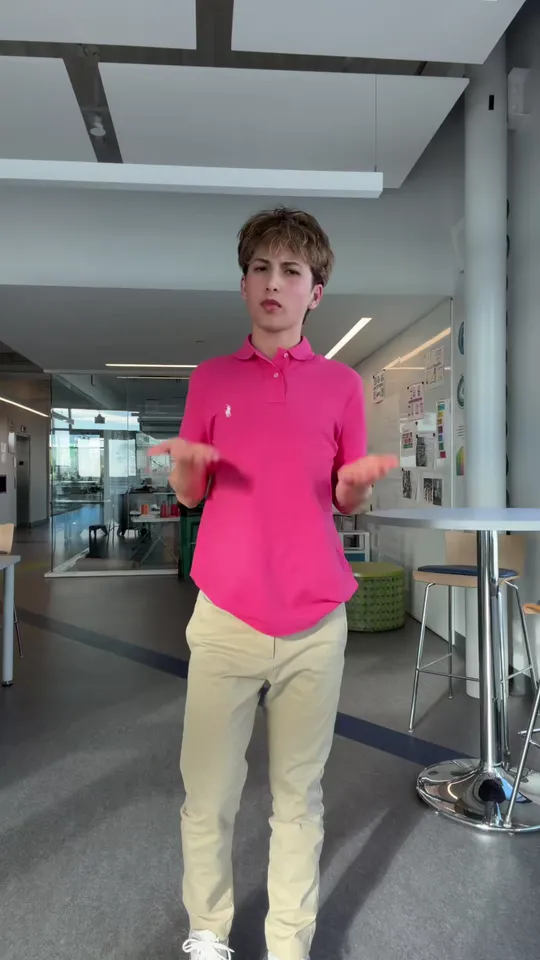
The shout to sing along is one line: “pick it up, make it jump, put yo hands up”. The routine is short and repeats, so people copy it from each other in school hallways, in car parks and in offices rather than from a class.
What carried it was the deadpan: the 26 October office take, danced with a straight face between desk clusters, is the version the AI templates copied, and the reposts from school hallways, car parks and desks did the rest.
DJ Zackkk (@djzackkk) posts the beat on TikTok, tagged “original sound - djzackkk”.
The first posts dance to it and credit the choreography with “dc: @Lilcoco”.
@vibewit_tris posts the office solo take, deadpan from the first beat; it has about 4.35 million plays when read on 3 November 2026.
The first AI template of the routine appears on CapCut, and photo versions follow on other tools.
Post dates, account names and play counts read on TikTok on 3 November 2026.
Six moves in the order the take plays them, with the second each one starts on. This take has no squat and no jump: it finishes on the point at the floor.
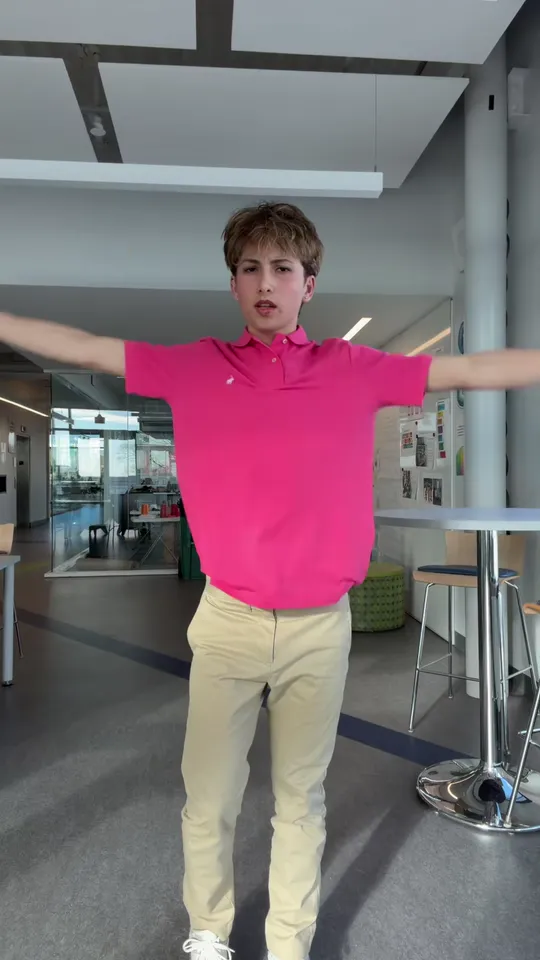 10:00–0:01
He bounces on the spot and throws both arms out to the sides, palms open.
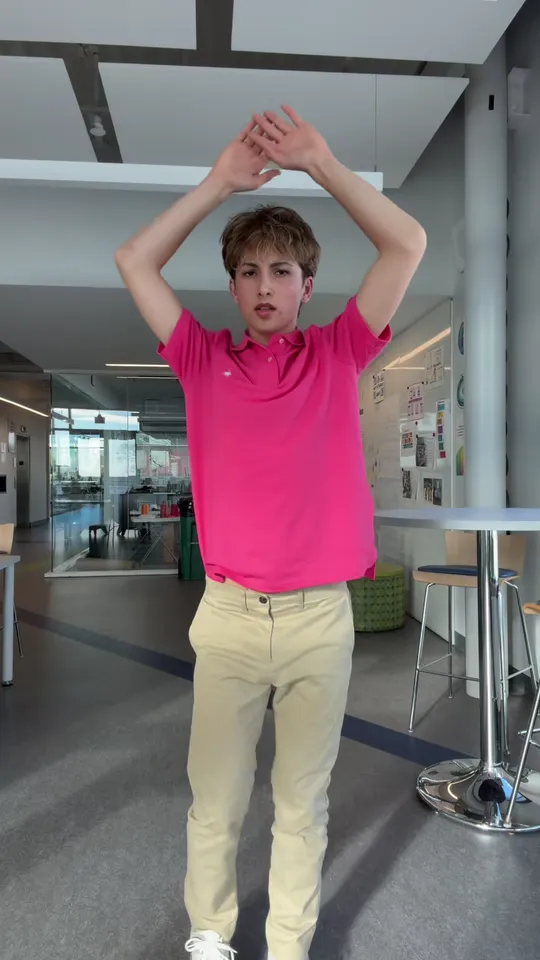 20:01–0:02
Both hands go up and lock into a ring above his head, elbows wide, still facing the camera.
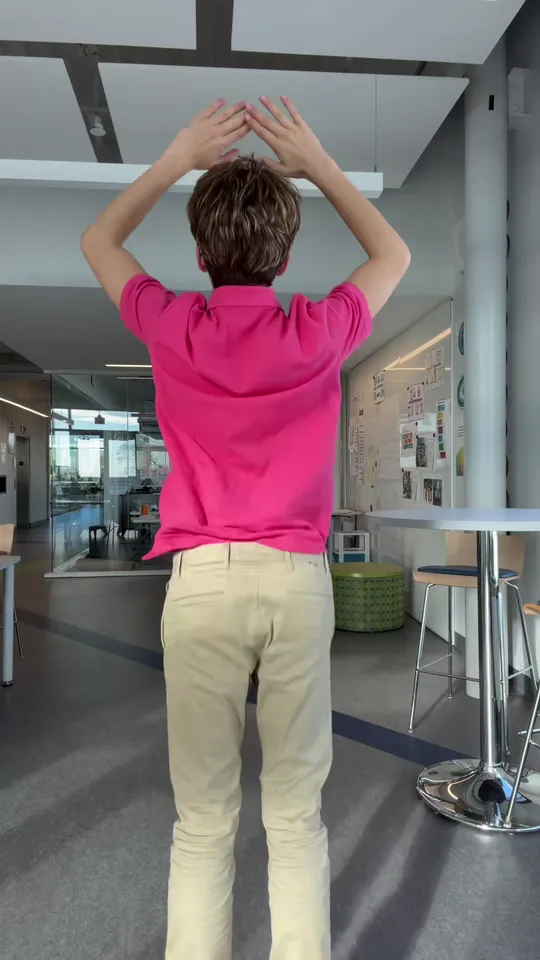 30:02–0:06
He turns his back to the camera with his hands still locked overhead and bounces there, hips loose.
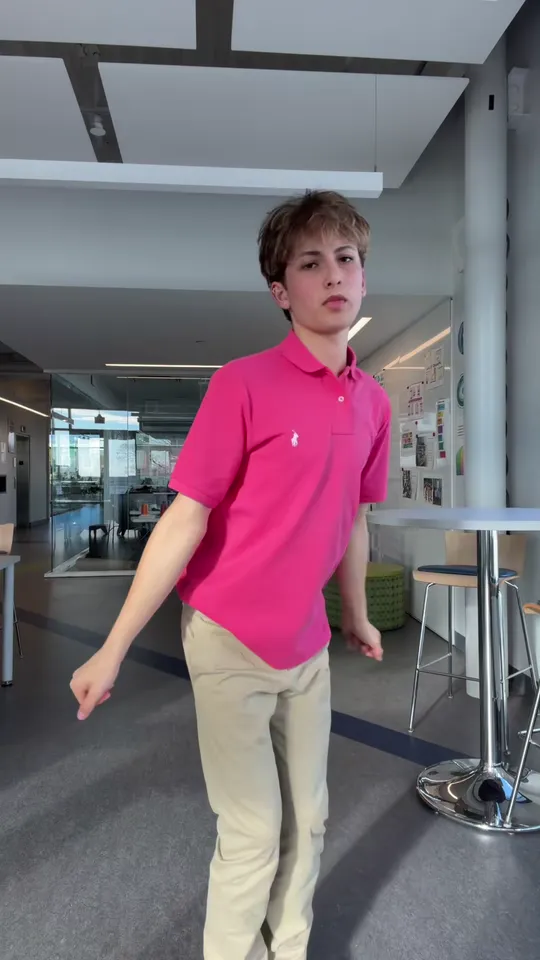 40:06–0:08
He swings back round to the front and lets both arms drop to his sides on the beat.
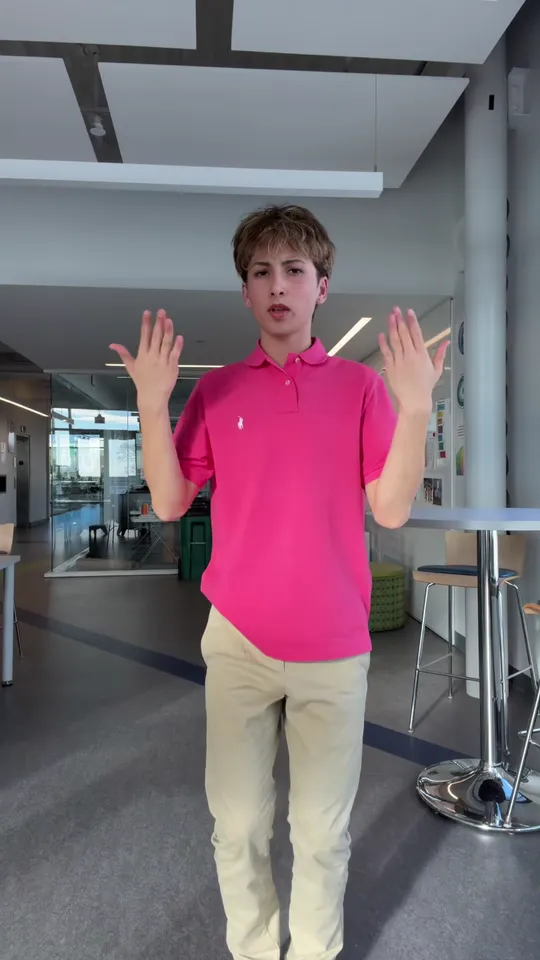 50:08–0:10
Facing the camera he pushes both palms forward and back, twice, in the same bouncy half-time.
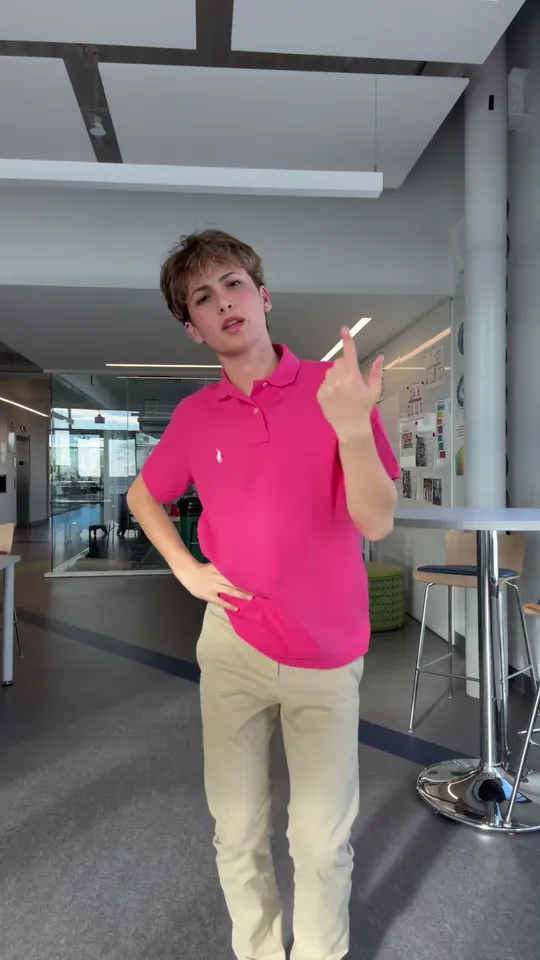 60:10–0:13
One last raise, then one hand on the hip and the other pointing down at the floor: the finish everyone copies.
Four things answer to “pick it up”. Only the first one is danced on DJ Zackkk’s beat, and only here does your photo dance it.
| Pick it up… | What it is | What you get here |
|---|---|---|
| This dance | DJ Zackkk beat, autumn 2026 | Your photo doing the moves |
| ATEEZ “Pick It Up” | Their cover of Famous Dex, 2018 | A different song, no recast |
| “Pick It Up” line dance | A line dance, another floor | A different dance, no recast |
| Other “make it jump” sounds | Older beats with the same shout | A different beat, other moves |
Four one-photo ideas that work, each with a caption you could post.
One full-body photo of you: the whole routine, ending on the point.
Caption idea: did the whole routine in my living room like nothing happened
A baby photo, head to toes: the smallest dancer the take has had.
Caption idea: my baby does the pick it up dance better than me
One pet photo, whole body in the frame, and the dancer is filled.
Caption idea: the cat heard the beat and started dancing
One full-body photo from the party: the routine lands as the post, and the room stays the party’s room.
Caption idea: the birthday dance nobody rehearsed
The take carries the choreography, so there is no dance lesson on this page. Which photo fills the dancer first, then what to send, what to leave out and the three steps.
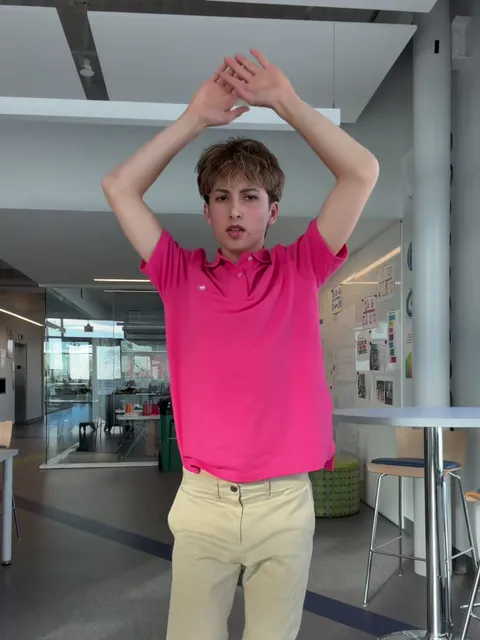
Solo · PhotoDancer
Face, hair, clothes and the room around you: this one photo is the whole input, and the room in it is the set the dance happens in.
Good picks
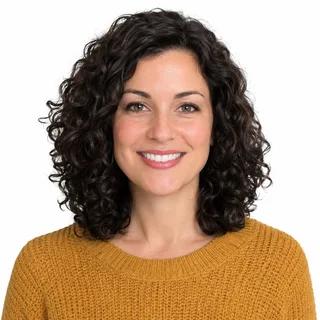 One person, face clear
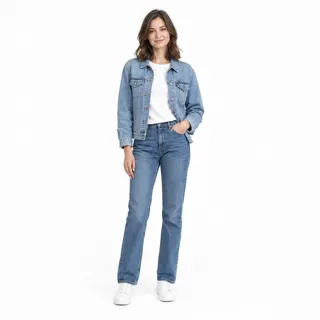 Standing, head to shoes
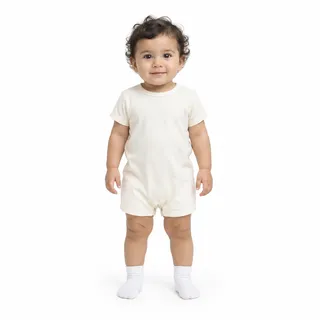 A baby, head to toes
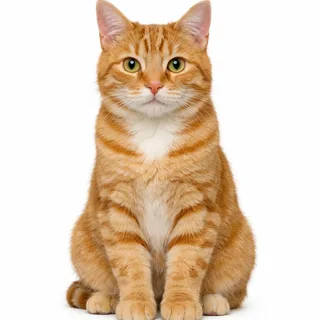 One pet, whole body in view
Poor picks
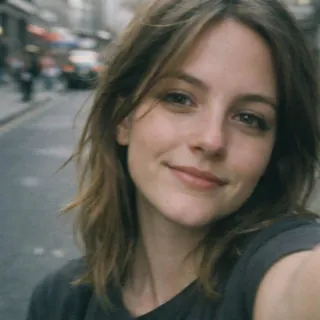 Face-only selfies
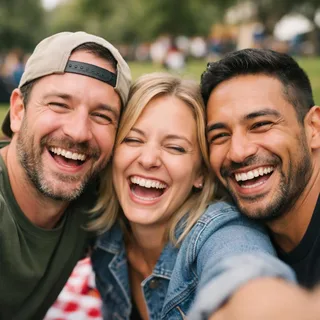 Three or more people
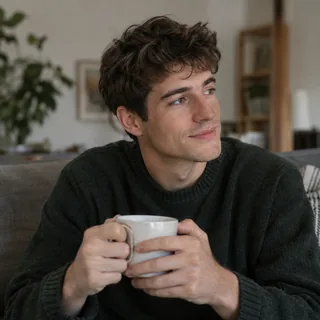 Sitting, or cropped at the knees
Load the photo
The take wants 1 photo: one person, a baby or a pet, head to shoes if you can, in the room you want to dance in.
Generate
The button shows the exact price for the resolution you pick before it starts.
Download the vertical MP4
The vertical MP4 arrives with the beat in it, ready for TikTok, Reels or Shorts. Label it as AI-made when you post.
One copyable prompt for any tool that takes a video reference: attach the solo office take, describe who replaces the dancer, and the moves, camera and sound stay.
Reference clip
Prompt length 876
Use @Video1 as the motion reference. The person or pet in @Image1 performs that solo take: the arms opening out, the hands locking overhead, the back turned away and then round to the camera again, the palms pushing out, and the finish pointing at the floor.

@Image1 supplies the performer and the set: one person or pet, their face, hair, body and clothes, and the room the photo was shot in. @Video1 supplies the choreography, the camera push, the timing of every beat, and the track that plays under it.

Keep @Video1's timing and camera exactly as they are, and keep the performer's own face, hair and clothes from the first frame to the last: the mouth and the hands stay the shape they have in @Image1. Do not add a second person, do not replace the room in @Image1 with the office in @Video1, do not swap or duplicate limbs, and do not blend two faces into one dancer.One photo per run
One person, a baby or a pet, and that is the whole upload.
Head to shoes
The clip is a full-body take, so a photo with the whole body in frame moves best.
Keep the room in frame
The room in the photo is the room you get, so stand where you want to be seen dancing.
Describing a different dance
Words cannot add steps the clip does not have; they only pull the run off the clip’s timing.
Don’t send a crowd
Three people or a busy background will not fit the one dancer the take has.
Don’t crop at the knees
A face-only selfie or a seated photo leaves nothing for the routine to move.
Won’t work
Make my photo do the Pick It Up dance in that office.
Attaches the clip and the replacement
Use @Video1 as the motion reference and @Image1 as the performer: the person in the photo dances the whole take, and the timing, the camera, the track, the face, the hands and the room stay as they are. One performer, no extra people, no blended faces.
The first line asks for a new dance. The second attaches the clip, says who replaces the dancer and what stays.
Every template works the same way: add your photos, press Generate and get a shareable video without writing a prompt.
View all effectsIt runs on DJ Zackkk’s beat, the one TikTok lists as “original sound - djzackkk”, posted on 23 April 2026. It is not a released single, and the routine is danced on that sound rather than on a cover of it.
No. ATEEZ covered Famous Dex’s 2018 track “Pick It Up”, with a routine of their own. This page is the DJ Zackkk beat dance, and nothing here is linked to ATEEZ or Famous Dex.
The captions credit the choreography with “dc: @Lilcoco”. There is no single official video: the routine travels as that caption credit, and the office solo is the version most people copy.
No. A CapCut template of this routine exists and puts a photo into that photo’s own room as well. Here the dance, the camera push and the beat come from the take, one photo is enough either way, and nothing is connected to CapCut, DJ Zackkk or the dancers.
Yes. Every run takes one photo, so a baby photo is enough: head to toes, face clear, in even light. The baby dances in the room that photo was taken in, because the room comes from the picture and the take only brings the moves.
Yes: one animal, whole body in the frame, facing the camera. Keep it to one pet per photo, because the take has a single dancer and two animals will not fit it.
Not on this page: one photo is one dancer, because the motion clip is followed by a single person. A photo with two people would only replace one of them, so use a page built for two dancers instead.
The dancer turns his back for about four seconds and then comes back to the camera, and drawing the face again from the back of the head is the hardest part of this routine. A sharper photo, facing the lens in even light, is what fixes it; the checklist above lists what to send.
It comes from your photo: the room in the picture is the room in the video, so pick a photo taken where you want to dance. The take brings the moves, the camera push and the beat, and there is no separate background field.
The clothes come from your photo, so the outfit in the picture is what the dancer ends up wearing. The pink polo and the pyjama trousers in the takes belong to the dancers your photo replaces.
Yes. The sound rides along with the motion clip, so the result keeps that take’s own beat; there is no field to swap in another track.
No, each video costs credits. The price follows the resolution you pick, and the Generate button shows it before you start. New accounts start with 10 credits.
One photo — a person, a baby or a pet — then press generate: the moves, the camera push and the beat are already in the take.