


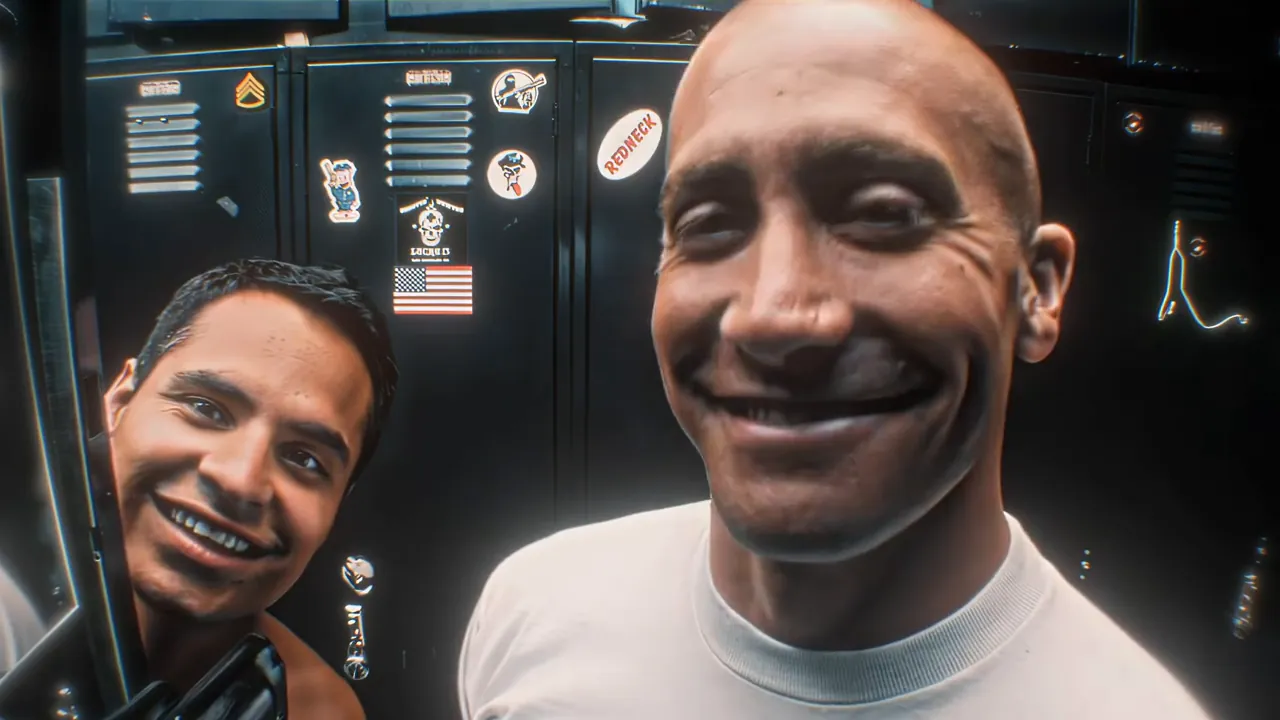
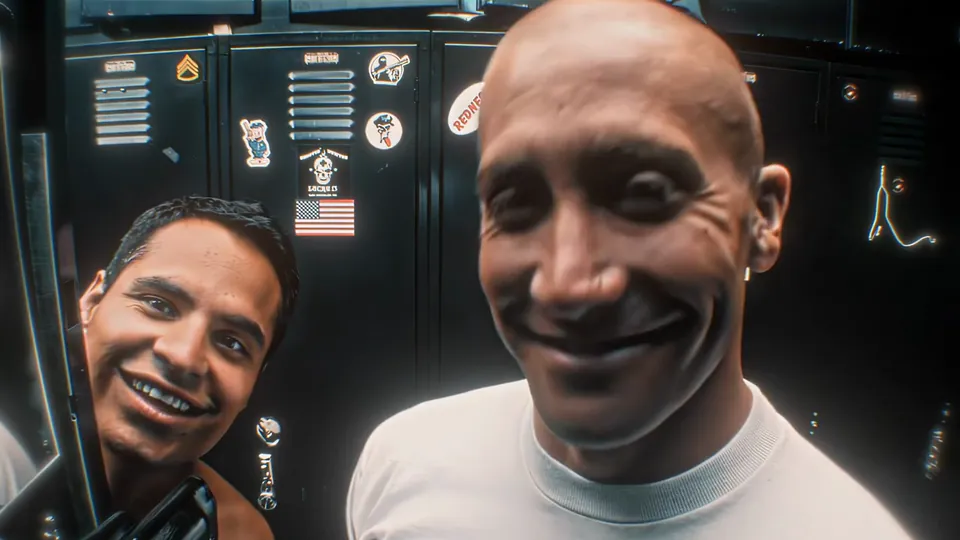
Solo
Only the officer’s face changes
One photo goes in. Yours replaces the officer who holds the camera, and the partner keeps his own face, hair and place in the frame.
This End of Watch locker scene AI template puts one photo in the locker room: you show each piece of gear to the camera and salute.
PNG / JPG / WebP · up to 10 MB · at least 512px on the short side
0/1 photos
Adults only. One photo of the officer who shows the gear, chest up. With a friend adds a second photo for the partner.
Video settings
No prompt needed. Only upload photos of yourself or people who agreed to be featured; celebrity photos and film stills aren't allowed.
The End of Watch locker scene is the police locker room scene from David Ayer’s 2012 film: Brian Taylor (Jake Gyllenhaal) films himself at arm’s length and holds up his duty gear one piece at a time while his partner Mike Zavala (Michael Peña) leans into the frame. Cut to a slowed 22Gz “Twirlanta”, that edit became the locker room meme people still refilm.
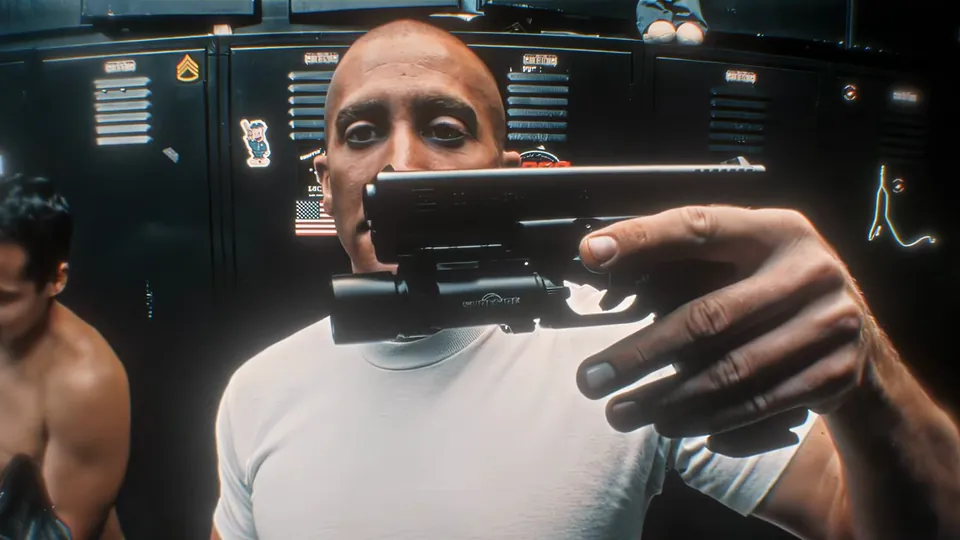
The edit went around in August 2023, and people refilmed it with their own gear: gym bags, fast food, later makeup pouches. The TikTok sound built on the track lists about 66,000 videos, and a fast-food version posted on August 18, 2023 (@sgt.drewski) read at about 634,000 plays.
The locker scene trend took its AI turn in August 2026, when Kling accounts started posting tutorials for the app’s replace-the-person template, and the joke moved to who gets swapped in.
End of Watch opens in US cinemas, with Gyllenhaal as Taylor and Peña as Zavala.
The gym version is posted to TikTok (@wardsimons) and reads at about 811,000 plays.
TheSilentMan uploads the Twirlanta locker room edit to YouTube, now at about 328,000 views.
A Kling tutorial (@meowstardaily) shows the replace-the-person template at about 134,000 plays.
Three template pages for the same scene go up on the same day.
Play counts, view counts and dates as read on November 3, 2026: TikTok posts by @wardsimons, @sgt.drewski and @meowstardaily, the TikTok sound page for original sound - xylo, and TheSilentMan’s upload on YouTube.
The 11-second edit in order: the officer talks to the camera, his partner leans in, then each piece of gear comes up to the lens until the salute. The lockers, the cuts and the track stay; only the faces change.
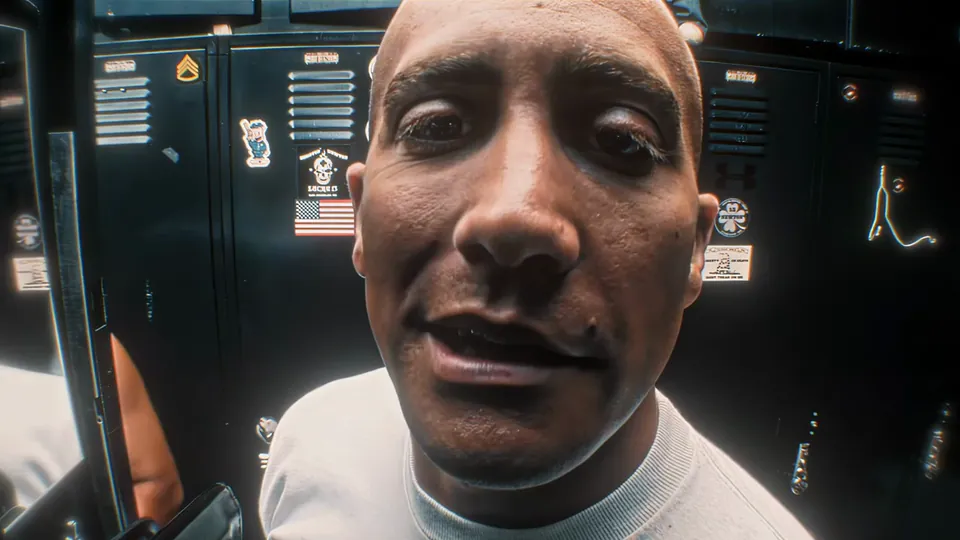 10:00–0:01
Close on the officer in a white tee, arm out holding the camera, talking and almost laughing at the lens, navy lockers with stickers behind him.
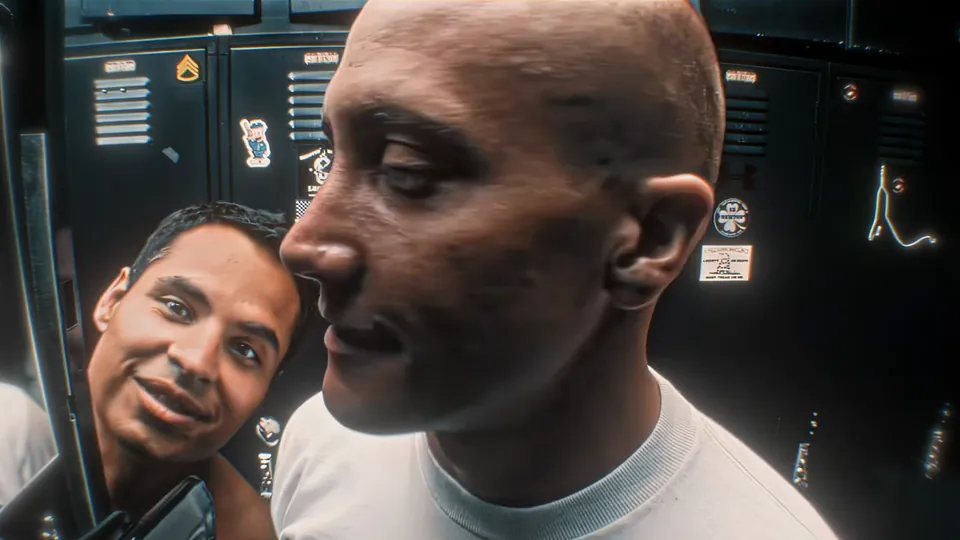 20:01–0:03
A second man slides into the left of the frame grinning; the officer turns his head to him, then both face the camera and smile.
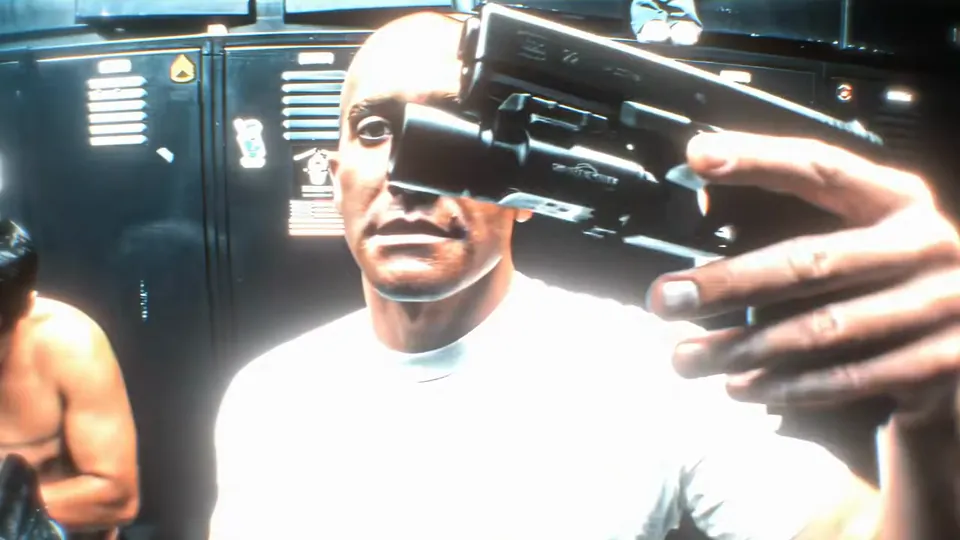 30:03–0:04
A black pistol with a light on the rail comes up in front of the lens and hangs there, muzzle across the frame.
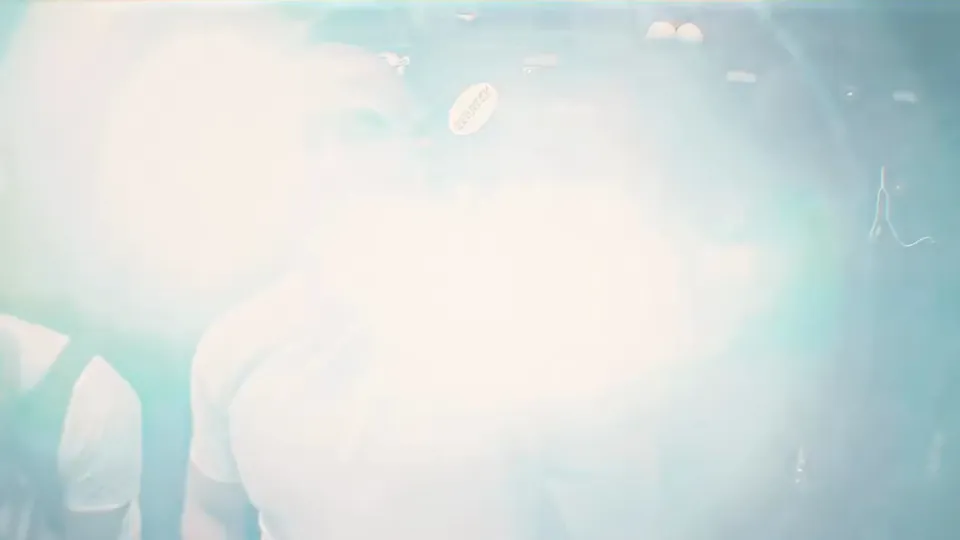 40:04–0:05
The light on the pistol burns into the camera: the frame goes white, holds, then drains back to a cold blue glow.
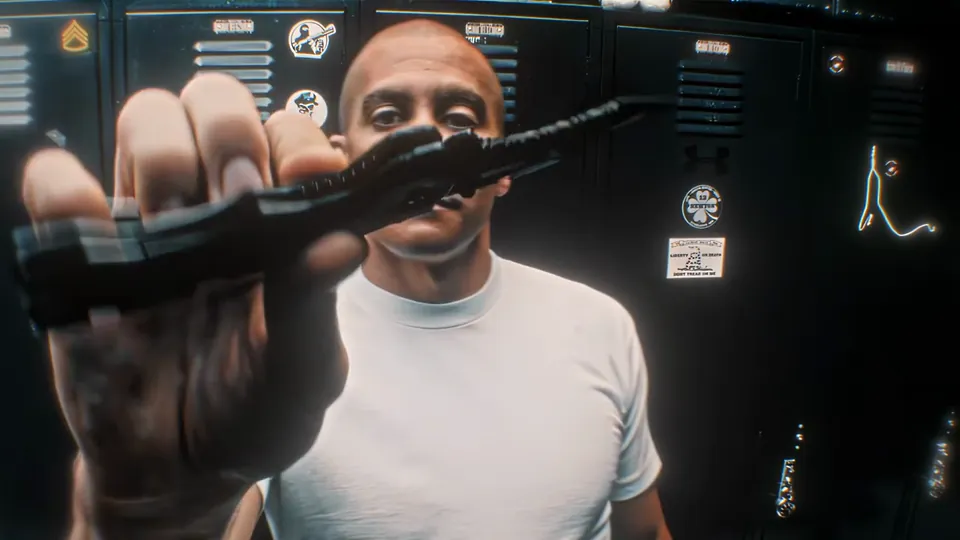 50:05–0:07
A folding knife turns over in his hand in front of the lens, blade up, before the whip pan blurs it out.
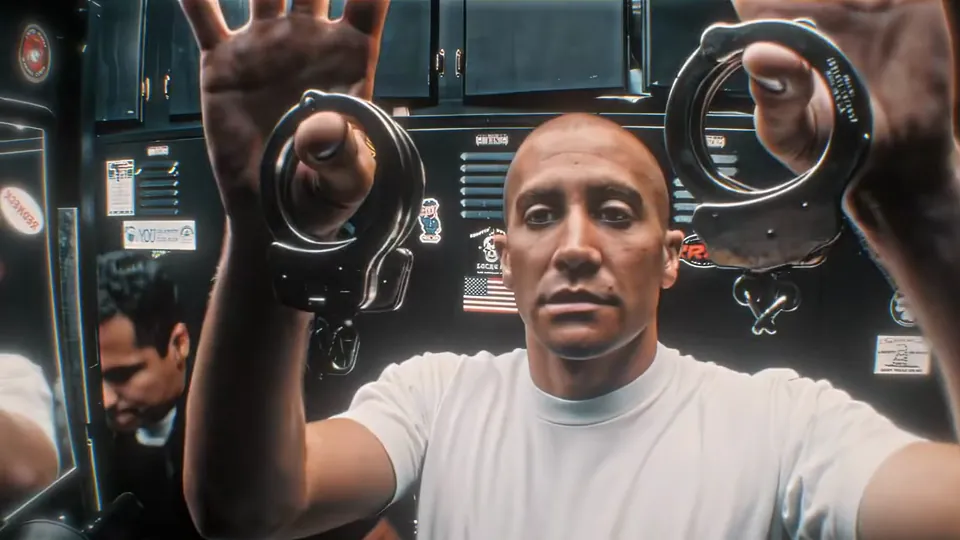 60:07–0:08
Both hands hold a pair of cuffs open on either side of his face, then a magazine goes up in each hand, face between them, until the whip pan takes the frame.
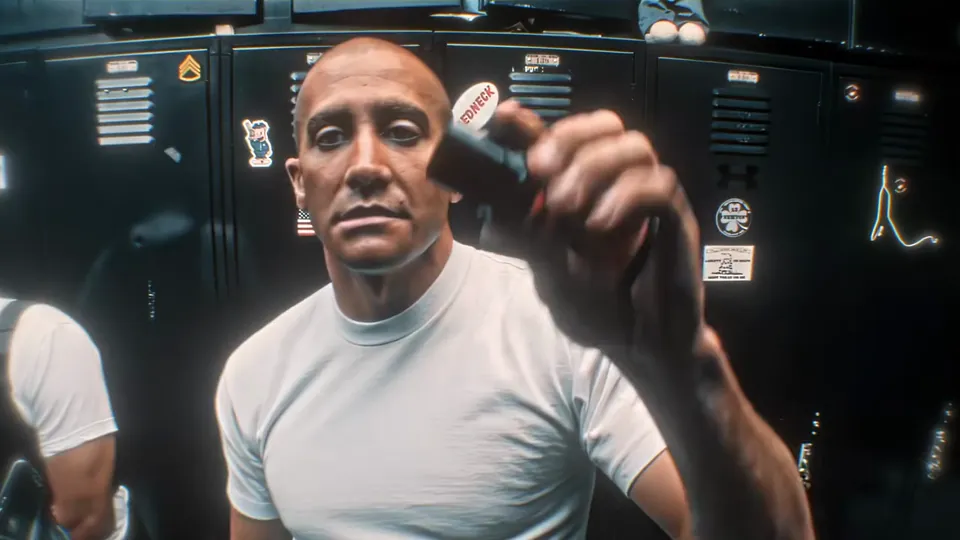 70:08–0:09
The red spray can comes up in one hand and holds beside his face for the last beat before the salute.
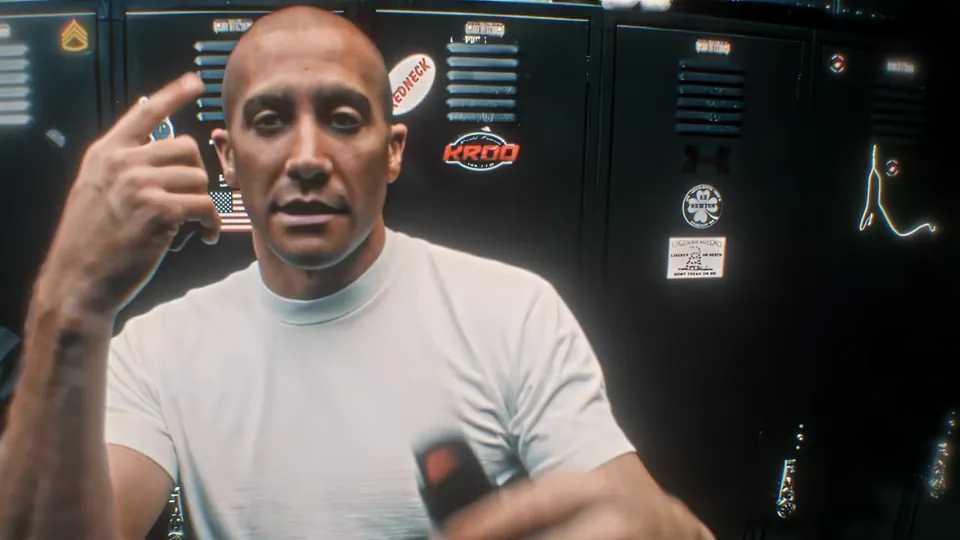 80:09–0:10
He taps two fingers to his temple with one hand, the red spray can still in the other, and the edit cuts out.
Both versions run the same 11-second edit. The only difference is who gets swapped.
Solo
One photo goes in. Yours replaces the officer who holds the camera, and the partner keeps his own face, hair and place in the frame.
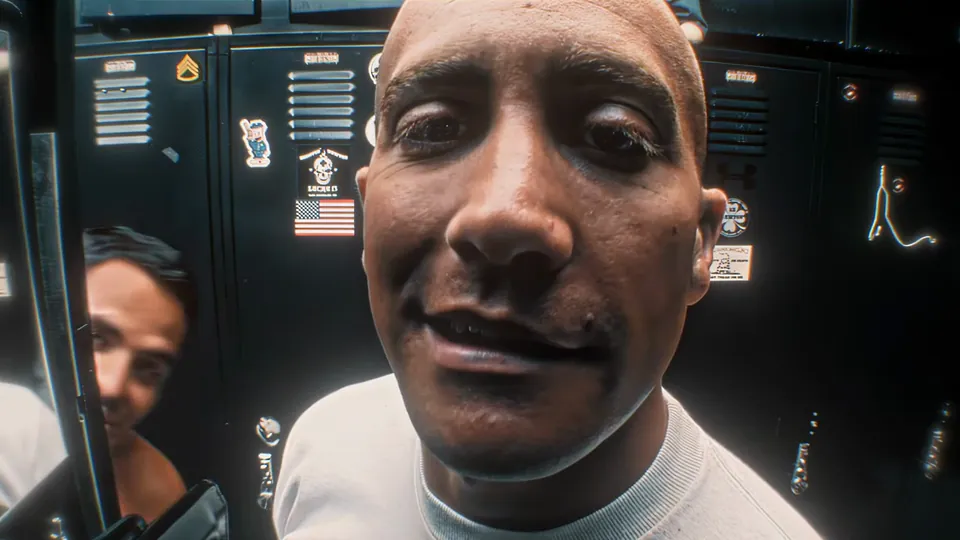
With a friend
The second photo takes the partner who leans in from the left, and the same man again when he shows up behind the officer later in the edit. He wears the top from your photo instead of the bare chest, and either of you can take either part.
The gear on screen is the film’s; what changes is who holds it. Cast one of these and caption it for them.
The one who narrates every set, and has been waiting to be filmed doing it.
Caption idea: the pre-workout, the straps, the belt
The friend with a van full of tools who would list them in order, given a camera.
Caption idea: everything in the van, in order
The one whose routine has steps, presented like a duty belt.
Caption idea: my setting spray is department issue
For the office friend: badge, good pen, emergency biscuits — that is their whole kit.
Caption idea: the badge, the pen, the emergency biscuits
Photo 1 plays the officer and, in the duo version, photo 2 plays the friend who leans in. Either of you can take either part.
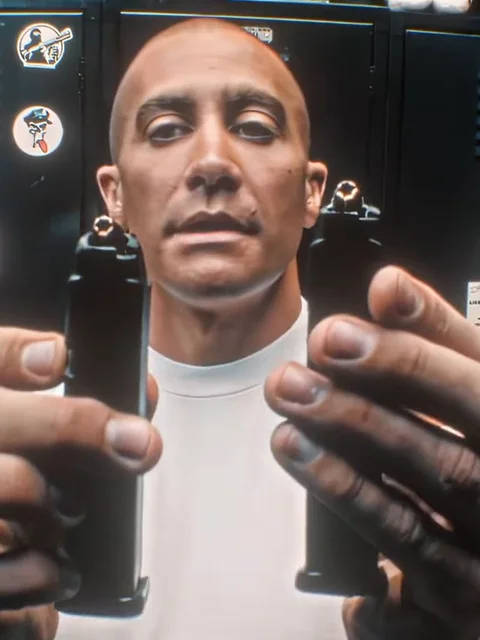
Photo 1Gear officer
Your face goes on the officer who holds the camera and lifts the gear to the lens. The white tee, the lockers, the order of the gear and the salute stay as they are.
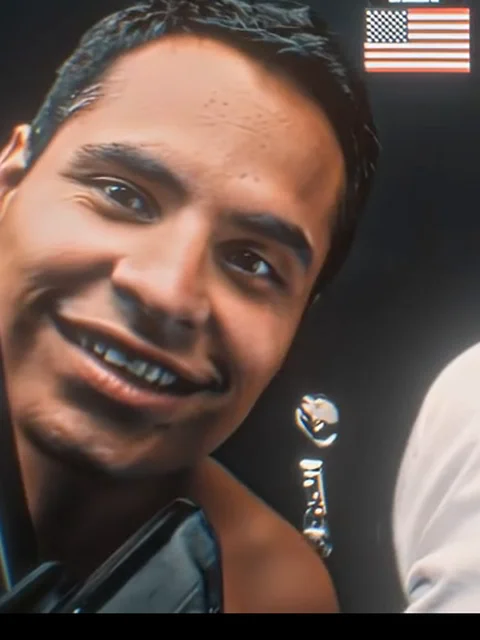
Photo 2Left partner
Your friend’s face goes on the partner who leans in at the left in the opening, then turns up behind the officer later on.
Works well
 One person per photo
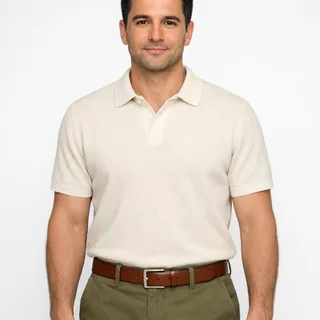 Face and shoulders, straight on
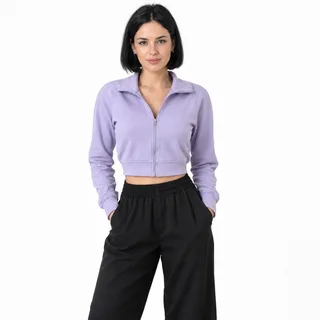 The top you want on screen
Avoid
 Two people in the same snapshot
 A hand or a prop over the face
 Dark or blurry phone shots
Start with the officer
Upload the officer’s photo first; for the duo version add the friend who leans in to the second slot.
Click Generate
The button shows the exact price for the resolution you pick before the run starts.
Download and post
Download the video and post it; nothing has to be edited or added first.
No pet photos here: this template keeps its own hands.
A kling prompt for the locker-scene edit, solo or with a friend, plus the lines that keep the gear order and the slowed Twirlanta track. The prompt this page runs is already set: you add photos.
Kling 4.0 video edit
Prompt length 1097
@Video1 is the source clip: a handheld close-up in a navy locker room, cut to a slowed beat. @Image1 is the adult who replaces the officer. Replace only the officer who holds the camera, the man with the shaved head in the white tee whose face fills the first frame, with the person in @Image1, and take the haircut from the photo. Leave the partner exactly as he is: do not swap his face, his hair or his place at the left.

Keep the performance of @Video1 exactly as it plays: the talk straight into the lens with a half-laugh, the head turns, the grins, the hand lifting each piece of gear into frame, the fist pump, the light burning into the camera, the final two-finger salute and the timing between them. Keep the handheld camera, the framing, the whip pans, every hard cut, the lighting, the composition, the pacing and @Video1's slowed track. The gear stays as it is and is only held up to the lens: do not add, swap or remove props and do not point anything at a person. Do not add people, text or logos, and keep the new face stable and on its own body from the first frame to the last.Point at the officer by his haircut and tee
Two people share the frame in the opening; the haircut is what tells the model which one changes.
Tell it the partner keeps his face
Solo prompts that forget this line often come back with both faces swapped.
Leave the gear order out
The order is in the clip; listing it invites the model to re-order the beats.
“Put a knife in his hand”
Props come from the clip. A prompt cannot add, swap or remove them.
“Make it vertical for TikTok”
The frame follows the clip; crop it in the app you post from.
“Use my kid or my dog”
Adults only: life-size props and the clip’s own hands.
Asks for a new scene
Show my gear in a police locker room.
Names the person, the photo and what stays
Replace the officer in the white tee with @Image1; keep the partner, the gear order and @Video1’s slowed Twirlanta track.
One line asks the model to invent a locker room and props. The other edits a specific clip and says what may not move.
Every template works the same way: add your photos, press Generate and get a shareable video without writing a prompt.
View all effectsEnd of Watch, David Ayer’s 2012 film. Jake Gyllenhaal plays Brian Taylor, who holds the camera, and Michael Peña plays his partner Mike Zavala. The full scene is the two of them talking in the locker room before Taylor walks through his duty gear on camera; this template runs the short edit cut to the slowed Twirlanta track.
22Gz “Twirlanta”, slowed down. It is the same sound the 2023 TikTok versions used (original sound - xylo), and the template keeps it, so you have nothing to add.
Yes. In Solo only the officer is swapped; the partner keeps his own face and his place at the left, though the model redraws him, so he can come out slightly different from the edit.
No. The page is not official and is not affiliated with the film, its studio or its cast.
Yes. The officer who holds the camera can be a woman, and so can the friend who leans in; the photos decide the rest.
No. This one is adults only: the template puts a life-size pistol, knife, cuffs and spray in the hands of whoever is in the frame.
No. The hands and body holding the gear stay as they are and the props are life-size, so a pet photo does not work here.
No. The gear comes with the template and stays as it is: the photos change the people, not what they hold up.
No. You upload a photo on this page and click Generate. The app route asks you to copy the video link into Kling and swap the face there; here there is nothing to copy and no app to install.
No, each video costs credits. The price follows the resolution you pick, and the Generate button shows the exact price before you start. New accounts start with 10 credits.
Not in this template. The output keeps the 16:9 frame the edit is cut in, which is what keeps the partner on the left and the gear held out to both sides in shot. Crop it in the app you post from if you need 9:16.
The output is a video file. Your phone’s camera roll or an editing app can turn the download into a GIF.
The opening is an extreme close-up and the gear passes in front of the face, so those frames are the hardest. Upload a brighter, front-facing photo and run it again; the middle shots land closer.
One photo, and the gear comes up to the lens one piece at a time, at the edit’s own pace.