


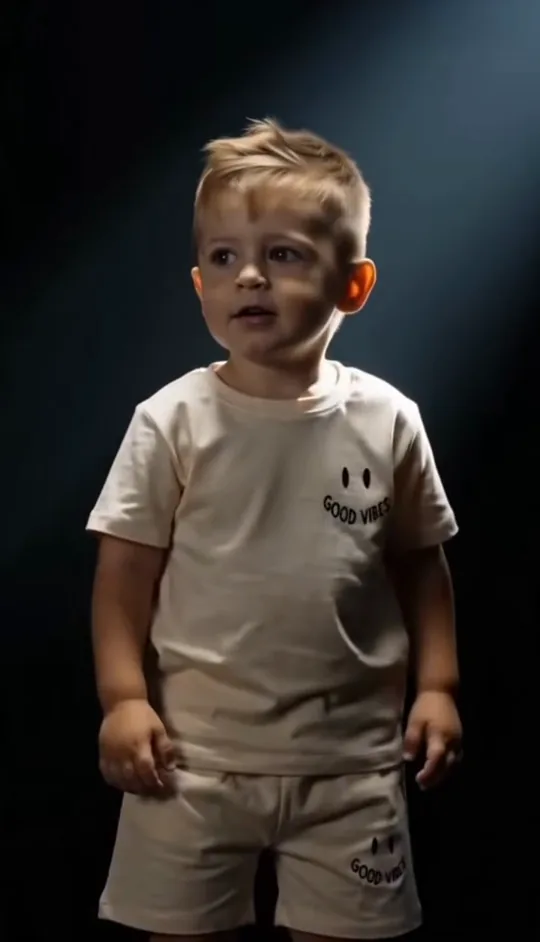
 Recommended
Two photos, two real ages
Your own childhood photo plays the child, so the younger figure is you as you actually looked. This is the version the trend is built on and the one to use.
Two photos, one from childhood and one from today, become the vertical facing-off clip with the trend's own line and beat.
PNG / JPG / WebP · up to 10 MB · at least 512px on the short side
0/2 photos
Photo 1: you as a baby or a kid. Photo 2: you today, chest up. Faces clear; pets work too, one puppy photo and one from today.
Video settings
No prompt needed. Upload your own childhood photos, a pet's, or someone who agreed to be in it; celebrity photos and film stills aren't allowed.
“Congratulations, you're moving to the next level. Your next opponent is… you.” That line, a childhood photo and the person you are now: the child walks into a spotlight and the camera finds you standing in the next beam, both of you alone in the dark.
It began as an ordinary progress format. Someone posts the photo from before and the photo from now, and the line does the talking: after everything you have beaten, the only opponent left is the earlier version of yourself. Gym floors and recovery posts carried it first.
Its other name is “you vs you”, which is also how the CapCut templates are titled; every version keeps one habit, the cut to the older self on the last word of the line.
The version on this page is the childhood one: the opponent is a toddler. It arrived in late June, when AI editors put a real childhood photo of the creator against a current one under the same narration, and the reply that travelled furthest was simply “mini me”.
The sound started under a fitness progress post on 12 May, which reached 1.1 million plays; the line about “moving to the next level” suits a gym floor, then a graduation, then a comeback from anything.
On 4 June an AI clip of a medieval warrior facing another version of himself set the three-shot structure: close-up, over the shoulder, then both figures in the dark. It reached 484,128 likes on Instagram.
Know Your Meme filed the meme on 23 June, once the samurai clip and the first tutorials had spread.
The childhood version broke out on 25 June: a girl facing the grown woman she became, 12.67 million plays on TikTok, and two CapCut “You vs you” templates built on 24 June have passed 1.76 million and 419,758 uses.
Eclipse released a track called “Your Next Opponent Is You” on 4 July, soon after the trend peaked.
Sources: TikTok posts and sound pages from 12 May, 24 June and 25 June 2026; Instagram posts from 4 June; Know Your Meme; CapCut template pages; play, like and use counts read on 2 November 2026.
Three shots in 10 seconds, with the opening walk read as two beats; the cut that carries the whole trend falls on the last word of the line.
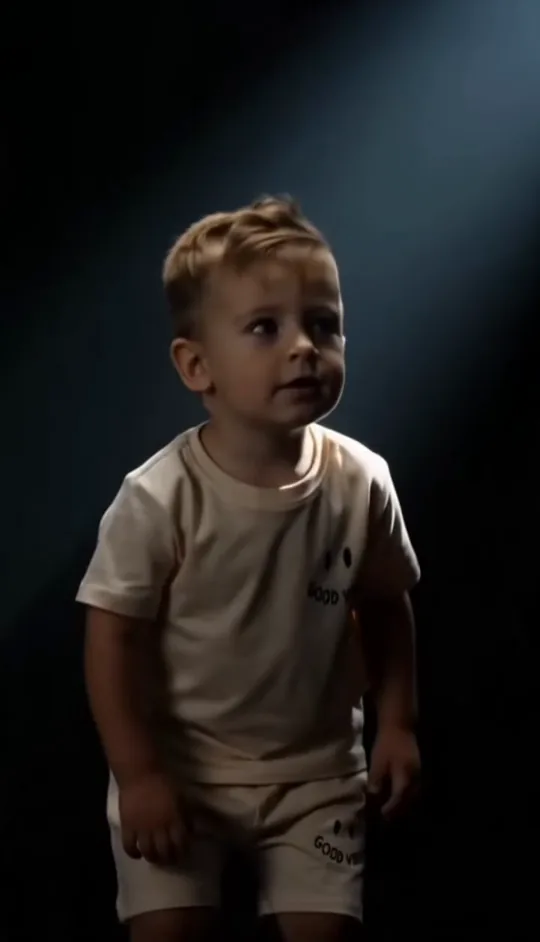 10:00–0:02
A child in a white tee walks out of the dark and stops in the spotlight. No dialogue, no props: one figure, one beam.
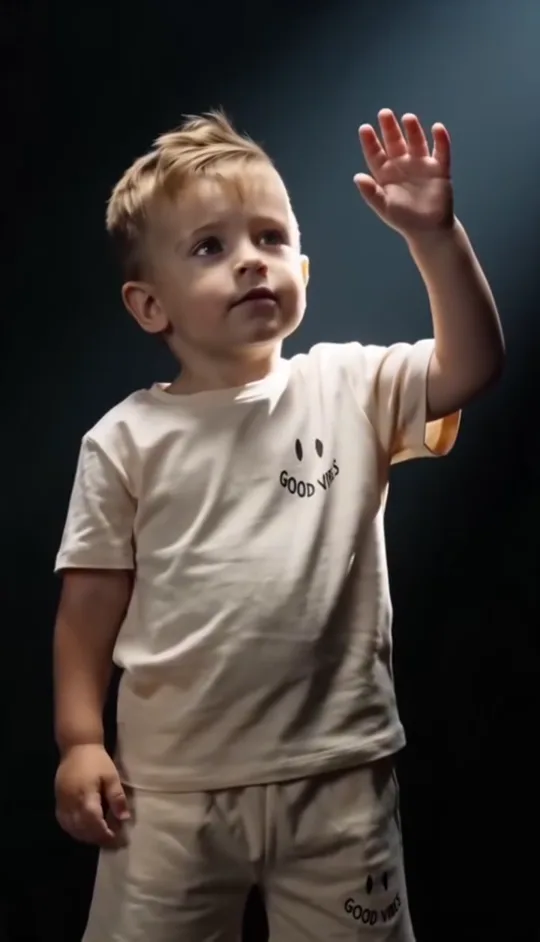 20:02–0:05
The child looks around, tips the head back and raises a hand against the light. The cut that lands on the last word of the line falls here.
 30:05–0:08
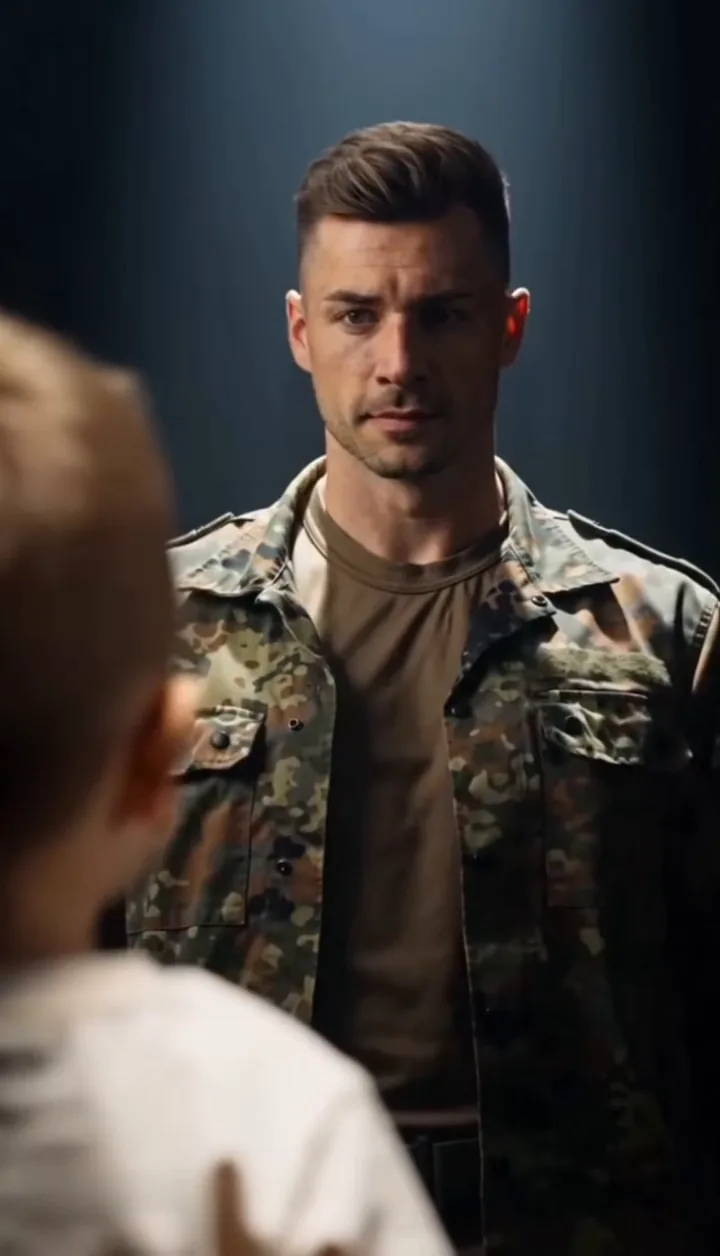
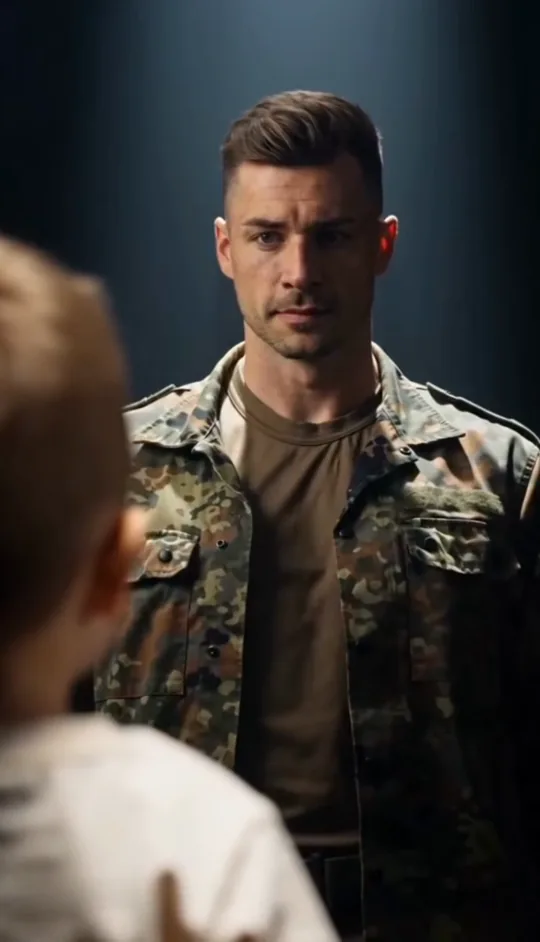
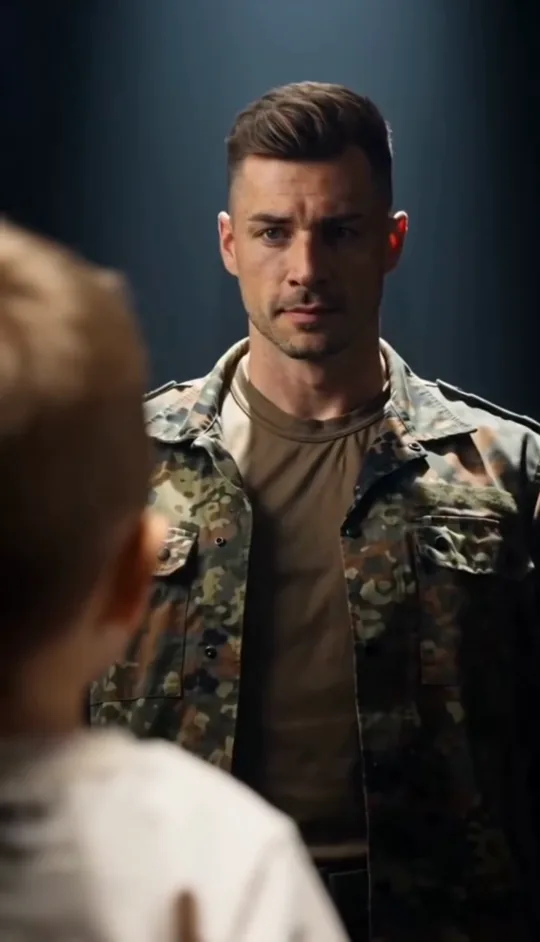
The camera drifts over the child's shoulder and the beam lands on the grown-up version of the same person, standing still and facing the light. This is the face the clip holds on, so it is the shot that decides whether the result reads as you.
 40:08–0:10
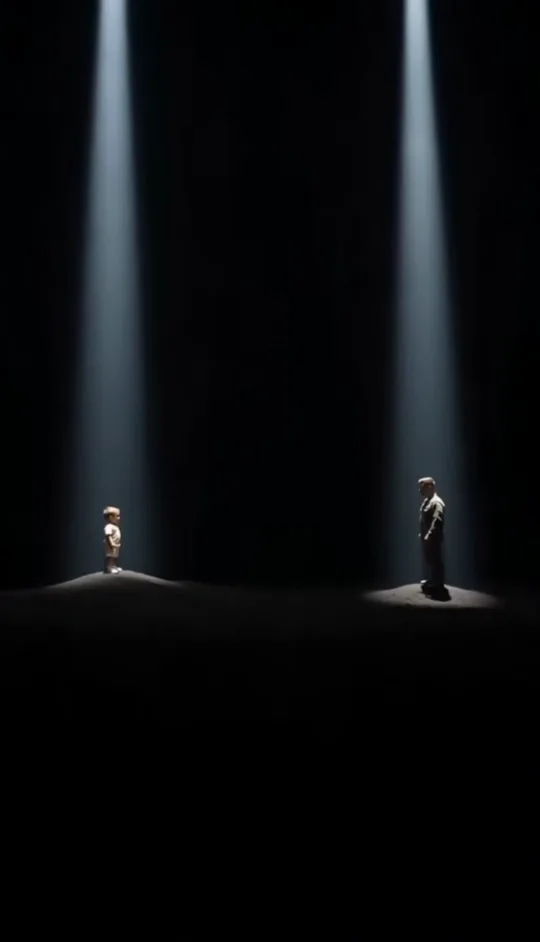
The camera pulls back to show both of them, each in their own pool of light with darkness between them. Neither moves; the standoff is the ending, and the clip fades there.
Colors, clothes and faces come from the two photos; the stage, the beams, the three cuts and the sound come from the clip.
One photo is faster, two photos are actually you. Both keep the same clip, the same line and the same cut.
RecommendedYour own childhood photo plays the child, so the younger figure is you as you actually looked. This is the version the trend is built on and the one to use.
 In testing
: the model has to take years off your photo. It can leave the clip's own child in the opening shot, so treat the result as a draft and expect to try again.
Ask anyone who has posted one and they describe the same feeling: it is a progress picture that moves. These are the four versions people keep making.
The original use: the gym progress post where the opponent is the version of you that could not lift it.
Caption idea: A year ago I could not do one. Now I'm racing myself.
A childhood photo from a family album against the day the small version would be proud of.
Caption idea: She would not believe this is us now.
A birthday or a new year, with the earliest photo you own facing the one taken this week.
Caption idea: Same person, twenty years apart.
Two generations in one edit: one clip with your childhood photo, one with your child's, posted side by side.
Caption idea: My turn, then hers.
Photo one is the child, photo two is you today. Neither photo has to be new, and the older one can be a picture of a printed photo.
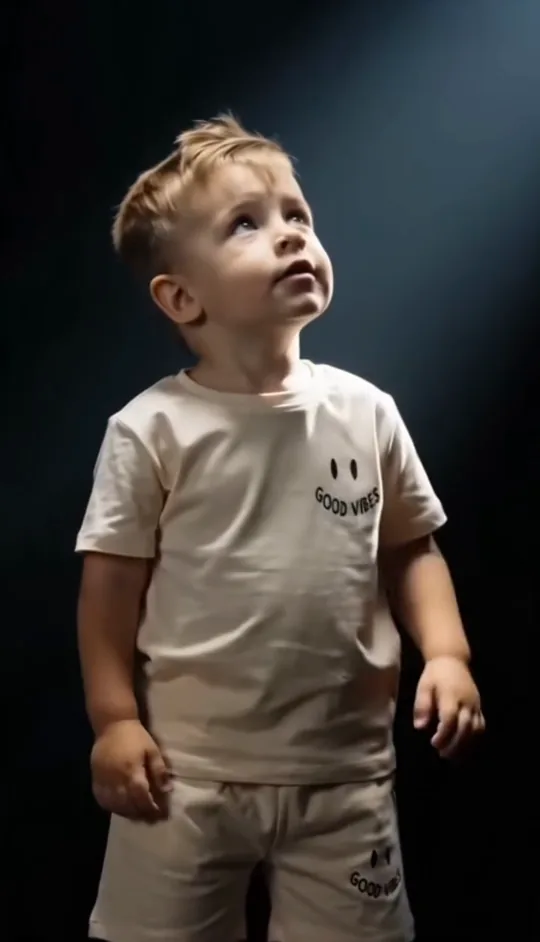
Photo 1Young you
The figure in the opening shot. The younger the photo, the closer it sits to the toddler the clip expects; a photo of a printed childhood picture is fine as long as the face and clothes are readable.
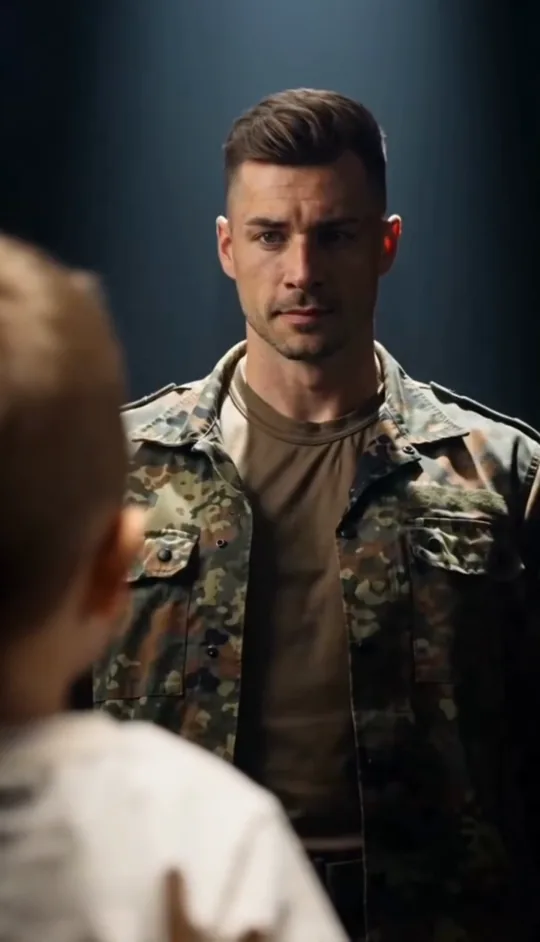
Photo 2You today
The adult in the second and third shots. Use a recent photo from the chest up, taken straight on, so the standoff reads as the person you are now.
Do
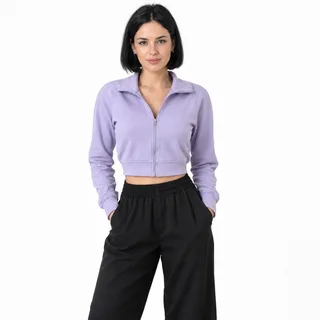 A childhood or baby photo from the front, with the face and outfit both visible in even light
 A puppy or kitten photo, whole body and face visible, paired with the same animal today
Avoid
 A childhood photo with three cousins in it: only one figure can take the child's place
 A side profile or the back of a head: the first shot is where the face is read
 A figure far away in a group shot, too small for the close-up
Add both ages
Both photos go in before you generate; the two slots are labelled by age.
Generate the clip
Choose a resolution and press Generate; the button shows the exact price first.
Post the matchup
Download the vertical MP4 and post it as it is; the line and beat are already on the clip, so nothing needs adding.
Every template works the same way: add your photos, press Generate and get a shareable video without writing a prompt.
View all effectsYes. The clip's younger figure is a toddler, so the closest match is the youngest photo you have, ideally a head-to-toe or knee-up shot where the face and clothes are clear. A photo taken of a printed picture works, and a baby photo does too.
The two-photo version is the one to use: your childhood photo keeps the younger figure as you actually looked. A one-photo version is in testing, where the model has to age your photo down and can leave the clip's own child in place, so it is not offered as an equal choice yet.
The wide final shot leaves each figure only a few dozen pixels tall, so identity is carried by the first two shots. Swap in a sharper childhood photo taken from the front; the standoff shot is meant to be a silhouette. Every run varies, so a second attempt can also come out closer.
The meme only lands when both figures are you, so both photos should show you at two ages. Using your child's photo in the younger slot makes a family clip rather than a self matchup, and the result may look like two different people meeting.
Old photos that are black and white, faded or slightly soft still work; the template asks for natural colour and skin tone, so the child comes out in colour. A phone photo of the print, taken flat and evenly lit, is enough.
Yes. Upload a puppy or kitten photo and a photo of the same animal today; each slot takes one animal, whole body, with the face visible. Results with pets vary more than with people.
The line and the narration come from a sound first posted on TikTok on 12 May; who recorded it is not documented, and Know Your Meme notes it may be synthetic. The music under it is a remix of Eclipse's “Welcome to My Crib”, and Eclipse released a track called “Your Next Opponent Is You” in July. The line is not from a film.
There is: “You vs you” on CapCut, with 1.76 million uses since 24 June. This page makes the same cut in the browser from two photos, keeps the clip's line and beat, and returns a vertical video without installing anything.
That is a different trend. Dancers took the same remix, kept half the frame empty and invited someone to duet, which is why “your next opponent is you dance” comes up in search. This page is the childhood standoff, not the partner dance.
No. Both ages come from the two photos you upload, so the matchup is with someone who actually existed. Every other age-changing video, including face-aging apps and older-self edits, is a different tool.
Yes. Childhood photos and children's faces are the main input, so every run on this page stays out of the public gallery whatever plan you are on. You can still post the video yourself.
No. The instruction that maps photo one to the child and photo two to the adult, keeps the three shots and holds the line is built into the template, so the page has no prompt box. Prompts that circulate for this trend describe exactly those three shots.
Every video costs credits. The price depends on the resolution you pick and the Generate button shows it before you start, so there is no surprise. New accounts get 10 credits at sign-up.
Two photos, one press, about 10 seconds of vertical video with the trend line already in it.