


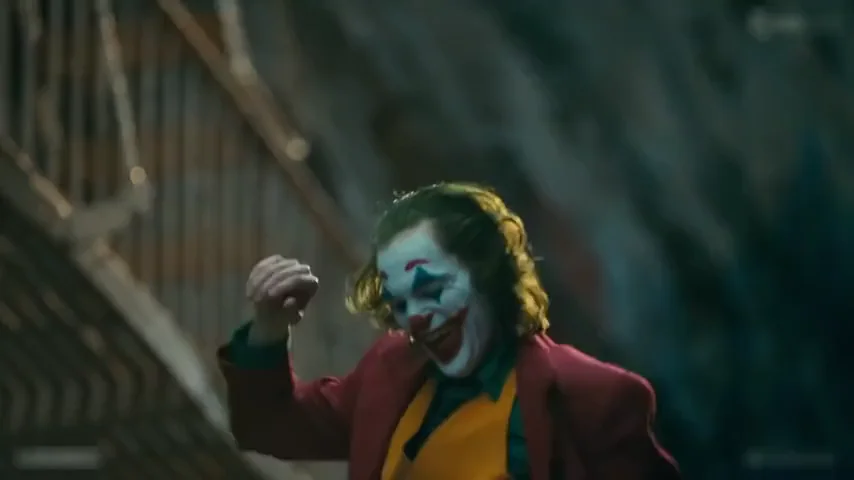
Short version
The last stretch of the scene
Cuts in about a second into the laughing close-up, then keeps the slide down, the long arms-open descent and the final spin.
Joker stairs dance: upload one photo and dance down the 2019 film's staircase, with the same steps, shots and moves, the red suit, your face and the scene's own sound.
PNG / JPG / WebP · up to 10 MB · at least 512px on the short side
0/1 photos
One photo of one person, face clear and facing the camera. The staircase and the moves come from the scene; a pet works too.
Video settings
One photo of yourself, your pet, or someone who agreed to be featured; celebrity photos and other film stills aren't allowed.
The Joker stairs dance is the scene in the 2019 film Joker where Arthur Fleck, in a red suit and mustard waistcoat, dances down a long outdoor staircase in the Bronx: kicking a leg out, swinging his arms wide, turning, and hopping on one leg before a final spin at the bottom.
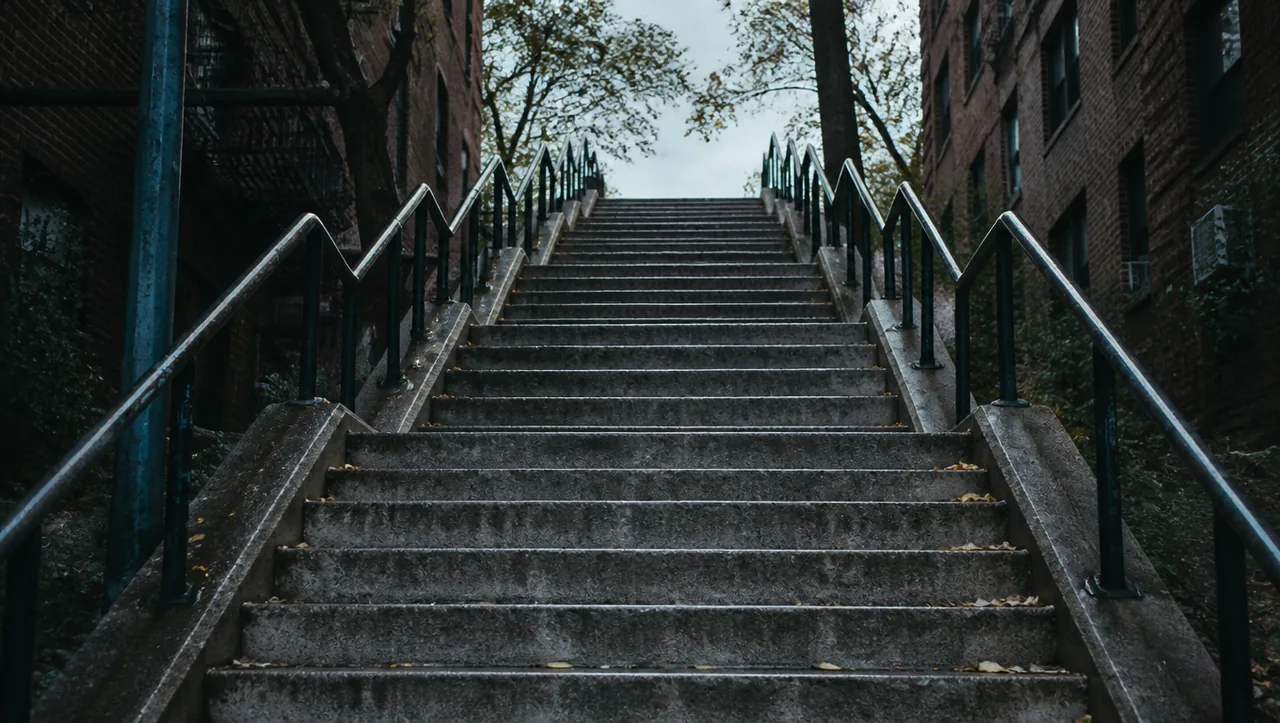
It comes late in the film, after the character's turn, and that is why people post it: the walk is the mood. Joaquin Phoenix plays the part, and the steps themselves became a place people travel to.
Sources: Know Your Meme and Wikipedia, read on 28 October 2026.
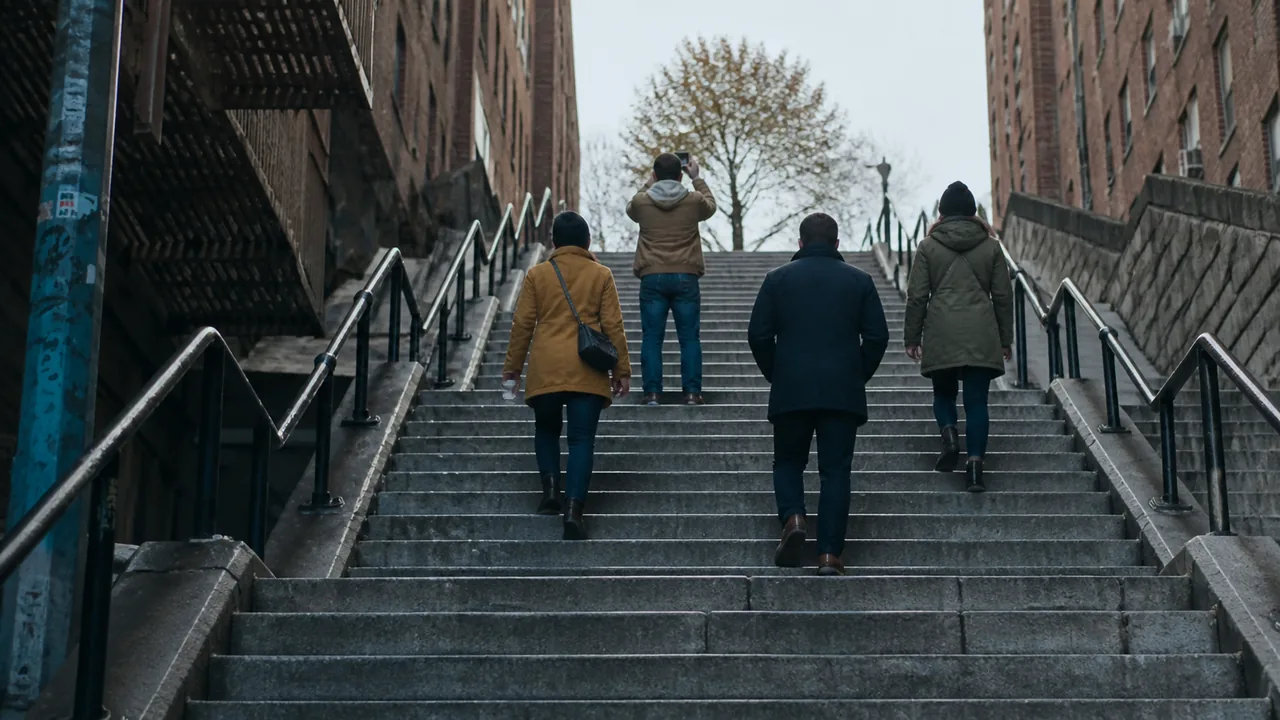
The scene was in the marketing from the first trailer in 2019, and once the film opened in October the real steps in the Bronx turned into a meme of their own.
The first trailer shows the dance down the steps.
A still of the scene is released as publicity, about two months before the film.
The stair dance is on the film's poster, and “Joker and Peter Parker dancing” edits start spreading.
The film opens in the US, and the whole scene is out.
Google Maps users rename the steps “JOKER STAIRS” and visitors start turning up to film themselves on them.
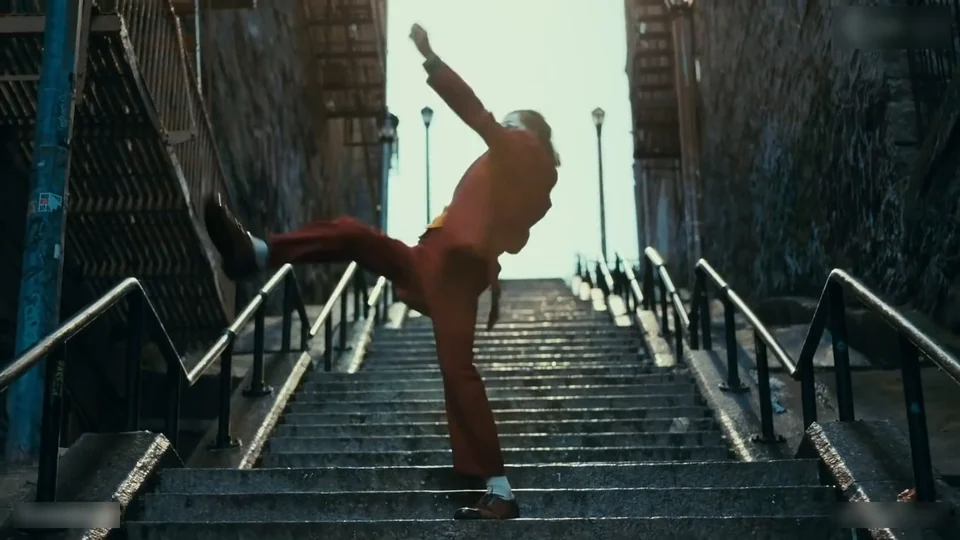
Eight beats from the 30-second cut, from the top of the steps to the last spin.
 10:00
10:00The routine opens high on the steps with a leg kicked out to the side and both arms lifted as he starts down.
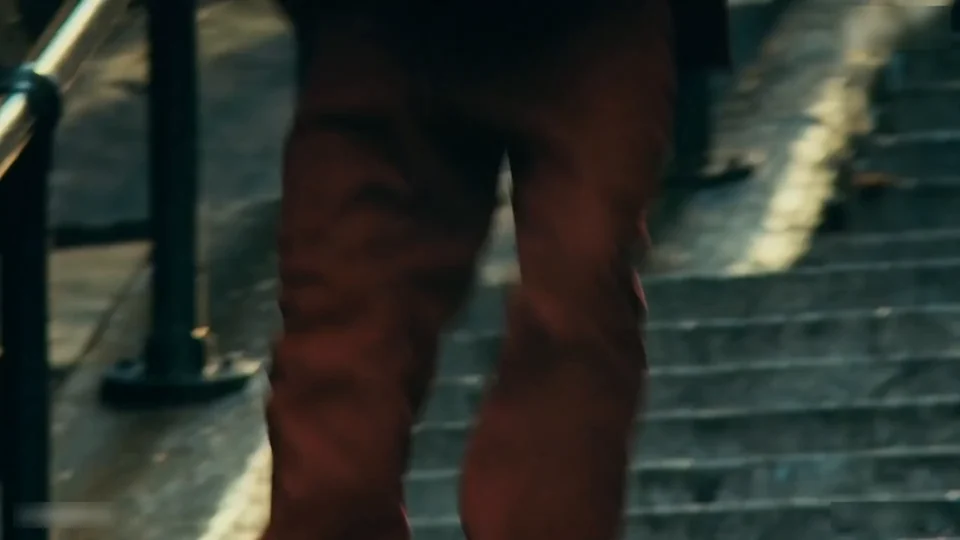 20:01
20:01A close-up on the legs as they step down the concrete flights, the trouser cuffs swinging.
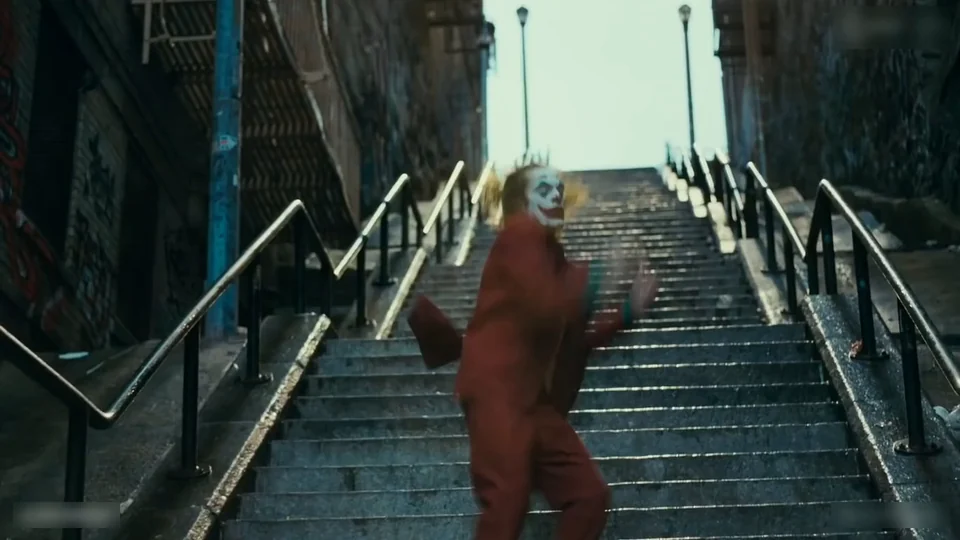 30:03
30:03Both arms spread out at shoulder height while the hips swing from side to side.
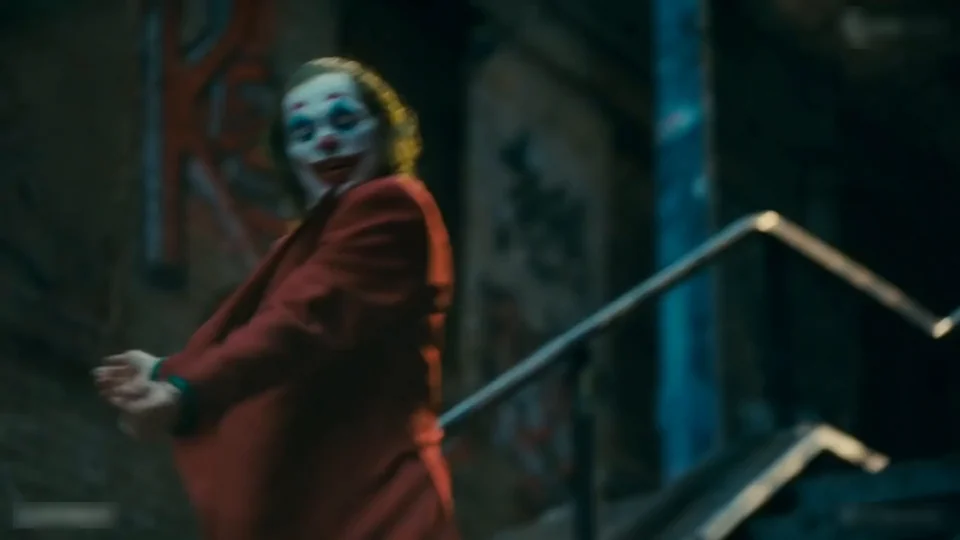 40:05
40:05A side-on shot of the turn, the jacket swinging out behind the shoulders.
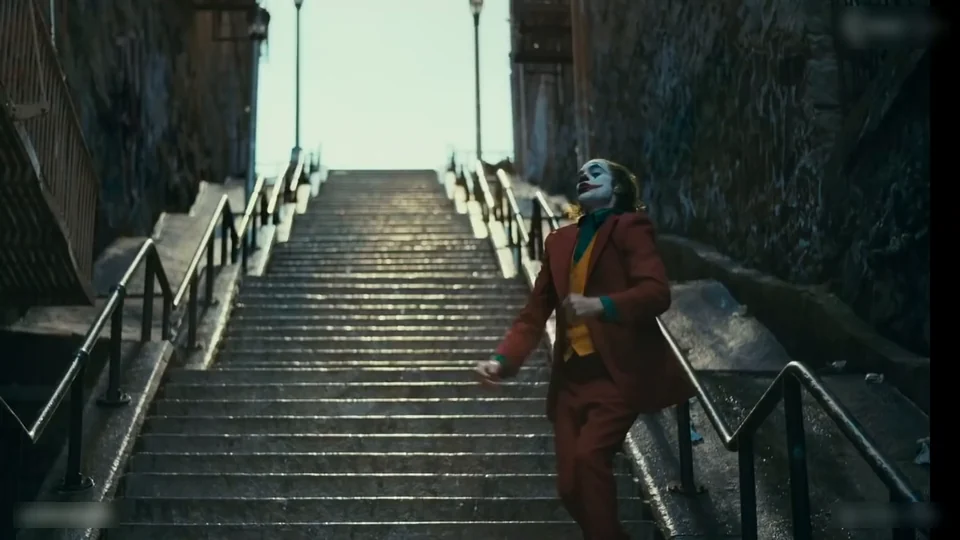 50:09
50:09A hop on one leg, the other knee lifted, while the arms keep moving.
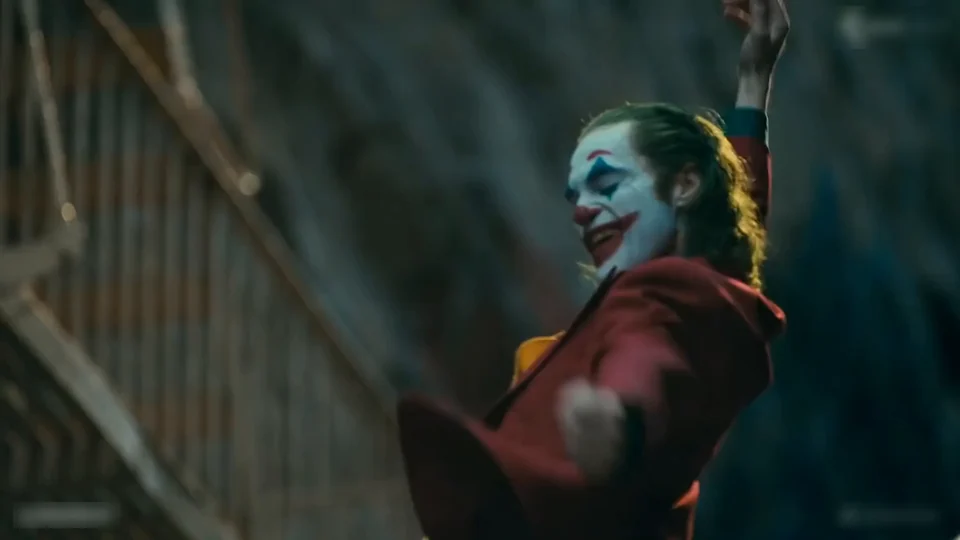 60:14
60:14A close-up: laughing at the camera with one hand up near the face, before the next descent.
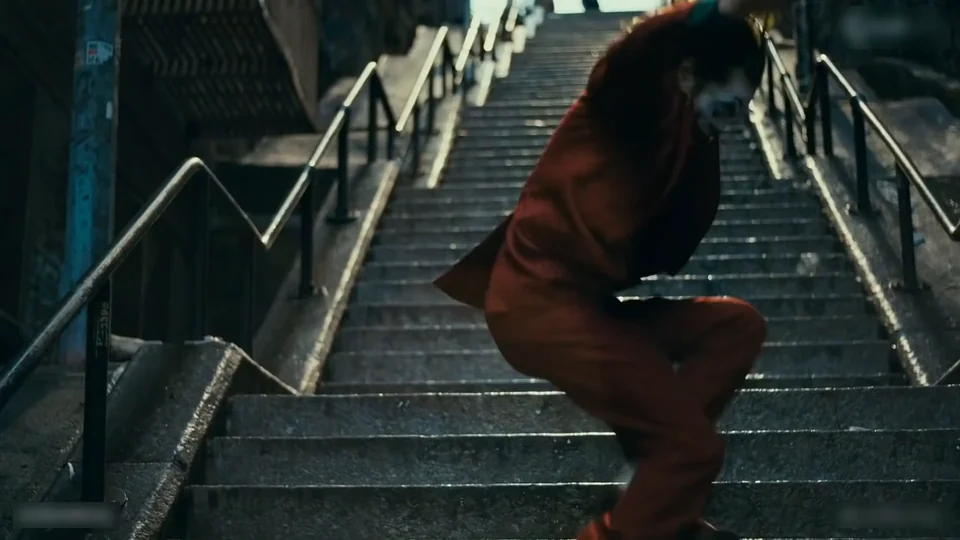 70:17
70:17The shot everyone knows: one long camera move from below as he comes down the steps, arms open and swinging with each step.
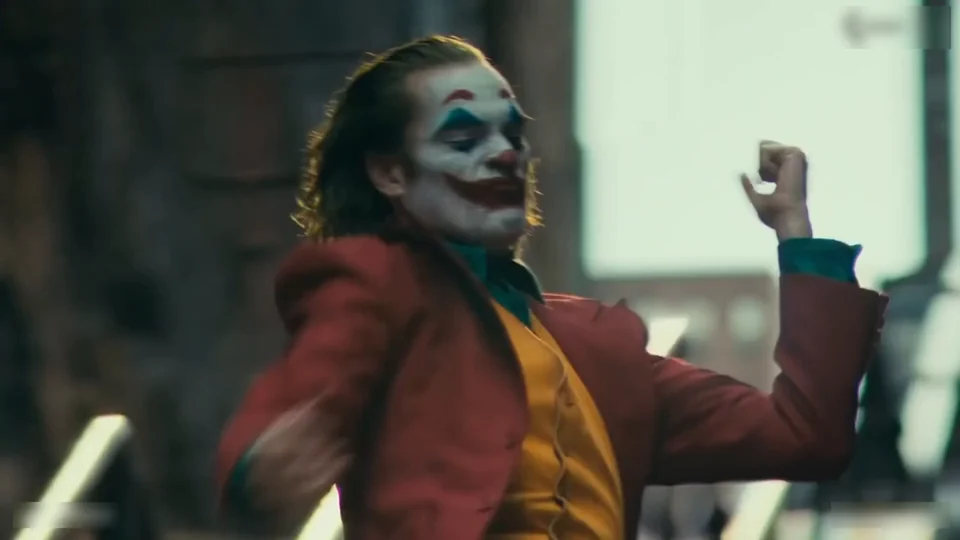 80:27
80:27It ends with a turn on the spot at the foot of the steps, the jacket flying out around him.
Want these moves in your own clip instead? Use it in Motion Control
Both versions are the same scene, cut at two different points. Pick the short one for a post, the long one to keep the whole descent.
Short version
Cuts in about a second into the laughing close-up, then keeps the slide down, the long arms-open descent and the final spin.
Full version
Opens higher up the staircase and keeps the kick, the foot close-up, the arms wide, the turn, the hop and the laughing close-up before the long descent.
One person, one photo. The scene supplies the staircase and the suit, so there is no costume to find.
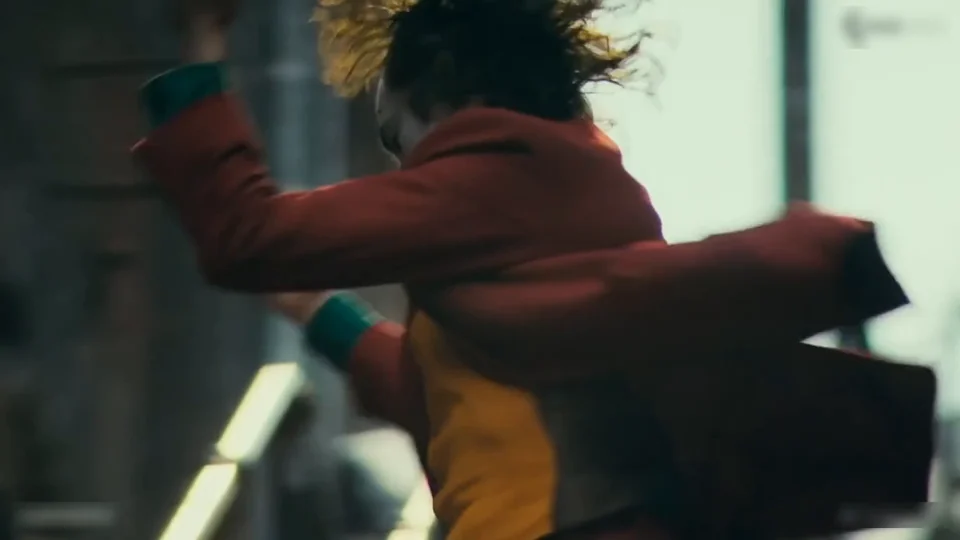
Photo 1Stair dancer
The only person in the scene: the face, hair, skin tone and build in the video are this photo's, and the red suit is the one from the film.
Use
 One person, face sharp and facing the camera
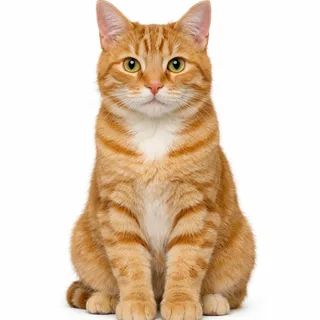 Or a dog or cat, face in view
Skip
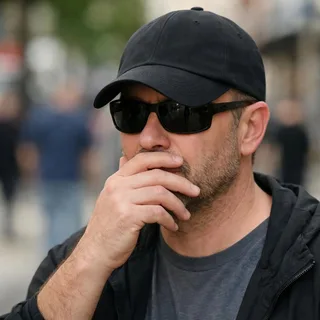 Sunglasses, caps or a hand over the face
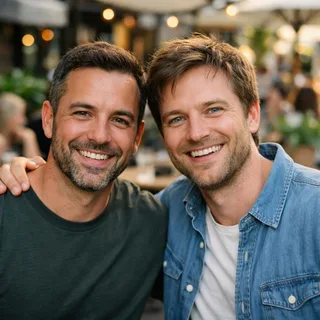 Two or more people in one photo
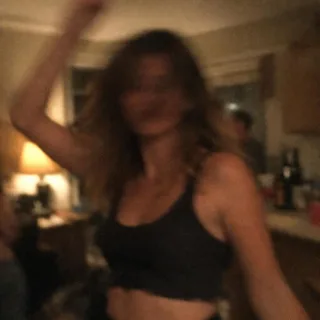 Dark, blurry night photos
Drop in the dancer photo
Add one photo to the dancer's slot.
Two cuts, one tap on Generate
The Generate button shows the exact credits for the version and resolution you pick before you start.
Post the descent
Save the video and post it. It's a 16:9 clip, so add bars above and below on a vertical feed.
The scene is recognised from the first step, so a quick recreation lands anywhere.
Replace the walk you never had with the scene's, and post it on a Friday.
Caption: Main character, all week.
Send it as a party invite: the staircase does the announcing.
Caption: You're invited. There will be stairs.
See the red suit on your own face before you build the costume.
Caption: Costume approved.
Every template works the same way: add your photos, press Generate and get a shareable video without writing a prompt.
View all effectsGood to know
The West 167th Street stairs in the Bronx, New York, in the Highbridge neighbourhood, between Shakespeare Avenue and Anderson Avenue. The template uses the filmed scene, so you don't have to go there.
The scene plays “Rock and Roll Part 2”, also known as the Hey Song. The finished video keeps the scene's own audio track.
No. In the 2024 sequel the staircase is used for a song, not for this dance. The bathroom dance is another scene from the first film; this template only has the staircase.
No. The red suit, mustard waistcoat and green shirt come with the scene, and your face, hair and skin tone come from the photo; no clown makeup is painted on. If you want the painted look, the Joker Halloween template in the Halloween collection builds one on a Halloween night staircase.
It's a whole-person replacement, not a face swap: your face, hair and build come from the photo, and the suit, the staircase, the shots and the performance stay exactly as they are in the scene.
Yes, a dog or cat photo works the same way, keeping its species, coat and markings. Animals aren't built like people, so the kicks and the spins come out looser than in the example.
No. The scene swaps one dancer, so each video takes one photo and stars one person, or one pet.
About 15 or 30 seconds, depending on the version, in the scene's 16:9 landscape frame.
The spins and the low-angle shots are where a face can slip or a hand can lose its shape. Start from the sharpest front-facing photo you have, and run the video again if a shot comes out wrong.
No, each video costs credits, and new accounts get 10 free credits at sign-up. The price depends on the version and resolution you pick, and the Generate button shows the exact amount before you start.
Videos made on a free account are public. On a paid plan they are private by default.
No. Oeneo AI isn't affiliated with Warner Bros., DC or anyone who worked on the film; the template only puts your photo into the staircase scene.
Your turn
One photo in, you dancing down the film's staircase out, with the scene's own sound.