Storm AI Video: Stand Still in the Storm II Crowd

Upload two photos: one stands still at the center of the Storm II class photo, the other fills every row of dancers that folds and snaps back around them.

  • One click · no prompt
  • Two photos → one Storm II video
  • Your second photo fills the whole crowd
Example · Class photo

PNG / JPG / WebP · up to 10 MB · at least 512px on the short side

0/2 photos

Photo 1 is the still lead, photo 2 fills the crowd: one adult each, front-on, waist-up or more. Give the lead a top that contrasts with the crowd photo. No group photos or sunglasses.

Video settings

No prompt needed. Only upload photos of yourself or people who agreed to be featured; celebrity photos and film stills aren't allowed.

The built-in clip

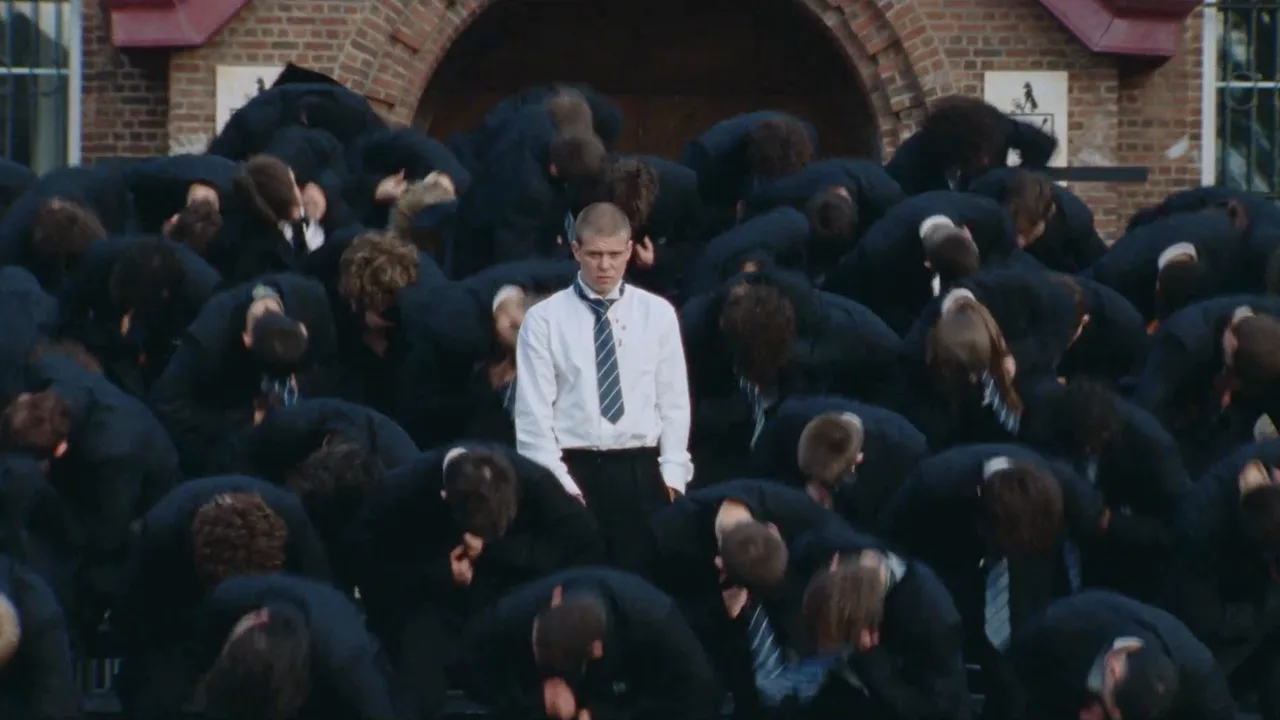
Storm II AI video, beat by beat: close-up, walk-in, class photo, storm

Your video follows the whole 29-second class-photo scene from GENER8ION's STORM II film, from the close-up to the pull-back. The clips below are muted cuts of it.

0–5 s · You: facing the lens · Rows: still

The close-up: your face fills the frame

The video opens tight on the lead in front of the rows, the biggest your face from photo 1 gets. The original lead smokes here; in your video your hands stay empty. Then you turn your back to the camera.
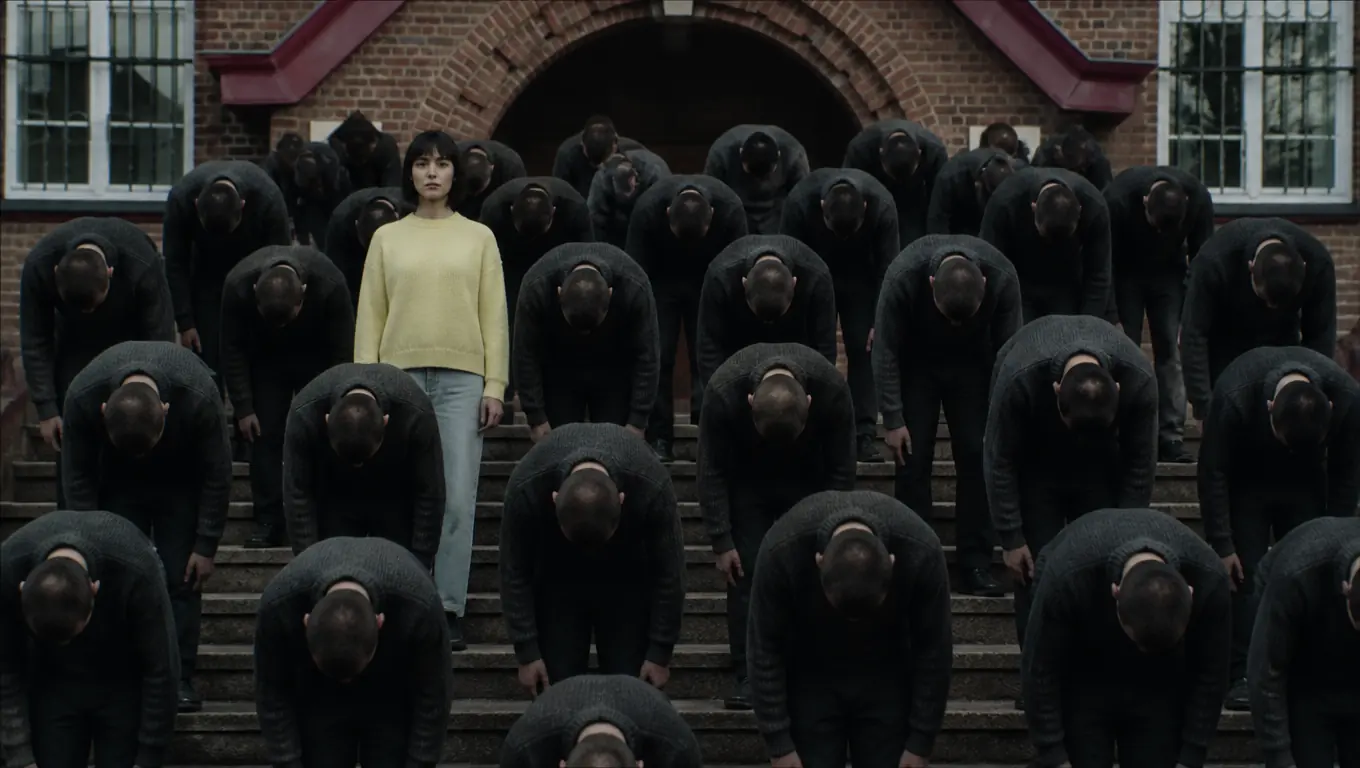
5–15 s · You: walking in · Rows: still

The walk-in: through the rows to your spot

Back to the lens, you walk up between the rows, slip through a gap and turn to face the camera in the second row. Nobody around you reacts.

15–21 s · You: still · Rows: holding the pose

The class photo: every row faces the lens

Everyone stands as if for a year photo, you in the second row, just left of center. In your video every face in those rows is the person from photo 2. About 21 seconds in, every row moves at once. Everyone except you.

21–29 s · You: still · Rows: bow, snap, sway

The storm and the pull-back: the crowd goes off around you

The rows bow forward, snap upright with heads thrown back and sway, all in sync, while you don't move a muscle. That contrast is the whole joke. The camera eases back to the red-brick school and its arched doorway.

Take the still spot

Storm II AI crowd dance: what comes from each photo and the clip

You don't need a Storm AI prompt: photo 1 plays the still lead, photo 2 fills the crowd, and the built-in clip fixes the moves, the camera and the school.

  • Photo 1 → the still lead

    From you
    Gives
    Face, hair, build and your own clothes
    Plays
    The one in the middle who never moves
    Appears
    Once, in the second row
  • Photo 2 → the whole crowd

    From you
    Gives
    Face, hair, build and clothes for every dancer
    Keeps
    Places, the synced bow, head throw and sway
    Never
    The lead's face copied onto a dancer
  • The built-in clip → fixed for you

    Built in
    Keeps
    Close-up, walk-in, class photo, storm, pull-back, the STORM II song, red-brick school, overcast light
    Left out
    The cigarette and smoke

Remix examples

Storm AI video examples: who stands still, who fills the rows

Two remixes from the trend, cut to five seconds of the storm. Each one shows what one of your photos sets.

Photo 1 · Still lead

An original character in the still spot

A rabbit character in a floral shirt stays upright while the rows bow around it. A mascot or character you own works the same way as photo 1. Here the rows are still the film's dancers; in your video they become the person from photo 2. Remix: JAMAK.

Photo 2 · Crowd

A recast crowd around a new lead

A lead in a red-and-white racing jacket holds still while every dancer around her wears a black suit, bowing and snapping back on grey stone steps. This remix also moved the scene; yours keeps the red-brick school, and every dancer becomes the person from photo 2.

Caption ideas

Storm AI video ideas for the one who doesn't move

The trend runs on one joke: a single person stays perfectly still while a whole crowd goes off around them. The captions carried it, so borrow the format and swap in your own line.

A woman in a pale yellow sweater stands upright on brick school steps while rows of identical men in charcoal sweaters bow forward around her

“[Your name] still. The storm moves.”

The only one who doesn't move

The straight version: you, calm and unbothered, while a friend in the crowd slot fills every row and goes off around you. It also fits the “being the only ___ at ___” format people used for weddings, offices and group trips.

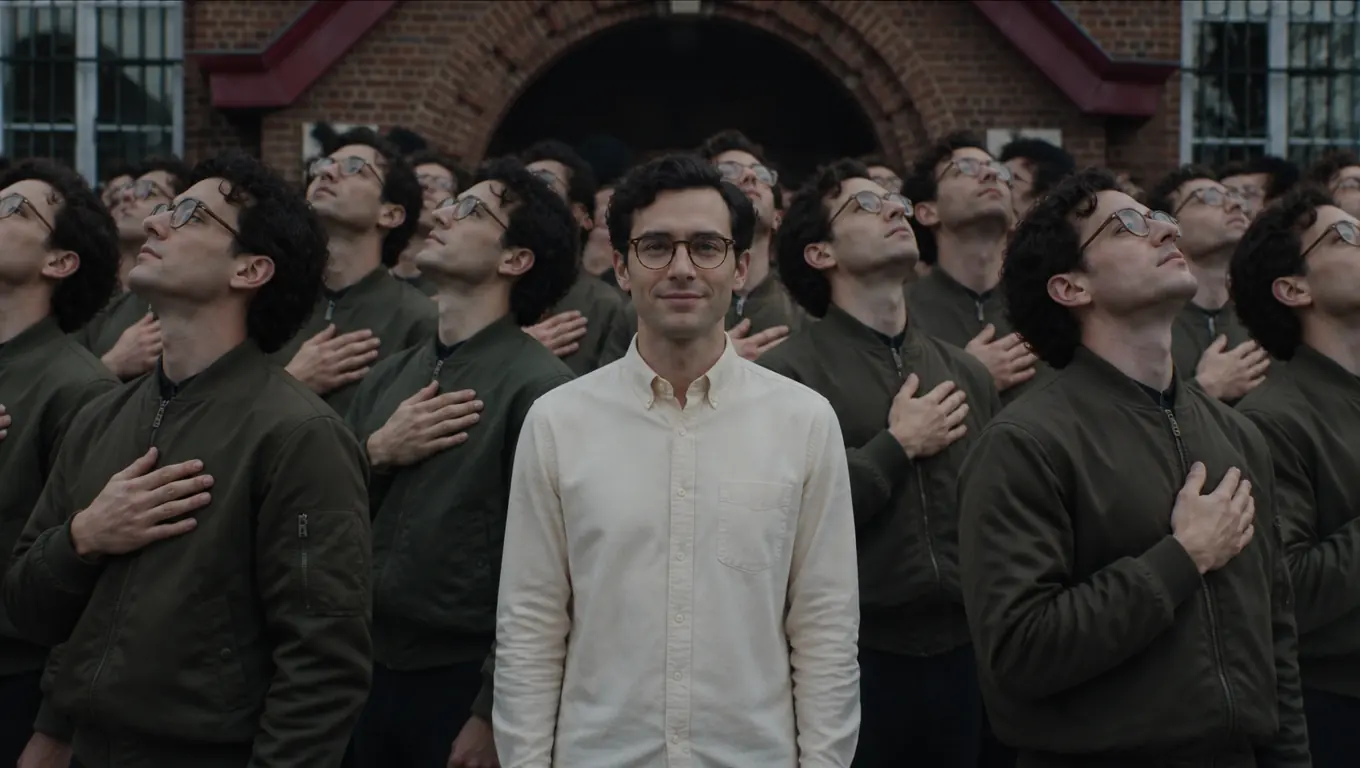
A man in glasses and a cream shirt stands still in front of a red-brick school while a crowd of identical copies of him in olive bomber jackets snaps upright, hands on their chests

“One in the center. An army all around.”

An army of you

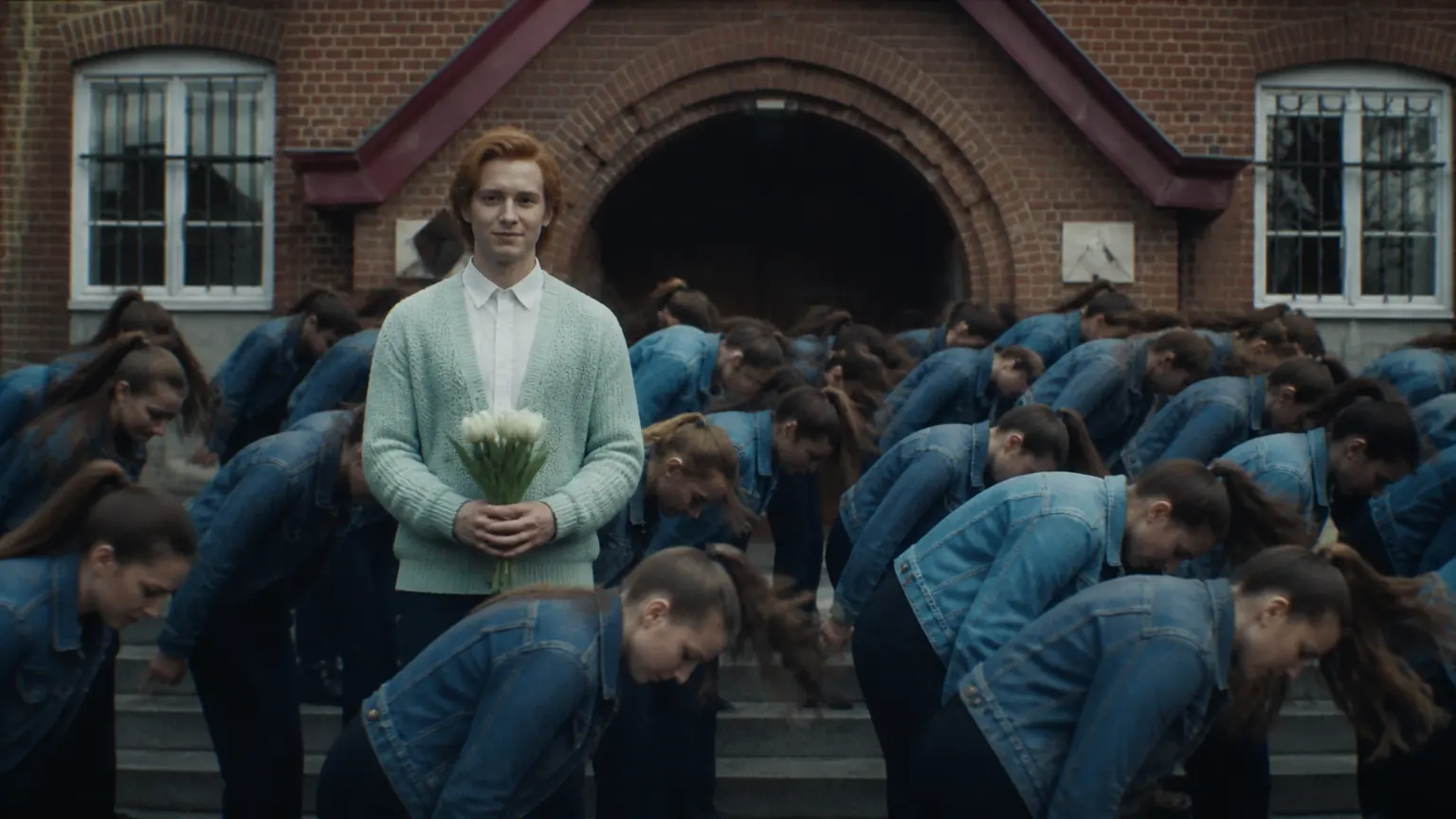
Put yourself in both slots, ideally in two different outfits: you stand still in the middle and every row is you too. The second outfit keeps the still one easy to find.

A red-haired young man in a mint cardigan holds white tulips and stands still on school steps as rows of the same young woman in a denim jacket whip forward around him

“Class of [year]. One of us didn't flinch.”

A friend's big day

Graduation, a birthday, a new job: put a friend in the still spot and yourself in every row, as long as they're an adult and said yes. The school steps suit graduation and reunion posts.

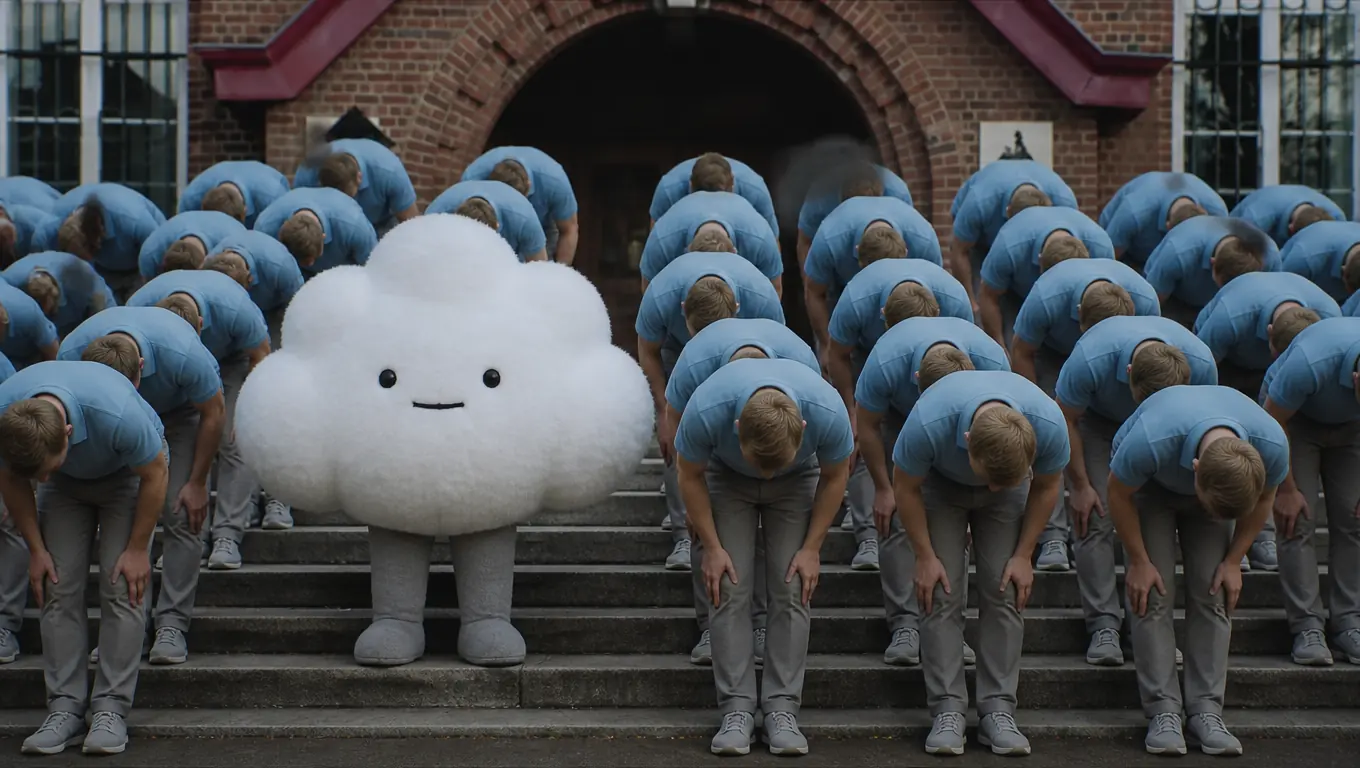
A round white cloud mascot stands still on brick school steps while rows of the same man in a sky-blue polo fold forward around it

“Our mascot, unmoved.”

A mascot or original character

Creators and brands can cast a character they own in the still spot and a teammate in the rows, as long as they hold the rights to it. Photos of real people are still the most reliable input.

Where the Storm AI trend comes from, and which Storm this isn't

The class-photo scene is real footage from GENER8ION's STORM short film with Yung Lean, released in spring 2026. AI remixes that put someone new in the still spot started in September 2026 and spread on their captions.

NameWhat it isReal or AI?Source and date
GENER8ION – STORMShort film; STORM II has the class photoDir. Romain Gavras · choreo. Damien JaletReal footage, not AIAbout 66 dancers, per NileFMYouTube, GENER8ION channelApril 24, 2026
Storm AI trendAI puts someone new in the still spot“One in the center. An army all around.”AI remixesX, @coogyapeSeptember 11, 2026
Peak remixesFamous faces in the still spot“Salah still. The storm moves.”AI remixesX, @fikirfusion and @saylorSeptember 18, 2026
MTV VMAsSTORM II performed live on stageReal, liveMTV Video Music AwardsSeptember 27, 2026
Stanford STORMAI research-writing toolShares the name, nothing elseUnrelated to the videoStanford OVAL

Which photos keep the still one easy to find?

The shot starts close and ends wide, so faces shrink as the camera pulls back; sharp, evenly lit photos of one adult each hold up best.

Upload

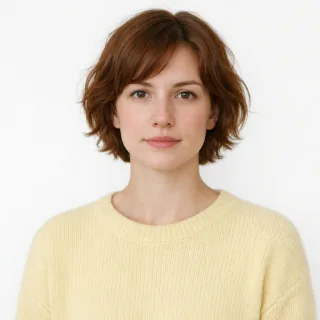
  1. Portrait of one woman with a calm face looking at the camera on a white background

    One adult, front-on, calm face

    One person per photo, 18 or older, and with their permission if it isn't you. A straight, steady look suits the still lead.

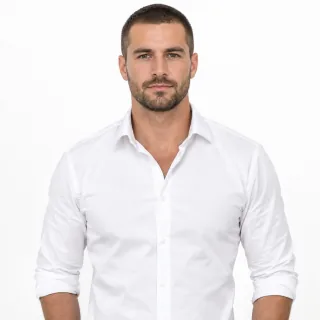
  2. Waist-up photo of a man in a crisp white shirt standing straight on a white background

    Waist-up, in a light or bright top

    The crowd wears what your second photo wears, so give the lead a white, pastel or bright top that contrasts with it. A tight face crop leaves the clothes to guesswork.

  3. Evenly lit portrait of a grey-haired man with clearly visible eyes on a white background

    Sharp and evenly lit

    Daylight or soft indoor light, eyes visible, no heavy filters.

Avoid

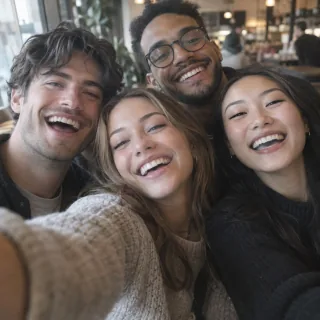
  1. Close group selfie of four laughing friends with overlapping faces in a blurred cafe

    Group photos

    Each slot casts one person. Several faces make it unclear who stands still and who fills the crowd. Crop to one person first.

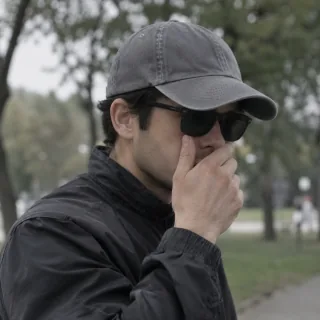
  2. Man in dark sunglasses and a cap covering his mouth with one hand in a blurred park

    Sunglasses, caps, hands on the face

    Hidden eyes and mouths come out unlike you, most of all in the opening close-up.

  3. Man in a dark navy suit and tie that almost disappears into a dim, blurred office

    Navy suits and dark blazers

    Dark tailoring on the lead blends into a packed crowd, and the one who doesn't move gets lost in the wide shot.

Check before you postOnly one still lead in the frameNo face from the film in the crowdEmpty hands, no cigaretteStill your face after the pull-back

Dim or heavily filtered photos can pass the 512px upload check and still lose the face in the wide shot.

Storm II AI video specs: photo, length, format and credits

Storm II AI video specs: photo, length, format and credits
Photos
2, one adult each: Still lead (photo 1) and Crowd (photo 2)
Upload
PNG / JPG / WebP, up to 10 MB, at least 512px on the short side
Built-in clip
The whole 29-second class-photo scene from STORM II: close-up, walk-in, hold, storm and pull-back
Video length
29 seconds, the whole built-in clip
Shape
16:9 by default, like the clip; also 21:9, 4:3, 1:1, 3:4, 9:16, or Auto
Resolution
480p
Sound
The STORM II song from the built-in clip
Prompt
None; the scene, moves and camera are fixed
Credits
1532 per video, for the full 29-second 480p clip
If it fails
Credits come back automatically

FAQ

Storm AI video questions

What is the Storm AI video trend?+

It's a wave of AI remixes of the class-photo scene in GENER8ION's STORM II short film. Rows of uniformed students hold still, then fold forward and snap back in sync while one person in the middle never moves. From September 2026, people used AI to put themselves, friends or famous faces in that still spot, with captions like “One in the center. An army all around.” Here you do it with two photos: one for the still spot, one for the crowd.

Is the Yung Lean Storm video AI?+

No. GENER8ION released the STORM short film with Yung Lean on April 24, 2026, directed by Romain Gavras with choreography by Damien Jalet, and reports put the crowd at about 66 dancers. The versions with someone else in the still spot are AI remixes that came months later.

How do I make a Storm AI video from my photos?+

Add a clear photo of one adult to the Still lead slot and another to the Crowd slot, keep or change the length, shape and quality, check the credit price on the button and press Generate. The finished video plays in the preview with a download button.

Will the crowd look like the dancers in the music video?+

No. Every crowd member becomes the person in your second photo, with their face, hair, build and clothes, and keeps the original place and the synced bow, head throw and sway. No dancer from the film stays in your video.

Can my friends be the crowd, or can the whole crowd be me?+

Yes. The photo in the Crowd slot replaces every dancer in the crowd, so the rows can all be one friend, or you again if you want an army of yourself around you. Each photo casts one person, so the crowd is that person repeated, not a mix of friends.

Does the video include the Storm II song?+

Yes. Your video comes with the STORM II song from the built-in clip. The recording belongs to its rights holders, so a platform may mute or flag a post that uses it; if that happens, add the sound from TikTok's or Instagram's library instead.

How long is it, and can I make it vertical for TikTok?+

Every video runs 29 seconds, the whole scene from the close-up to the pull-back, at 480p. The default shape is 16:9, which shows the full class photo; vertical 9:16 fits TikTok and Reels but crops the rows around you.

Is Storm II AI free?+

No. A video costs 1532 credits for the full 29-second 480p clip. Uploading photos and checking the price are free; new accounts get 10 credits, which isn't enough for a video on its own.

Why doesn't the still lead look like me?+

The video opens on a close-up but ends wide, where your face takes up only a few pixels, and it's newly generated rather than edited onto the film. A sharp, front-on photo in even light with nothing covering your face helps most; then try again.

Can I use a celebrity's or a child's photo?+

No. Some of the most-viewed remixes used footballers and executives, but this effect is only for photos of yourself or adults who agreed to it. The school uniforms don't make it a kids' effect: no one under 18.

Is this an official GENER8ION or Yung Lean app?+

No. Oeneo AI isn't affiliated with GENER8ION, Yung Lean, Romain Gavras, Damien Jalet, Iconoclast or MTV. STORM II AI is an independent effect based on a public trend; the film and the music belong to their owners.

Who can see my Storm AI videos?+

Videos from free accounts are shown in the public Oeneo AI gallery. On a paid plan you can keep them private.

Storm AI video generator

Take the still spot in the Storm II crowd

Two photos: the crowd folds and snaps, the camera pulls back, and the one in the middle never moves.