


K-pop formation
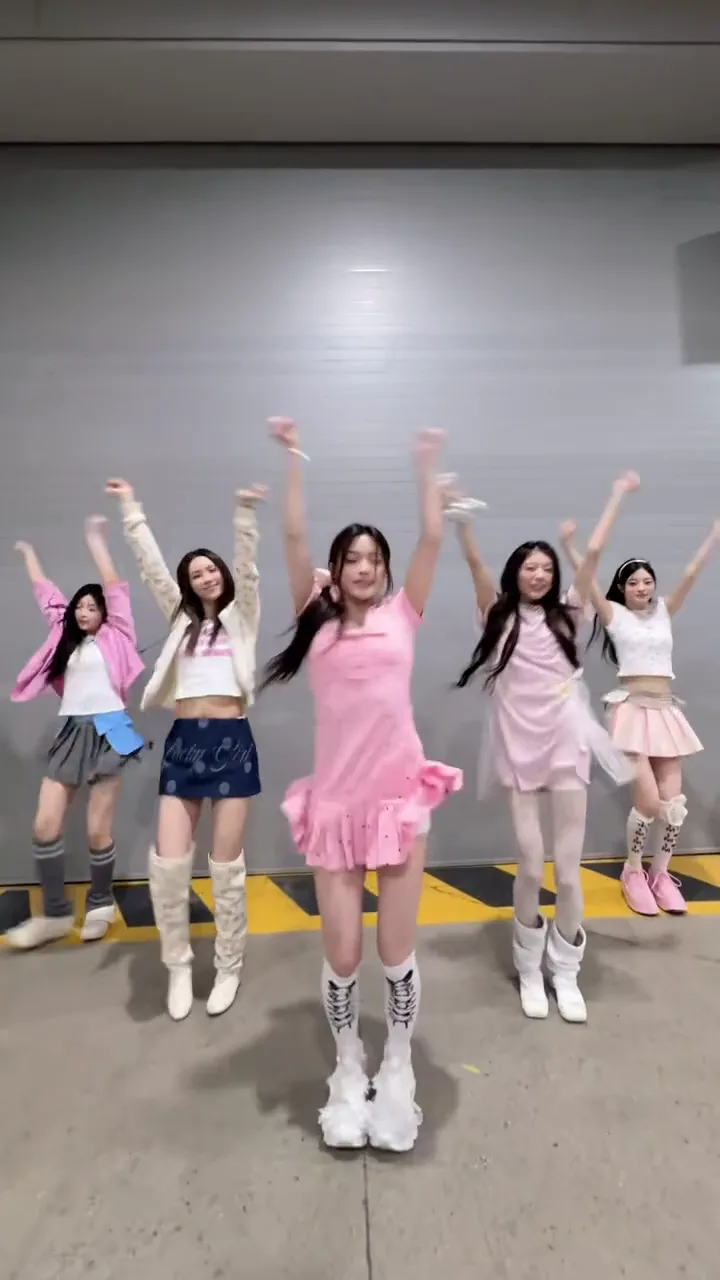
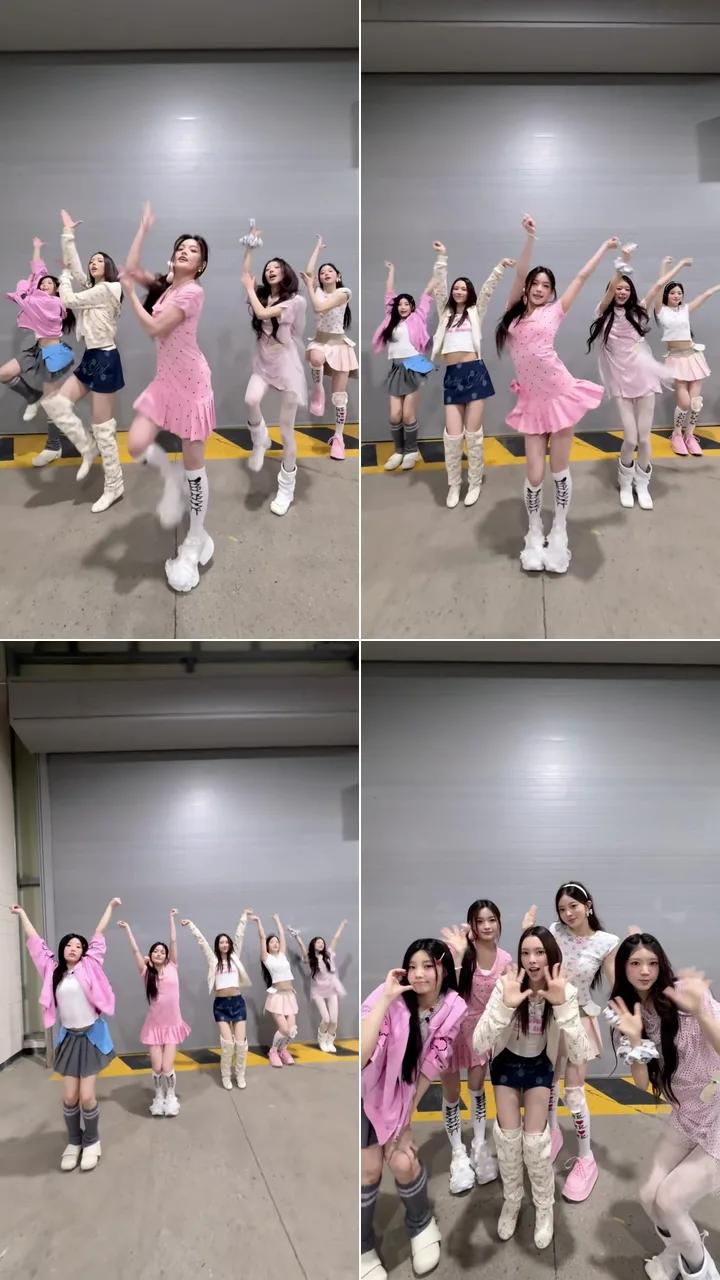
A bright, upbeat K-pop routine in front of a grey roller door: jumps with arms overhead, a line that slides into a diagonal, and a huddle close to the camera with hands curled like paws.
Dance this routineMake your friends dance with you from two photos, yours and one of the crew: pick a K-pop, studio or hip-hop routine and take over a real group dance clip together.
PNG / JPG / WebP · up to 10 MB · at least 512px on the short side
0/2 photos
Photo 1: just you, ideally head to shoes. Photo 2: one friend or a group photo, faces clear and about the same size; they fill the other spots from left to right.
Video settings
No prompt needed. Only upload photos of yourself or people who agreed to be featured; celebrity photos and film stills aren't allowed.
Baby's first dance moves
Try itYour cat or dog, dancing
Try itThe TikTok hip sway, from one photo
Try itYour baby dances the clip, sound and all.
Try itTwo photos, the Can I Ride duo dance.
Try itAn AI group dance generator puts you and your friends into one dance video using photos alone. This one works on real group dance clips: your photos replace the dancers, and the routine keeps its choreography, camera and setting as filmed.
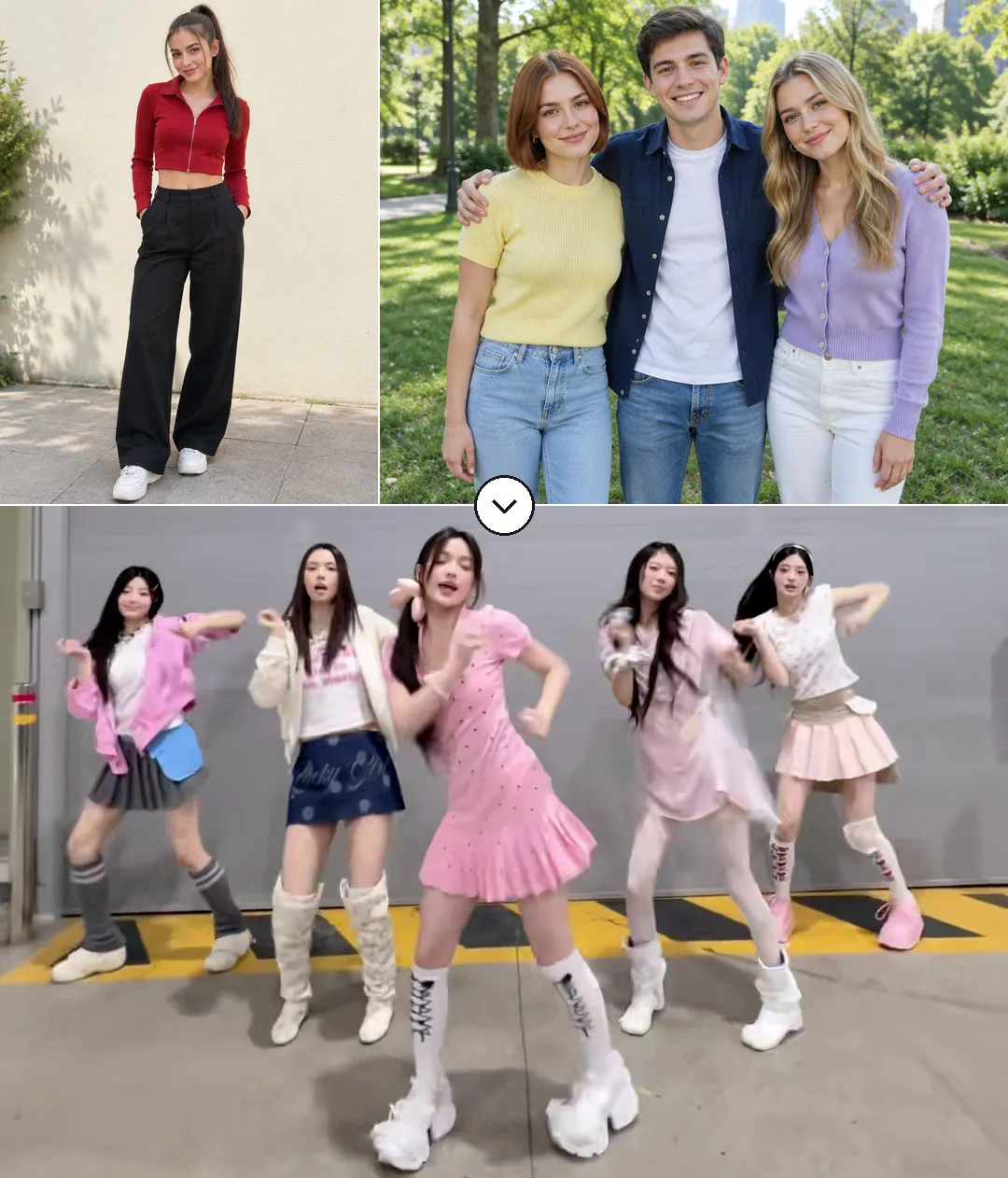
That is the difference from most group dance tools, which animate a group photo with moves the AI makes up. A filmed routine already has the timing, the spacing between dancers and the small glances and turns between friends, so the result looks like your own friend-group video rather than a photo that wiggles.
Friend-group dances are among TikTok's steadiest formats, posted under tags such as #groupdance and #4persondance, and AI versions keep arriving as CapCut templates: the five-person Keep on Steppin AI dance template had been used 28,341 times by November 7, 2026.
Sources: TikTok discover pages for group dance trends and the CapCut template page, read November 7, 2026.
In each routine, the star marks your spot and the numbers mark your friends', counted from the left.
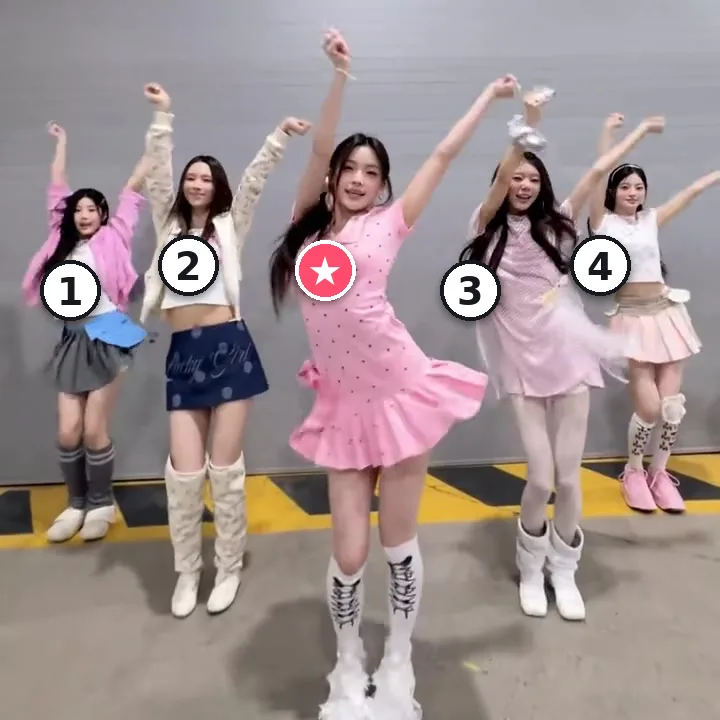
Spots: ★ you · 1, 2, 3, 4 friends
Five dancers, two on each side of you. Every friend stays on the dancer they replaced through each formation change.
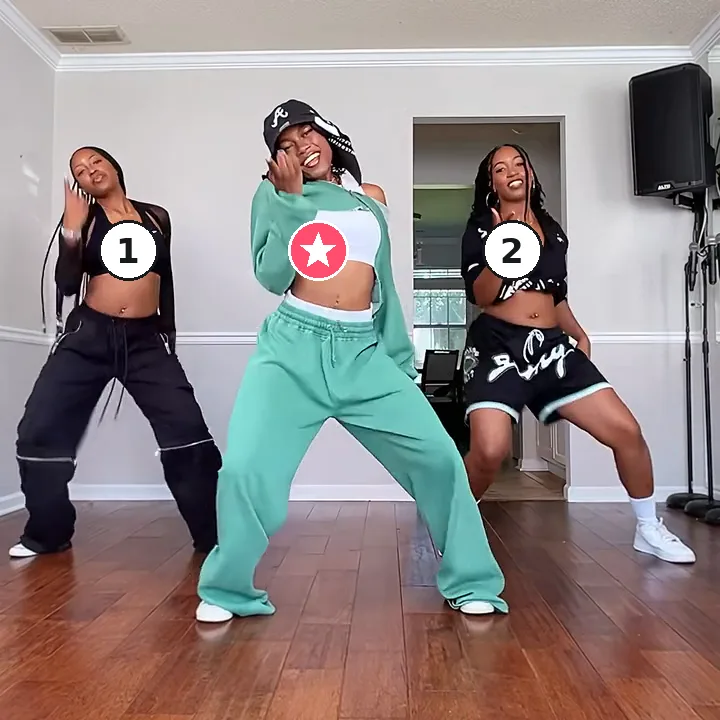
Spots: ★ you · 1, 2 friends
Three dancers. Friend 1 is on your left and friend 2 on your right; on the first big beat you step forward and dance the rest in front.
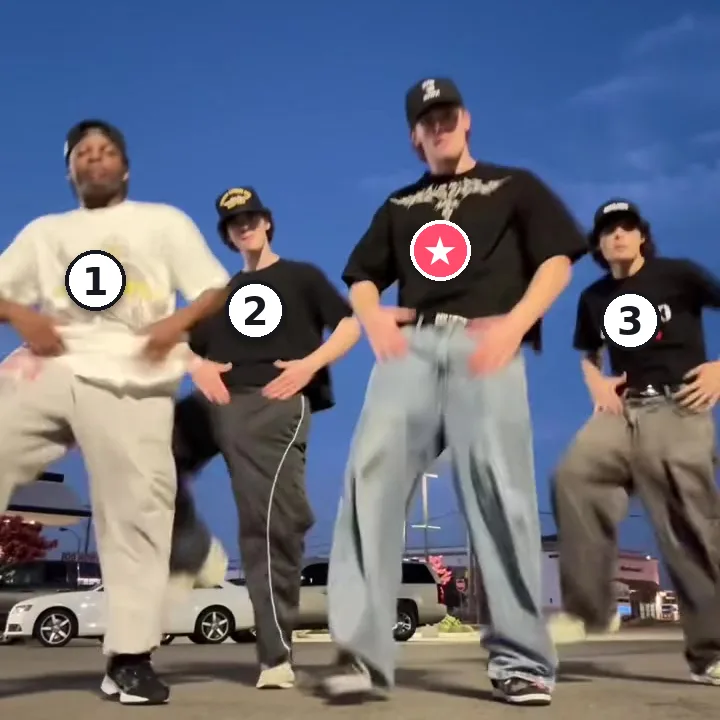
Spots: ★ you · 1, 2, 3 friends
Four dancers. Friends 1 and 2 are on your left, with friend 2 a step behind, and friend 3 is on your right.
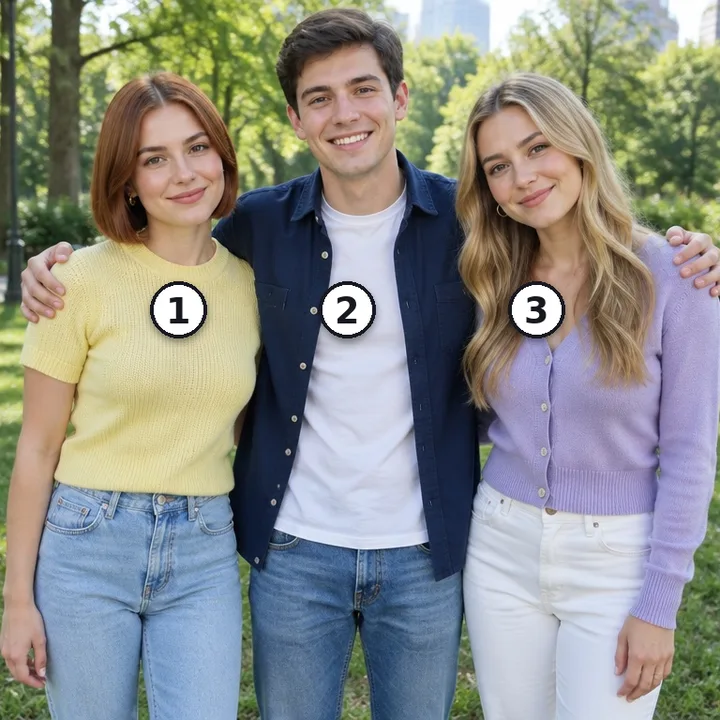
Spots: 1, 2, 3 → spots 1, 2, 3
The person on the left of the photo takes spot 1, the next takes spot 2, and so on. When a routine has more spots than people, the photo starts again from the left, so one friend can fill every spot.
Each routine is a different crew clip with its own place, people and moves. These frames come from the clips themselves.
A bright, upbeat K-pop routine in front of a grey roller door: jumps with arms overhead, a line that slides into a diagonal, and a huddle close to the camera with hands curled like paws.
Dance this routine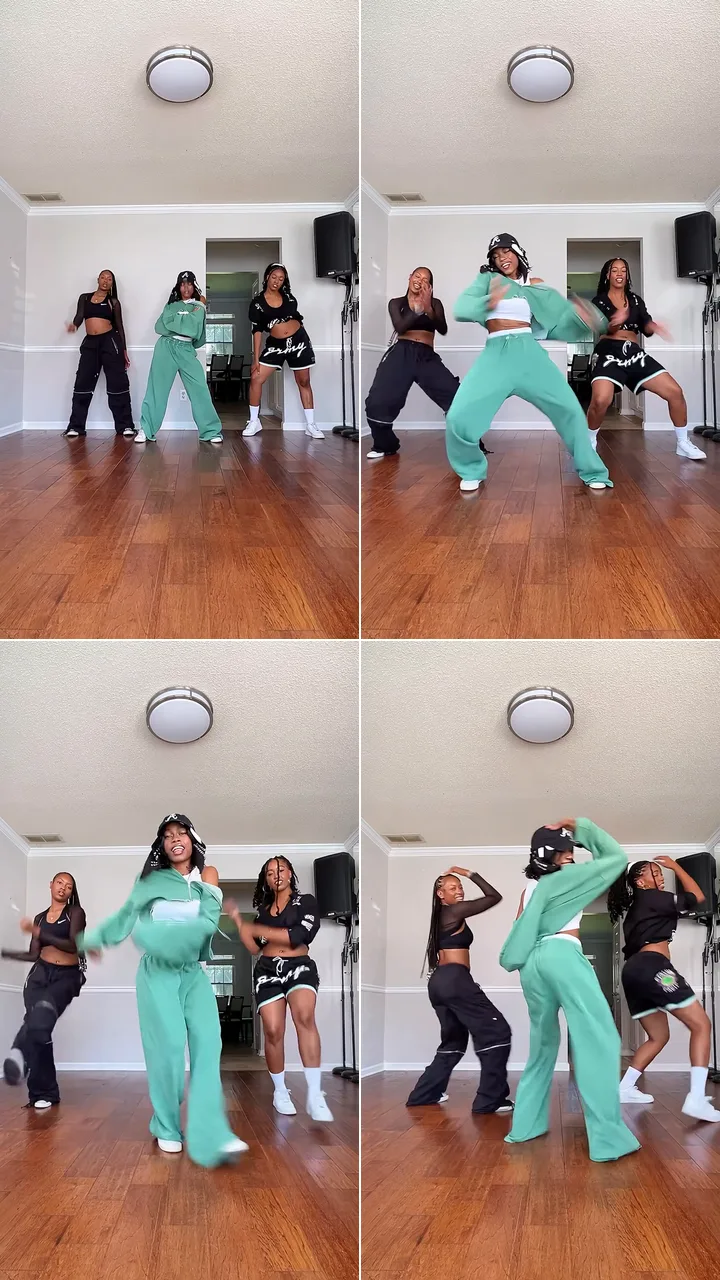
A rehearsed trio in a bright dance studio: the lead steps out in front, then wide low stances, sharp arm swings and side leans, all three on the same count, ending on a turn with hands up by the head.
Dance this routine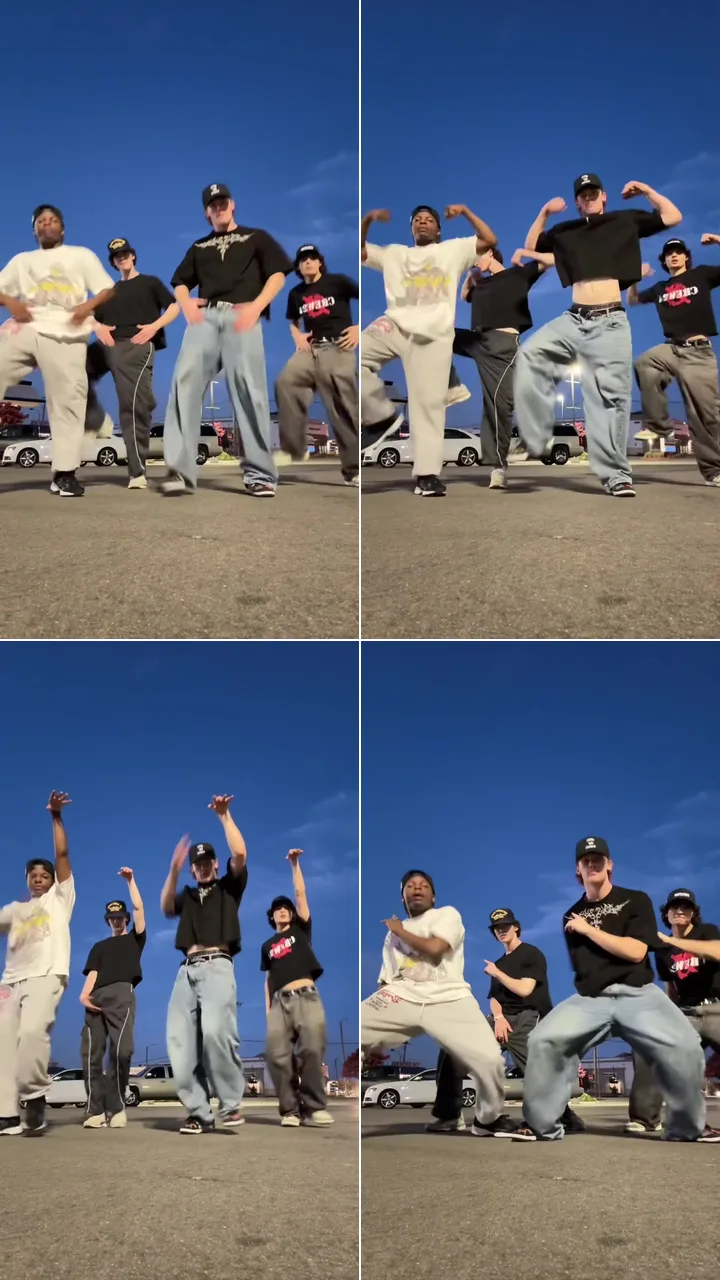
A low camera in a parking lot at dusk: a bouncing groove, arm flexes, hands thrown up and a deep, wide lean, all against a deep blue sky.
Dance this routineTwo photos: one for the lead, one for everyone else. Want a friend in front instead? Put their photo first and yours in the group photo.
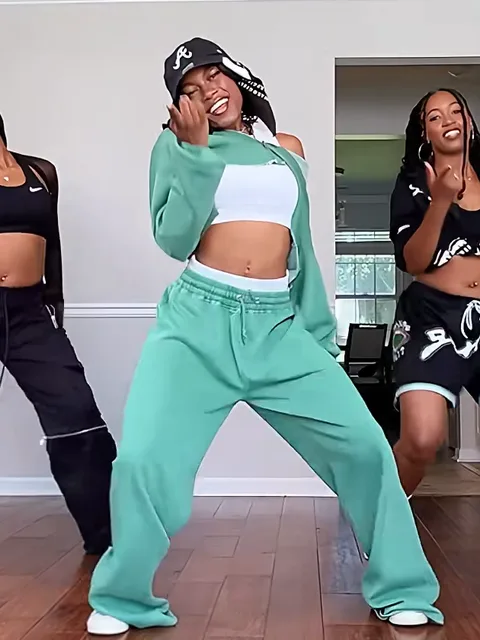
Photo 1Lead dancer
You, or whoever should lead. This person dances the starred spot from the first beat to the last pose.
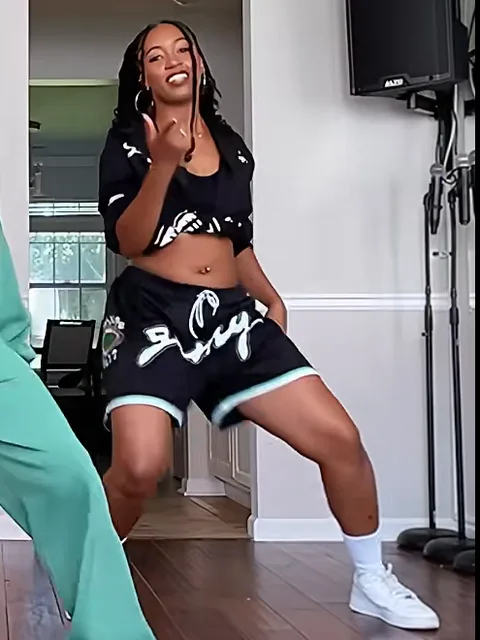
Photo 2Your friends
Your friends: one friend or a small group, and everyone in the photo joins the crew.
Works well
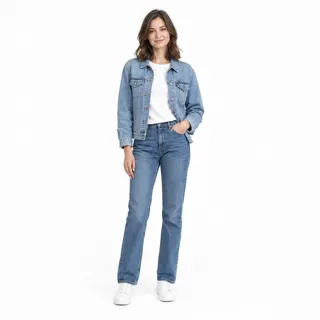 Lead: one person, head to shoes
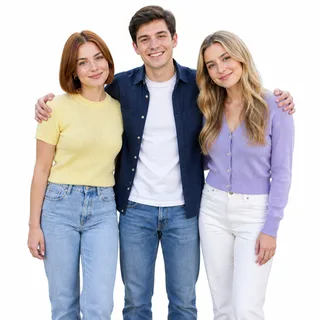 Friends side by side, every face in view
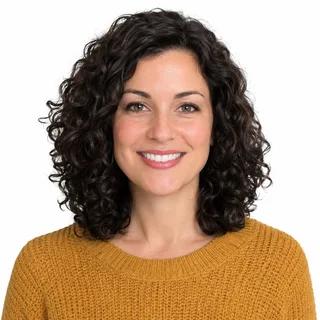 Faces sharp and turned to the camera
Leave out
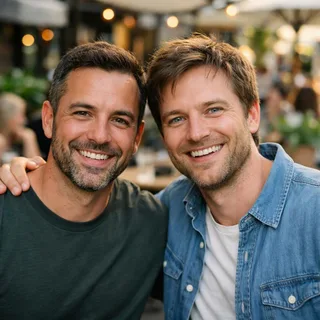 Two people in the lead photo
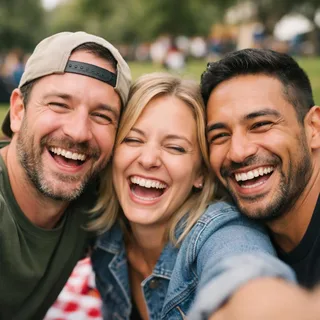 Friends squeezed into a close selfie
 A group shot taken from far away
Add the photos, pick a routine
Put the lead's photo first and your friends' photo second, then choose a routine and 720p or 1080p.
Check the price, then generate
The Generate button shows the exact credits for that routine and resolution before anything starts.
Save it and share
Download it from your Creations and post it to TikTok, Reels or the group chat.
You don't need a prompt on this page. If you run a group clip through Kling 4.0's video edit yourself, these prompts name every dancer by spot and outfit; the Seedance one films a new routine from your photos instead.
Kling 4.0 video edit
Prompt length 989
Use @Video1 as the reference for the whole routine. The dancer in the pink polka-dot dress who starts in the centre becomes the person in @Image1. The other four become the people in @Image2, matched in their opening order from left to right: pink jacket with grey skirt, cream cardigan with denim skirt, pale pink dress, white top with pink skirt. If @Image2 has fewer people than these four spots, reuse them in the same order.

Each new dancer stays on the same source dancer through every formation change: the jumping line, the diagonal and the huddle at the lens. Keep each new dancer's face, hair, skin tone, build and outfit from the photos, and copy the jumps with arms overhead, the slide into the diagonal and the hands curled like paws in the closing close-up frame by frame.

Keep the grey roller door, the yellow-and-black floor stripe, the phone camera, the framing, the light, the pacing and the original song unchanged. No extra dancers, no merged faces, no text or logos.Name each dancer by spot and outfit
"Far left, pink jacket, grey skirt" tells Kling who is who. The original dancers' names would not.
Say what happens when people run out
One line about reusing your friends in order keeps spare spots from holding on to the original faces.
Keep the crew on the same beats
Jumps, the slide into a diagonal, the huddle at the lens: in that order the new crew stays on the same beats.
Re-describing the place
With a clip attached, the roller door, studio or parking lot is already there. Describing it again invites a new location.
Two people in @Image1
If the lead photo holds two faces, the model has to guess which one leads the routine.
Asking for another song
Kling's edit keeps the clip's own sound, so a line about a different track changes nothing. Add music afterwards.
Leaves the spots open
Make my friends from @Image2 dance like the video.
Spot by spot
Replace the far-left dancer (pink jacket, grey pleated skirt) with the first person on the left in @Image2.
Without spots and outfits, two friends can land on the same dancer while another keeps the original face.
Yes. The second slot takes one photo of your friends, from a single friend to a small group. The lead needs a photo of their own, so the routine knows who dances in front.
Four in K-pop formation, three in Hip-hop crew and two in Studio choreo. If your photo has fewer people, they repeat in order to fill the spots; if it has more, the people past the last spot are left out.
Yes. Put one person in the lead slot and the other in the friends' slot; the second person then fills every other spot, so they appear more than once. For a dance with only the two of you on screen, pick one of the partner dances in the Dance AI collection.
No, this page only works with its own routines. To put one person into a dance clip you filmed or found, use Motion Control, which copies the moves from your clip onto a photo.
No, each video costs credits, and new accounts get 10 credits when they sign up. The price depends on the routine's length and the resolution, and the Generate button shows it before you start.
Yes. Each routine keeps its clip's own sound, so the video arrives with it. You can't pick your own song here; add a different track in your editor afterwards if you want one.
No. These videos stay private on every plan, so only you see them in your Creations until you choose to share.
It happens when faces in the group photo are small, half hidden or very alike, so the model can't tell the people apart. A sharper photo with everyone in view, as in the photo list above, usually fixes it.
Viggle's Multi-Track asks for a face photo per dancer, up to seven. CapCut's AI group templates follow one trend each, like the five-person Keep on Steppin dance. Here two photos are enough, and you choose among real crew routines that keep their own setting, camera and sound.
Your photo, one photo of your friends and a routine are all it takes to get the whole crew dancing in sync.