The two of you
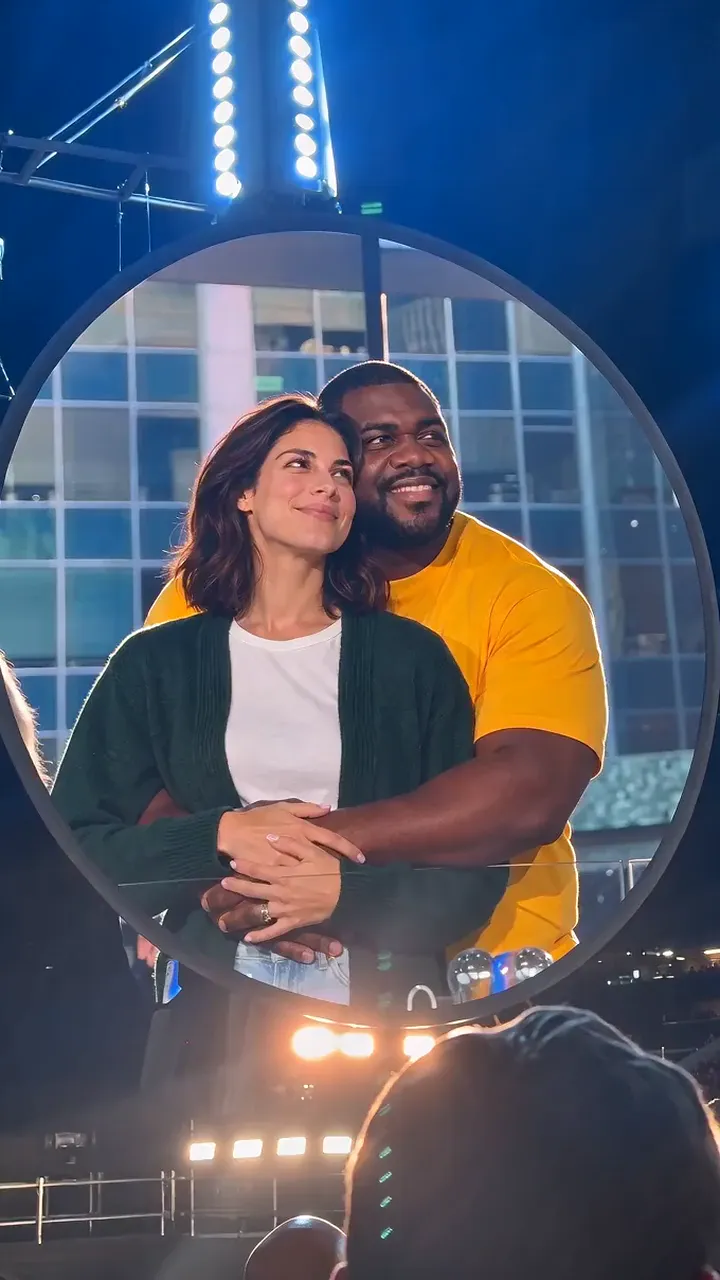
One photo of both of you, and the shrunk-partner picture keeps your faces, your clothes and the room you were in.
Caption idea: He said he wanted to be held, so I held him.
Evergreen · 7 templates · photos and clips
Upload a photo with the two of you and pick a template: one partner shrinks into the other arms, or both of you step into a clip you have seen on your feed.
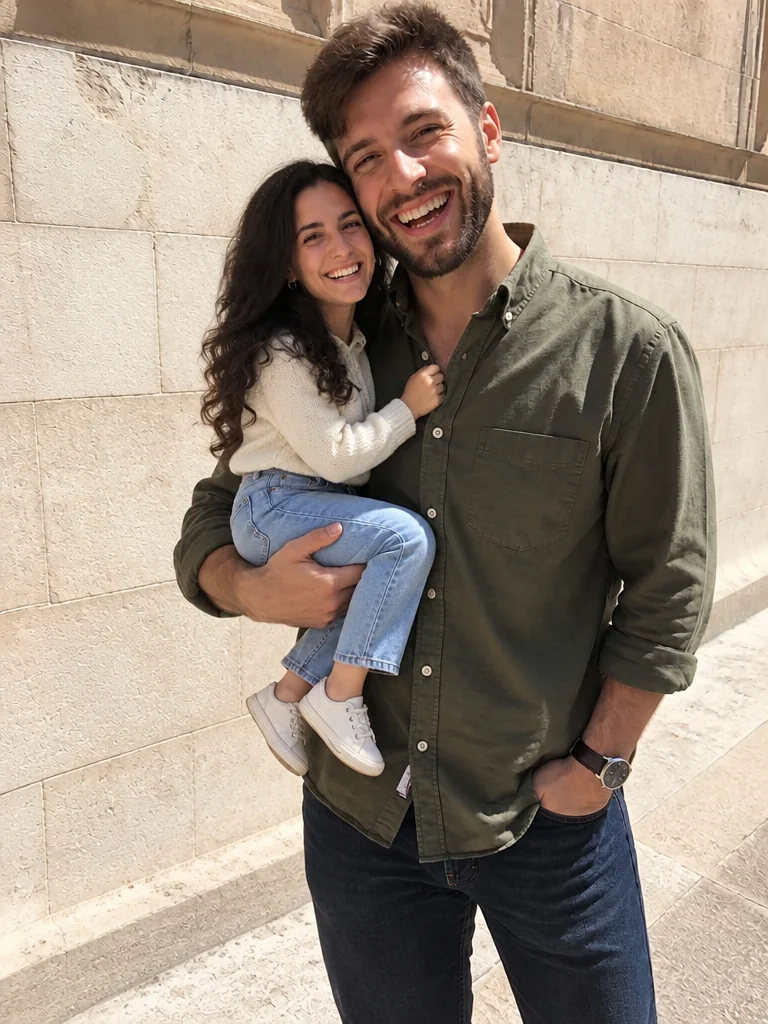 Example · Shrunk partner
Featured · She Kisses My Boo Boos AI
Open this templatePNG / JPG / WebP · up to 10 MB · at least 512px on the short side
0/1 photos
One photo with both adults: two faces, heads close, no sunglasses. The template keeps both grown-up faces and shrinks one of you into the other arms.
Photo settings
No prompt needed. Only upload photos of yourself or people who agreed to be featured; celebrity photos and film stills aren't allowed.
The templates
A photo template for the shrunk-partner picture, plus clips that put two faces into a scene you already know. Every card takes one or two photos.
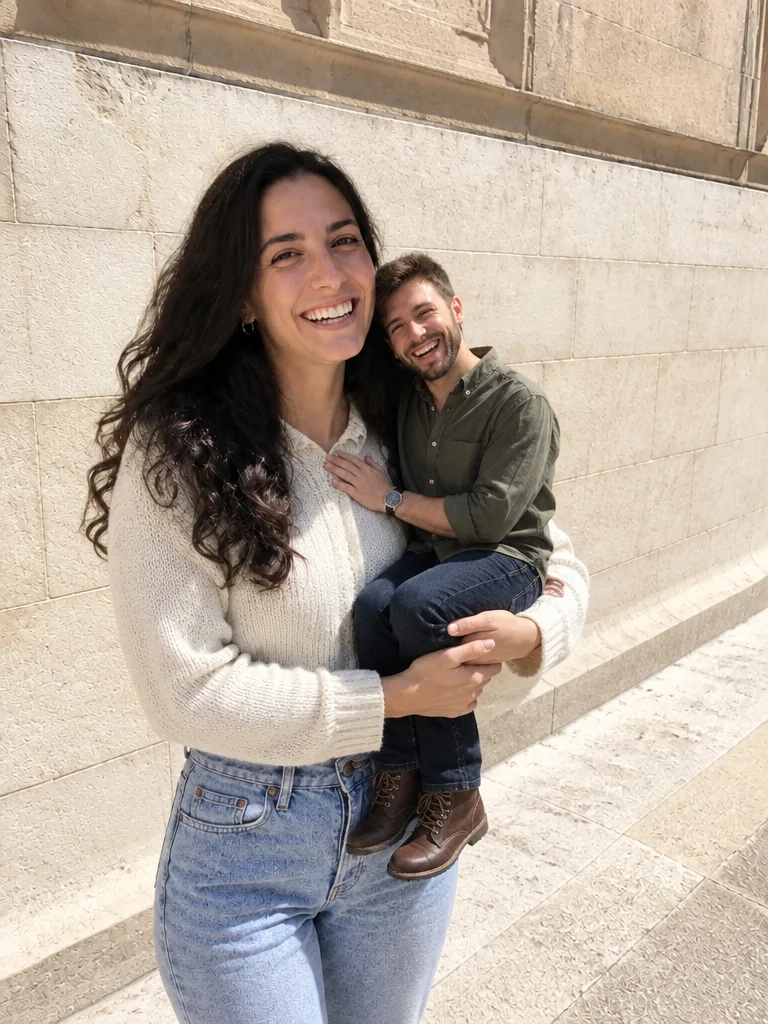
One couple photo, one partner shrunk into the other's arms.
Try itDance the NEON duo intro with a friend
Try itHug on the big screen, then hide
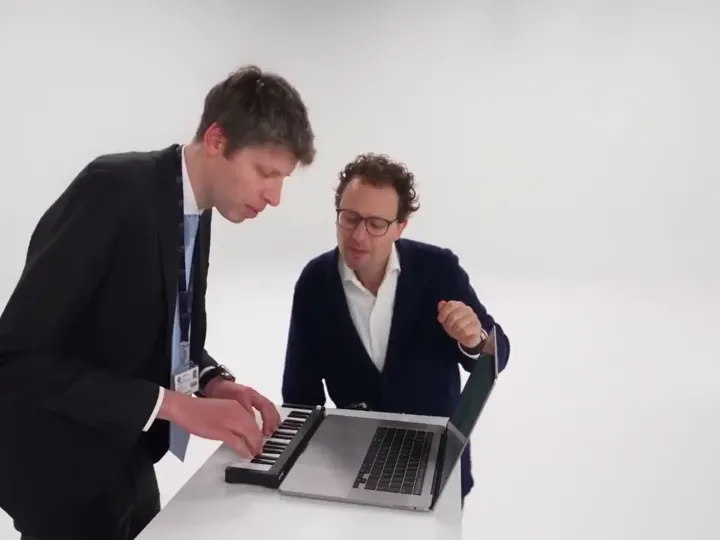
Try itA keyboard jam that turns into a dance
Try itSmile down from the balcony while the spotlight finds them
Try itYour pet sings to the front camera in a vintage suit.
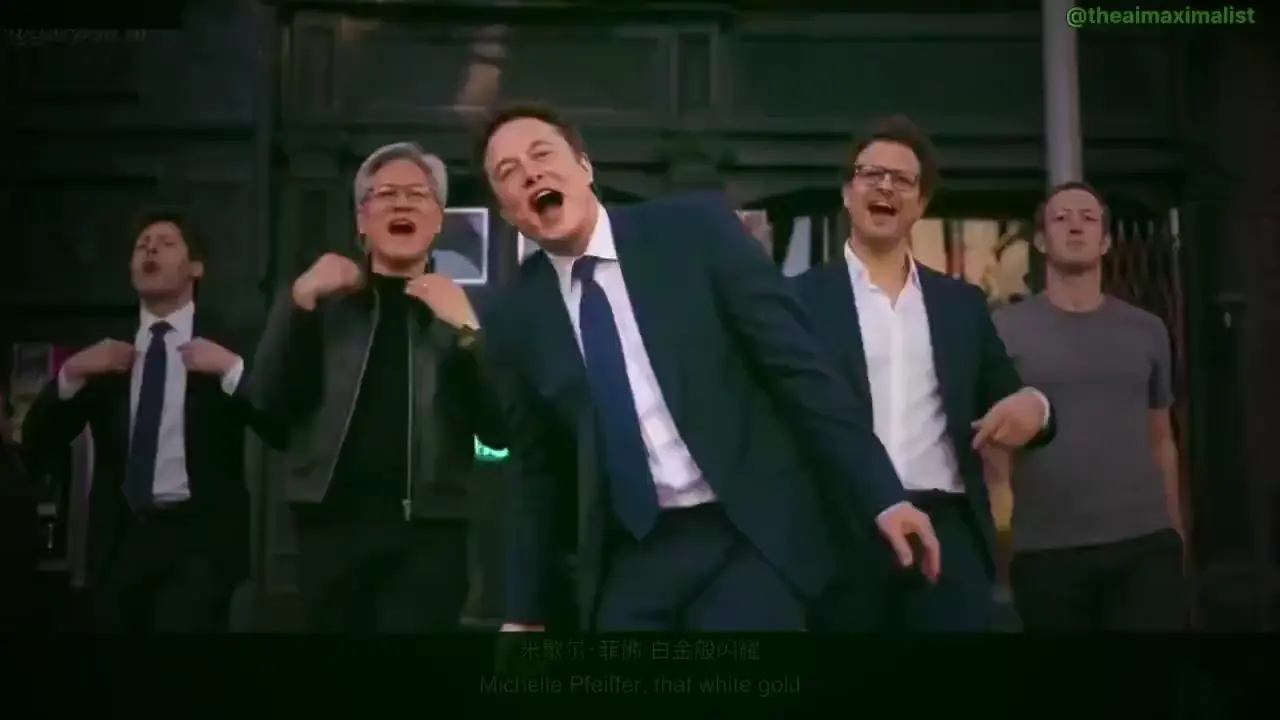
Try itLead the viral CEO street dance with your own crew
Try itWho it is for
The templates need two faces, not a wedding ring: friends, siblings, a couple and a pet all work in the clips.
One photo of both of you, and the shrunk-partner picture keeps your faces, your clothes and the room you were in.
Caption idea: He said he wanted to be held, so I held him.
Two photos of two friends fill the kiss cam, and one group photo fills the crew behind the lead.
Caption idea: The kiss cam found us. We found the exit.
The crew slot takes a pet photo too, so the dog can back you up while you take the lead.
Caption idea: My dog has better timing than my friends.
Where each format started
Each format here started as something people shared — a photo post, a stadium clip, a street duet. Oldest first, with the template that makes each one.
October 29, 2026
October 5, 2026
Two performers, one keyboard and one dancer, trade the frame in a single take. The template takes two photos, one per role, and keeps the camera and the timing.
Open the duet templateOctober 7, 2026
A lead dances down the street while a crew backs them up. A couple can take the lead with their friends filling the row behind.
Open the crew templateOctober 15, 2026
A stadium kiss cam puts a couple on the big screen; one partner covers their face and the other ducks out of frame. The joke lands whichever way the two of them play it.
Open the kiss cam templateOctober 25, 2026
One couple photo, and one partner comes back the size of a doll in the other arms, with their grown-up face and outfit intact. It is a still photo, not a video, and the caption poem is yours to add.
Open the shrunk-partner templateEvery couple clip on the site, opening straight into the template that runs it.
The templates rebuild every frame, so the photo decides how much of you both survives.

Both faces, heads together
Sharp, front-on, nothing across either face. For the shrunk-partner photo the two of you have to be in the same shot.
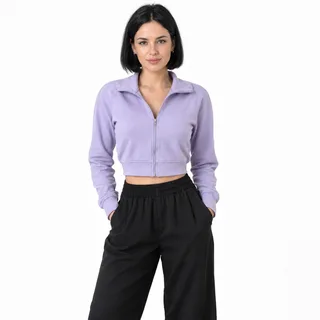
Head to waist at least
The clips rebuild arms and hands, so a photo that shows them gives the model more to work with than a tight face crop.
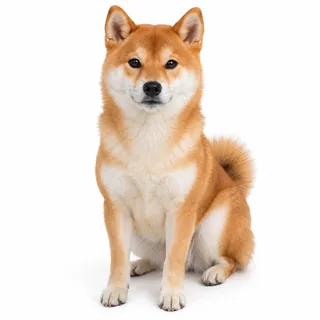
A pet, whole body
For the crew template, a pet sitting upright and facing the camera fills the slot like a person does.
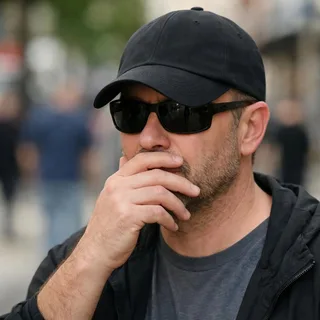
Sunglasses, hands or a cap over a face
Anything across the eyes costs the face, and these templates have one frame to keep it.
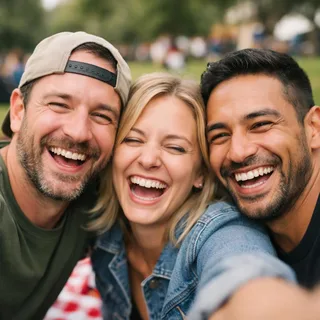
A group shot for a two-person template
The kiss cam and the duet take one person per photo; a group shot makes them guess who plays the role.
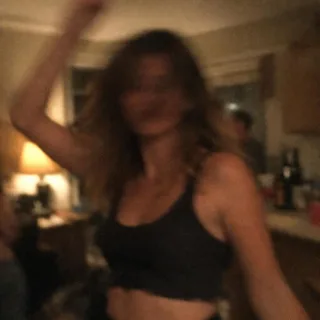
A dark, blurry photo
Low light loses hair and skin detail, and the rebuilt face drifts further from yours.
Every template shows its own photo rules on its page, and the slot on the left of the workbench tells you which photo goes where.
Three things people mean when they search for a couple AI effect. Only one of them is a photo you can put on the wall.
| What changes | Photo template | Video template | Camera filter |
|---|---|---|---|
| What you upload | One photo of both of you | One or two photos, one per role | A live camera feed |
| What comes back | A still image | A clip of a few seconds | A video you have to record now |
| Where the faces come from | Two faces from one photo, rebuilt | One face per photo, rebuilt per role | You, on camera |
| How you share it | A post or a print | A short video post | The app you recorded in |
Other topics open on their own pages, and the generators take anything these templates do not cover.
What the templates need, what comes back, and who can see it.
A set of two-person templates: you upload photos of the two of you and pick one, and the platform fixes the rest. One makes a still photo where a partner is shrunk into the other arms; the others put both faces into a short clip.
It depends on the template. The shrunk-partner photo takes one picture with both of you in it. The kiss cam and the duet take two photos, one per person, because each slot is a different role.
Yes, if both faces are clear in it. A wedding photo is still a photo of two people, so the shrunk-partner template will rebuild it like any other; the clothes and the room come along.
No. Only the body shrinks: the face, hair, beard, hat and outfit stay those of an adult, which is the joke. If the face does come back younger, run it again with a sharper photo of that face; a soft photo costs detail, not age.
The clips do, and so does the shrunk-partner photo: any two people who are happy to be in one picture. Siblings, friends and a person with their dog all work in the crew template.
Photos are only used to run the template. The couple photo templates keep their results private on paid plans; on a free account results are public.
No, each run costs credits. The price follows the template and the options you pick, and the Generate button shows the exact amount before you start. New accounts start with 10 credits.
No. Each template already carries its own scene, camera and, for the clips, its own sound. You choose photos and options, and the Generate button shows the price.
Every frame is generated again, so small things move: a jawline, fingers, the shape of a smile. A sharp, front-on photo of both faces is what keeps the result close to you.
Yes: the kiss cam and the duet are videos, a few seconds long, with the sound of the clip they follow. Only the shrunk-partner template returns a still photo.
Start with one photo
Upload the photo, pick a template, press Generate. The price is on the button before anything runs.