


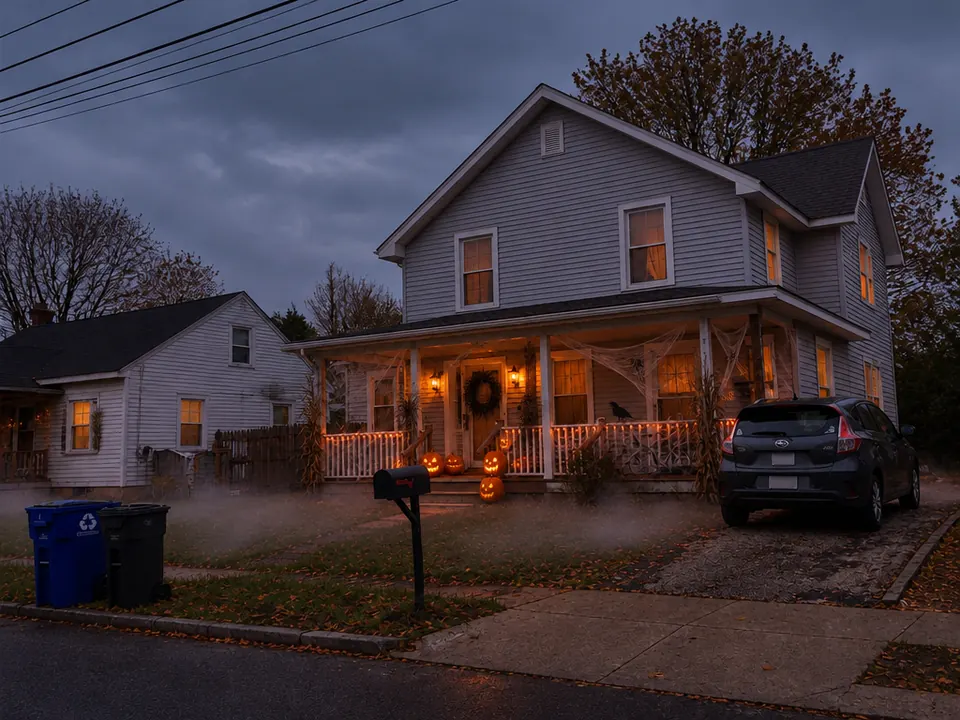
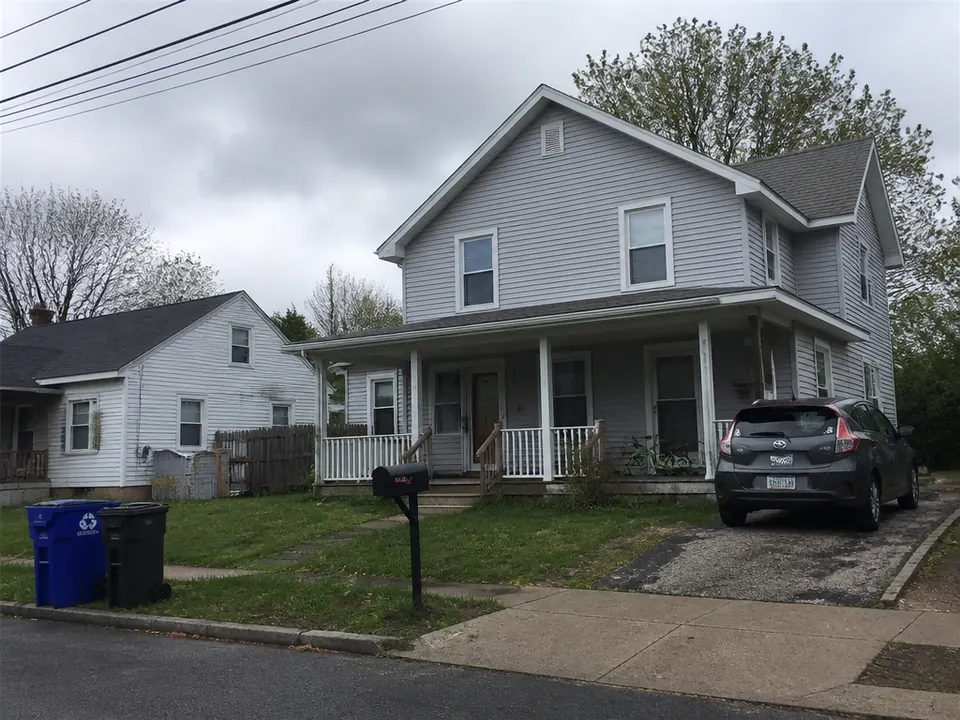
Before
After
Classic spooky
See the porch before you buy a single pumpkin
Jack-o'-lanterns on the steps, cobwebs along the railing and low fog on the lawn, placed on your own porch. Check what fits before you spend on props.
Upload a photo of your house or porch and see the same home decorated for Halloween. Plan the look before you shop.
PNG / JPG / WebP · up to 10 MB · at least 512px on the short side
0/1 photos
The front of your house or porch in daylight, taken straight on from the street with the whole facade in frame. No people needed.
Photo settings
No prompt needed. Only upload photos of yourself or people who agreed to be featured; celebrity photos and film stills aren't allowed.
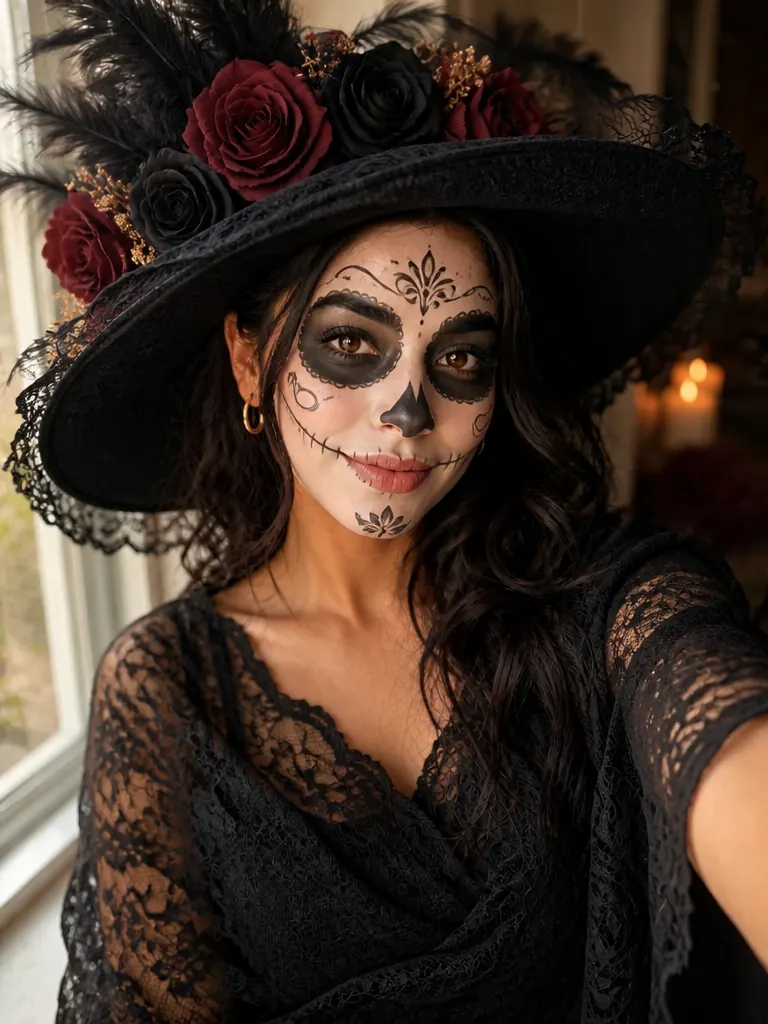
A La Catrina portrait for Día de Muertos
Try itBring a Halloween photo to life
Try itLower the gun, open your arms, cut to the memory
Try itCostume first, then the tilt-up reveal
Try it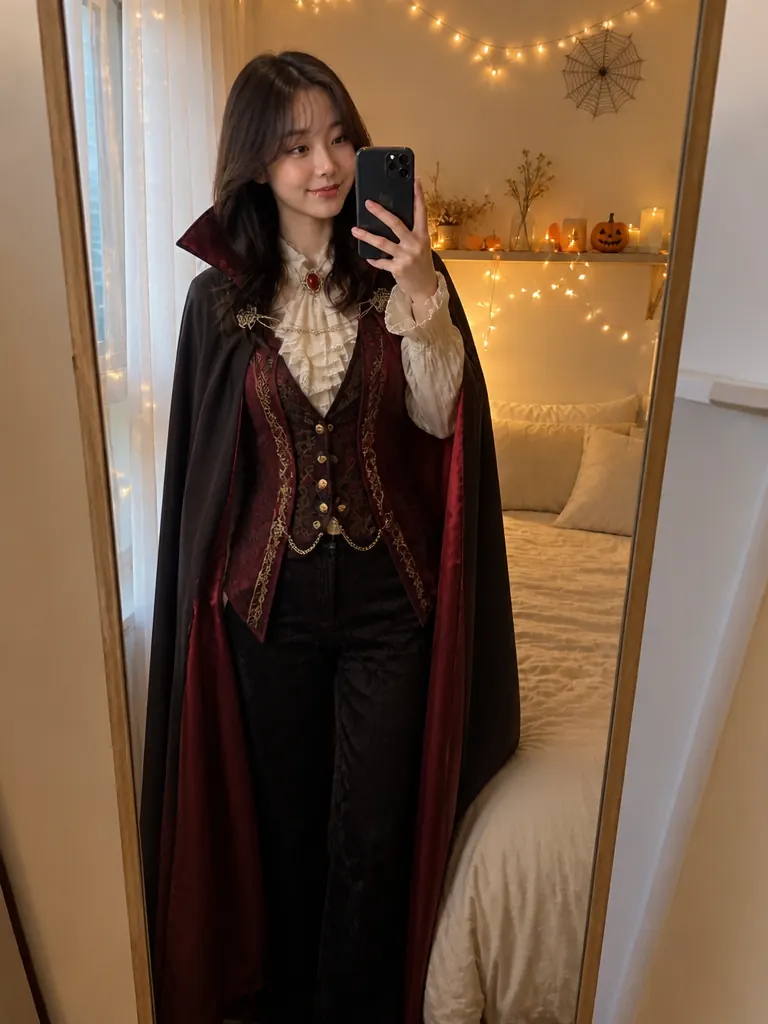
Try a full Halloween costume on your own photo
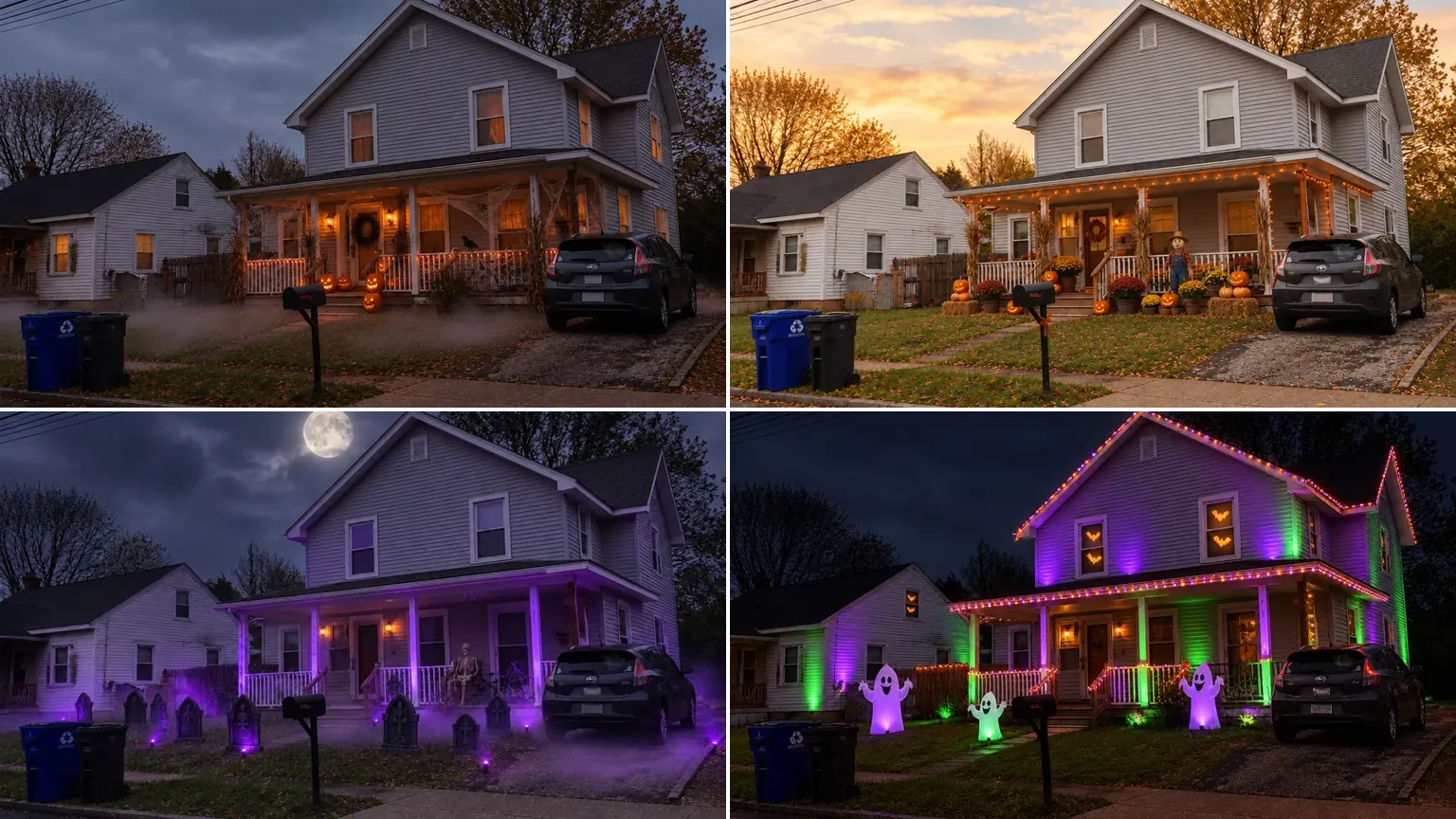
Try itOne overcast-afternoon photo of an ordinary two-story house, decorated three ways. Drag the first image to compare before and after.
Classic spooky
Jack-o'-lanterns on the steps, cobwebs along the railing and low fog on the lawn, placed on your own porch. Check what fits before you spend on props.
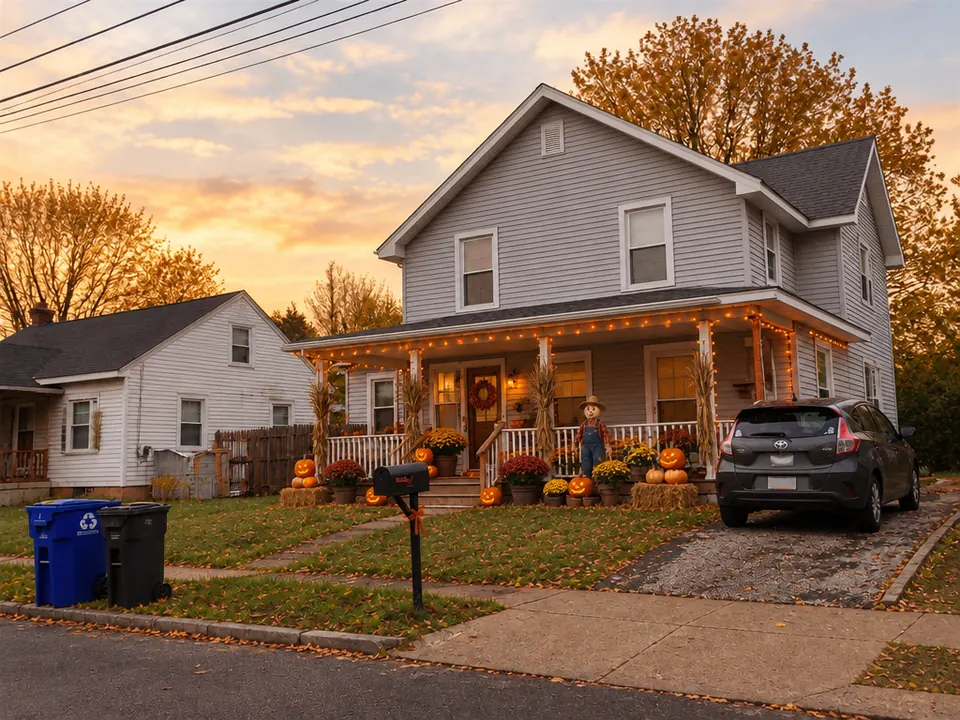
Cute pumpkin patch
Stacked pumpkins, hay bales, potted mums and a scarecrow in warm late-afternoon light. Nothing at the door will scare the youngest trick-or-treaters.
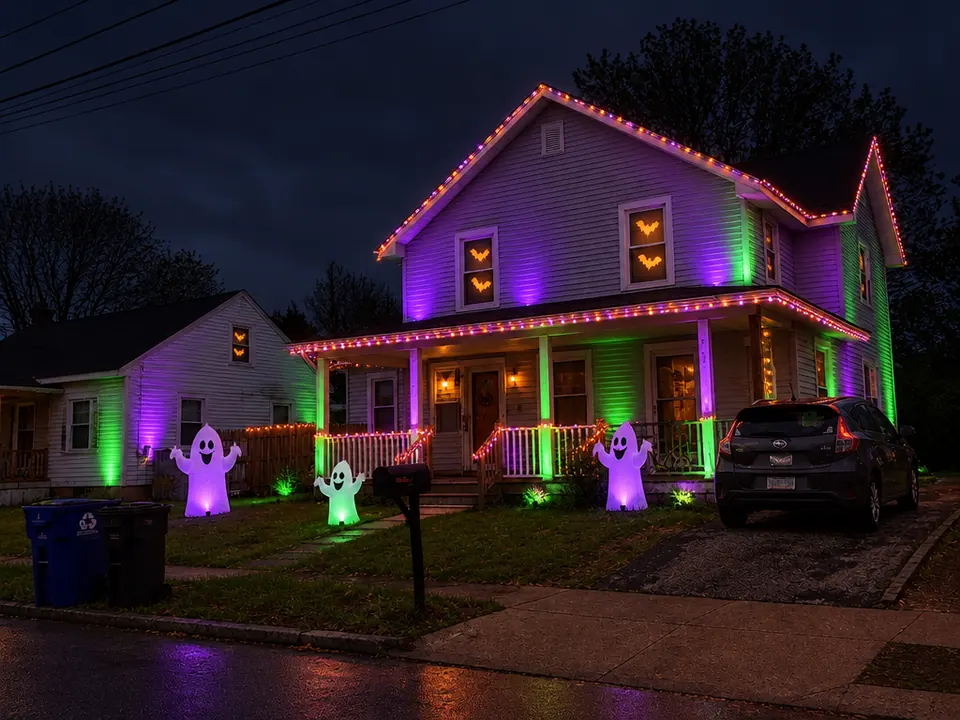
Neon party
Purple and green uplights, string lights along the roofline and glowing ghosts on the lawn. Decide which lights and inflatables to put up before the party or the neighborhood contest.
The house keeps its shape. Decorations, light and the time of day are what change.
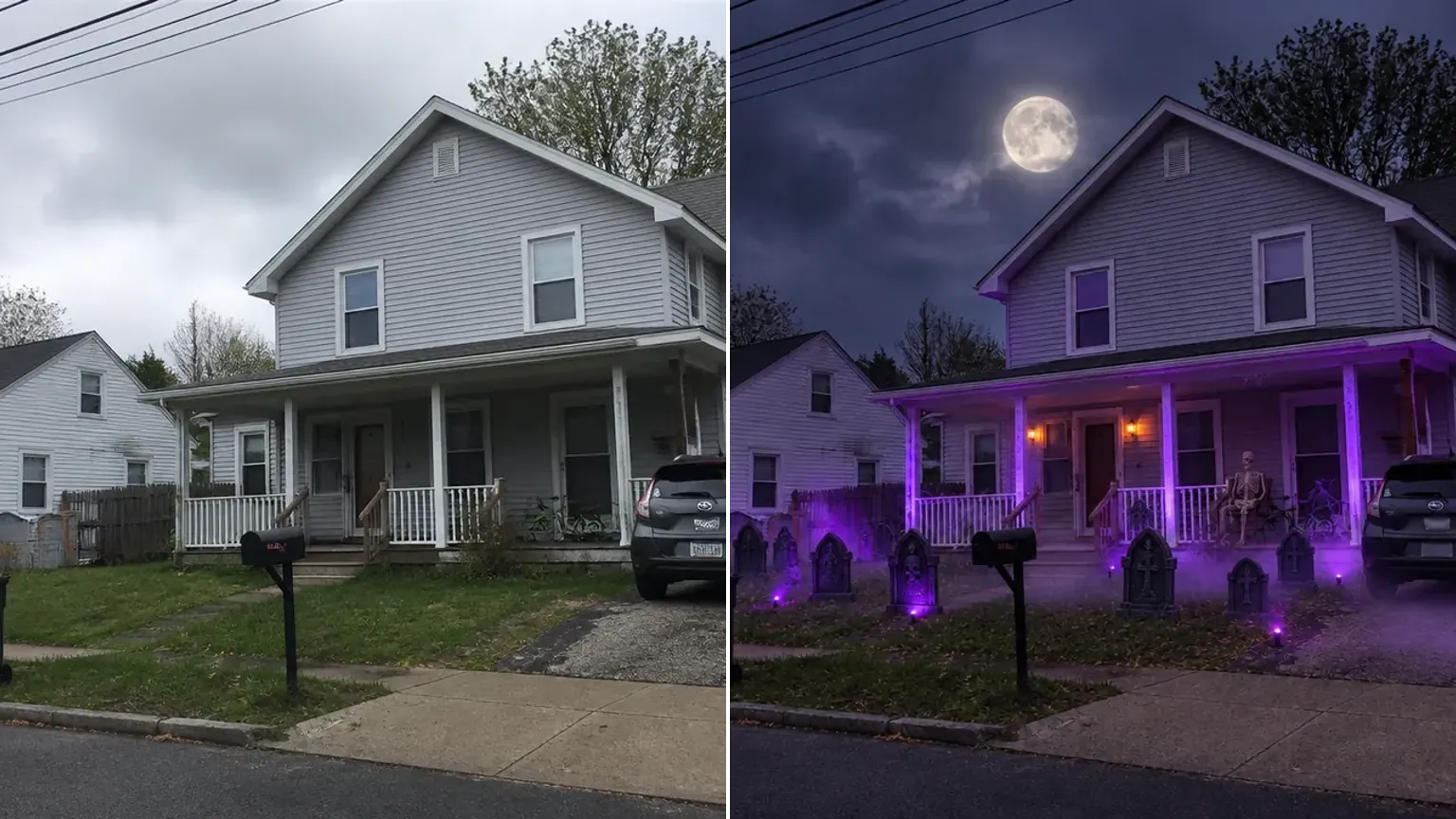
Siding, doors, windows and the layout of the yard come back where they were, so the result reads as your house, not a stock photo.
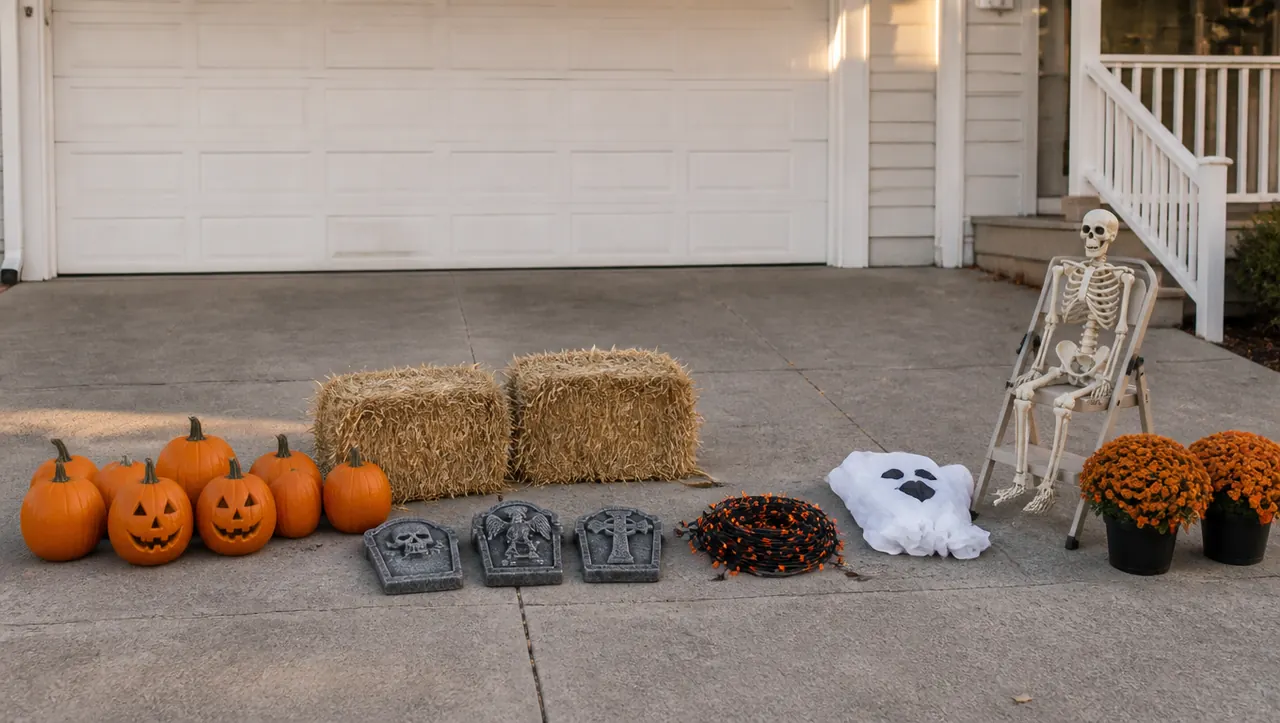
Pumpkins, hay bales, foam tombstones, string lights and inflatables: decorations you can buy or make, set on the steps, railings and lawn as if they were installed.
Dusk porch lamps, golden late-afternoon sun, moonlight with purple uplights or a full party glow. A daytime photo is enough to see how the lights read after dark.
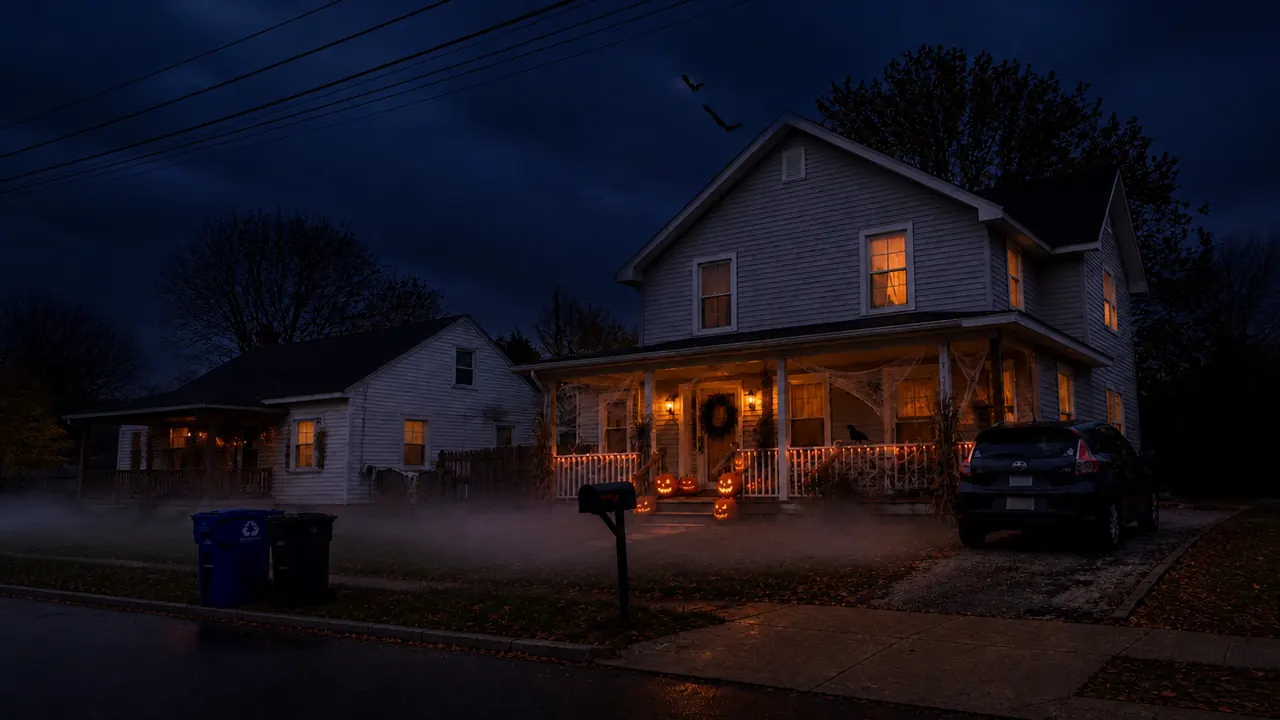
Tap Animate it under your result to send the decorated house to the Halloween animation template, where fog drifts and the windows flicker.
One photo from the street is all it takes. These choices decide how clean the result looks.
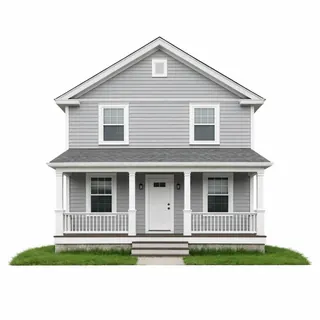
The whole front, straight on
Stand at the curb or across the street so the roofline, door and lawn all fit.
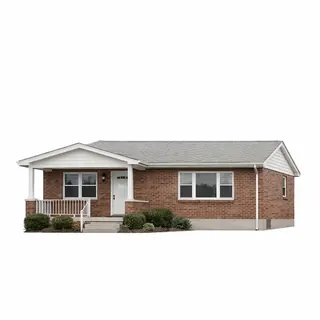
Daylight is enough
Overcast or soft daylight shows the siding and windows. Each look adds its own dusk or night lighting.
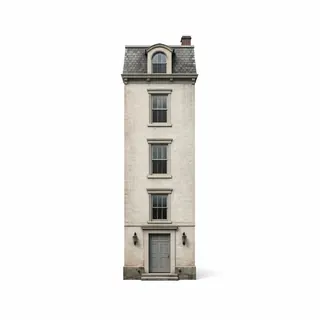
Your house only
Frame or crop out the homes next door so the decorations stay on your lot.
Hide the house number
If you plan to post the result, crop or cover the house number, street sign and car plates first.
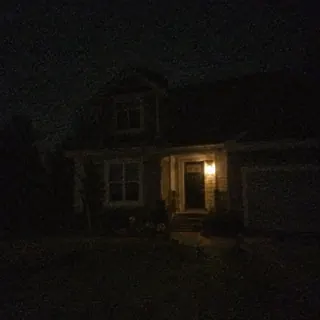
Night or backlit photos
A dark or backlit front loses the roofline and windows.
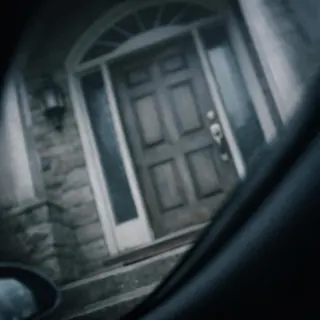
Steep angles and door close-ups
From a car window or right at the door, there is no porch or yard left to decorate.
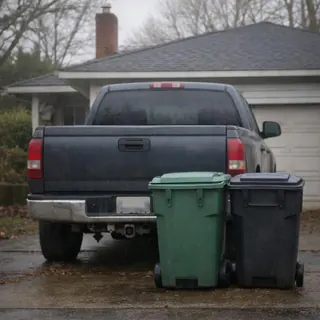
Cars, bins and trees in front
They stay in the result and hide the porch. Move what you can before you shoot.
Rooms inside the house
The four looks are made for porches, lawns and facades, not living rooms.
Yes. Upload one photo of the front of your house, porch or yard, pick classic spooky, cute pumpkin patch, graveyard yard or neon party, and press Generate. It runs in your browser, with no app to install and no prompt to write.
It shouldn't. The roofline, siding, windows, doors and the layout of the yard stay as they are; only decorations and lighting are added. Small details such as railings or window grids can still drift, so compare the result with your photo before you plan from it.
Because the neighbor's house was in your photo. The looks decorate everything they see, so stand where only your house and yard fill the frame, or crop the photo before you upload it.
Not with this template. The four looks are built for porches, lawns and the front of the house, so use a photo taken outside.
Use it as a style and placement guide rather than a list. It shows which kinds of props and lights suit your house and where they could go, but it doesn't name products, sizes or quantities, so measure your porch and choose real items from there.
3 credits for a 1K photo, 4 for 2K and 5 for 4K, shown on the Generate button before you start. New accounts get 10 free credits, enough for 3 looks at 1K, and failed runs are refunded.
Results from free accounts can appear in the public gallery; on a paid plan you choose. If that matters for your home, crop out the house number, street sign and car plates before you upload.
Yes. Tap Animate it under the finished photo to open it in the Halloween animation template, pick a motion and get a short clip: 5 seconds for 60 credits at the default settings.
One photo from the street, then classic spooky, pumpkin patch, graveyard or neon party.