Animate a Halloween Photo

Upload a Halloween photo, or send one from a photo template, and get a short video with drifting fog, flickering candlelight, a turn to the camera or a shadow sweeping past in the last second.

  • One click · no prompt
  • Works with costume photos
  • Eight motions, from subtle to scary
Example · Spooky ambience
Choose an effect

PNG / JPG / WebP · up to 10 MB · at least 512px on the short side

0/1 photos

A Halloween photo of one or a few people with faces visible: a costume shot, a porch photo or a result from another template. Comes with sound: eerie wind and crackling candles.

Video settings

No prompt needed. Only upload photos of yourself or people who agreed to be featured; celebrity photos and film stills aren't allowed.

From party snapshot to spooky clip

Animated Halloween photos in eight motions, from a gentle living photo to a fright in the final second.

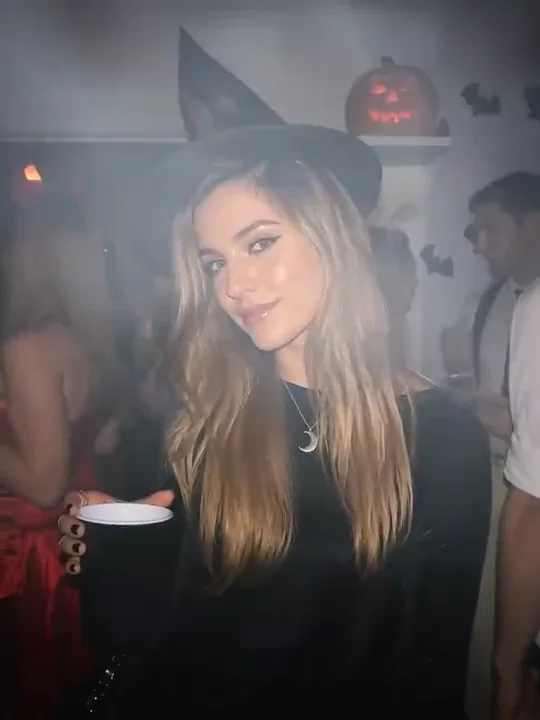
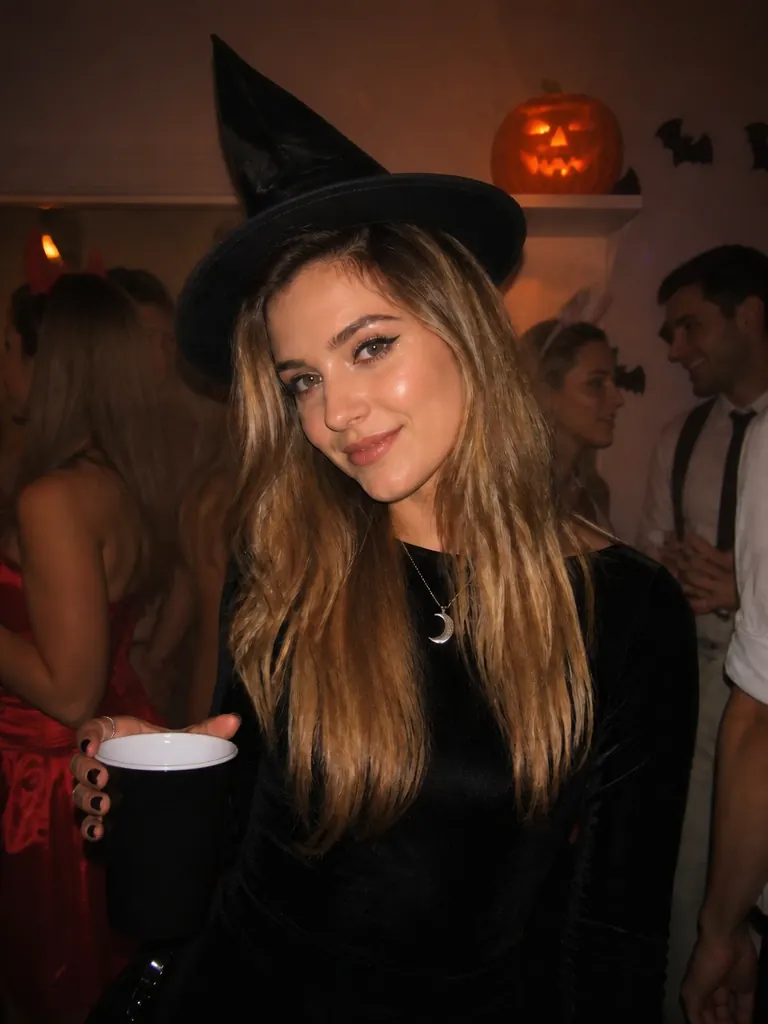
A woman in a witch hat holding a cup at a Halloween house party, a lit jack-o'-lantern on the shelf behind her

Spooky ambience

A costume shot that slowly comes alive

Pick Spooky ambience for a party or costume photo: candlelight starts to flicker, the air turns hazy and the person in the shot slowly looks up at the camera. It suits the photos you'd post anyway, now with a few seconds of mood.

Try on a costume first
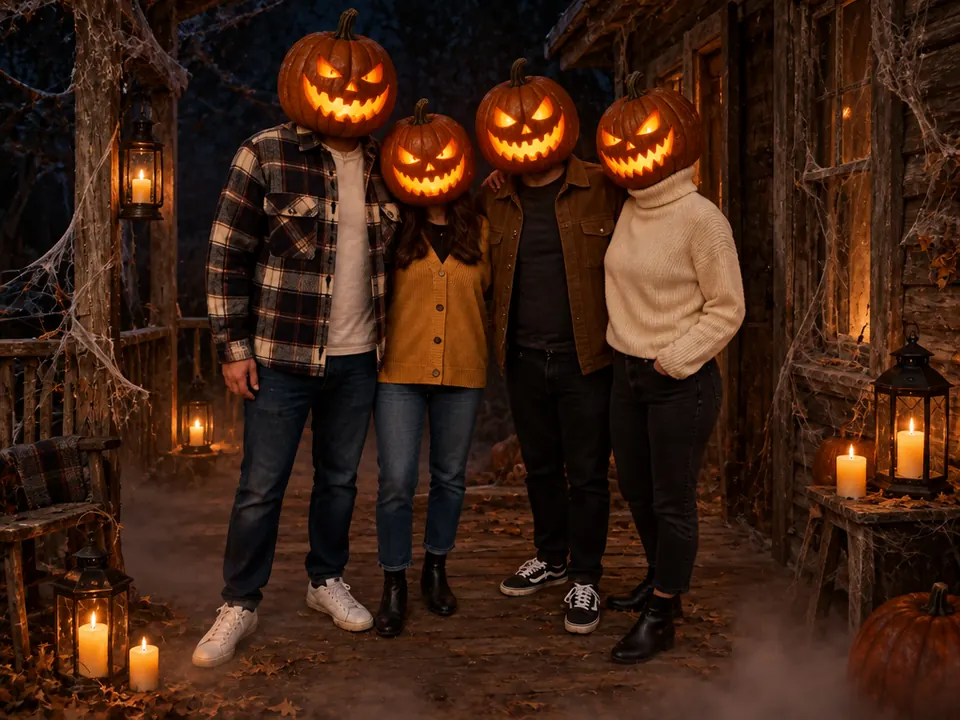
Four friends on a cobwebbed porch at night with glowing jack-o'-lanterns for heads, lanterns and candles at their feet

Porch & group photos

Porch photos with the whole crew

Group shots on a decorated porch work with the slow motion too: lanterns and candles flicker while everyone stays where they stood. This one started as a Pumpkin Head photo of four friends.

Make a pumpkin head photo
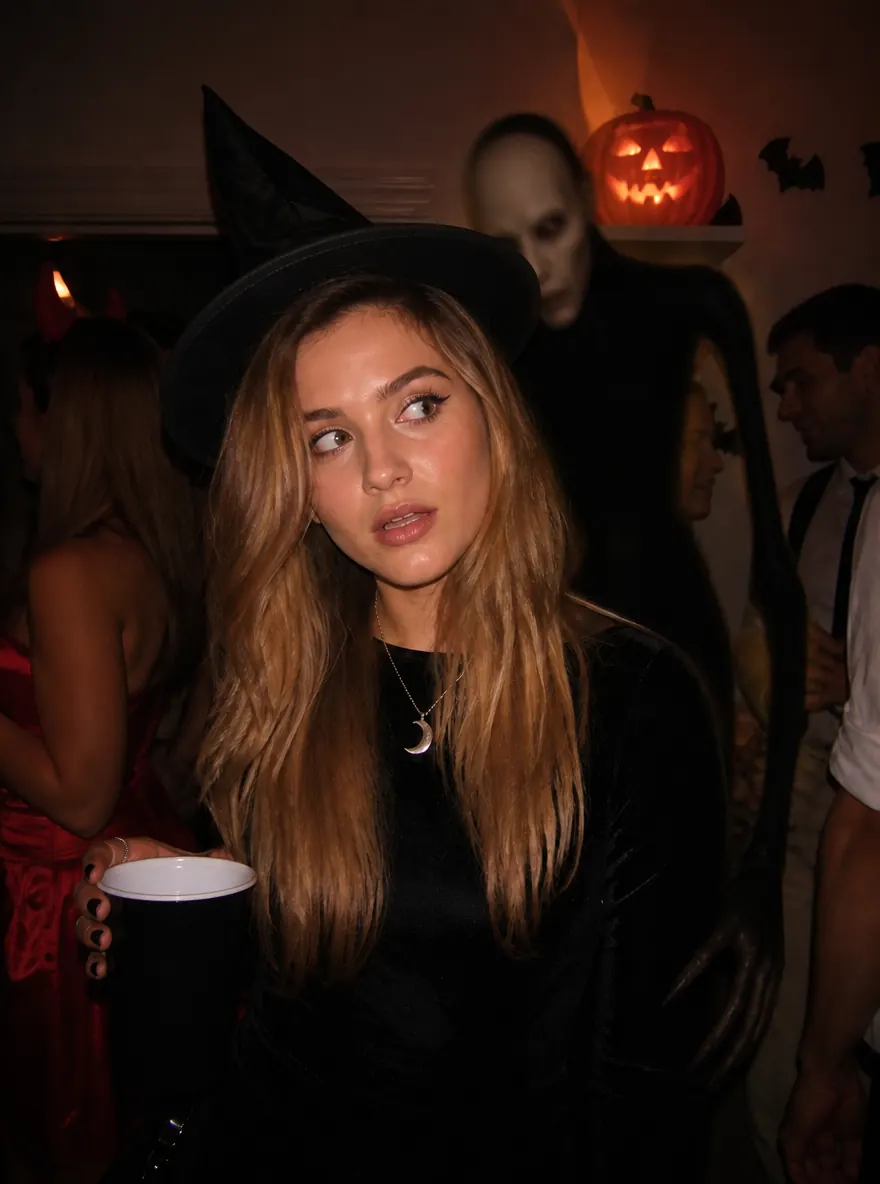
A woman in a witch hat glancing sideways at a party as a pale, blurred figure looms behind her

Jump scare

A jump scare in the last second

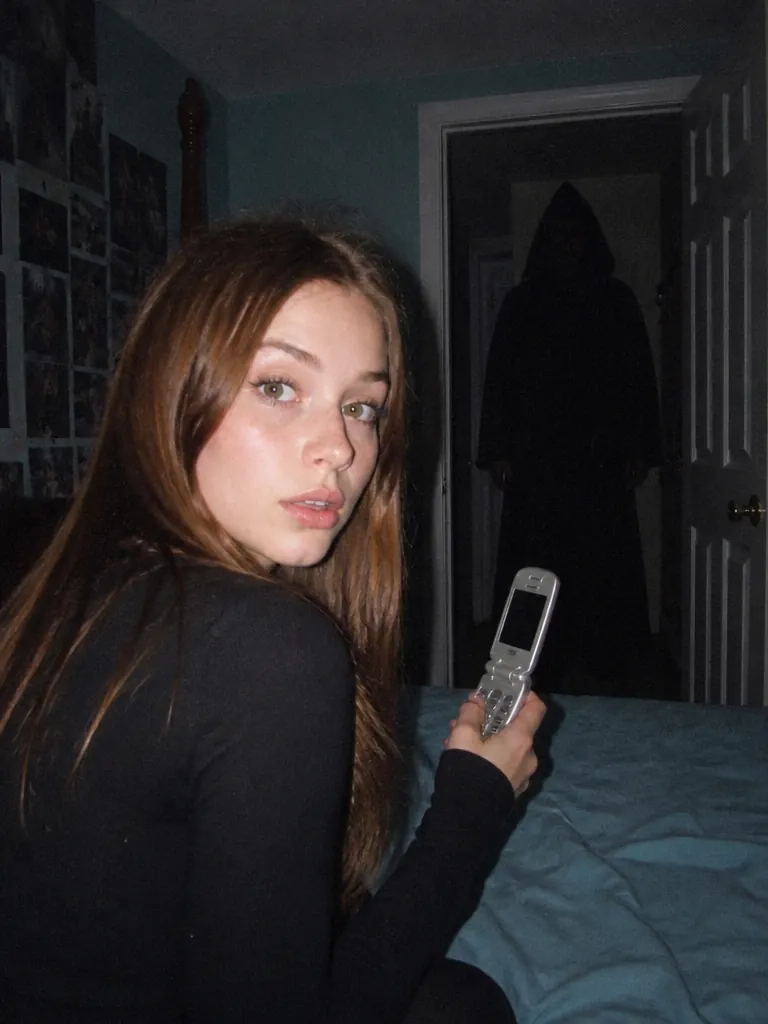
Jump scare keeps the photo calm and candlelit until the very end, then a dark shape rushes past behind you as the light flashes. It lands best on a photo with some open space in the background.

Made for the Halloween photos you already have

Make a photo move without starting over: same people, same costumes, and nobody else sees it.

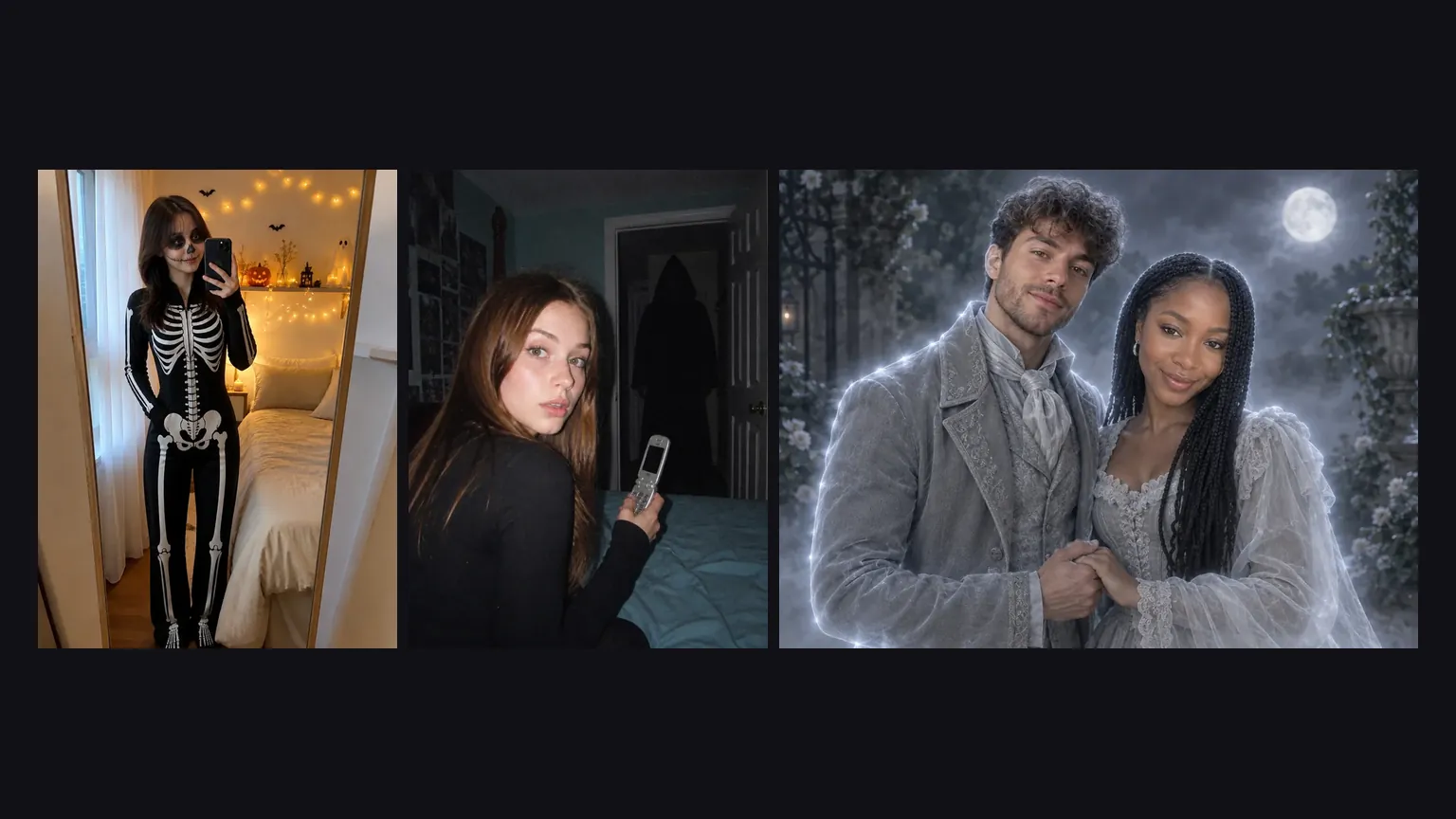
Three Halloween photo results side by side: a skeleton costume selfie, a flash-lit horror still and a ghost couple

Straight from a photo template

Every photo you make in Halloween AI, from a costume try-on to a horror still, has an Animate it button that opens this page with the photo already in place. Nothing to download or upload again.

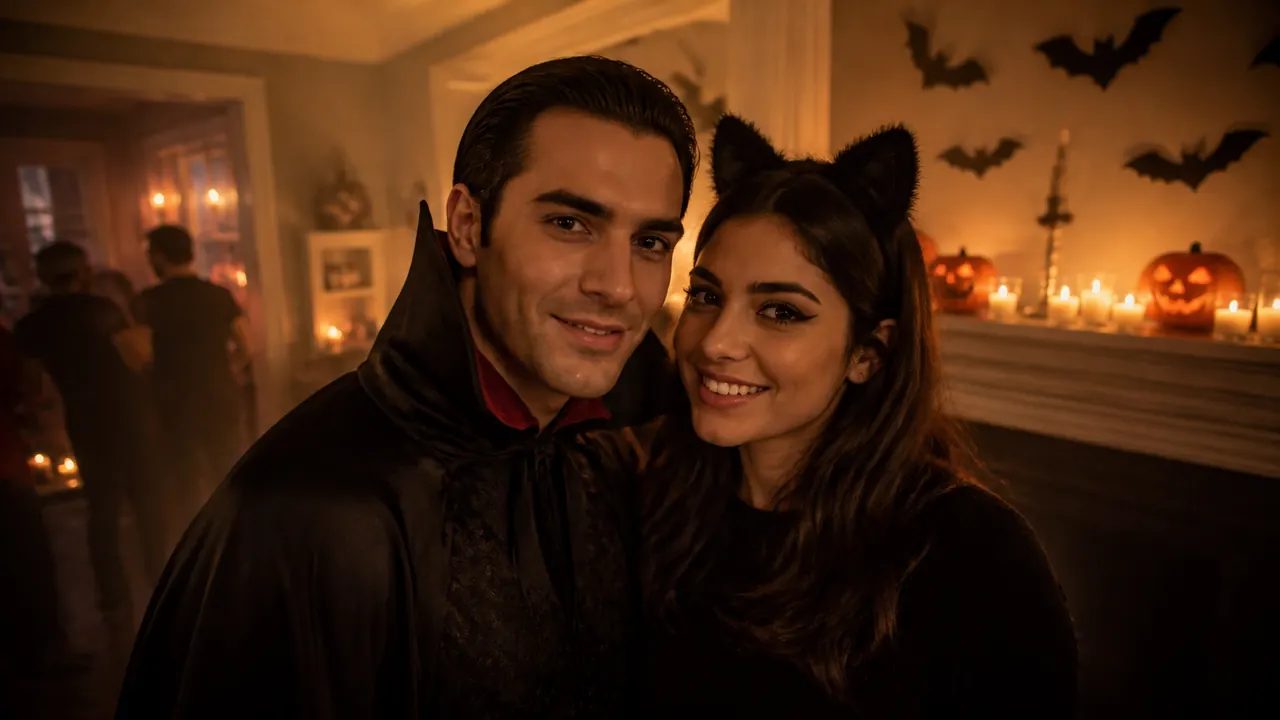
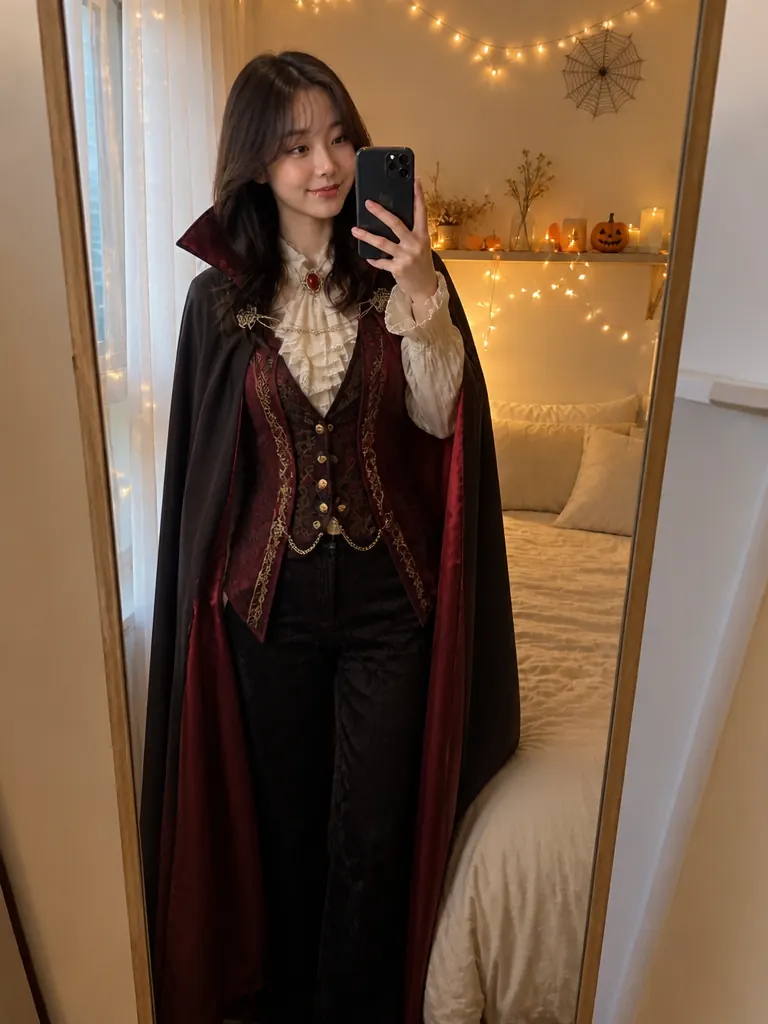
Two friends in a vampire cape and cat ears at a candlelit Halloween party, haze drifting across the room

Faces, costumes and decorations stay as shot

Your photo is the opening frame. The template adds light and movement around the people in it instead of redrawing them, and the camera holds still, so the makeup, props and party decor are the ones you photographed.

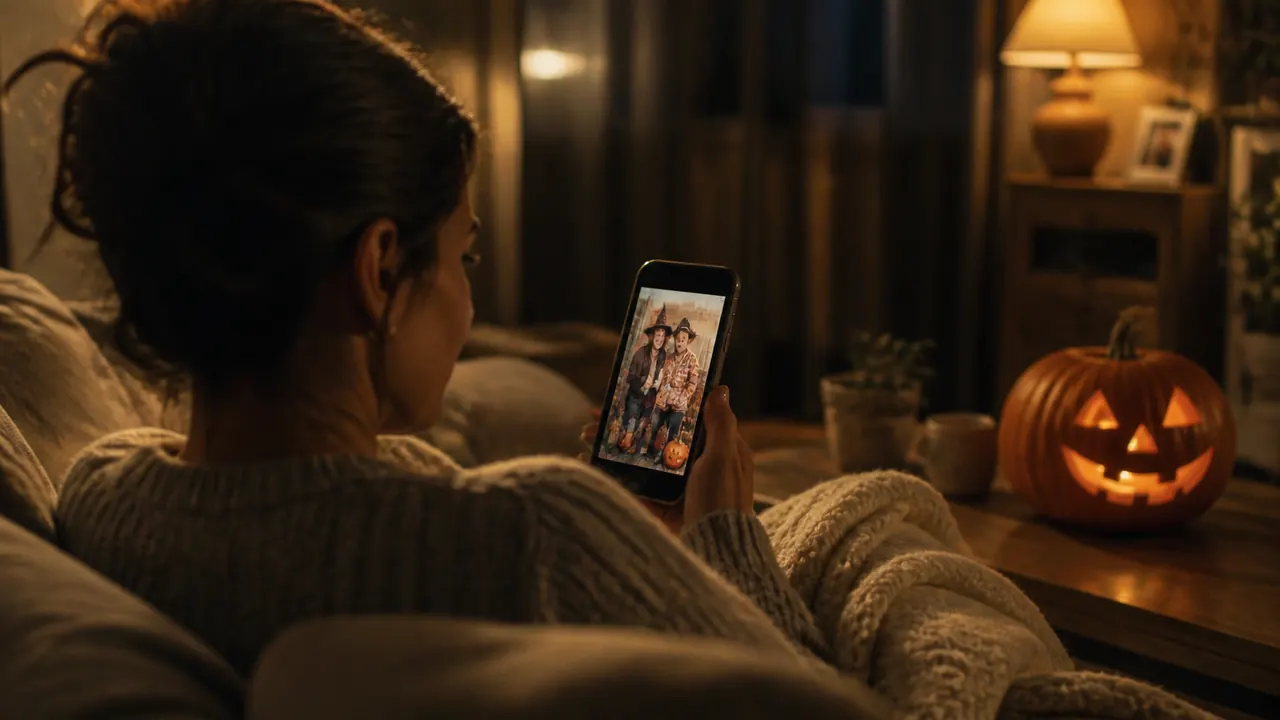
A woman on her sofa at night looking at a Halloween costume photo on her phone, a jack-o'-lantern glowing nearby

Private, whatever your plan

Videos made here never appear in the public gallery, on free and paid accounts alike, because family, couple and group photos end up here. They wait in My Creations for you to download.

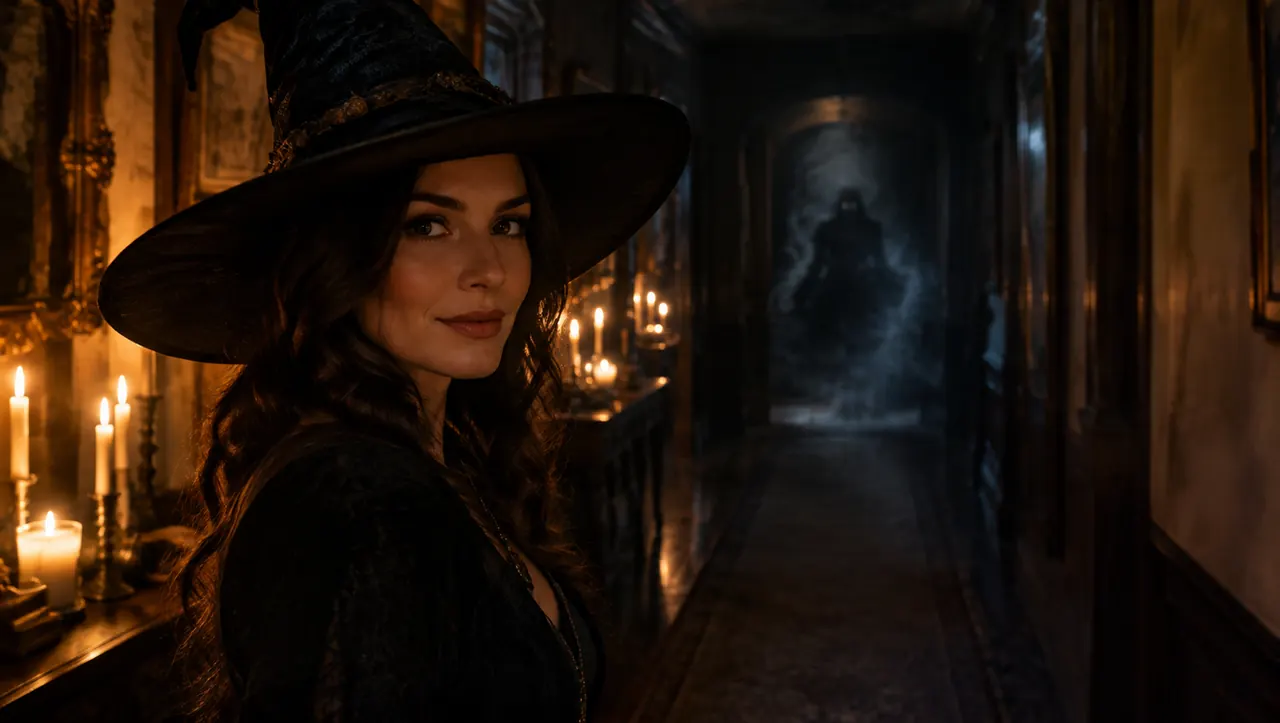
A woman in a witch hat in a candlelit hallway, a faint smoky shadow forming far behind her

Let the mood build longer

5 seconds is enough for a quick post. Stretch the clip to 15 seconds and the ambience has time to settle in, or the jump scare comes after a longer, calmer wait.

Pick the right photo and the right motion

Animation adds movement; it can't bring back a face it can't see.

Use

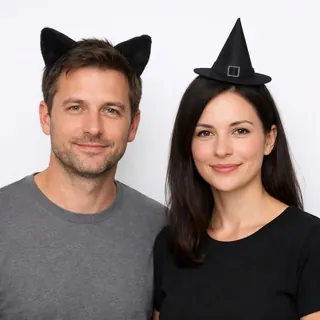
  1. Two people in cat ears and a witch hat on a white background

    Faces you can see

    One to a few people, close enough that their faces fill part of the frame.

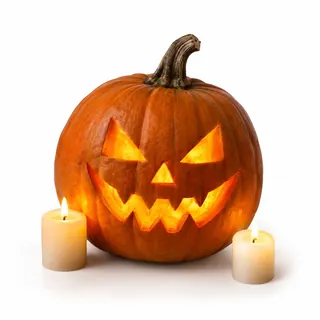
  2. A lit jack-o'-lantern and two candles on a white background

    A little Halloween in the scene

    Candles, lanterns, pumpkins or string lights give the motion something to play with.

  3. A photo you'd post anyway

    A video costs more than a photo, so animate the shot you already like.

Avoid

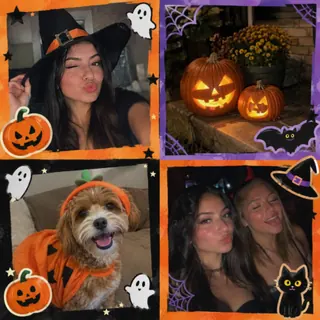
  1. A blurry collage of Halloween snapshots covered in stickers

    Screenshots, collages and captions

    Stickers, text and frames can warp once things start moving.

  2. A dark, crowded costume party photo with many small faces

    Crowded party shots

    With a dozen small faces, people blur as the scene moves. Crop to the ones you want.

  3. A jump scare on Catrina or kids' photos

    Use Spooky ambience: a Catrina portrait is a celebration, and a fright isn't for children.

Before you shareAsk before animating someone elseKeep the scare supernatural

Making the photo in another template first? Pick 9:16 there if the video is for TikTok or Reels: the animation keeps the photo's shape.

Specs

Specs
Upload
1 photo · PNG / JPG / WebP · up to 10 MB · 512 px+ on the short side
Result
5–15 s video · 480p / 768p / 2K / 4K
Credits
60 for 5 s at 768p · up to 480
Or send
Any Halloween AI photo result, with Animate it
Motions
Spooky ambience, Living photo, Jump scare, Vampire reveal, Witch spell, Ghost drift, Pet wiggle, Lightning
Sound
Ambient, built in
Prompt
None: pick a look and generate
Visibility
Always private

Animated Halloween photos: motions, cost and pranks

Which motion should I pick?+

Living photo is the gentlest: a blink, a breath and a smile. Spooky ambience is slow and moody, and Jump scare stays calm until the final second. Vampire reveal and Witch spell suit those costumes, Ghost drift suits a Ghost Behind You photo, Pet wiggle suits a pet in costume, and Lightning adds a stormy flash to any shot.

Will animating redraw my costume or decorations?+

No. The photo is the starting frame, so costumes, makeup and decor stay as photographed. Faces can soften a little when someone turns their head, most often in wide group shots, which is why closer photos hold up best.

Can I animate a photo of my whole family?+

Yes. Spooky ambience works well on family photos, including Pumpkin Head ones where every face is already a jack-o'-lantern. Leave the jump scare out of photos with children in them.

Do I pay again to animate a photo I already made?+

Yes, the video is a separate run: 60 credits for 5 seconds at 768p by default, up to 480 for a longer clip in 4K. The photo itself starts at 3 credits, so settle the look there first. The exact price is on the Generate button, and failed runs are refunded.

Does the video come with sound?+

Yes. Each clip comes with eerie ambient sound rather than a music track, so you can lay your own song over it when you post.

Can I use a jump scare to prank someone?+

Keep it for friends who are in on Halloween. The shadow is meant to look supernatural, not like a real person in the house, so never pass it off as an intruder: fake break-in pranks made with AI led to police warnings and 911 calls in October 2025. And skip it for anyone with a heart condition.

Which photos work besides Halloween AI results?+

Any Halloween photo with people in it: a costume selfie, a party snapshot, a pumpkin patch or porch photo. Upload it straight to this page; it doesn't need to come from another template.

Bring your best Halloween photo to life

Upload it or send it with Animate it, then pick a motion: a slow spooky glow, a vampire reveal, a ghost drift or a last-second scare.