AI Halloween Transformation

Upload one selfie and watch yourself turn into a werewolf, vampire, zombie, witch, pumpkin head or glowing skeleton on camera. Vertical photos make vertical videos.

  • One click · no prompt
  • Werewolf to pumpkin head
  • The change plays out on camera
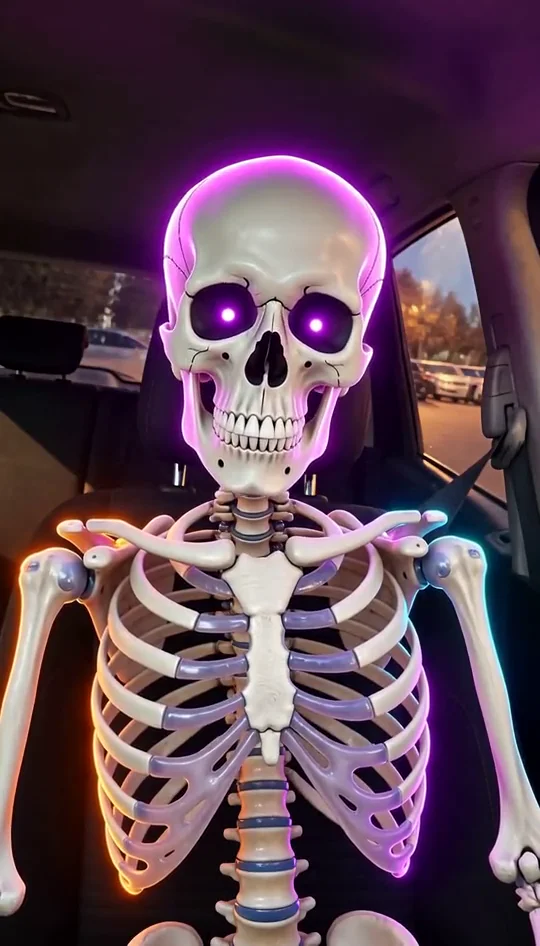
Example · Skeleton
Choose an effect

PNG / JPG / WebP · up to 10 MB · at least 512px on the short side

0/1 photos

One adult, face well lit and fully visible, front-facing. No sunglasses, masks or heavy filters. Comes with sound: eerie wind and a low drone.

Video settings

No prompt needed. Only upload photos of yourself or people who agreed to be featured; celebrity photos and film stills aren't allowed.

Werewolf to skeleton: all six looks on the same face

Every look below starts from the same car selfie.

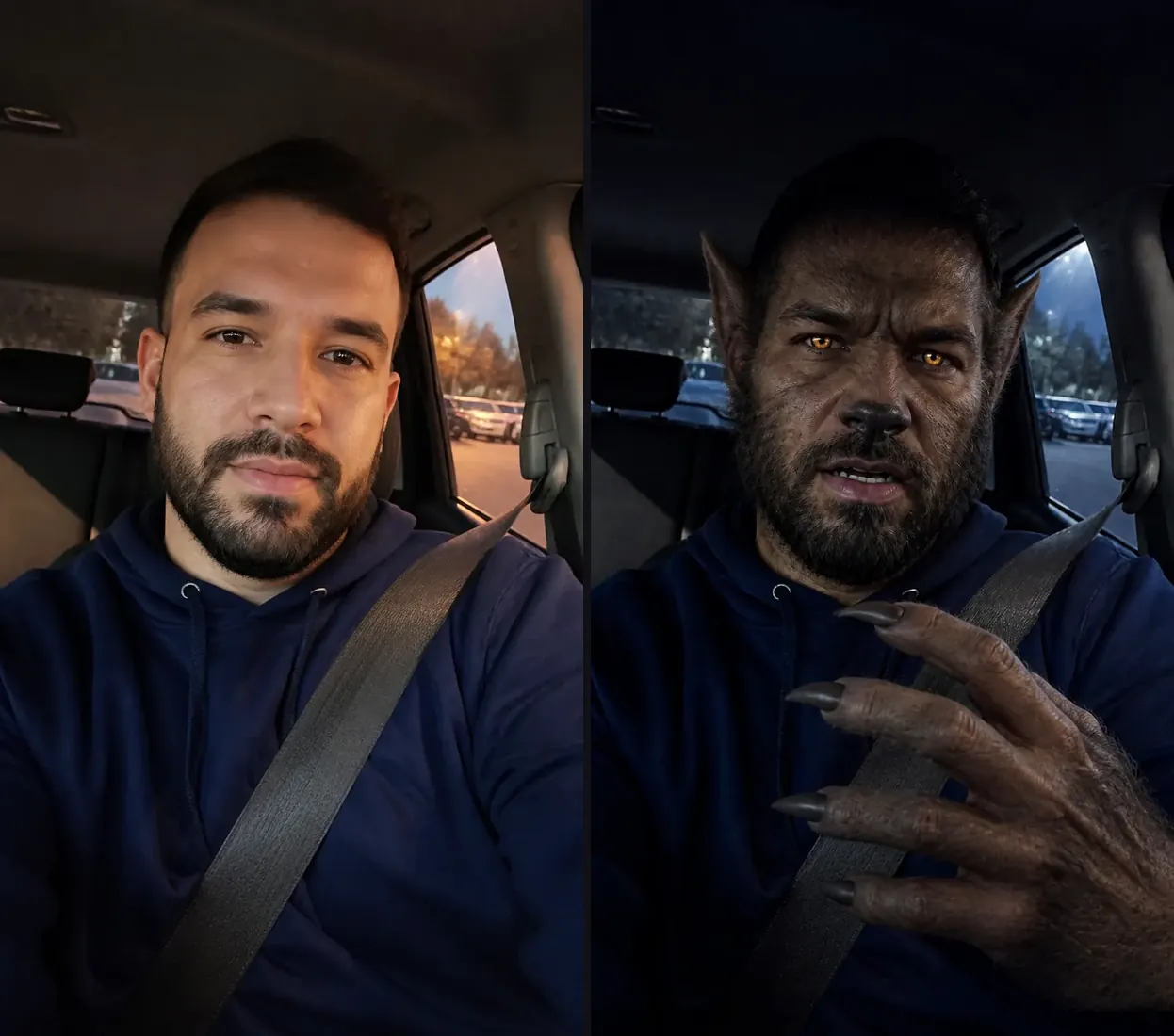
A bearded man's car selfie beside the same man as a werewolf with fur, pointed ears, amber eyes and clawed hands

Werewolf · the October trend

The werewolf change people are filming

Werewolf transformation how-tos kept appearing on TikTok this October, most of them built on an app template and a prompt copied from the comments (one tutorial, posted October 9, 2026). Here the same car selfie gets fur creeping over the cheeks and hands, pointed ears and amber eyes, in the same seat and the same hoodie.

Make a werewolf video
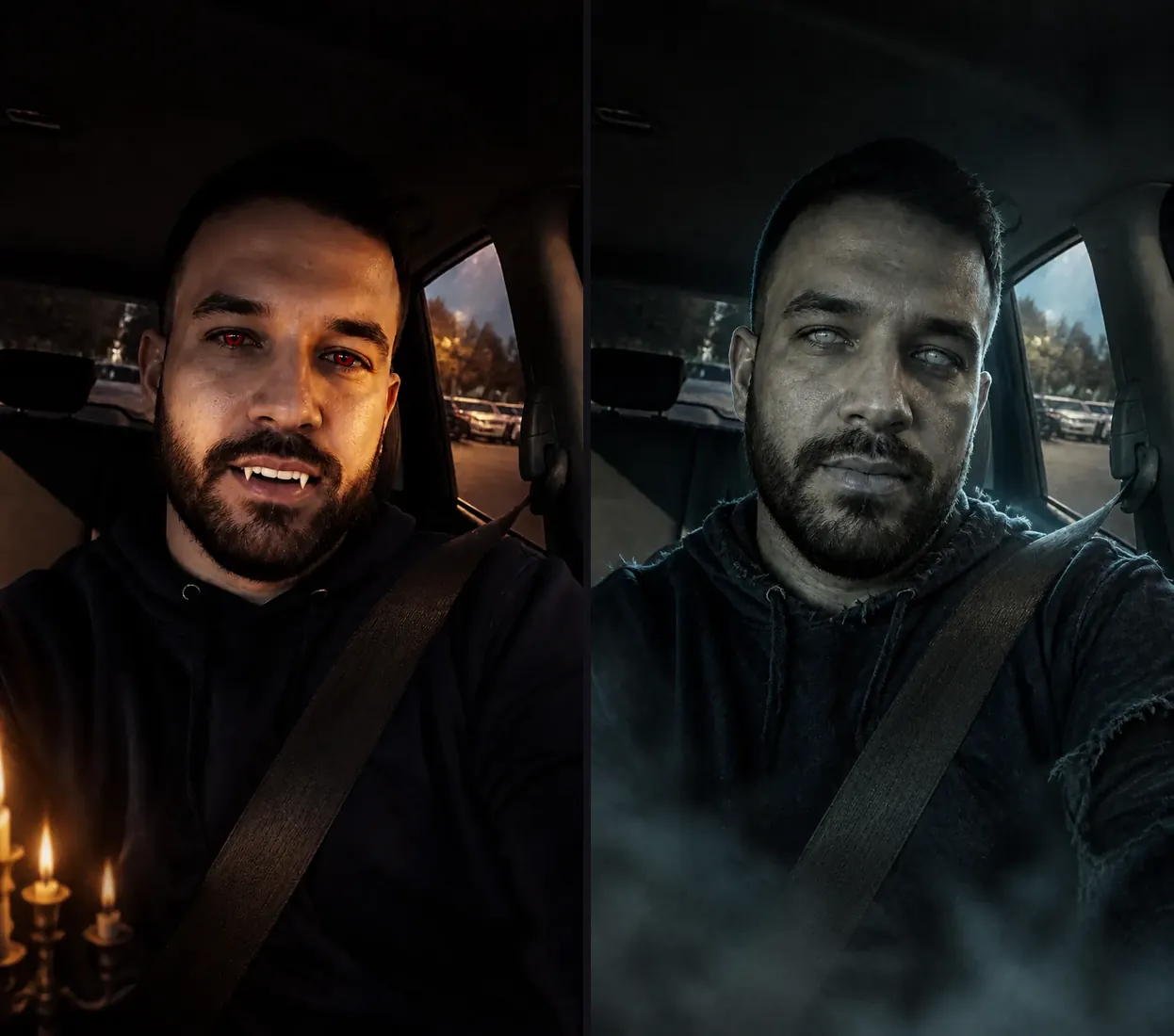
The same man as a vampire with fangs by candlelight, and as a grey-skinned zombie with clouded eyes in low fog

Vampire · Zombie

Glam or ghoulish, from the same photo

Keep the upload and switch the look: a pale vampire with red eyes and a fanged grin, or a grey-skinned zombie with clouded eyes and frayed clothes. Post both and let followers pick which one you are.

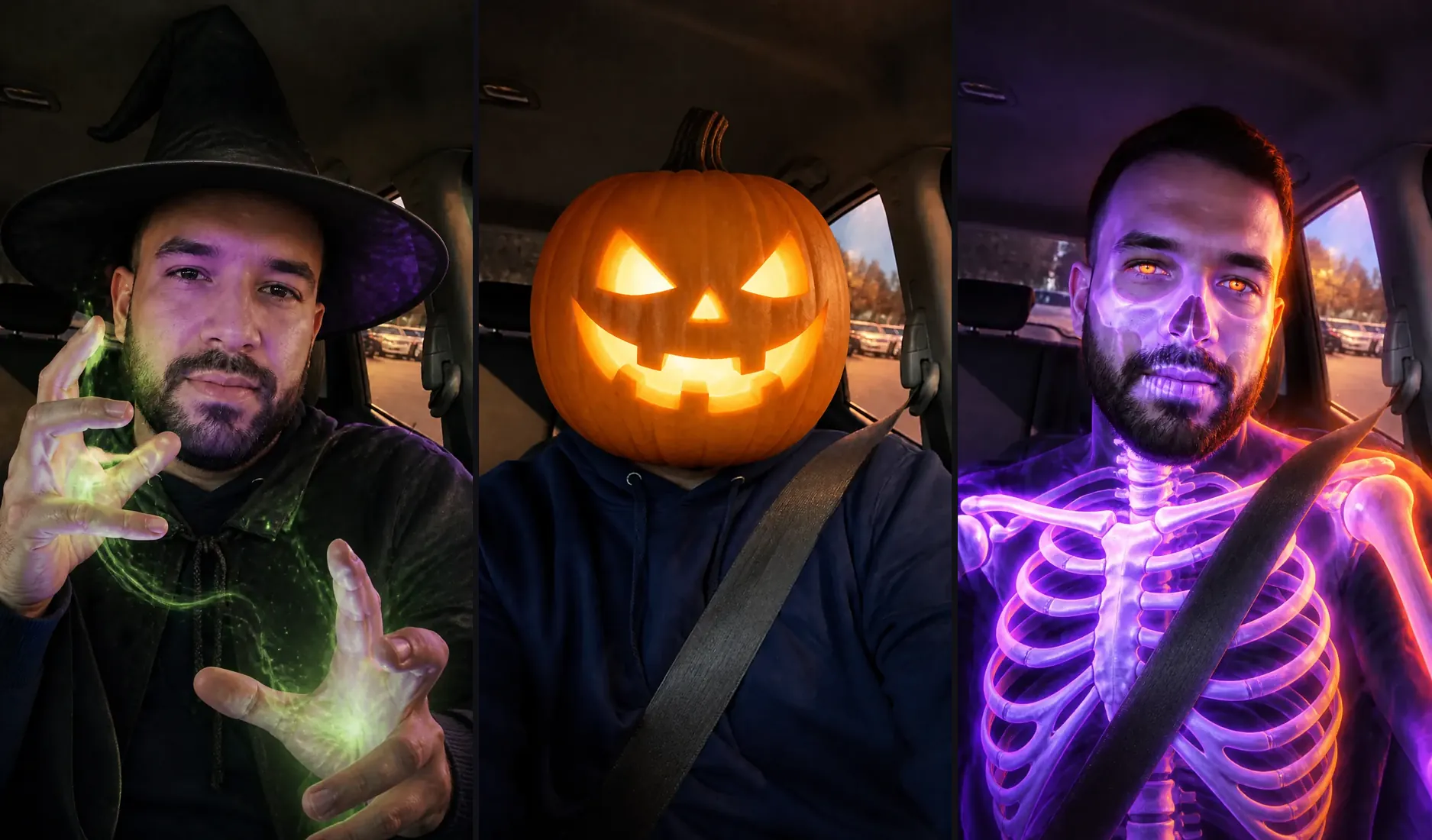
The same man as a witch with green sparks between his hands, with a glowing jack-o'-lantern for a head, and as a neon purple skeleton

Witch · Pumpkin head · Skeleton

Playful looks for family feeds

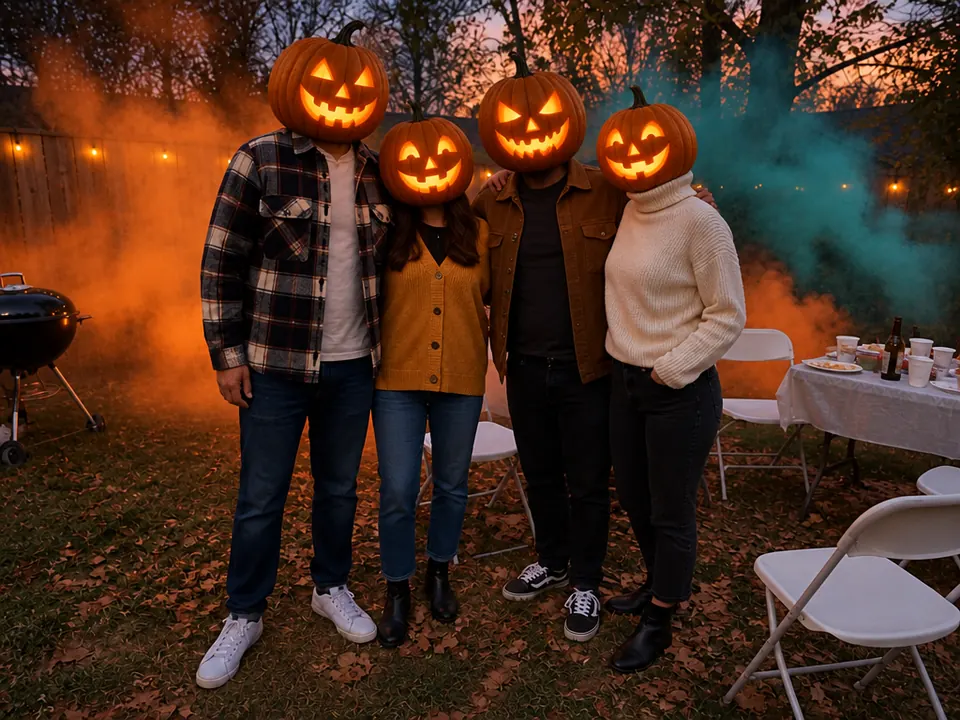
Not every feed wants a monster. Witch conjures a pointed hat and a swirl of green magic between your hands, Pumpkin Head swaps the head for a lit jack-o'-lantern, and Skeleton glows through in neon purple and orange. For a whole group in one pumpkin-head photo, there's a separate template.

Make a group pumpkin head photo

Four things that sell a transformation on camera

An AI transformation video works when you can watch the change, still recognize the face, and feel the mood of each monster.

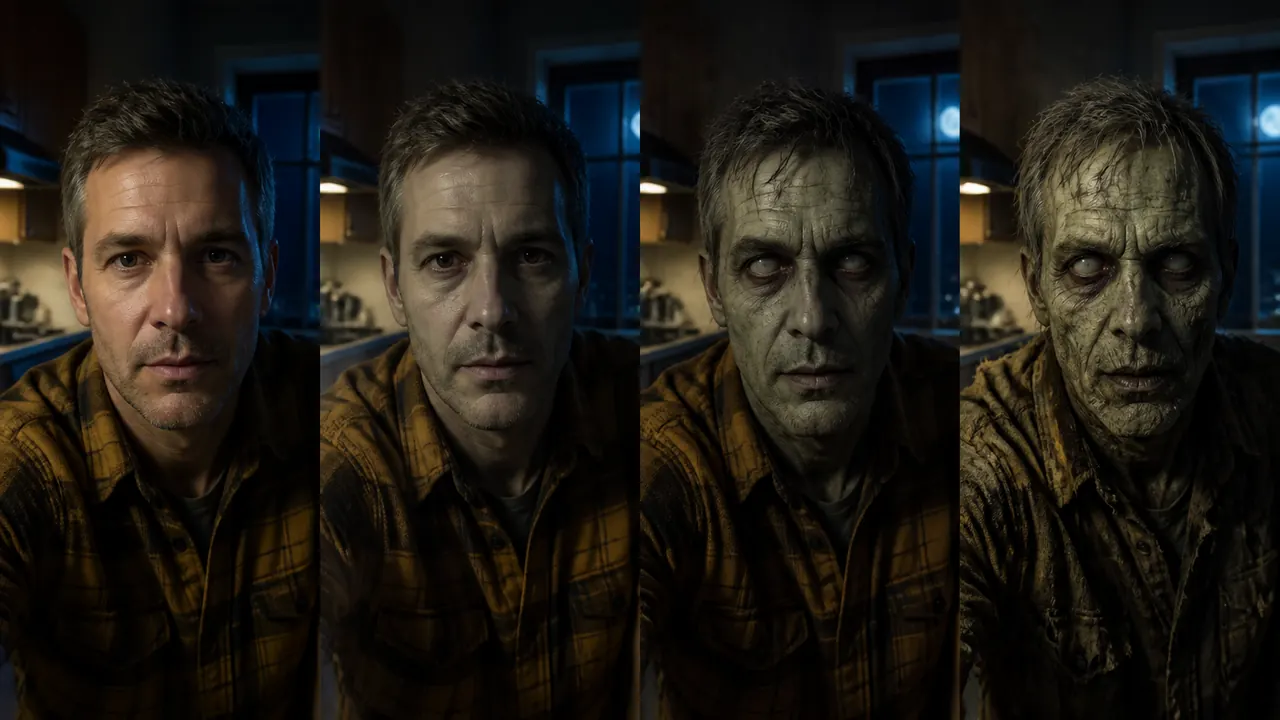
Four stages of a man's zombie transformation in his kitchen, from normal skin to a grey-skinned zombie with clouded eyes

You watch it happen, stage by stage

The video opens on your photo and the look builds in steps: skin first, then eyes, hair and clothes, then the full reveal. You get one continuous change, not a cut from you to a mask.

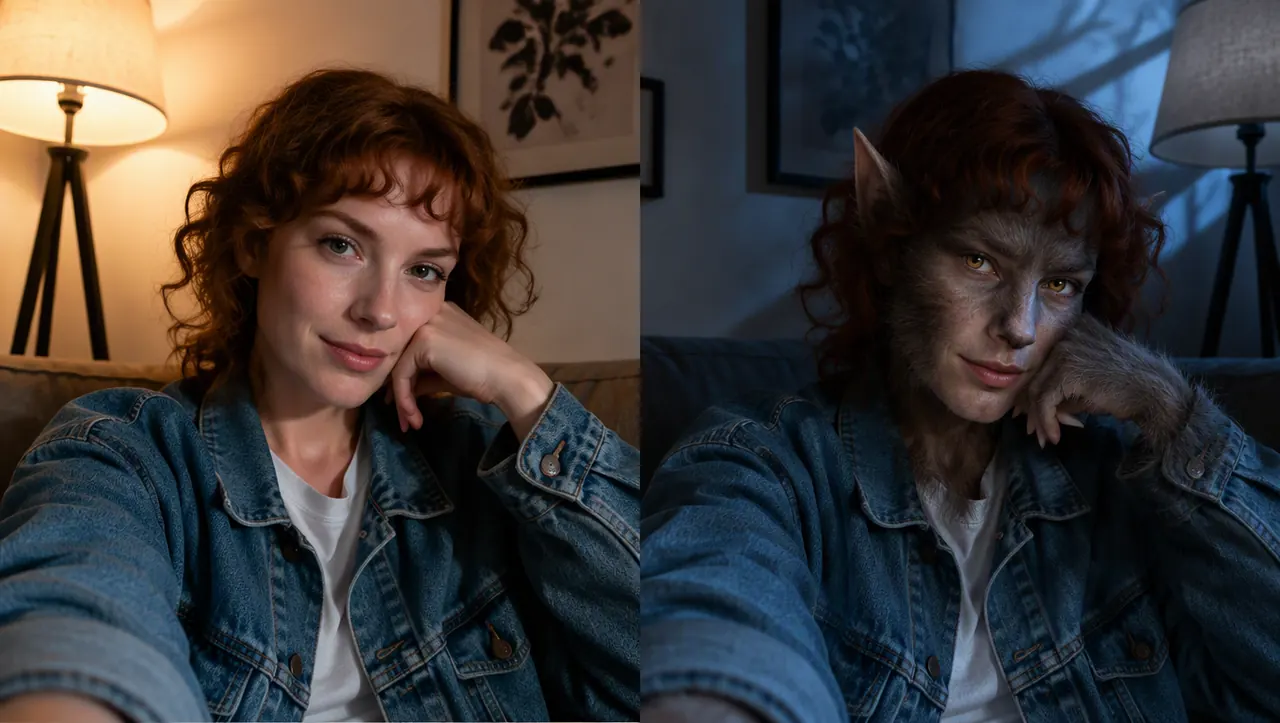
A woman on her sofa, and the same woman as a werewolf with fur, pointed ears and amber eyes, same lamp and jacket

Your room, clothes and pose stay put

The camera holds still and the shot never cuts, so the background, outfit and pose from your selfie carry through to the last frame. That's what makes friends look twice.

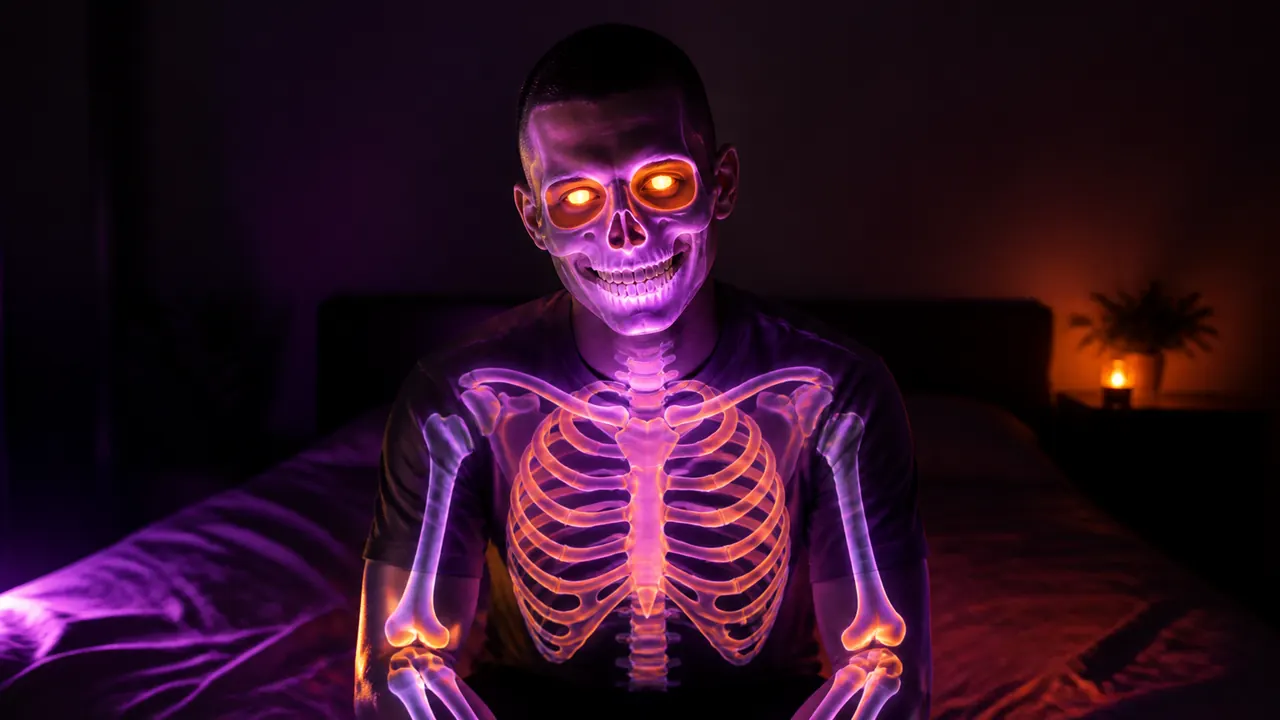
A young man glowing through as a neon purple and orange skeleton in his dark bedroom

Each look brings its own light and sound

Moonlight for the werewolf, candlelight for the vampire, low fog for the zombie, a neon glow for the skeleton, and every clip comes with eerie ambient sound instead of a music track.

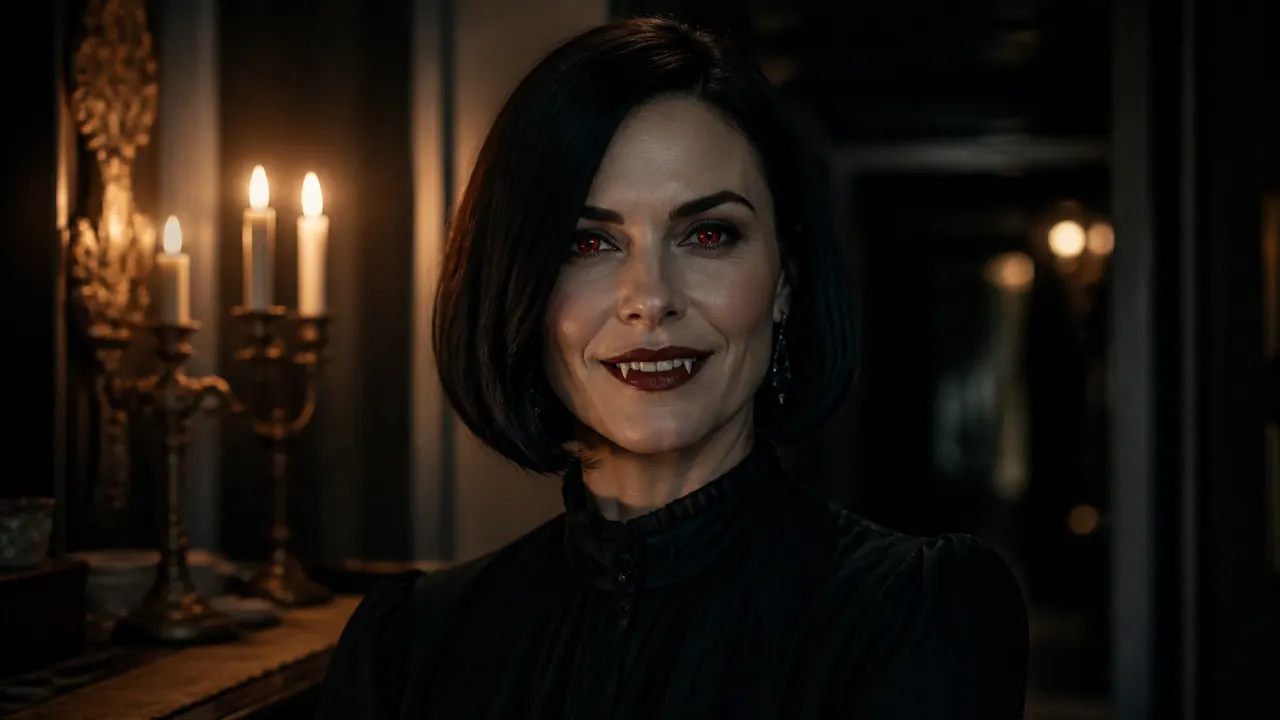
A woman as an elegant vampire with pale skin, red eyes and small fangs, lit by a candelabra

Monsters without gore or movie masks

The zombie is grey and cloudy-eyed, not rotting; the vampire is elegant, not bloody; no look borrows a film character. You can post the result on a family group chat as easily as on TikTok.

Best and worst selfies for a monster transformation

The look changes what the camera can see: your face, hands and clothes. Give it a clear view.

Use

  1. Front-facing chest-up portrait of a man on a white background

    Face the camera, chest up

    Eyes level with the lens, shoulders in the frame, even light on your face.

  2. A woman on a white background with her hands raised at chest height

    Hands in the frame

    Werewolf fur and witch sparks land on your hands when they're in view.

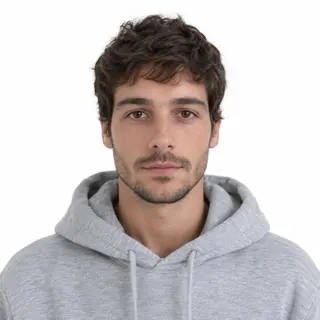
  3. A person in a plain grey hoodie on a white background

    Everyday clothes

    Each look adds its own changes; a plain top keeps them clean.

Avoid

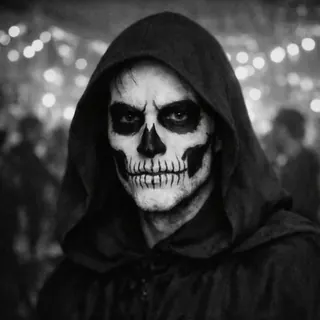
  1. A party selfie of a person in skull face paint and a hood

    Halloween makeup or a costume already on

    The template ends up transforming the costume instead of you.

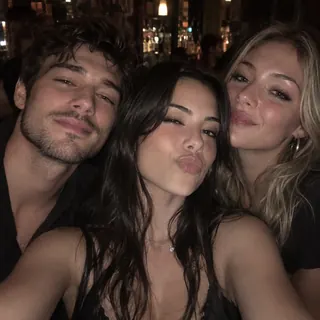
  2. Three friends crowded into one selfie in a dim bar

    Two or more people

    It's made for one person. For a group, use Pumpkin Head.

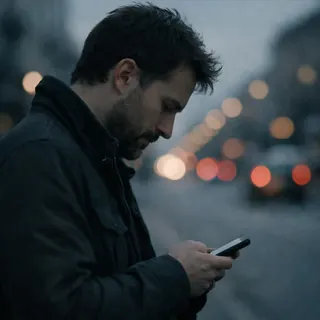
  3. A person in side profile looking down at a phone

    Turned away or looking down

    A side view leaves too little face to keep.

  4. Children's photos

    Transformations are for adults. Pet Costume and Pumpkin Head cover pets and family photos.

Specs

Specs
Upload
1 photo · PNG / JPG / WebP · up to 10 MB · 512 px+ on the short side
Result
5–15 s video · 480p / 768p / 2K / 4K
At 5 s
50 / 60 / 130 / 160 credits (480p / 768p / 2K / 4K)
At 15 s
150 / 180 / 390 / 480 credits (480p / 768p / 2K / 4K)
Looks
Werewolf, vampire, zombie, witch, pumpkin head, skeleton
Sound
Ambient, built in
Prompt
None: pick a look and generate
Visibility
Public on free accounts, your choice on paid plans

Before you transform: cost, likeness and consent

How do I make a werewolf transformation video from a selfie?+

Upload one front-facing photo, choose Werewolf and press Generate. The video opens on your photo, then fur, pointed ears and amber eyes come in as it plays. There's no template to hunt down and no prompt to paste from the comments.

Can I make a transformation video for free?+

Not with sign-up credits alone. A transformation video costs 60 credits by default and at least 50, while new accounts get 10 credits. Those cover a few photos instead, such as a werewolf or vampire costume in Costume Try-On at 3 credits, which is a cheap way to preview a look. Failed runs are refunded.

Which length and quality should I choose?+

Start with the default: 5 seconds at 768p for 60 credits. A longer clip, up to 15 seconds, gives the change more time but also more room for your face to drift; 480p is the cheapest way to test a look. 2K and 4K are sharper, worth it for a TV or a big screen rather than a phone feed. The exact price is on the Generate button.

Will I still look like me after the change?+

Your face shape, clothes, pose and background stay; the look changes skin, eyes, teeth, hair or headwear. Two looks hide more of you on purpose: Pumpkin Head replaces your head with a jack-o'-lantern and Skeleton glows through your skin. A sharp, front-facing photo keeps the other four closest to you.

Is this a live filter for TikTok, Snapchat or Instagram?+

No. It isn't a camera filter: it makes a video file from a photo you upload, right in the browser. Download it and post it to TikTok, Instagram, Snapchat or anywhere else, like a clip you filmed.

Can I turn a friend into a zombie or a werewolf?+

Only with their permission, and only adults. A monster version of someone's face is still their face, so ask before you post it. Pets have Pet Costume; family photos work better in Pumpkin Head.

Watch your selfie turn into a monster

Upload one photo, pick a look and see the change happen on camera.